
Better Biome Reblend Mod (1.21.11, 1.20.1) – Natural Foliage Blending
 754
 0


Better Biome Reblend Mod improves biome color transitions in Minecraft without slowing down your game. This client-side performance and bug-fix mod brings smooth, large-scale, and sRGB-correct blending for grass, water, and leaves. You can adjust the Biome Blend setting in your video options from 0x0 up to 29×29 with no performance drop, and it uses a special algorithm to blend 3D biomes fast. It also supports grass, water, and leaves inside caves where vanilla does not, works with Sodium at a 14×14 blend radius, and runs safely in any modpack.
Features:
- Adds smooth, large-scale, and sRGB-correct biome color transitions across your world.
- Lets you set the Biome Blend option in video settings from 0x0 up to 29×29 without impacting performance like vanilla does.
- Handles 3D biomes quickly using a special algorithm that applies a 29×29 blending radius.
- Supports seamless color blending for grass, water, and leaves inside caves, which vanilla does not support.
- Works with Sodium on compatible setups by using a 14×14 blending radius.
- Runs as a client-side mod that you can use in any modpack without worry.
How to Use:
- Open the game menu and go to your video options.
- Find the Biome Blend setting and slide it between 0x0 and 29×29 to adjust the blending range without losing performance (when using Sodium, it automatically uses a 14×14 radius).
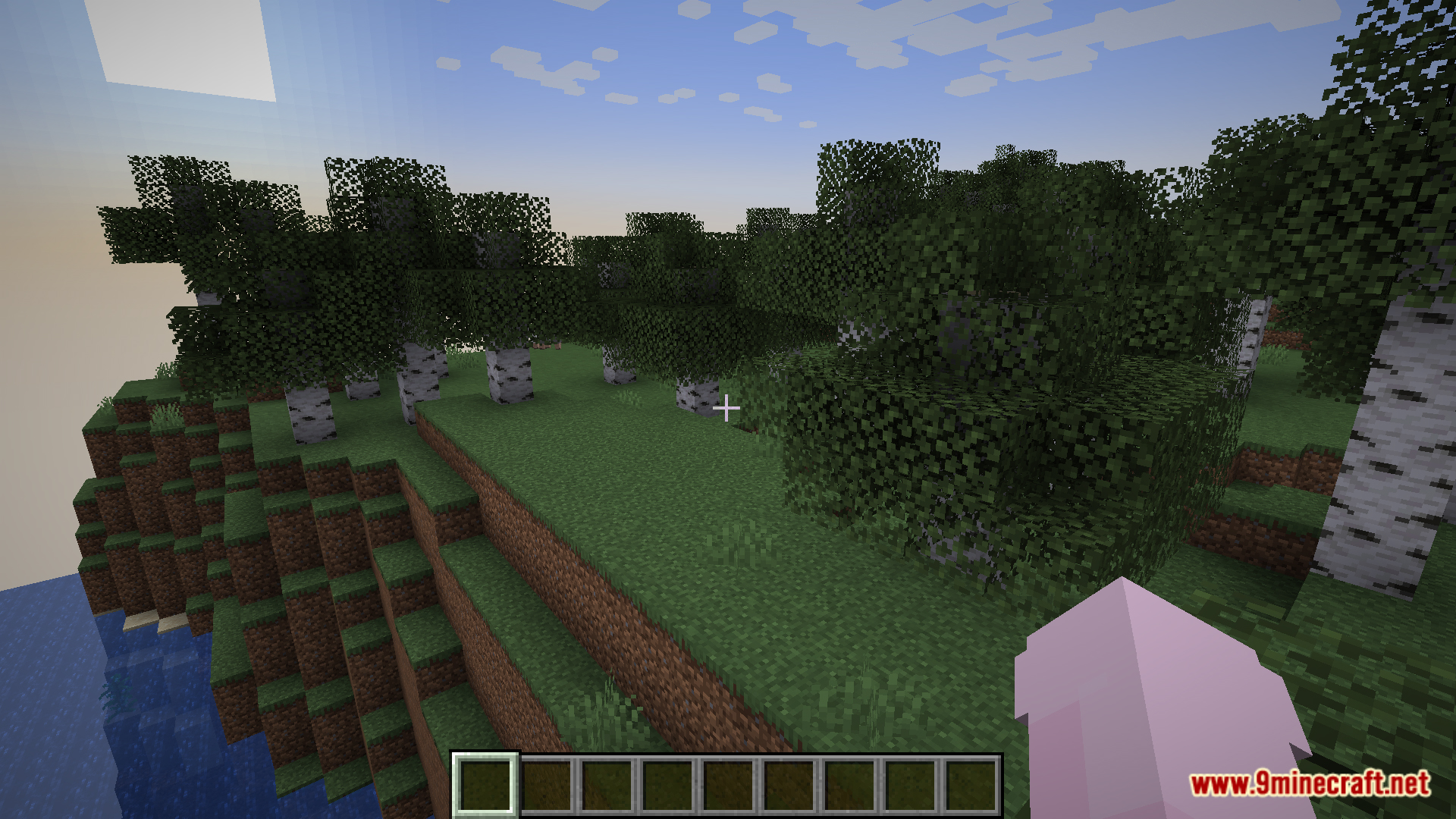
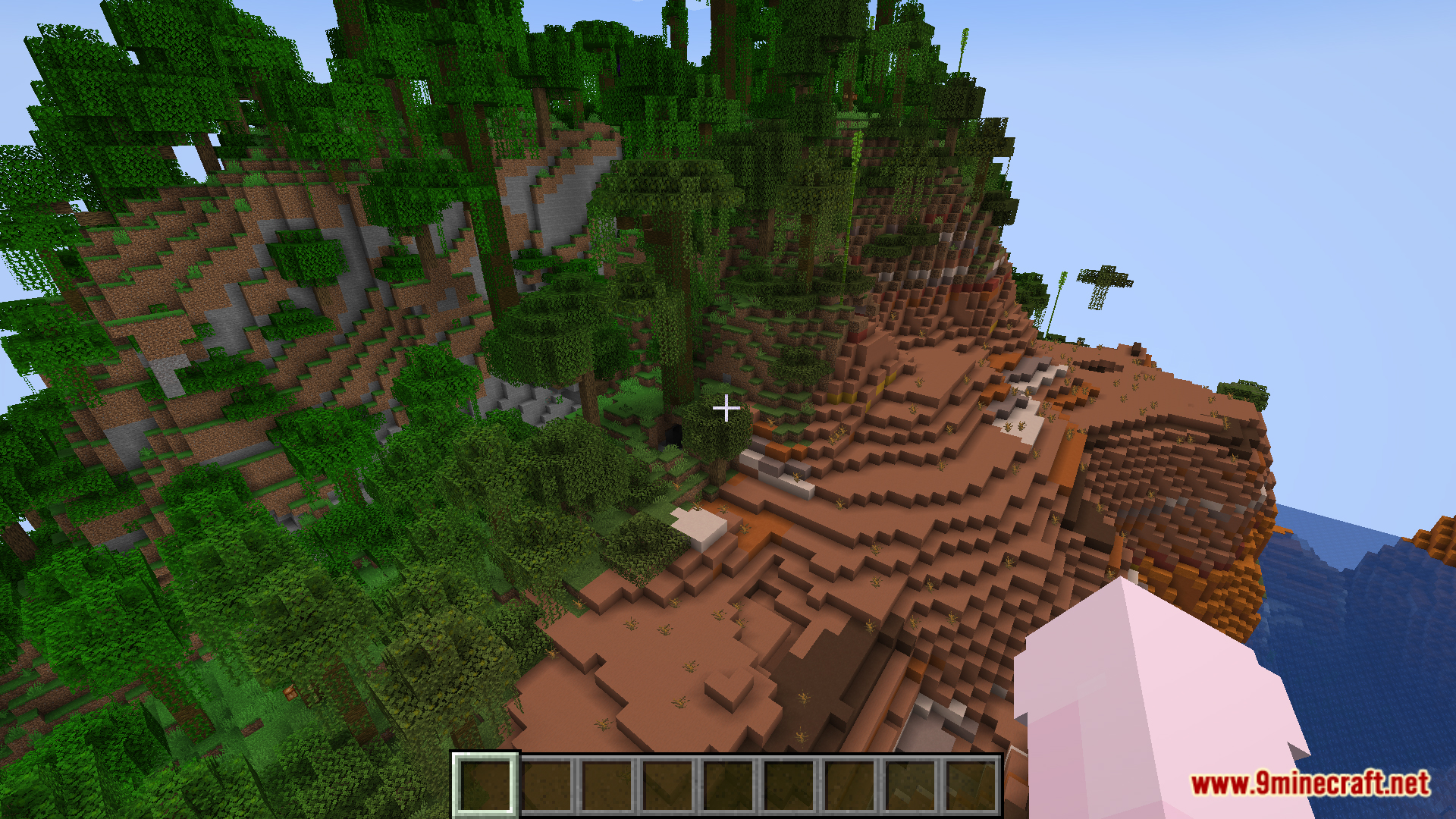
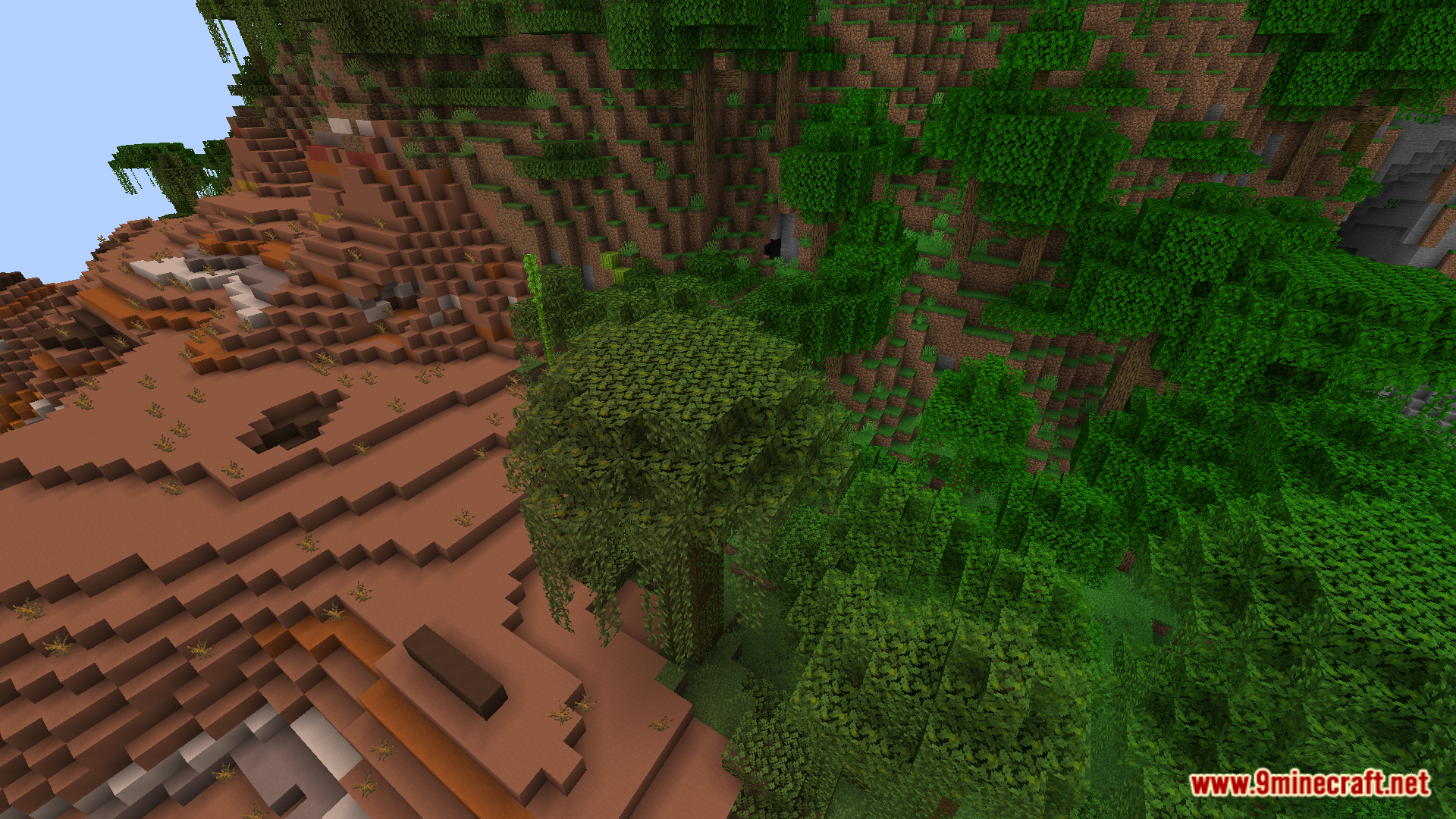
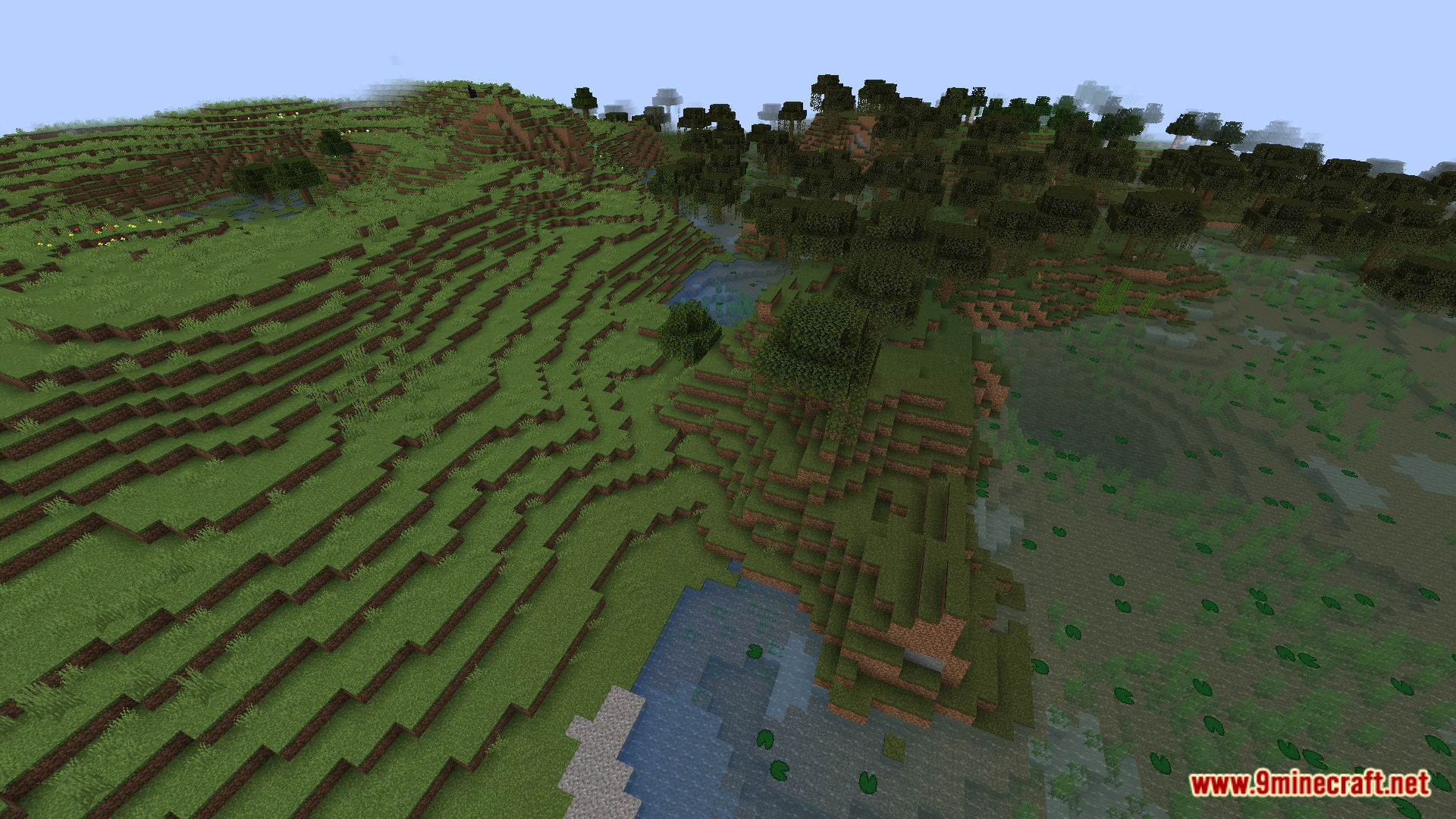
- Explore different biomes and caves to see smooth color blending on grass, water, and leaves.
Screenshots:
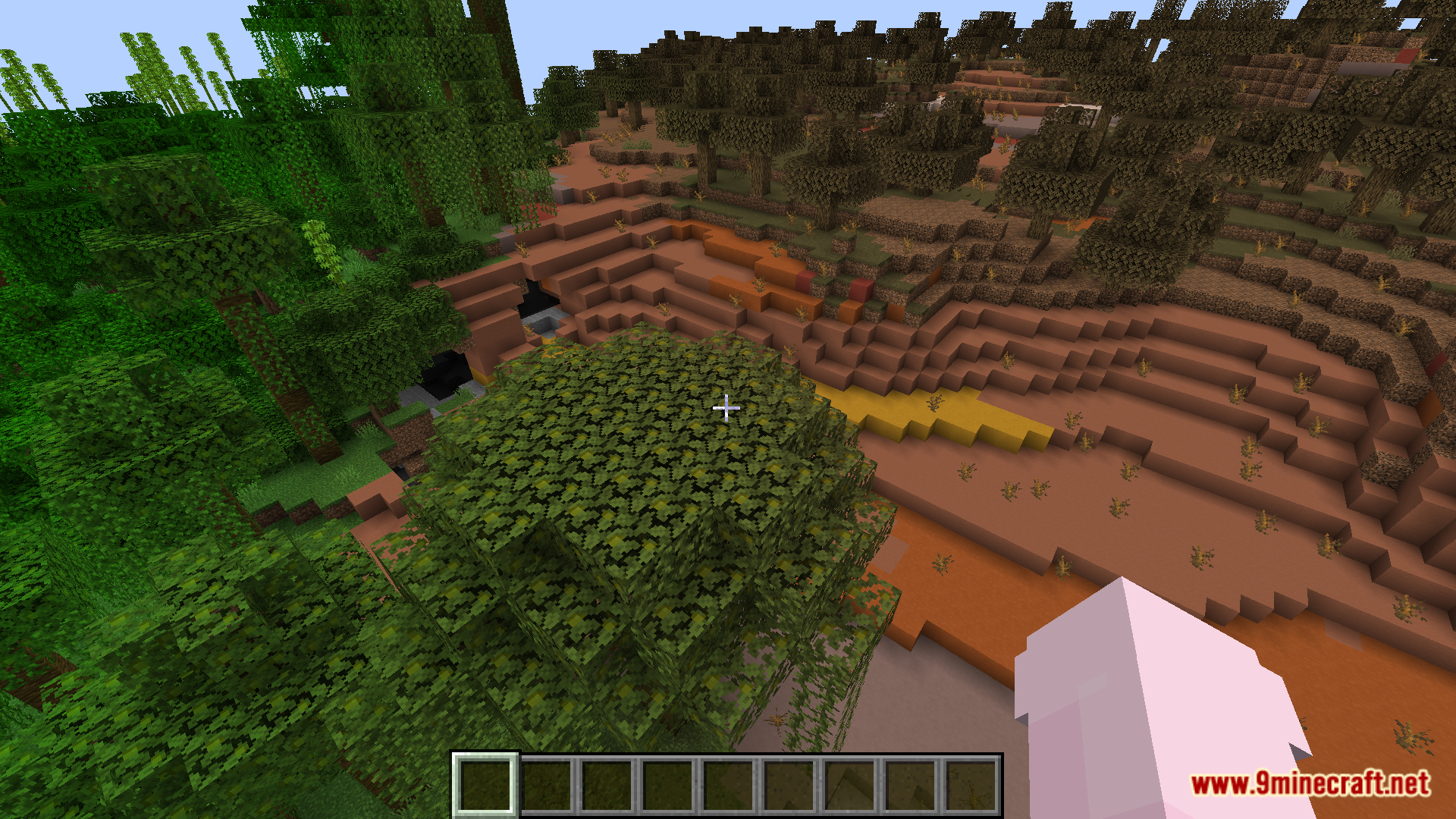
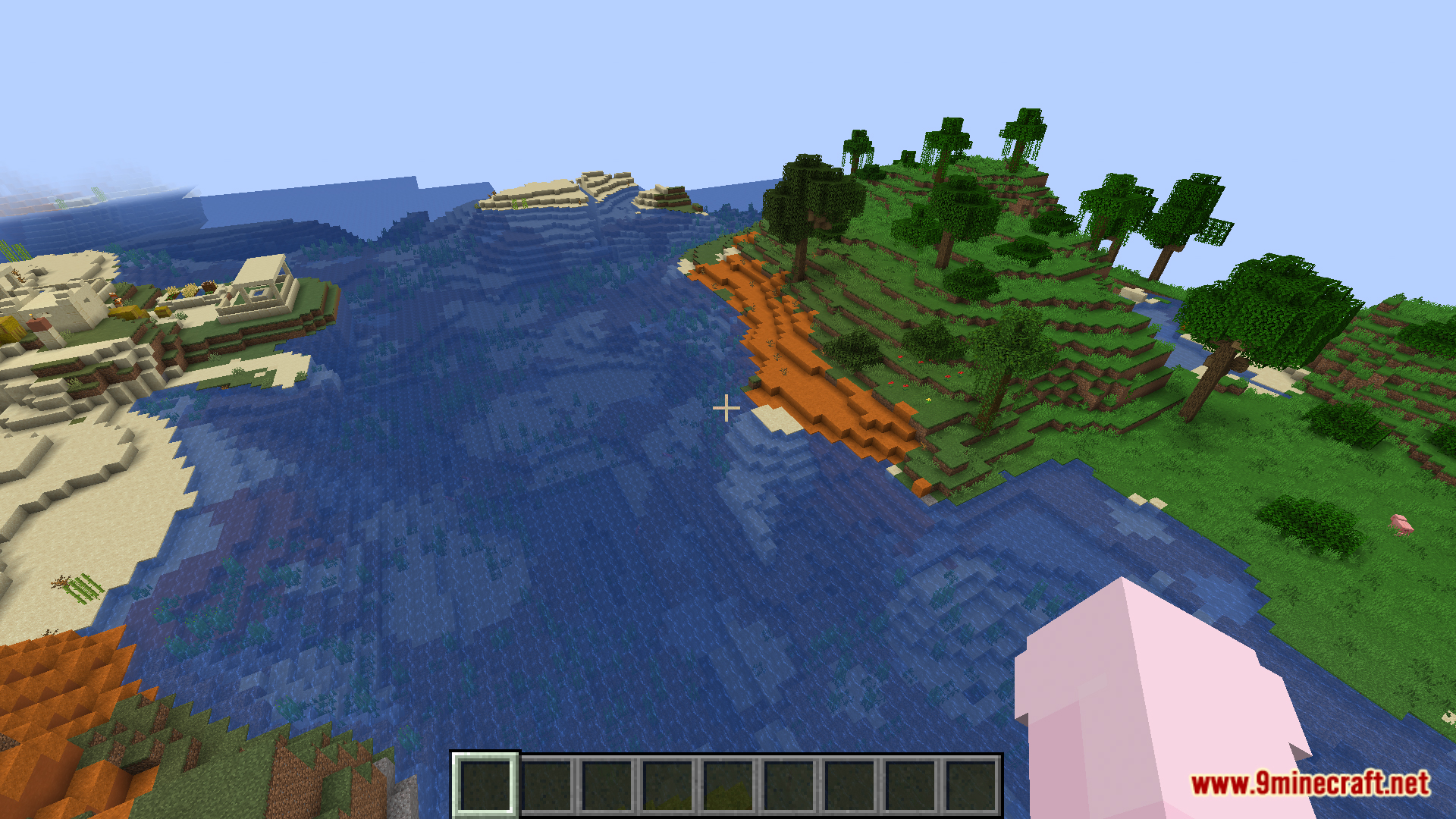
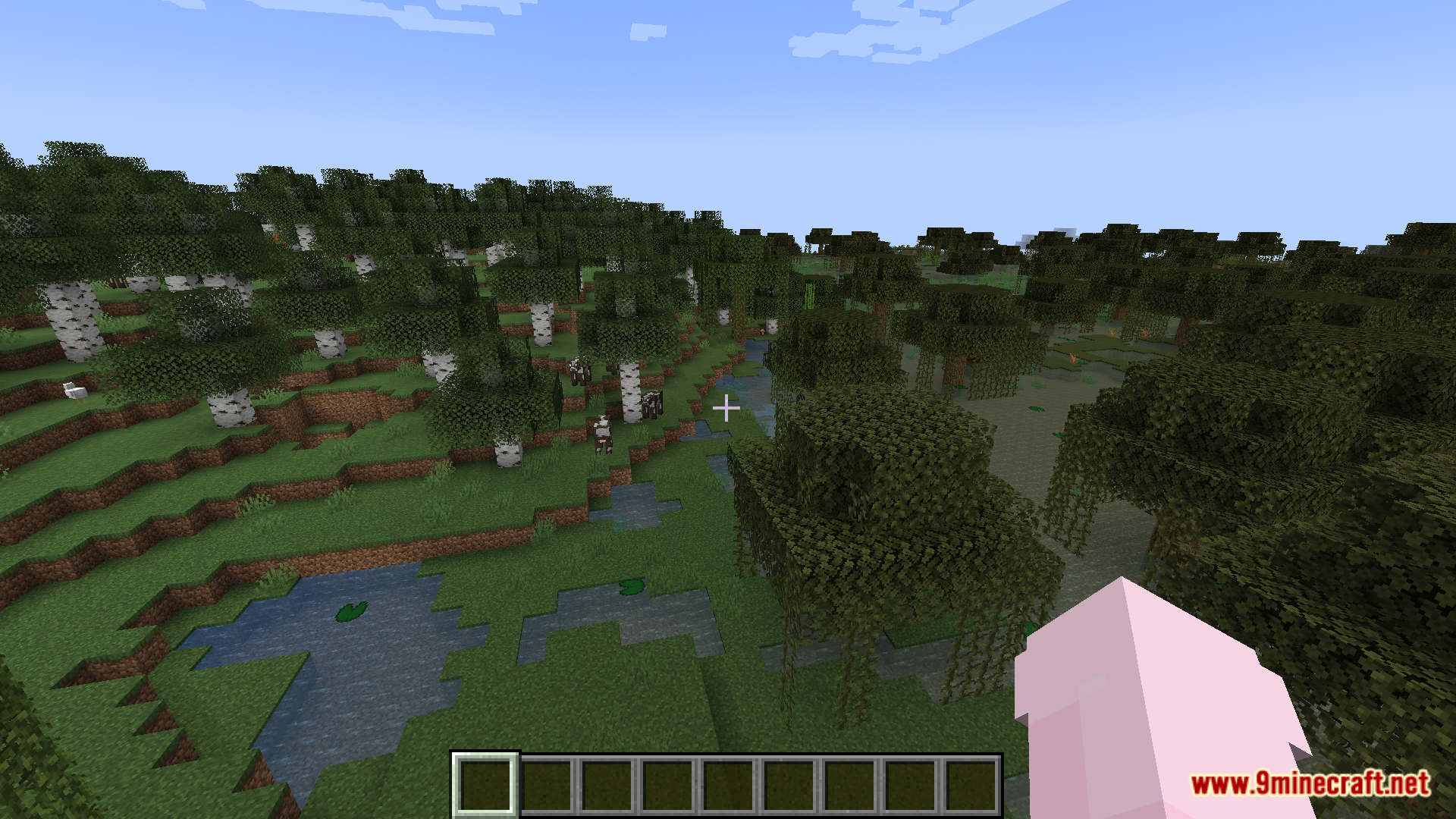
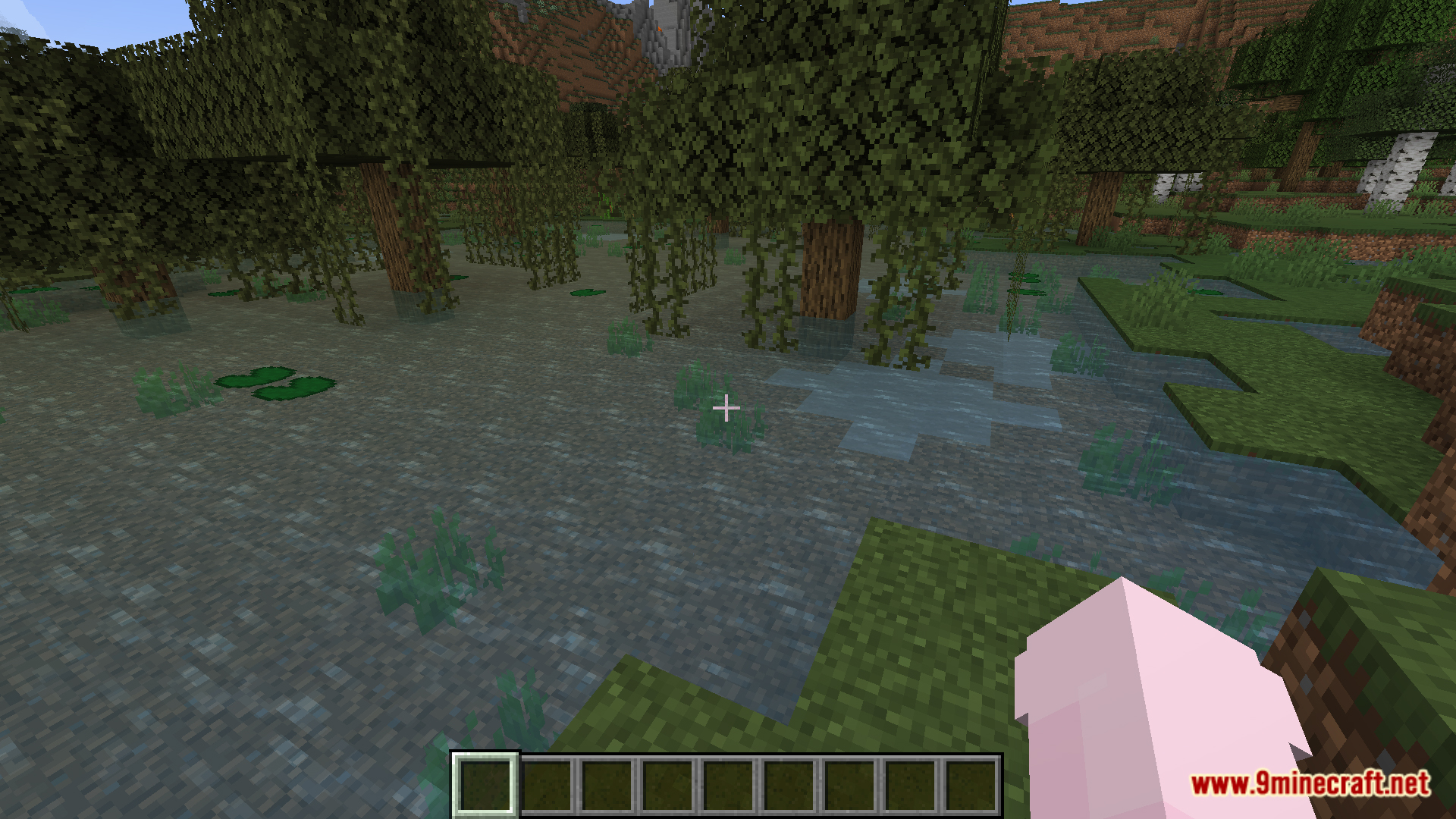
How to Install:
New to Minecraft? Follow our step-by-step guide to install Mods on your PC.View Guide
Requirements:
Better Biome Reblend Mod Download Links
For Minecraft 1.21.10, 1.21.9
Fabric/Quilt/NeoForge version: Download from Server 1 – Download from Server 2
For Minecraft 1.21.10, 1.21.9
Fabric version: Download from Server 1 – Download from Server 2
NeoForge version: Download from Server 1 – Download from Server 2
For Minecraft 1.21.8, 1.21.7, 1.21.6
Fabric/Quilt/NeoForge version: Download from Server 1 – Download from Server 2
For Minecraft 1.21.5, 1.21.4, 1.21.3, 1.21.2, 1.21.1
Fabric/Quilt/NeoForge version: Download from Server 1 – Download from Server 2
For Minecraft 1.20.6, 1.20.4, 1.20.2, 1.20.1
Forge/NeoForge version: Download from Server 1 – Download from Server 2
Fabric/Quilt version: Download from Server 1 – Download from Server 2
How do you feel about 'expert' modpacks that change recipes to be much harder and interconnected?
0 responses · See the full results →
You May Also Like
Picked for this page
 Skin Layers 3D Mod (26.3, 1.20.1) – Render The Player Skin Layer in 3D
 Librarian Trade Finder Mod (26.1.2, 1.20.1) – Auto Reroll Trade Librarian
 Journey Into The Light Mod (1.21.11, 1.20.1) – 8 new Dimensions and Over a Hundred of Mobs
 Toggle Item Frames Mod (1.21.11, 1.20.1) – The Art of Visibility
 Tom’s Trading Network Mod (26.3, 1.20.1) – Making Player Trading Easier
 Wormhole Portals Mod (26.3, 1.20.1) – Interdimensional Portals of Any Size, Shape and Color
 Clickable Advancements Mod (26.3, 1.20.1) – Open Advancement from Chat
 Fabric Seasons Croptopia Compat Mod (26.2, 1.20.1) – Farm Crops By the Season
 TPS HUD Mod (26.3, 1.20.1) – Displays the Server’s TPS
 Stony Cliffs Are Cool Mod (26.1, 1.20.1) – Terrain Improvement
 Villagers Buy Ender Pearls Mod (1.21.11, 1.21) – Clerics Trade Ender Pearls
 Berezka Library Mod (26.3, 1.20.1) – Library That Has Loot Tables For Berezkas Mods
Most viewed in Mods over the last 7 days
 Ala Industrial Mod (26.3) – Run Electric Power Grids and Automated Factories
 PleasureCraft Mod (26.3, 1.21.1) – Jenny Mod Remake for Fabric
 Jennycraft Mod (26.3, 1.20.1) – Virtual Girlfriend in Minecraft
 Fapcraft Mod (26.3, 1.12.2) – Comprehensive and Detailed Content
 Jenny Mod (Fapcraft) Official Complete Guide – How to use, Tutorial
 BangCraft Mod (1.20.1) – Jenny, Ellie and Elliot
 Fabric Loader (26.3, 1.20.1) – Fabric Installer for All Minecraft Versions
 Meteor Client Mod (26.3, 1.20.1) – Xray, HUD, Fly
 The Shooting Star Demo Mod (26.3, 1.20.1) – Vaporize Terrain From Orbit
 OptiFine HD (26.3, 1.20.1) – Run Faster, FPS Boost, Shaders Support
 Aristois Client Mod (1.21.4, 1.20.1) – World Class Minecraft Utility
 Prestige Client Mod (1.21.11, 1.21.4) – Powerful Ghost Features for Crystal & Sword PvP
More from Mods
 Block & Board Mod (26.3, 1.20.1) – Play Classic Tabletop Games with Friends
 Hammers 3×3 Mod (1.21.8, 1.20.1) – Carve Caves with One Swing
 Huge Structure Blocks Mod (26.3, 1.20.1) – Pushing Limits With Huge Structure Blocks Mod
 Rctapi Fix Mod (1.21.1) – Fight Cobblemon Trainers Without Any Server Crashes
 Better Title Screen Mod (26.3, 1.20.1) – Adding Custom Text Messages
 Log Cleaner Mod (26.3, 1.20.1) – Cleans Old and Unused Log Files
 Brick Variety Mod (26.3, 1.20.1) – More Brick Variants
 Fast Xp Mod (26.3, 1.21.1) – Faster XP Bottle Usage
 Cherry Villages Mot’s Structures Mod (26.3, 1.21.11) – Find Fresh Settlements
 XinexLib Mod (1.21.1) – Keep Your Ultreon Studios Mods Running
 Libvulpes – Fixed Mod (1.12.2) – Launch Rockets with Fewer Bugs
 Freelook Perspective Mod (26.3, 1.21.1) – Watch Your Back While Sprinting

This post has no comments yet. Be the first — your comment will appear here.