


Accessories Compatibility Layer Mod (1.21.1, 1.21) – Gamitin Lahat ng Accessory Mods Mo

 0
0 

🌐 Binabasa mo ang artikulong ito sa Filipino. Gusto mong magpalit?
📖 Basahin sa Ingles (orihinal)O pumili ng gusto mo:
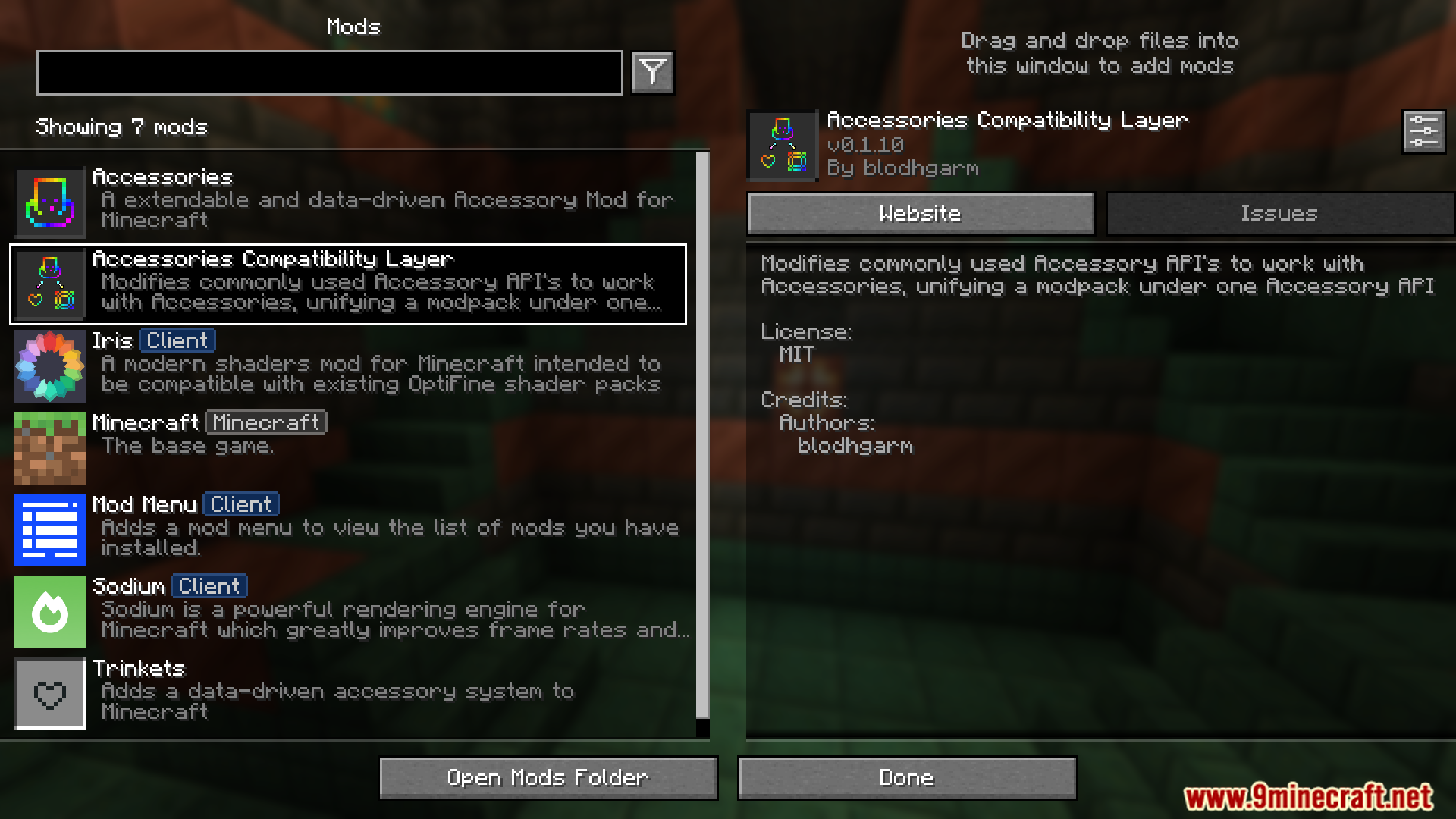
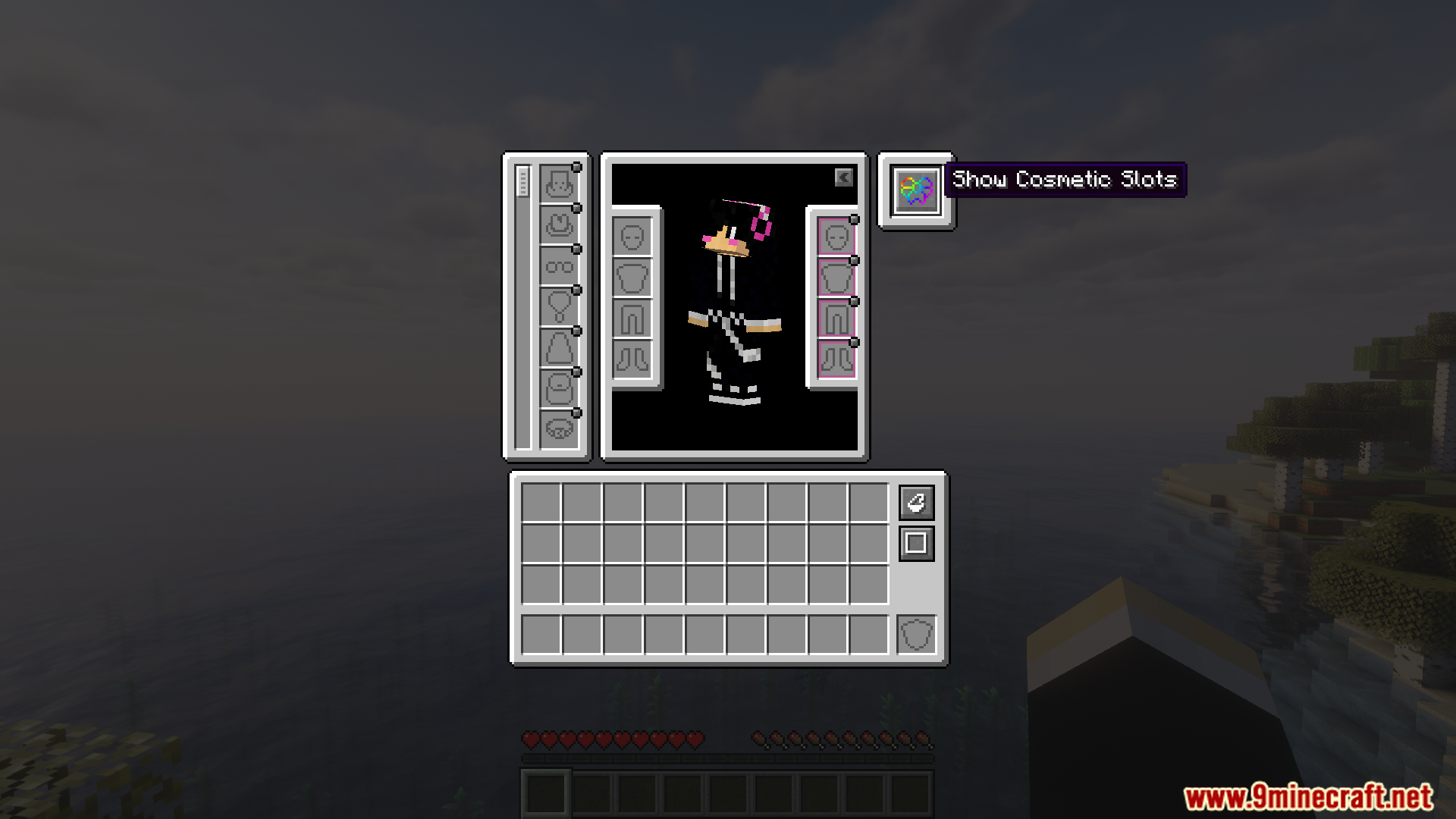
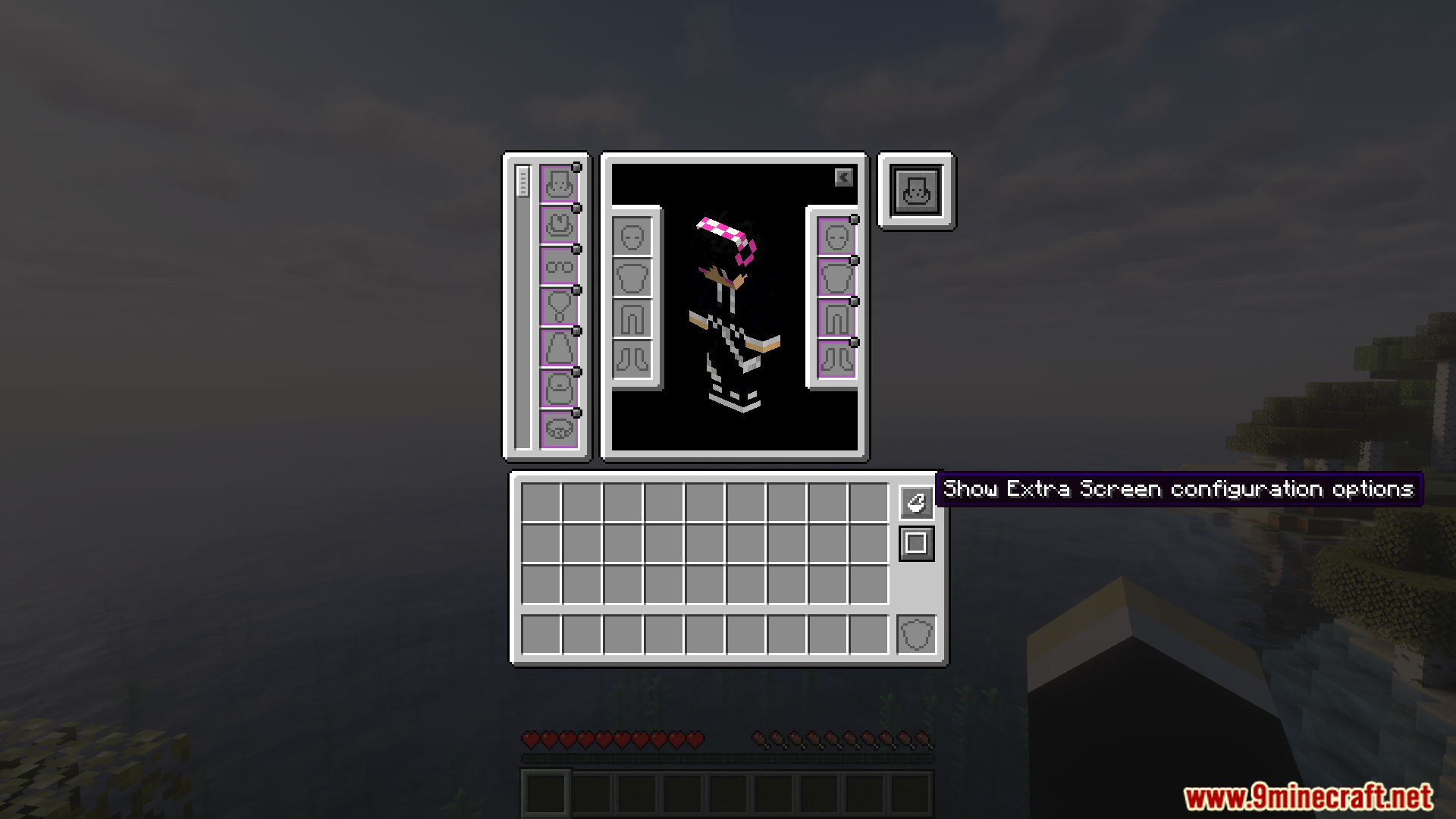
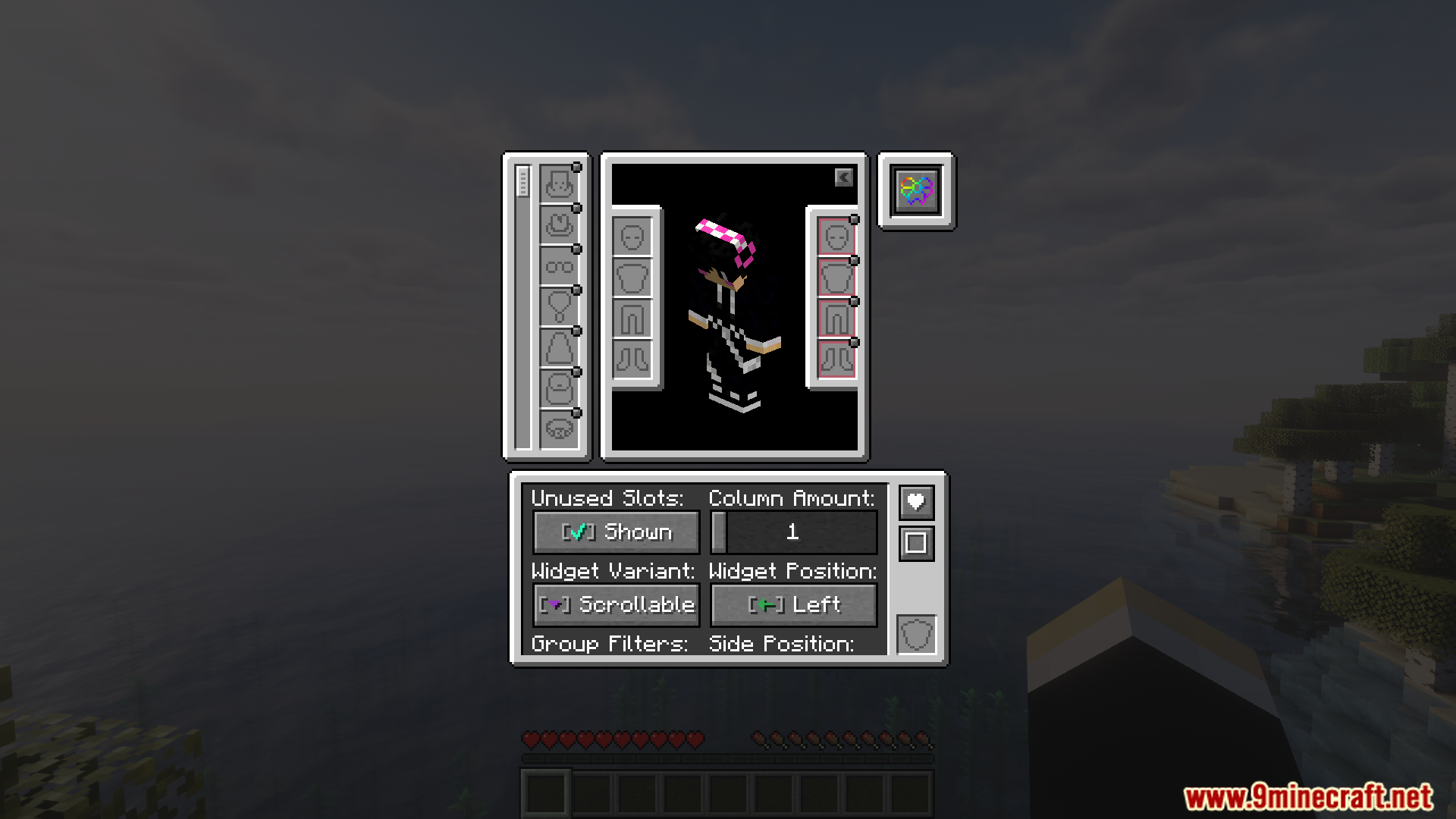
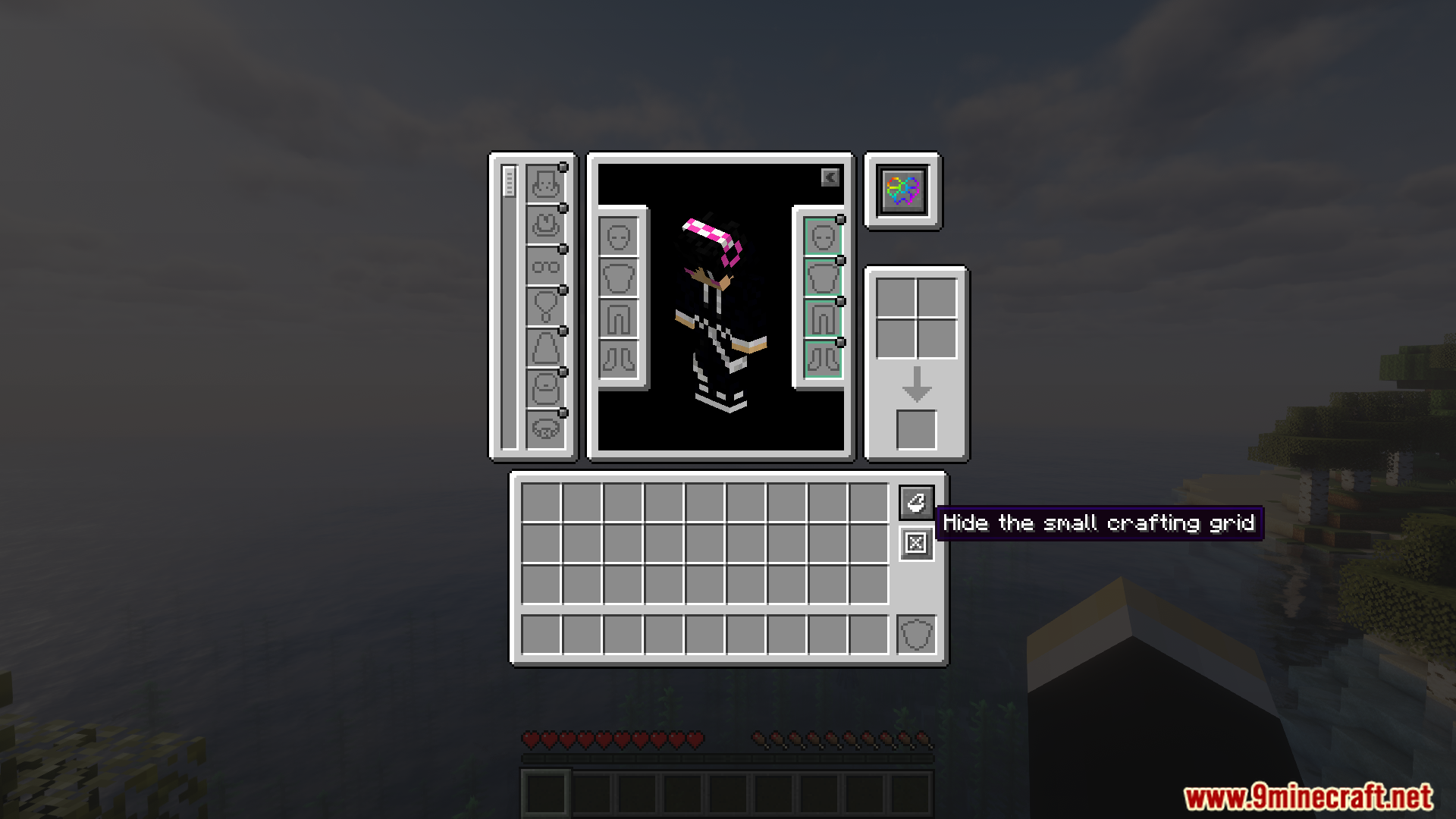
Pinagsasama ng Accessories Compatibility Layer Mod ang Trinkets at Curios mods para magamit mo sila nang sabay sa iyong laro. Ginagamit nito ang main Accessories mod para gumawa ng iisang lugar para sa lahat ng special items mo mula sa parehong mods. Ibig sabihin, isang system na lang ang kailangan mo para i-manage ang lahat ng gear mo, imbes na piliting pagtapatin ang magkaibang system.
Features:
- Isang Simpleng System: Pinagsasama ang Trinkets at Curios accessory systems para gumana sila sa main Accessories mod.
- Hinahayaan kang gumamit ng items mula sa Trinkets at Curios nang sabay nang walang aberya.
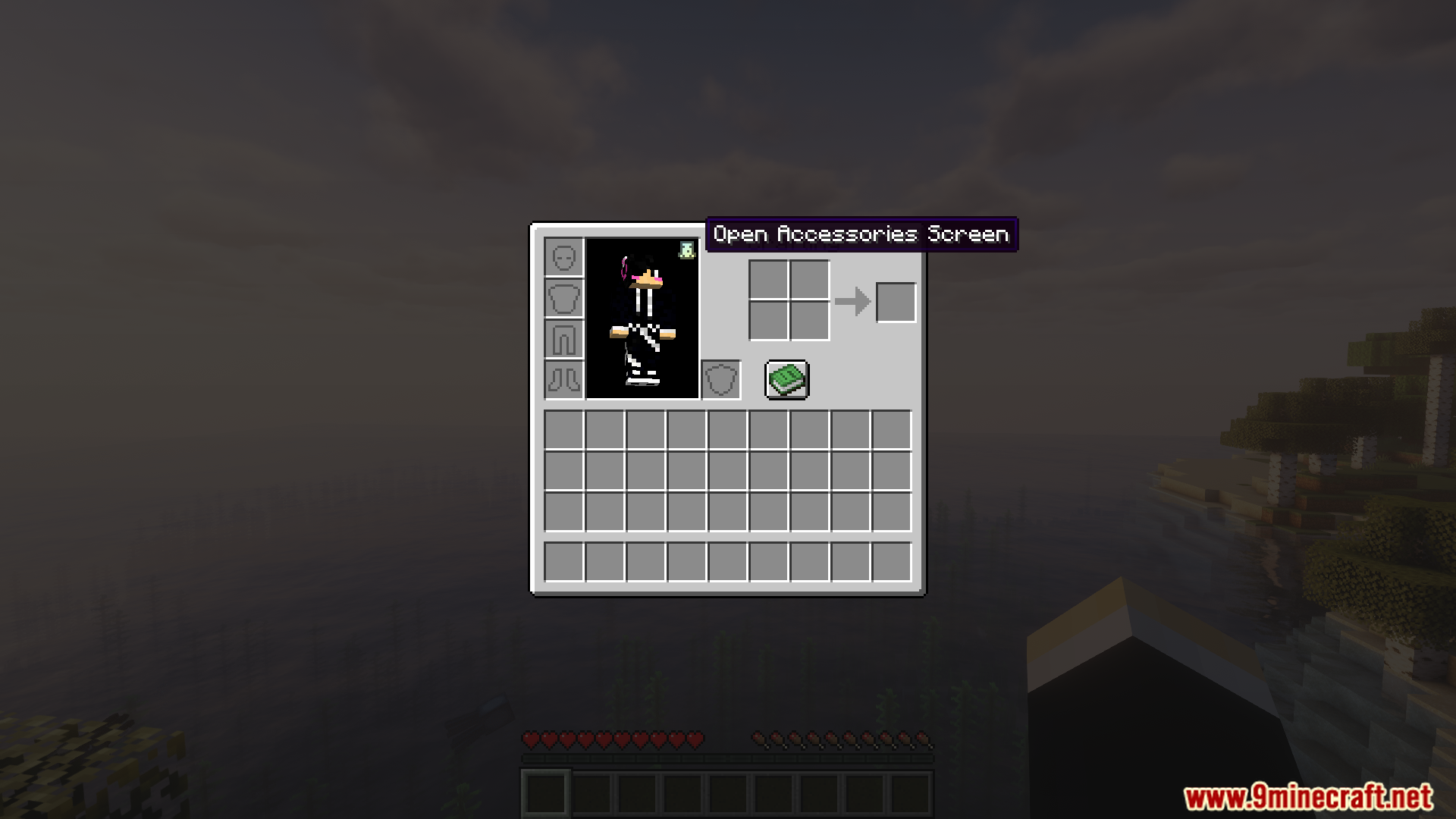
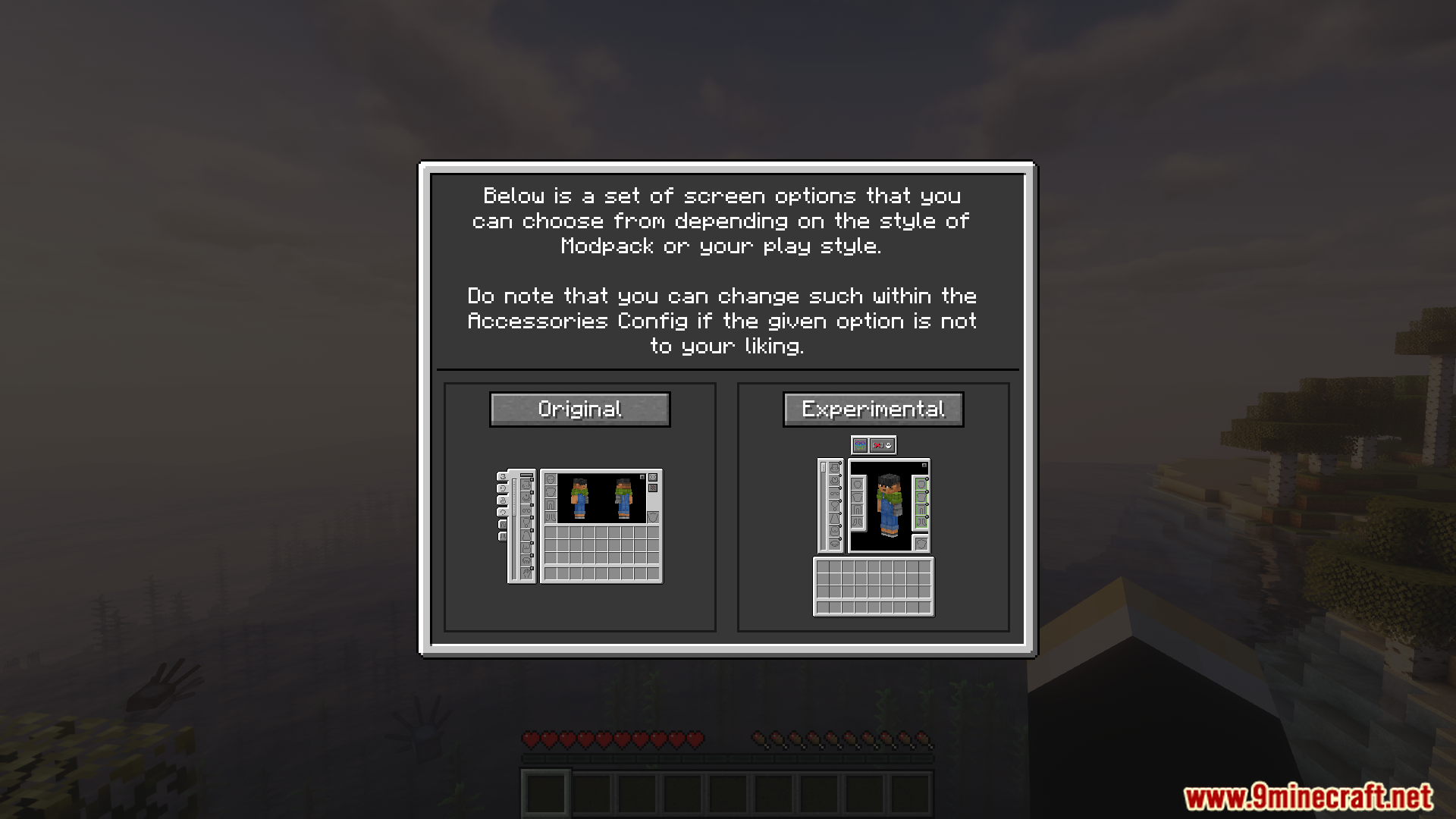
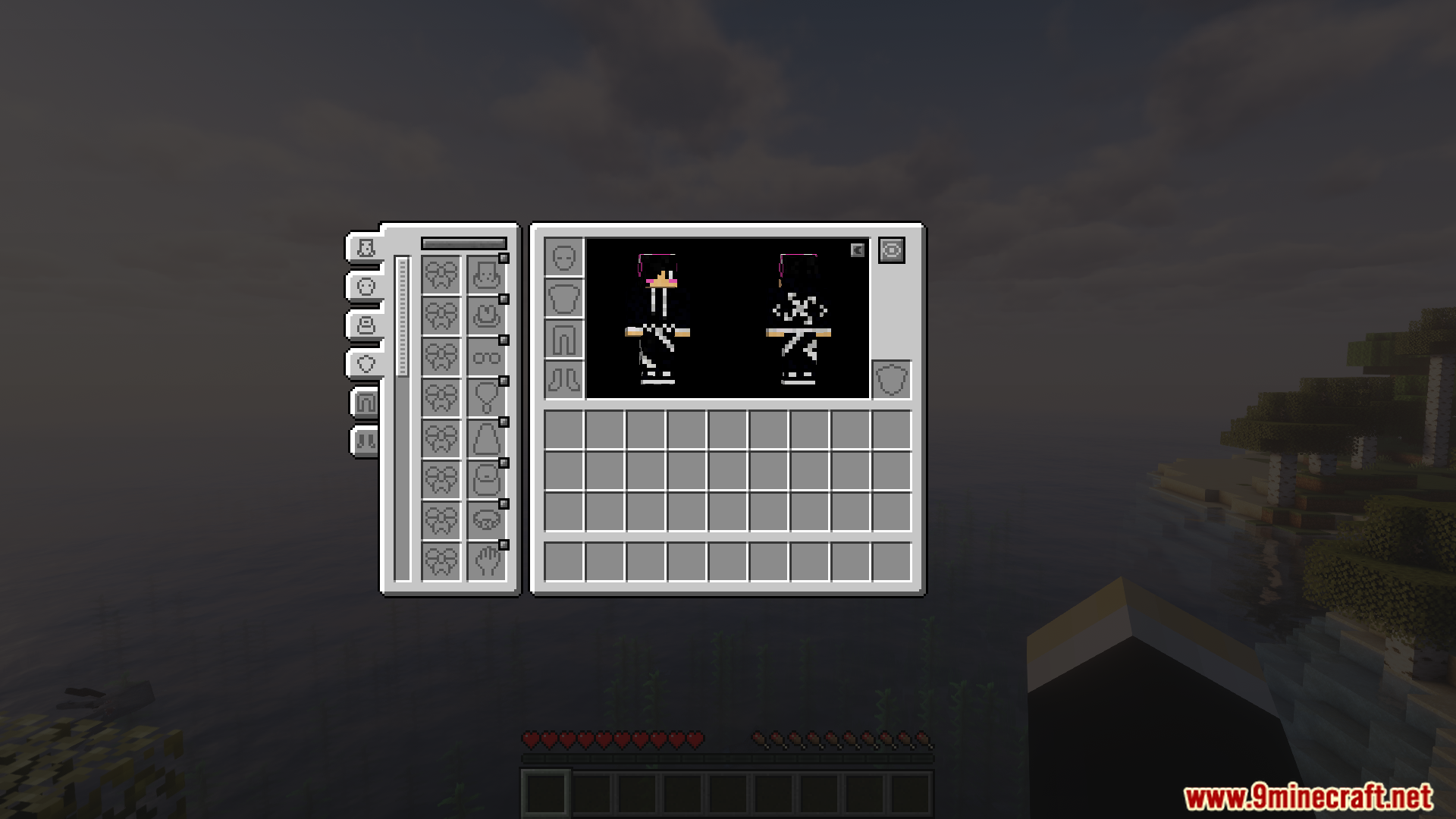
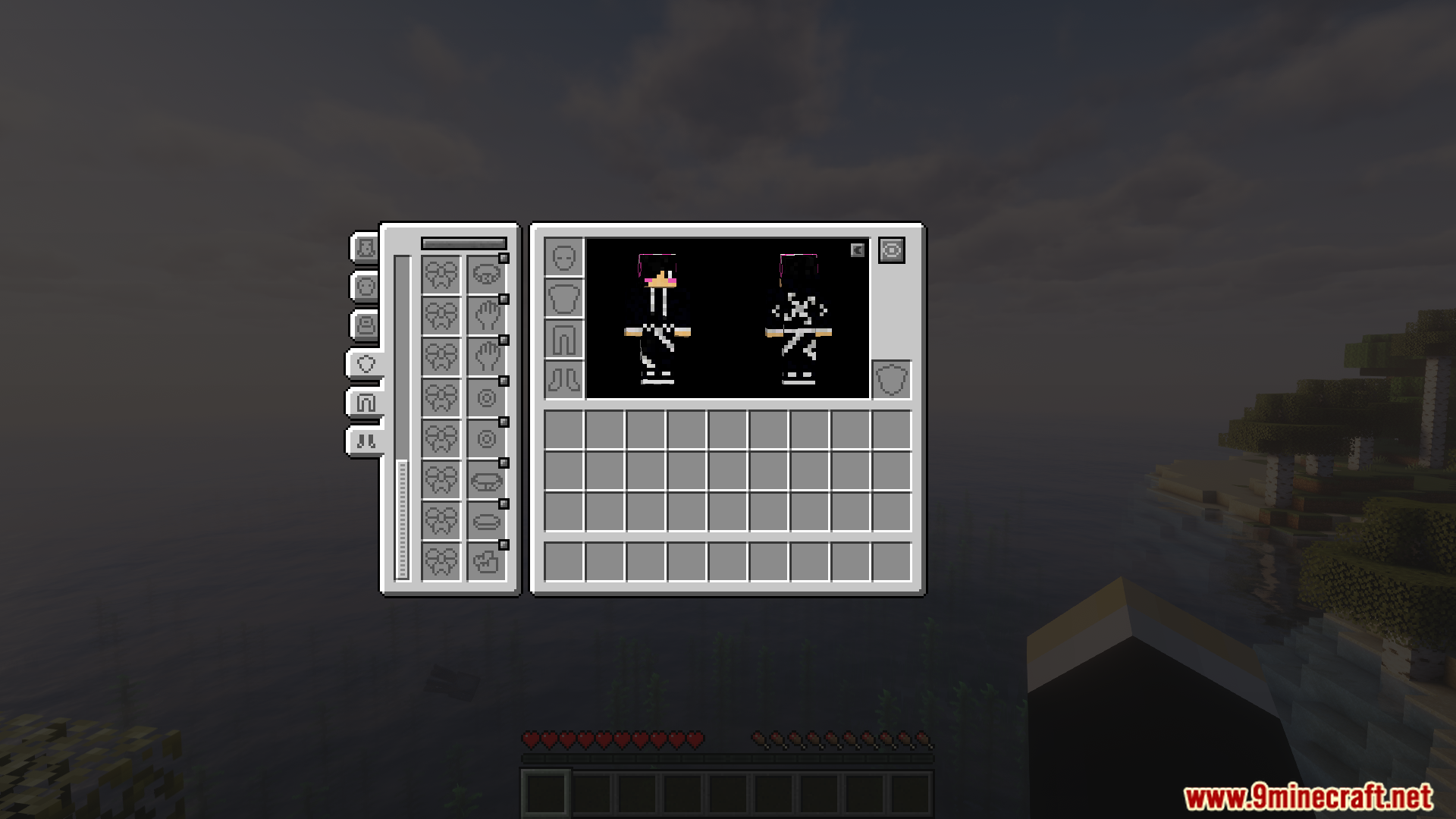
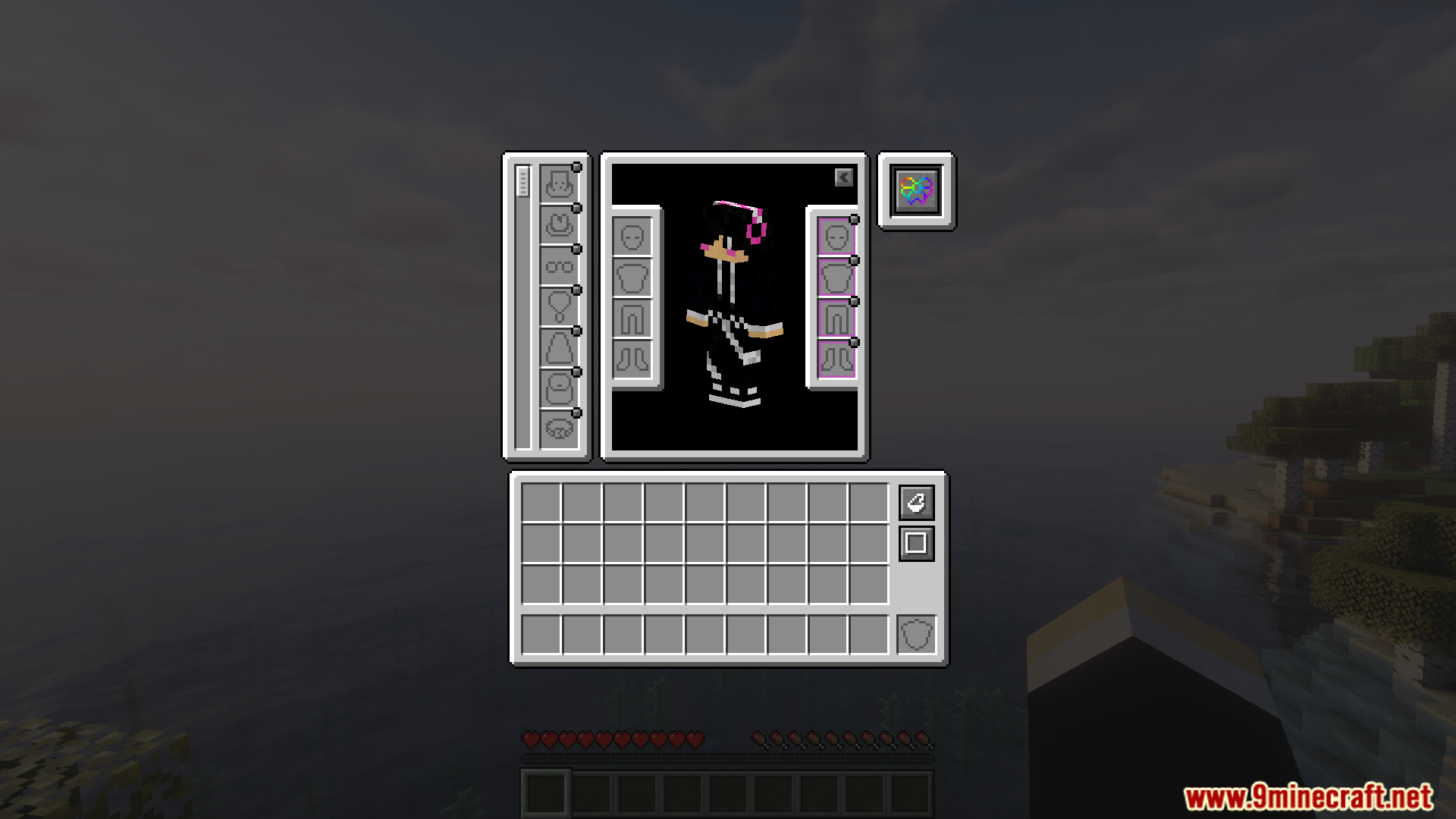
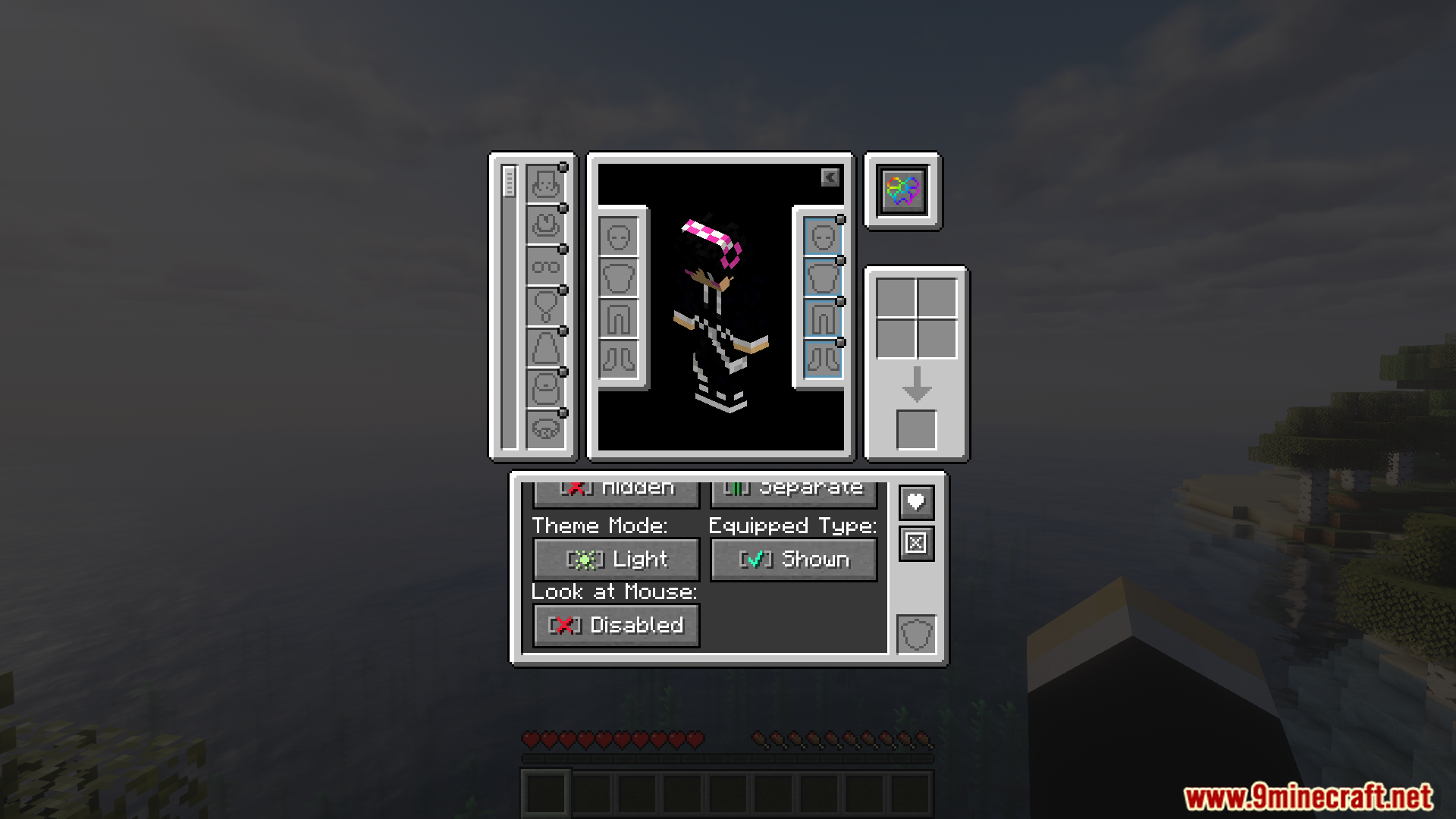
- Inilalagay ang lahat ng special equipment mo mula sa iba’t ibang mods sa iisang screen sa loob ng iyong inventory.
- Pinapalitan ang mga lumang compatibility mods. Ito na lang ang kailangan mo para i-connect ang lahat.
- Gumagana para sa Fabric at NeoForge, kaya pwede mo itong ilagay sa maraming iba’t ibang modpacks.
Screenshots:
Paano I-install:
Mga Kailangan:
 Accessories Mod Kailangan
 Trinkets Mod Kailangan
 Curios API Kailangan
 OwO Lib Mod Kailangan
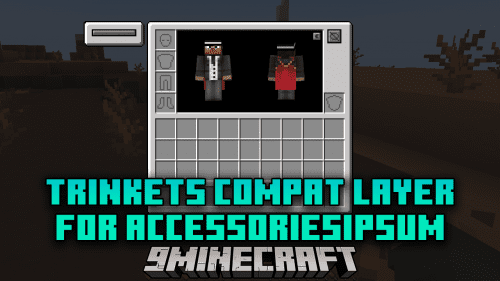 Trinkets Compat Layer For Accessories Mod Kailangan
[Deprecated] Curios Compat Layer for Accessories Hindi tugma
Accessories Kailangan
oωo (owo-lib) Kailangan
Accessories Compatibility Layer Mod Download Links
Para sa Minecraft 1.21.1, 1.21
Fabric version: Download mula sa Server 1 – Download mula sa Server 2
NeoForge version: Download mula sa Server 1 – Download mula sa Server 2
I-click para i-rate ang post na ito!
[Total: 3 Average: 5]
Baka Magustuhan Mo Rin



Wala pang komento ang post na ito. Maging una — lalabas dito ang iyong komento.