


Defaulted Hotkeys Mod (1.21.8, 1.20.1) – Isang Beses Lang Mag-Set ng Controls

 0
0 

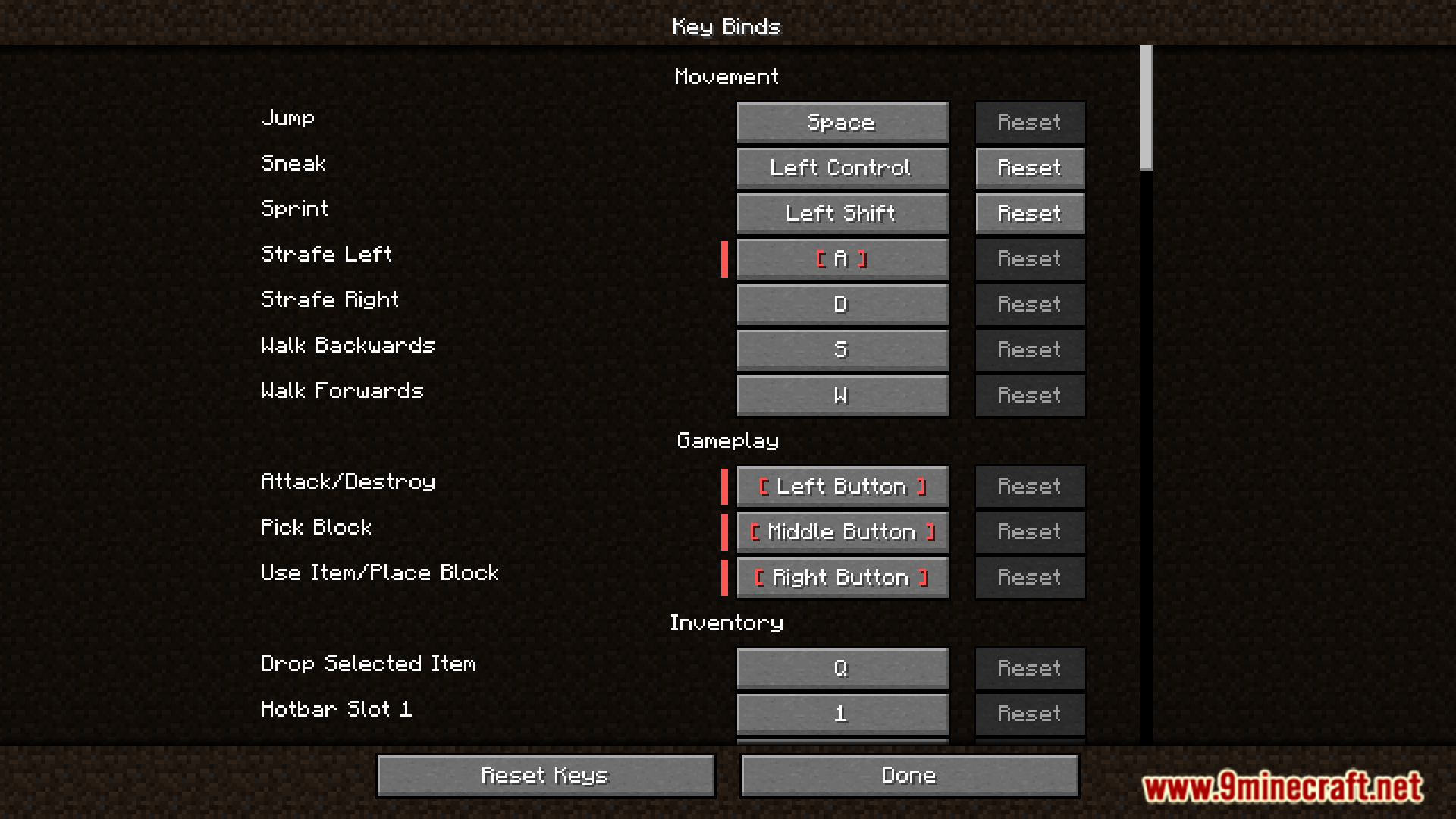
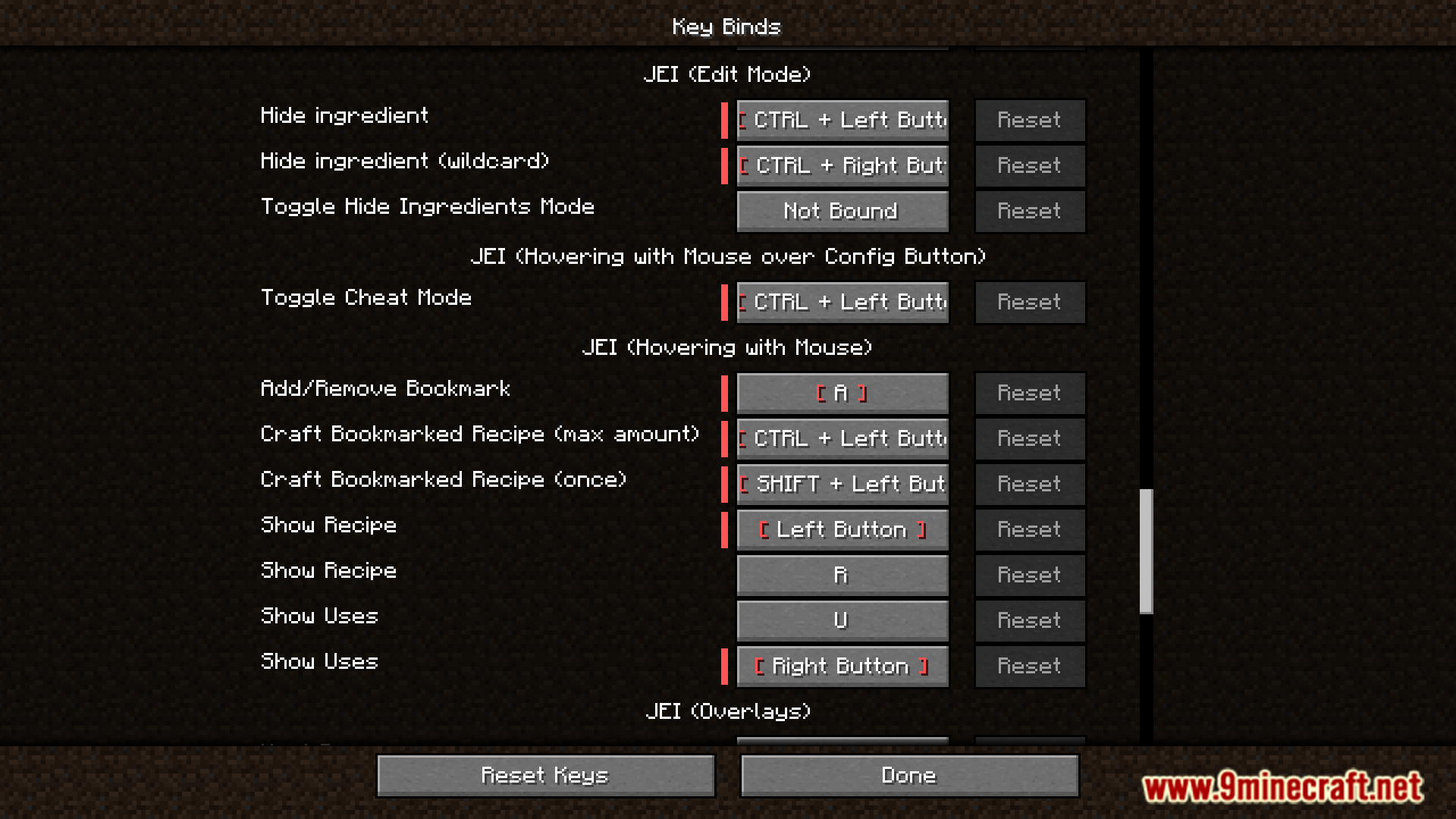
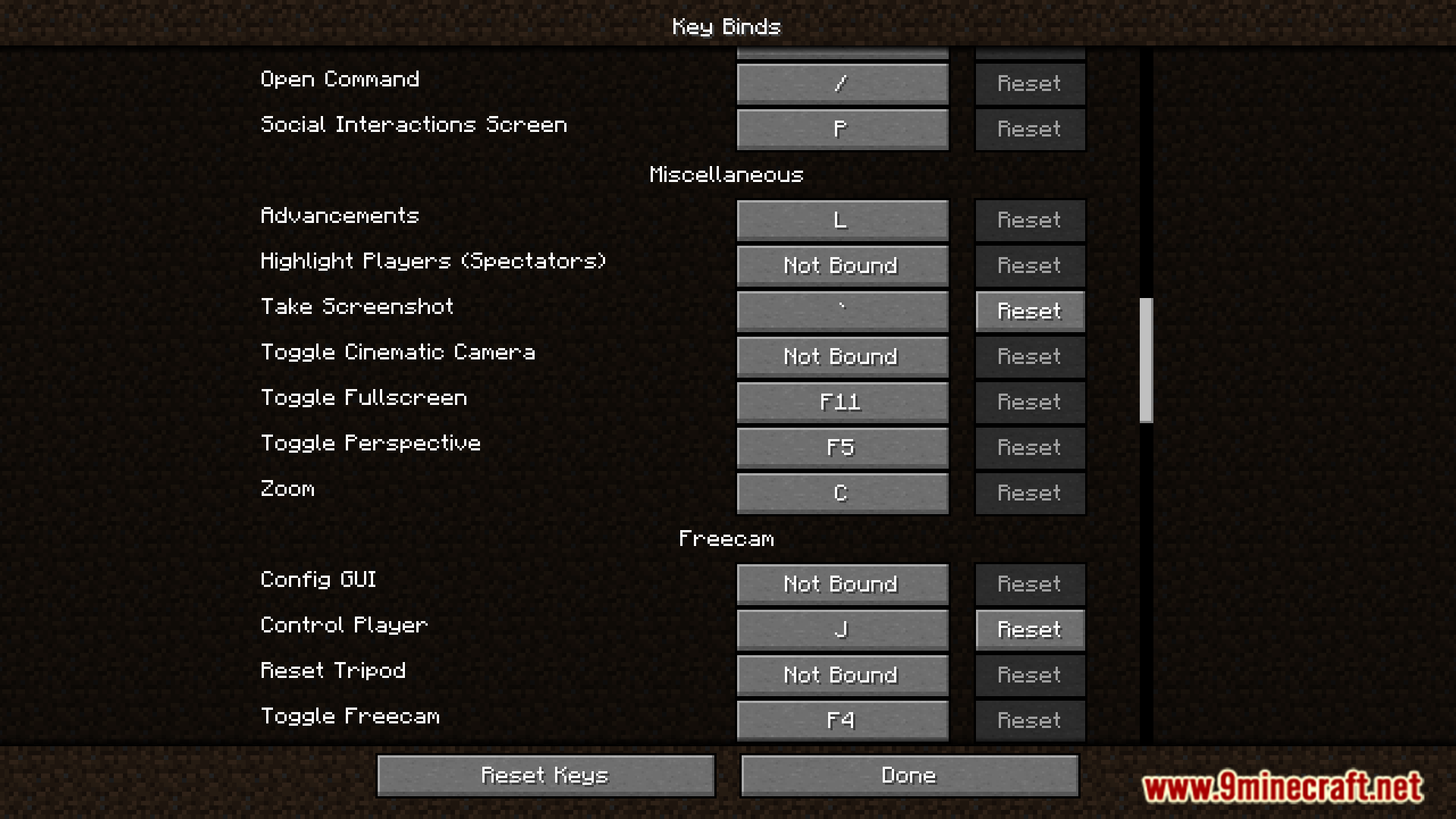
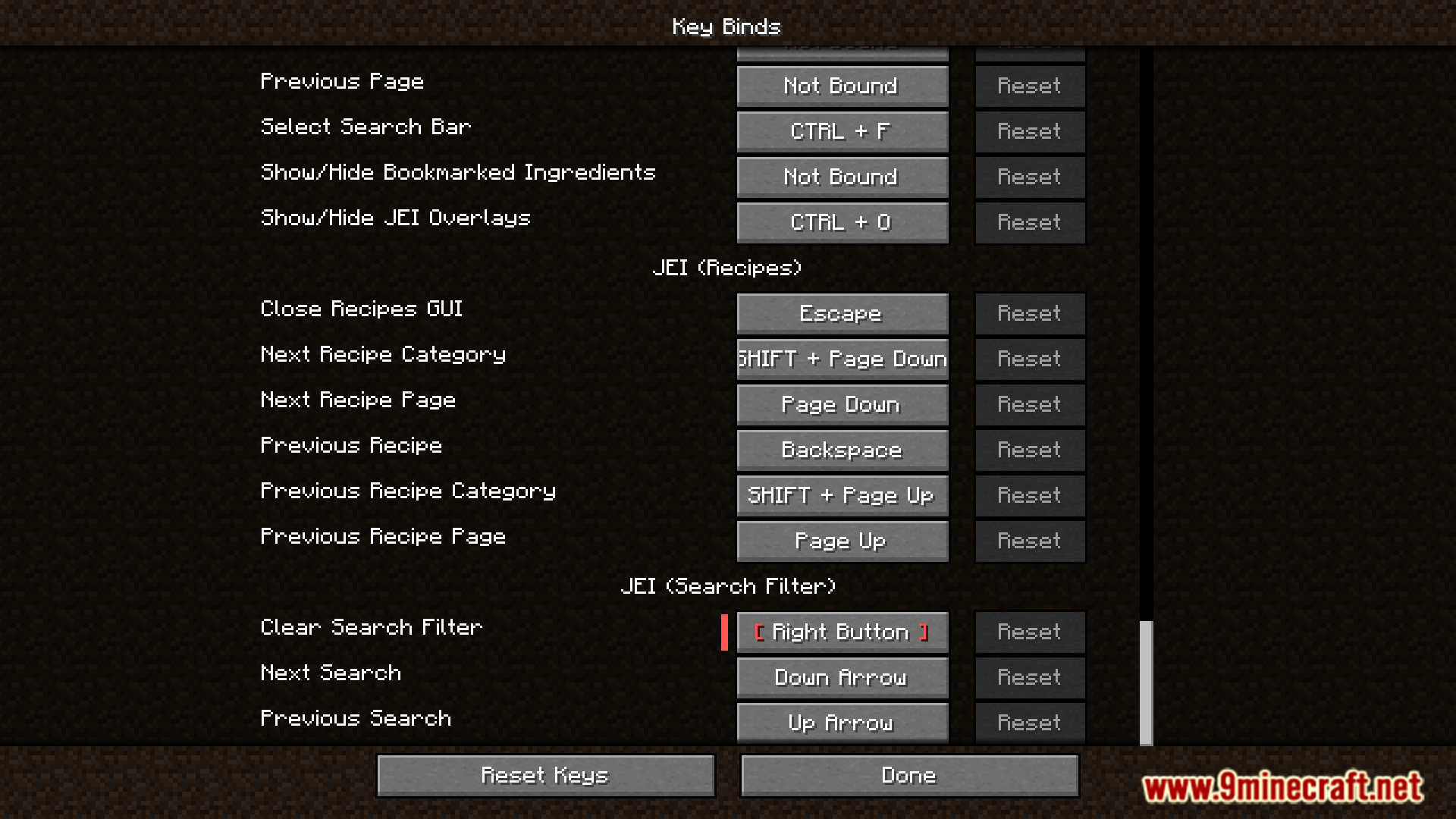
Ang Defaulted Hotkeys Mod ay hinahayaan kang mag-set ng default hotkeys para sa kahit anong keybind sa laro. Sa unang launch mo ng Minecraft gamit ang mod na ito, awtomatiko itong gagawa ng file na may pangalang default-hotkeys.json sa iyong config folder. Maaari mo nang i-edit ang file na ito para i-customize ang lahat ng iyong keybinds.
Features:
- Mag-set ng default hotkey para sa kahit anong keybinding sa laro.
- Awtomatikong gumagawa ng configuration file sa unang launch ng laro.
- Pinapayagan kang i-manage ang lahat ng default keybinds sa pamamagitan ng pag-edit ng
default-hotkeys.jsonfile.
Paano Gamitin:
- I-run ang Minecraft nang kahit isang beses habang naka-install ang mod. Gagawa ito ng configuration file.
- Pumunta sa iyong
.minecraft/configfolder at buksan angdefault-hotkeys.jsonfile. - I-edit ang file para i-set ang iyong gustong default hotkeys gamit ang tamang format.
Ang file ay gumagamit ng simpleng structure para sa bawat keybind:
[
  {
    //translate key
    "comment": "key.advancements",
    //translation in current language
    "translation": "Advancements",
    //hotkey in vanilla format
    "key": "key.keyboard.l"
  }
]
Screenshots:
Paano I-install:
Defaulted Hotkeys Mod Download Links
Para sa Lahat ng Bersyon mula Minecraft 1.21 hanggang Minecraft 1.21.8
NeoForge version: Download from Server 1 – Download from Server 2
Fabric version: Download from Server 1 – Download from Server 2
Para sa Minecraft 1.20.6
NeoForge version: Download from Server 1 – Download from Server 2
Fabric version: Download from Server 1 – Download from Server 2
Para sa Minecraft 1.20.4
NeoForge version: Download from Server 1 – Download from Server 2
Fabric version: Download from Server 1 – Download from Server 2
Para sa Minecraft 1.20.1, 1.20
Forge/NeoForge version: Download from Server 1 – Download from Server 2
Fabric version: Download from Server 1 – Download from Server 2
Baka Magustuhan Mo Rin








Wala pang komento ang post na ito. Maging una — lalabas dito ang iyong komento.