


Re Skin Mod (1.20.1, 1.19.2) – Palitan ang Iyong Look Agad-agad

 0
0 

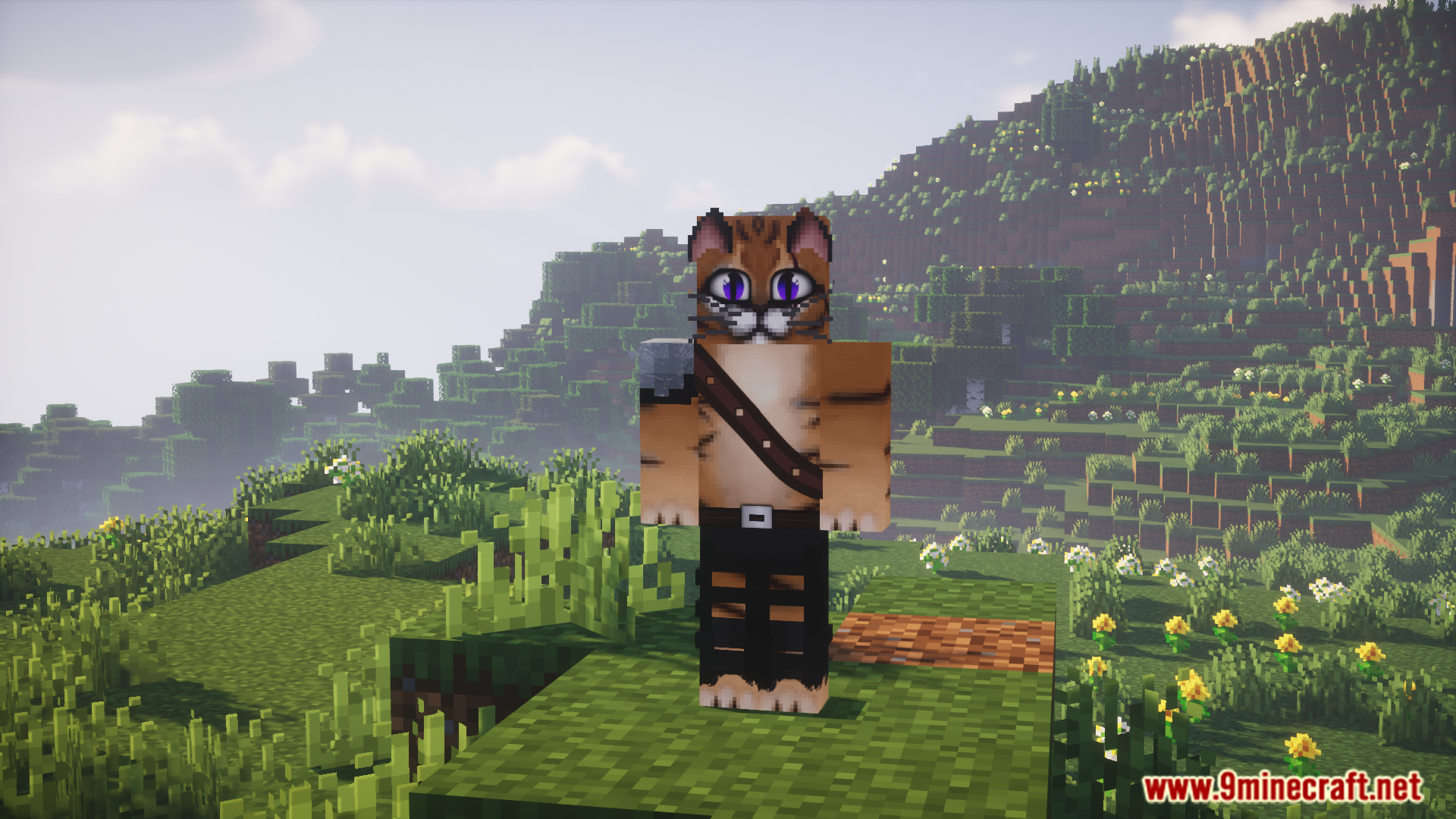
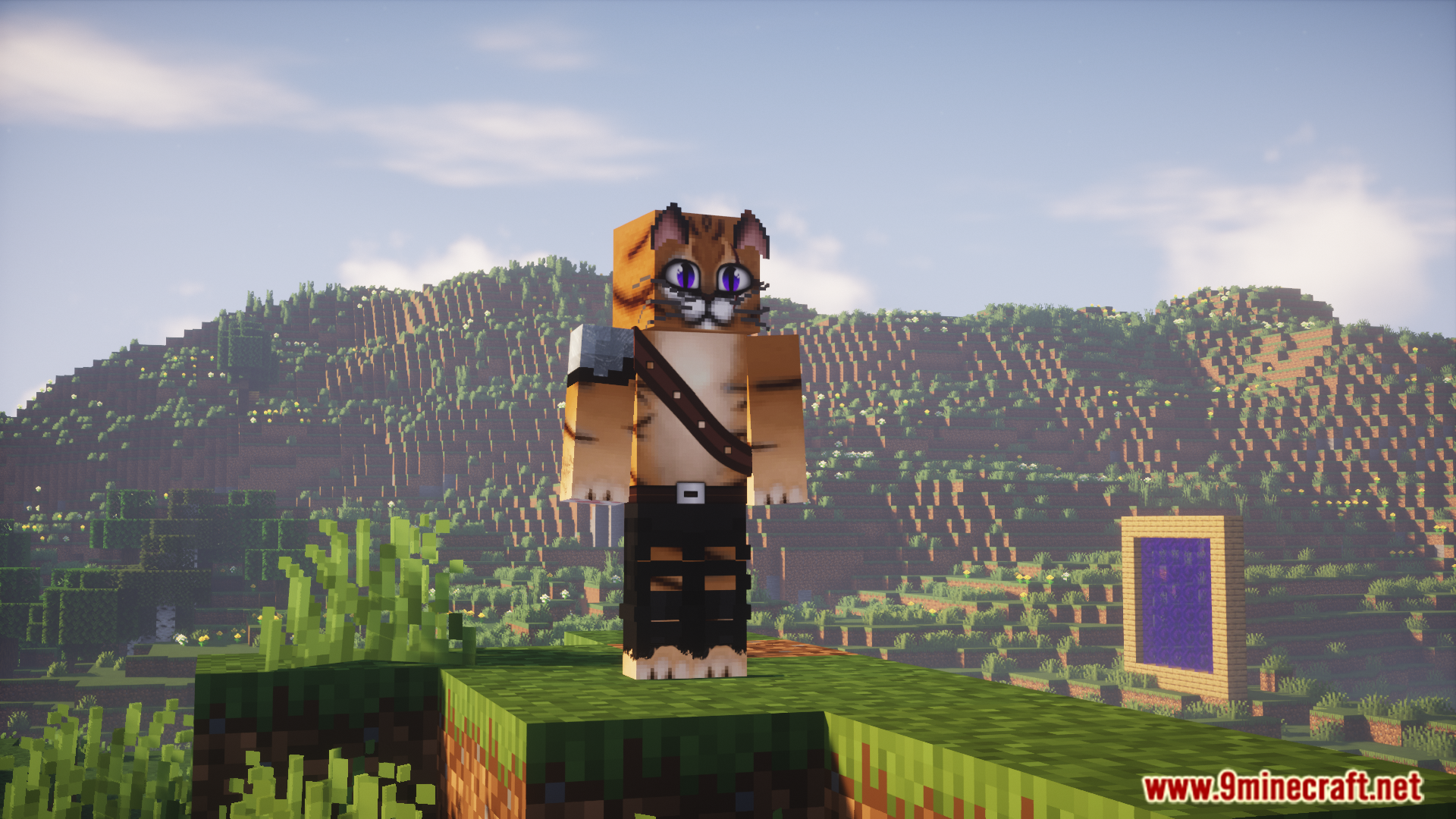
Ang Re Skin Mod ay hinahayaan kang palitan ang skin ng iyong character nang direkta sa loob ng laro gamit ang mga command. Sinusuportahan ng mod na ito ang mga HD skin, kaya maaari kang gumamit ng napaka-detalyado at high-resolution na mga skin para sa iyong player. Ang kailangan mo lang ay isang direct link sa image ng skin. Gumagana rin ito sa iba pang mga mod na nagpapabago sa player model, gaya ng Mo’ Bends.
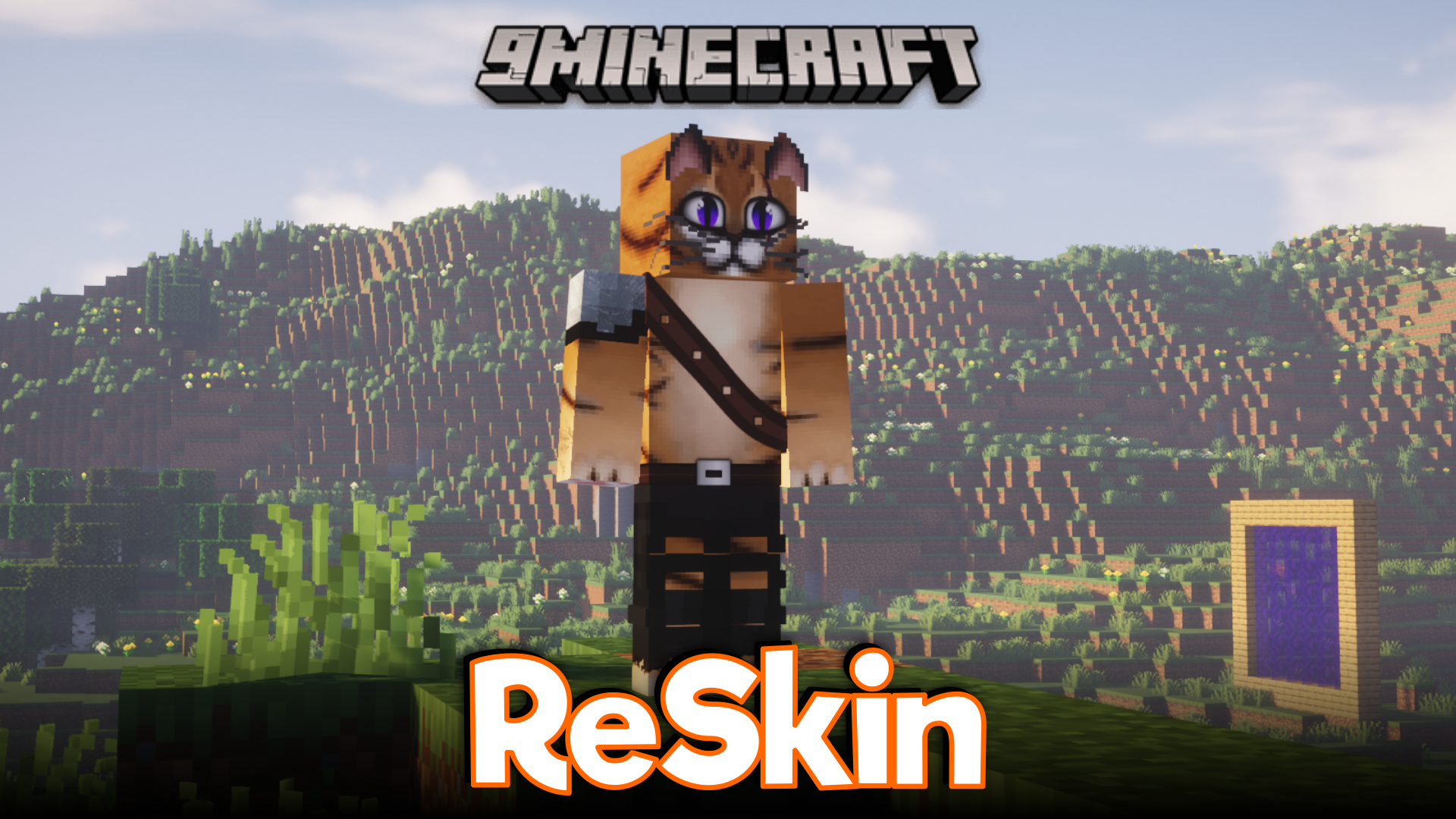
Features:
- Palitan ang iyong in-game skin kahit kailan gamit ang mga simpleng command.
- Gumamit ng high-definition (HD) skins para sa mas detalyadong itsura.
- Suportado ang iba’t ibang laki ng skin na sumusunod sa standard Minecraft ratio.
- Maayos na gumagana sa iba pang mga mod na nagbabago sa model ng player.
Commands:
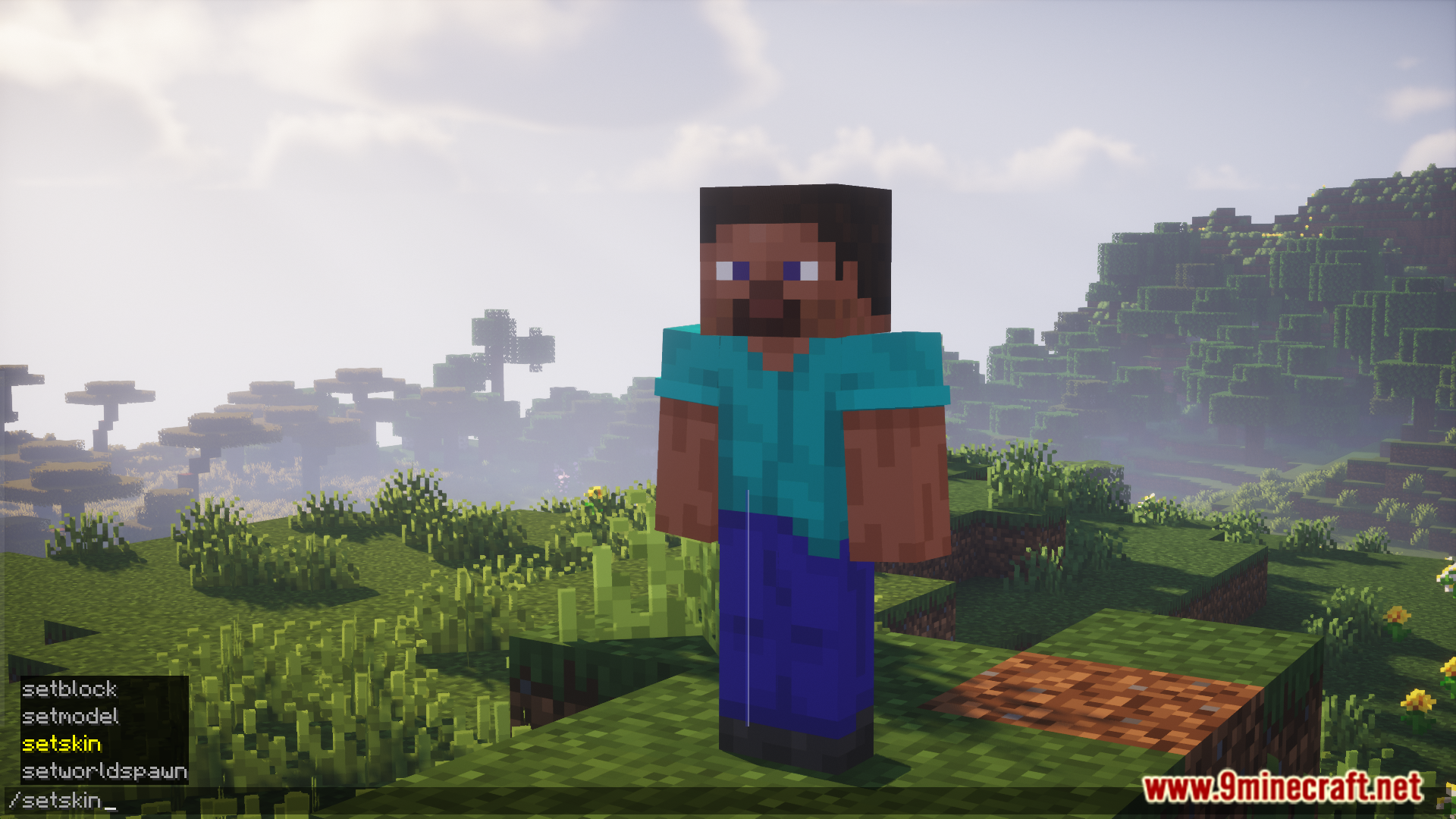
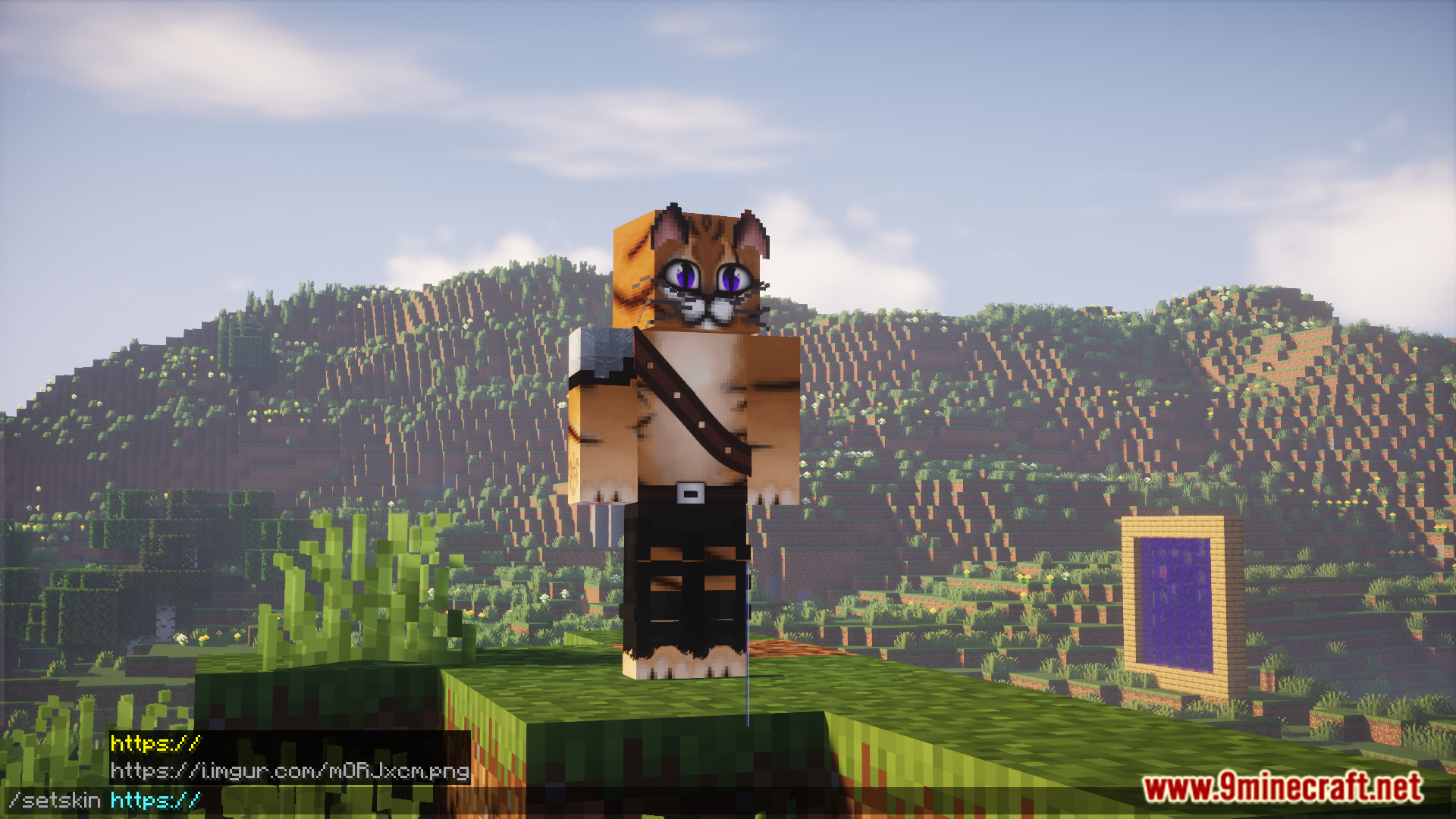
/setskin (url): Pinapalitan ang sarili mong skin./setskin (url) (player): Pinapalitan ang skin ng ibang player./clearskin: Ibabalik ang iyong skin sa default./clearskincache: I-re-reload ang mga skin at lilinisin ang image cache.
Paano Gamitin:
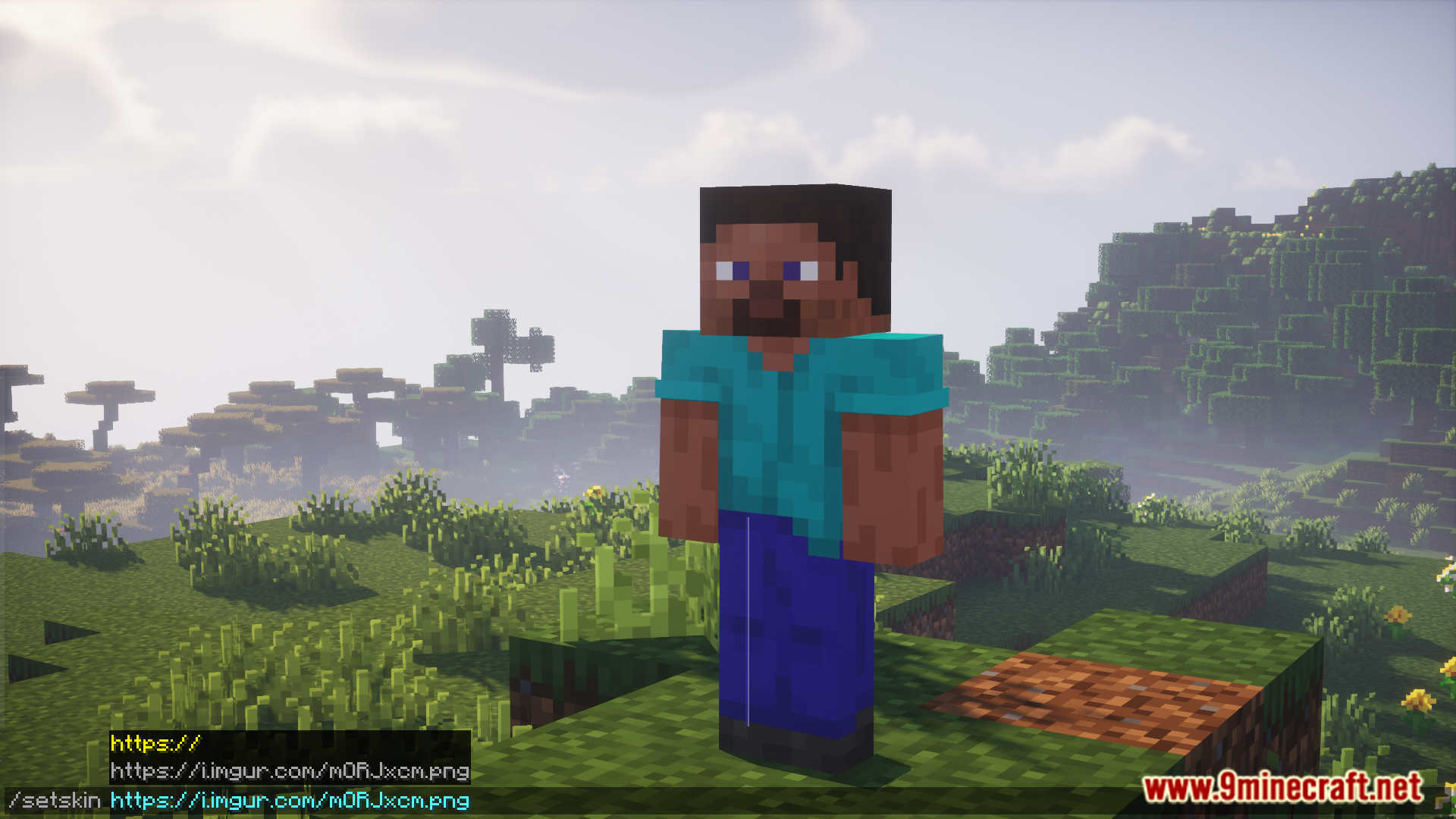
- Humanap ng skin na gusto mong gamitin online at i-copy ang direct image link nito. Dapat ay direkta ang URL sa image file (halimbawa, nagtatapos sa .png).
- Kung gumagamit ka ng site tulad ng Imgur, i-right-click ang image at piliin ang “Copy Image Address”.
- Sa Minecraft, buksan ang chat at i-type ang
/setskincommand kasunod ang URL na kinopya mo.
Screenshots:
Paano I-install:
Mga Kailangan:
Re Skin Mod Download Links
Para sa Minecraft 1.20.1, 1.20
Forge/NeoForge version: Download mula sa Server 1 – Download mula sa Server 2
Para sa Minecraft 1.19.3, 1.19.2
Forge version: Download mula sa Server 1 – Download mula sa Server 2
Para sa Minecraft 1.18.2
Forge version: Download mula sa Server 1 – Download mula sa Server 2
Para sa Minecraft 1.17.1
Forge version: Download mula sa Server 1 – Download mula sa Server 2
Fabric version: Download mula sa Server 1 – Download mula sa Server 2
Para sa Minecraft 1.16.5
Forge version: Download mula sa Server 1 – Download mula sa Server 2
Para sa Minecraft 1.12.2
Forge version: Download mula sa Server 1 – Download mula sa Server 2
Baka Magustuhan Mo Rin

Wala pang komento ang post na ito. Maging una — lalabas dito ang iyong komento.