


Re-Console Modpack (26.2, 1.20.1) – Ibalik ang Classic Console Menus at Controllers sa Minecraft
 118
118
 0
0

🌐 Binabasa mo ang artikulong ito sa Filipino. Gusto mong magpalit?
📖 Basahin sa Ingles (orihinal)O pumili ng gusto mo:
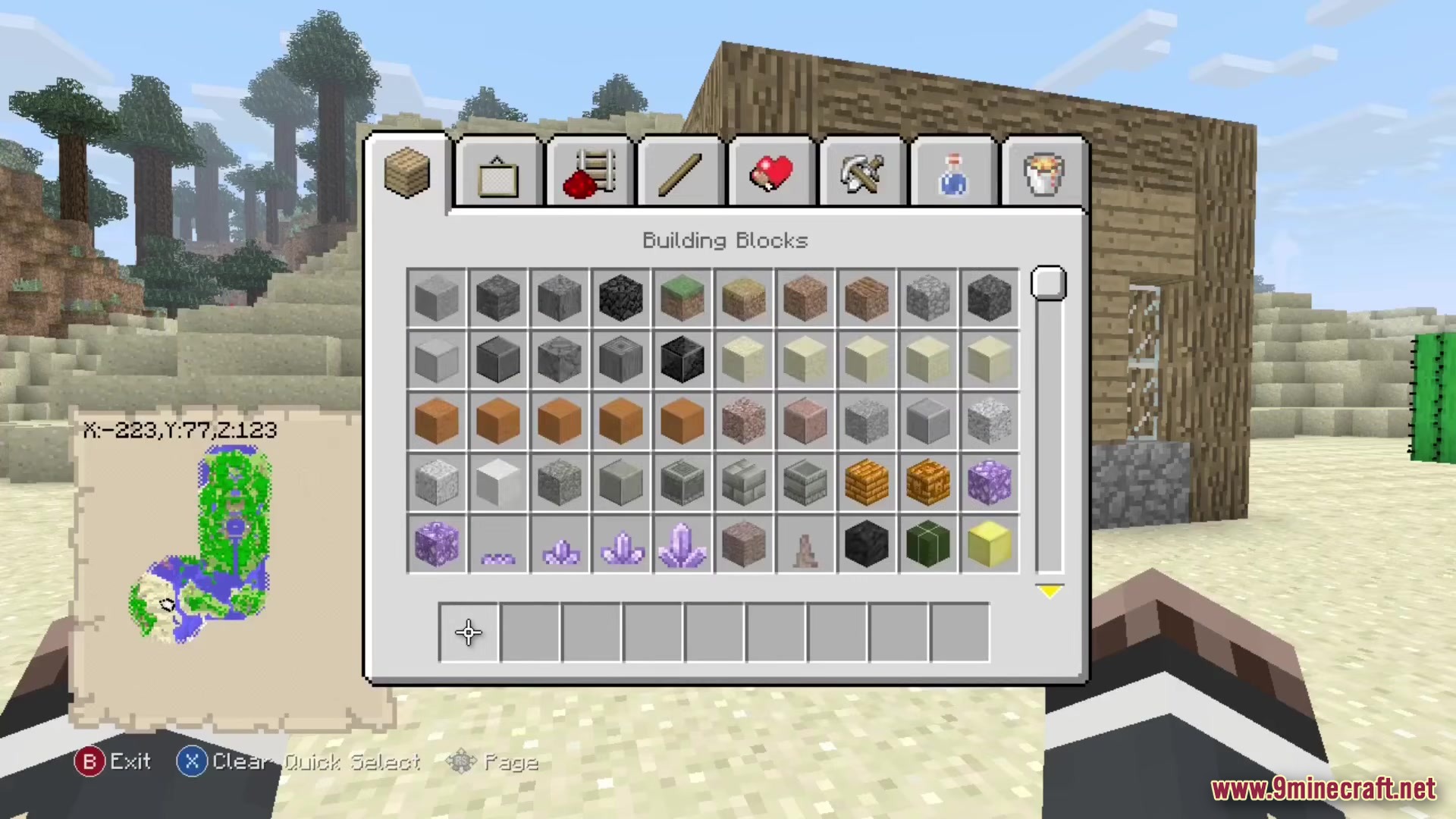
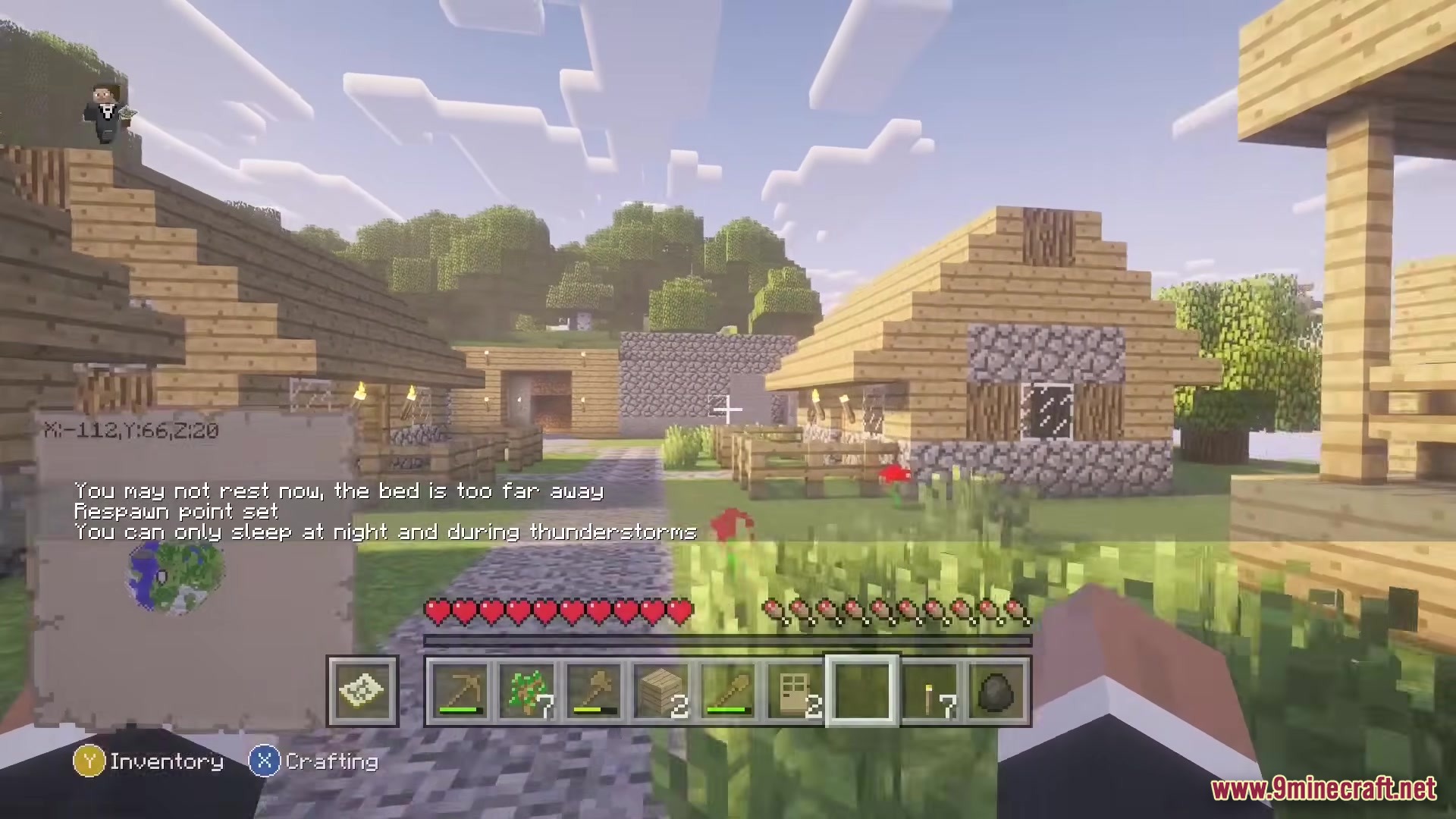
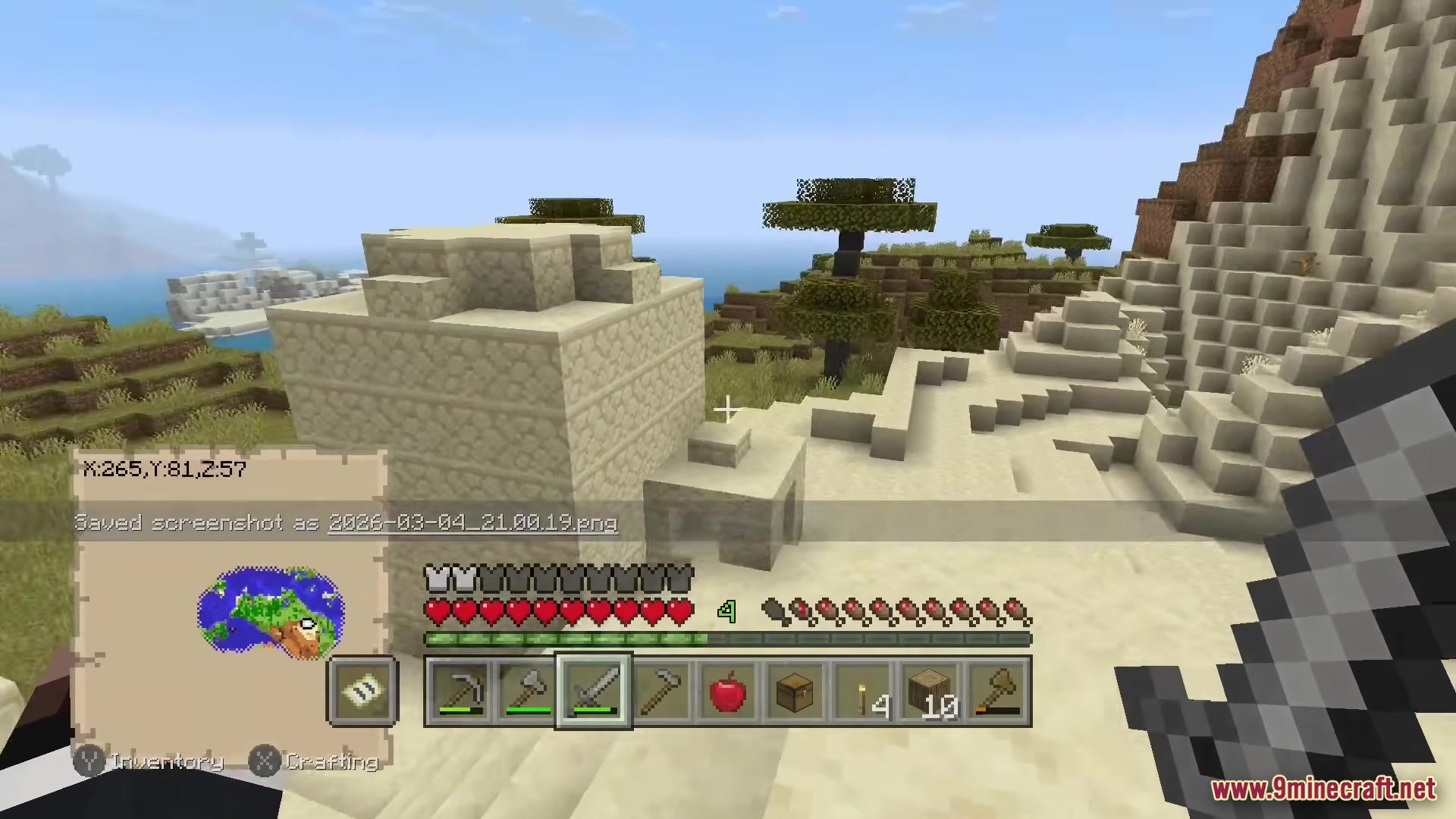
Ang Re-Console Modpack ay ibinabalik ang classic console style sa modernong Minecraft. Idinadagdag nito ang mga lumang menu, crafting screen, at controller support na nakasanayan mo sa mga lumang console. Masisiyahan ka sa classic textures habang nandoon pa rin ang lahat ng bagong blocks at items mula sa mga latest updates ng laro. Kasama rin sa pack na ito ang mga nakakaaliw na mini-games gaya ng Glide at hinahayaan kang maglaro sa limited worlds.
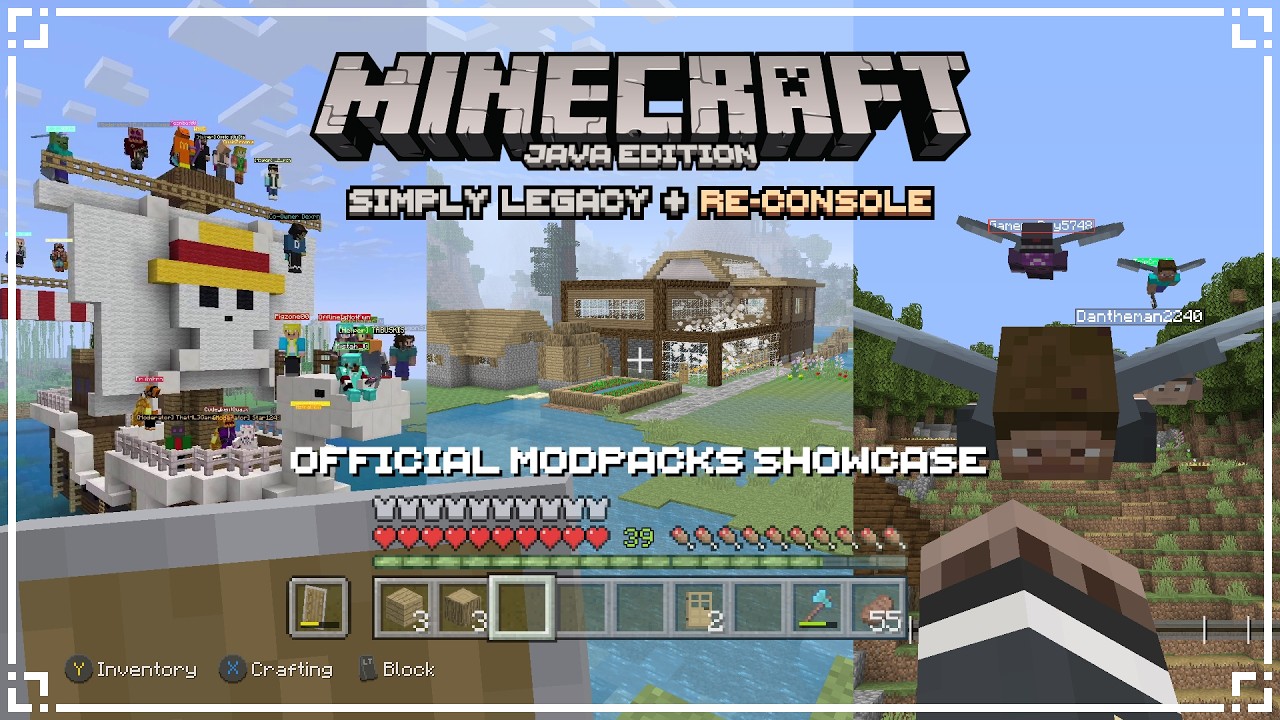
Features:
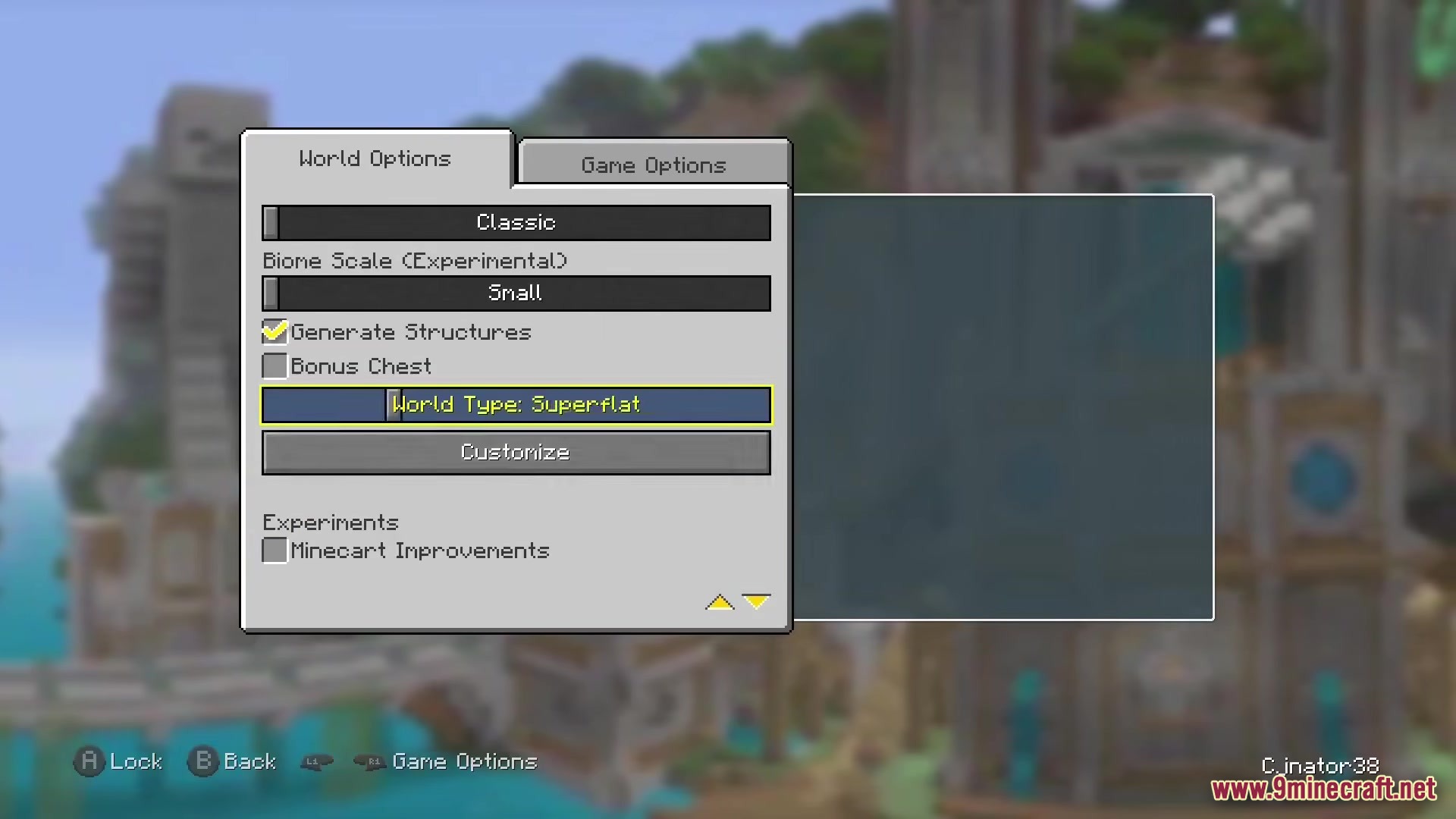
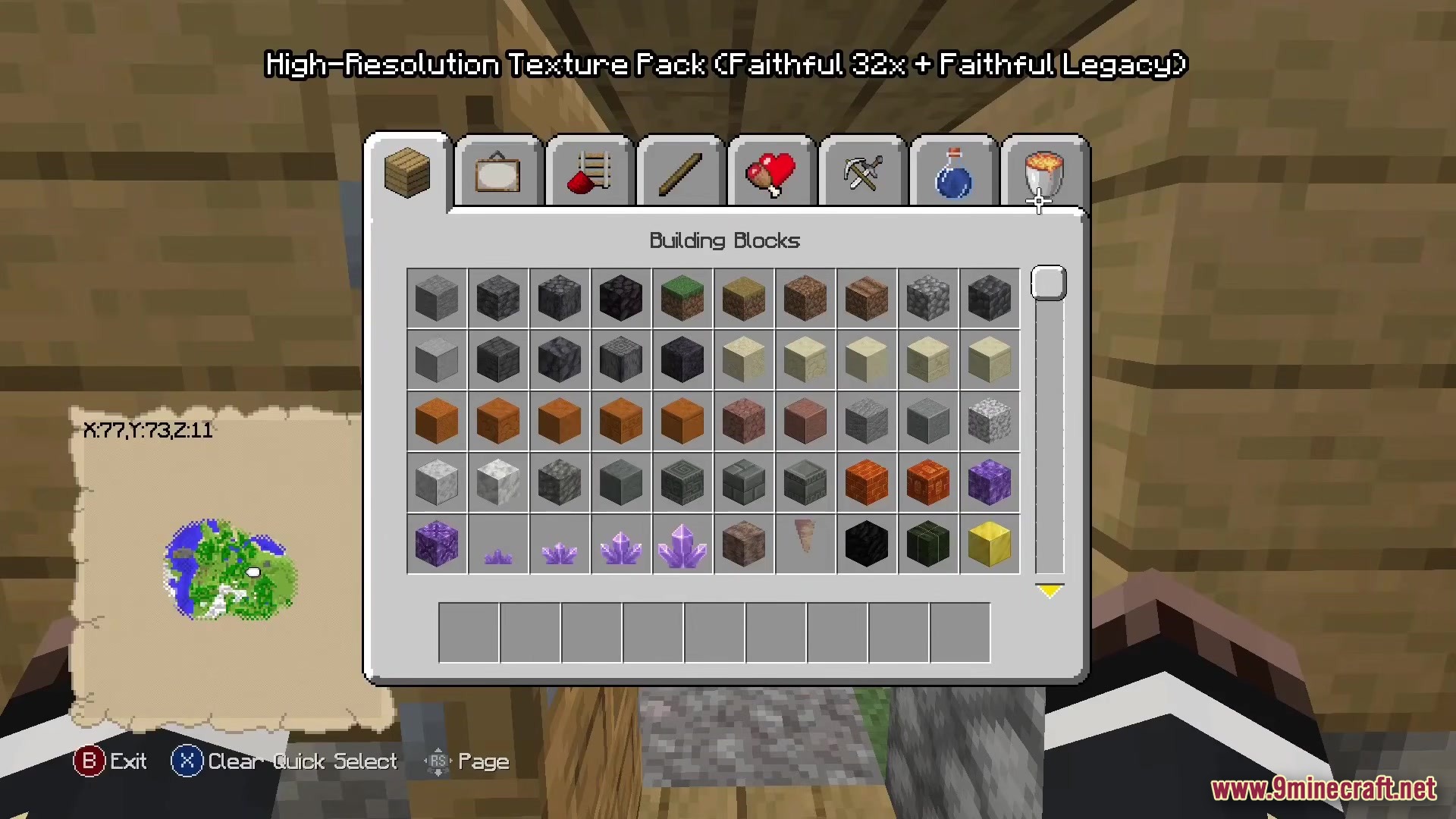
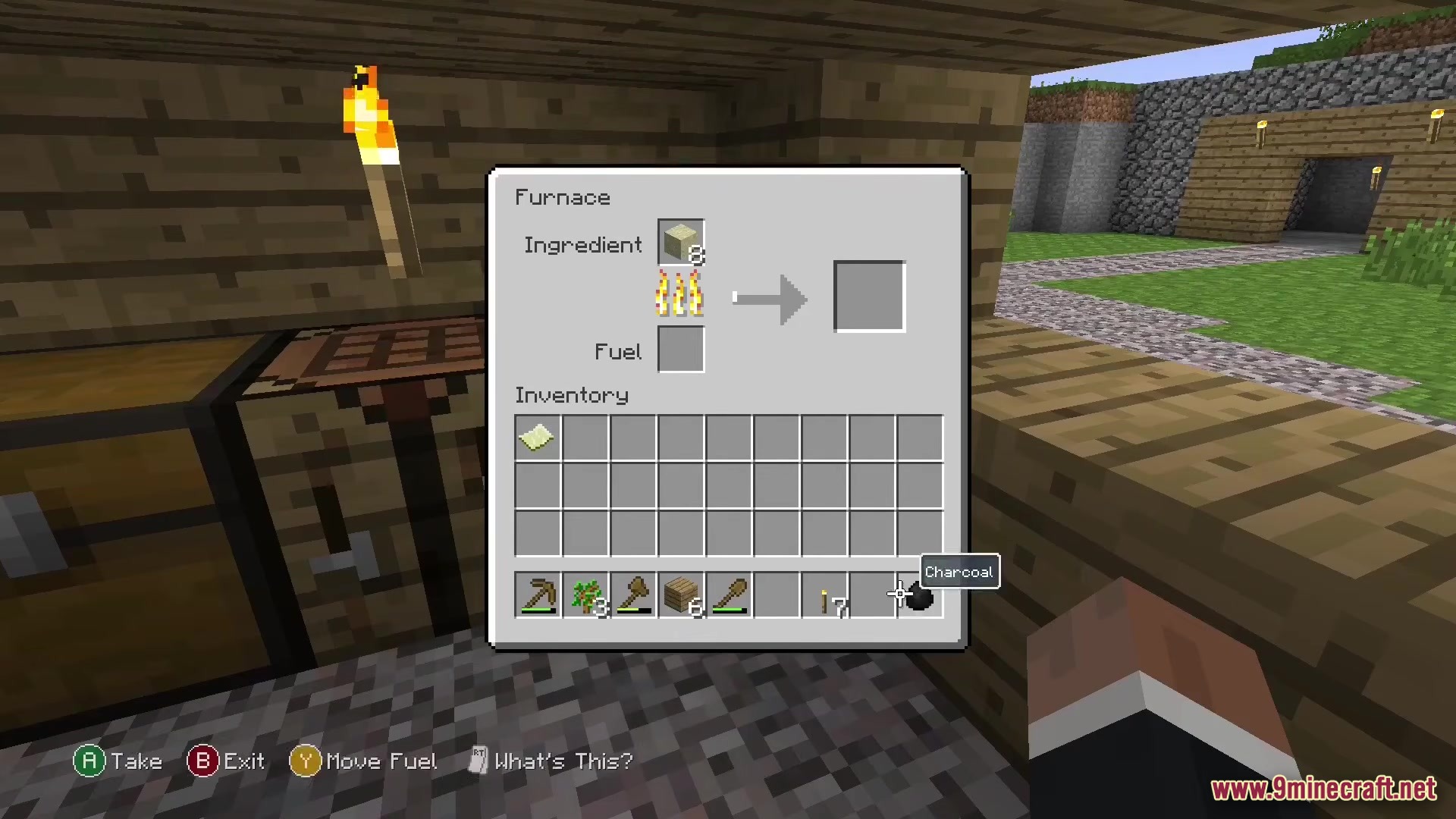
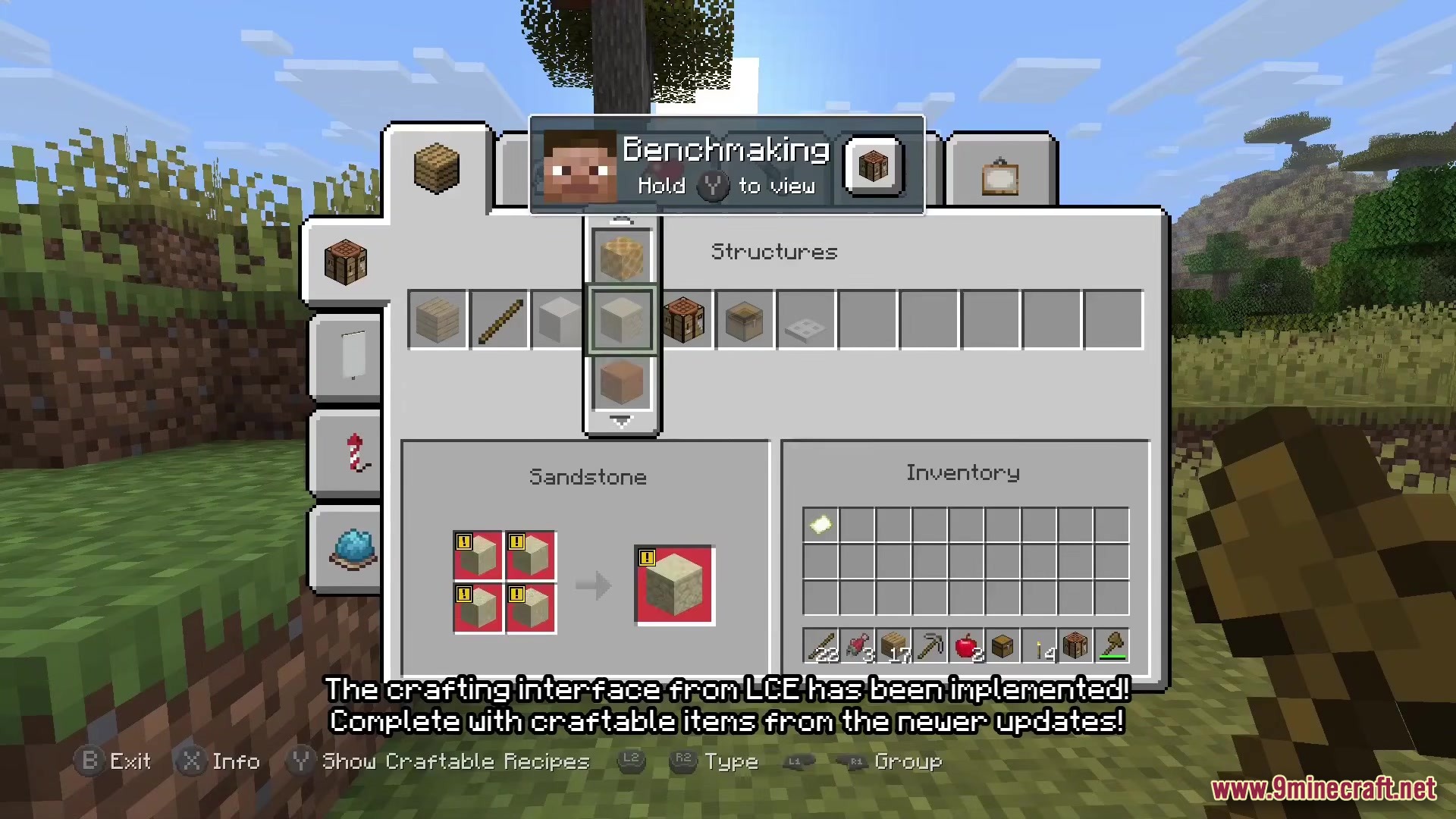
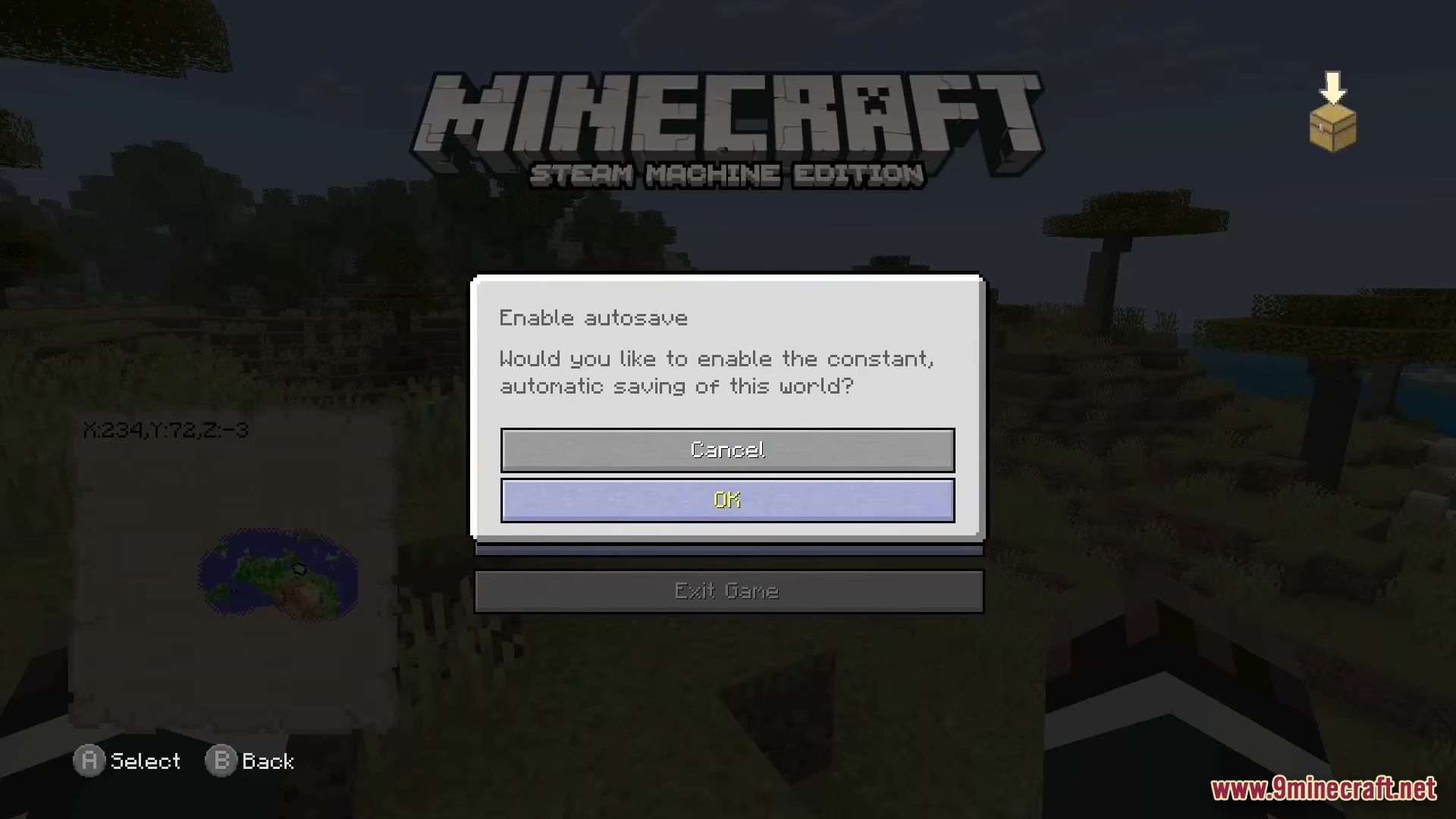
- Classic Menus: Binabago ang crafting screen, settings, at inventory para magmukhang eksaktong gaya ng mga lumang console games.
- Controller Ready: Isaksak lang ang iyong controller at pwedeng-pwede na agad maglaro nang hindi na kailangan ng extra setup.
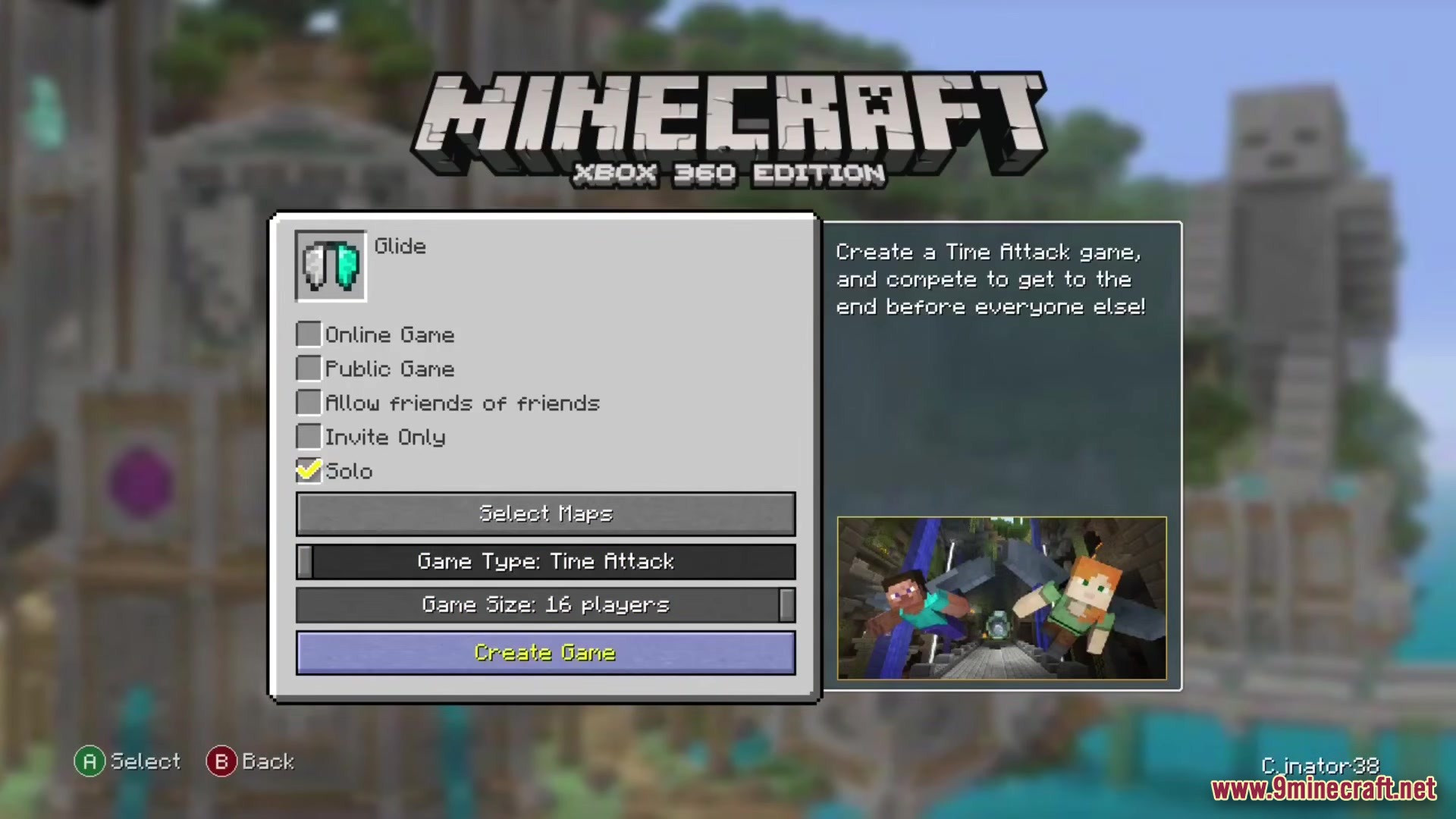
- May kasamang classic mini-games gaya ng Glide at Fistfight para malaro kasama ang tropa.
- Ibinabalik ang mga mash-up worlds at skin packs mula sa panahon ng lumang console.
- May option para sa limited world sizes kung gusto mo ng mas maliit na map na ie-explore.
- Nagbibigay ng mas magandang graphics options gaya ng moving lights, zooming, at magandang damo.
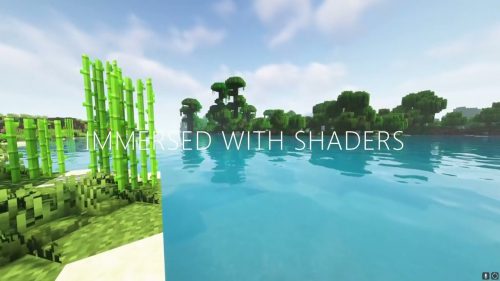
- May kasamang shaders para maging maliwanag at makulay ang iyong mundo.
- Mas mabilis na pag-build gamit ang bedrock-style bridging kung saan pwede kang maglapag ng blocks sa harap mo.
- Madaling mag-host ng worlds para makasali ang mga kaibigan mo online.
Paano Maglaro:
- I-connect ang paborito mong controller bago simulan ang laro.
- Buksan ang world creation menu para pumili sa pagitan ng normal maps o classic limited worlds.
- Gamitin ang shoulder buttons sa iyong controller para mag-navigate sa mga bagong crafting tabs.
- Piliin ang mini-games option mula sa main menu para sumabak sa isang round ng Glide.
Screenshots:
Paano I-install:
Re-Console Modpack Download Links
Para sa Minecraft 26.2
Para sa Minecraft 26.1.2
Para sa Minecraft 1.21.10
Para sa Minecraft 1.21.8
Para sa Minecraft 1.21.5
Para sa Minecraft 1.21.4
Para sa Minecraft 1.21.1
Para sa Minecraft 1.20.1
I-click para i-rate ang post na ito!
[Total: 1 Average: 5]
Baka Magustuhan Mo Rin



Wala pang komento ang post na ito. Maging una — lalabas dito ang iyong komento.