


Title Screen Mobs Mod (1.21.4, 1.20.1) – Hindi na Malungkot ang Main Menu

 0
0 

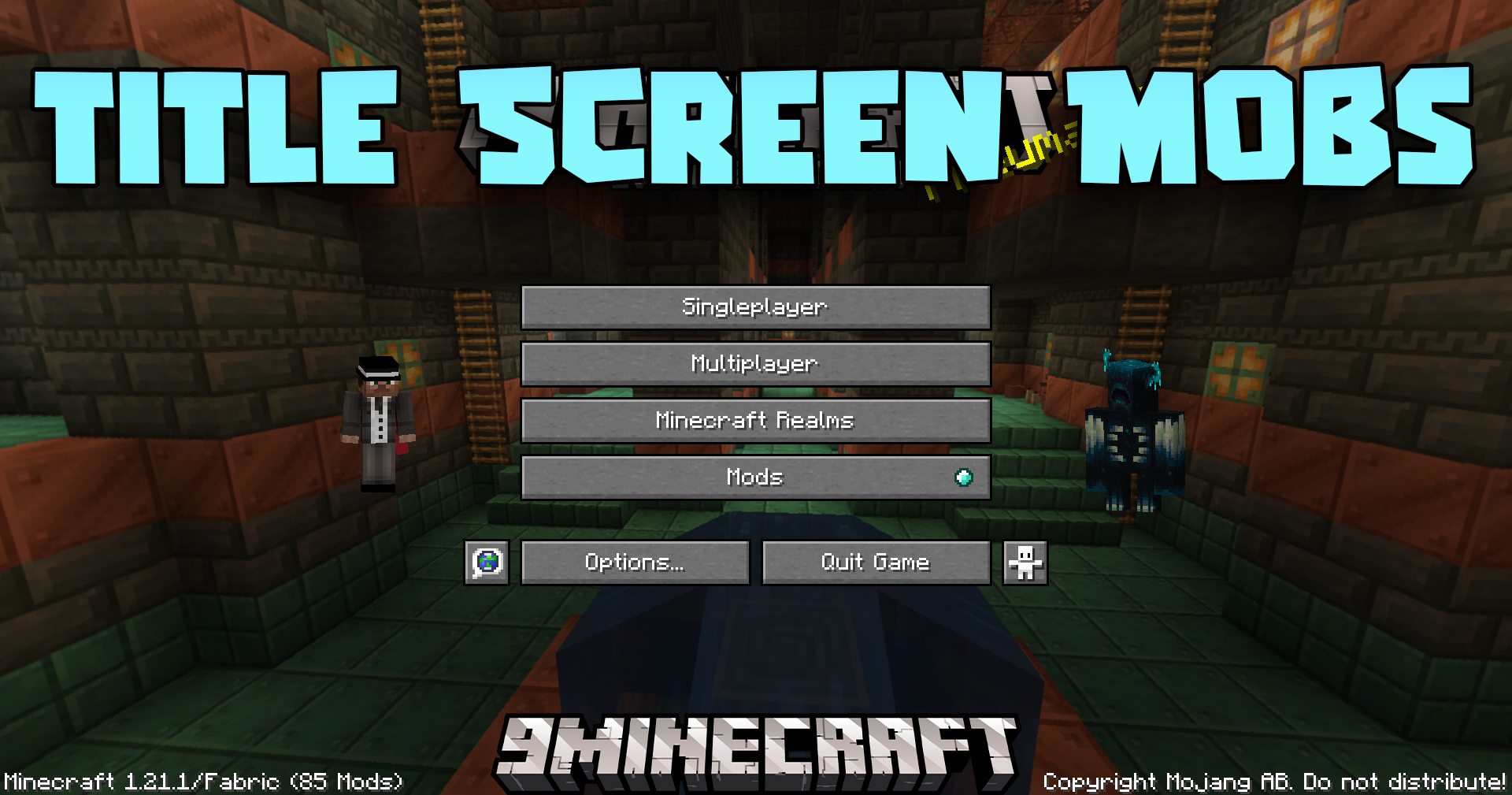
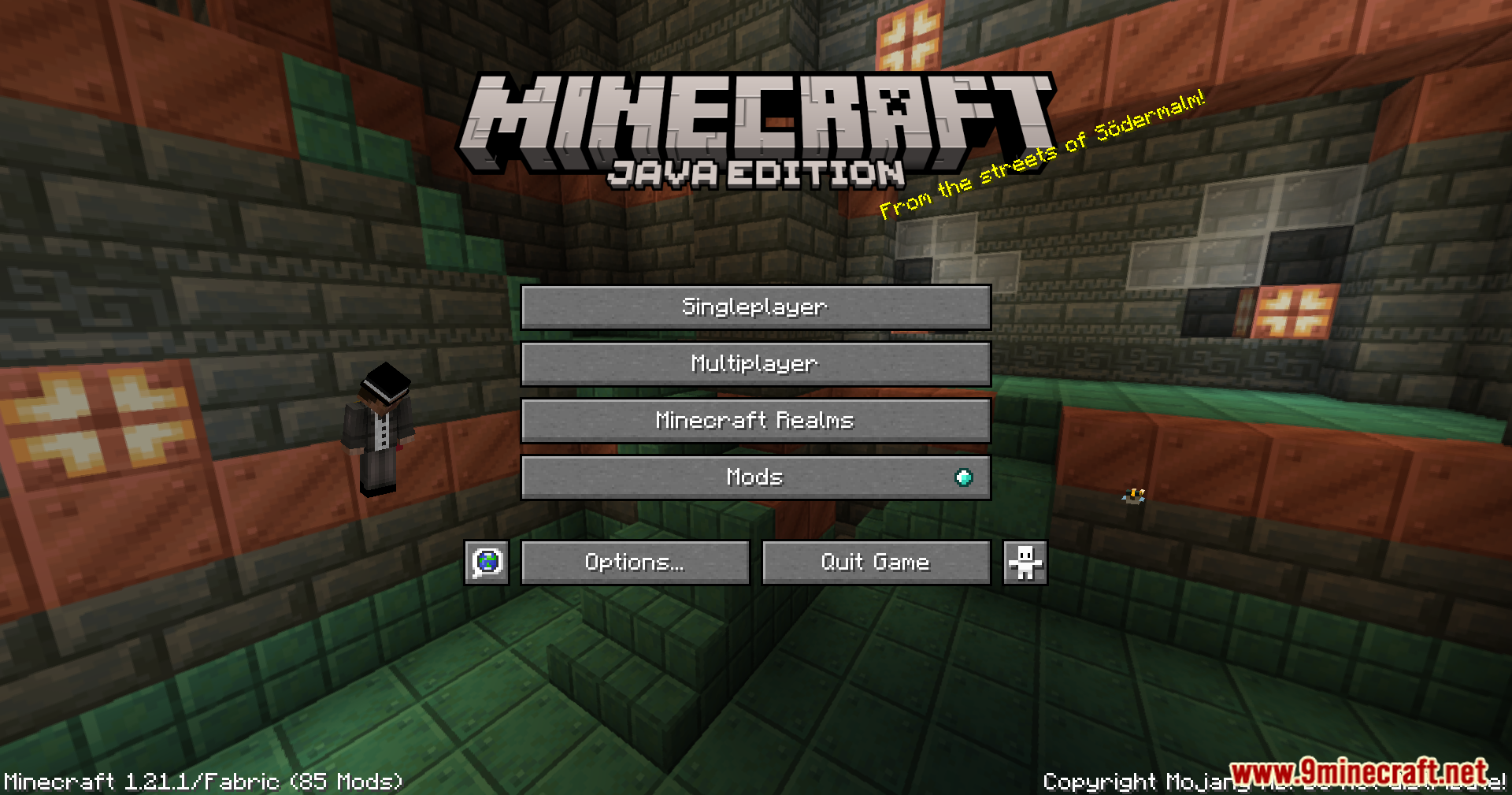
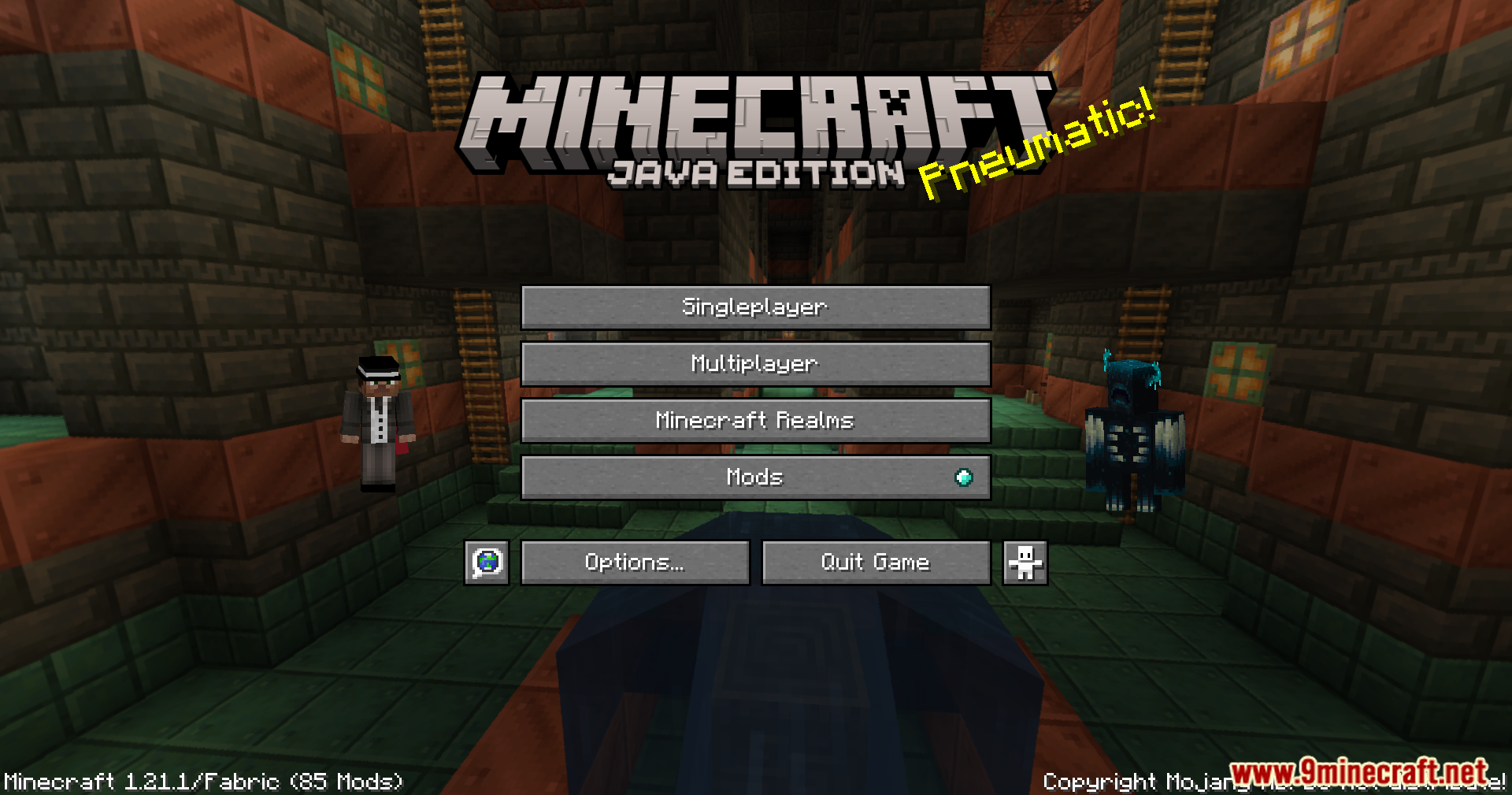
Ang Title Screen Mobs Mod ay nagdadagdag ng mga mobs mismo sa iyong Minecraft title screen. Sa halip na walang lamang background, maaari kang makakita ng Warden, Wither, o kahit parrot bago ka magsimulang maglaro. Ginagawa ng mod na ito na mas interesante ang main menu. Maaari mo ring i-adjust ang settings para piliin kung aling mga mobs ang gusto mong makita.
Features:
- Nagdadagdag ng iba’t ibang mobs mula sa laro sa iyong title screen background.
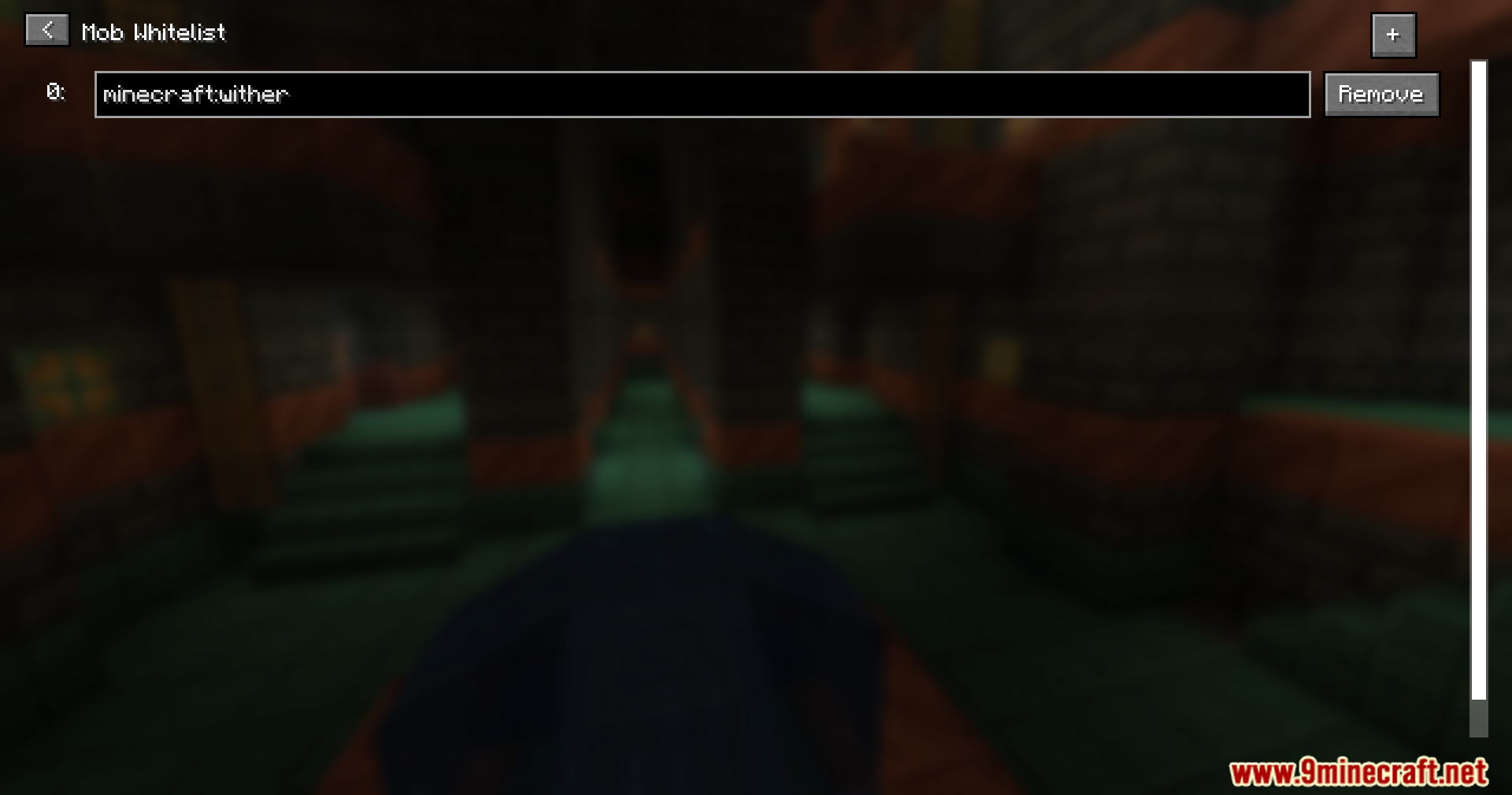
- Pinapayagan kang pumili kung aling mga mobs ang lalabas sa pamamagitan ng paglalagay sa kanila sa isang special list.
- Gumagana sa maraming uri ng mobs, kabilang ang malalaking boss tulad ng Wither at Warden.
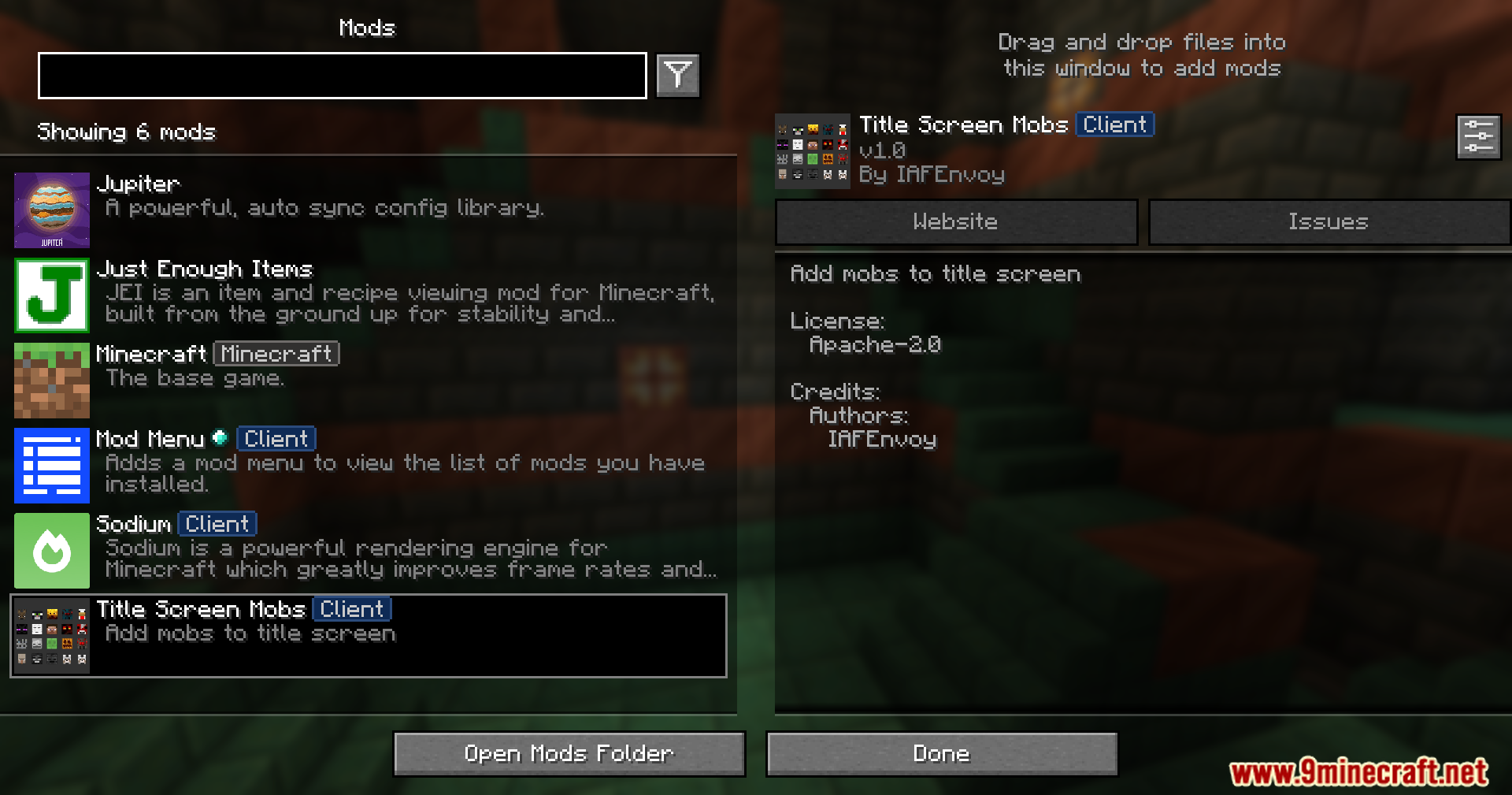
- Lahat ng settings ay pwedeng baguhin sa loob ng laro kung mayroon kang ModMenu na naka-install.
- Nagpapakita ng helpful warning sa screen kung may conflict ito sa ibang mod.
- Ang warning message ay pwedeng i-off sa settings.
Screenshots:




Paano I-install:
Mga Kailangan:

Title Screen Mobs Mod Download Links
Para sa Minecraft 1.21.4
Fabric Version: Download mula sa Server 1 – Download mula sa Server 2
NeoForge Version: Download mula sa Server 1 – Download mula sa Server 2
Para sa Minecraft 1.21.1, 1.21
Fabric Version: Download mula sa Server 1 – Download mula sa Server 2
NeoForge Version: Download mula sa Server 1 – Download mula sa Server 2
Para sa Minecraft 1.20.6
Fabric Version: Download mula sa Server 1 – Download mula sa Server 2
NeoForge Version: Download mula sa Server 1 – Download mula sa Server 2
Para sa Minecraft 1.20.4
Fabric Version: Download mula sa Server 1 – Download mula sa Server 2
NeoForge Version: Download mula sa Server 1 – Download mula sa Server 2
Para sa Minecraft 1.20.1, 1.20
Forge/NeoForge Version: Download mula sa Server 1 – Download mula sa Server 2
Fabric Version: Download mula sa Server 1 – Download mula sa Server 2
Para sa Minecraft 1.19.4
Forge Version: Download mula sa Server 1 – Download mula sa Server 2
Fabric Version: Download mula sa Server 1 – Download mula sa Server 2
Para sa Minecraft 1.19.2
Forge Version: Download mula sa Server 1 – Download mula sa Server 2
Fabric Version: Download mula sa Server 1 – Download mula sa Server 2
Baka Magustuhan Mo Rin


Wala pang komento ang post na ito. Maging una — lalabas dito ang iyong komento.