


First Join Message Mod (26.2, 1.20.1) – Custom Welcome Messages

 0
0 

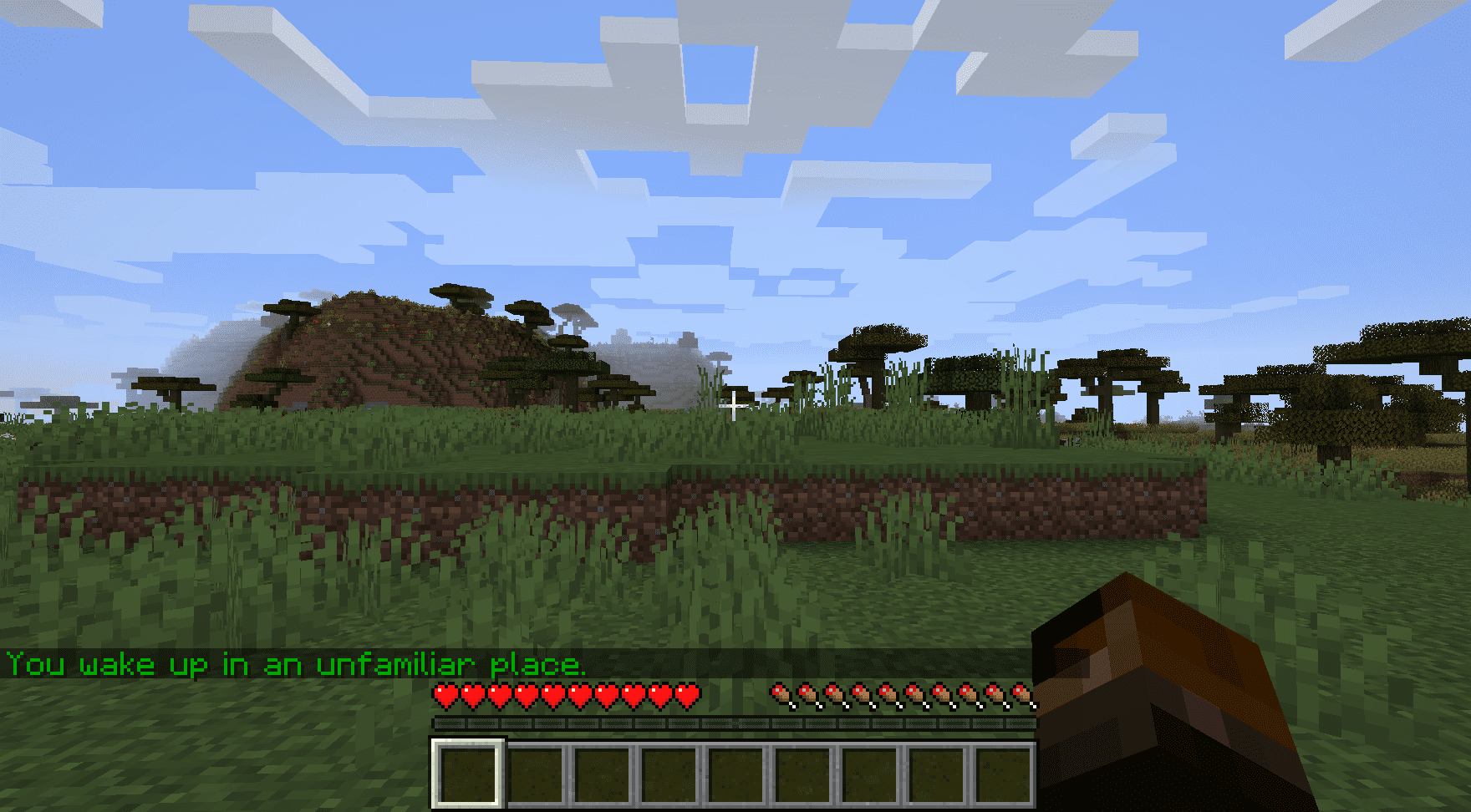
First Join Message Mod sends a personalized message to players when they join a world for the first time. This can be used to create an immersive introduction or provide important information like server rules. Optionally broadcasts a message to all players on the server when a new player joins.

Features:
- First-time player message: Displays a defined message when a new player joins.
- Broadcast option: Allows sending a server-wide message whenever a new player enters the world.
- Customizable formatting: Messages and colour indexes can be configured through the mod’s settings.
Configs:
- firstJoinMessage
- Default:
"You wake up in an unfamiliar place." - Description: Message sent to players when they join a world for the first time.
- How to configure: Set any custom message. Leave empty to disable.
- Notes: Use
%sto insert the player’s name.
- Default:
- firstJoinMessageTextFormattingColourIndex
- Default:
2 - Range:
0-15 - Description: Colour index applied to the first join message.
- Default:
- serverBroadcastMessage
- Default:
"" - Description: Optional broadcast message sent to all players when someone joins for the first time.
- How to configure: Set any custom message. Leave empty to disable.
- Notes: Use
%sto insert the player’s name.
- Default:
- serverBroadcastMessageTextFormattingColourIndex
- Default:
3 - Range:
0-15 - Description: Colour index applied to the broadcast message.
- Default:
Available TextFormatting.Colour Values
0: black1: dark_blue2: dark_green3: dark_aqua4: dark_red5: dark_purple6: gold7: gray8: dark_gray9: blue10: green11: aqua12: red13: light_purple14: yellow15: white
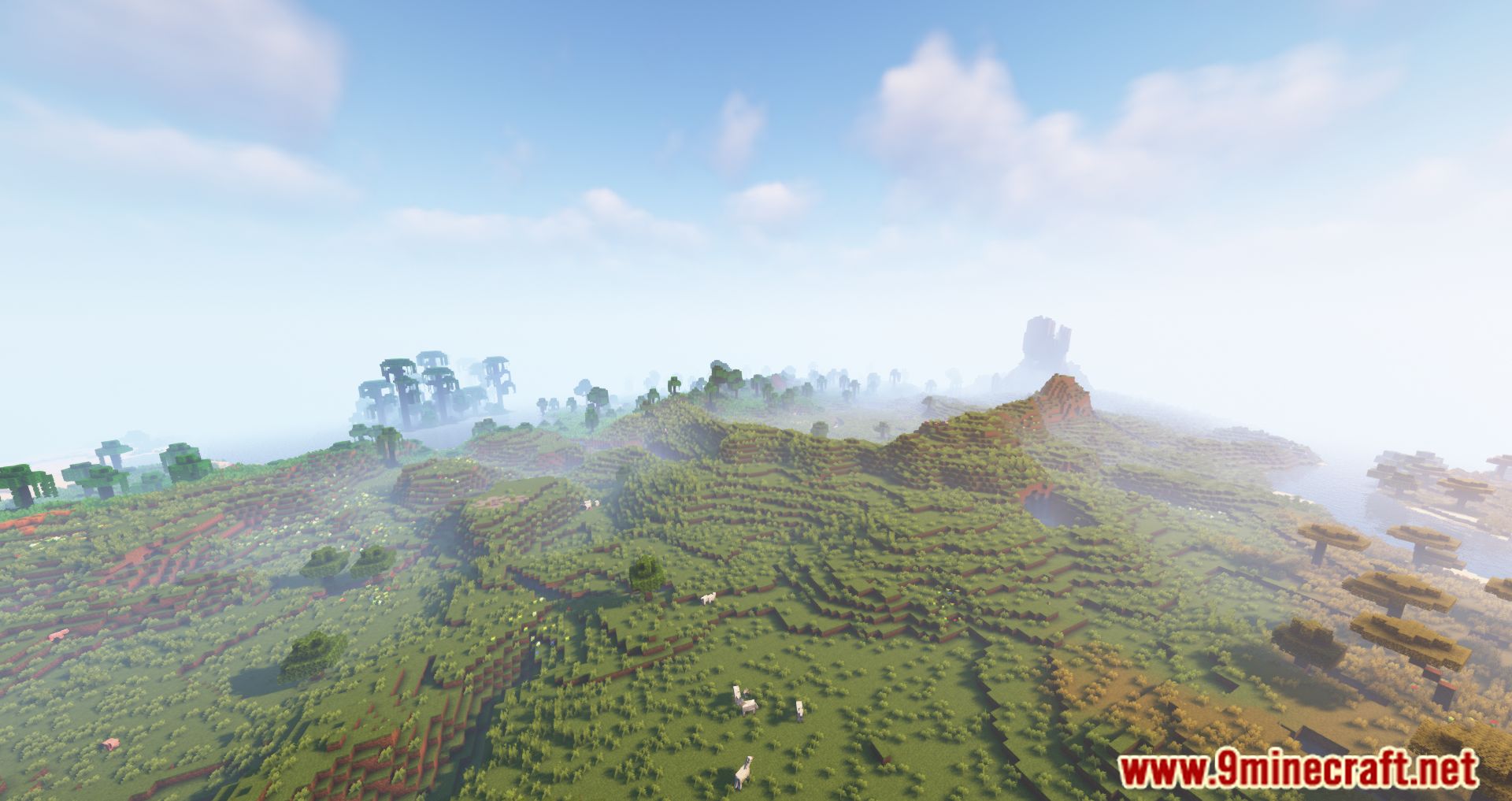
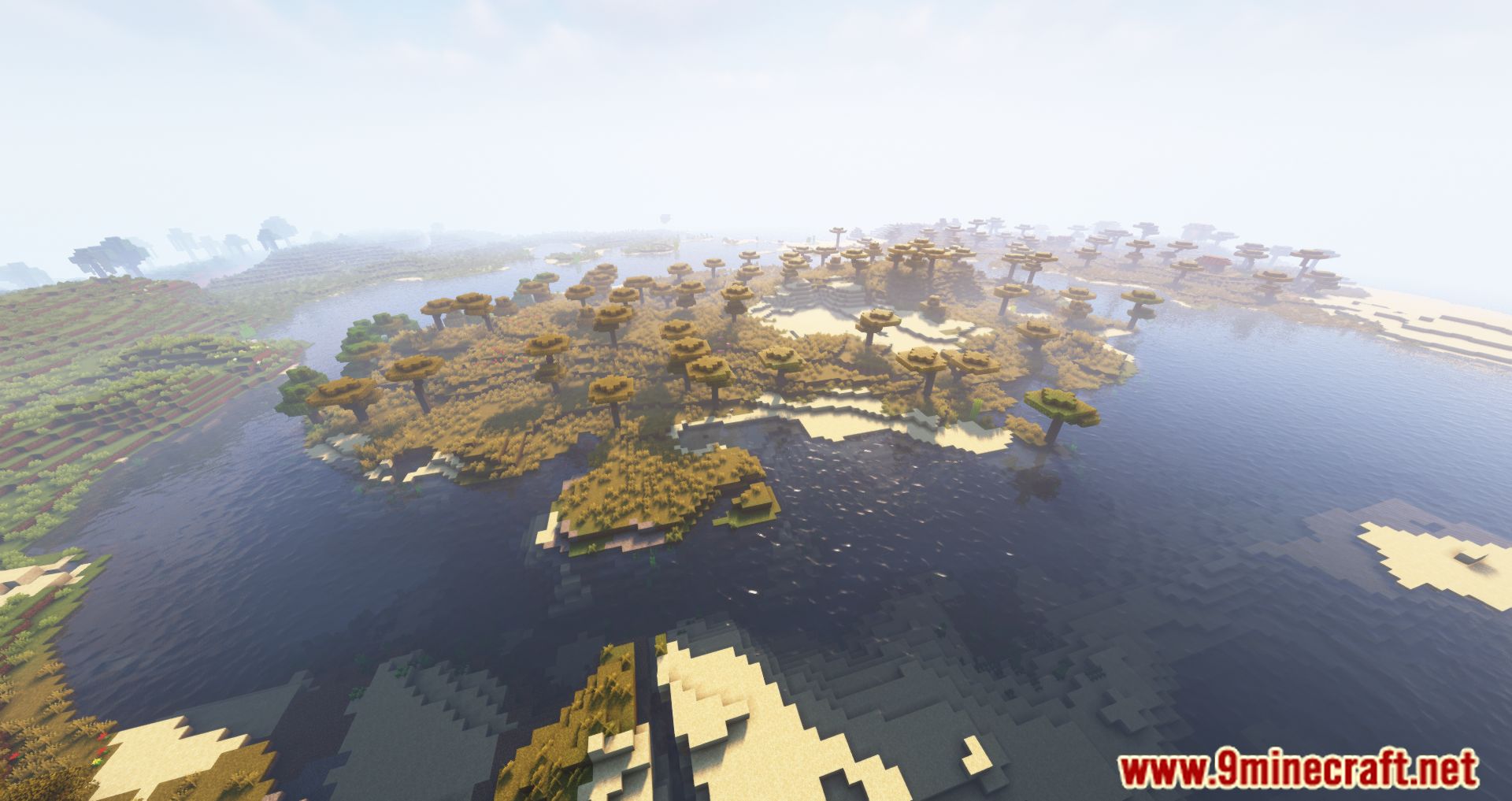
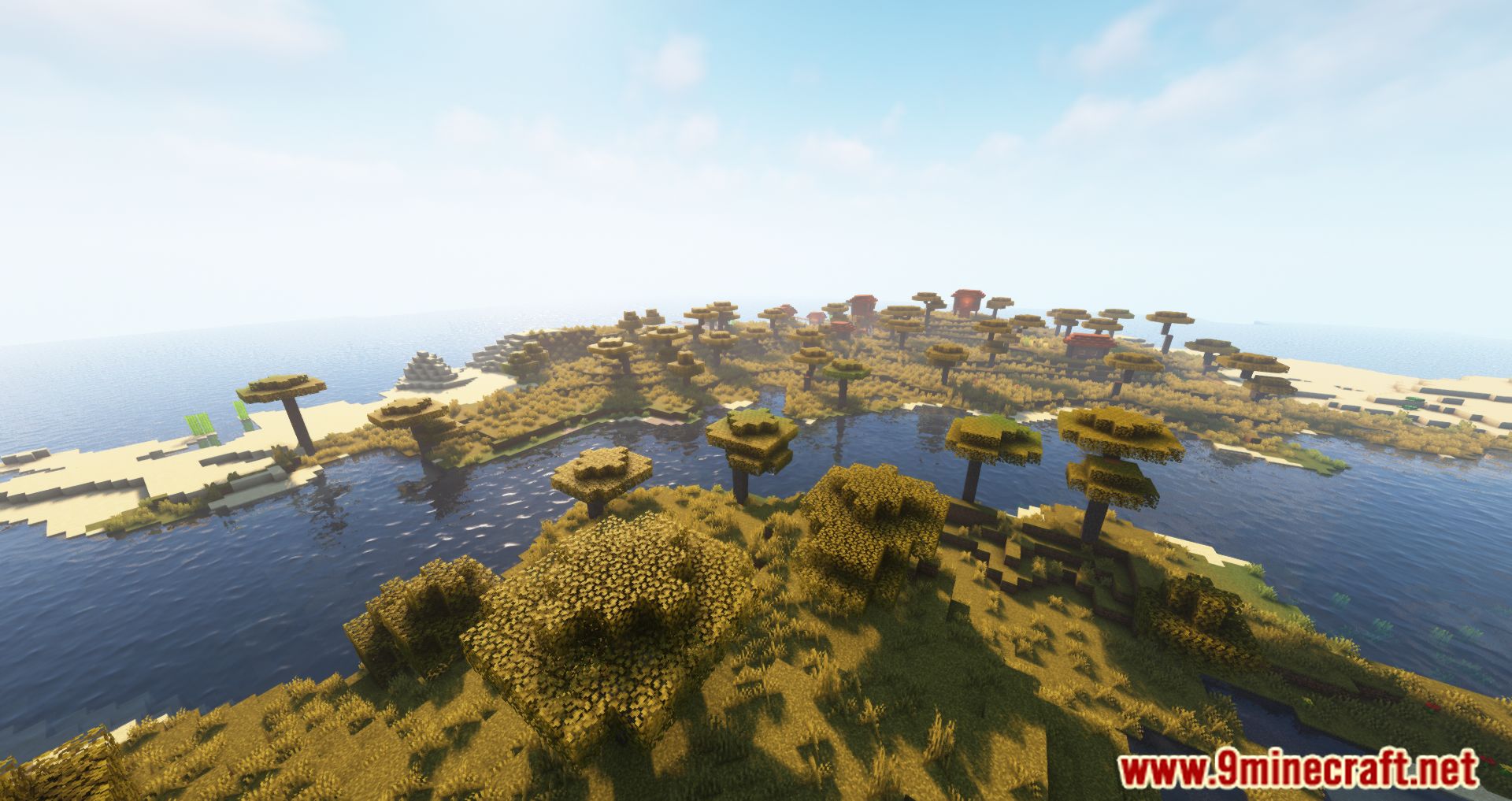
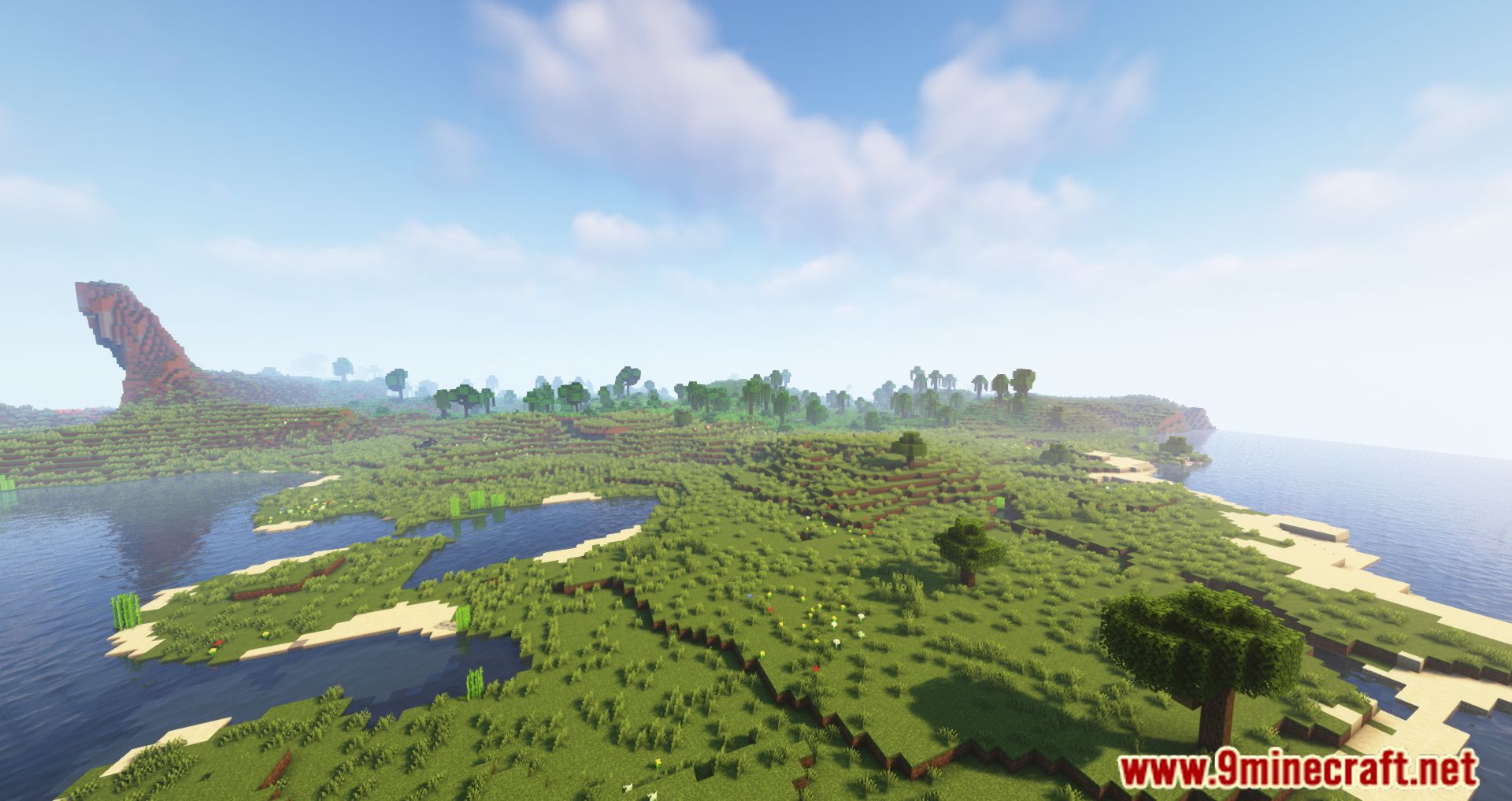
Screenshots:
How to Install:
New to Minecraft? Follow our step-by-step guide to install Mods on your PC.View Guide
Requirements:




First Join Message Mod Download Links
For Minecraft 26.2
For Minecraft 26.1.2, 26.1.1, 26.1
For Minecraft
1.21.11,
1.21.5,
1.21.4
All Versions Covered
1.21.11
1.21.5
1.21.4
1.21.1
1.21
All Versions Covered
1.21.11
1.21.5
1.21.4
1.21.1
1.21
For Minecraft 1.21.10, 1.21.9
For Minecraft 1.21.8, 1.21.7, 1.21.6
For Minecraft 1.21.5
For Minecraft 1.21.4
For Minecraft 1.21.3, 1.21.2
For Minecraft 1.20.6
For Minecraft 1.20.4
For Minecraft 1.20.2
For Minecraft 1.20.1, 1.20
For Minecraft 1.19.4
For Minecraft 1.19.3
For Minecraft 1.19.2
For Minecraft 1.19.1
For Minecraft 1.19
For Minecraft 1.18.2
For Minecraft 1.18.1
For Minecraft 1.17.1
For Minecraft 1.16.5
For Minecraft 1.15.2
For Minecraft 1.14.4
For Minecraft 1.12.2
Click to rate this post!
[Total: 0 Average: 0]
You May Also Like

This post has no comments yet. Be the first — your comment will appear here.