


Flying Car Schematic (1.21.x) – High Speed Sci-Fi Vehicle for Create Mod

 0
0 

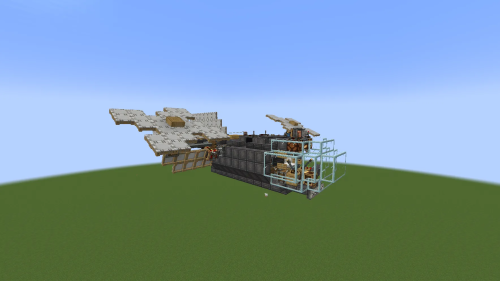
Flying Car Schematic brings a fast vehicle to your world that can both drive and fly. This build uses a special propeller on its underside to stay stable on the ground or lift off into the sky. It runs on liquid fuels like diesel or plant oil and can reach speeds up to 120 blocks per second with its back thrusters. You can switch between driving on land and hovering in the air with a simple button press.

3D Preview:
Features:
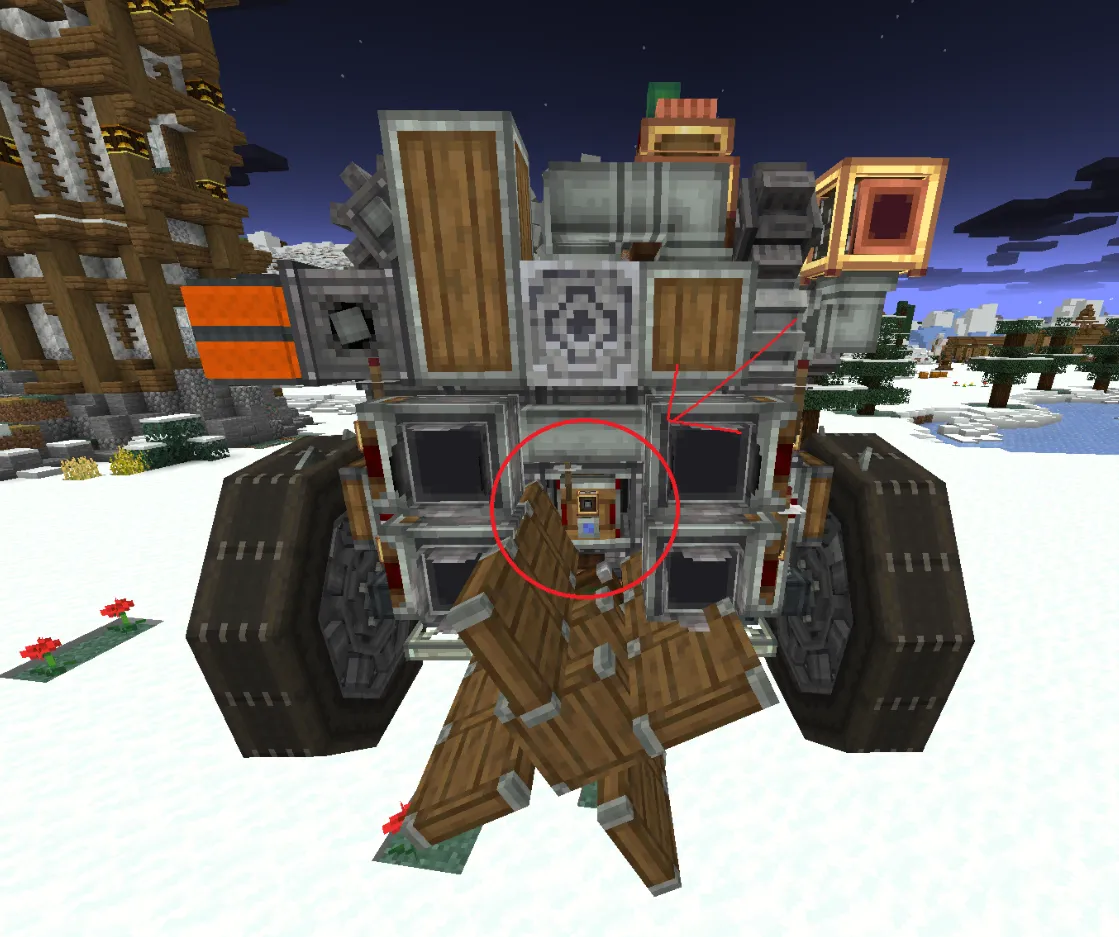
- Uses a bottom propeller to provide downforce for stability or lift for flight.
- Runs on five diesel engines that work with fuels like biodiesel and plant oil.
- Reaches a top speed of 120 blocks per second when using the four rear thrusters.
- Switches between land car mode and hover mode with a single key press.
- Includes a redstone link system to manage reverse movements and flight controls.
- Fits into a small space of 12x8x16 blocks while using 271 total blocks.
Schematic Specs:


 Top Blocks Used
Industrial Iron Gearbox 40Spruce Sail 26Redstone Link 26Copycat Wing 24Shaft 22
How to Use:
- Load and place the build using the Create mod schematic tools.
- Enter spectator mode to fix the gearboxes if they do not connect correctly after placement.
- Set a redstone link to the “reverse” frequency on the back propeller.
- Press W to move forward and S to go backward.
- Press A or D to turn the vehicle left or right.
- Press X to toggle between car mode and hover mode.
- Hold Space bar to use the thrusters for a speed boost.
- Use the Up arrow and Down arrow keys to change the lift or downforce.
Screenshots:


Requirements:
 Create Mod Required
dndesires Required
dndecor Required
gyro Required
aeroclaims Required

createpropulsion Required
copycats Required
createdieselgenerators Required
aeronautics Required
vsfluidlink Required
createcasing Required
Create Things And Misc Required
simulated Required
offroad Required
Flying Car Schematic Download Links
For Minecraft 1.21.x
Click to rate this post!
[Total: 0 Average: 0]
You May Also Like













This post has no comments yet. Be the first — your comment will appear here.