
GraveStones (26+, 1.21) – Find Loot with Death Keys
 64
 0

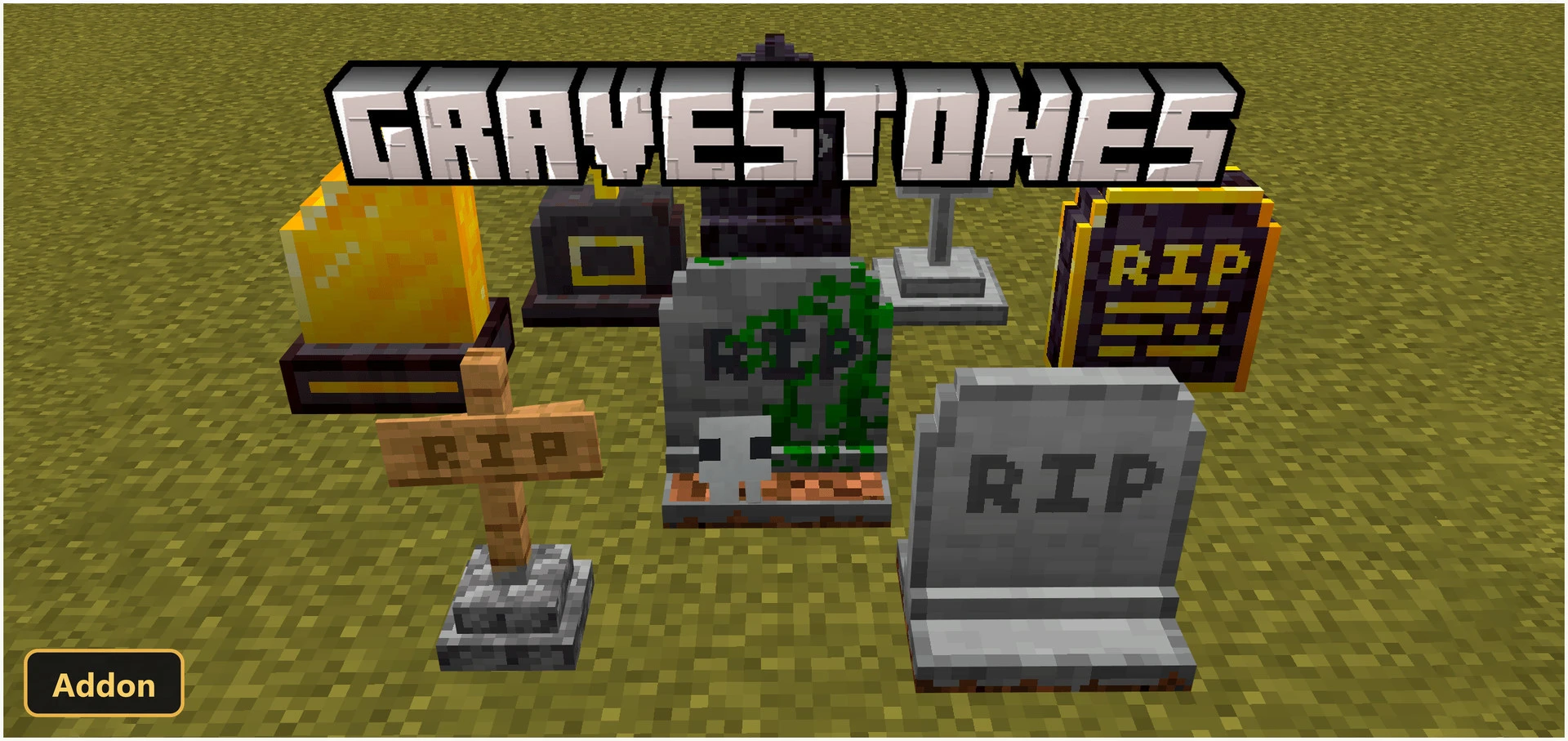
GraveStones keeps your items safe in a gravestone whenever you die so you never lose your loot. This addon gives you a unique key that shows the coordinates and block distance back to your grave. It includes 8 different gravestone styles that change with your XP level. Only the owner can open a grave to collect the items, while admins can unlock any grave. This addon requires KeepInventory in your world settings to work properly.
Requirements:
- MCPE/Bedrock 1.21.60 – 26.0
all 5 versions
26.0, 1.21.130, 1.21.100, 1.21.90, 1.21.60
- Turn on Experimental Features — this addon uses scripting APIs
Features:
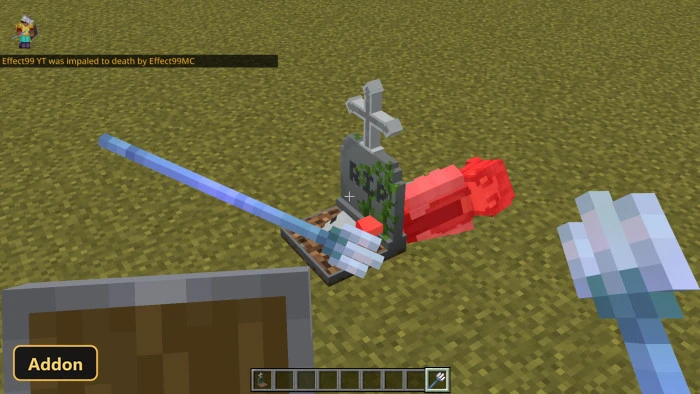
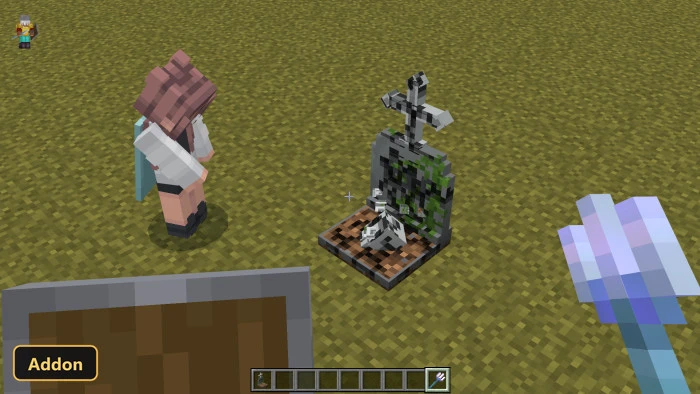
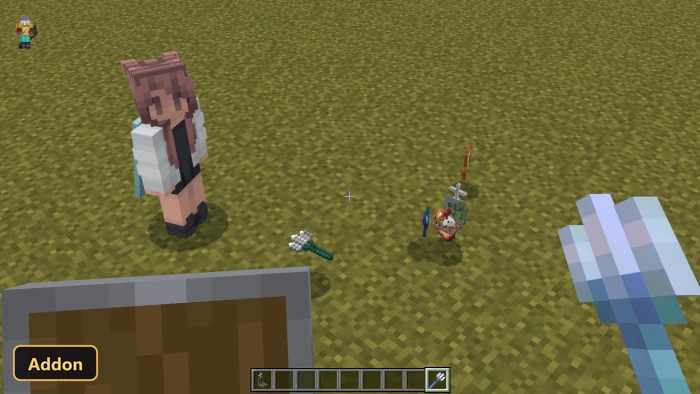
- Spawns a gravestone at your death spot to store your entire inventory safely.
- Gives you a unique key when you die that shows the coordinates and distance in blocks to your grave while you hold it, and each key only works with its matching gravestone.
- Protects your loot by letting only the grave owner open it, even if another player has the right key.
- Lets you craft a new key if you lose the original one.
- Includes 8 different gravestone designs that appear based on your XP level when you die, with some inspired by Terraria.
- Places your gravestone at height 1 with extra blocks if you fall into the void in the End dimension, making it easier to reach your items.
- Spawns your gravestone next to another player’s grave if you both die in the same spot.
- Lets admins open any gravestone using an admin key or the
admintag. - Requires KeepInventory enabled in your world settings so the addon works properly.
How to Use:
- Turn on KeepInventory in your world settings before you start playing so the addon works properly.
- Hold your death key in your hand after you die to see the coordinates and distance in blocks to your grave.
- Follow the key information to travel back to the spot where you died.
- Interact with the gravestone while holding the key in your hand to get your entire inventory back.
- Craft a replacement key if you lose the original one so you can still open your gravestone.
- Use an admin key or the
admintag if you are an admin and need to open another player’s grave.
Screenshots:
For MCPE/Bedrock 26+
Click to rate this post!
[Total: 1 Average: 5]
You May Also Like
Picked for this page
 Ben 10 Omni NR Addon (26.45+) – MCPE/Bedrock
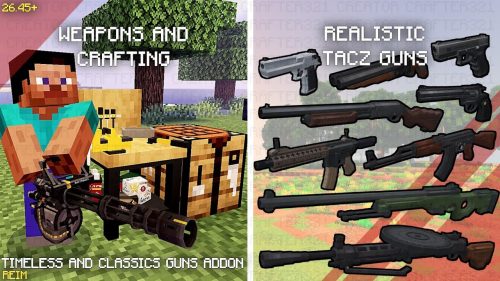 REIMS TACZ Timeless and Classics Guns Addon (26.45+) – MCPE/Bedrock
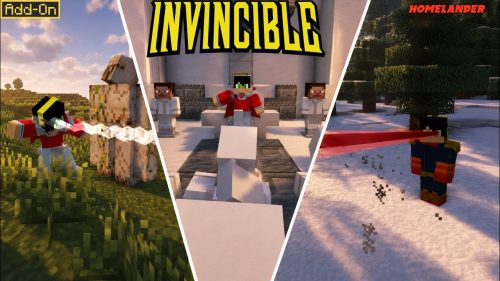 Private: Viltrumite Addon (1.26+) – MCPE/Bedrock
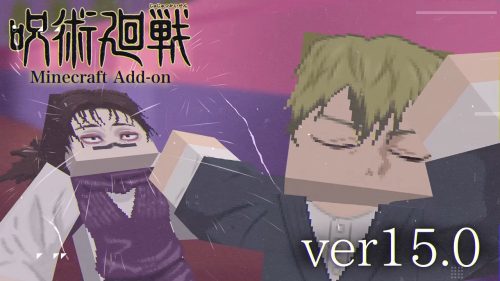 Jujutsu Kaisen Addon – Projection Sorcery (26.45+) – MCPE/Bedrock
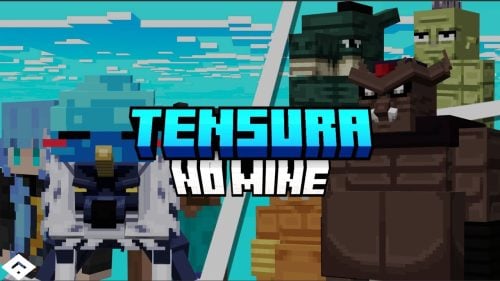 Tensura No Mine Addon (26.45+) – MCPE/Bedrock
 Students Archive Addon (26.13+) – MCPE/Bedrock
 Hunter X Craft Addon (26.13+) – MCPE/Bedrock
 Kamen Rider OOO Addon (26.45+) – MCPE/Bedrock
 Akiohh’s Combat Equipment (1.26+) – MCPE/Bedrock
 Regular Weapons Addon (1.26+) – MCPE/Bedrock
 Rise of The Wyverns (26+, 1.21) – MCPE/Bedrock Addon
 Poke’s Fantasy Expansion (26+) – MCPE/Bedrock Addon
Most viewed in Mods & Addons over the last 7 days
 Mob Girls Addon (1.26+, 1.21) – MCPE/Bedrock Mod
 Secrets of Berk Addon (26.33+) – How To Train Your Dragon Mod MCPE/Bedrock
 Jenny Colette Version Addon (26.x, 1.21) – MCPE/Bedrock Mod
 Jujutsu Awakening Addon (1.26+, 1.21+) – Prison Realm Update
 New Jujutsu Awakening Addon (1.26+) – MCPE/Bedrock
 Jenny Add-on (Fapcraft) APK MCPE Full Guide – How to use, Tutorial
 Shadow Company Addon (26.x, 1.21) – MCPE/Bedrock Mod
 Asa’s One Piece Addon (1.26+, 26.32) – MCPE/Bedrock Mod
 Titan Craft Addon (1.26+, 1.21) – MCPE/Bedrock Attack on Titan Mod
 Fapcraft Addon (1.26, 1.21) – MCPE/Bedrock Jenny Mod
 Raxiores of Raxiore Addon (1.26+) – MCPE/Bedrock
 Naruto Jedy Addon V8 (26.30+, 1.18+) for MCPE/Bedrock Edition
More from Mods & Addons
 Guard Villagers (26+) – MCPE/Bedrock Addon
 Gamemode Switcher (26+, 1.21) – MCPE/Bedrock Addon
 PvP HUD (26+, 1.21) – MCPE/Bedrock Addon
 Swagcasters Vehicles and Machines (26+, 1.21) – MCPE/Bedrock Addon
 Bebe Player (26+, 1.21) – MCPE/Bedrock Addon
 Stranger Things by MeBesm (26+, 1.21) – MCPE/Bedrock Addon
 Luncheon Meat ‘s Delight (26+) – MCPE/Bedrock Addon
 Player Graves (26+, 1.21) – MCPE/Bedrock Addon
 Yet Another Tree Capitator (26+, 1.21) – MCPE/Bedrock Addon
 Tempered in Flame (26+) – MCPE/Bedrock Addon
 XenoCraft the Return (26+) – MCPE/Bedrock Addon
 Backrooms Dimension (26+) – MCPE/Bedrock Addon

This post has no comments yet. Be the first — your comment will appear here.