


Accessories Compatibility Layer Mod (1.21.1, 1.21) – अपने सभी Accessory Mods एक साथ चलाएं

 0
0 

🌐 आप यह लेख हिन्दी में पढ़ रहे हैं। क्या बदलना चाहेंगे?
📖 अंग्रेज़ी मूल में पढ़ेंया अपनी पसंद की भाषा चुनें:
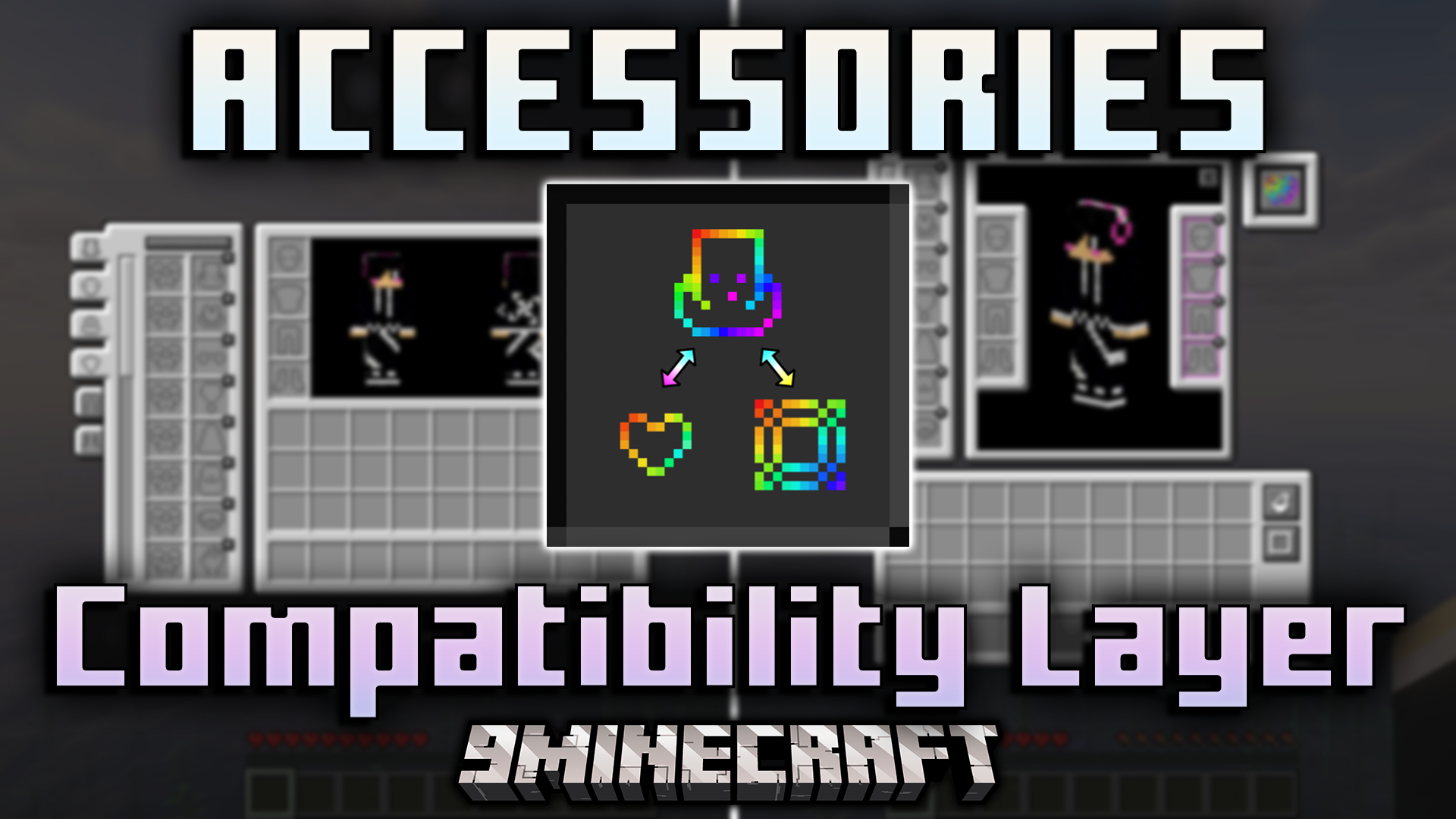
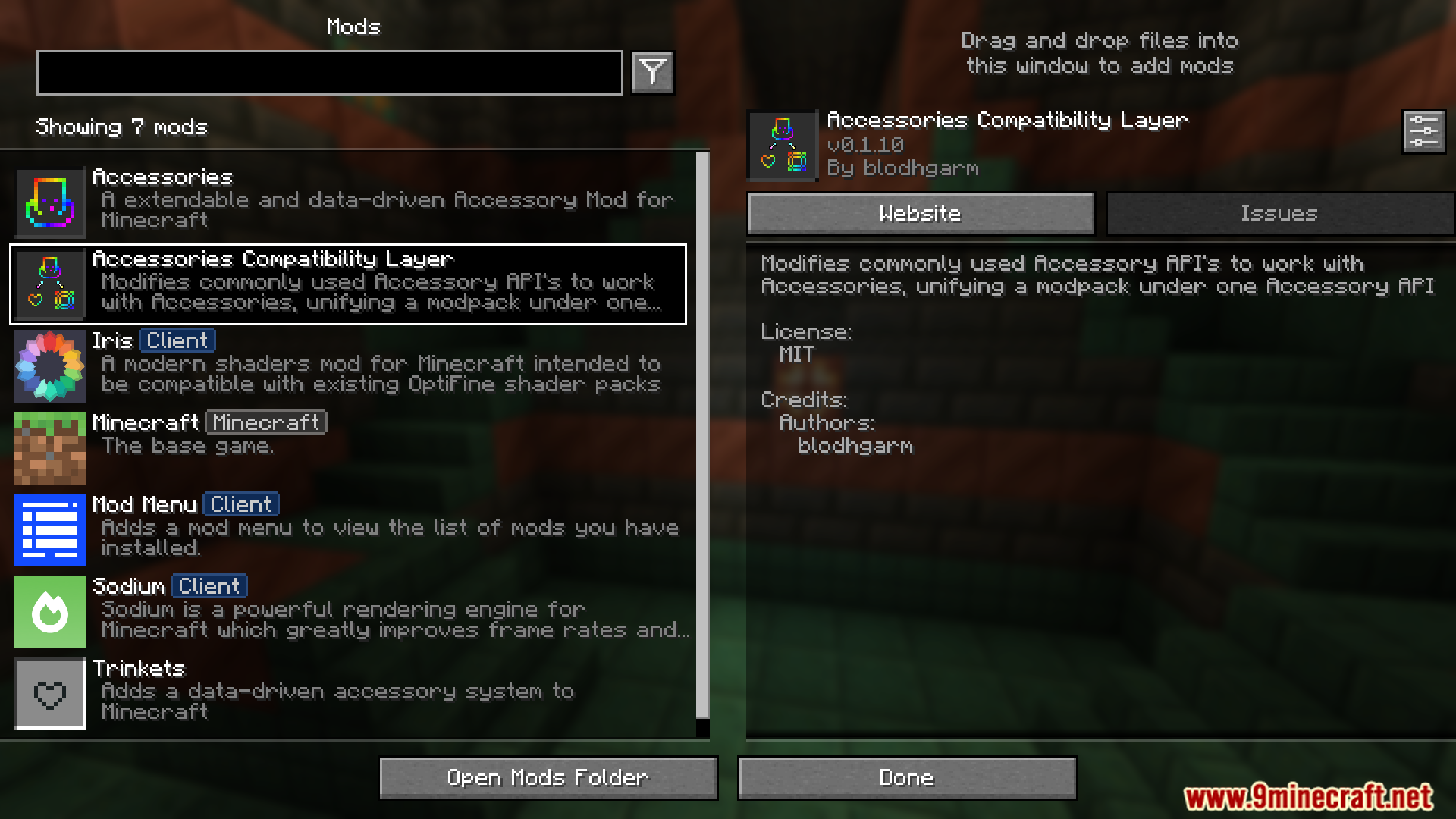
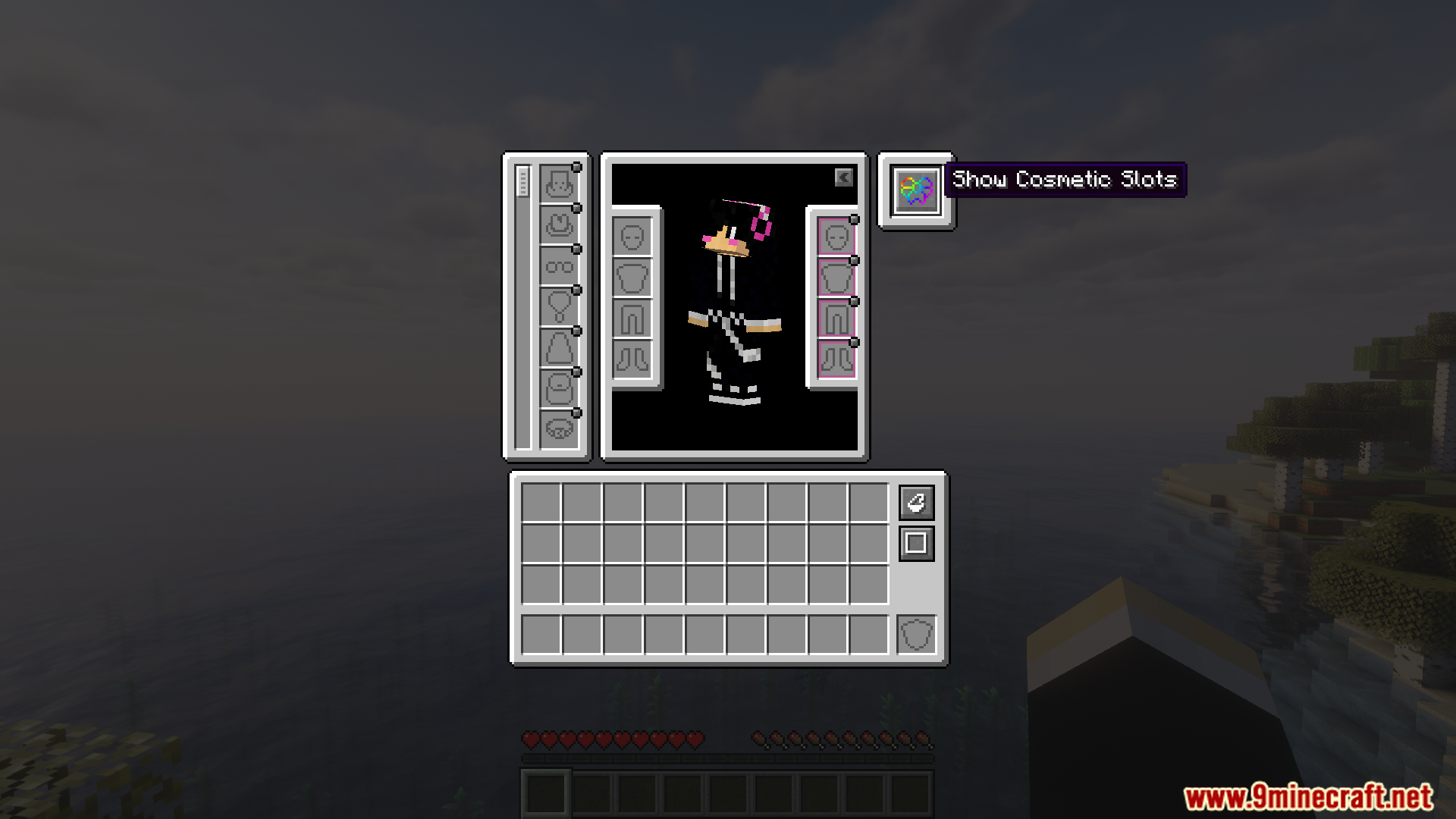
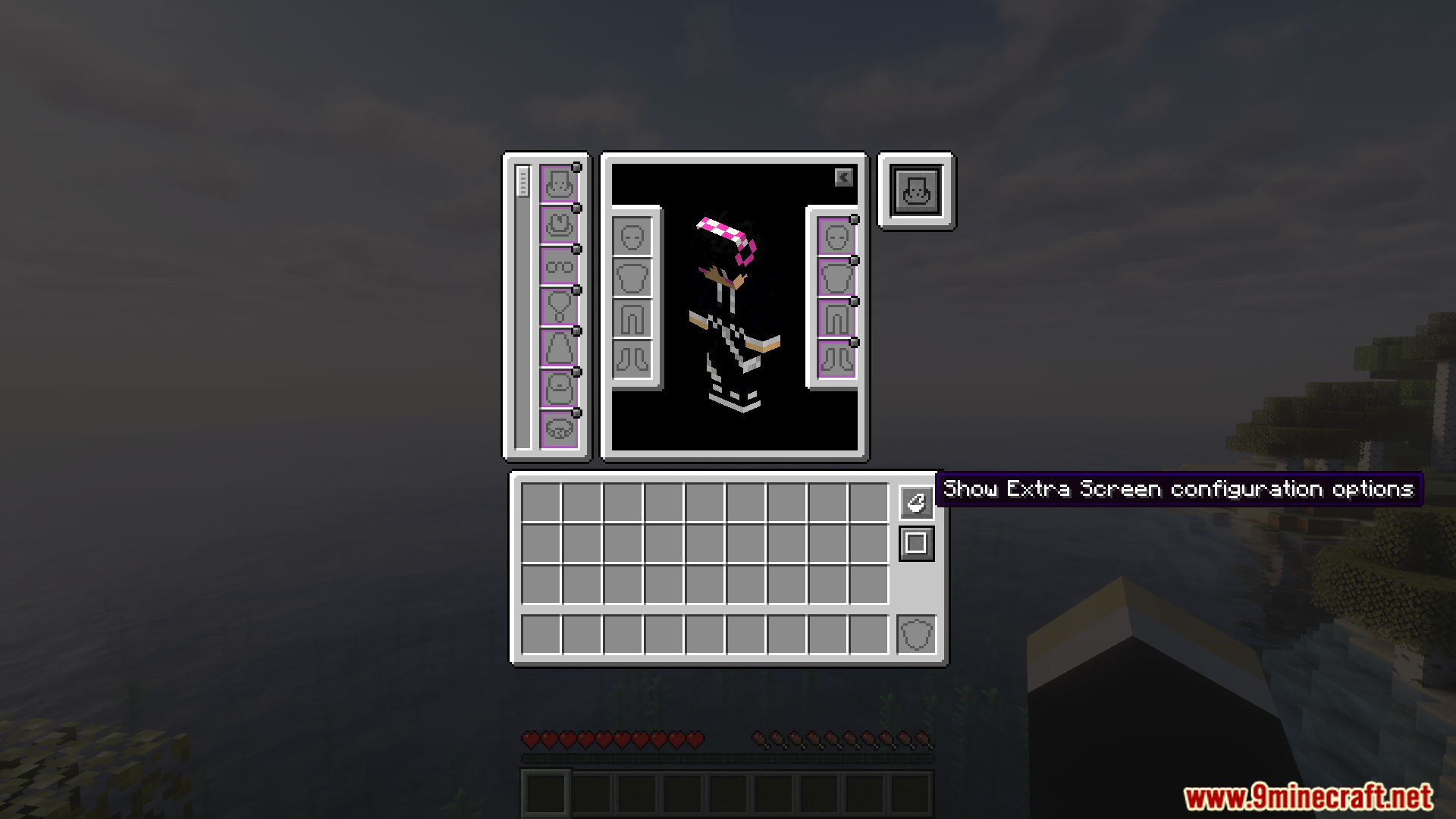
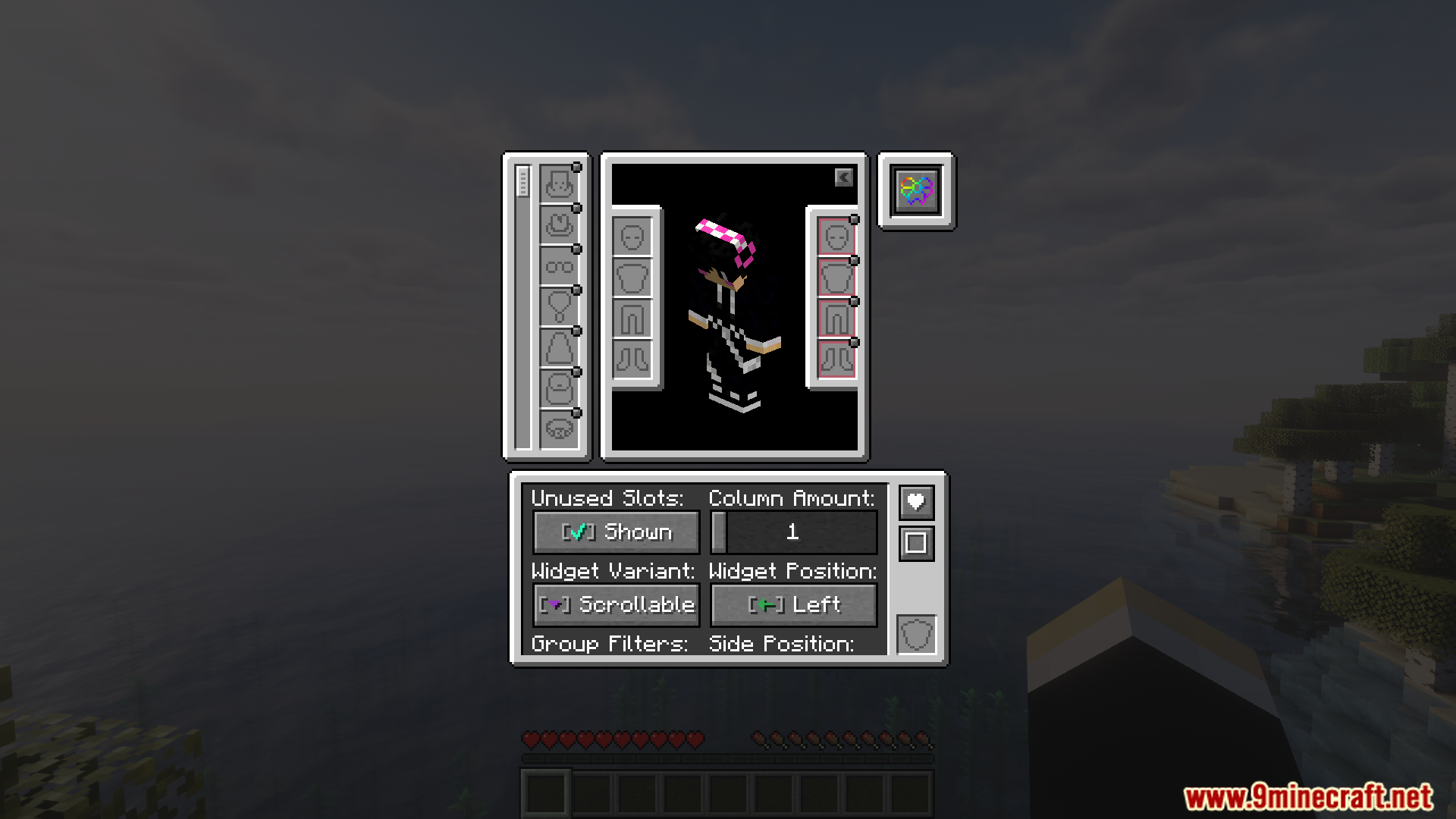
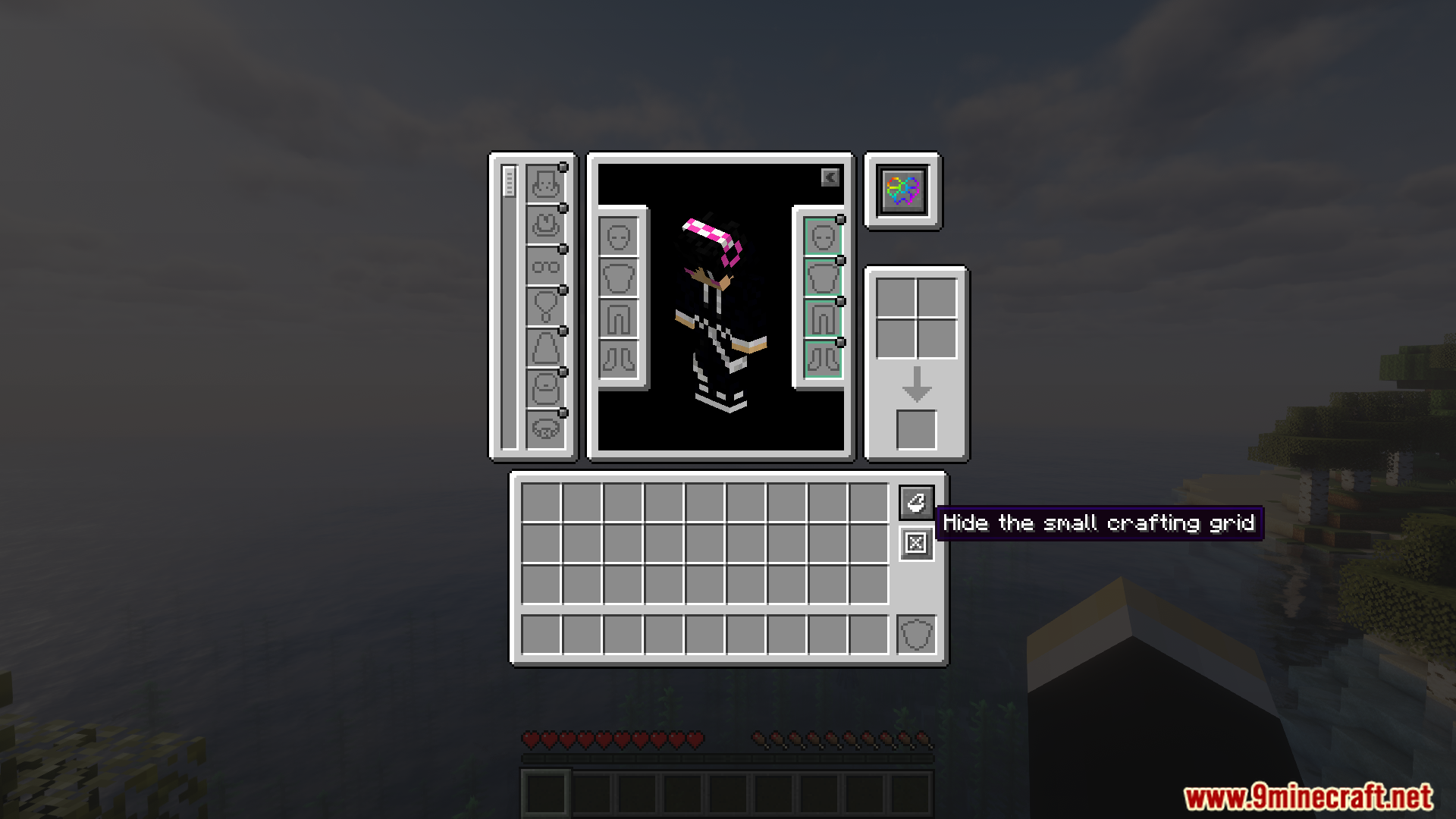
Accessories Compatibility Layer Mod आपके गेम में Trinkets और Curios mods को आपस में जोड़ देता है ताकि वे एक साथ काम कर सकें। यह मुख्य Accessories mod का उपयोग करके आपके दोनों mods के सभी स्पेशल आइटम्स के लिए एक ही जगह बनाता है। इसका मतलब है कि अब आपको अलग-अलग सिस्टम्स को एक साथ चलाने की जद्दोजहद नहीं करनी पड़ेगी, बल्कि आप एक ही सिस्टम से अपना सारा गियर मैनेज कर पाएंगे।
Features:
- एक सिंपल सिस्टम: यह Trinkets और Curios के एक्सेसरी सिस्टम को जोड़कर उन्हें मुख्य Accessories mod के साथ काम करने लायक बनाता है।
- बिना किसी दिक्कत के Trinkets और Curios दोनों के आइटम्स को एक ही समय पर इस्तेमाल करने देता है।
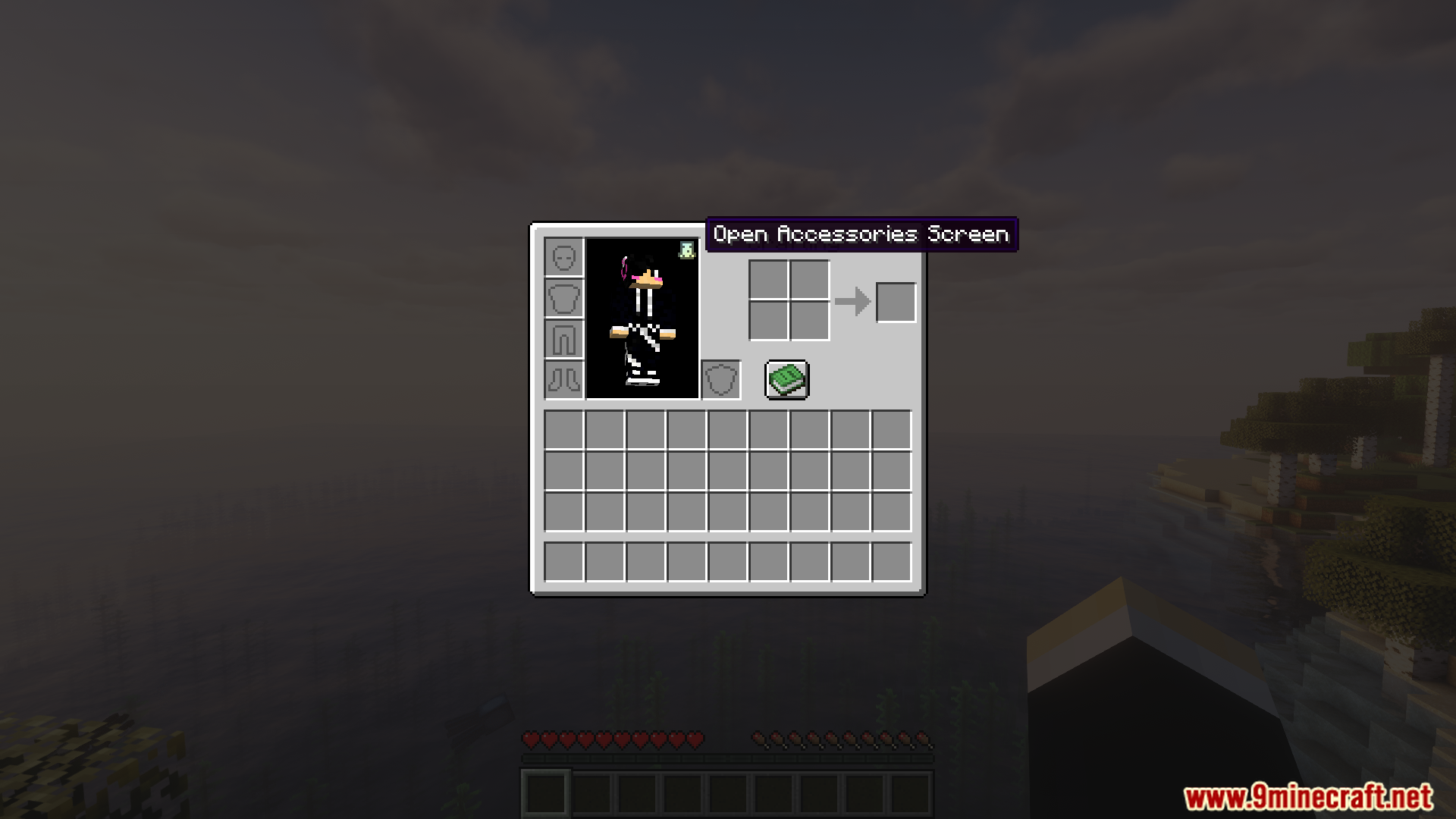
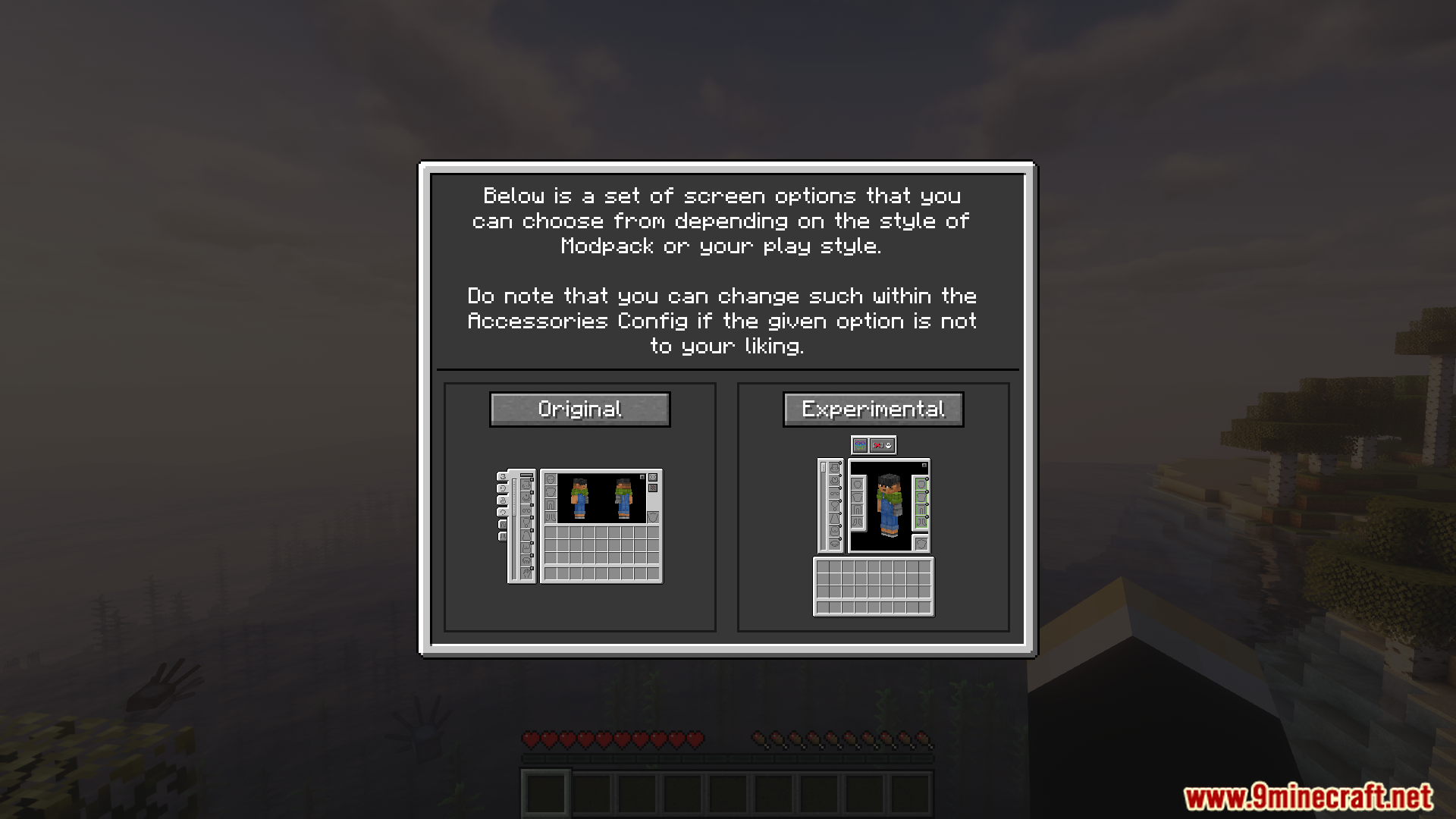
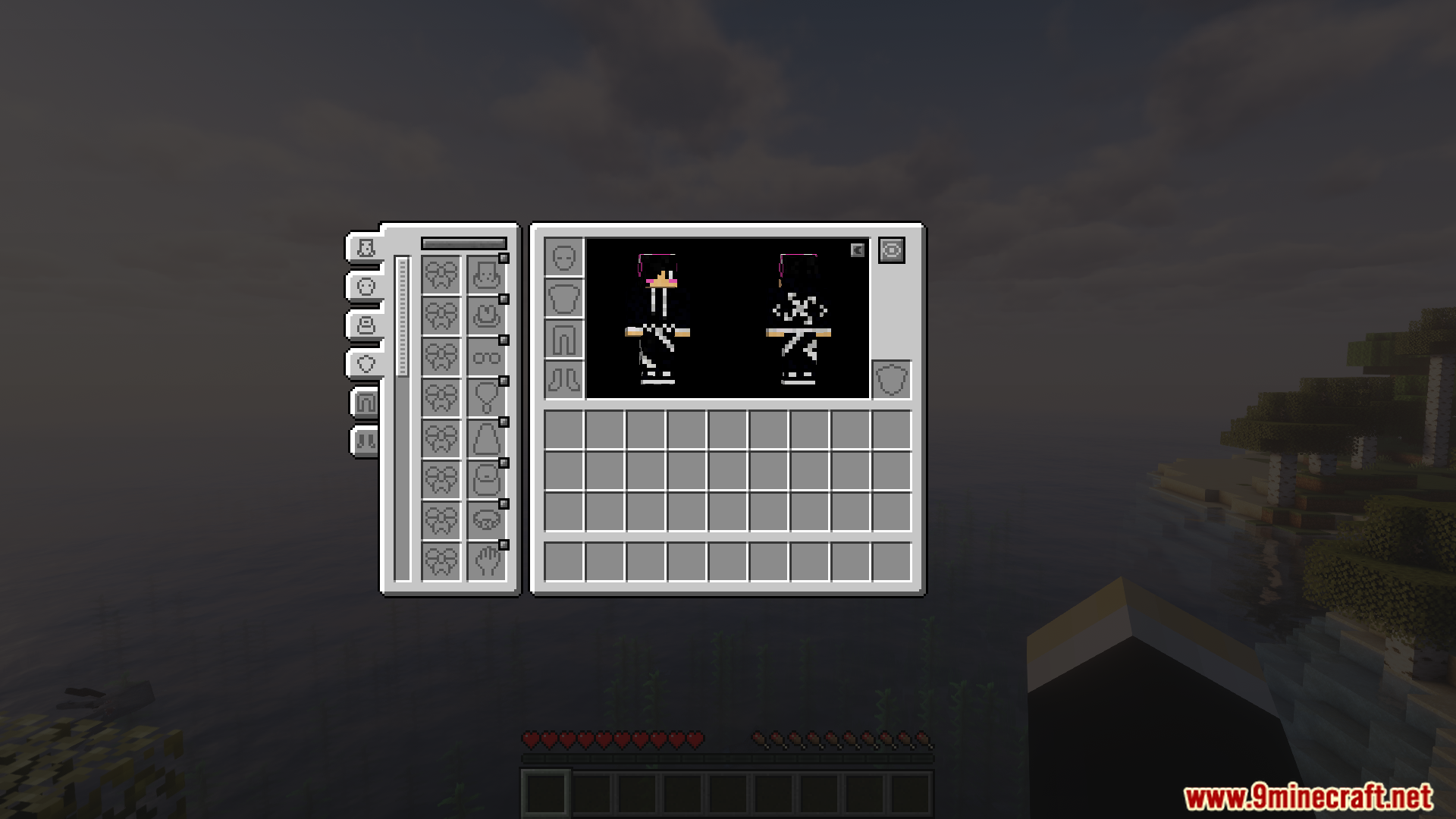
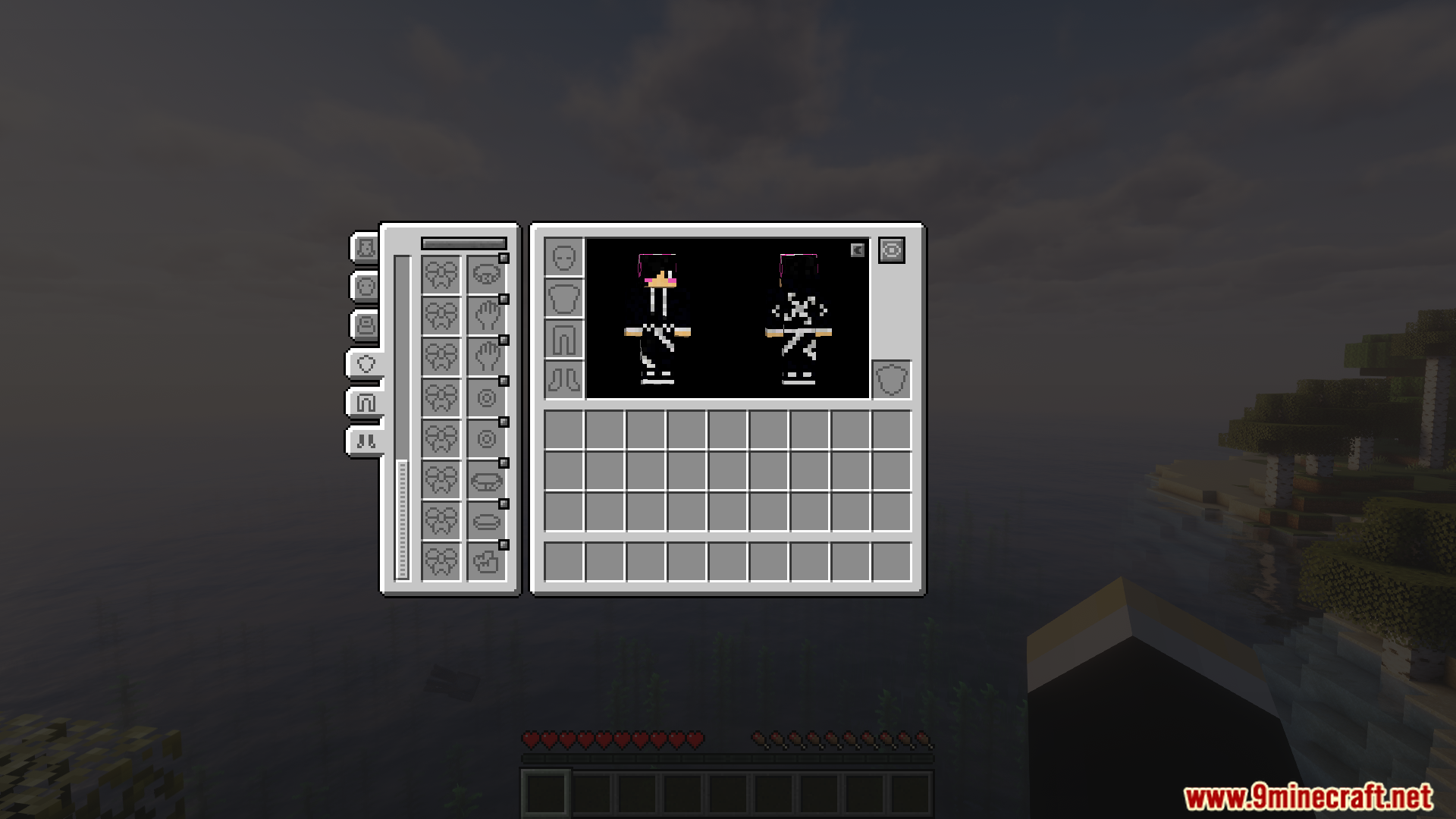
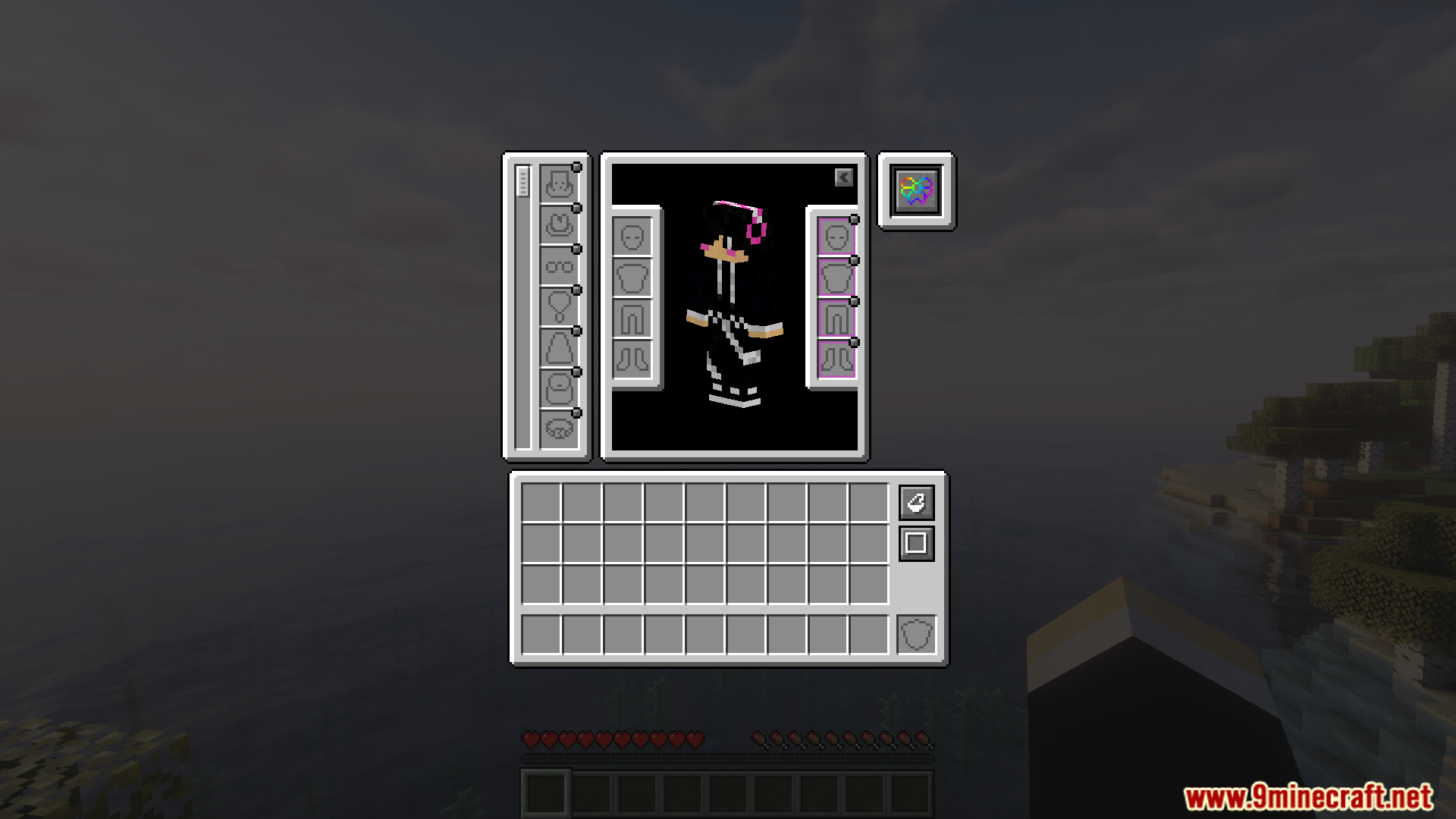
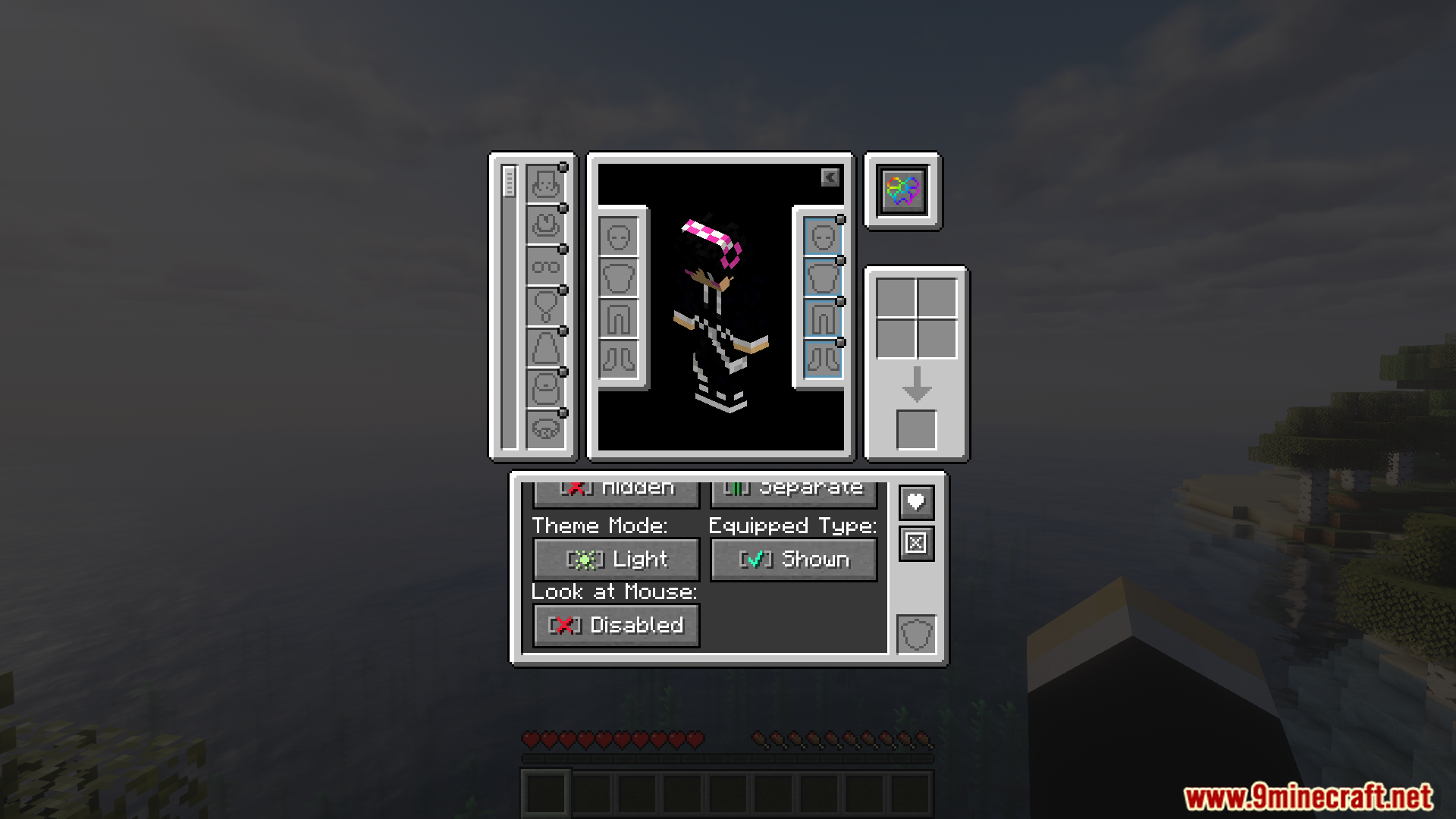
- अलग-अलग mods के आपके सभी स्पेशल इक्विपमेंट को आपकी इन्वेंट्री के अंदर एक ही स्क्रीन पर दिखाता है।
- पुराने और अलग-अलग कम्पैटिबिलिटी mods की जगह लेता है। सब कुछ कनेक्ट करने के लिए बस यही एक काफी है।
- Fabric और NeoForge दोनों के लिए उपलब्ध है, इसलिए आप इसे कई अलग-अलग modpacks में जोड़ सकते हैं।
Screenshots:
इंस्टॉल कैसे करें:
आवश्यकताएँ:
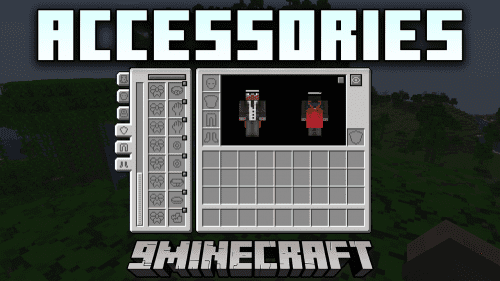 Accessories Mod आवश्यक
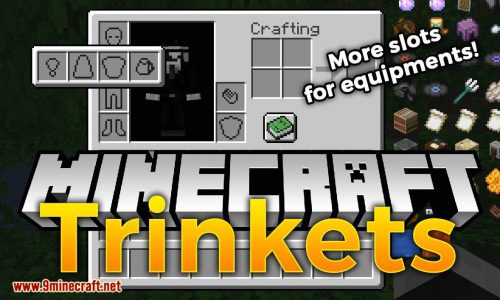 Trinkets Mod आवश्यक
 Curios API आवश्यक
 OwO Lib Mod आवश्यक
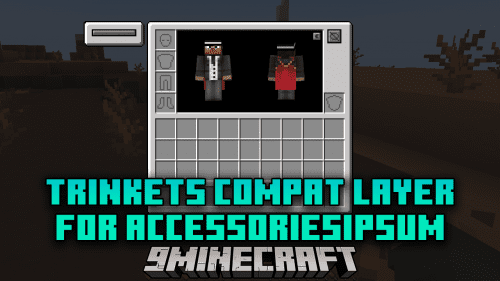 Trinkets Compat Layer For Accessories Mod आवश्यक
[Deprecated] Curios Compat Layer for Accessories असंगत
Accessories आवश्यक
oωo (owo-lib) आवश्यक
Accessories Compatibility Layer Mod Download Links
For Minecraft 1.21.1, 1.21
Fabric version: Download from Server 1 – Download from Server 2
NeoForge version: Download from Server 1 – Download from Server 2
इस पोस्ट को रेट करने के लिए क्लिक करें!
[Total: 3 Average: 5]
ये भी पसंद आ सकते हैं



इस पोस्ट पर अभी कोई टिप्पणी नहीं है। सबसे पहले बनें — आपकी टिप्पणी यहाँ दिखाई देगी।