


Colorwheel Mod (1.21.1, 1.20.1) – Create Machines के लिए Shaders

 0
0 

🌐 आप यह लेख हिन्दी में पढ़ रहे हैं। क्या बदलना चाहेंगे?
📖 अंग्रेज़ी मूल में पढ़ेंया अपनी पसंद की भाषा चुनें:
Colorwheel Mod Flywheel और Iris mods को एक साथ काम करने के लायक बनाता है। इसकी मदद से आप Create mod के साथ shaders का इस्तेमाल कर सकते हैं, जो रेंडरिंग के लिए Flywheel का उपयोग करता है। अब आप Create की सभी शानदार मशीनों को अपने पसंदीदा shader packs की खूबसूरत लाइटिंग और इफेक्ट्स के साथ देख सकते हैं, वो भी बिना परफॉरमेंस खोए।
Features:
- Minecraft में Flywheel और Iris shaders को एक साथ चलाने की सुविधा देता है।
- खूबसूरत shader ग्राफिक्स का आनंद लेते हुए Create mod की मशीनों के साथ खेलें।
- परफॉरमेंस को बेहतर बनाता है, जिससे कई मशीनों और shaders के साथ भी गेम स्मूथ चलता है।
- अनसपोर्टेड shaderpacks को चलाने के लिए एक fallback mode देता है।
- Complementary, Solas, और Bliss जैसे कई लोकप्रिय shaderpacks के साथ तुरंत काम करता है।
- अलग से उपलब्ध Colorwheel-Patcher mod के जरिए BSL और Photon जैसे अन्य shaders के लिए पैच प्रदान करता है।
How to Use:
- Mod इंस्टॉल करने के बाद, अपने shaderpack की सेटिंग्स में जाएं।
- “Entity Shadows” या “Block Entity Shadows” के विकल्प ढूंढें।
- सुनिश्चित करें कि ये सेटिंग्स इनेबल्ड (enabled) हैं।
- इससे Create mod की मशीनें (contraptions) सही तरीके से लाइट और शैडो कास्ट कर पाएंगी।
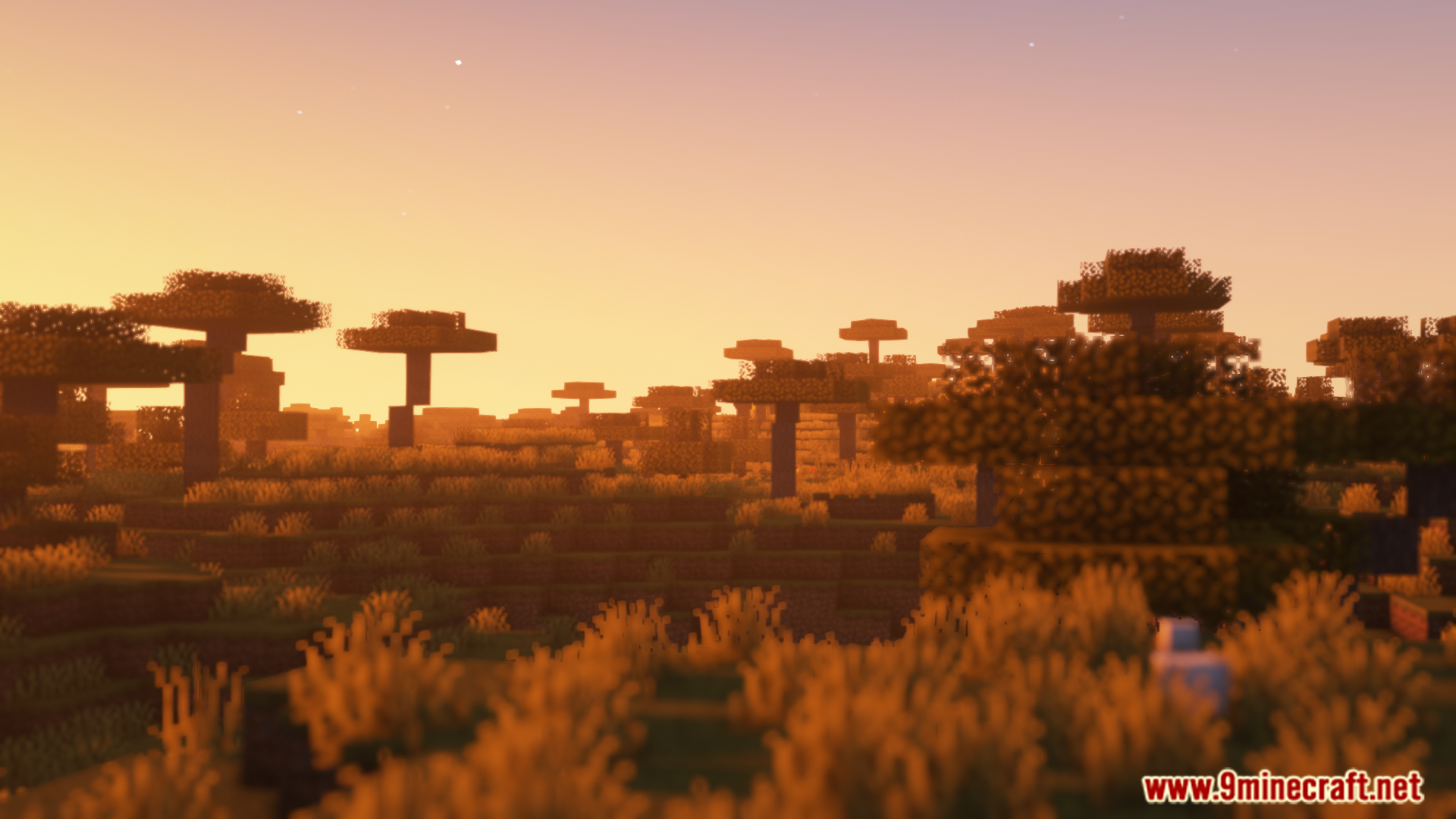
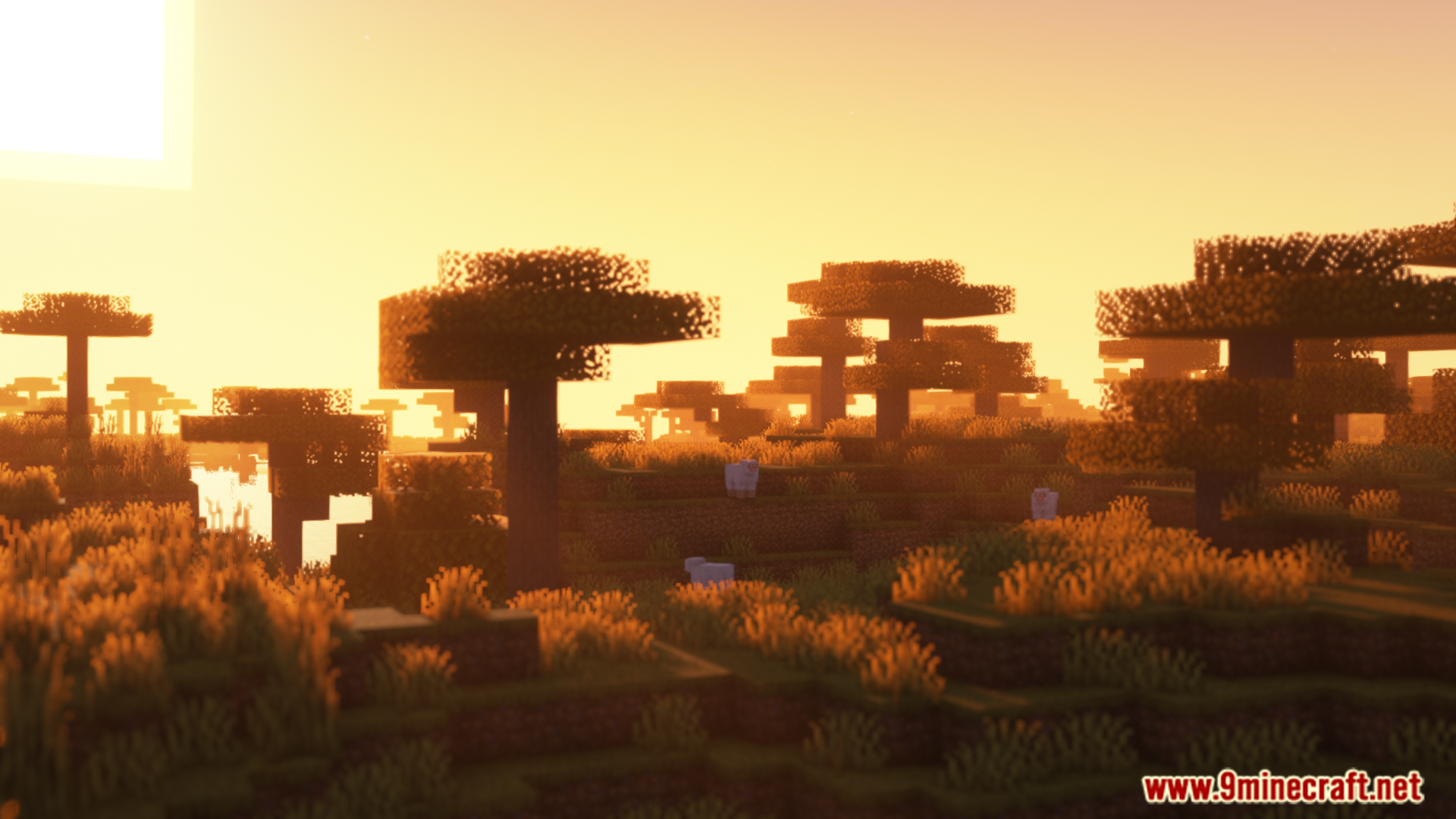
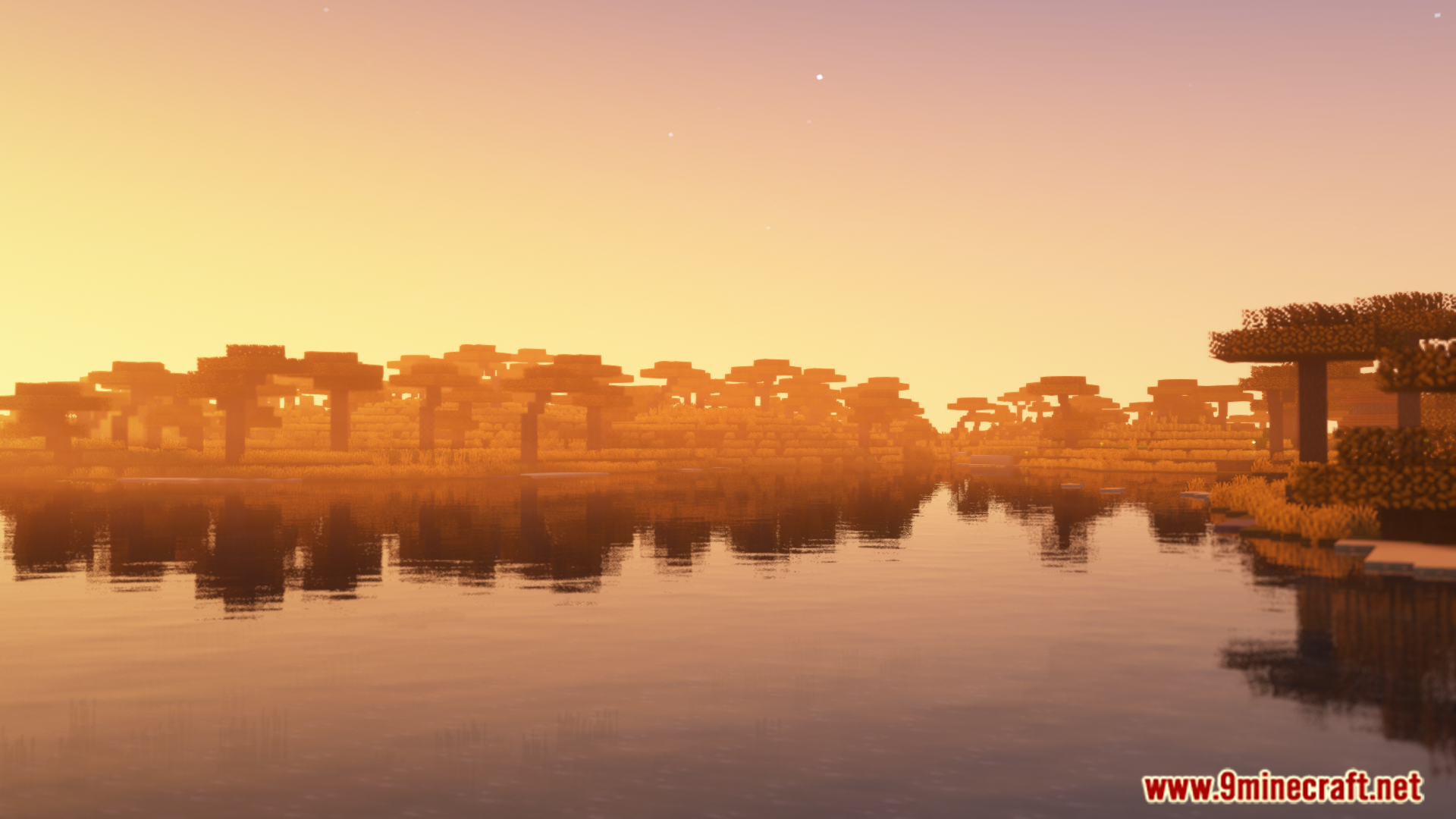
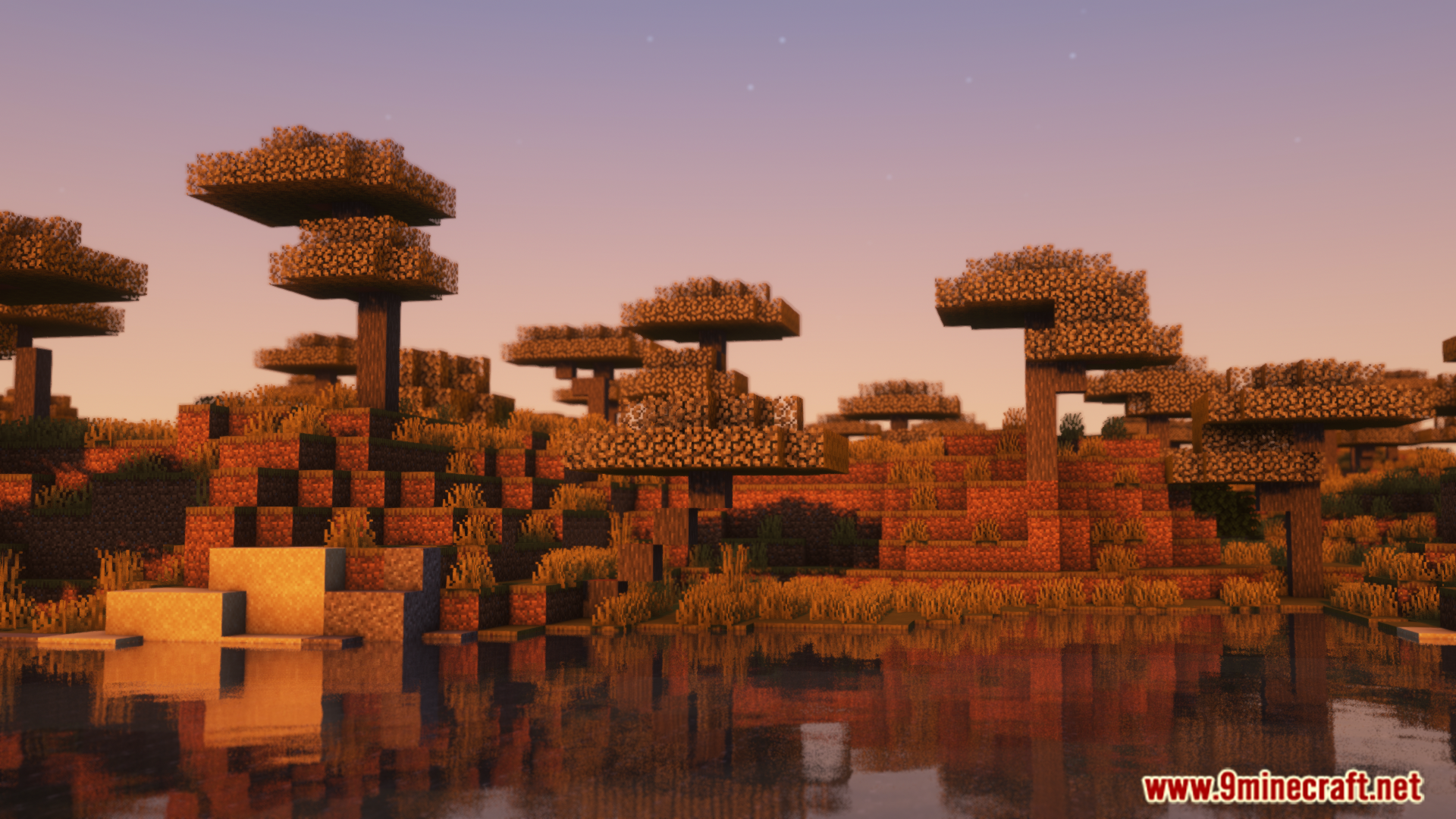
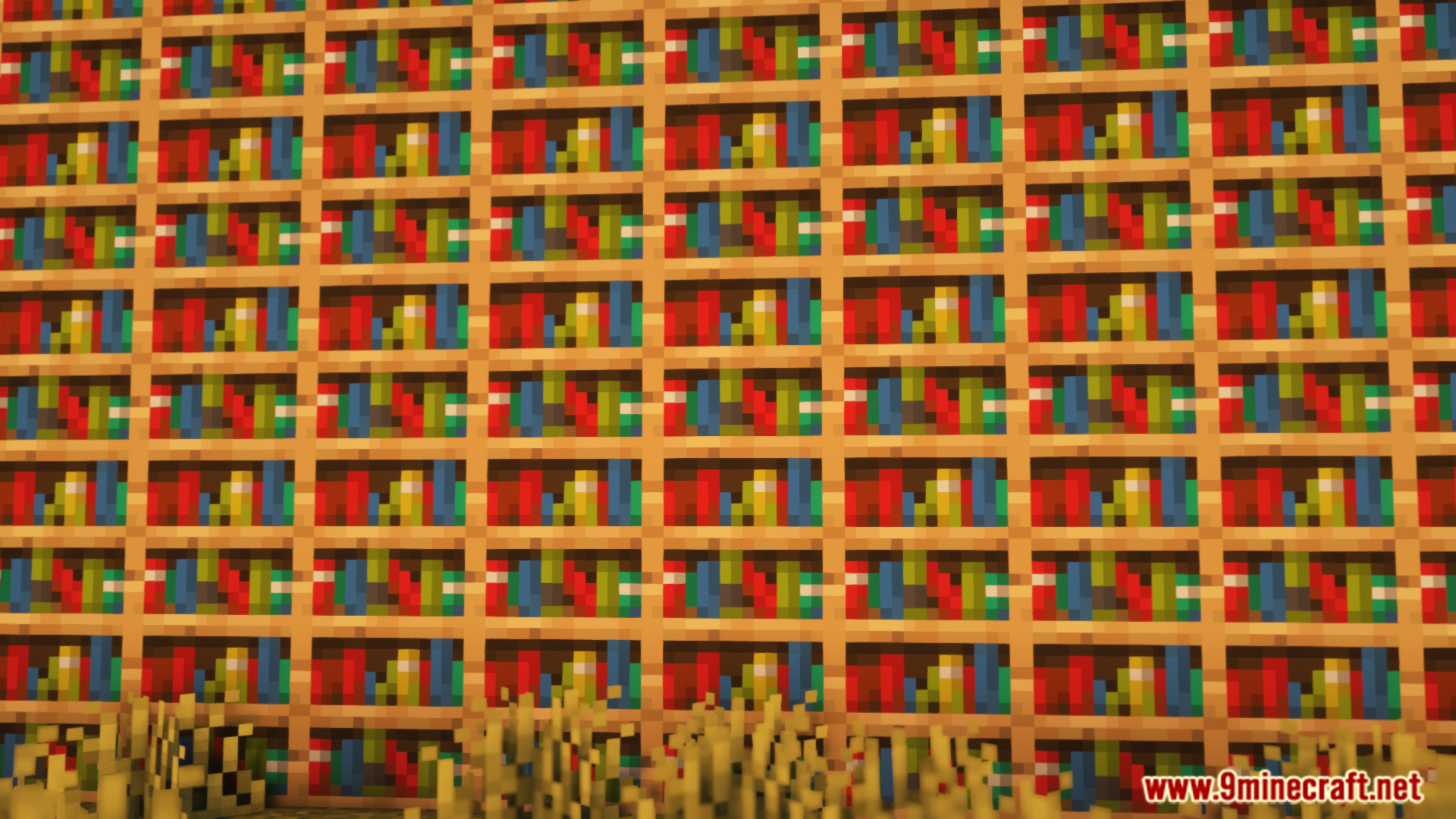
Screenshots:
इंस्टॉल कैसे करें:

Colorwheel Mod Download Links
For Minecraft 1.21.1, 1.21
NeoForge version: Download from Server 1 – Download from Server 2
Fabric version: Download from Server 1 – Download from Server 2
For Minecraft 1.20.1, 1.20
Forge version: Download from Server 1 – Download from Server 2
Fabric version: Download from Server 1 – Download from Server 2
इस पोस्ट को रेट करने के लिए क्लिक करें!
[Total: 0 Average: 0]
ये भी पसंद आ सकते हैं



इस पोस्ट पर अभी कोई टिप्पणी नहीं है। सबसे पहले बनें — आपकी टिप्पणी यहाँ दिखाई देगी।