


Cosmetic Armor Reworked Mod (1.21.11, 1.20.1) – Max Armor के साथ अपना स्टाइल दिखाएं

 0
0 

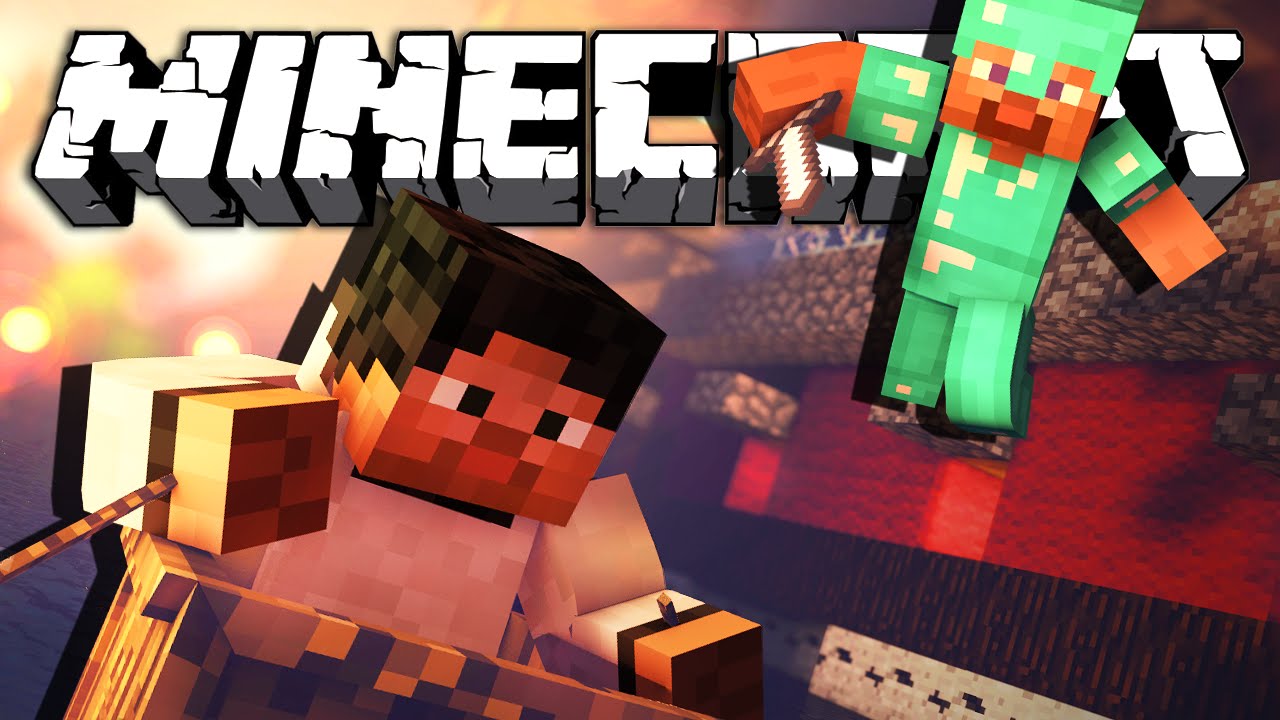
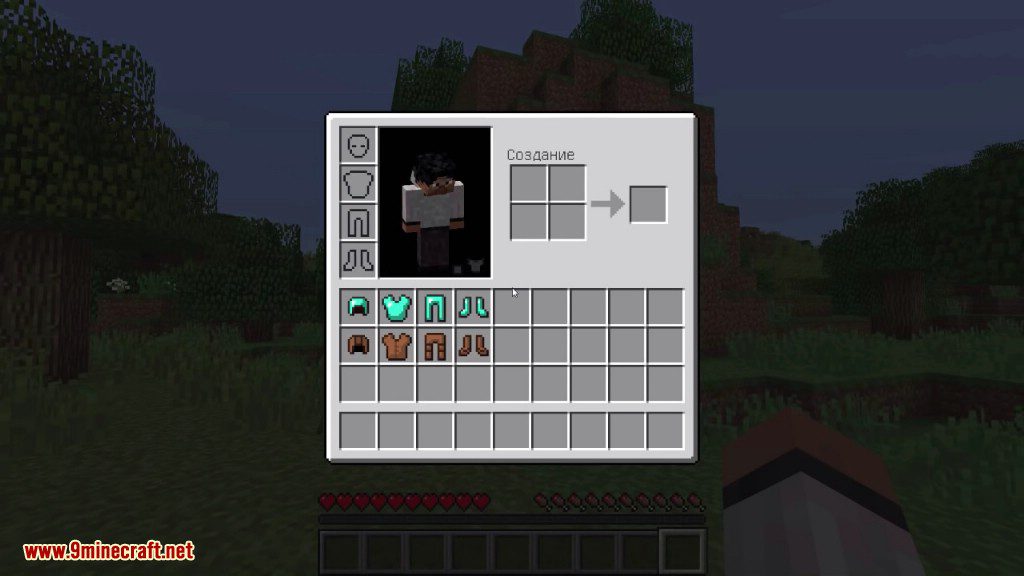
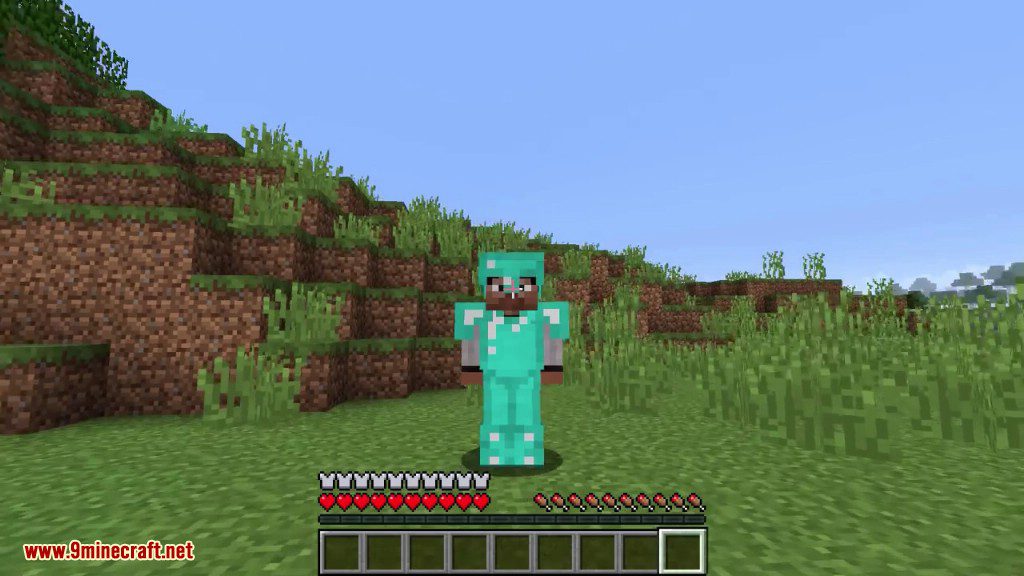
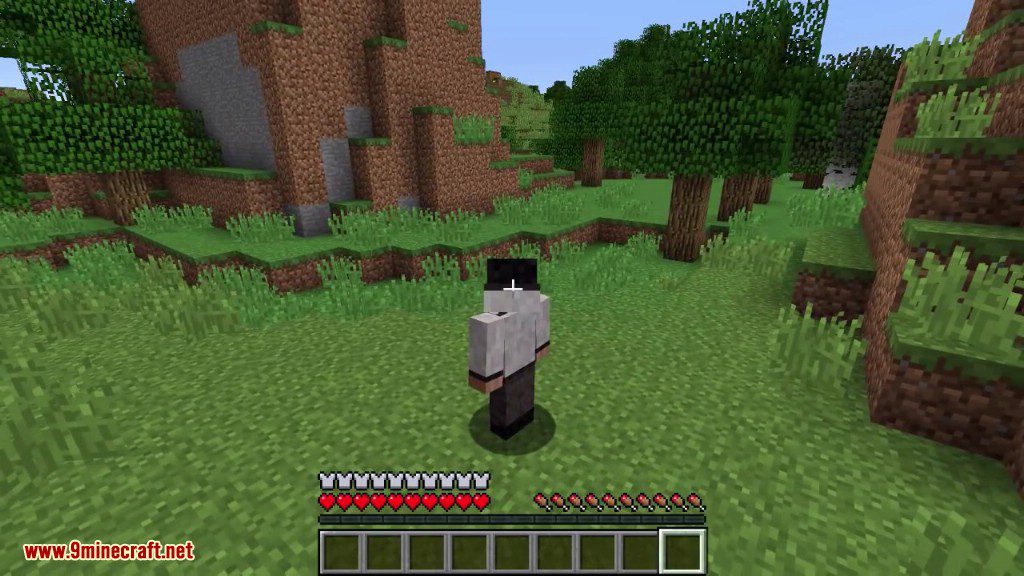
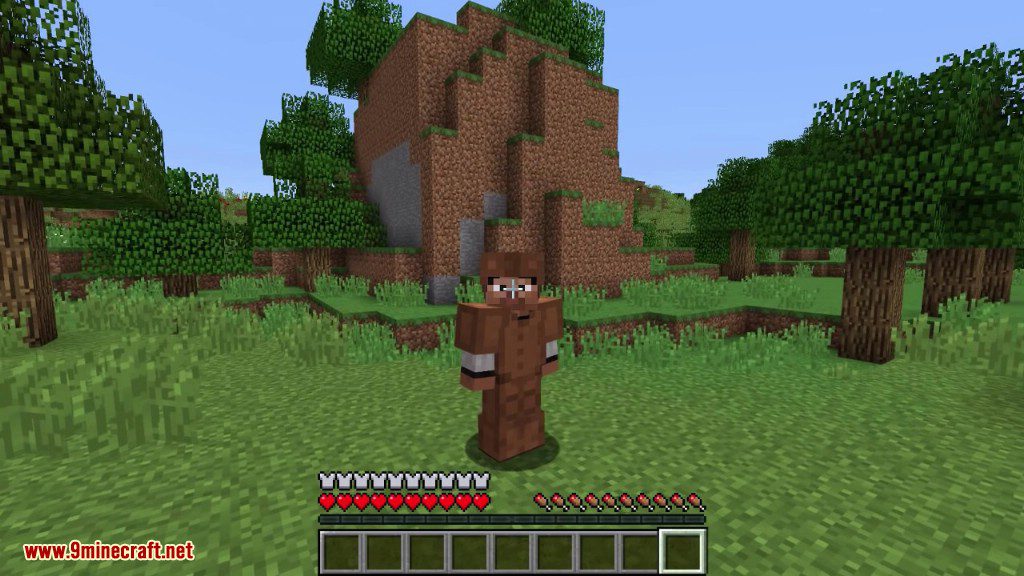
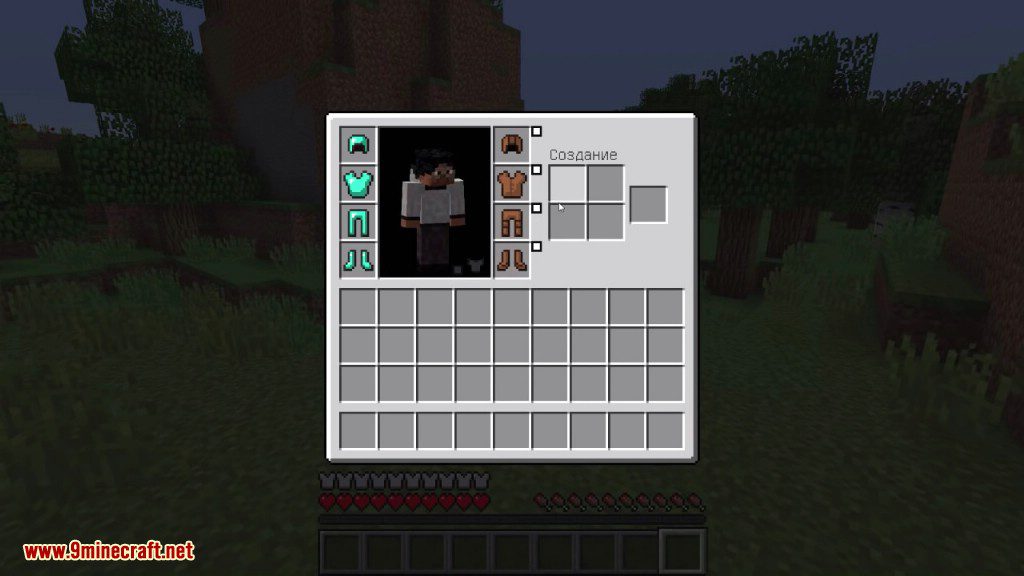
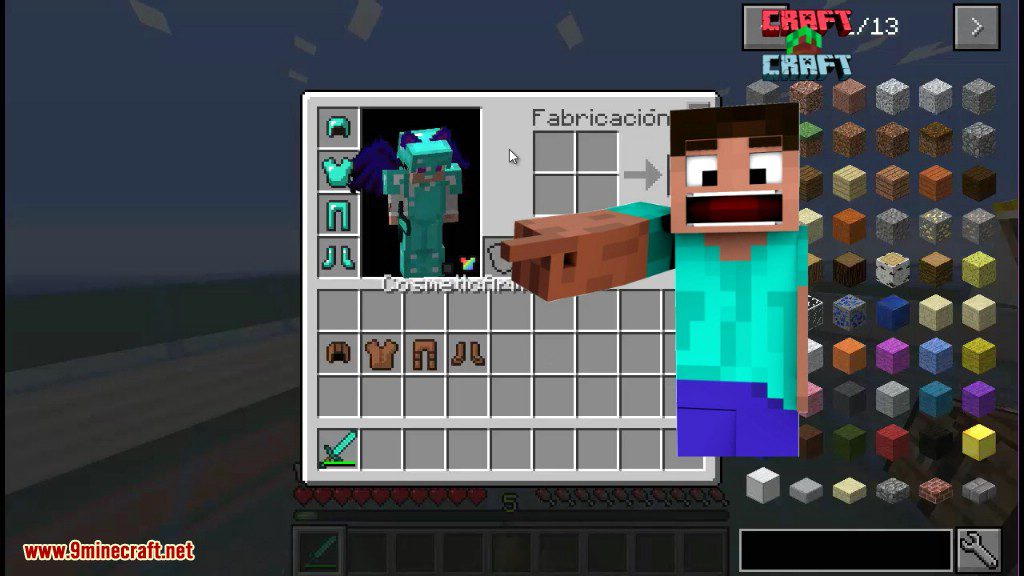
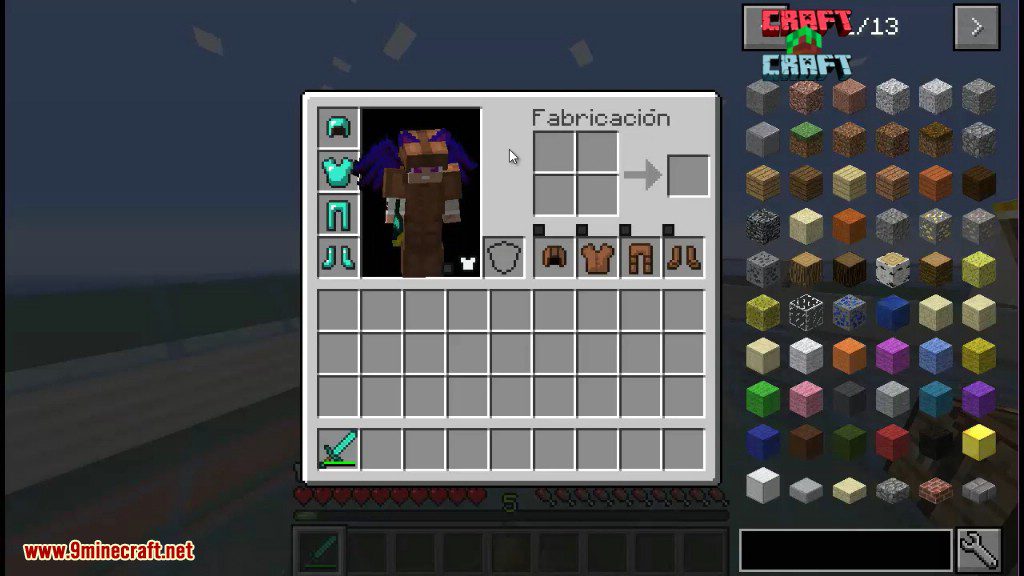
Cosmetic Armor Reworked Mod आपको एक ही समय में आर्मर के दो अलग-अलग सेट पहनने की सुविधा देता है। एक सेट आपको प्रोटेक्शन और स्टैट्स देता है, जबकि दूसरा सेट सिर्फ दिखावे (looks) के लिए होता है। इसका मतलब है कि आप मजबूत आर्मर के फायदे भी उठा सकते हैं और साथ ही अपने कैरेक्टर के लुक को दूसरे स्टाइल के साथ कस्टमाइज़ भी कर सकते हैं। आप अपनी स्किन दिखाने के लिए आर्मर के अलग-अलग हिस्सों को छिपा भी सकते हैं, या PvP के लिए मोड के विजुअल इफेक्ट्स को बंद कर सकते हैं।
Features:
- आर्मर के दो सेट पहनें: एक काम (function) के लिए और एक दिखावे (appearance) के लिए।
- Cosmetic स्लॉट्स में रखे गए आर्मर कोई स्टैट्स या इफेक्ट्स नहीं देते; ये पूरी तरह से लुक्स के लिए हैं।
- किसी भी आर्मर पीस के बगल में दिए गए छोटे टॉगल बटन पर क्लिक करके उसे छिपाएं।
- एक मेन टॉगल बटन आपको अपने क्लाइंट पर सभी कॉस्मेटिक इफेक्ट्स को डिसेबल करने की अनुमति देता है, जो PvP के लिए बहुत काम का है।
- डिफ़ॉल्ट रूप से मरने पर कॉस्मेटिक आर्मर आइटम्स गिर जाएंगे, लेकिन इसे कॉन्फ़िग ऑप्शंस में बदला जा सकता है।
- स्किन-हाइडिंग बटन अन्य सपोर्टेड मॉड्स के आर्मर स्लॉट्स में भी जोड़े गए हैं।
Commands:
/clearcosarmor [player]– किसी खास प्लेयर के सभी कॉस्मेटिक आर्मर स्लॉट्स को खाली कर देता है।/coshat– आपके मेन हाथ के आइटम को आपके कॉस्मेटिक हेलमेट स्लॉट वाले आइटम से बदल देता है।
How to Use:
- असाइन की गई की (key) दबाकर Cosmetic Armor Inventory खोलें। आपको Controls मेनू में “Inventory” कैटेगरी के अंदर खुद यह की सेट करनी होगी।
- आप अपनी रेगुलर इन्वेंट्री स्क्रीन के नीचे दाईं ओर स्थित नए बटन पर क्लिक करके भी इसे खोल सकते हैं।
- स्टैट्स के लिए बाईं ओर के स्लॉट्स में अपना फंक्शनल आर्मर रखें।
- दिखावे के लिए दाईं ओर के स्लॉट्स में वह आर्मर रखें जिसे आप डिस्प्ले करना चाहते हैं।
Screenshots:

इंस्टॉल कैसे करें:
आवश्यकताएँ:


Cosmetic Armor Reworked Mod Download Links
For Minecraft 1.7.10
Forge version: Download from Server 2
For Minecraft 1.8.9
For Minecraft 1.12.2
Forge version: Download from Server 2
For Minecraft 1.15.2
Forge version: Download from Server 2
For Minecraft 1.16.5
Forge version: Download from Server 1
For Minecraft 1.17.1
Forge version: Download from Server 1
For Minecraft 1.18.2
Forge version: Download from Server 1
For Minecraft 1.19
Forge version: Download from Server 2
For Minecraft 1.19.1
Forge version: Download from Server 2
For Minecraft 1.19.2
Forge version: Download from Server 2
For Minecraft 1.19.3
Forge version: Download from Server 1 – Download from Server 2
For Minecraft 1.19.4
Forge version: Download from Server 1 – Download from Server 2
For Minecraft 1.20.1, 1.20
Forge version: Download from Server 1 – Download from Server 2
For Minecraft 1.20.2
Forge version: Download from Server 1 – Download from Server 2
For Minecraft 1.20.3
Forge version: Download from Server 1 – Download from Server 2
For Minecraft 1.20.4
Forge version: Download from Server 1 – Download from Server 2
NeoForge version: Download from Server 1 – Download from Server 2
For Minecraft 1.20.5
NeoForge version: Download from Server 1 – Download from Server 2
For Minecraft 1.20.6
NeoForge version: Download from Server 1 – Download from Server 2
For Minecraft 1.21.1, 1.21
Forge version: Download from Server 1 – Download from Server 2
NeoForge version: Download from Server 1 – Download from Server 2
For Minecraft 1.21.3
Forge version: Download from Server 1 – Download from Server 2
NeoForge version: Download from Server 1 – Download from Server 2
For Minecraft 1.21.4
Forge version: Download from Server 1 – Download from Server 2
NeoForge version: Download from Server 1 – Download from Server 2
For Minecraft 1.21.5
Forge version: Download from Server 1 – Download from Server 2
NeoForge version: Download from Server 1 – Download from Server 2
For Minecraft 26.1.2+
We've developed a brand-new version of Cosmetic Armor called Cosmetic Armor 9minecraft Mod. This new build comes with many new features, major improvements, and continuous updates for the latest Minecraft versions as fast as possible. Download the new version here: https://www.9minecraft.net/cosmetic-armor-9minecraft-mod/
Minecraft के लिए
1.21.11,
1.21.10,
1.21.9
All Versions Covered
1.21.11
1.21.10
1.21.9
1.21.8
1.21.7
1.21.6
1.21.5
1.21.4
Minecraft के लिए 1.21.5
Minecraft के लिए 1.21.4
Minecraft के लिए 1.21.3, 1.21.2
Minecraft के लिए 1.21.1, 1.21
Minecraft के लिए 1.20.6
Minecraft के लिए 1.20.5
Minecraft के लिए 1.20.4
Minecraft के लिए 1.20.3
Minecraft के लिए 1.20.2
Minecraft के लिए 1.20.1, 1.20
Minecraft के लिए 1.19.4
Minecraft के लिए 1.19.3
Minecraft के लिए 1.19.2
Minecraft के लिए 1.19.1
Minecraft के लिए 1.19
Minecraft के लिए 1.18.2
Minecraft के लिए 1.17.1
Minecraft के लिए 1.16.5
Minecraft के लिए 1.15.2
Minecraft के लिए 1.12.2, 1.12.1
Minecraft के लिए 1.8.9, 1.8.8, 1.8
Minecraft के लिए 1.7.10
ये भी पसंद आ सकते हैं




इस पोस्ट पर अभी कोई टिप्पणी नहीं है। सबसे पहले बनें — आपकी टिप्पणी यहाँ दिखाई देगी।