


Defaulted Hotkeys Mod (1.21.8, 1.20.1) – बस एक बार सेट करें अपने कंट्रोल्स

 0
0 

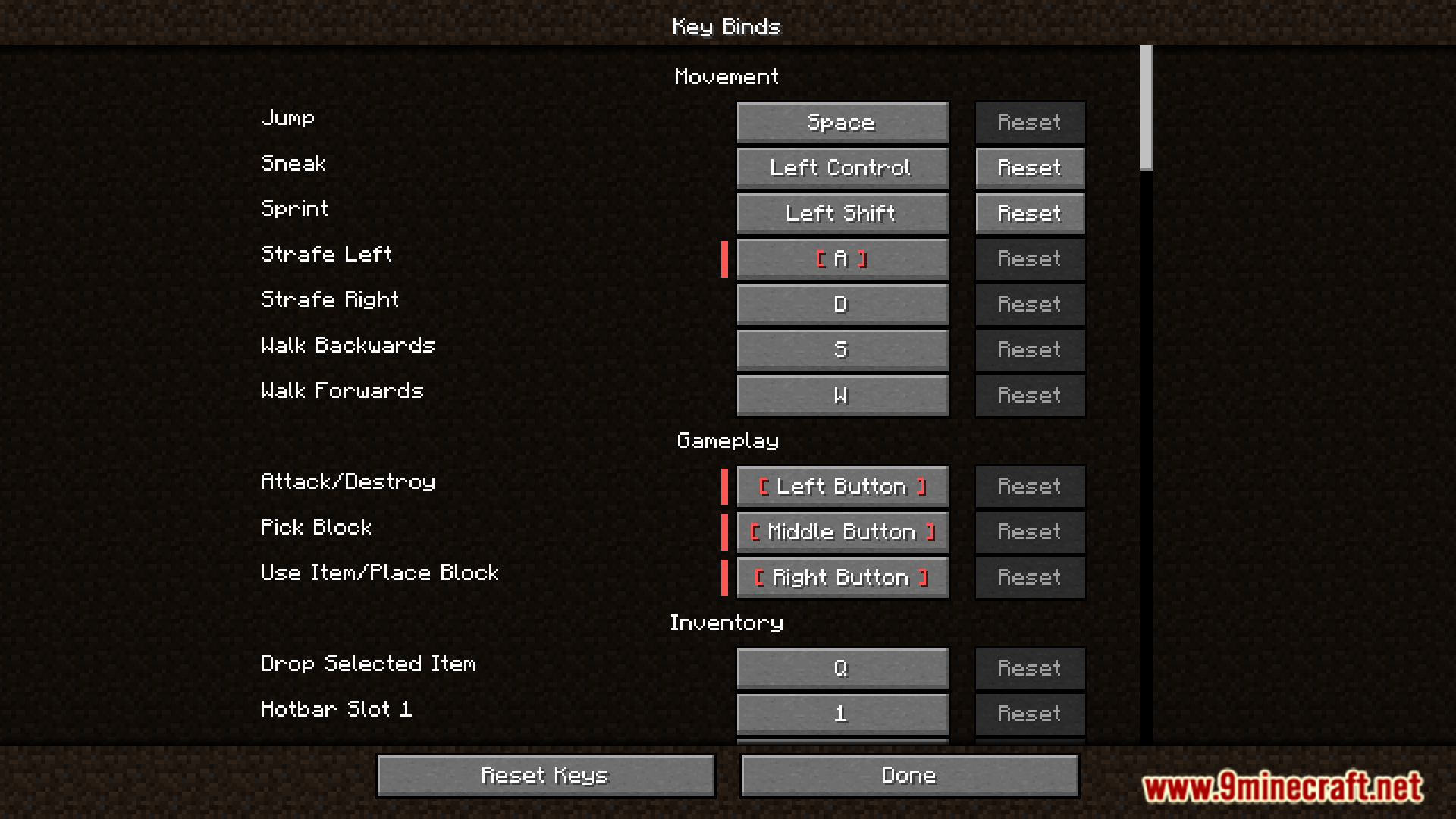
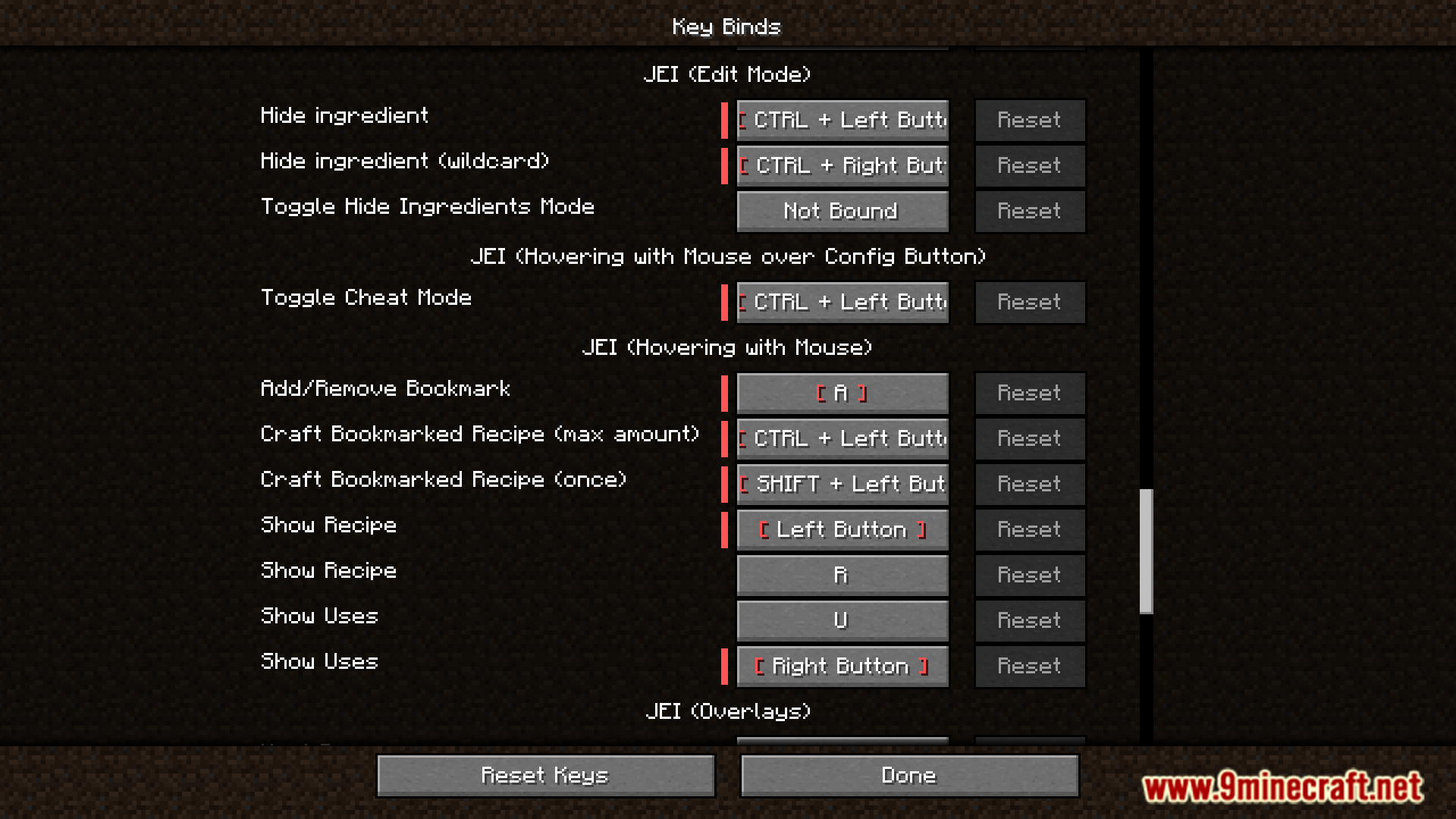
Defaulted Hotkeys Mod आपको गेम के किसी भी कीबाइंड (keybind) के लिए डिफॉल्ट हॉटकीज़ सेट करने की सुविधा देता है। जब आप पहली बार इस मोड के साथ Minecraft शुरू करते हैं, तो यह आपके कॉन्फ़िगरेशन फोल्डर में default-hotkeys.json नाम की एक फाइल अपने आप बना देता है। इसके बाद आप अपने सभी कीबाइंड्स को कस्टमाइज़ करने के लिए इस फाइल को एडिट कर सकते हैं।
Features:
- गेम के किसी भी कीबाइंडिंग के लिए डिफॉल्ट हॉटकी सेट करें।
- पहली बार गेम लॉन्च करने पर कॉन्फ़िगरेशन फाइल अपने आप बन जाती है।
default-hotkeys.jsonफाइल को एडिट करके सभी डिफॉल्ट कीबाइंड्स को मैनेज करने की सुविधा।
How to Use:
- मोड इंस्टॉल करने के बाद कम से कम एक बार Minecraft चलाएं। इससे कॉन्फ़िगरेशन फाइल बन जाएगी।
- अपने
.minecraft/configफोल्डर में जाएं औरdefault-hotkeys.jsonफाइल खोलें। - सही फॉर्मेट का उपयोग करके अपनी पसंद की डिफॉल्ट हॉटकीज़ सेट करने के लिए फाइल को एडिट करें।
फाइल प्रत्येक कीबाइंड के लिए एक सरल स्ट्रक्चर का उपयोग करती है:
[
  {
    //translate key
    "comment": "key.advancements",
    //translation in current language
    "translation": "Advancements",
    //hotkey in vanilla format
    "key": "key.keyboard.l"
  }
]
Screenshots:
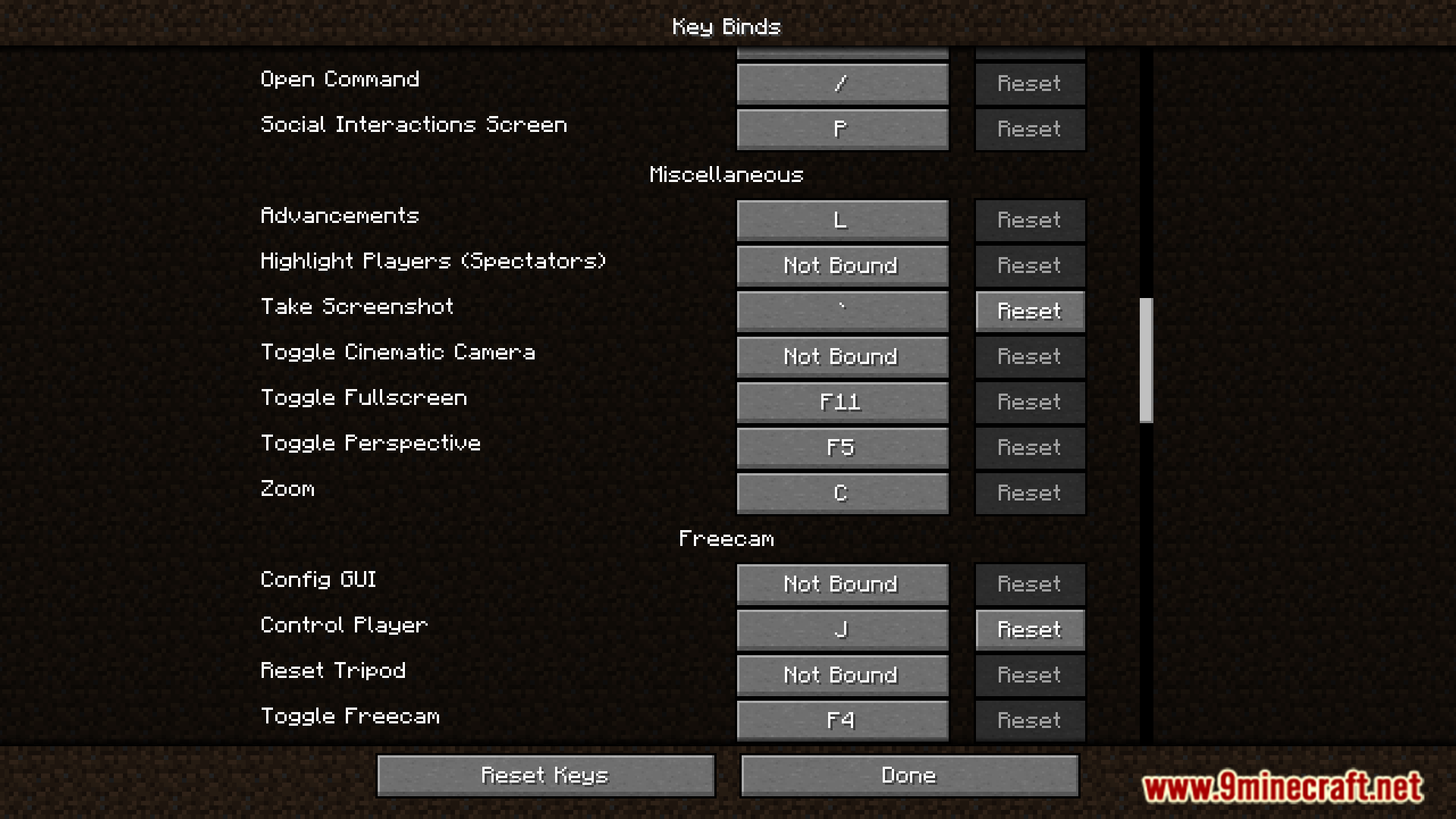
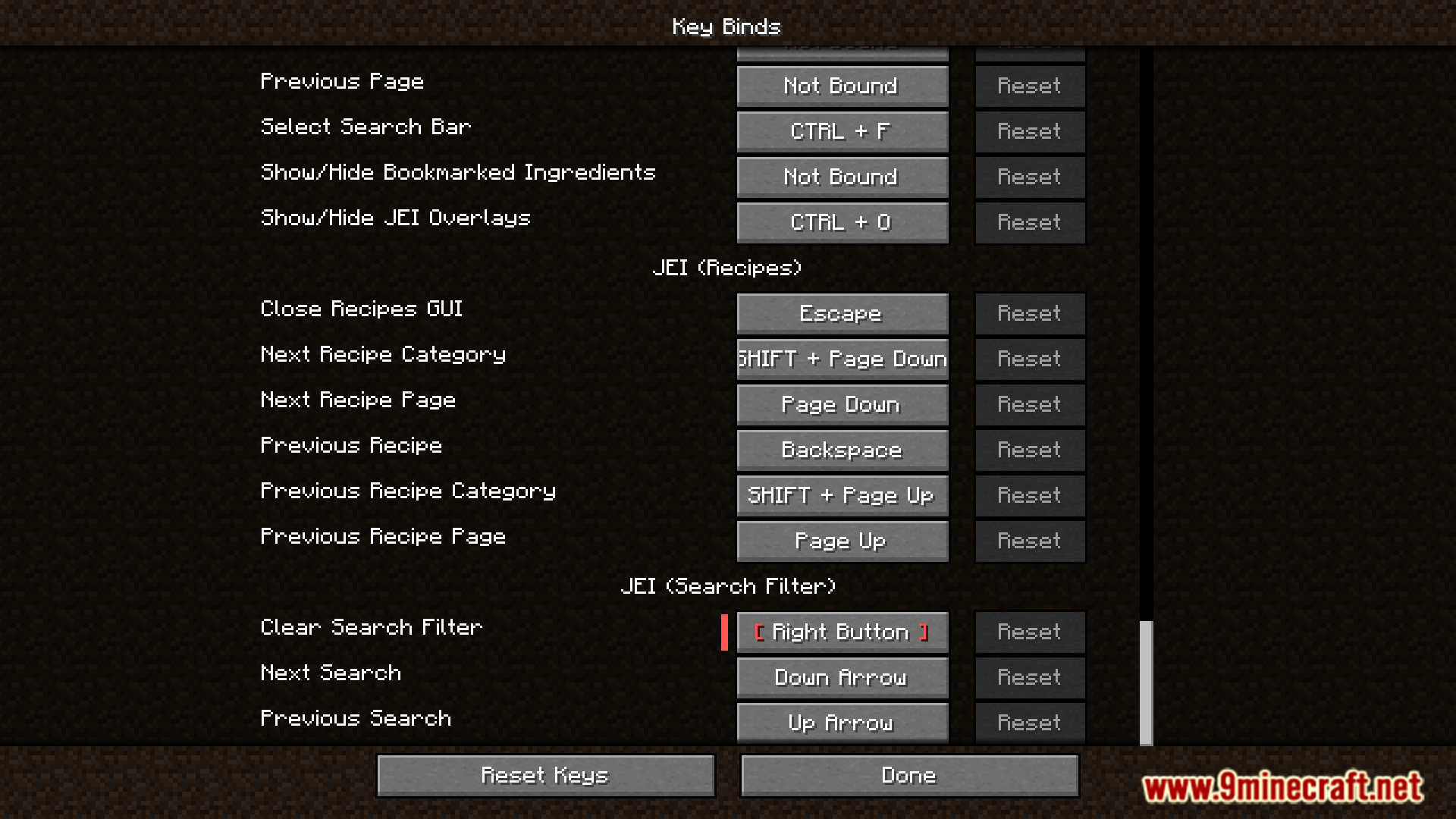
इंस्टॉल कैसे करें:
Defaulted Hotkeys Mod Download Links
For All Versions from Minecraft 1.21 to Minecraft 1.21.8
NeoForge version: Download from Server 1 – Download from Server 2
Fabric version: Download from Server 1 – Download from Server 2
For Minecraft 1.20.6
NeoForge version: Download from Server 1 – Download from Server 2
Fabric version: Download from Server 1 – Download from Server 2
For Minecraft 1.20.4
NeoForge version: Download from Server 1 – Download from Server 2
Fabric version: Download from Server 1 – Download from Server 2
For Minecraft 1.20.1, 1.20
Forge/NeoForge version: Download from Server 1 – Download from Server 2
Fabric version: Download from Server 1 – Download from Server 2
ये भी पसंद आ सकते हैं




इस पोस्ट पर अभी कोई टिप्पणी नहीं है। सबसे पहले बनें — आपकी टिप्पणी यहाँ दिखाई देगी।