
Immersive Combat Addon (26.x, 1.21) – Master Parry, Dodge, and Combos

 0


Immersive Combat Addon completely overhauls the game’s fighting mechanics for a deeper and more engaging experience. This addon introduces precise hitboxes, attack buffering, stagger mechanics, weapon clashes, parrying, and dodging. It acts as a core foundation framework built entirely on scripts without using player.json, making it fully compatible with other animation and item packs.
Features:
- New Combat Handling System: Adds precise hitbox detection and attack timing.
- Improved Hitboxes: Features multiple hitbox angles and sizes for accurate attacks.
- Attack Buffering: Allows attacks to be buffered for smoother transitions between combo moves.
- New Stagger Mechanic: Parrying, attacking, and taking damage build up stagger, and reaching 100 triggers a 2-second knockdown.
- Weapon Clash Mechanic: Makes weapons briefly clash when enemies attack simultaneously, where the higher damage output wins and deals bonus damage.
- Perfect Dodge: Negates all incoming damage for a brief window.
- Only Perfect Parries can reflect damage and inflict status effects.
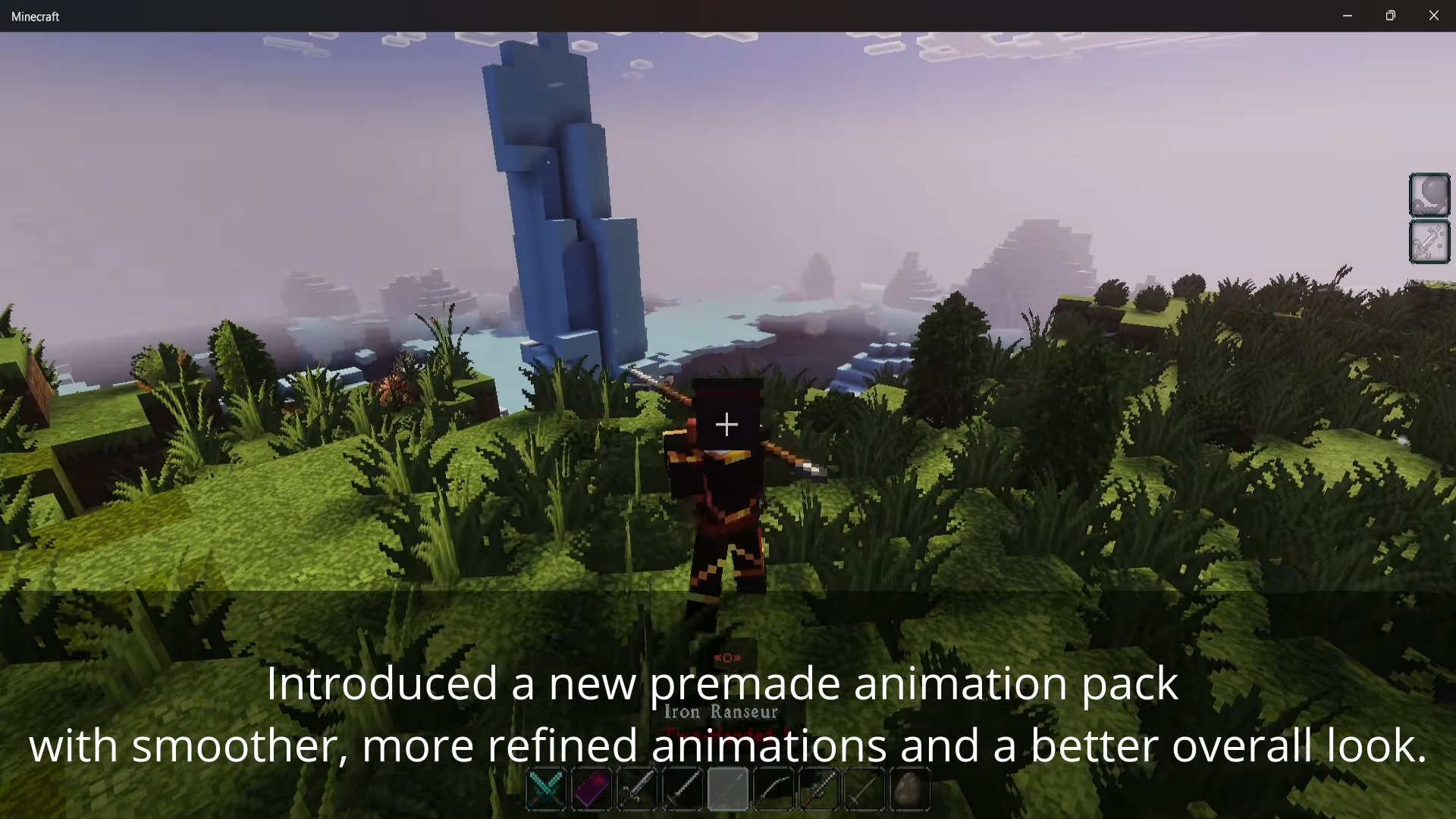
- Adds 4 new weapon types including gauntlets, staves, odachi, and halberds.
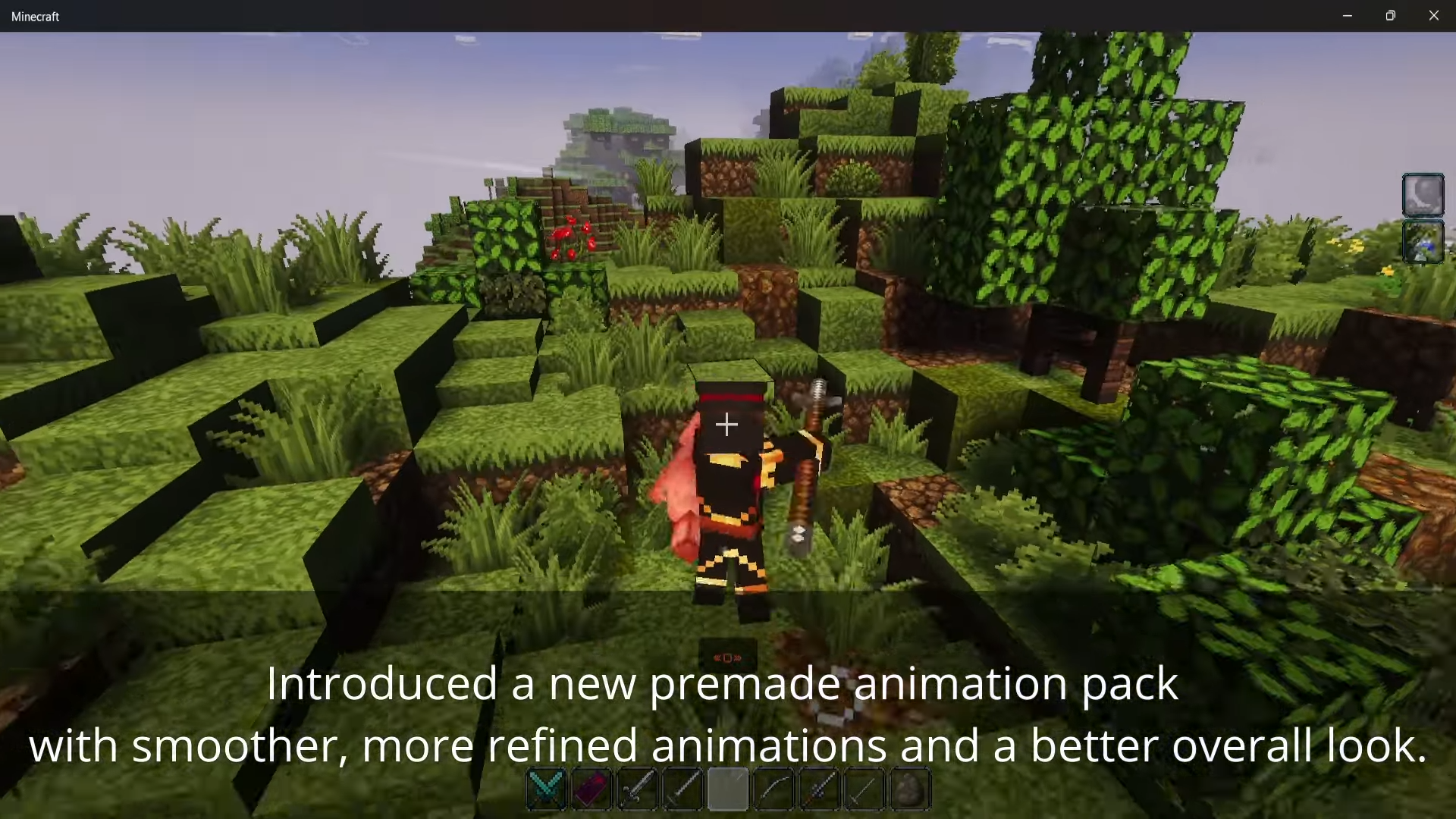
- Brings a complete animation overhaul for all existing weapon types along with improved movement animations.
- Adds enchantment support for weapons.
- Includes a new posing mechanic to switch between different poses by sneaking while idle.
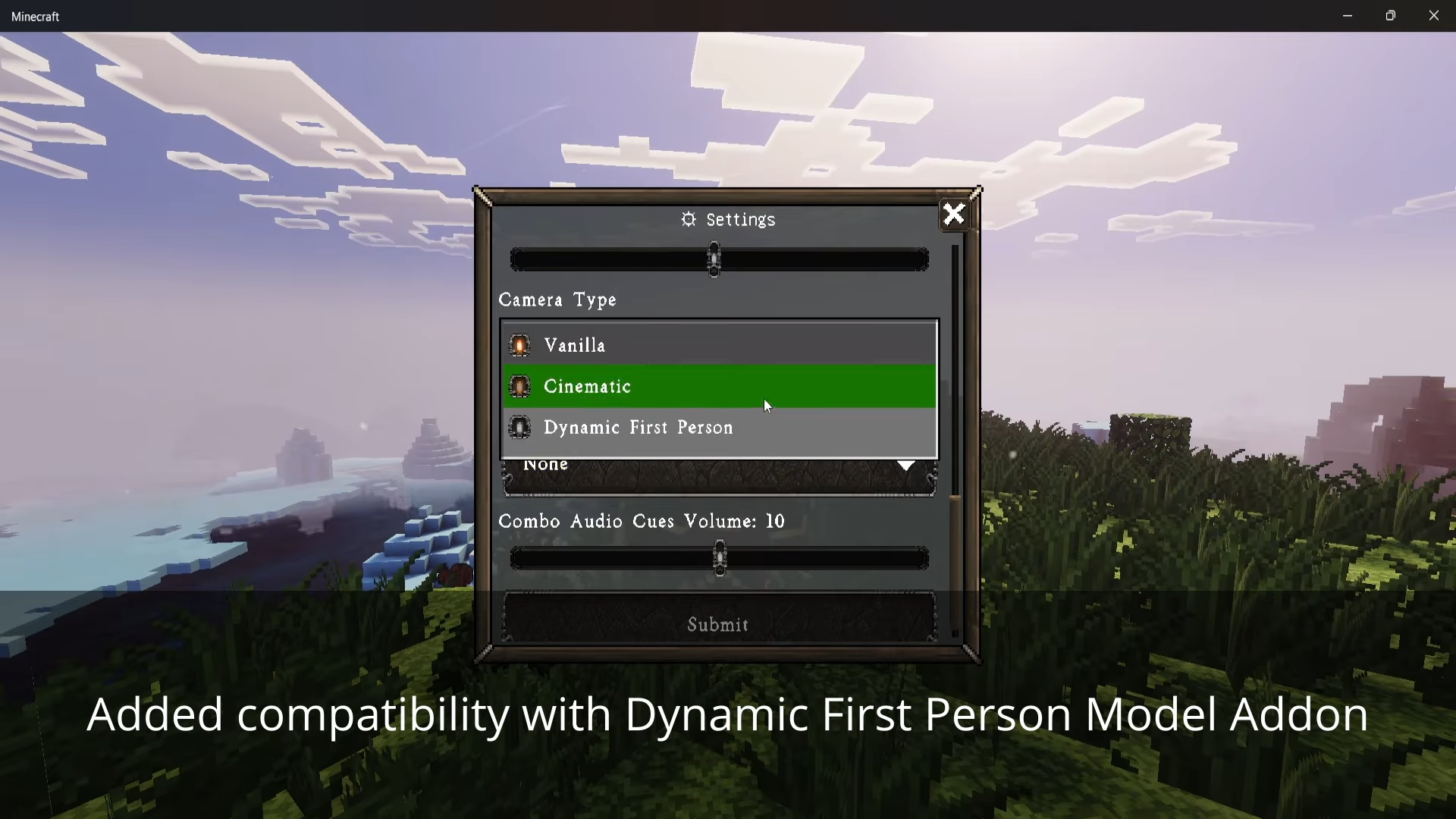
- Adds customization options including the ability to toggle the UI on or off.
- Features a toggleable Combat Mode with attack combos, parries, dodges, consumables, magic, cinematic camera shots, and a voice line system.
Commands:
/ammo: Arrow quiver alternative/disable_skill: Toggle skill system for specific weapons for compatibility/stats: Check weapon stats as a workaround for Rarity Forge compatibility/skills: Open skill menu to learn and manage skills
How to Use:
- Toggle the Combat Mode on to access dynamic weapon combos, parries, and dodges.
- Switch between different poses by sneaking while idle.
- Open the skills menu using the appropriate command to learn and manage skills.
- Adjust settings and toggle the UI or manage compatibility using the available config options and commands.
Screenshots:
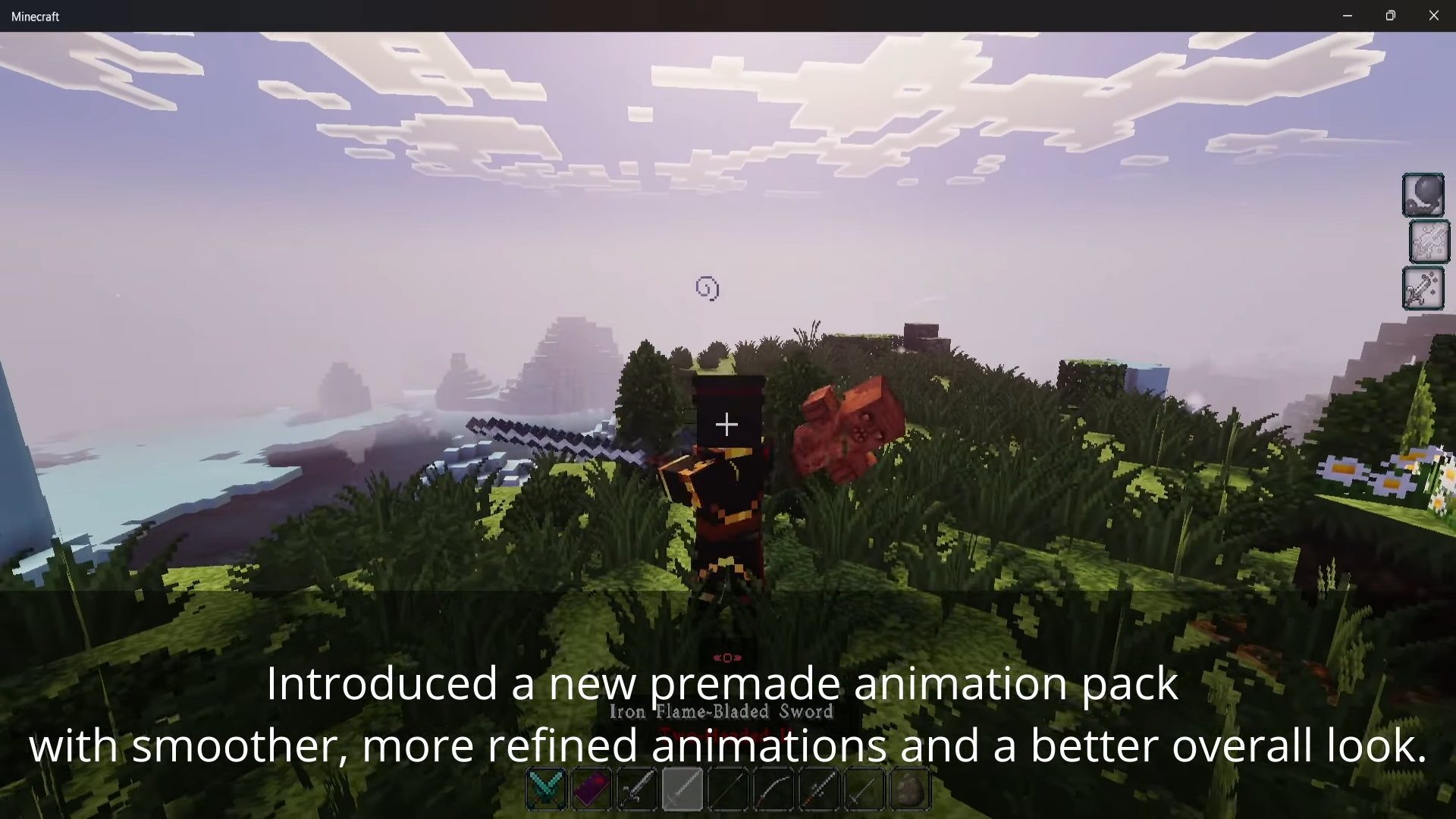
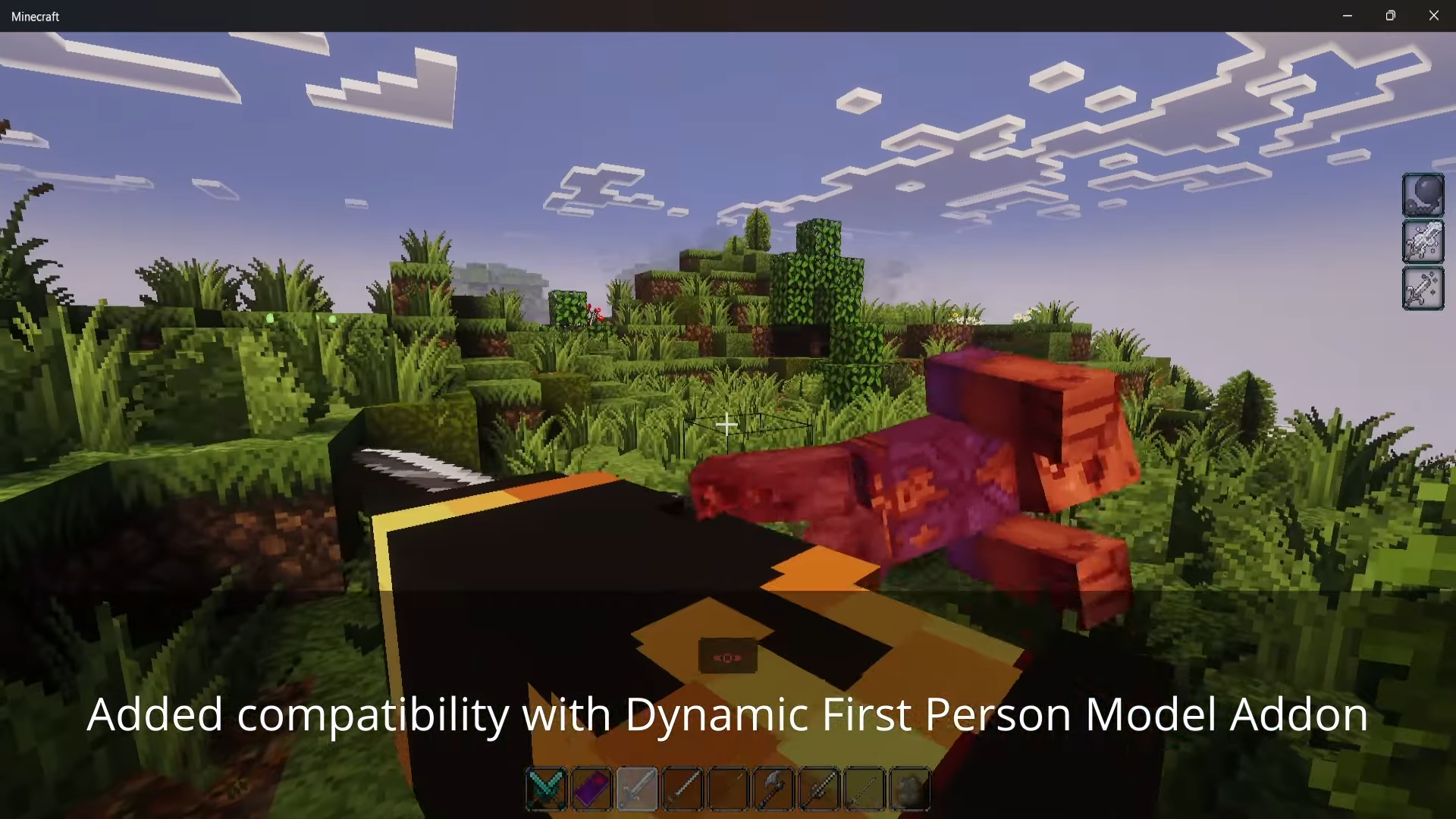
How to Install:
New to Minecraft PE? Follow our step-by-step guide to install Mods/Addons on your Mobile.View Guide
Immersive Combat Addon Download Links
For MCPE/Bedrock 26.x
For MCPE/Bedrock 1.21.x
Click to rate this post!
[Total: 5 Average: 4.8]
You May Also Like
Picked for this page
 Block Duplicator Addon (26.x, 1.21) – MCPE/Bedrock Mod
 Dragon Mounts 2 Addon (26.x, 1.21) – MCPE/Bedrock Mod
 Mules Slayer Addon (26.x, 1.21) – MCPE/Bedrock Demon Slayer Mod
 Ultimate Drills Addon (26.x, 1.21) – MCPE/Bedrock Mod
 Neo Elementals Addon (26.x, 1.21) – MCPE/Bedrock Mod
 RarityForge Addon (26.x, 1.21) – MCPE/Bedrock Mod
 Myths and Magic Addon (26.x, 1.21) – MCPE/Bedrock Mod
 Ultraman X Addon (26.x, 1.21) – MCPE/Bedrock Mod
 Disciples of The Void Addon, Free Volume Addon (1.21, 1.20) – MCPE/Bedrock Mod
 The Fallen King Addon (26.x, 1.21) – MCPE/Bedrock Mod
 Project Onyx Rotten Harvest Addon (26.x, 1.21) – MCPE/Bedrock Mod
 RR Time Matrix Addon (26.x, 1.21) – MCPE/Bedrock Mod
Most viewed in Mods & Addons over the last 7 days
 Mob Girls Addon (1.26+, 1.21) – MCPE/Bedrock Mod
 Secrets of Berk Addon (26.33+) – How To Train Your Dragon Mod MCPE/Bedrock
 Jenny Colette Version Addon (26.x, 1.21) – MCPE/Bedrock Mod
 Jujutsu Awakening Addon (1.26+, 1.21+) – Prison Realm Update
 New Jujutsu Awakening Addon (1.26+) – MCPE/Bedrock
 Jenny Add-on (Fapcraft) APK MCPE Full Guide – How to use, Tutorial
 Shadow Company Addon (26.x, 1.21) – MCPE/Bedrock Mod
 Titan Craft Addon (1.26+, 1.21) – MCPE/Bedrock Attack on Titan Mod
 Asa’s One Piece Addon (1.26+, 26.32) – MCPE/Bedrock Mod
 Raxiores of Raxiore Addon (1.26+) – MCPE/Bedrock
 Fapcraft Addon (1.26, 1.21) – MCPE/Bedrock Jenny Mod
 Naruto Jedy Addon V8 (26.30+, 1.18+) for MCPE/Bedrock Edition
More from Mods & Addons
 Siren Head: The Siren’s Field (26+, 1.21) – MCPE/Bedrock Addon
 CocoaWarrior’s Minecraft Redone (26+) – MCPE/Bedrock Addon
 One-Way Ghost Blocks (26+, 1.21) – MCPE/Bedrock Addon
 BLOOD STEVE (26+) – MCPE/Bedrock Addon
 RS Craft Modpack (26+, 1.21) – MCPE/Bedrock Addon
 Fast And Furious Vehicle Pack (26+, 1.21) – MCPE/Bedrock Addon
 The Last Dragon (26+) – MCPE/Bedrock Addon
 KwZ’s Essence (26+) – MCPE/Bedrock Addon
 Cavern Calamity (26+) – MCPE/Bedrock Addon
 Advanced Dynamic Lighting (26+, 1.21) – MCPE/Bedrock Addon
 Guard Villagers (26+) – MCPE/Bedrock Addon
 Gamemode Switcher (26+, 1.21) – MCPE/Bedrock Addon

This post has no comments yet. Be the first — your comment will appear here.