


Title Screen Mobs Mod (1.21.4, 1.20.1) – Un Menu Principale Meno Solitario

 0
0 

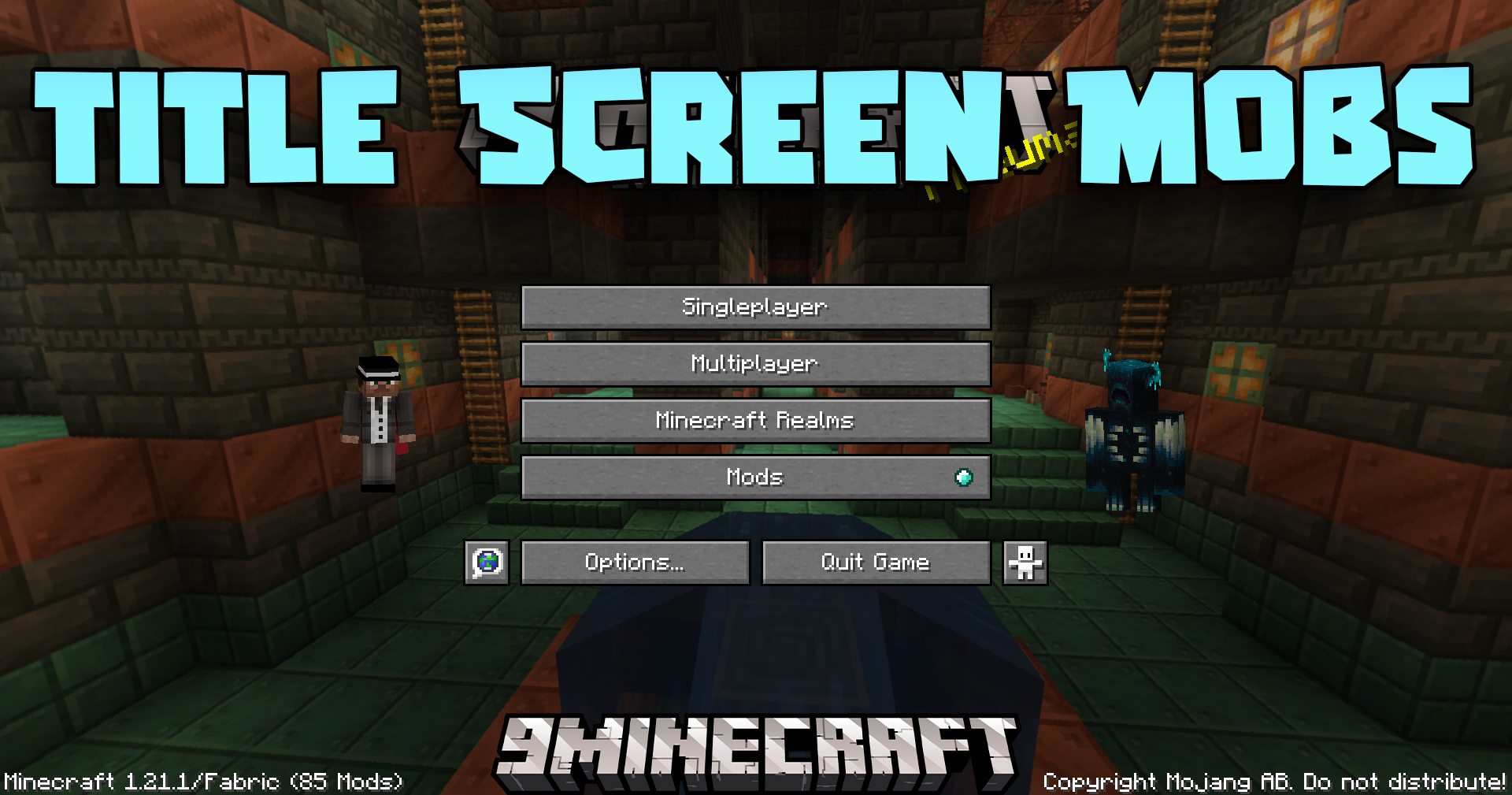
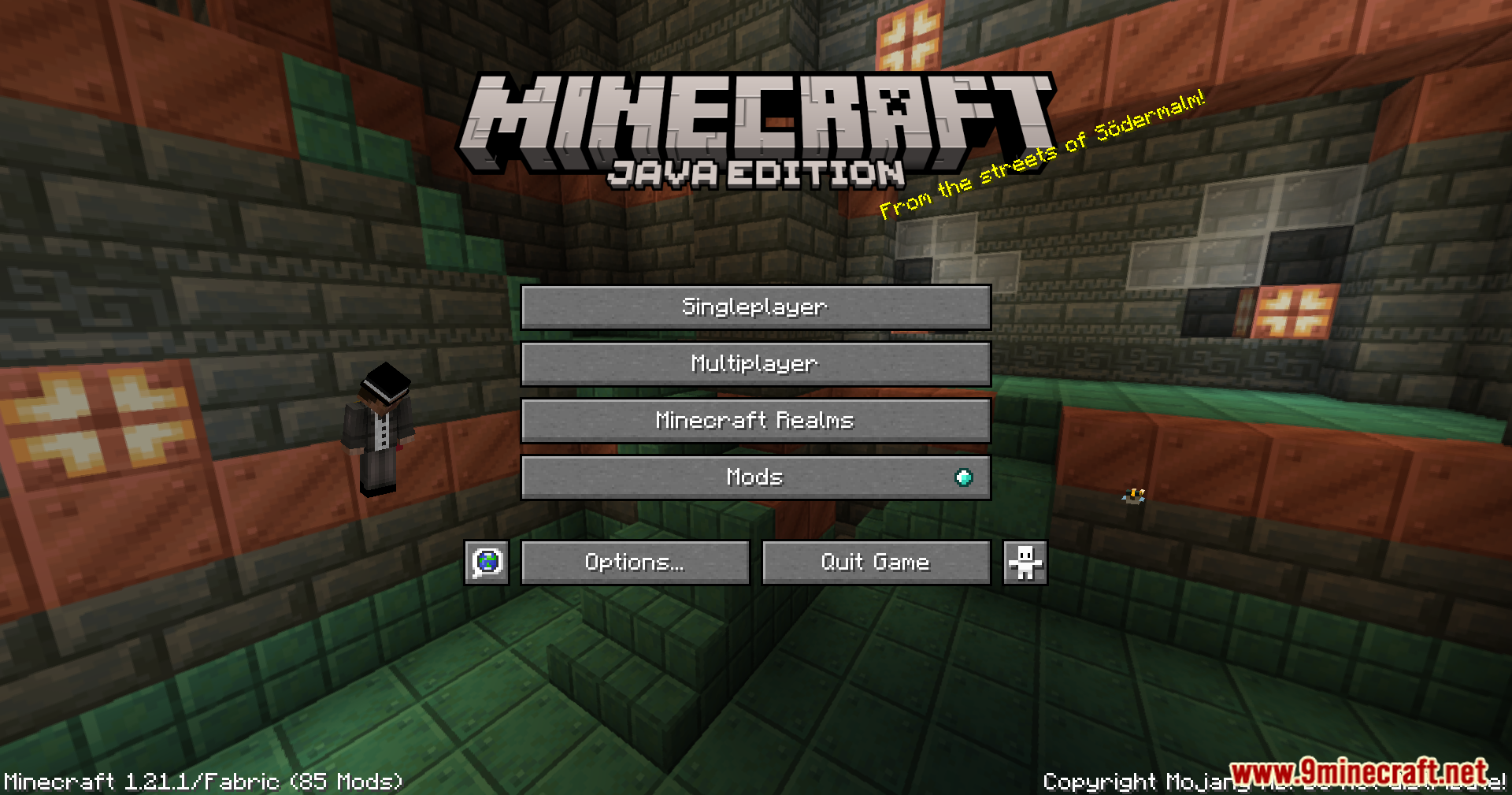
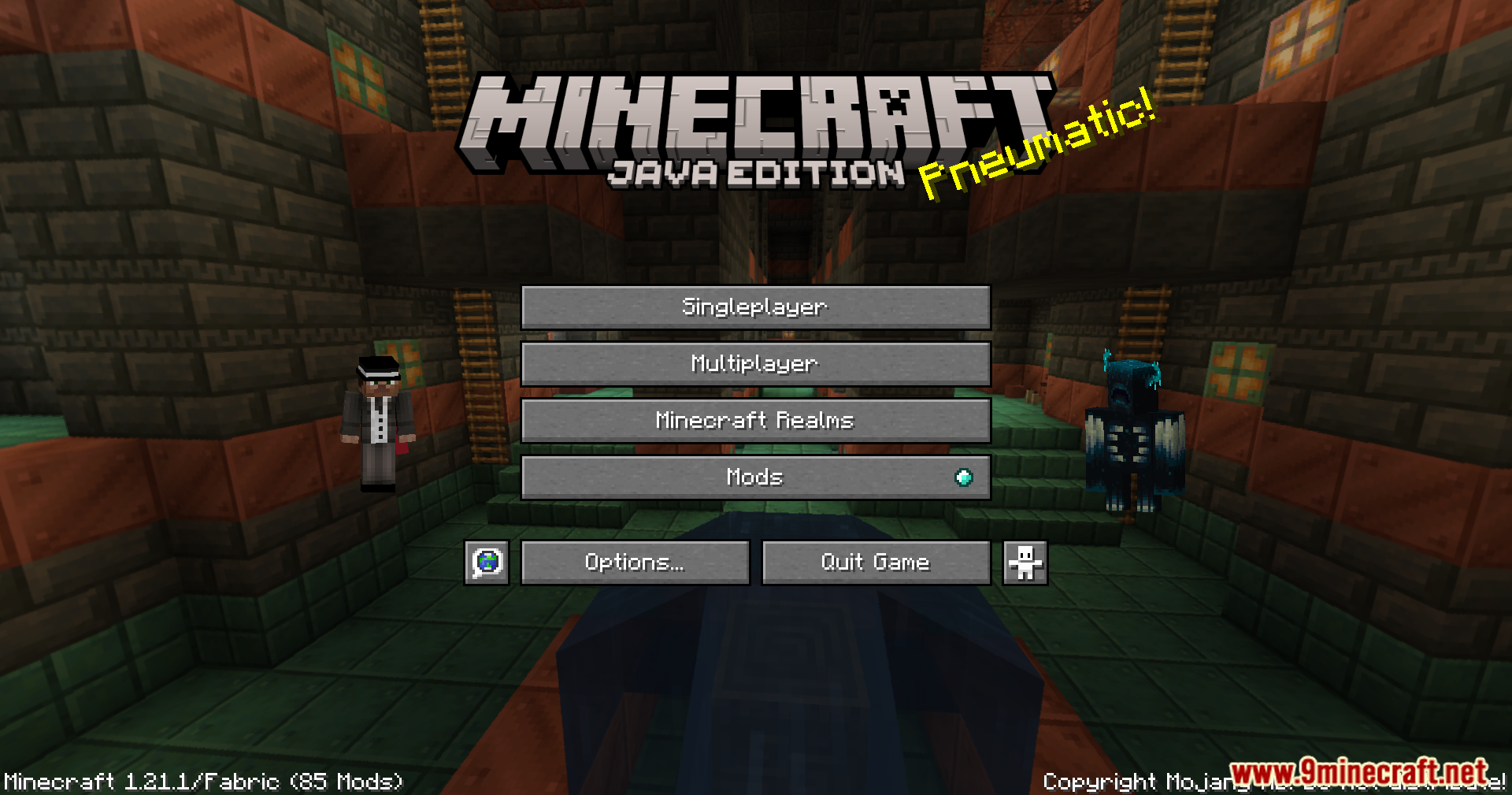
Title Screen Mobs Mod aggiunge i mob direttamente nella schermata iniziale di Minecraft. Invece di uno sfondo vuoto, potresti vedere un Warden, un Wither o persino un pappagallo prima di iniziare a giocare. Questa mod rende il menu principale molto più interessante. Puoi anche andare nelle impostazioni per scegliere esattamente quali mob vuoi vedere.
Caratteristiche:
- Aggiunge diversi mob del gioco allo sfondo della schermata iniziale.
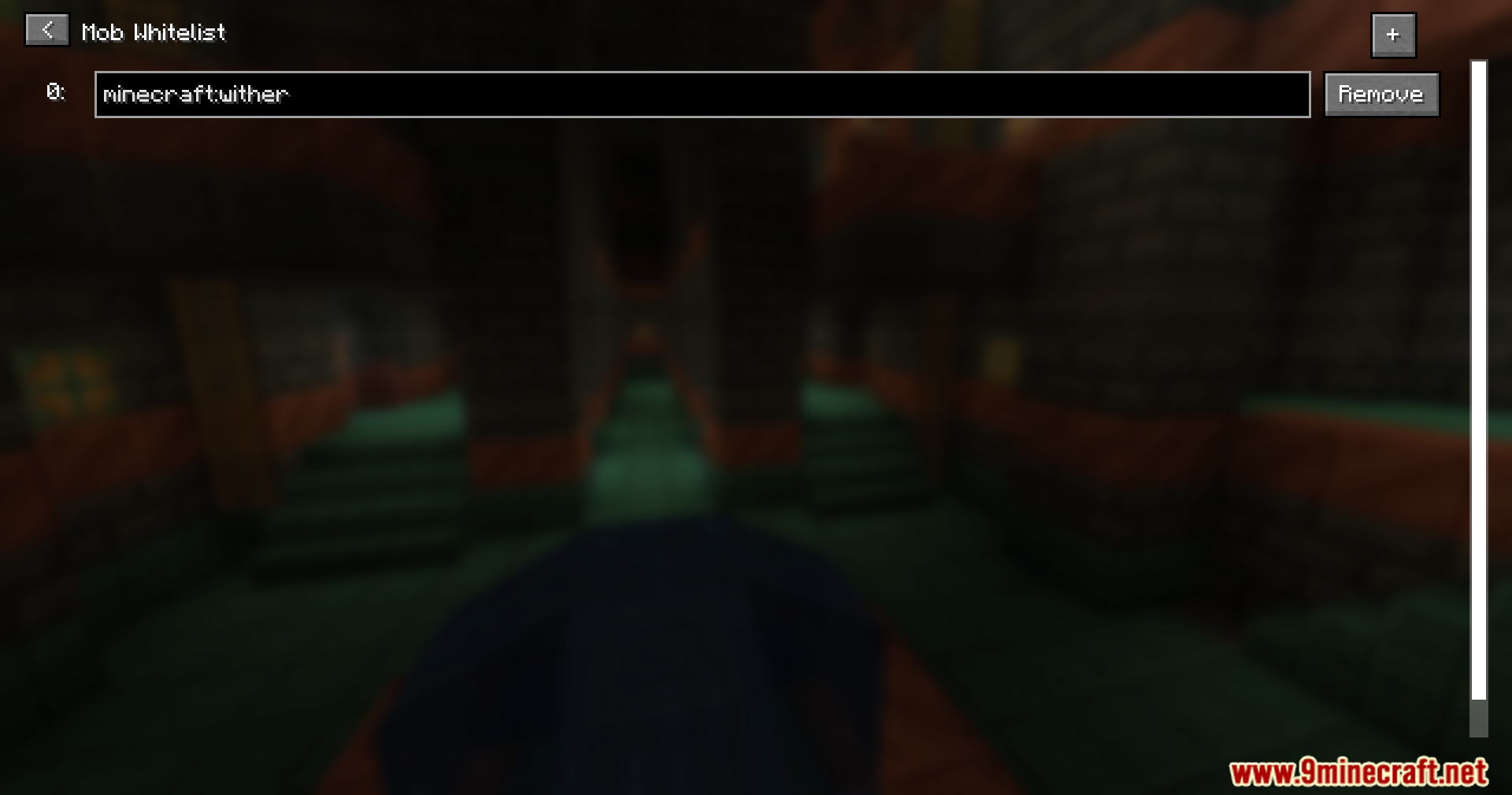
- Ti permette di scegliere esattamente quali mob far apparire aggiungendoli a una lista speciale.
- Funziona con molti tipi di mob, inclusi i grandi boss come il Wither e il Warden.
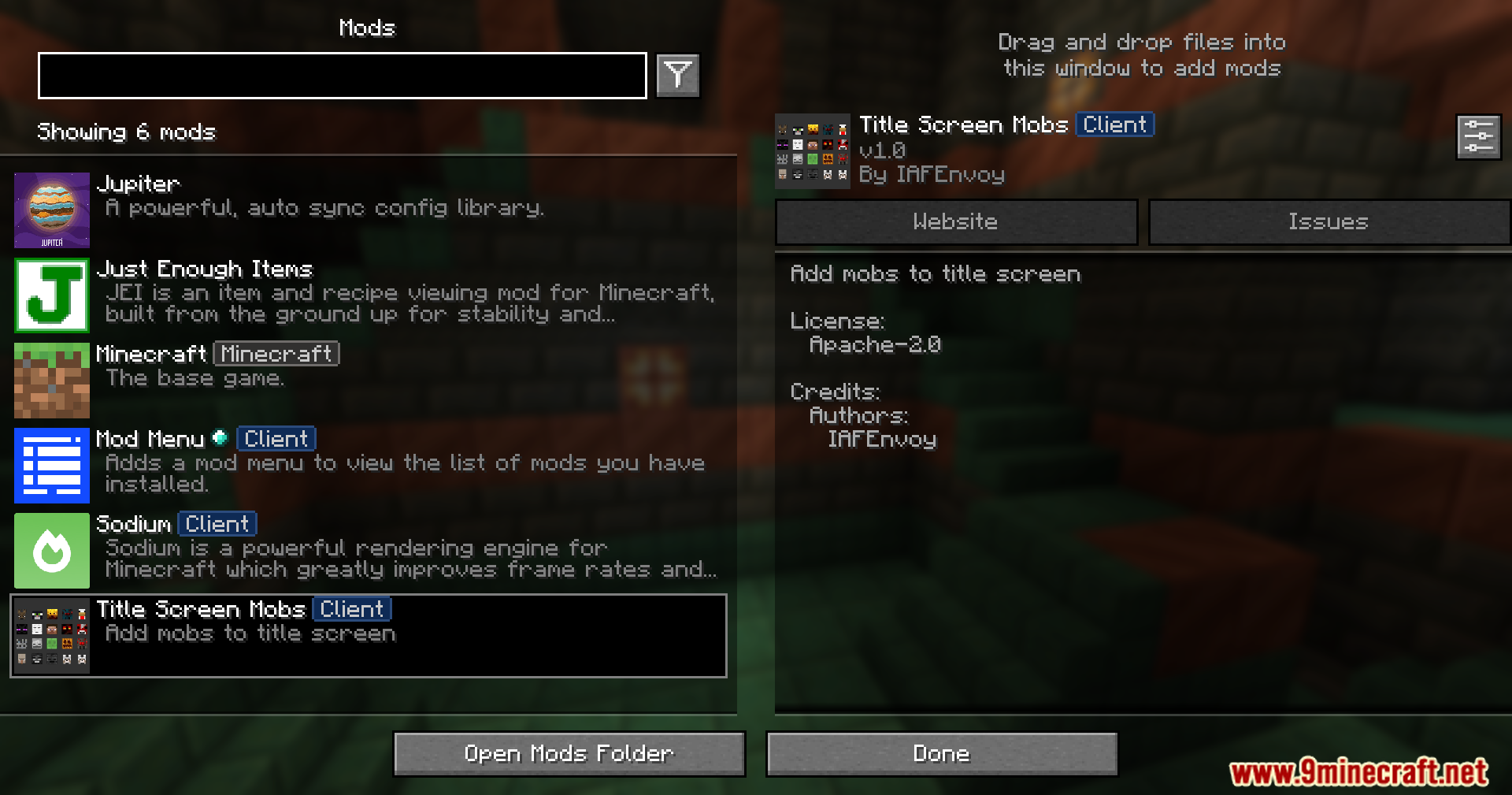
- Tutte le impostazioni possono essere modificate all’interno del gioco se hai installato ModMenu.
- Mostra un avviso utile sullo schermo in caso di conflitto con un’altra mod.
- Il messaggio di avviso può essere disattivato nelle impostazioni.
Screenshot:




Come installare:

Title Screen Mobs Mod Download Links
Per Minecraft 1.21.4
Versione Fabric: Scarica dal Server 1 – Scarica dal Server 2
Versione NeoForge: Scarica dal Server 1 – Scarica dal Server 2
Per Minecraft 1.21.1, 1.21
Versione Fabric: Scarica dal Server 1 – Scarica dal Server 2
Versione NeoForge: Scarica dal Server 1 – Scarica dal Server 2
Per Minecraft 1.20.6
Versione Fabric: Scarica dal Server 1 – Scarica dal Server 2
Versione NeoForge: Scarica dal Server 1 – Scarica dal Server 2
Per Minecraft 1.20.4
Versione Fabric: Scarica dal Server 1 – Scarica dal Server 2
Versione NeoForge: Scarica dal Server 1 – Scarica dal Server 2
Per Minecraft 1.20.1, 1.20
Versione Forge/NeoForge: Scarica dal Server 1 – Scarica dal Server 2
Versione Fabric: Scarica dal Server 1 – Scarica dal Server 2
Per Minecraft 1.19.4
Versione Forge: Scarica dal Server 1 – Scarica dal Server 2
Versione Fabric: Scarica dal Server 1 – Scarica dal Server 2
Per Minecraft 1.19.2
Versione Forge: Scarica dal Server 1 – Scarica dal Server 2
Versione Fabric: Scarica dal Server 1 – Scarica dal Server 2
Potrebbe Interessarti Anche


Questo post non ha ancora commenti. Sii il primo: il tuo commento apparirà qui.