
IVR – Brings Realistic KCRC Passenger Trains to Your MTR Railway Network
 3
 0


IVR – KCR Train Model adds HD KCRC trains for Minecraft Transit Railway (MTR) Mod. This model pack gives your railway system realistic passenger train designs with 40 detailed texture files. It also includes 1 Blockbench source model if you want to inspect or edit the train structure yourself. You need the Minecraft Transit Railway (MTR) Mod installed to spawn and run these trains on your tracks.

Features:
- HD KCRC Trains: Adds high-definition KCRC train models built specifically for the Minecraft Transit Railway (MTR) Mod.
- 40 Texture Files: Uses 40 custom textures to cover the exterior body and details of the KCRC trains.
- Includes 1 Blockbench source model file inside the pack for players who want to customize or edit the train design.
How to Use:
- Make sure the Minecraft Transit Railway (MTR) Mod is installed in your game before loading this pack.
- Place the pack file into your Minecraft resourcepacks folder.
- Open the game, go to Options, select Resource Packs, and move this pack to the active list on the right.
- Enter a world with MTR railway tracks and a train siding set up.
- Open your MTR railway configuration menu and select the KCRC train model from the train list to assign it to your line.
- Watch the HD KCRC train spawn from the depot and run along your tracks with all 40 custom textures applied.
Requirements:
- Blockbench, only if you want to edit the included source models
Screenshots:


IVR – KCR Train Model Download Links
Click to rate this post!
[Total: 0 Average: 0]
You May Also Like
Picked for this page
 F1 2025 Boat 16x Model – Transforms Vanilla Boats Into Formula Racing Cars
 Sydney Metro & Sydney Trains Model – Brings Australian Rail Transit to MTR4
 New South Wales EMU Trains Model – Adds Australian Electric Trains to MTR4
 Seoul Metro Woojin Trains Model – Brings Modern Korean Subway Cars
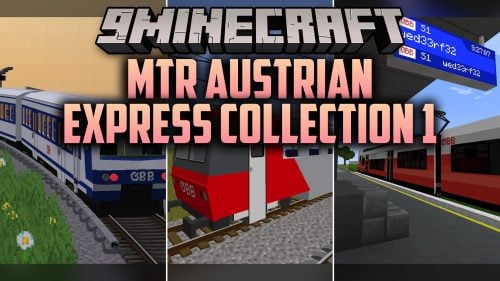 MTR Austrian Express Collection 1 Model – Brings Detailed Austrian Trains
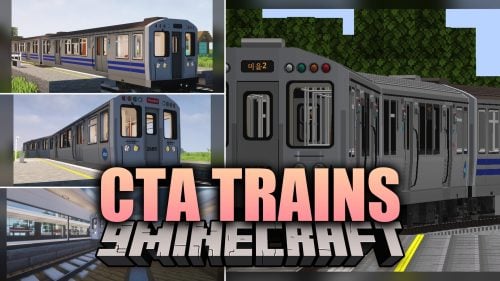 CTA Trains Model – Brings Authentic Chicago L Trains to Your MTR4 Railways
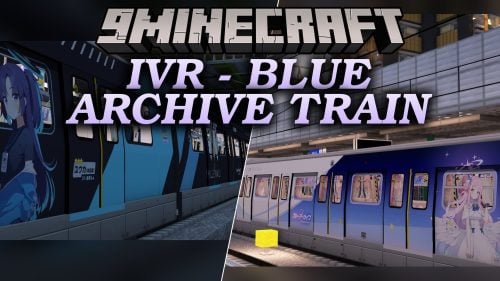 IVR – Brings Anime-Themed KCRC and MTRC Trains to Your Transit Railway
 Mickey Joe’s CIT Namables Model – Unlocks Custom Spin-Off Gear at Anvils
 Story Mode Revamped Model – Brings Telltale Adventure Gear and 3D Blocks
 ItzLuwix’s CPvP Essentials Model – Brings Animated 3D Blocks to Crystal PvP
 Mk.2 Redstone Model – Upgrades Redstone Circuits with Clear Animated 3D Signals
 STAR21 Model – Brings the Class 952 Shinkansen Bullet Train to MTR4 Tracks
Most viewed in Models over the last 7 days
 Jenny Mod Skin Pack Mega Collection – 310+ Characters
 The Most Complete Collection of Jenny Mod Resources – Models, Animations, Structures,…
 Albedo Rework Jenny Mod Model
 750 Models Addon for Yes Steve Model Mod
 Galath Rework Model – Custom Girl for PleasureCraft Mod
 Power Model – Custom Girl for PleasureCraft Mod
 Femboy Ellie Rework Jenny Mod Model
 Ram Model – Custom Girl for PleasureCraft Mod
 Pomni Jenny Mod Model
 100+ Custom Animations For Jenny Mod
 Ellie Rework Jenny Mod Model
 Halloween Pack Jenny Mod Model – Transforms Companions with Spooky Costumes
More from Models
 Connected Texture Model – Brings Borderless Glass Panes and Glowing 3D Ores
 HMI 3D Buckets Model – Turns Flat Vanilla Buckets Into Animated 3D Containers
 Redstone Tweaks For Bare Bones Model – Brings Clear 3D Signal States
 Faithful 64x – Brings Animated 3D Variations to Blocks and Mobs
 Totally Decayed Wither Storm Model – Brings Grim 3D Models and Animated Decay
 Rainbow’s Foliage Vanilla Model – Brings Animated 3D Plants to Worlds
 SobhanA11 Modern Vanilla Cpvp Model – Transforms Blocks for Fast Crystal PvP
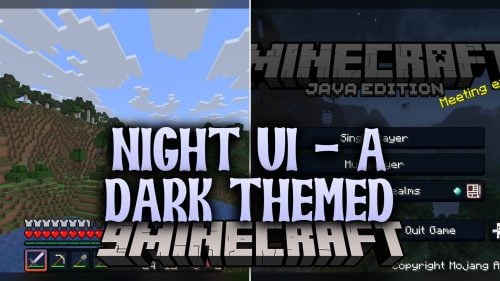 Night UI – Transforms Game Menus and Glass Panes with Sleek Dark Visuals
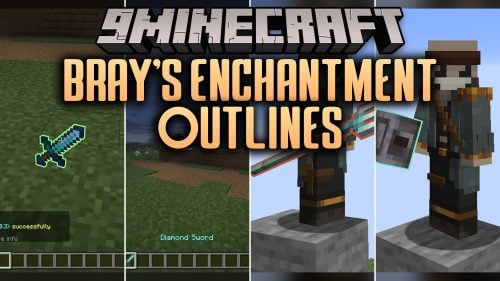 Bray’s Enchantment Outlines Model – Adds Glowing Animated Borders to Gear
 Fresh Food VR Model – Brings 3D Food and Bite-By-Bite Eating Animations to VR
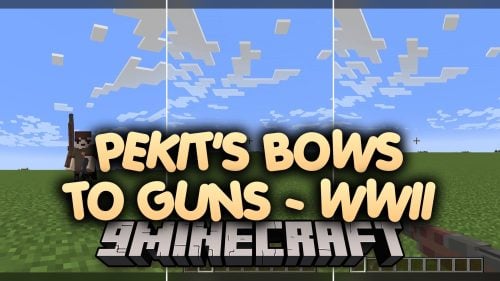 Pekit’s Bows To Guns – Transforms Ranged Gear Into WWII Firearms
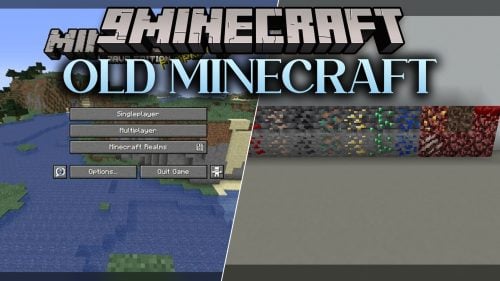 OLD MINECRAFT Model – Brings Classic Textures and Custom 3D Redstone Shapes

This post has no comments yet. Be the first — your comment will appear here.