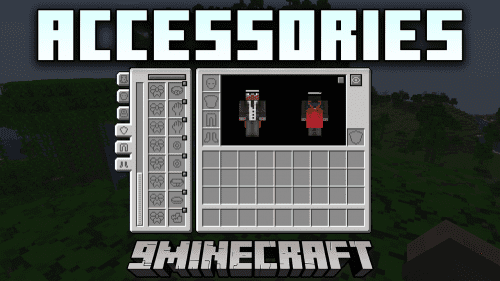
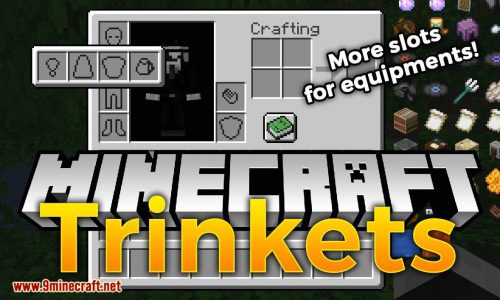
Accessories Compatibility Layer Mod combines the Trinkets and Curios mods so they can work together in your game. It uses the main Accessories mod to create a single place for all your special items from both mods. This means you only need one system to manage all your gear, instead of trying to make different ones work at the same time.

Features:

  • One Simple System: Combines the Trinkets and Curios accessory systems, making them work with the main Accessories mod.
  • Lets you use items from both Trinkets and Curios at the same time without any issues.
  • Puts all your special equipment from different mods into a single screen inside your inventory.
  • Replaces older, separate compatibility mods. You only need this one to connect everything.
  • Works for both Fabric and NeoForge, so you can add it to many different modpacks.

Screenshots:

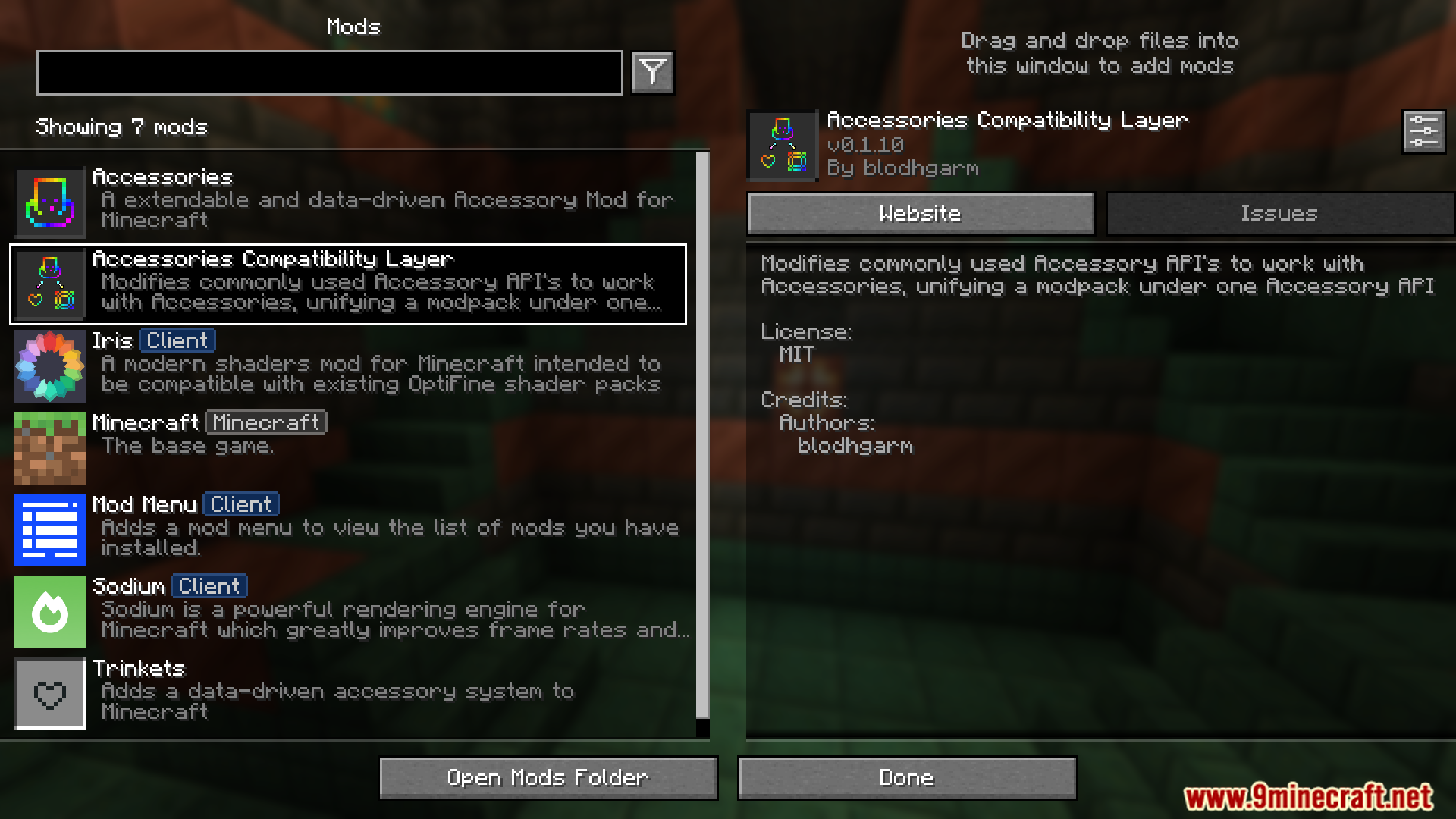
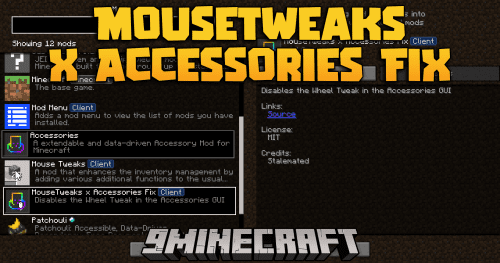
View the Accessories Compatibility Layer mod details in the main menu
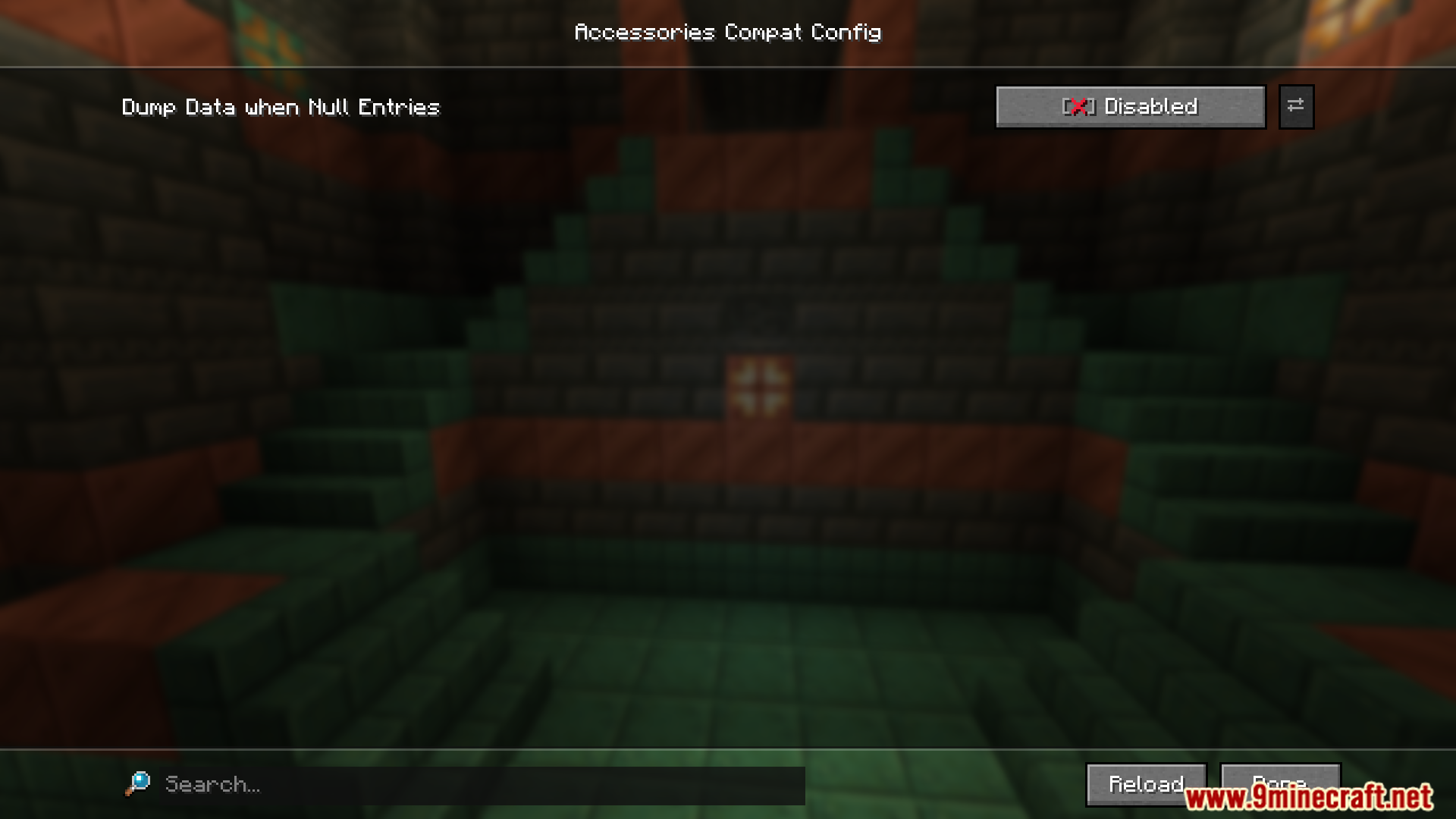
Adjust specific configuration settings for the Accessories Compatibility Layer mod
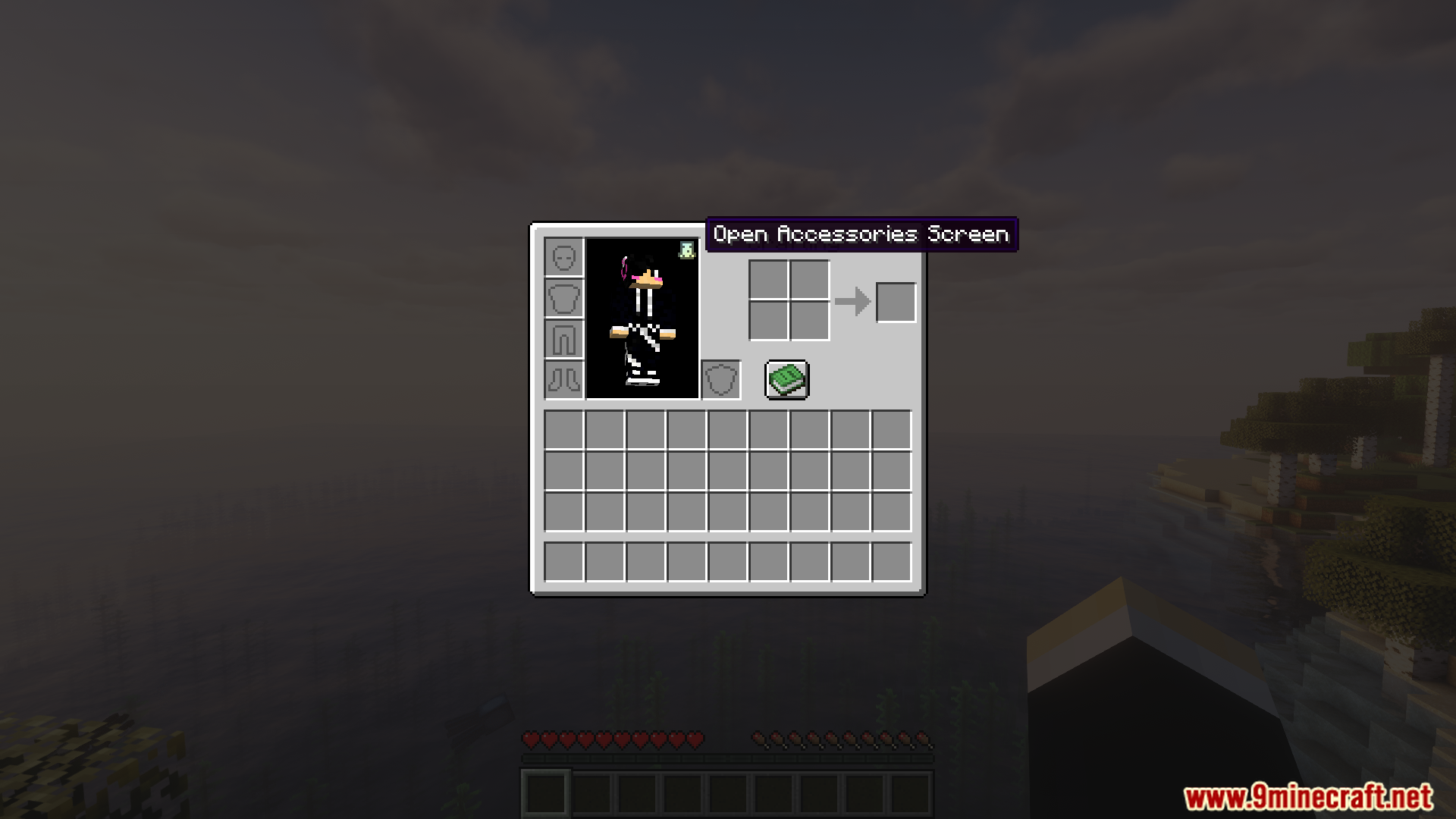
Open the new accessories screen using the inventory menu button
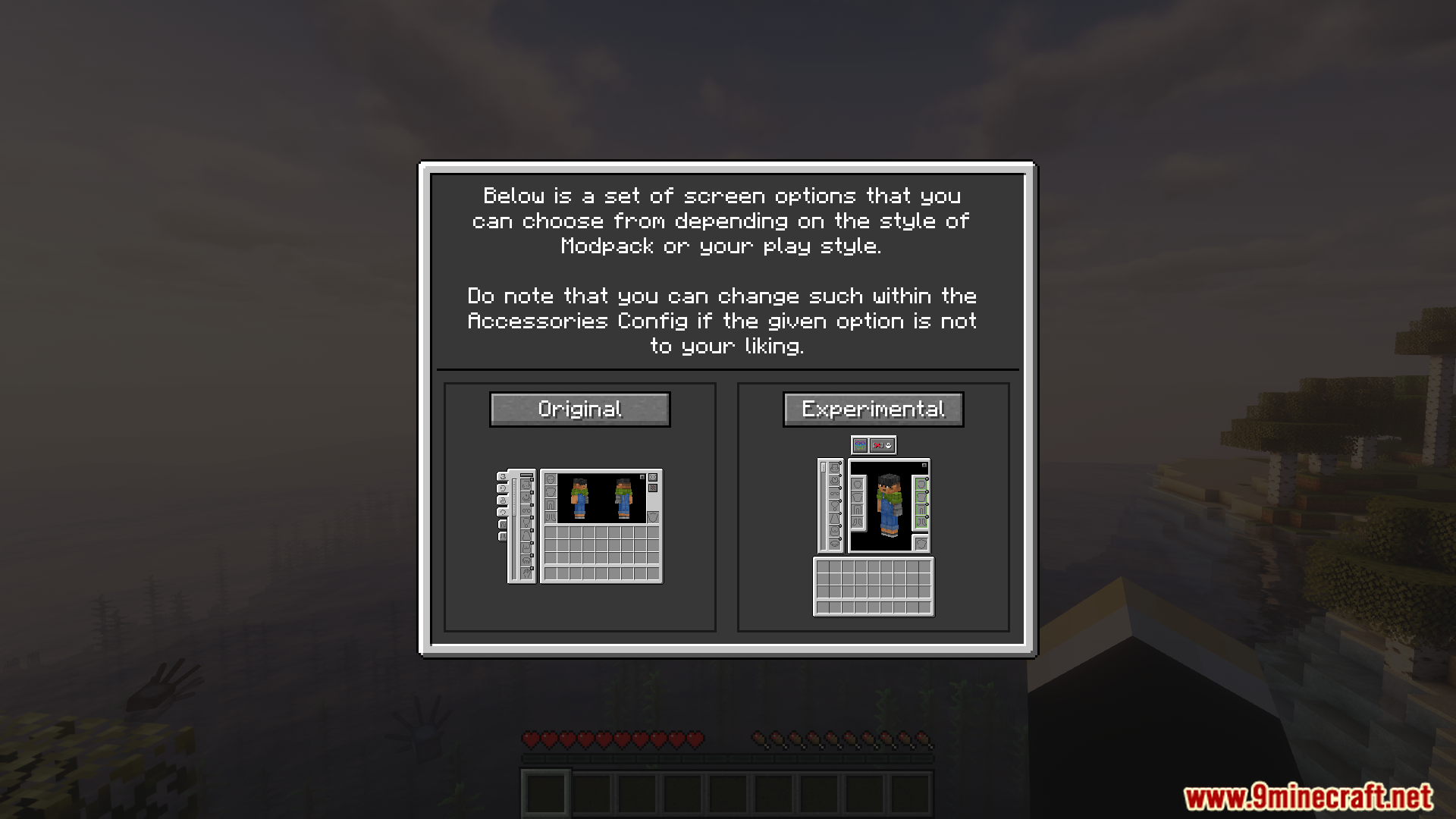
Select from two different layout choices in the accessories setup screen
Check the player inventory with the added accessories panel active
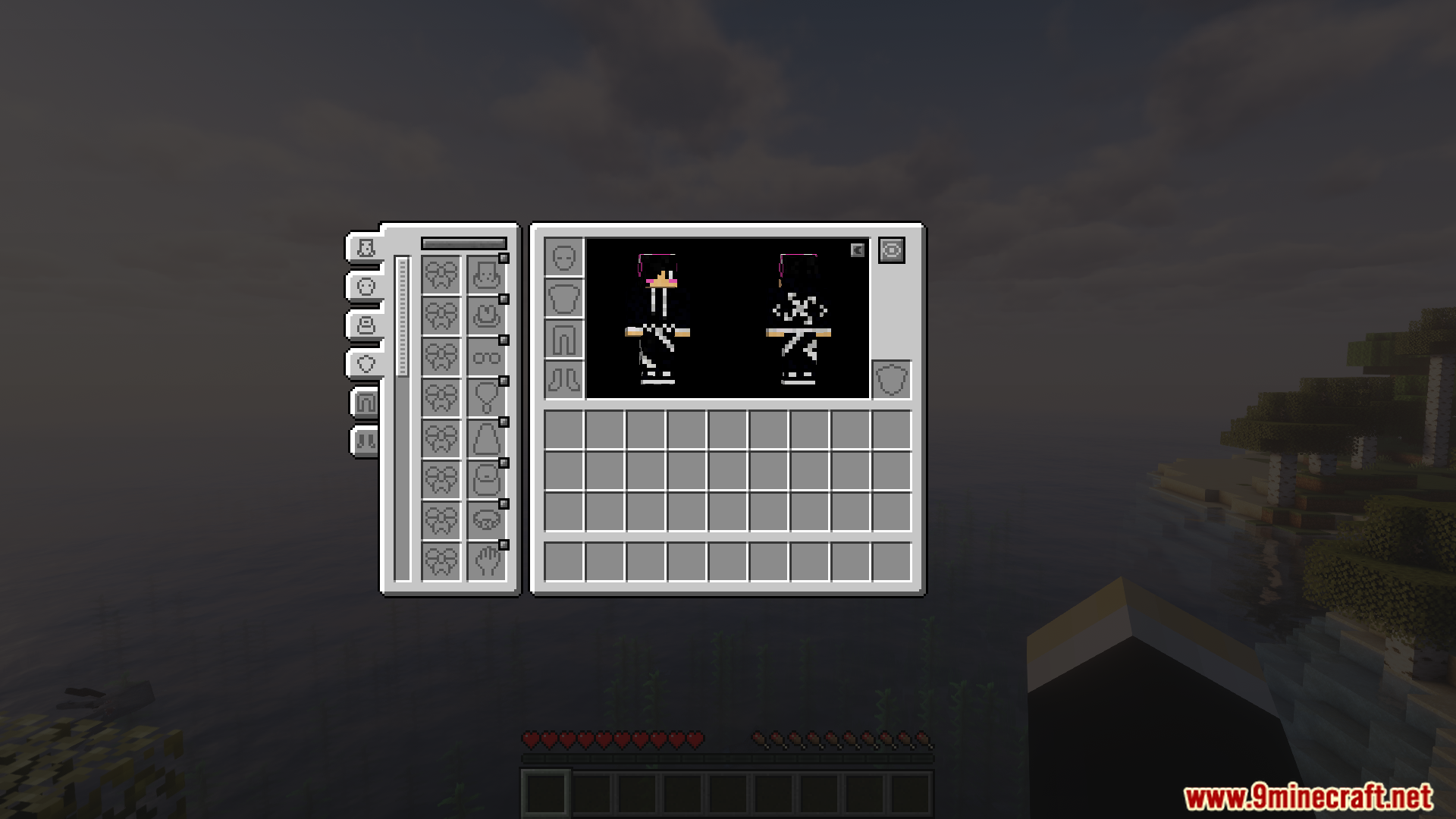
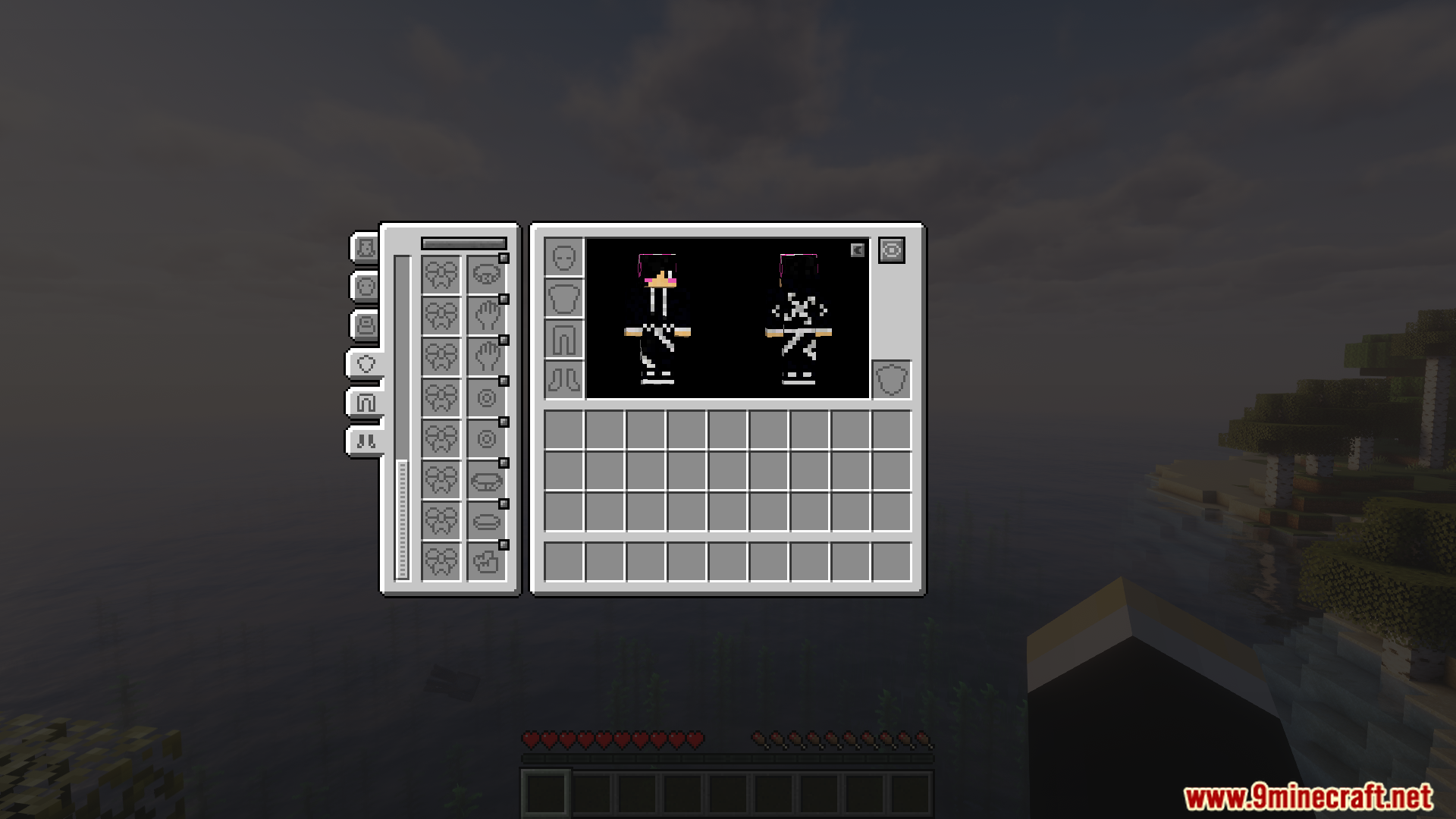
Examine the detailed interface for managing various equipped accessories
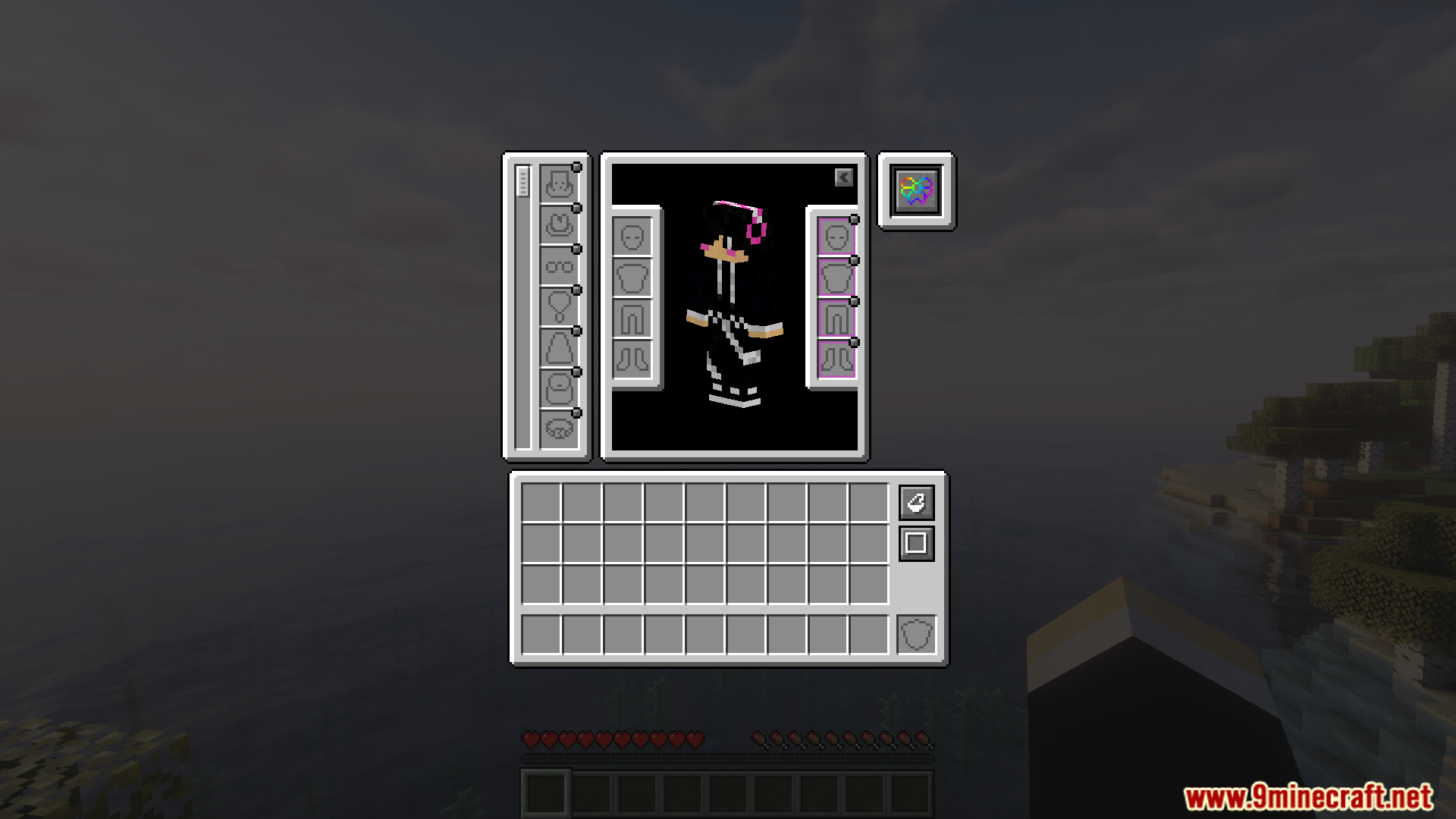
Equip gear into new dedicated slots for accessories and cosmetics
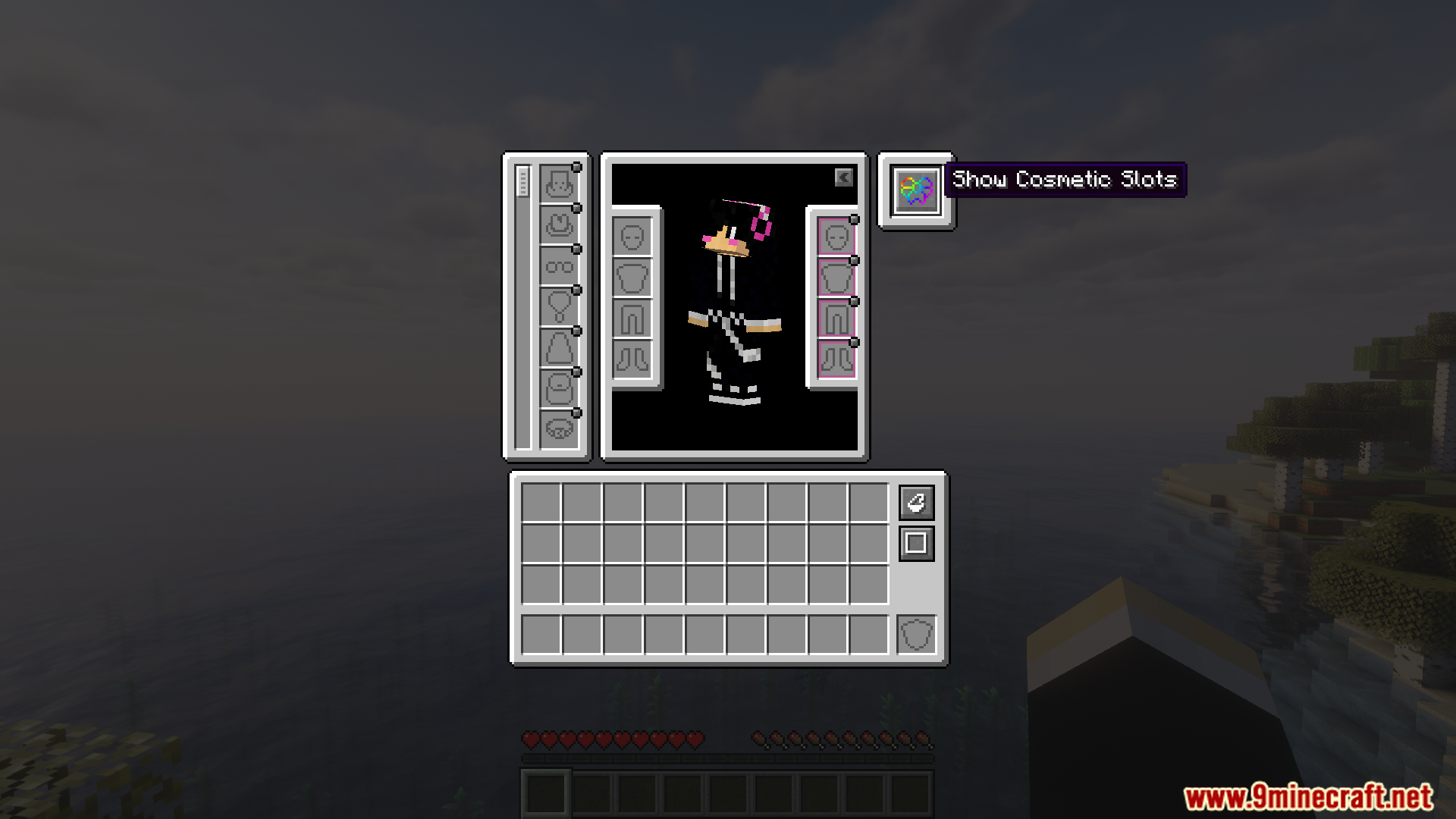
Toggle the visibility of cosmetic slots with the dedicated button
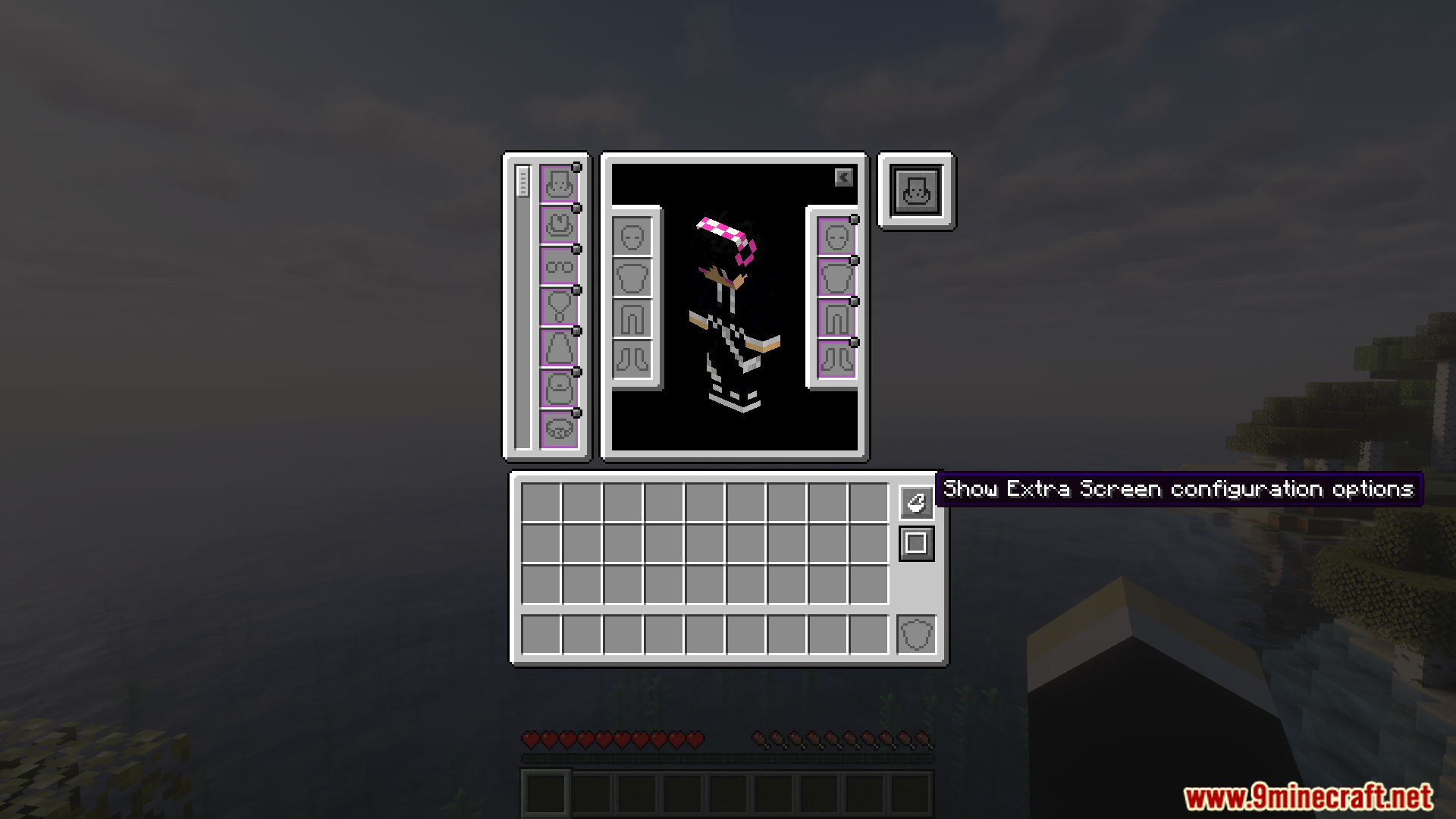
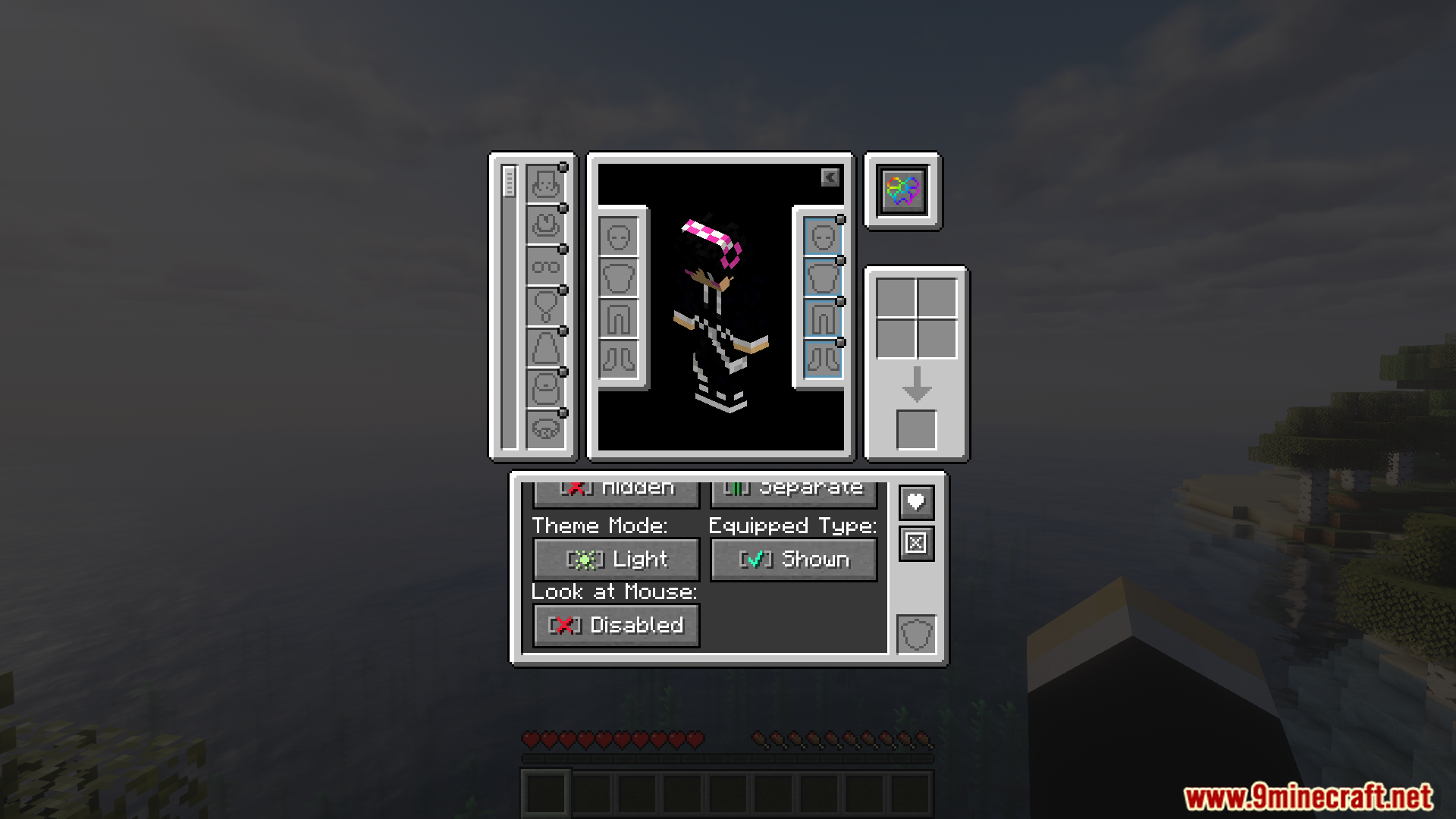
Access additional screen configuration options for managing accessory slots
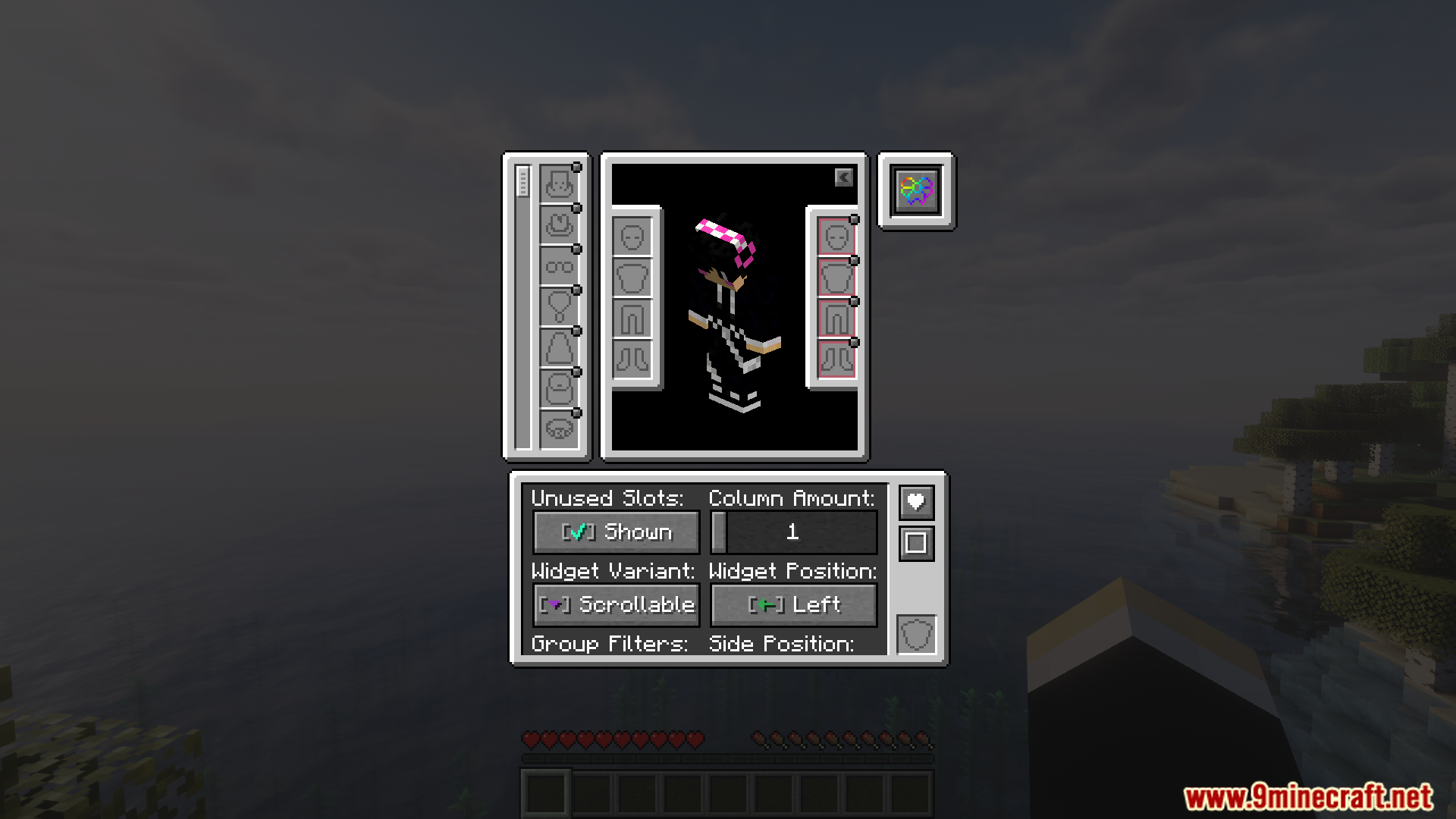
Modify inventory slot layout settings within the accessories mod menu
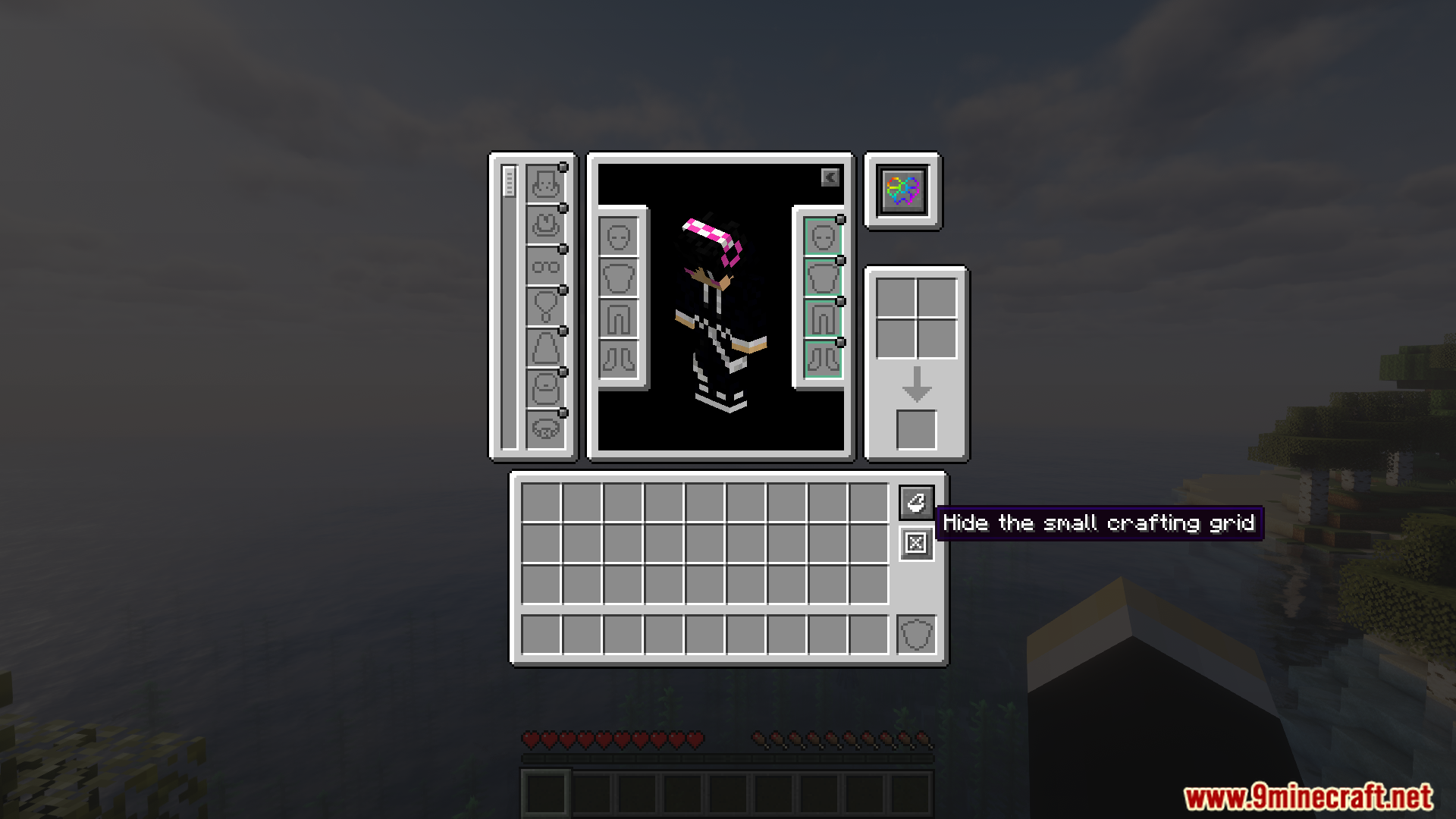
Hide the small crafting grid view within the player inventory
Customize the theme and display options for the inventory interface

Requirements:

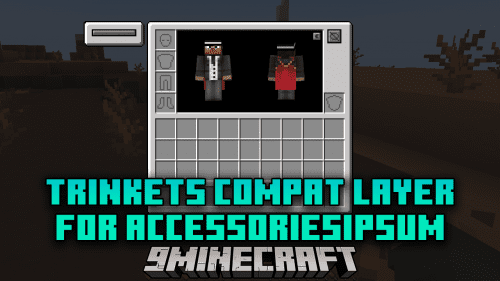
Accessories Mod RequiredTrinkets Mod RequiredCurios API RequiredOwO Lib Mod RequiredTrinkets Compat Layer For Accessories Mod Required
[Deprecated] Curios Compat Layer for Accessories Incompatible
Accessories Required
oωo (owo-lib) Required

Accessories Compatibility Layer Mod Download Links

For Minecraft 1.21.1, 1.21

Fabric version: Download from Server 1Download from Server 2

NeoForge version: Download from Server 1Download from Server 2

Click to rate this post!
[Total: 3 Average: 5]