


Defaulted Hotkeys Mod (1.21.8, 1.20.1) – キー設定を一度で完了

 0
0 

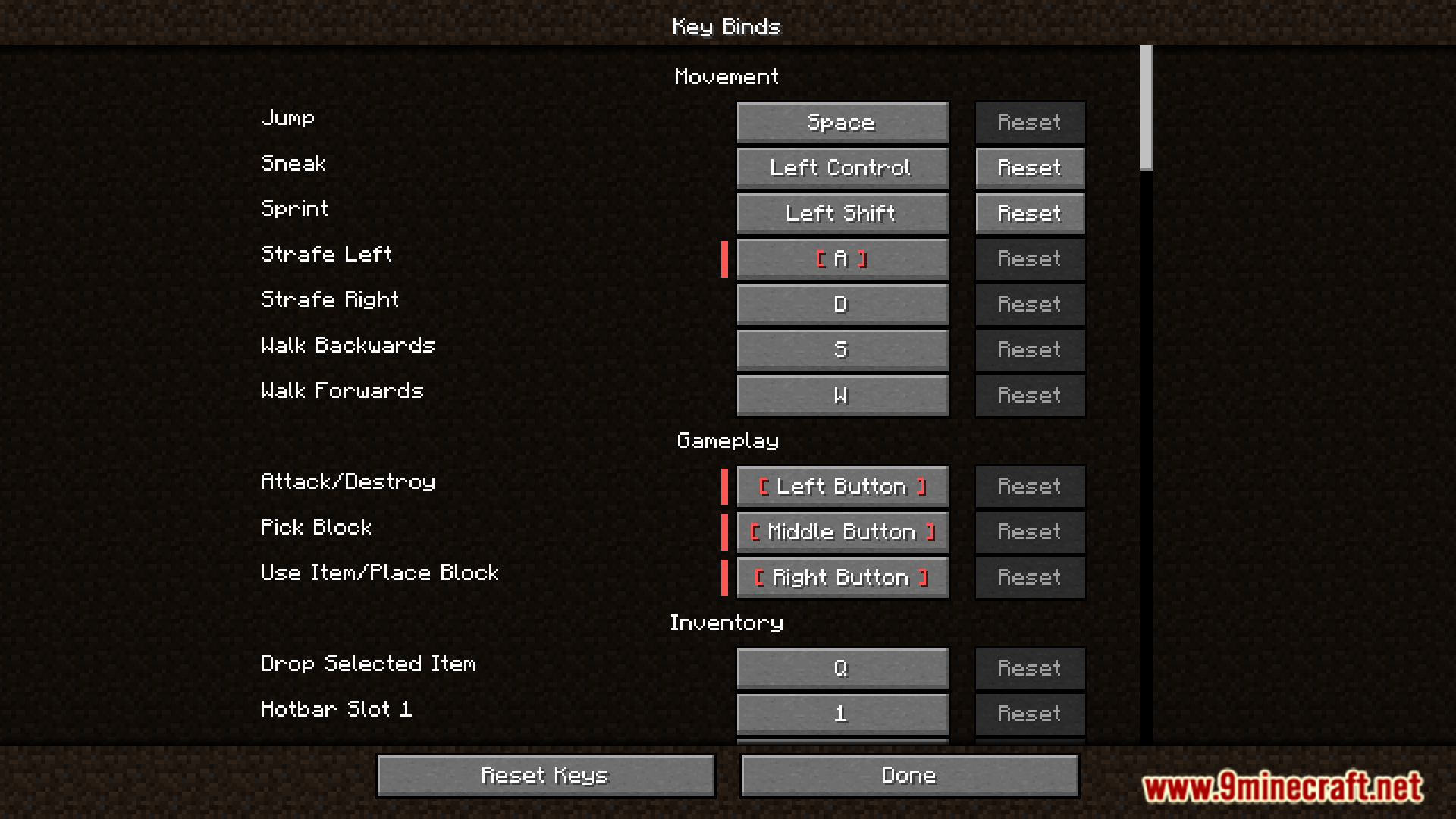
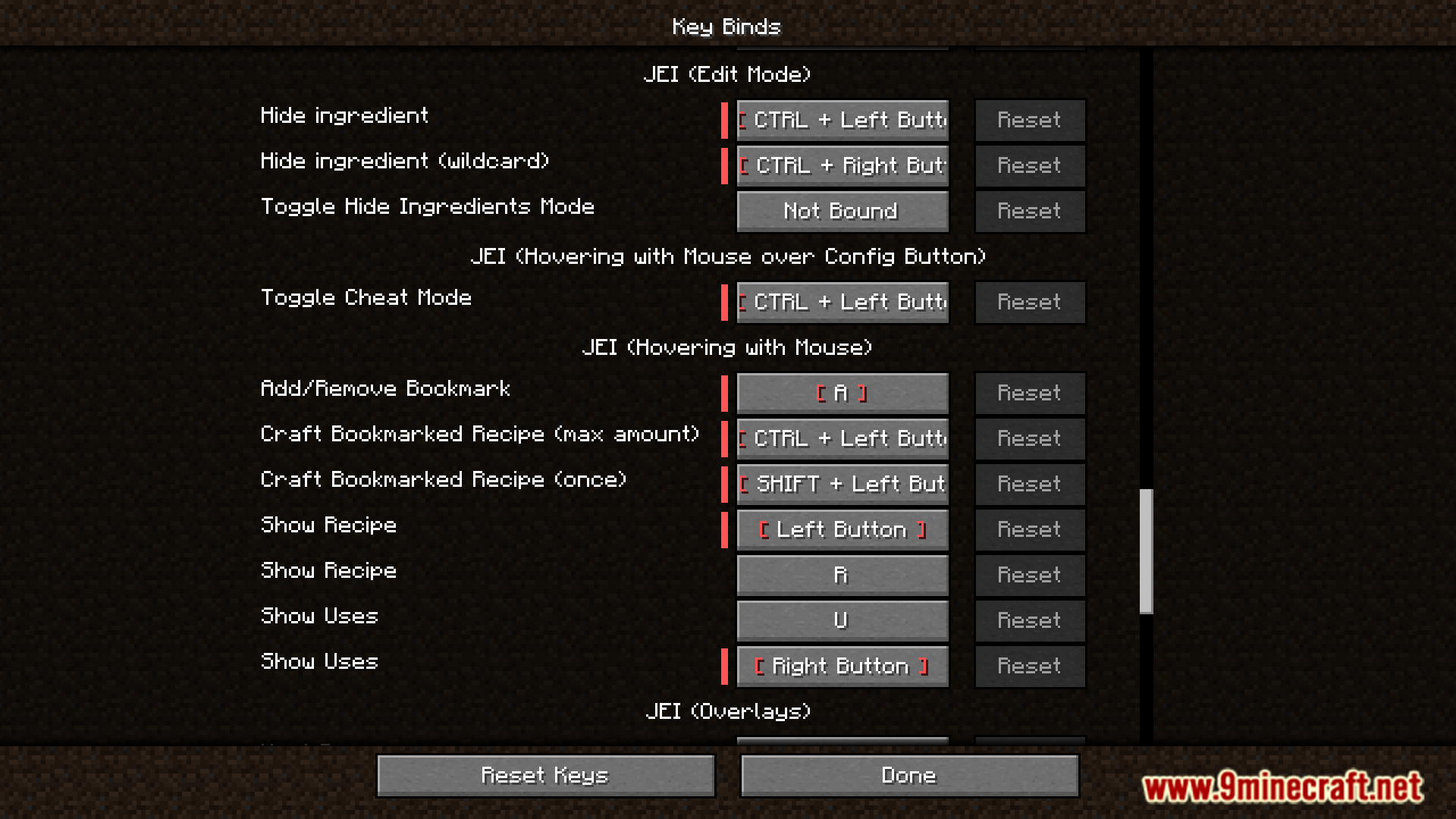
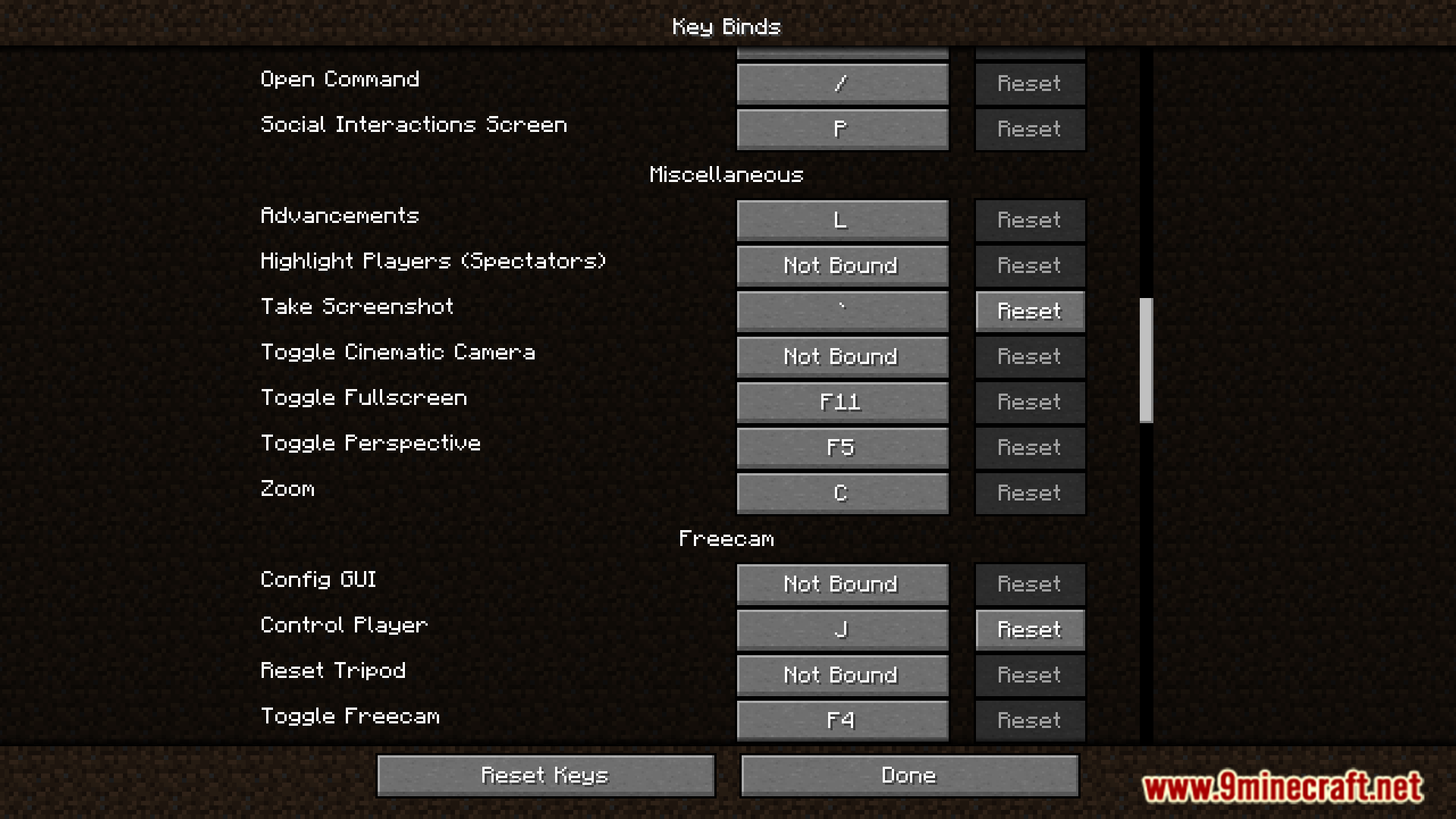
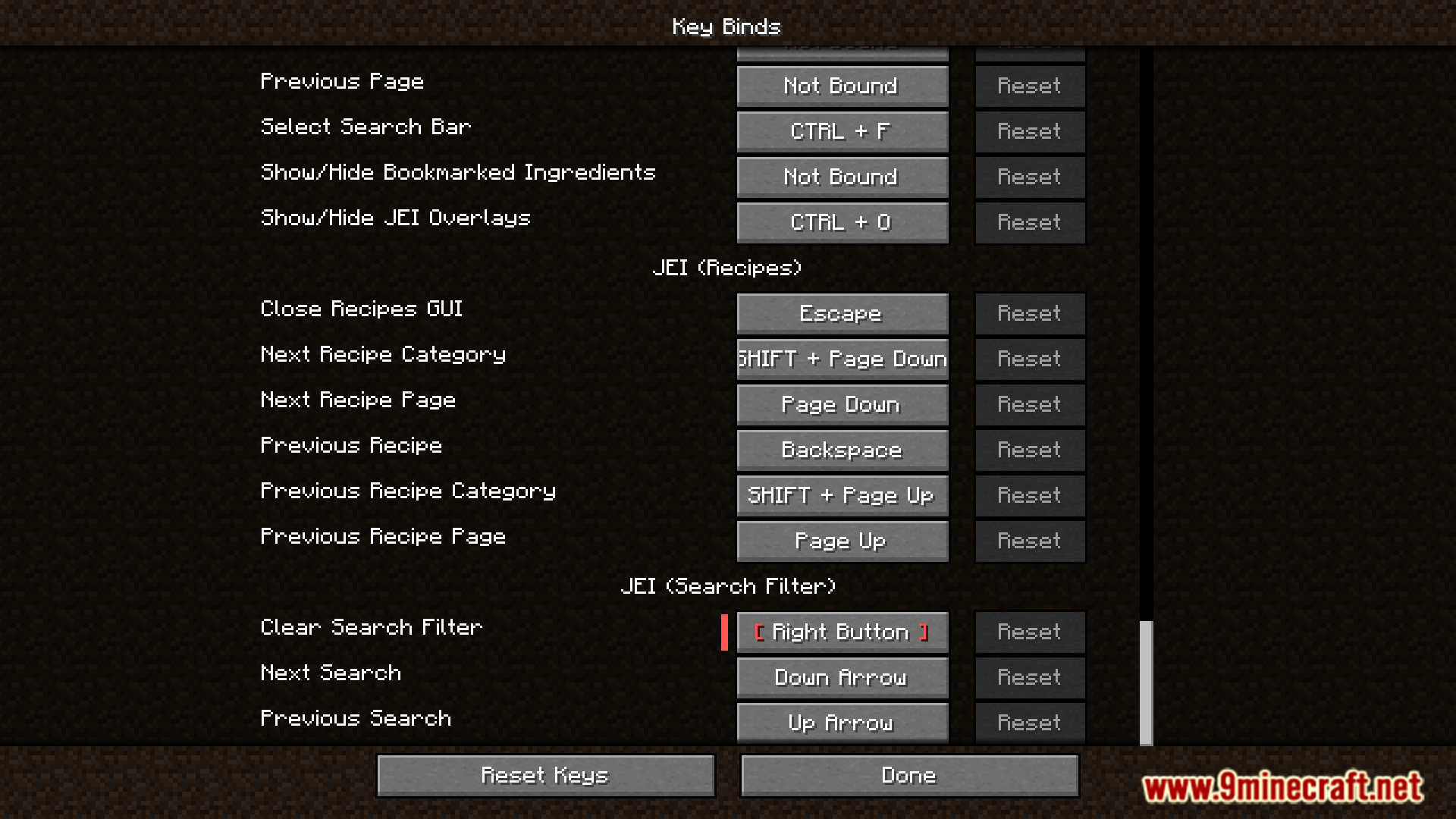
Defaulted Hotkeys Modは、ゲーム内のあらゆるキーバインドに対してデフォルトのホットキーを設定できるようにするModです。このModを導入して初めてMinecraftを起動すると、configフォルダ内にdefault-hotkeys.jsonという名前のファイルが自動的に作成されます。このファイルを編集することで、すべてのキーバインドを自分好みにカスタマイズできます。
主な機能:
- ゲーム内のあらゆるキーバインドにデフォルトのホットキーを設定可能。
- 初回起動時に設定ファイルを自動生成。
default-hotkeys.jsonファイルを編集するだけで、すべてのデフォルトキーバインドを一括管理。
使用方法:
- Modをインストールした状態でMinecraftを一度起動します。これにより設定ファイルが作成されます。
.minecraft/configフォルダに移動し、default-hotkeys.jsonファイルを開きます。- 正しいフォーマットに従って、希望するデフォルトホットキーを設定・編集します。
ファイルは各キーバインドに対してシンプルな構造になっています:
[
  {
    //翻訳キー
    "comment": "key.advancements",
    //現在の言語での翻訳名
    "translation": "Advancements",
    //バニラ形式のホットキー指定
    "key": "key.keyboard.l"
  }
]
スクリーンショット:
Defaulted Hotkeys Mod ダウンロードリンク
Minecraft 1.21 から Minecraft 1.21.8 までの全バージョン用
NeoForge版: サーバー1からダウンロード – サーバー2からダウンロード
Fabric版: サーバー1からダウンロード – サーバー2からダウンロード
Minecraft 1.20.6用
NeoForge版: サーバー1からダウンロード – サーバー2からダウンロード
Fabric版: サーバー1からダウンロード – サーバー2からダウンロード
Minecraft 1.20.4用
NeoForge版: サーバー1からダウンロード – サーバー2からダウンロード
Fabric版: サーバー1からダウンロード – サーバー2からダウンロード
Minecraft 1.20.1, 1.20用
Forge/NeoForge版: サーバー1からダウンロード – サーバー2からダウンロード
Fabric版: サーバー1からダウンロード – サーバー2からダウンロード
この投稿を評価するにはクリック!
[Total: 0 Average: 0]
こちらもおすすめ










この投稿にはまだコメントがありません。 最初のコメントを — あなたのコメントがここに表示されます。