


Pop Up Mod (1.21.1, 1.20.1) – 画面上にストーリーイベントを表示
 85
85
 0
0


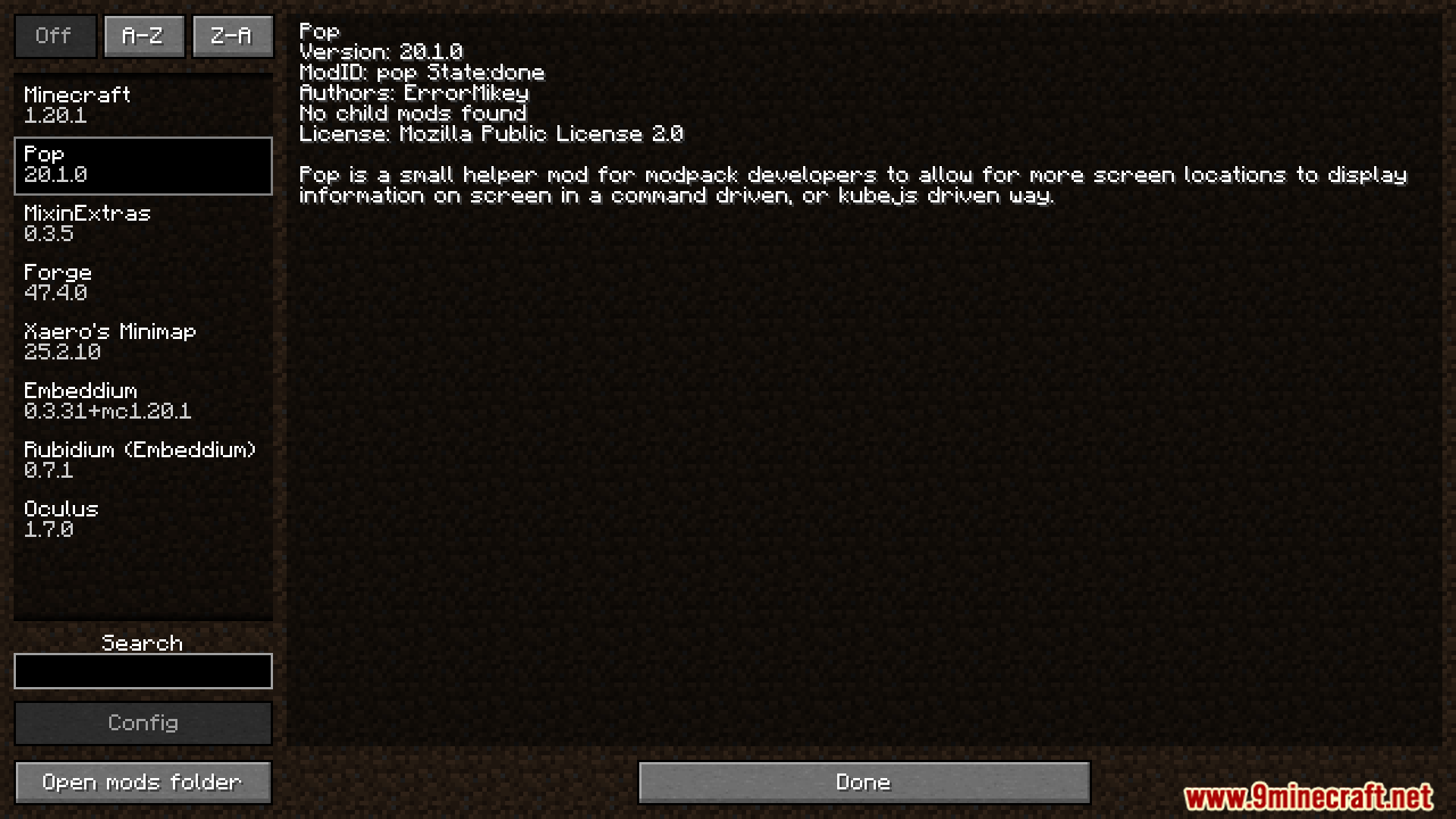
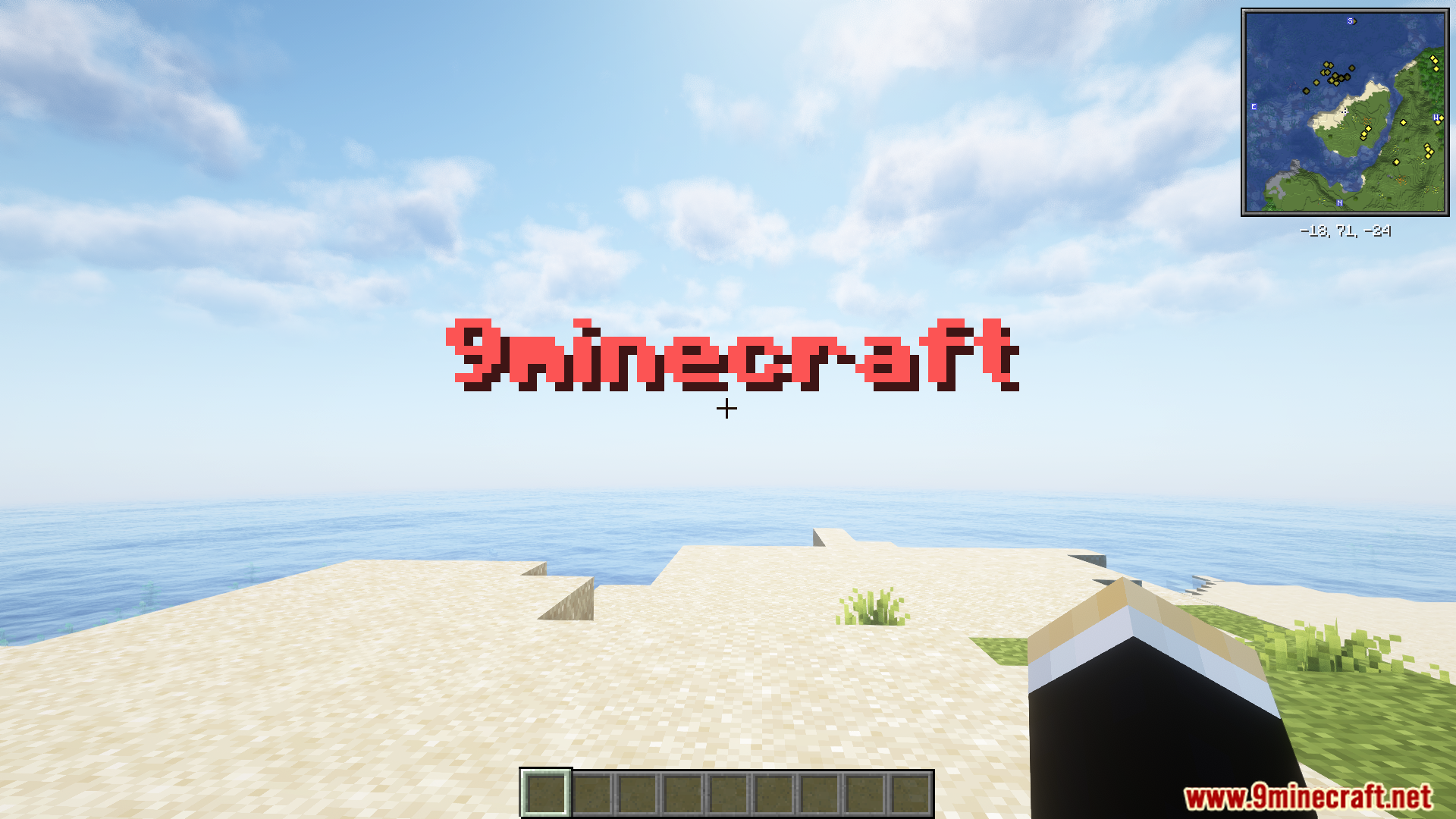
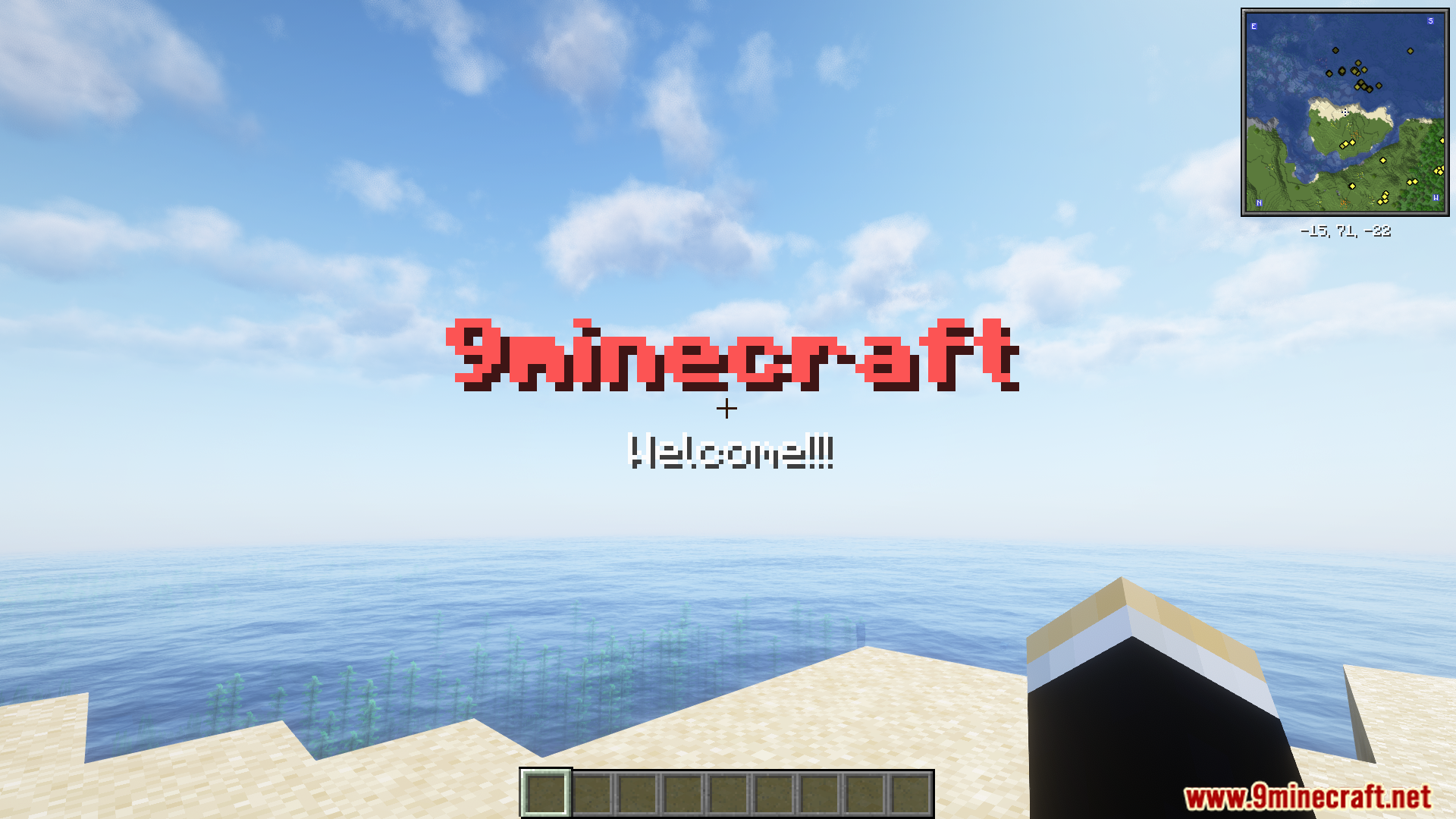
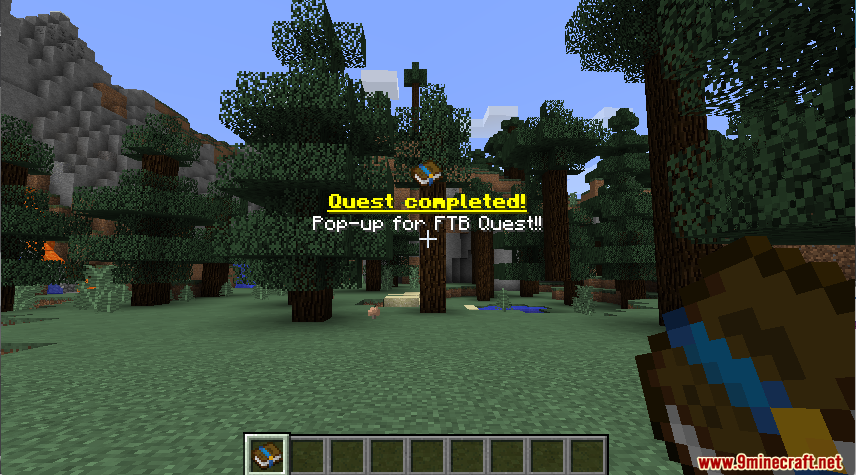
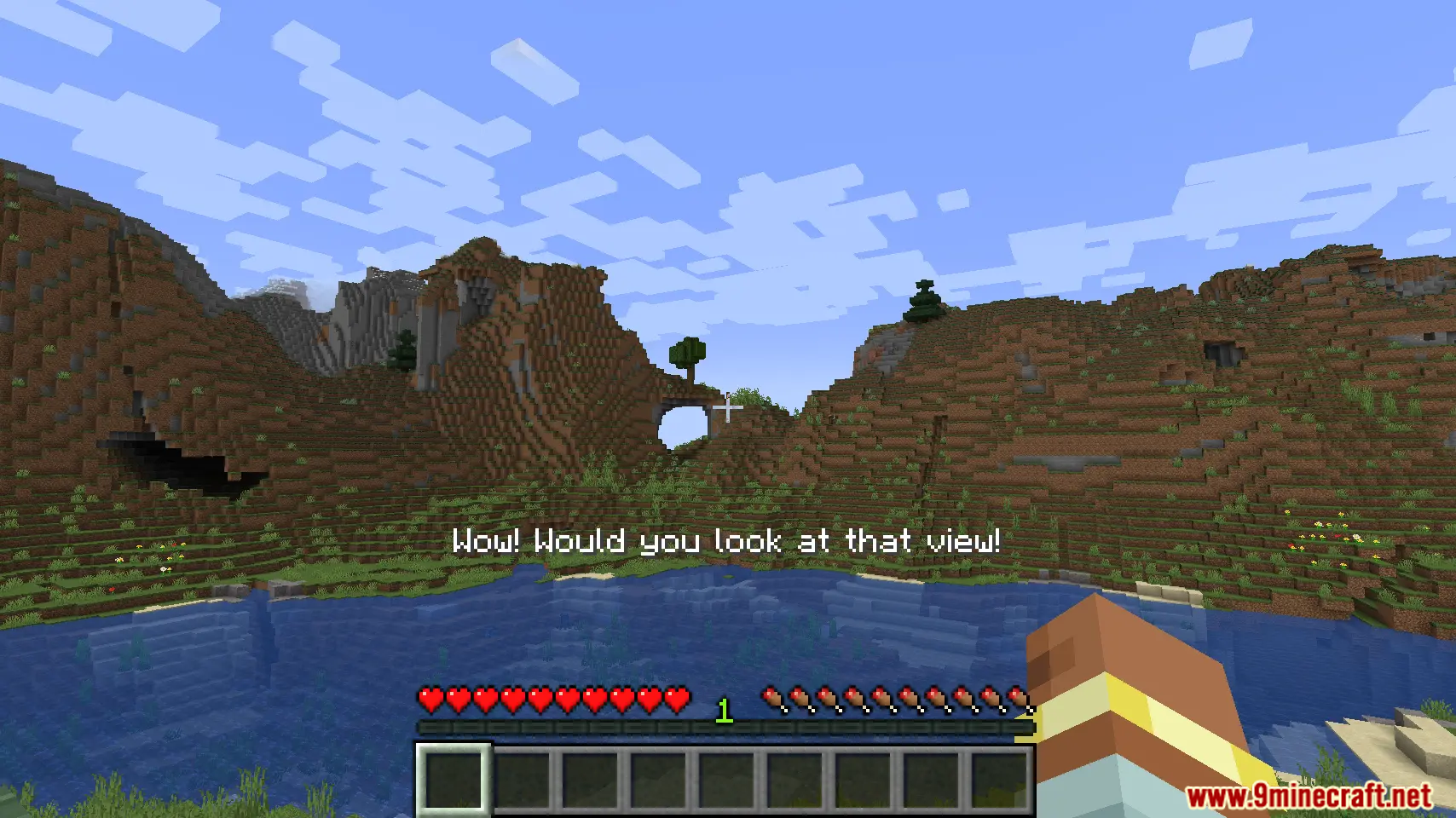
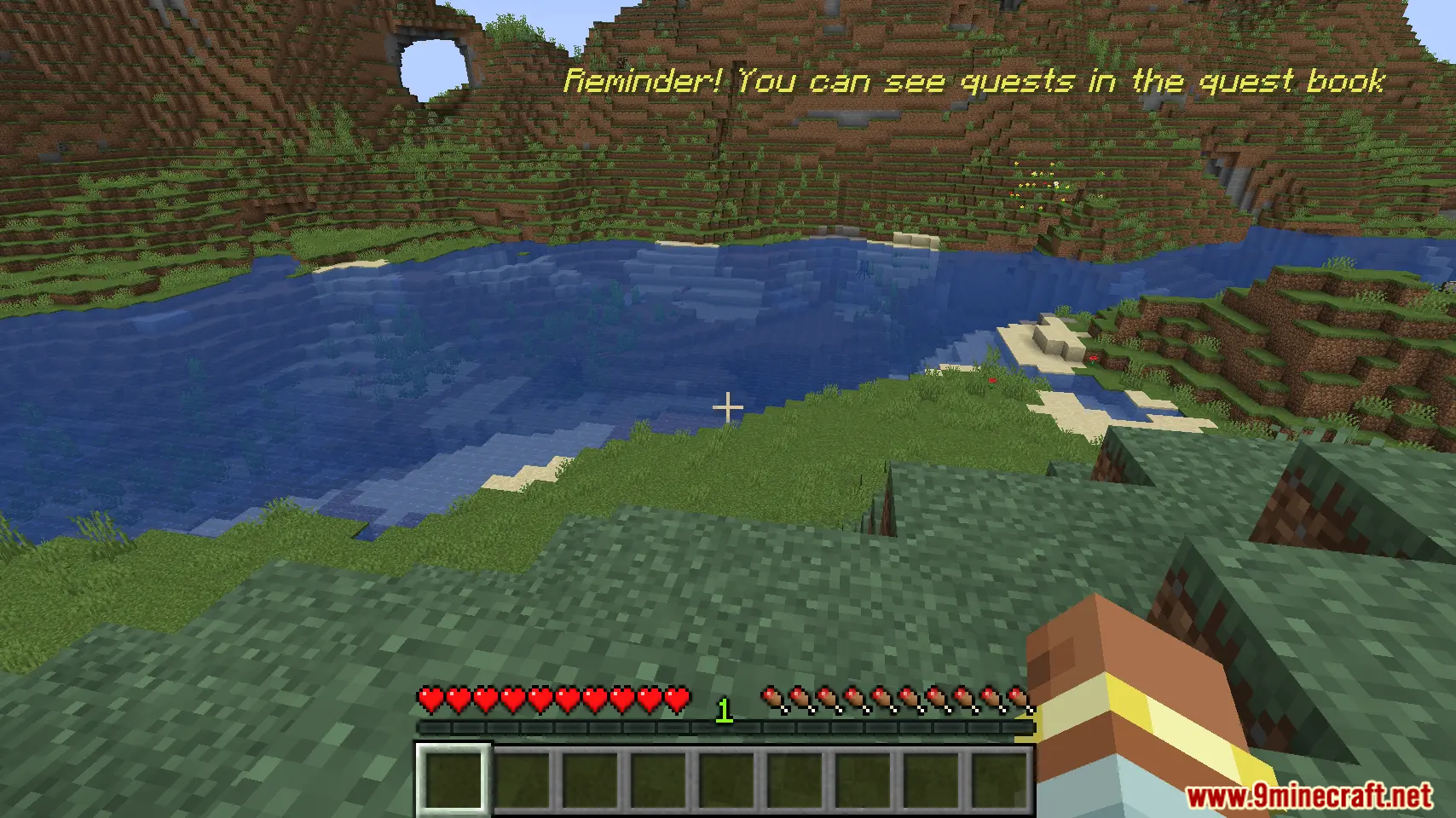
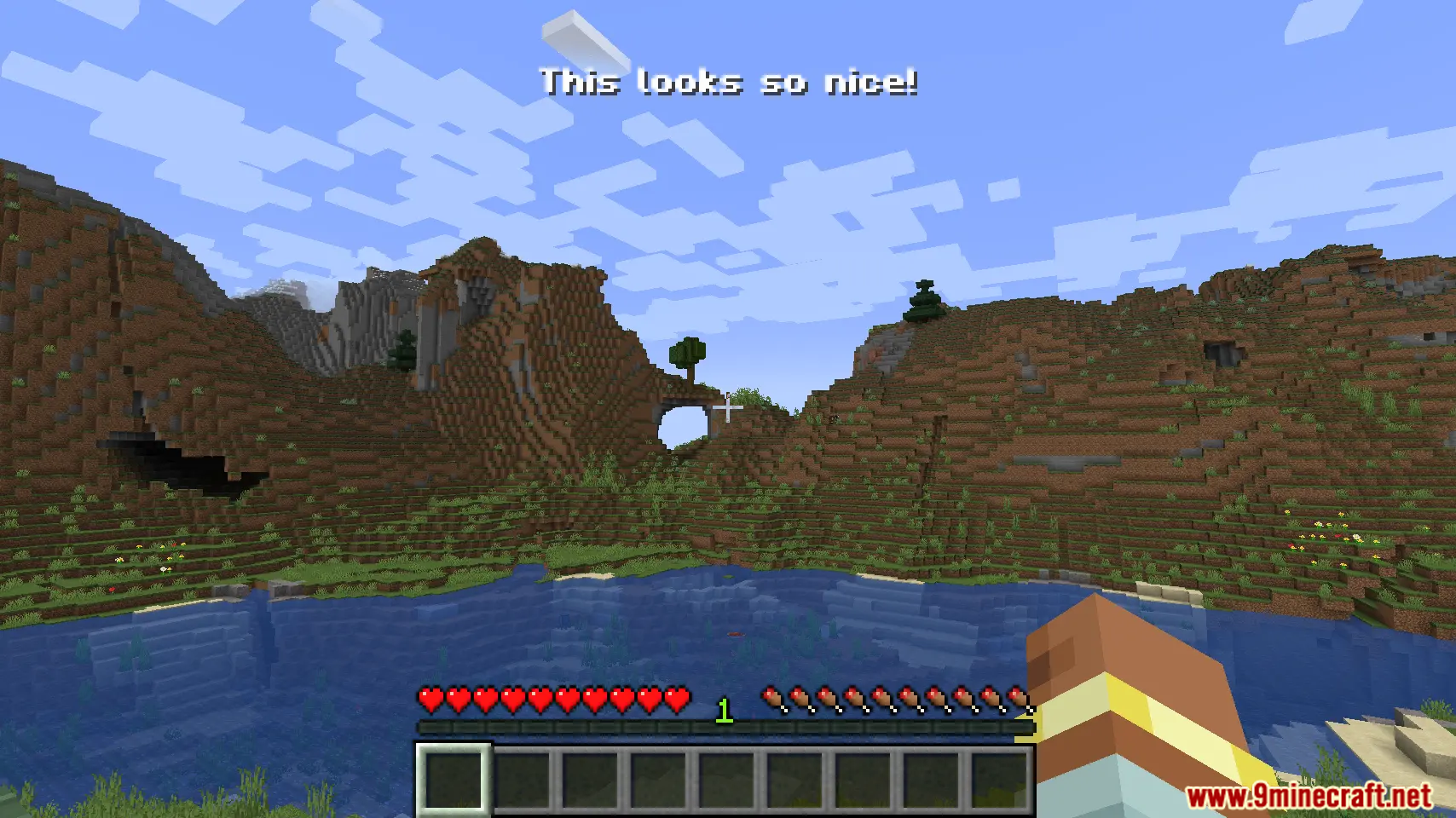
Pop Up Modは、Modパック製作者が画面上にカスタムテキストを表示できるようにするModです。シンプルなコマンドやKubeJSスクリプトを使用して、ポップアップメッセージを作成できます。このModでは、画面上のさまざまな場所にテキストを配置でき、多言語にも対応しています。クエストの更新情報や特別な通知などをゲーム内で表示するのに最適です。
主な機能:
- シンプルなコマンドで画面上にカスタム情報を表示。
- 翻訳に対応しており、メッセージを異なる言語で表示可能。
- テキストを配置する画面上の場所を複数から選択可能。
- KubeJSと連携し、より高度なスクリプトによるポップアップ制御が可能。
コマンド:
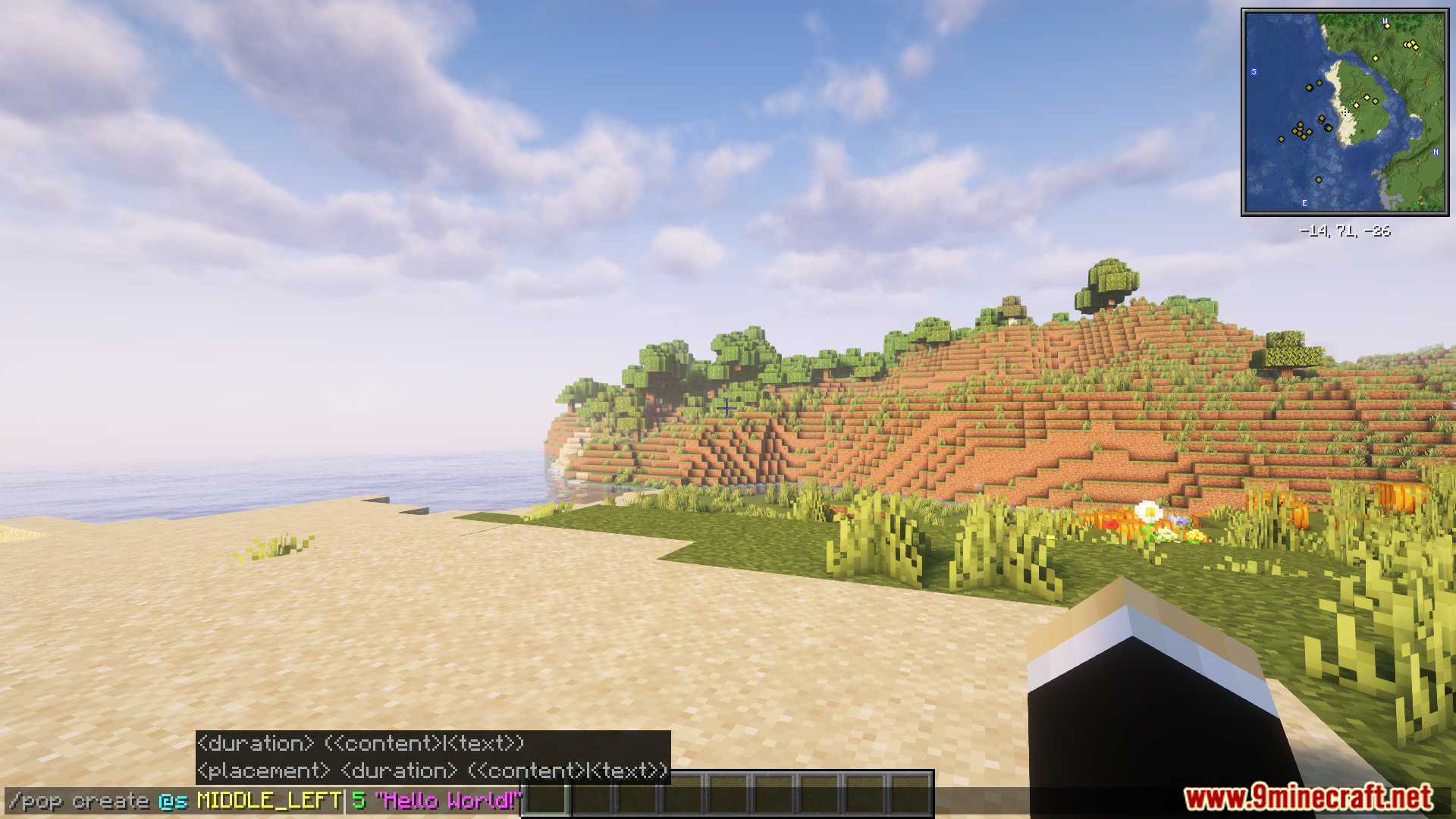
/popコマンドを使用してポップアップメッセージを作成できます。例は以下の通りです:
/pop create @s MIDDLE_LEFT "Hello World!"
より高度な利用方法として、KubeJSで制御することも可能です。以下はスクリプトの例です:
// server.js
const PopBuilder = java.load('pro.mikey.mods.pop.PopBuilder');
const Placement = java.load('pro.mikey.mods.pop.data.Placement'); // オプション
const pop = PopBuilder.create()
    .duration(5)
    .content({ text: "Hello World!" })
    .placement("middle_left") // または .placement(Placement.MIDDLE_LEFT)

// PopDataオブジェクトとしてビルドするか、直接プレイヤーに送信できます
// サーバーサイドの場合
pop.sendToPlayer(player);

// クライアントサイドの場合
pop.display()
使い方:
- Modをインストールした状態でゲームを起動します。
- ゲーム内で
/popコマンドを使用して、新しいポップアップメッセージを作成します。 - または、KubeJSを使用してポップアップシステムにアクセスし、管理することもできます。
スクリーンショット:
Pop Up Mod ダウンロードリンク
Minecraft 1.21.1, 1.21用
Forge版: サーバー1からダウンロード – サーバー2からダウンロード
Minecraft 1.20.1, 1.20用
Forge版: サーバー1からダウンロード – サーバー2からダウンロード
この投稿を評価するにはクリック!
[Total: 2 Average: 5]
こちらもおすすめ



この投稿にはまだコメントがありません。 最初のコメントを — あなたのコメントがここに表示されます。