
Japanese Pagoda Schematic (1.20.x) – Beautiful Traditional Building Blueprint File

 0


Japanese Pagoda Schematic lets you paste a beautiful traditional building right into your world. This blueprint gives you a ready-made structure with classic curved roofs and wooden details. You do not need to spend hours planning or building block by block. It works in normal Minecraft without any extra mods, making it simple to use.
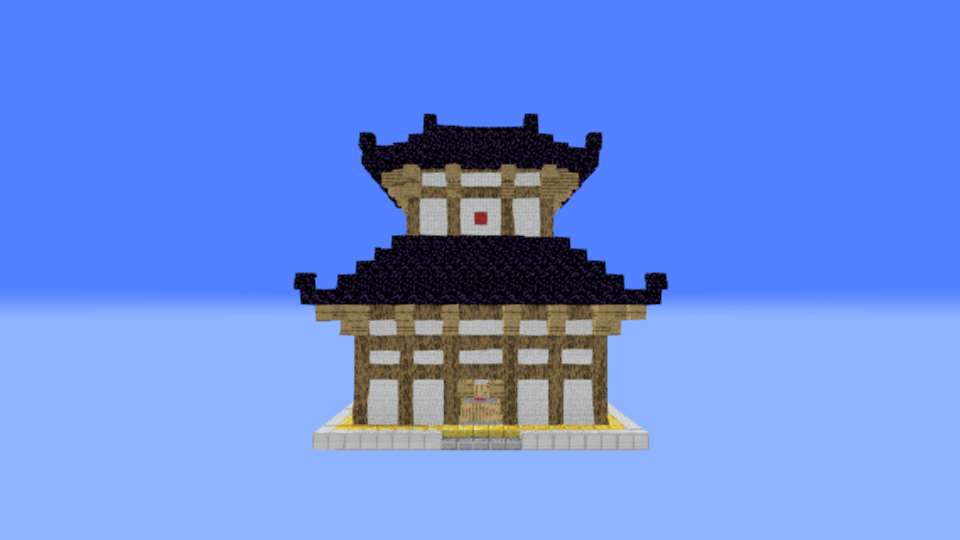
3D Preview & Editor:
Materials
9 types · 2,555 blocks
| Obsidian | 701 | Oak Planks | 675 | Oak Log | 635 | |||
| White Wool | 316 | Iron Block | 75 | Gold Block | 72 | |||
| Stone | 68 | Red Wool | 8 | Smooth Stone Slab | 5 |
How to place this schematic
.schem This is a WorldEdit schematic. It pastes instantly on a server or single-player world that has WorldEdit (or FastAsyncWorldEdit).
| 1 | Install WorldEdit — as a plugin on the server, or as a mod for single player. |
| 2 | Drop the .schem file into plugins/WorldEdit/schematics (server) or config/worldedit/schematics (client). |
| 3 | Run //schem load <file name>. |
| 4 | Stand where you want it and run //paste. Add -a to skip air blocks. |
Features:
- Ready to Paste: Adds a fully built traditional pagoda directly to your save file.
- Fits neatly into a 23 by 24 by 23 block area, making it easy to place in small towns or gardens.
- Uses exactly 2,555 blocks to create the detailed roofs and walls.
- Works perfectly in normal Minecraft, so you do not need to download any extra block mods.
- Saves you time because you do not have to gather materials or follow a long tutorial.
Schematic Specs:
 Minecraft1.20.x
 Dimensions23×24×23
 Total Blocks2,555
Japanese Pagoda Schematic Download Links
For Minecraft 1.20.x
Click to rate this post!
[Total: 0 Average: 0]
You May Also Like
Picked for this page
 Pokémon Temple Arena Japanese Litematica Schematic (1.21.x) – Large Asian Fortress With Fighting Rin
 The Damocles Schematic (1.21.x) – Giant Futuristic Space Station Build
 Lox V7.1 Fixed Schematic (1.21.x) – Large Vanilla Redstone Build For Multiplayer Servers
 Colorful Ferris Wheel Schematic (1.20.x) – Tall Amusement Park Ride For Survival
 Uss Texas Schematic (1.20.x) – Giant 1:1 Battleship Flying Machine Build
 Applebees Schematic (1.19.x) – Small Modern Kitchen Building Structure
 Lichen Farm Schematic (1.21.x) – Compact Vanilla Glow Lichen Farm
 Fireball Launcher Defence Schematic (1.21.x) – Ghast Fireball Stopper And Base Defender
 Small House 3.1 Schematic (1.20.x) – Ready To Build Vanilla Home
 TagMap3 Schematic (1.20.x) – A Large Vanilla Build For Your World
 Rocket Buggy Schematic (1.20.x) – Compact Rocket Buggy Build For Your World
 Vw Passat Variant R Line Schematic (1.21.x) – Build A Modern Car In Your World
Most viewed in Schematics over the last 7 days
 Fastest Bonemeal Farm Donut Smp Schematic (1.21.x) – Fast Redstone Bonemeal Farm Build
 KelpFarmV9.9 Schematic (1.21.x) – Compact And Simple Seaweed Farm Build
 64 Module Cobblestone Farm Schematic (1.21.x) – Massive Automated Stone Gathering Build
 Gold Farm Schematic (1.21.x) – Automatic Nether Roof Gold Farm
 Villager Trading Hall Schematic (1.21.x) – Modern Shop Build For 48 Villagers
 Minutes End Base Before Spoke Null End Video Schematic (1.21.x) – Giant Unstable SMP End Base Schema
 Bamboo Farm Schematic (1.21.x) – Small Automated Redstone Bamboo Farm
 Best Railgun Tp Trap on Donutsmp Schematic (1.21.x) – Unescapable Multiplayer Redstone Trap Build
 36 Module Cobble Farm 18m per Hour Donut SMP Schematic (1.21.x) – Massive Automated Stone Generator
 Bamboss V2 800k Bamboo per Hour Schematic (1.21.x) – High Speed Automated Bamboo Farm Schematic
 Fastest Kelp Farm Donut Smp Schematic (1.21.x) – Compact Redstone Kelp Farm Design
 Donut Smp Stash and Regear Schematic (1.21.x) – Large Storage And Regear Room Build
More from Schematics
 The Red Brick Sanctuary Schematic (1.20.x) – Beautiful Red Brick Starter Base
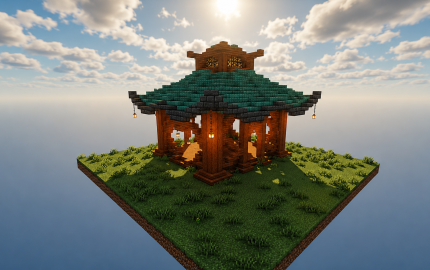 Emerald Dojo Schematic (1.21.x) – Beautiful Asian Inspired Savanna Sanctuary Build
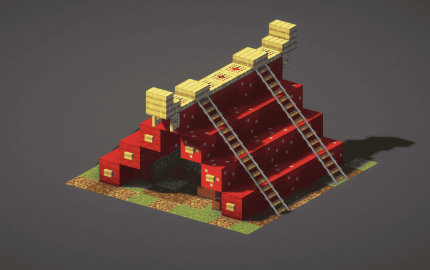 Japanese Tent Schematic (1.21.x) – A Small Asian Style Build for Your World
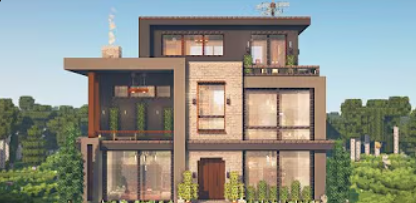 Ultimate Detailed Modern House but No Decoration Schematic (1.21.x) – A Large Modern Home Shell
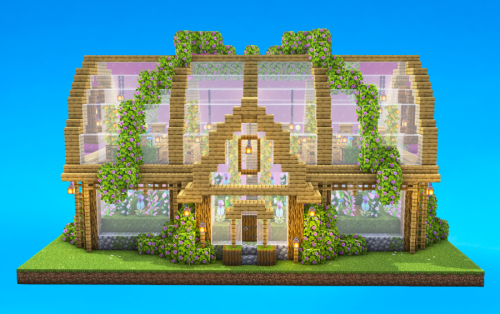 Greenhouse Schematic (1.21.x) – Beautiful Two Story Botanical Glass House
 Hilversum Broadcasting Tower 1 1.5 Scale Replica Schematic (1.21.x) – Realistic Modern Dutch Radio T
 Minecraft Enchanting Table Schematic (1.21.x) – Ready To Use Level 30 Enchanting Room
 Minecraft Cake Tried to Make It Accurate Schematic (1.21.x) – Large Scale Vanilla Cake Block Build
 Modern Yellow Apartment Schematic (1.20.x) – Bright Modern Urban Housing Structure
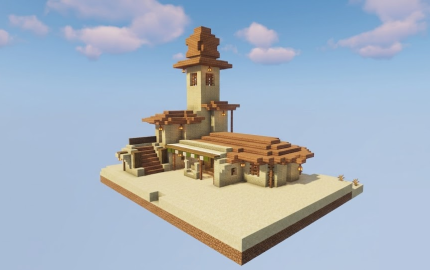 Desert Outpost Schematic (1.21.x) – Small Medieval Style Desert Watch Base
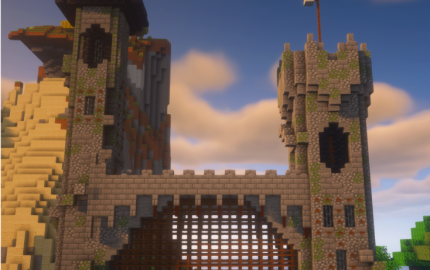 Castle Gate Schematic (1.20.x) – Medieval Gate For Your Castle Build
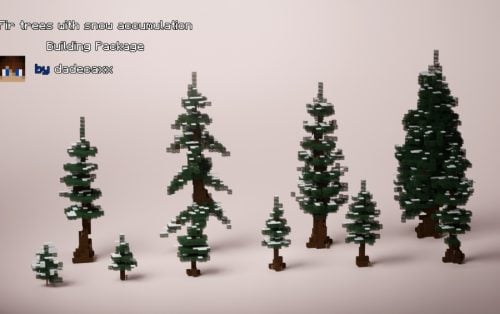 Fir Trees with Snow Accumulation Schematic (1.21.x) – Natural Snow Covered Pine Tree Schematics

This post has no comments yet. Be the first — your comment will appear here.