


Keystrokes Plus Mod (1.21.11) – PvP를 위한 CPS 및 키 입력 표시 모드
 394
394
 0
0


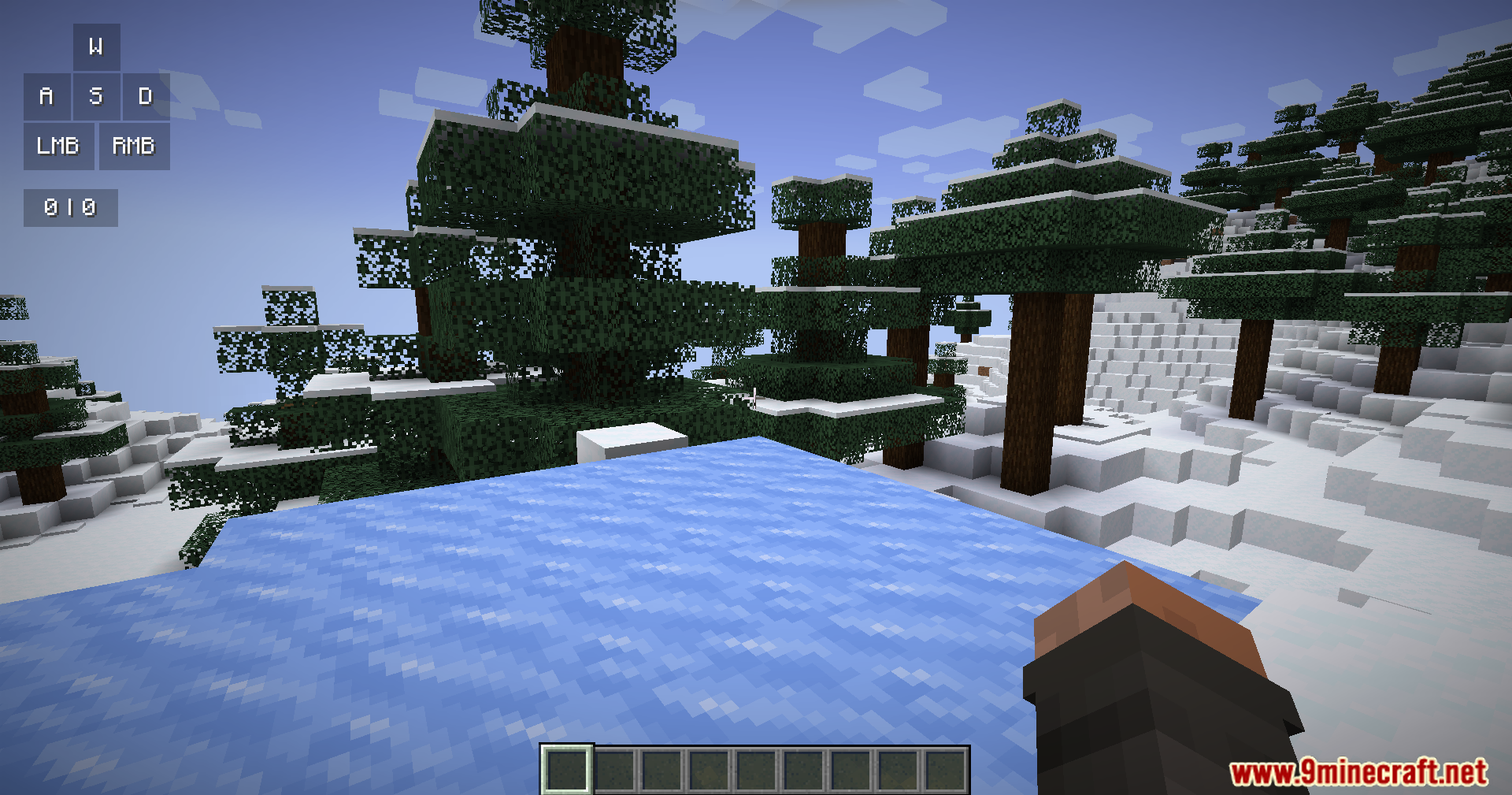
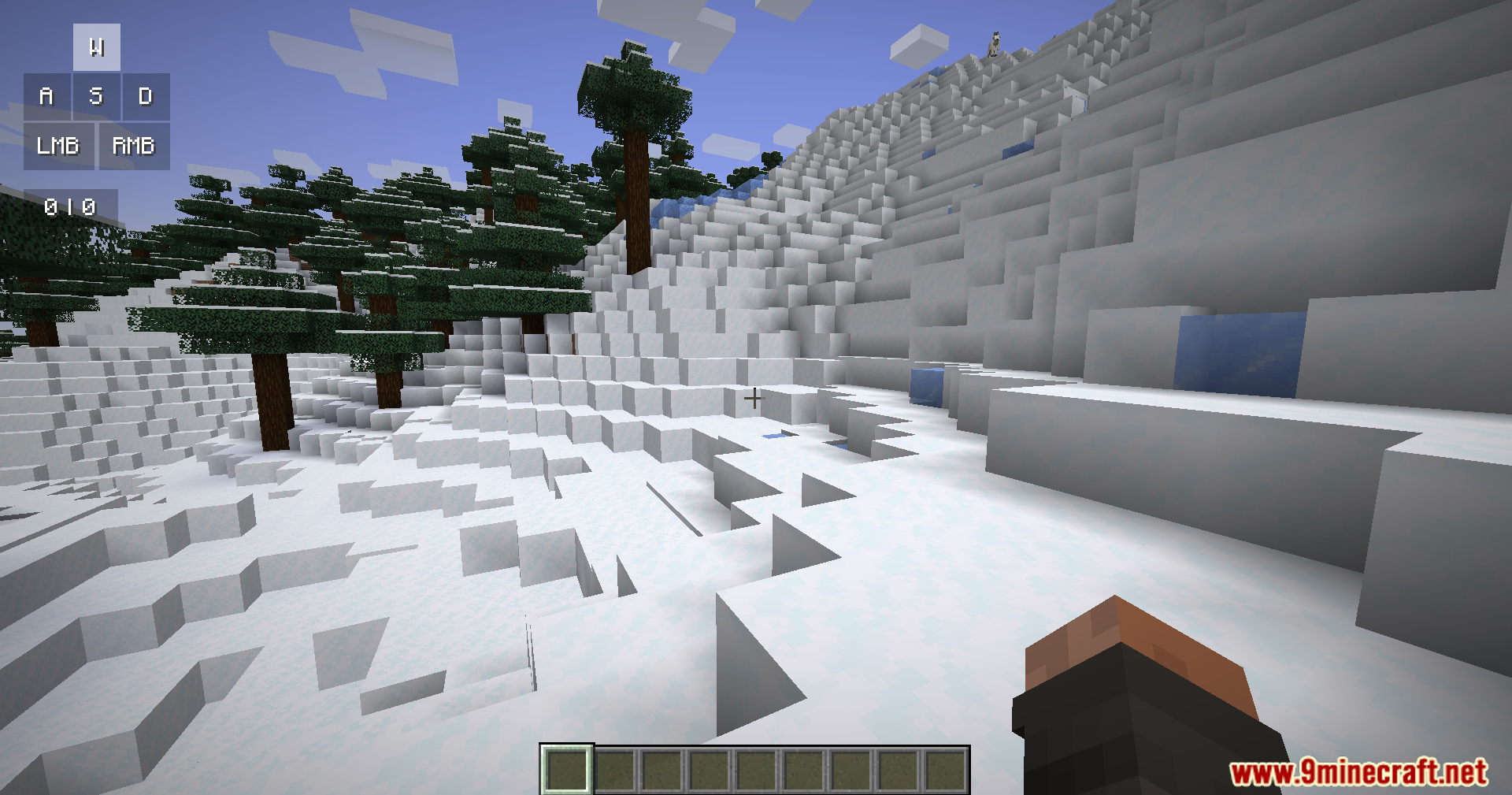
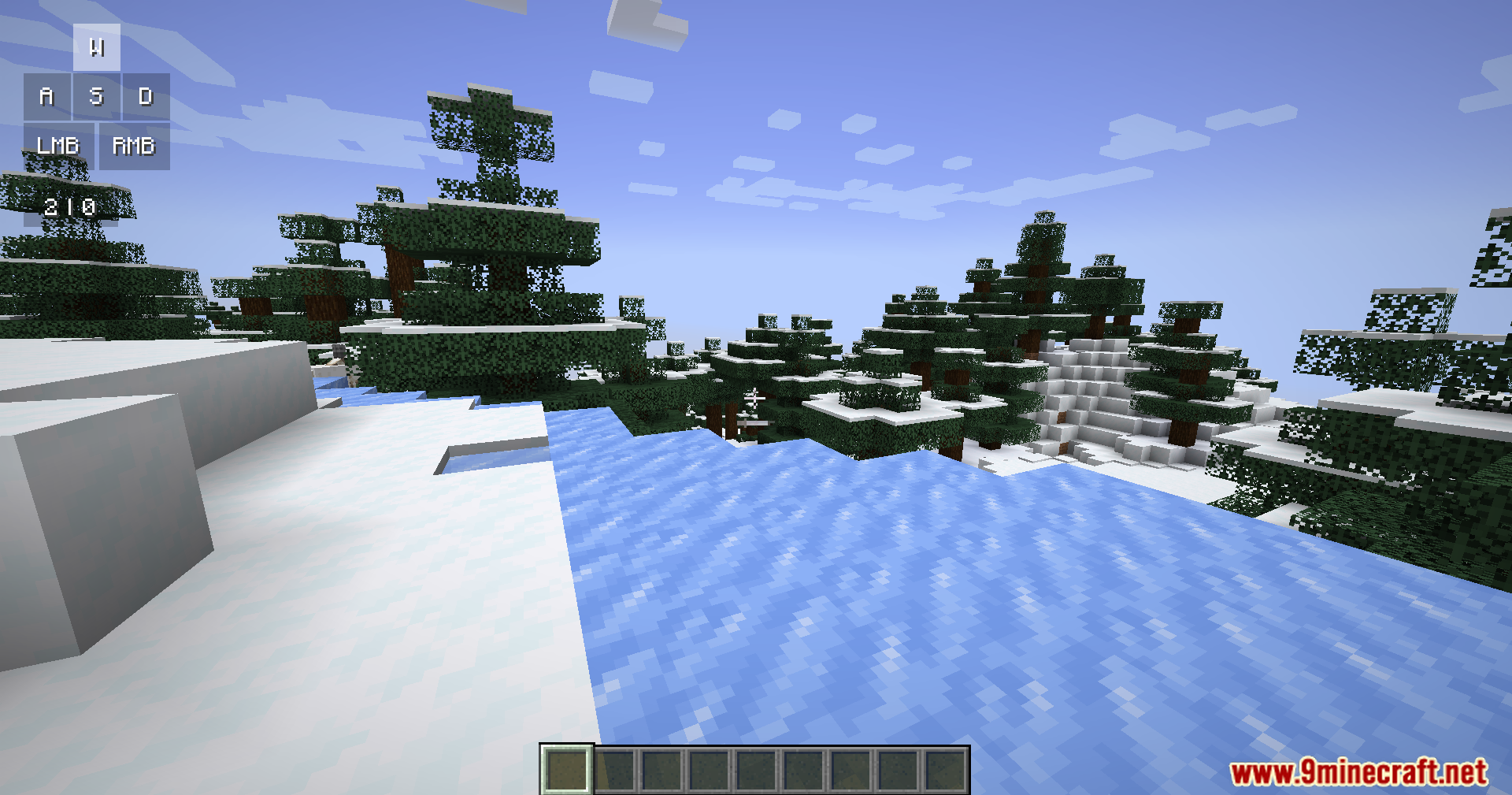
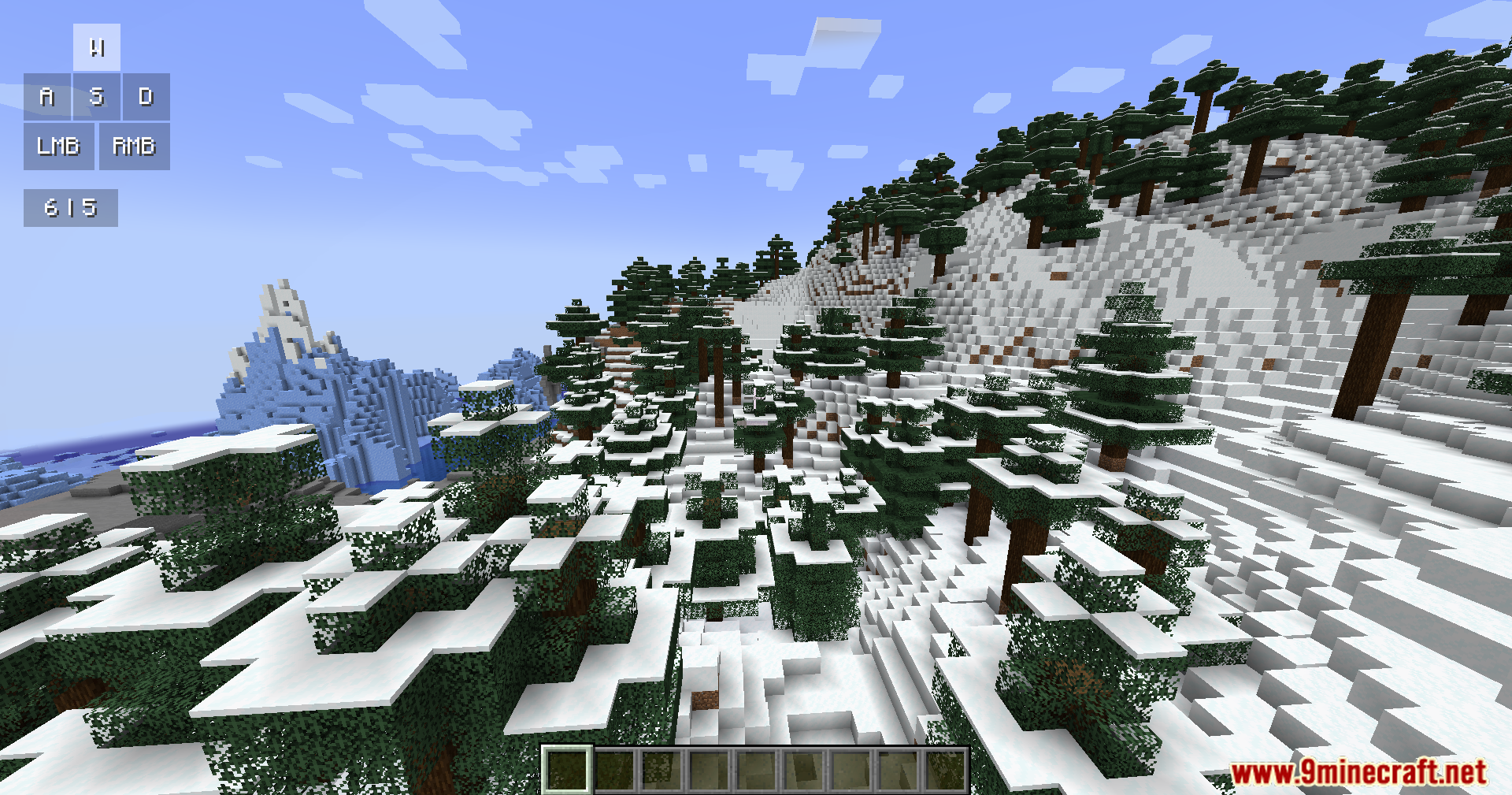
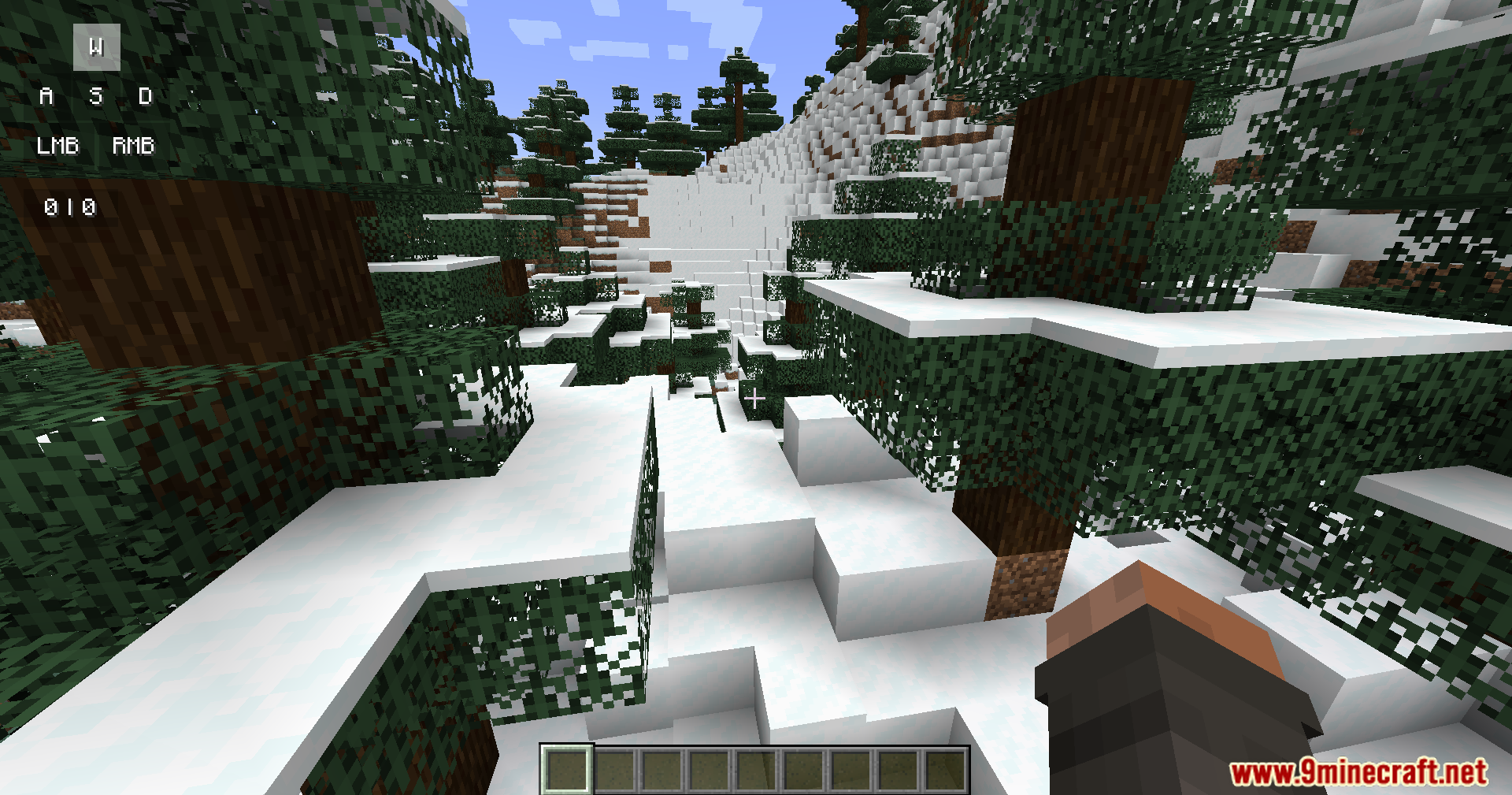
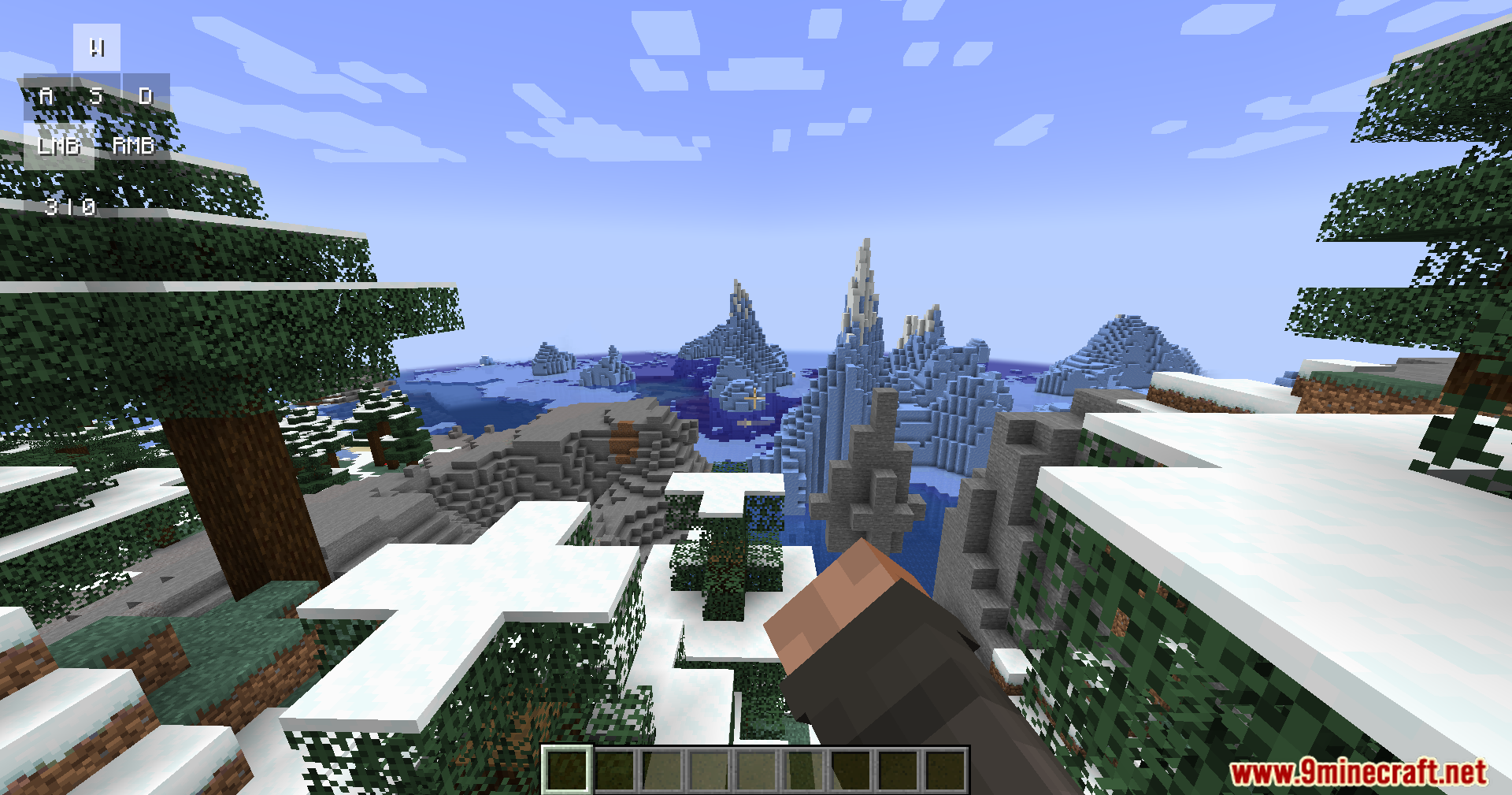
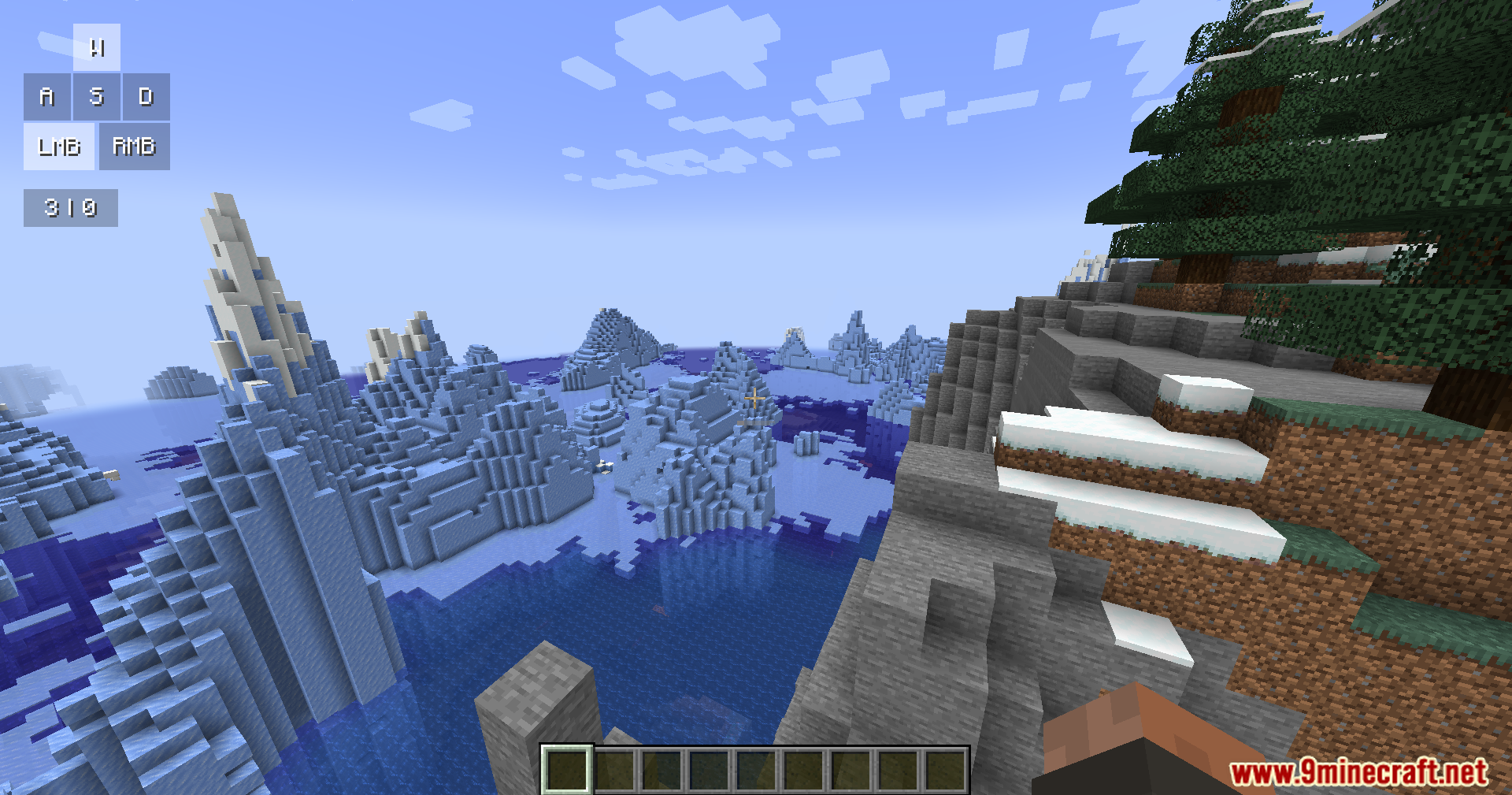
Keystrokes Plus Mod는 게임 화면에 깔끔한 정보창을 추가해 줍니다. 현재 누르고 있는 키와 초당 클릭 횟수(CPS)를 모니터에 바로 표시해 줍니다. 이 모드는 부드러운 애니메이션과 라운드 처리된 모서리 등 게임과 잘 어우러지는 현대적인 디자인을 제공합니다.
주요 기능:
- 키 트래킹: W, A, S, D 이동 키와 마우스 버튼 입력을 실시간으로 보여줍니다.
- CPS 카운터: 마우스 왼쪽 및 오른쪽 버튼의 초당 클릭 속도를 측정합니다.
- 현재 착용 중인 방어구와 손에 들고 있는 아이템을 화면에 표시합니다.
- 활성화된 포션 효과를 작은 아이콘 및 타이머와 함께 보여줍니다.
- 부드러운 그림자, 그라데이션 색상, 매끄러운 움직임으로 세련된 UI를 제공합니다.
사용 방법:
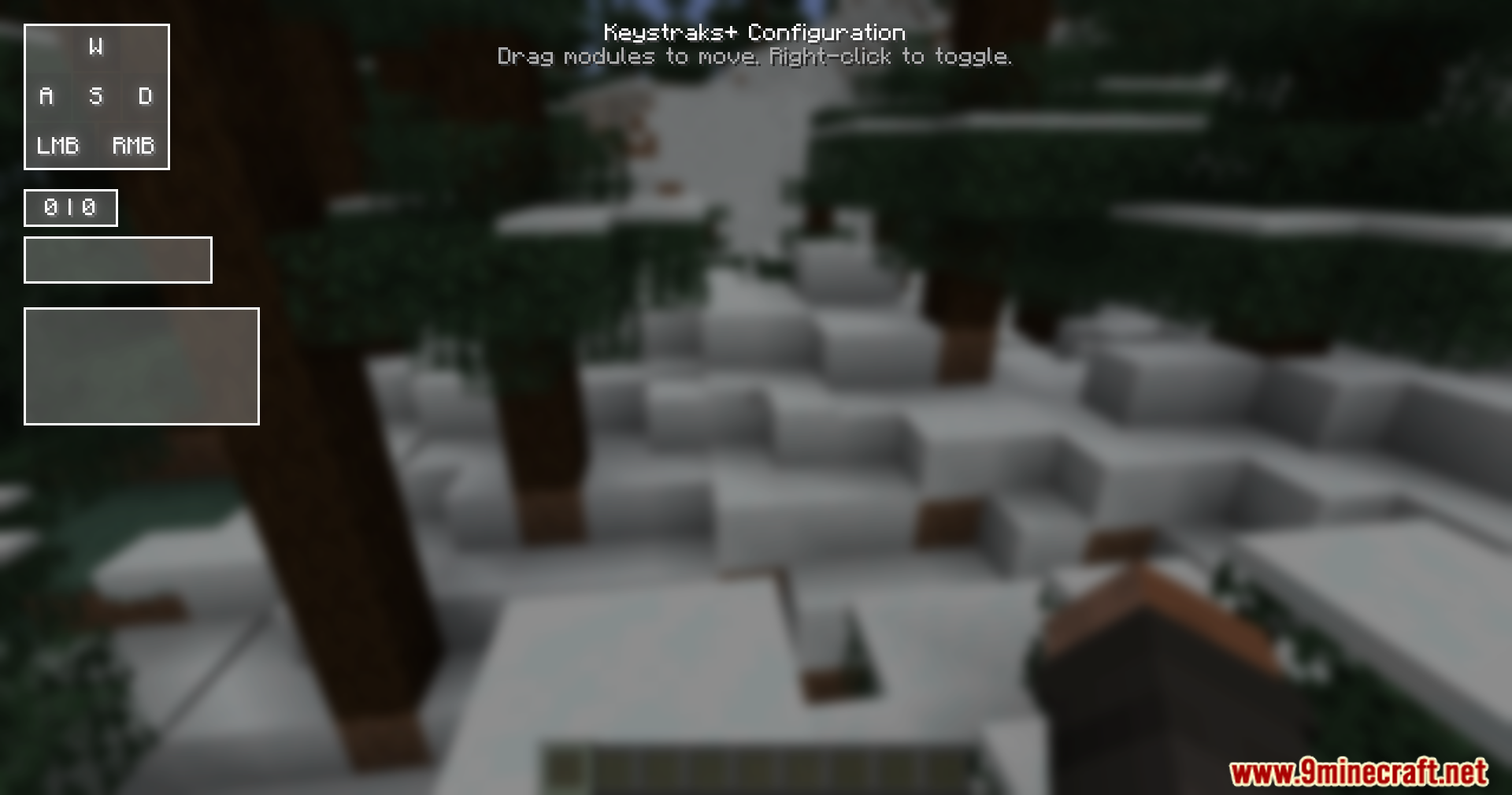
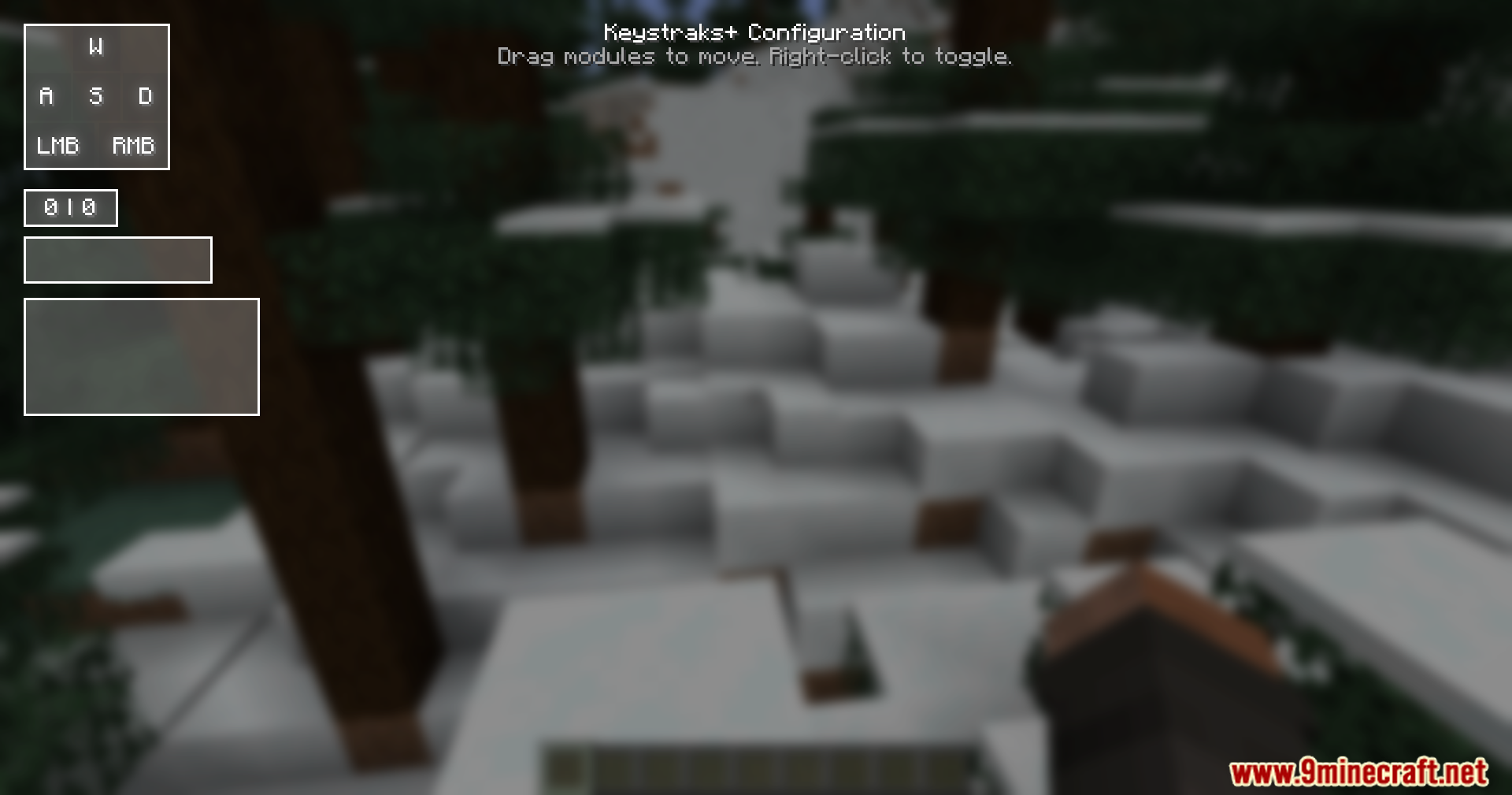
- 키보드의 Right Shift(오른쪽 쉬프트) 키를 눌러 설정 메뉴를 엽니다.
- 화면의 각 박스를 클릭하고 드래그하여 원하는 위치로 옮길 수 있습니다.
- 각 박스를 우클릭하여 켜거나 끌 수 있습니다.
스크린샷:


Keystrokes Plus Mod 다운로드 링크
Minecraft용
1.21.11,
1.21.10,
1.21.9
All Versions Covered
1.21.11
1.21.10
1.21.9
1.21.8
1.21.7
1.21.6
1.21.5
1.21.4
All Versions Covered
1.21.11
1.21.10
1.21.9
1.21.8
1.21.7
1.21.6
1.21.5
1.21.4
이 글을 평가하려면 클릭하세요!
[Total: 1 Average: 5]
이런 것도 좋아할 거예요





이 글에는 아직 댓글이 없습니다. 첫 번째로 남겨보세요 — 댓글이 여기에 표시됩니다.