
Matrica Design Icons Resource Pack (1.21.2) – Clean Pixel Symbols for Custom Chat Text
 1
 0

Matrica Design Icons Resource Pack adds a library of 16x pixel icons to Minecraft based on the Material Design Icons set. This pack lets you display clean symbols right inside your chat messages and custom text. It works well for regular players who want to decorate their chat, and it also helps map makers who need a quick reference of available icons.
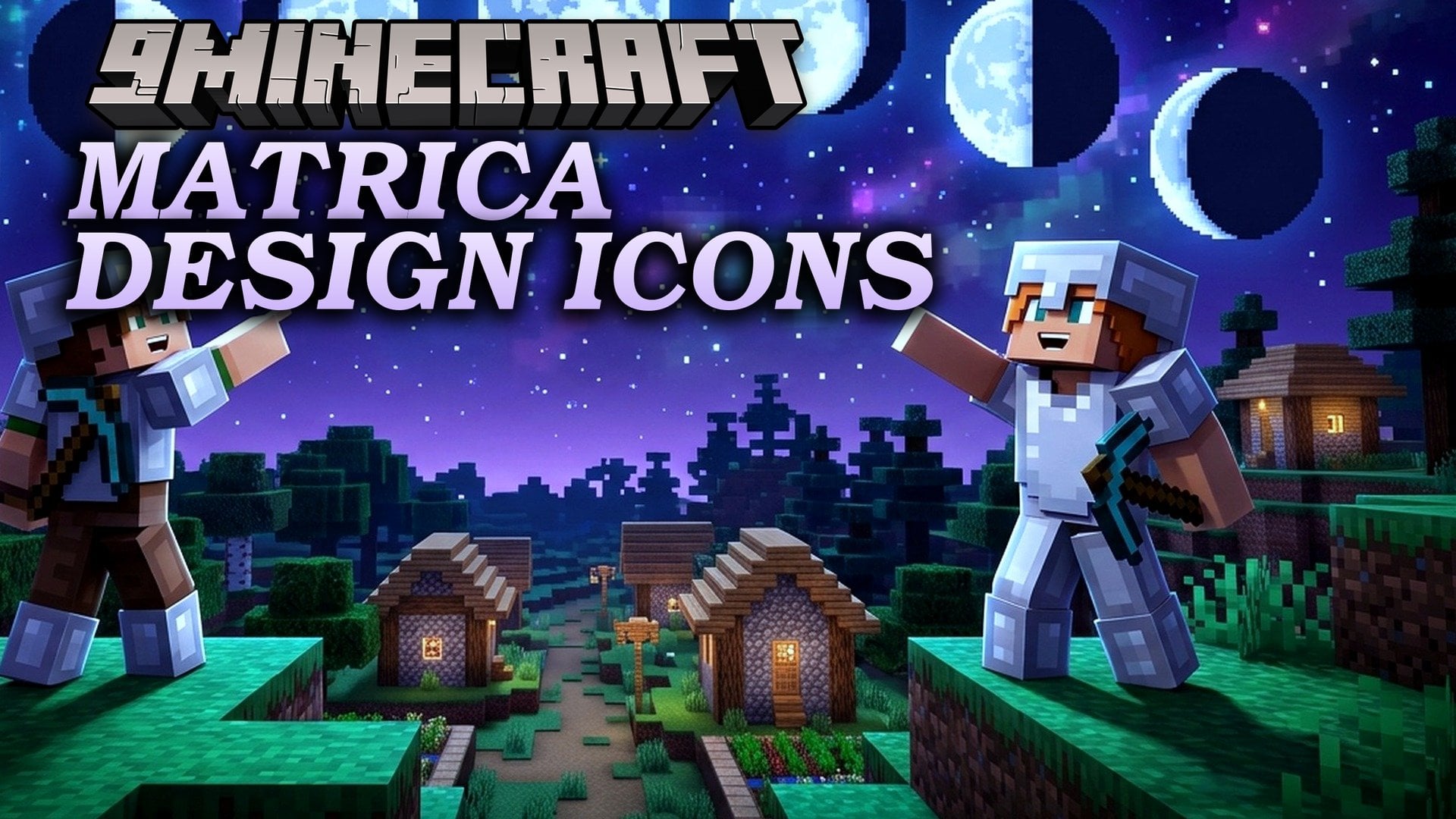
Features:
- 16x Pixel Icon Library: Brings a collection of 16x resolution icons based on the Material Design Icons set into the game.
- Custom Font System: Displays icons through text components that call a specific custom font.
- Two Pack Variants: Offers a standard version for everyday players and a DEV version that includes an offline web page for looking up icons.
- Places all icon characters inside the Private Use Area of the Unicode Basic Multilingual Plane so they do not replace normal letters.
- Lets you mix icons and normal text in the same message by switching between custom fonts like
matrica:playerandminecraft:defaultin commands such astellraw. - Includes an
index.htmlfile inside the DEV archive (which requires extracting the zip file first) so you can search for icons locally in your browser.
How to Install:
New to Minecraft? Follow our step-by-step guide to install Resource Packs on your PC.View Guide
Matrica Design Icons Resource Pack Download Links
For Minecraft
1.21.x
All Versions Covered
1.21.2
All Versions Covered
1.21.2
Click to rate this post!
[Total: 0 Average: 0]
You May Also Like
Picked for this page
 Apparent Ores Resource Pack (26.1.2, 1.20.1) – Glowing Ores in the Dark
 All Tropical Fish Collection Resource Pack (26.3, 1.20.1)
 HD Font (26.3, 1.20.1) – Glacial Indifference Resource Pack
 Jujutsu Kaisen GUI Resource Pack (1.21.1, 1.20.1) – Dark Anime Curses
 Unlit Campfire Icons Resource Pack (26.3, 1.20.1) – Clean Icons for Unlit
 No Dark Inventory Overlay Resource Pack (1.21.11, 1.20.1)
 Better Clear Glass Connected Resource Pack (1.19.2, 1.18.2)
 Dev’s Better Wither Hearts Resource Pack (1.21.11, 1.21.1) – New Appearance For Hearts
 Northern Council Panorama Resource Pack (26.3, 1.21.1)
 Warrior Cats Herbs Resource Pack (1.20.1) – Wild Medicine Cat Flora for Roleplay
 Programmatic Command Blocks Resource Pack (26.2, 1.21.1)
 Ends Delight PT BR Translation Resource Pack (1.20.1) – Brazilian Portuguese Language For Ends Delight
Most viewed in Resource Packs over the last 7 days
 Jenny Mod Skins Resource Pack (1.12.2) – Uzaki, Klee, Mita, and More
 Jenny Mod Skin Pack Mega Collection – 310+ Characters
 750 Models Addon for Yes Steve Model Mod
 Animation Collection for Jenny Mod – 60+ Animations, Updated Regularly
 Patrix Resource Pack (26.3, 1.20.1) – The Peak of Photorealism
 Jennycraft Resource Pack (1.20.1) – Skins for Jennycraft Mod
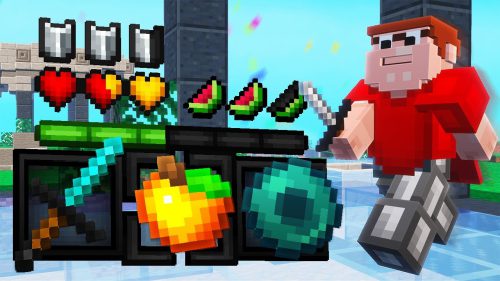 Dewier’s 20k Resource Pack (1.8.9) – Texture Pack
 Vanilla+ 3D Crystal Resource Pack (1.21.1, 1.20.1) – Texture Pack
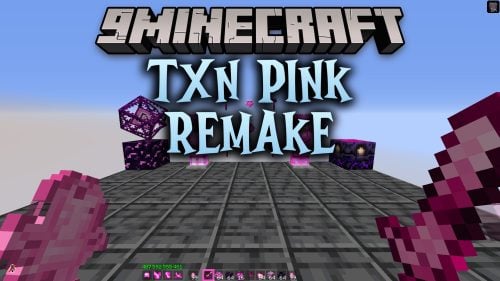 TXN Pink Remake Resource Pack (1.21.11) – Pastel Pink Style for Fierce Arena
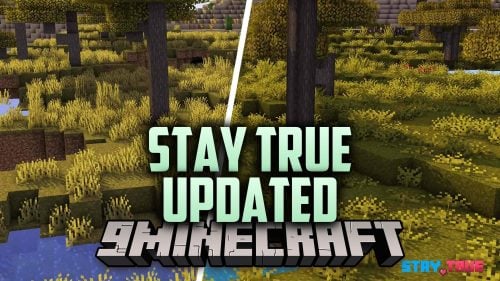 Stay True Updated Resource Pack (26.3) – Subtle Polish for Classic Vanilla
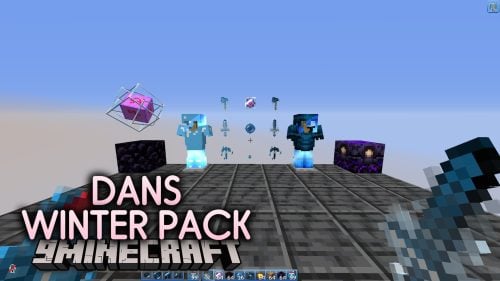 Dans Winter Pack Resource Pack (1.21.11) – Cool Icy Blue Winter Look
 Mizuno’s 16 Craft Resource Pack (1.21.1, 1.20.1) – Texture Pack
More from Resource Packs
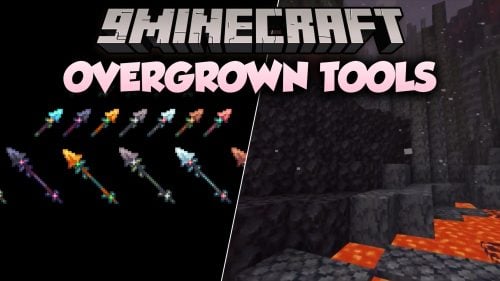 Overgrown Tools Resource Pack (1.21.11, 1.20.1) – Cozy Botanical Gear Wrapped
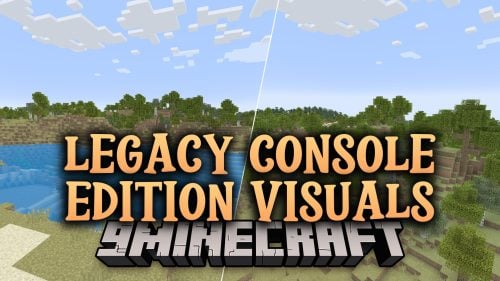 Legacy Console Edition Visuals Resource Pack (1.20.4) – Golden Era Console Nostalgia
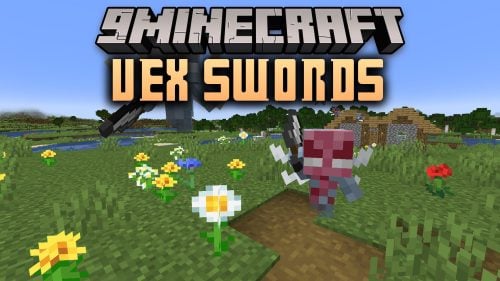 Vex Swords Resource Pack (1.21.5) – Proportional Iron Swords for Little Mobs
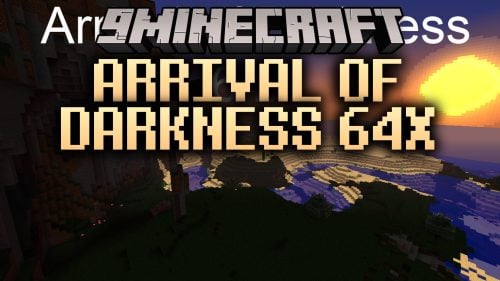 Arrival of Darkness 64x Resource Pack (1.5.0) – Eerie Shadows Meet Sharp Vanilla
 Smallswords PvPZX Resource Pack (26.3, 1.21.1) – Clearer Screen for PvP Duels
 No More Christmas Chests Resource Pack (26.3, 1.20.1)
 Zero’s Arrow Crosshair Resource Pack (1.21.11, 1.20.1)
 Schlatt Simple Pack Resource Pack (1.21.4, 1.21.1) – Clean Cart PvP Style
 Simple Hit Sound Resource Pack (26.2, 1.20.1) – Satisfying PvP Combat Feedback
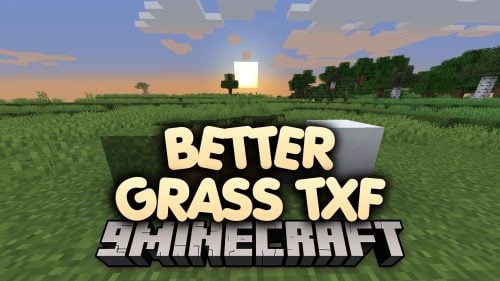 Better Grass TXF Resource Pack (1.12.2) – Clean Vanilla Turf and Snowy Ground
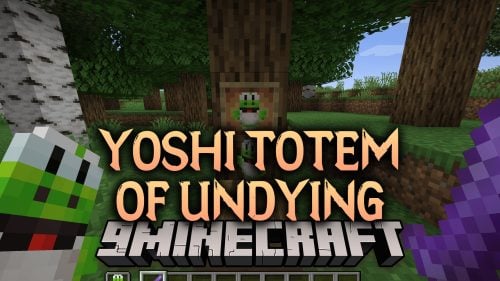 Yoshi Totem of Undying Resource Pack (1.21.11, 1.21.1)
 Interrealistic 3D HD by Inter Mac God Resource Pack (1.20.1)

This post has no comments yet. Be the first — your comment will appear here.