
Medium Blackstone Stash by Konst4638 Schematic (1.21.x) – Dark Blackstone Storage Base Schematic

 0


Medium Blackstone Stash by Konst4638 Schematic adds a dark and stylish storage base to your world. This schematic offers a pre-built structure that uses mostly blackstone blocks. It gives you a safe place to keep all your loot and resources. The design works great for players who want a cool base without building it from scratch. It fits perfectly in the Nether or deep underground biomes.
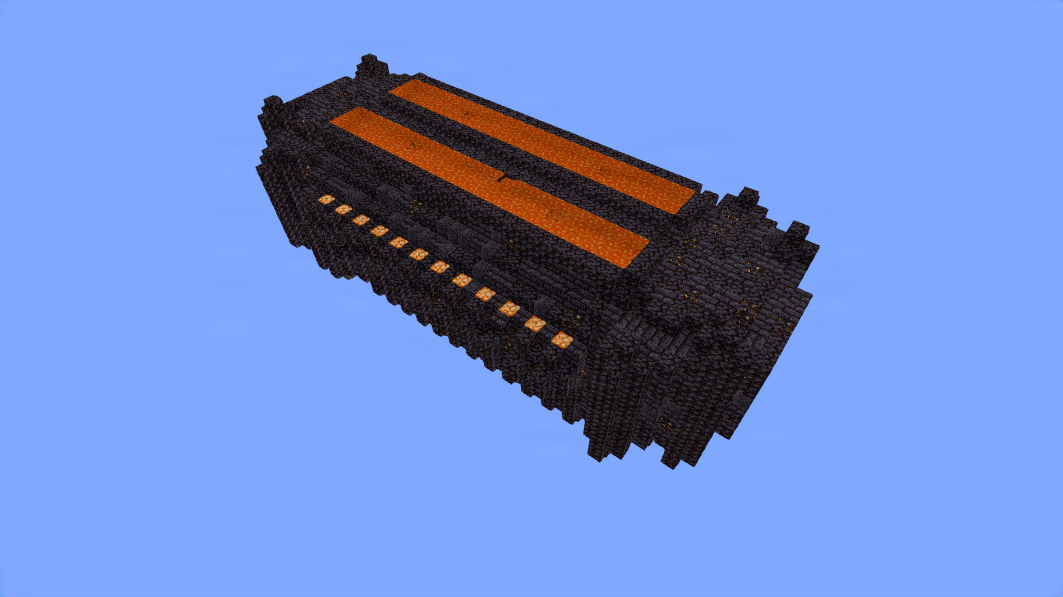
3D Preview & Editor:
Materials
32 types · 4,387 blocks
| Blackstone | 1,651 | Lava | 460 | Black Stained Glass | 264 | |||
| Polished Blackstone Bricks | 236 | Chest | 192 | Gilded Blackstone | 160 | |||
| Polished Blackstone Brick Slab | 154 | Polished Blackstone | 151 | Polished Blackstone Brick Wall | 146 | |||
| Hopper | 144 | Polished Blackstone Brick Stairs | 113 | Cracked Polished Blackstone Bricks | 89 | |||
| Iron Chain | 86 | Polished Basalt | 66 | Blackstone Slab | 61 | |||
| Chiseled Polished Blackstone | 54 | Polished Blackstone Stairs | 42 | Waxed Copper Trapdoor | 42 | |||
| Shroomlight | 38 | End Rod | 36 | Lantern | 36 | |||
| Polished Blackstone Button | 30 | Polished Blackstone Slab | 25 | Black Candle | 24 | |||
| Iron Bars | 24 | Bubble Column | 20 | Lodestone | 19 | |||
| Wither Skeleton Skull | 12 | Wither Skeleton Wall Skull | 5 | Soul Sand | 4 | |||
| Dropper | 2 | Lever | 1 | |||||
How to place this schematic
.litematic This is a Litematica schematic. You place it with the Litematica mod, which shows the build as a ghost overlay you fill in.
| 1 | Install Litematica (plus MaLiLib) for your Minecraft version. |
| 2 | Put the .litematic file in .minecraft/schematics. |
| 3 | In game press M → Load Schematics, pick the file, then Load. |
| 4 | Position the ghost preview, then build it by hand — or turn on Easy Place to place blocks straight from your hotbar. |
| 1 | Load the litematic file into your schematic folder in the Minecraft directory. |
| 2 | Select the stash from your in-game schematic menu using your preferred tool. |
| 3 | Place the preview hologram in a clear, flat area that fits the building size. |
| 4 | Build the structure by following the ghost blocks shown on your screen to finish the stash. |
Features:
- Blackstone Design: Uses polished blackstone and dark materials for a strong, moody look.
- Provides a large area inside for chests and storage systems to keep items organized.
- Uses exactly 4,387 blocks to create a detailed and complete building.
- Requires a space of 44 blocks long, 17 blocks high, and 21 blocks wide in your world.
- Works in vanilla Minecraft so you do not need any gameplay mods to see the structure.
- Comes in the Litematic format for easy placement using schematic tools.
Schematic Specs:
 Minecraft1.21.x
 Dimensions44×17×21
 Total Blocks4,387
Medium Blackstone Stash by Konst4638 Schematic Download Links
For Minecraft 1.21.x
When following a building tutorial from YouTube, what method do you prefer?
0 responses · See the full results →
You May Also Like
Picked for this page
 Pokémon Temple Arena Japanese Litematica Schematic (1.21.x) – Large Asian Fortress With Fighting Rin
 1.07M Kelp Farm Donut Smp Basicredstone V2 Schematic (1.21.x) – Massive Automated Kelp Farm Build
 The Damocles Schematic (1.21.x) – Giant Futuristic Space Station Build
 Twenture Emerald Spawner Farm Schematic (1.21.x) – Double Vindicator Spawner Emerald Farm Layout
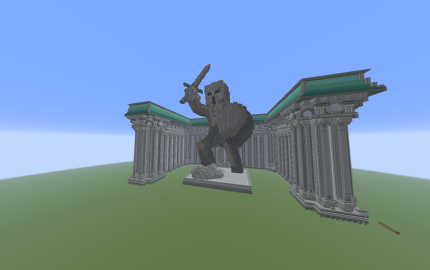 2v1000 Arena Schematic (1.21.x) – Modern Large Fight Arena Build
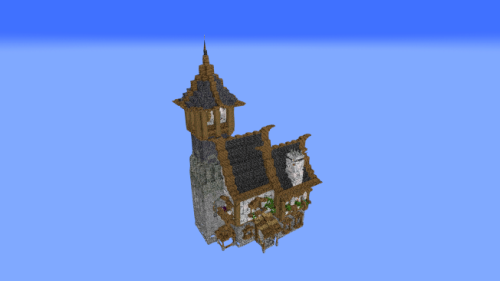 The Tavern from Abfielder Schematic (1.21.x) – A Detailed Vanilla Tavern Building
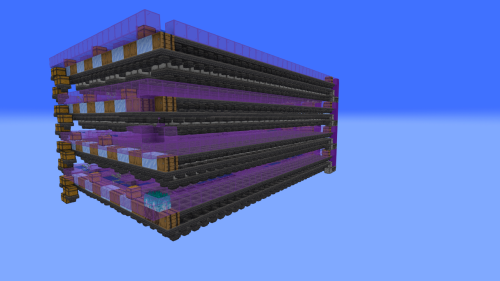 Knoster Charcoal V1 by Konst4638 Schematic (1.21.x) – Compact Redstone Charcoal Farm Build
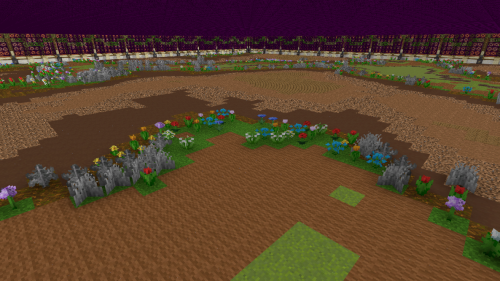 Arena1 Schematic (1.20.x) – Large Vanilla Arena Build For Your World
 Knoster V3 by Konst4638 Schematic (1.21.x) – Mid-Sized Redstone Kelp Farm Build
 Knoster Spawner Base Small by Konst4638 Schematic (1.21.x) – Compact AFK Area For Mob Spawners
 Small House 11 Schematic (1.20.x) – Tall And Compact Vanilla Home Build
 Big House 5 Schematic (1.20.x) – A Ready-Made Vanilla House Build
Most viewed in Schematics over the last 7 days
 Fastest Bonemeal Farm Donut Smp Schematic (1.21.x) – Fast Redstone Bonemeal Farm Build
 KelpFarmV9.9 Schematic (1.21.x) – Compact And Simple Seaweed Farm Build
 64 Module Cobblestone Farm Schematic (1.21.x) – Massive Automated Stone Gathering Build
 Gold Farm Schematic (1.21.x) – Automatic Nether Roof Gold Farm
 Villager Trading Hall Schematic (1.21.x) – Modern Shop Build For 48 Villagers
 Minutes End Base Before Spoke Null End Video Schematic (1.21.x) – Giant Unstable SMP End Base Schema
 Bamboo Farm Schematic (1.21.x) – Small Automated Redstone Bamboo Farm
 Best Railgun Tp Trap on Donutsmp Schematic (1.21.x) – Unescapable Multiplayer Redstone Trap Build
 36 Module Cobble Farm 18m per Hour Donut SMP Schematic (1.21.x) – Massive Automated Stone Generator
 Bamboss V2 800k Bamboo per Hour Schematic (1.21.x) – High Speed Automated Bamboo Farm Schematic
 Fastest Kelp Farm Donut Smp Schematic (1.21.x) – Compact Redstone Kelp Farm Design
 Donut Smp Stash and Regear Schematic (1.21.x) – Large Storage And Regear Room Build
More from Schematics
 Copper Golem 3d Schematic (1.21.x) – Huge 3D Statue for Fantasy Worlds
 Pid Mud 3d Schematic (1.21.x) – Giant 3D Mud Pig Statue Build
 Progressive Jungle Tree Set Schematic (1.21.x) – Custom Tropical Tree Designs for Your World
 Medieval Economy Spawn Schematic (1.21.x) – A Complete Medieval Hub for Server Spawns
 Medieval Spawn with Warzone Schematic (1.21.x) – Massive Medieval Lobby With PvP Warzone
 Hedge Maze Garden Decoration Schematic (1.21.x) – Classic Hedge Maze for Castle Gardens
 Mapart Sad Minion Schematic (1.21.x) – Build A Detailed Map Art Minion
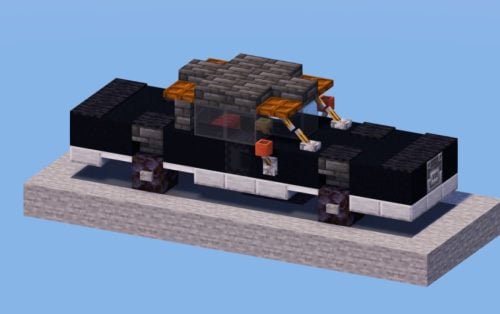 Black Car Schematic (1.21.x) – Sleek Modern Vehicle for City Streets
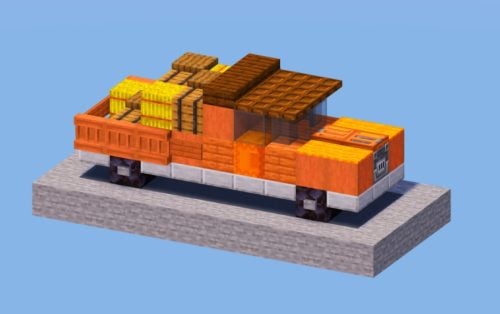 Orange Pick up Schematic (1.21.x) – Build a Stylish Modern Orange Truck
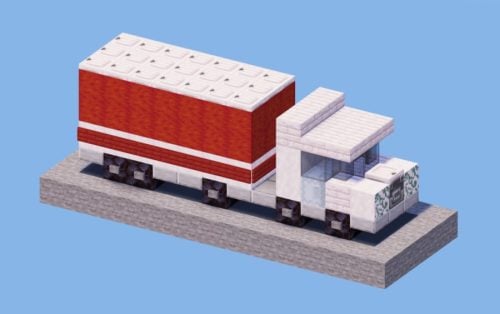 White and Red Truck Schematic (1.21.x) – Compact Modern Semi Truck Build
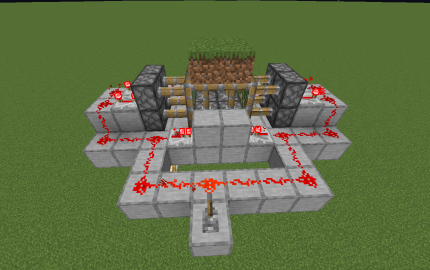 2×2 Ground Door Schematic (1.21.x) – Simple Hidden Floor Entrance for Minecraft
 Bamboo Farm 2.0 Donut SMP Schematic (1.21.x) – Automatic High Yield Bamboo Farming System

This post has no comments yet. Be the first — your comment will appear here.