
MrOres 3D Glowing Model – Lights Up Caves with 21 Custom Ore Models

 0


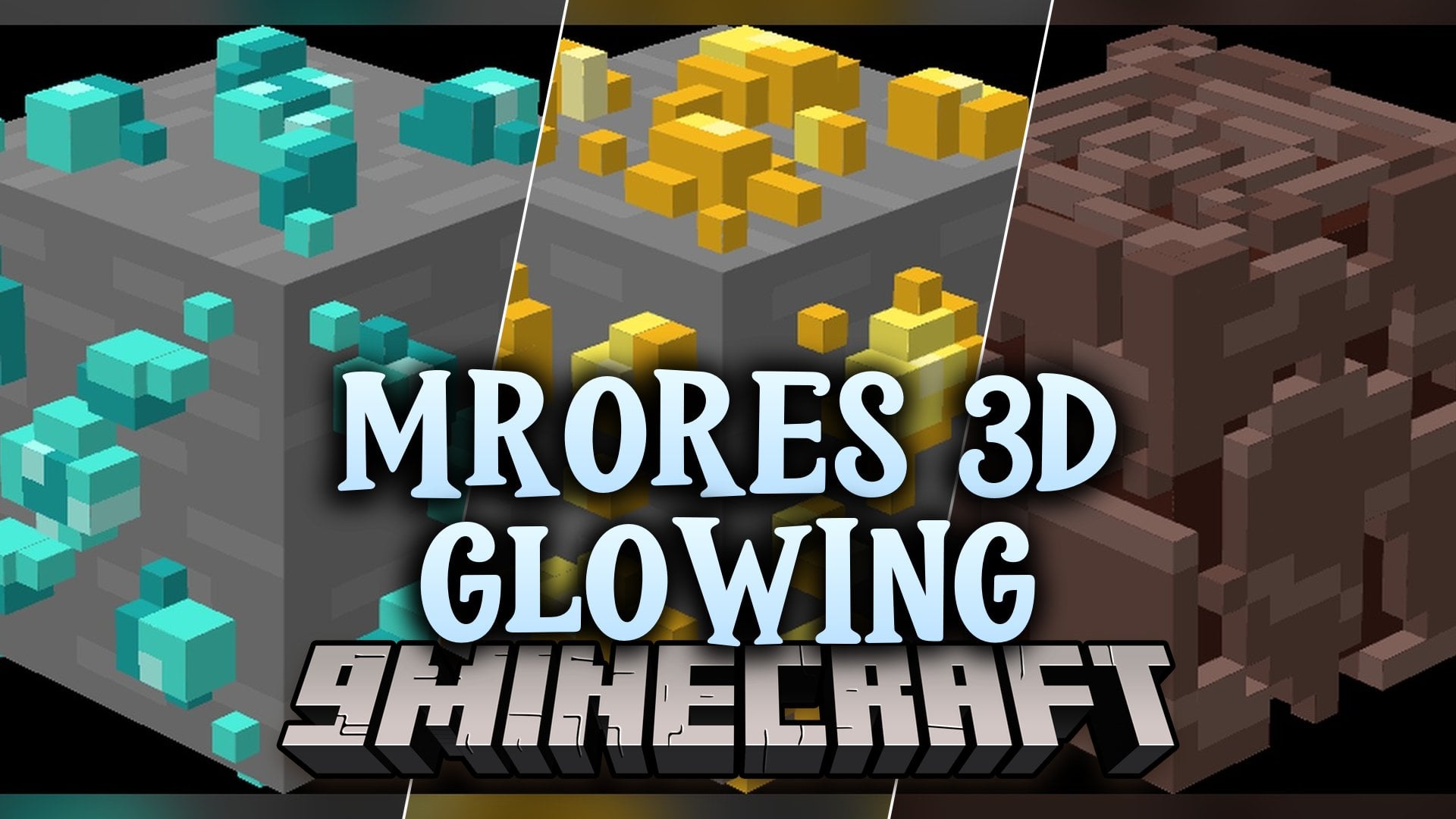
MrOres 3D Glowing Model transforms Minecraft ores into glowing 3D models. It adds 21 custom models, so ores and their drops look new and bright. This pack works with Optifine or Continuity on Fabric, Forge, NeoForge, Quilt, and more.
Features:
- Glowing 3D Ores: Replaces flat ore blocks with 3D models that glow.
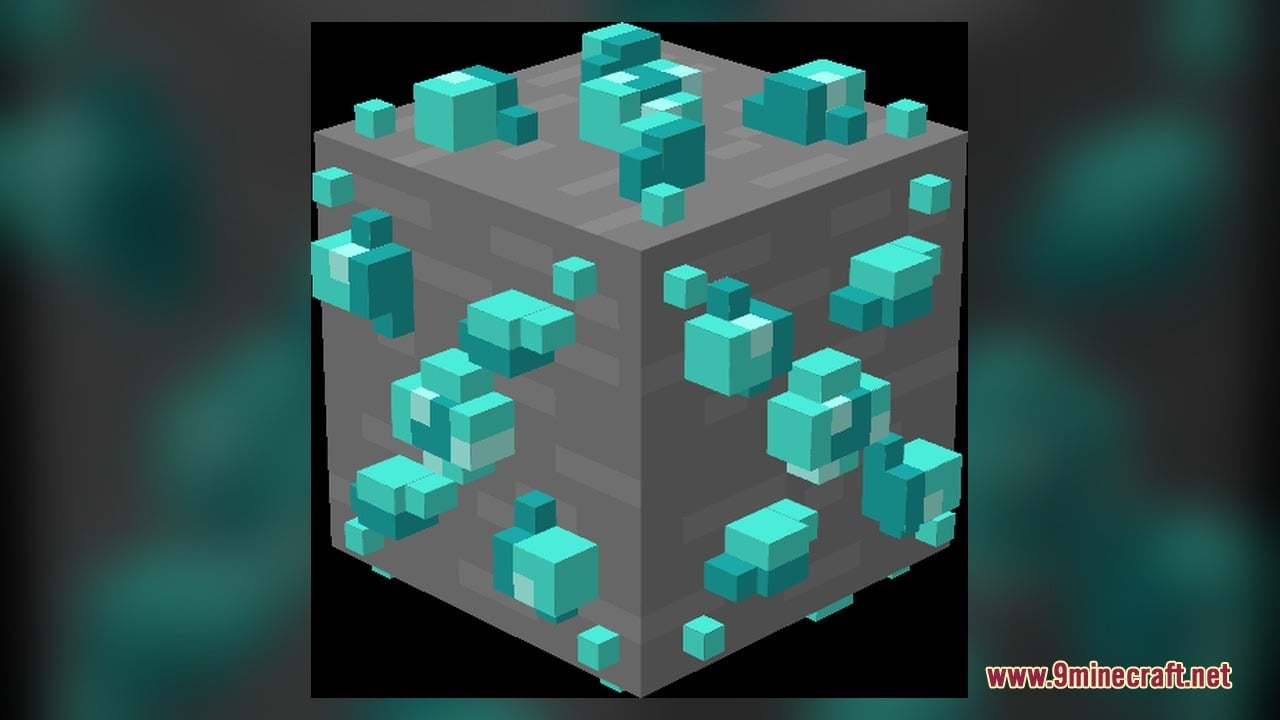
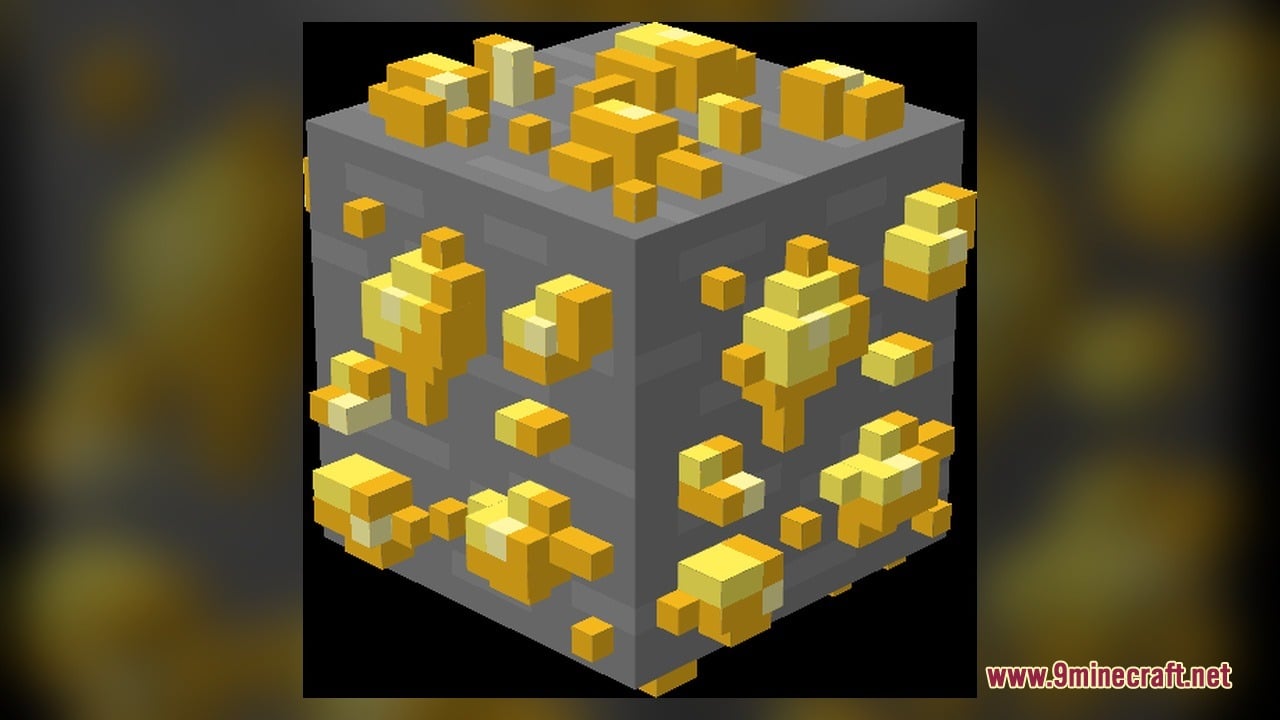
- Overworld Ore Models: Gives new looks to coal, copper, iron, gold, lapis, redstone, diamond, and emerald ores.
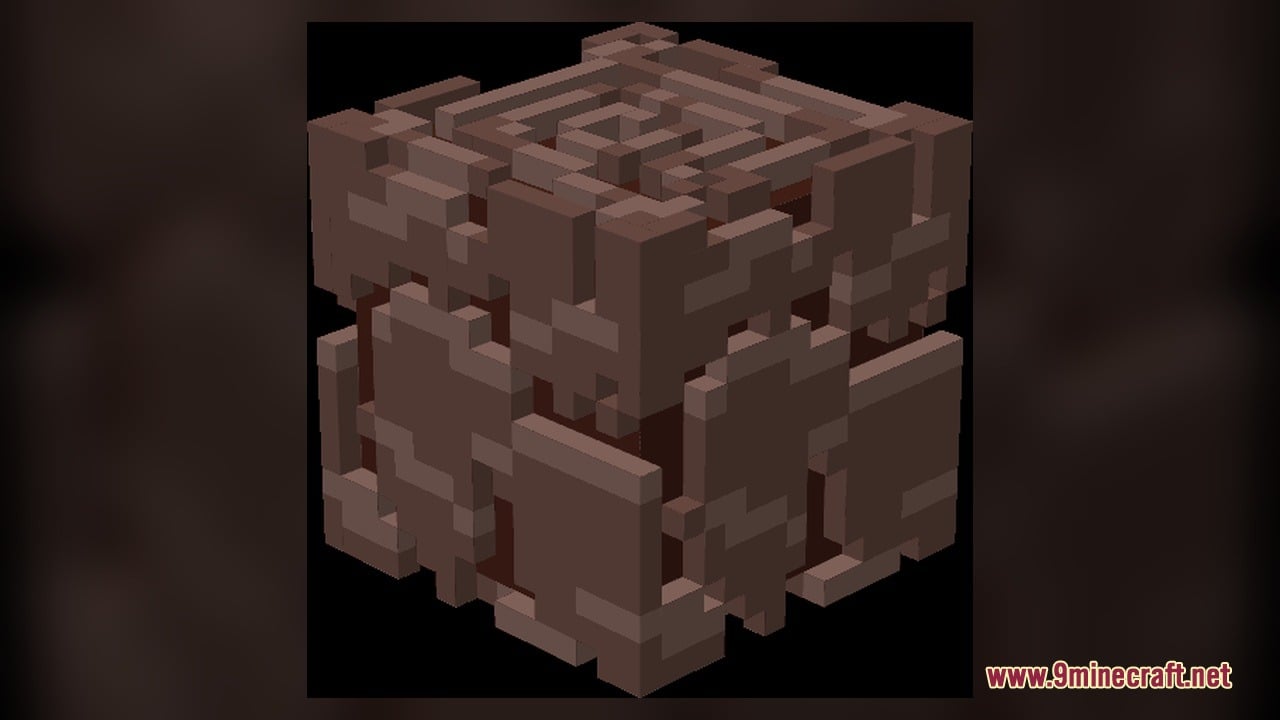
- Nether Ore Models: Changes nether gold ore, nether quartz ore, and ancient debris.
- Item Models: Adds 3D looks to drops like coal, diamond, emerald, lapis lazuli, quartz, redstone, and netherite ingot.
- Brings new raw copper, raw gold, and raw iron models.
- Uses 21 custom 3D models and 45 texture files.
How to Use:
- Put the pack in your resource packs folder and turn it on in the Resource Packs menu. Make sure Optifine or Continuity is installed first.
- Dig down to the lower caves and find coal ore, iron ore, copper ore, and gold ore. Look at them up close to see the 3D glowing shape.
- Go deeper to find lapis ore, redstone ore, diamond ore, and emerald ore. Check how each one glows in a dark cave.
- Mine these ores and look at the drops: coal, raw copper, raw iron, raw gold, lapis lazuli, redstone, diamond, and emerald. Each one has its own 3D model.
- Travel to the Nether and find nether gold ore and nether quartz ore. Mine them to get quartz and see its new model.
- Search for ancient debris in the Nether, then smelt it into a netherite ingot to see the new ingot model.
Screenshots:
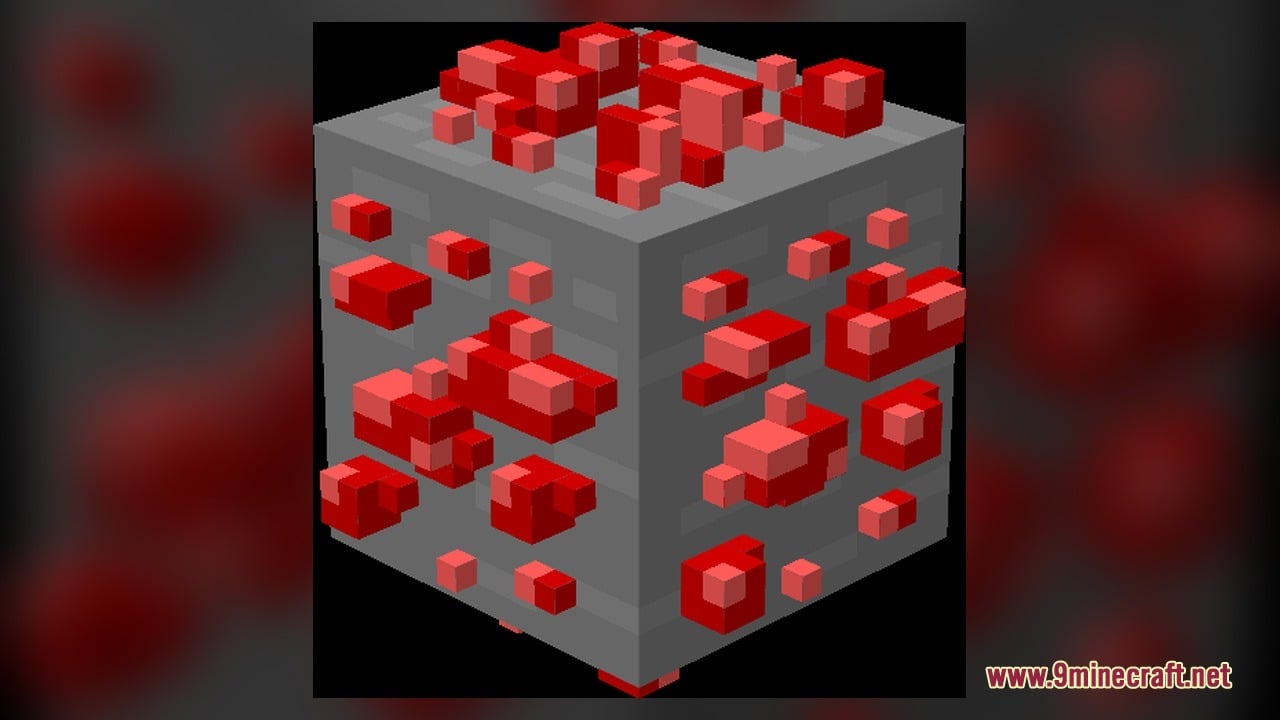
MrOres 3D Glowing Model Download Links
Click to rate this post!
[Total: 0 Average: 0]
You May Also Like
Picked for this page
 Arty Reindeer Jenny Mod Model
 Kitetsu Sword Skill Pack Model
 Suku Slime Princess Model – Unleashes Intelligent Slime Boss
 Old Horse Model – Restores Classic Retro Horse Models and Animations
 CMG PP Model – Transforms Create Machinery Into Tactical Military Equipment
 Overly Realistic Base Resources Model – Brings Custom 3D Block Overlays
 The ClickCrystals Pack Model – Transforms Crystal Combat with 3D Visuals
 Human Era Villagers & Illagers X Fresh Animations Model
 Glowing Emissive Ores Model – Brings Animated 3D Crystals to Dark Caves
 Comprogrammer Model – Transforms Modded Worlds with Retro Blocky Models
 Vanilla PVP Essentials Model – Brings Clean 3D Overlays for Combat
 Computercraft Greentech Model – Transforms Computers Into Retro Green Machines
Most viewed in Models over the last 7 days
 Jenny Mod Skin Pack Mega Collection – 310+ Characters
 The Most Complete Collection of Jenny Mod Resources – Models, Animations, Structures,…
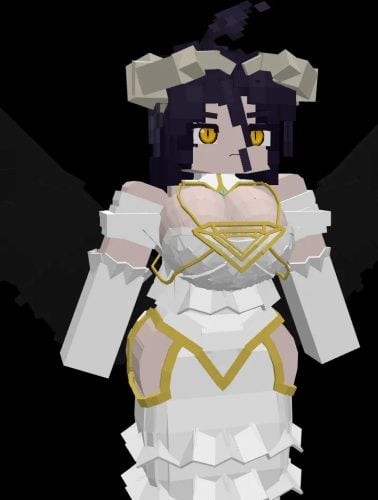 Albedo Rework Jenny Mod Model
 Power Model – Custom Girl for PleasureCraft Mod
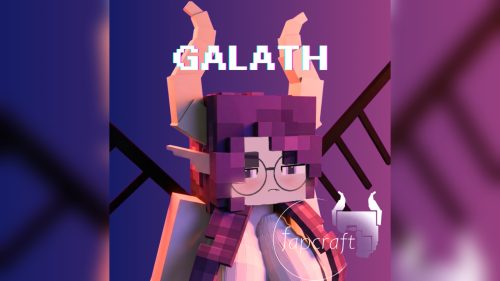 Galath Rework Model – Custom Girl for PleasureCraft Mod
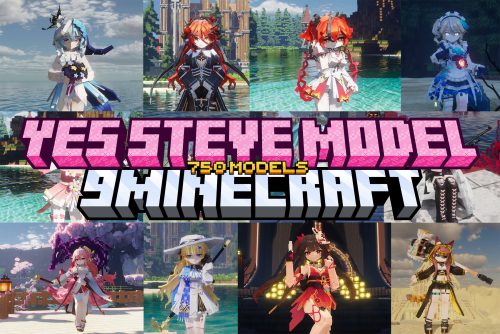 750 Models Addon for Yes Steve Model Mod
 Ellie Rework Jenny Mod Model
 Femboy Ellie Rework Jenny Mod Model
 Ram Model – Custom Girl for PleasureCraft Mod
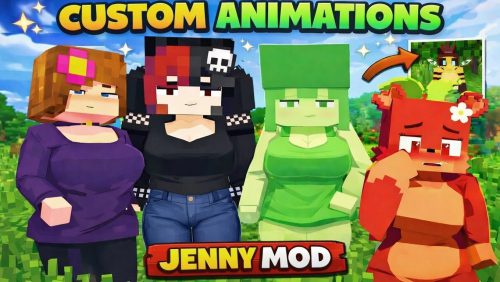 100+ Custom Animations For Jenny Mod
 Ellen Model – Custom Girl for PleasureCraft Mod
 Alex Model – Custom Girl for PleasureCraft Mod
More from Models
 British Rail Class 153 Model – Brings Rural Diesel Trains to Railways
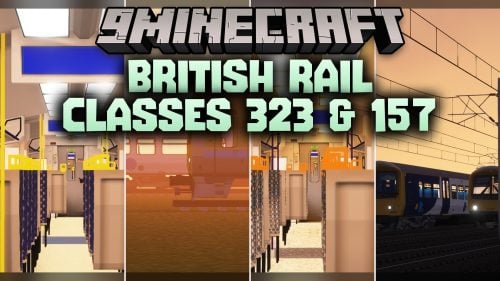 British Rail Classes 323 & 157 Model – Adds Realistic British Commuter Trains
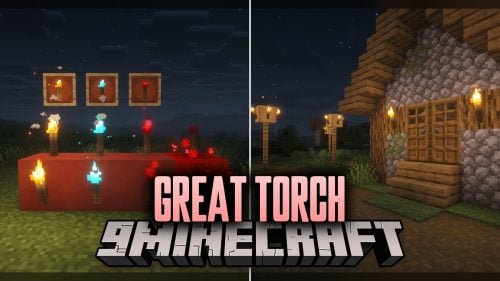 Great Torch Model – Transforms Torches and Redstone Into Realistic 3D Shapes
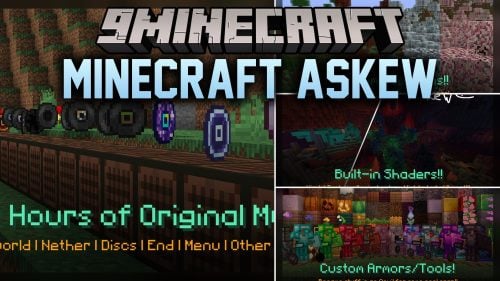 Minecraft Askew Model – Brings Animated 3D Shapes to Classic Blocks
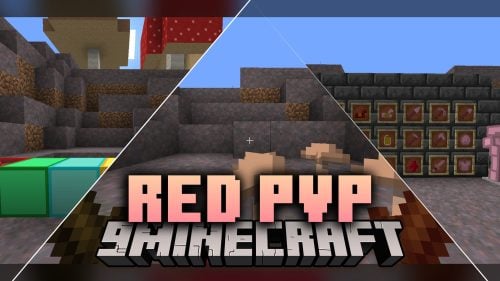 Red PVP Model – Brings Animated Crimson Gear and Custom 3D Weapons
 DART SLRV Model – Brings Modern Light Rail Trains to Transit Networks
 MTR4 – Brings Authentic Japanese Commuter Trains to Modern City Railways
 MTR Universal Intercoupling Model – Adds Realistic Train Car Connectors
 Spider Environment Model – Drops Dynamic Attack Spider
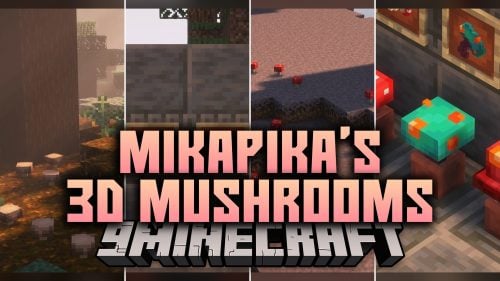 Mikapika’s 3D Mushrooms Model – Adds Volumetric Depth to Forest Mushrooms
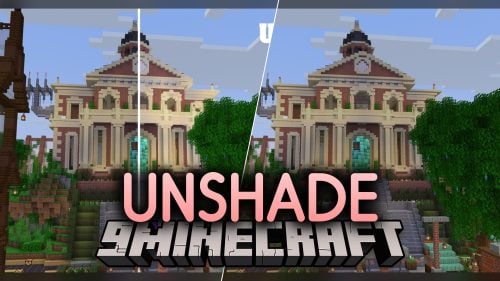 UnShade Model – Brings Clean Shadowless Lighting to Every Block Surface
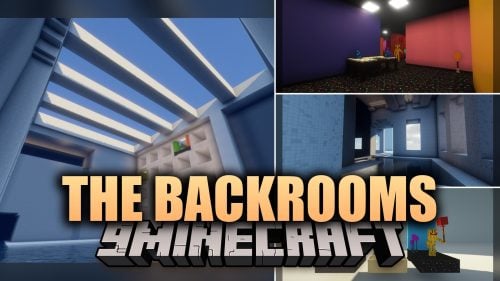 The Backrooms Model – Transforms Everyday Blocks Into Eerie Liminal Hallways

This post has no comments yet. Be the first — your comment will appear here.