


Auto Lectern Mod (26.2, 1.21.1) – Sla het dorpelingengrind over
 1,592
1,592
 0
0


🌐 Je leest dit artikel in het Nederlands. Wil je wisselen?
📖 Lees in het Engels (origineel)Of kies degene die je wilt:
Auto Lectern Mod automatiseert het proces van het krijgen van de dorpelingenhandel die je wilt. In plaats van handmatig steeds opnieuw een lezenaar te slopen en te plaatsen, doet deze mod dat voor je met eenvoudige commando’s. Het helpt je veel tijd te besparen bij het zoeken naar specifieke betoverde boeken, zoals Reparatie, bij een bibliothecaris-dorpeling.
Functies:
- Breekt en plaatst automatisch een lezenaar om de handel van een dorpeling te vernieuwen.
- Stel doelen in voor specifieke betoveringen, inclusief niveau en prijsklasse.
- Stopt automatisch zodra het een deal vindt die aan je doel voldoet.
- Bevat een instelling om te voorkomen dat je gereedschap breekt door te stoppen bij lage duurzaamheid.
- Kan worden ingesteld om automatisch met de dorpeling te handelen om de gewenste betovering vast te leggen.
- Versnelt het proces door de lezenaar al te breken terwijl er op nieuwe deals wordt gewacht.
- Wacht tot het item van de kapotte lezenaar is opgeraapt voordat er een nieuwe wordt geplaatst.
Commando’s:
/autolec add [enchant] [level] [price]– Voegt een nieuw doel toe voor de mod om te zoeken./autolec list– Toont alle doelen die je momenteel hebt ingesteld./autolec remove [index]– Verwijdert een specifiek doel uit je lijst./autolec start– Start het automatische cyclusproces. Je moet naar een lezenaar kijken./autolec stop– Stopt het automatische cyclusproces./autolec sync item– Schakelt het wachten op het oprapen van de lezenaar in/uit voordat er een nieuwe wordt geplaatst./autolec autoTrade (CHEAPEST|ENCHANT|OFF)– Configureert of de mod automatisch moet handelen om een deal vast te leggen./autolec preserveTool– Schakelt een functie in/uit om het proces te stoppen voordat je gereedschap breekt./autolec log– Zet de weergave van handelslogs in de chat aan of uit.
Hoe te gebruiken:
- Stel een handelsdoel in met het commando
/autolec add. Je kunt bijvoorbeeld een betovering, het niveau ervan en de maximale prijs die je wilt betalen opgeven. - Bereid je voor op het cyclen door een bijl in je hoofdhand en een stapel lezenaars in je andere hand te houden.
- Ga voor de dorpeling staan en kijk recht naar de lezenaar.
- Typ
/autolec startin de chat om het proces te starten. - De mod zal nu automatisch de lezenaar breken en plaatsen totdat er een passende deal wordt gevonden of je het commando
/autolec stopgebruikt.
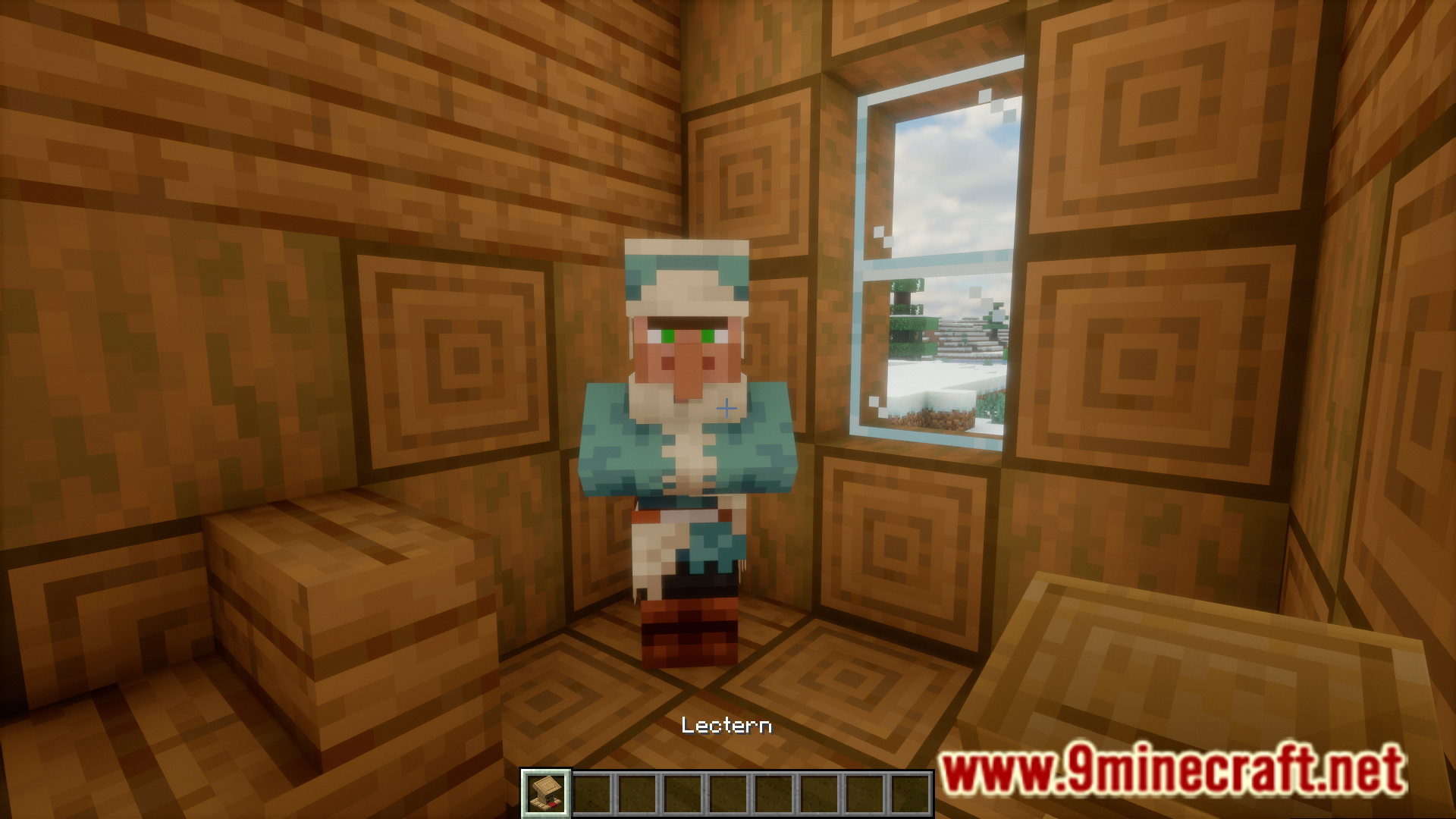
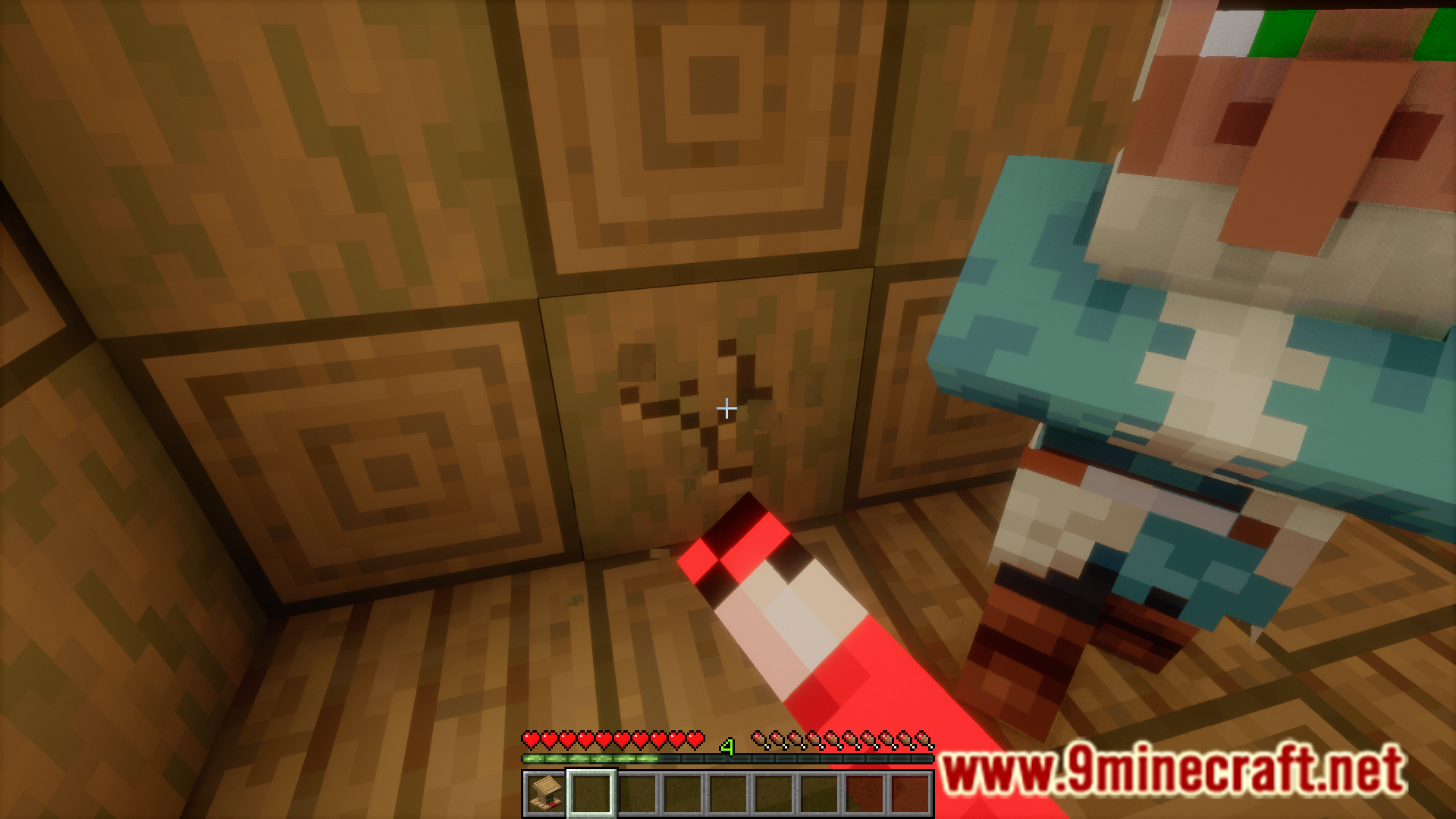
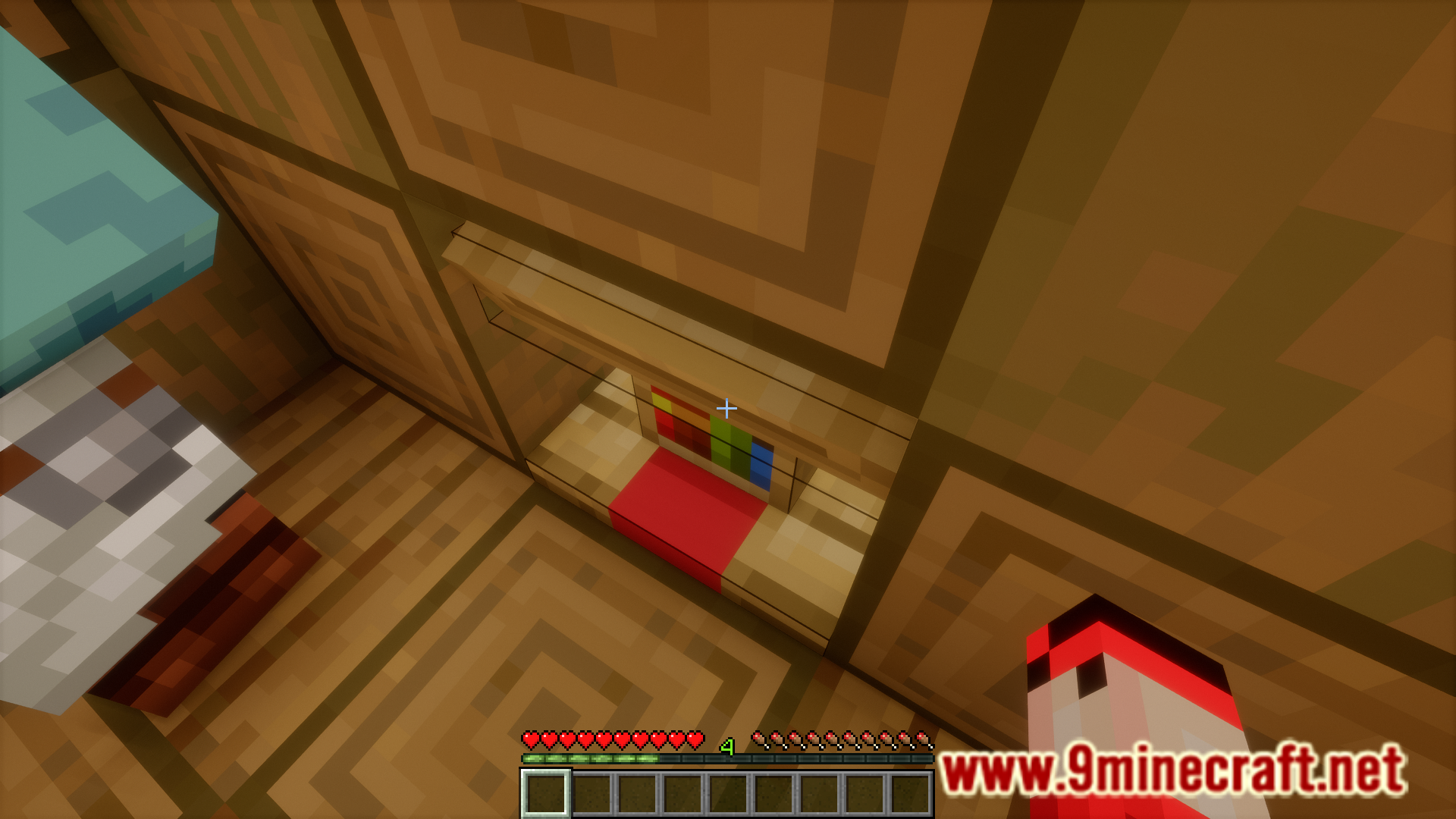
Screenshots:

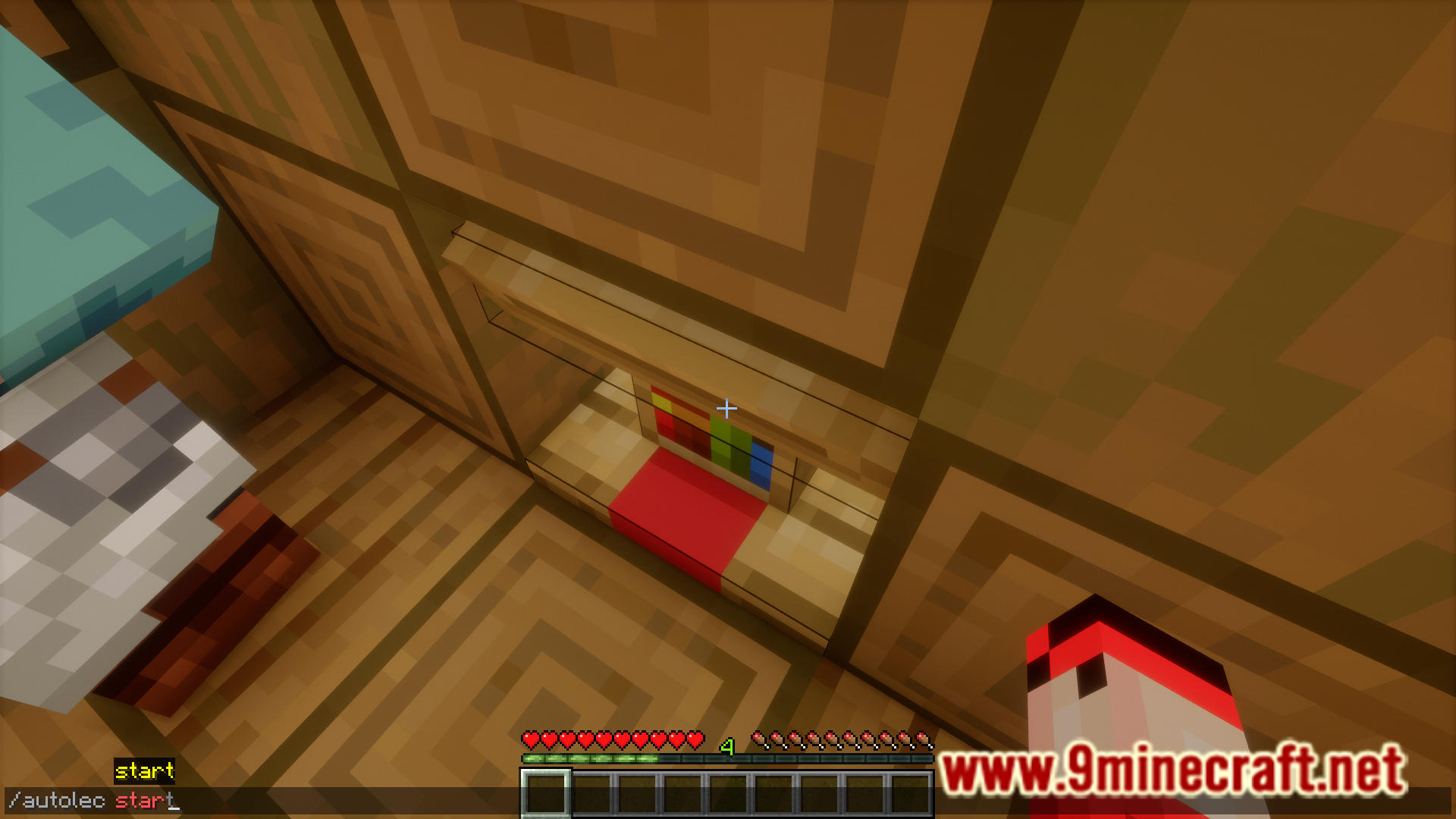
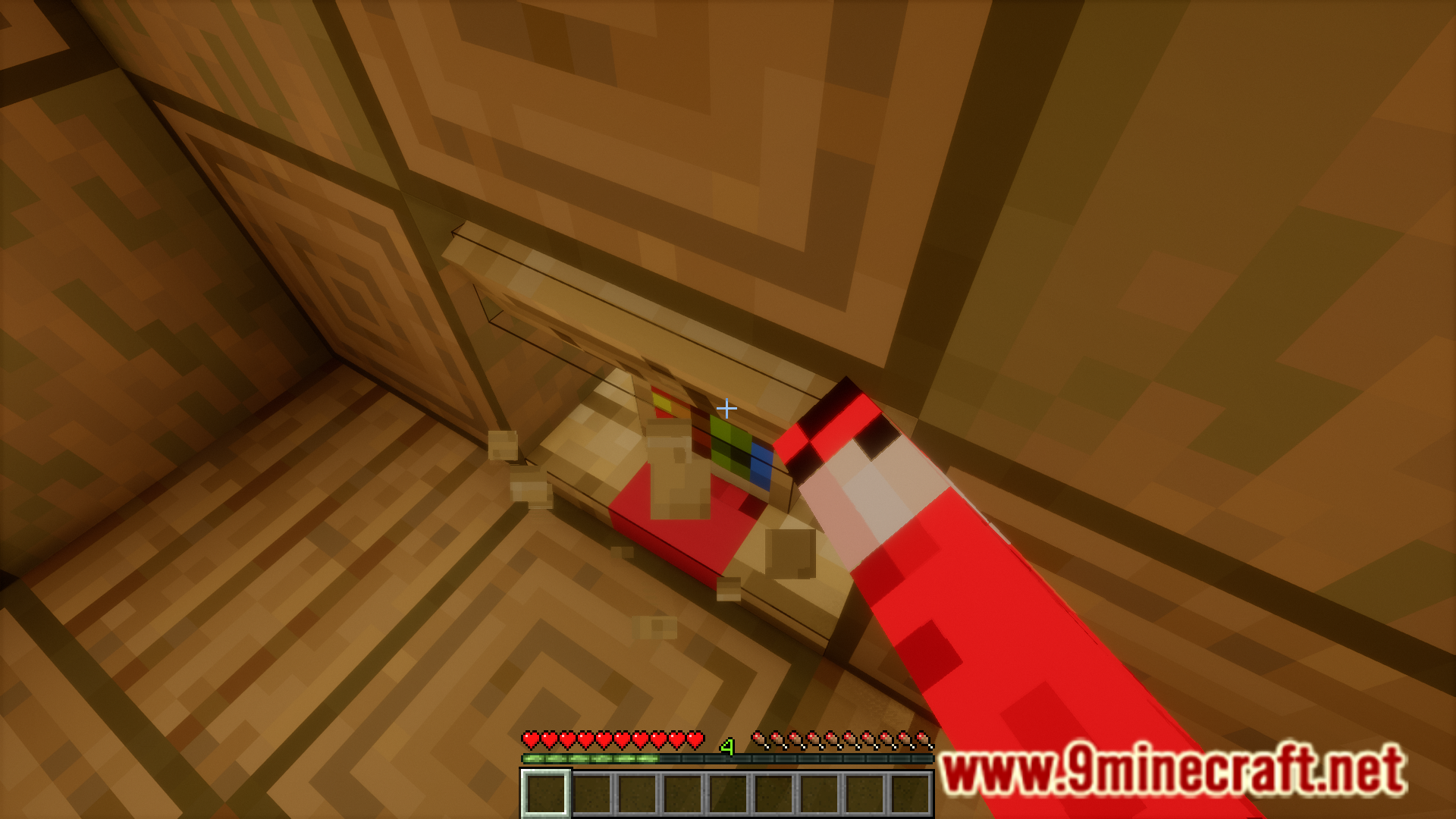
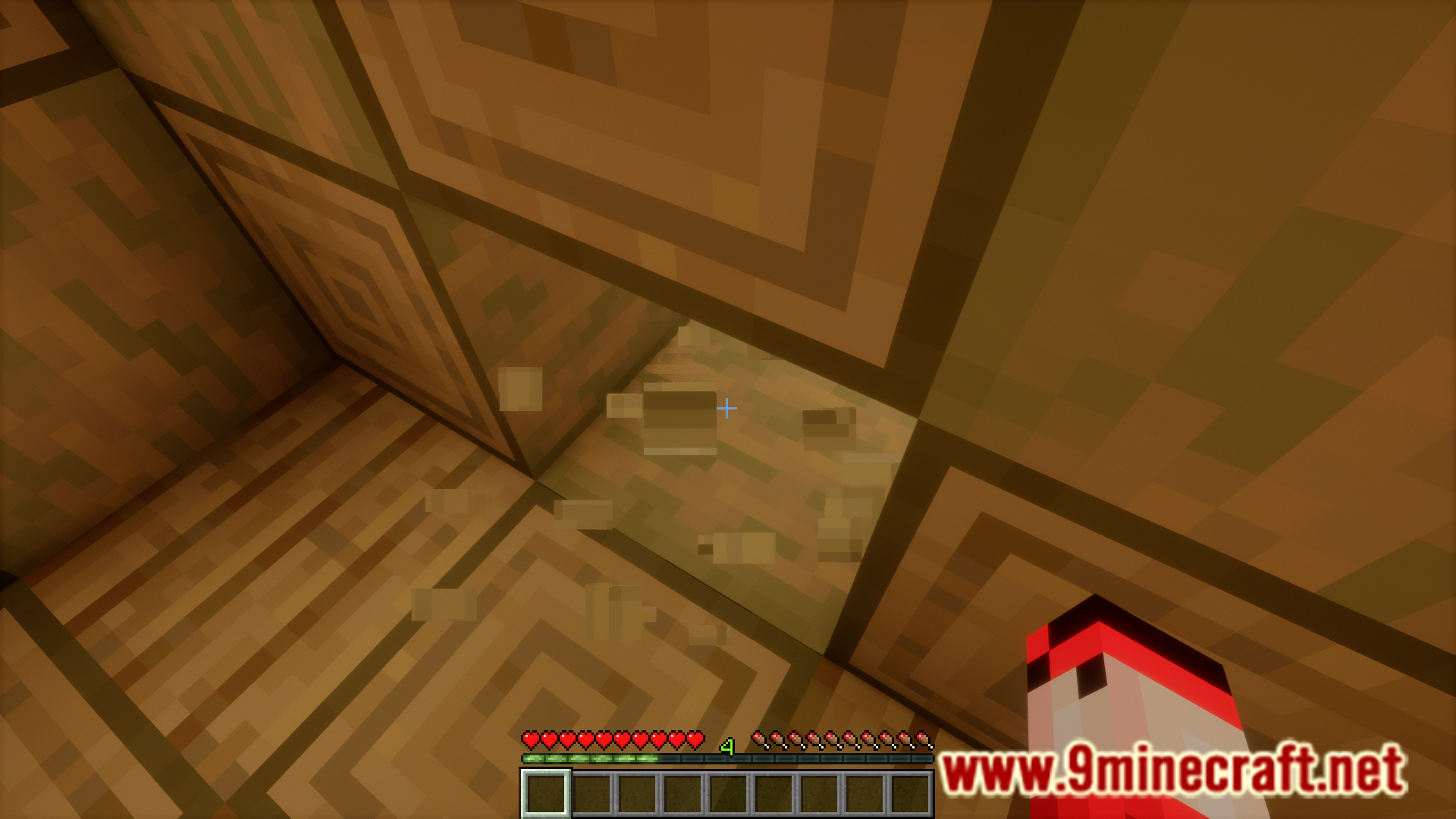
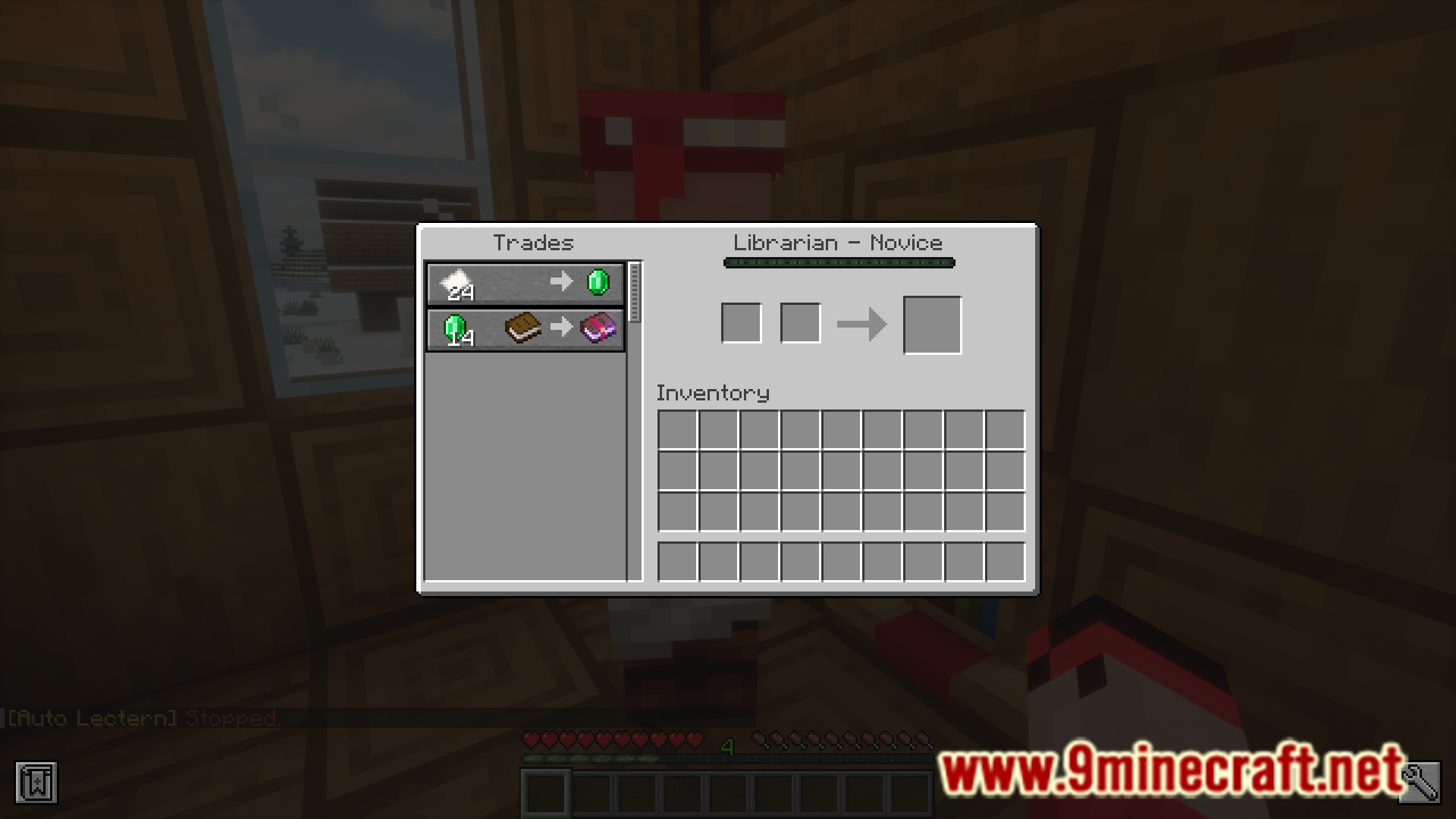
Hoe te installeren:
Nieuw bij Minecraft? Volg onze stapsgewijze gids om Mods op je pc te installeren.Bekijk gids
Vereisten:


Auto Lectern Mod Downloadlinks
Voor Minecraft 26.2
Voor Minecraft 26.1.2, 26.1.1, 26.1
Voor Minecraft
1.21.81.21.6,
1.21.8,
1.21.7
All Versions Covered
1.21.81.21.6
1.21.8
1.21.7
1.21.6
All Versions Covered
1.21.81.21.6
1.21.8
1.21.7
1.21.6
Voor Minecraft 1.21.11
Voor Minecraft 1.21.10, 1.21.9
Voor Minecraft 1.21.5
Voor Minecraft 1.21.4
Voor Minecraft 1.21.1, 1.21
Voor Minecraft 1.20.6
Voor Minecraft 1.20.4
Voor Minecraft 1.20.2
Klik om dit bericht te beoordelen!
[Total: 1 Average: 2]
Misschien vind je dit ook leuk



















Dit bericht heeft nog geen reacties. Wees de eerste — je reactie verschijnt hier.