
No Break Particles Model – Clears Screen Clutter During Fast Mining
 19
 0


No Break Particles Model hides the dusty debris particles that burst out whenever you destroy blocks. This pack modifies hundreds of block models to keep your view completely clean while digging or harvesting crops. You get a clear screen during fast mining runs and building projects without extra clutter in your face.

Features:
- Makes breaking particles invisible for hundreds of solid blocks and plant models.
- Cleans up your screen during rapid mining and terrain clearing.
- Keeps standard breaking cracks on block faces while removing flying debris.
- Modifies over 300 custom models including functional blocks, buttons, and vegetation.
- Helps maintain smooth visibility in tight caves and crowded farm areas.
How to Use:
- Put the pack into your resource packs folder and activate it in the resource packs settings menu.
- Find bamboo in a jungle biome or cactus in a desert, then break the bottom stalk to watch the plant pop cleanly without dust particles.
- Craft a wooden button or stone button, place it on a wall, and break it with an empty hand to see it drop with zero flying fragments.
- Head to a lush cave to harvest a big dripleaf, or brew potions with a brewing stand before breaking the stand with a pickaxe to verify the clean break effect.
- Ring a village bell or place a beacon on a mineral pyramid, then mine the block to confirm that heavy items also vanish neatly into item drops without particle bursts.
Screenshots:


No Break Particles Model Download Links
Click to rate this post!
[Total: 0 Average: 0]
You May Also Like
Picked for this page
 Arty Reindeer Jenny Mod Model
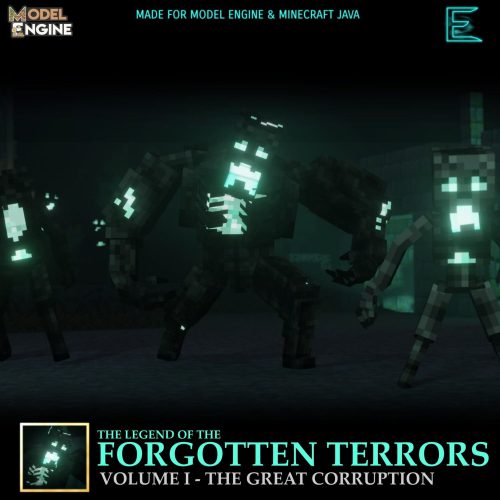 The Forgotten Terrors V1 Model
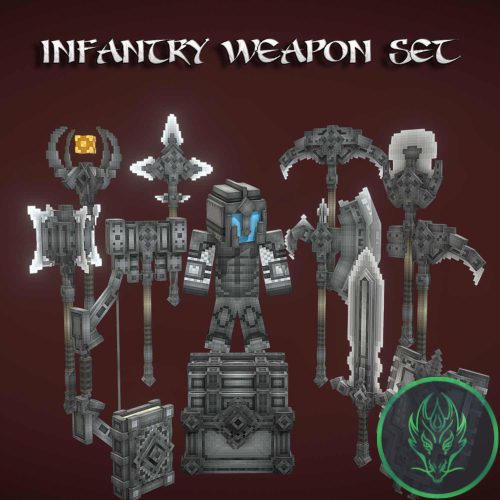 Infantry Weapon Set Model
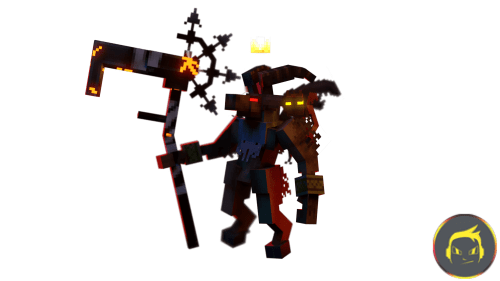 Capra The Goat Demon Model
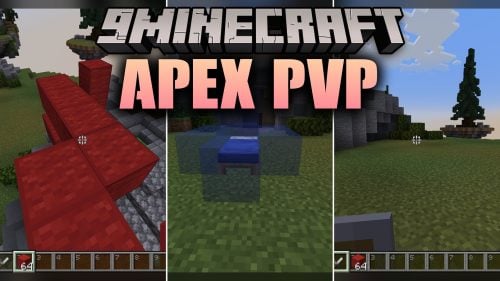 Apex PvP Model – Brings Clean 3D Combat Visuals to Multiplayer Battles
 Into The Light Enemy Pack Model – Unleashes Celestial Light Foes
 Old Horse Model – Restores Classic Retro Horse Models and Animations
 WU_SHUANGCB’s Zombie Skin Model – Transforms Zombies with Heavy Viral Weapons
 Create Energistics Model – Transforms Digital Storage Into Clockwork Machinery
 Vanilla PVP Essentials Model – Brings Clean 3D Overlays for Combat
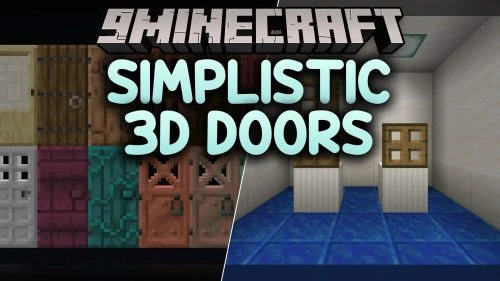 Simplistic 3D Doors Model – Adds Clean Depth to Vanilla Entryways
 Optimized Bushy Leaves Model – Adds Volumetric 3D Foliage Without Lag
Most viewed in Models over the last 7 days
 Jenny Mod Skin Pack Mega Collection – 310+ Characters
 The Most Complete Collection of Jenny Mod Resources – Models, Animations, Structures,…
 Albedo Rework Jenny Mod Model
 Power Model – Custom Girl for PleasureCraft Mod
 Ram Model – Custom Girl for PleasureCraft Mod
 100+ Custom Animations For Jenny Mod
 Galath Rework Model – Custom Girl for PleasureCraft Mod
 Steve (Jenny & Zoey) Pack Jenny Mod Model
 Fern Jenny Mod Model
 750 Models Addon for Yes Steve Model Mod
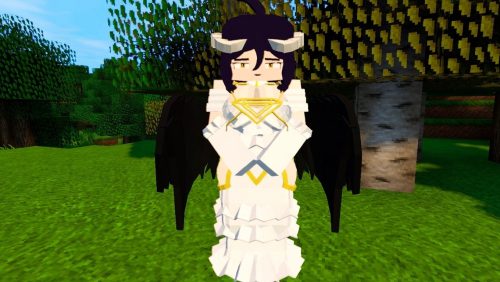 Albedo Jenny Mod Model
 Femboy Ellie Rework Jenny Mod Model
More from Models
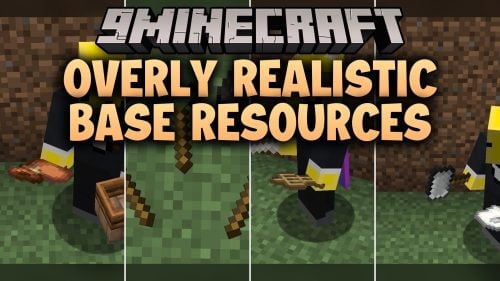 Overly Realistic Base Resources Model – Brings Custom 3D Block Overlays
 Bare Bones X Immersive Weathering Model – Brings Clean Vibrant Block Models
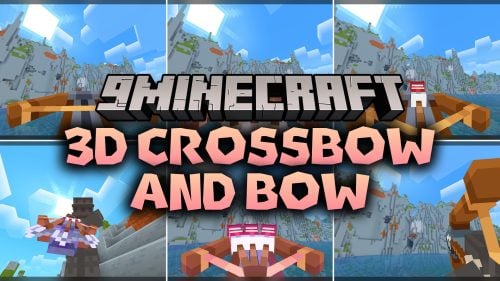 3D Crossbow And Bow Model – Brings Detailed Reload Visuals to Archery
 Verdant Verdure Model – Transforms Flat Grass Blocks Into Bushy Foliage
 Lil Creepers Model – Spawns Adorable Explosive Variants
 Dedsafio Tools 3 Model – Equips Custom Event Gear for Survival Battles
 Just 3D Model – Brings Layered Physical Depth to Familiar Minecraft Blocks
 Creaky Doors Model – Adds Realistic 3D Hinges to Wooden Doors
 Weapons From Bleach Model – Brings Iconic Anime Swords to Combat
 Marium Soulslike Weaponry Refresh Model – Equips Animated Dark Fantasy Weapons
 Backport Everything Model – Brings Modern 3D Visuals to Older Worlds
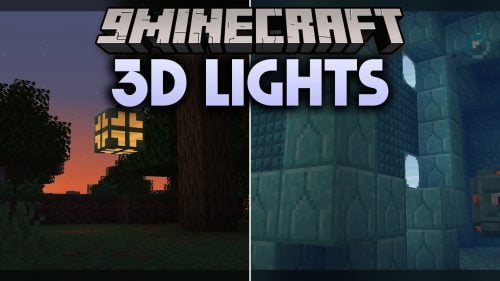 3D Lights Model – Transforms Glowing Light Sources with Animated Block Shapes

This post has no comments yet. Be the first — your comment will appear here.