


NoHurtCam+ Mod (1.20.2, 1.20.1) – Disable Hurtcam Using a Keybind

 0
0 

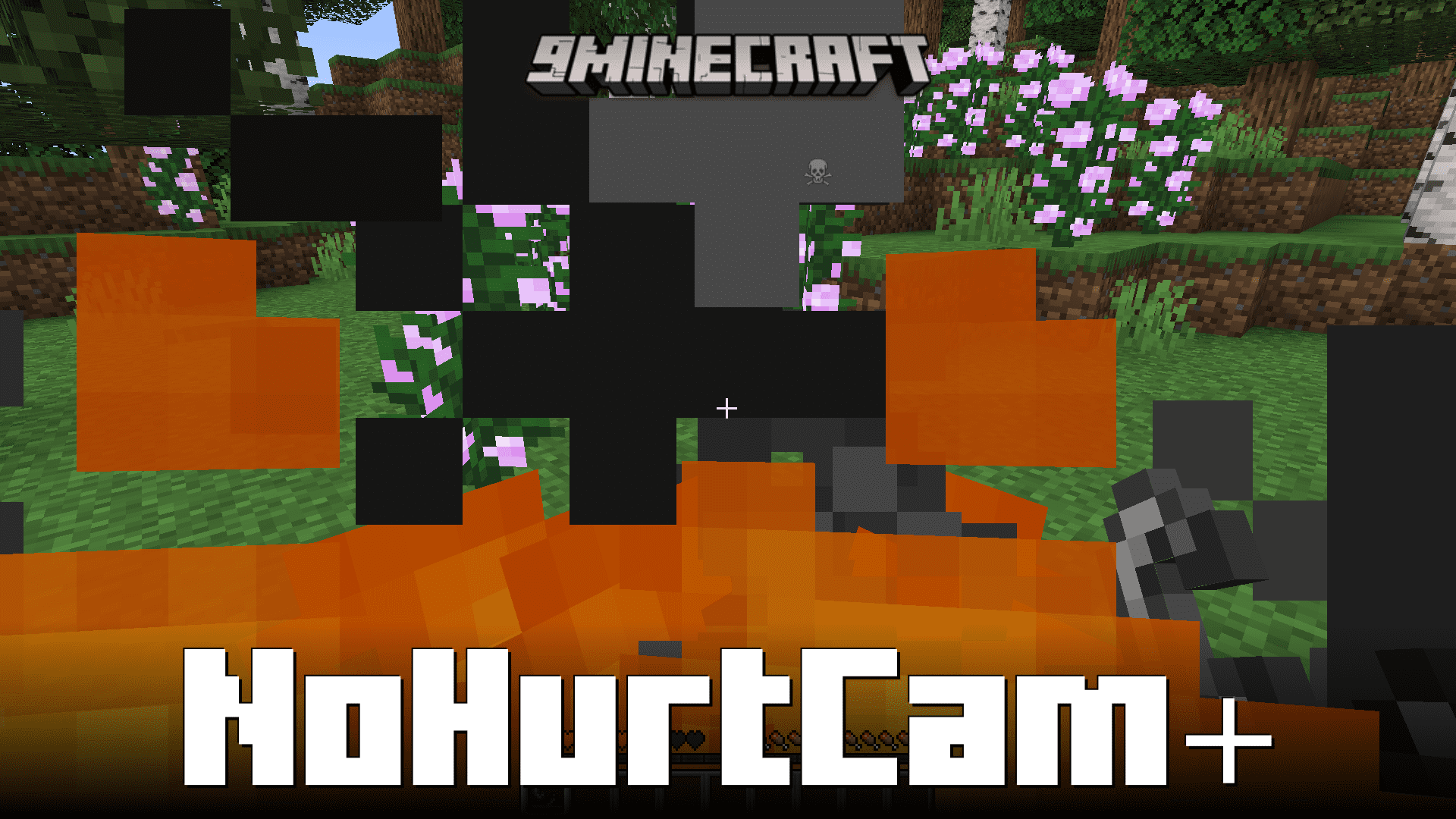
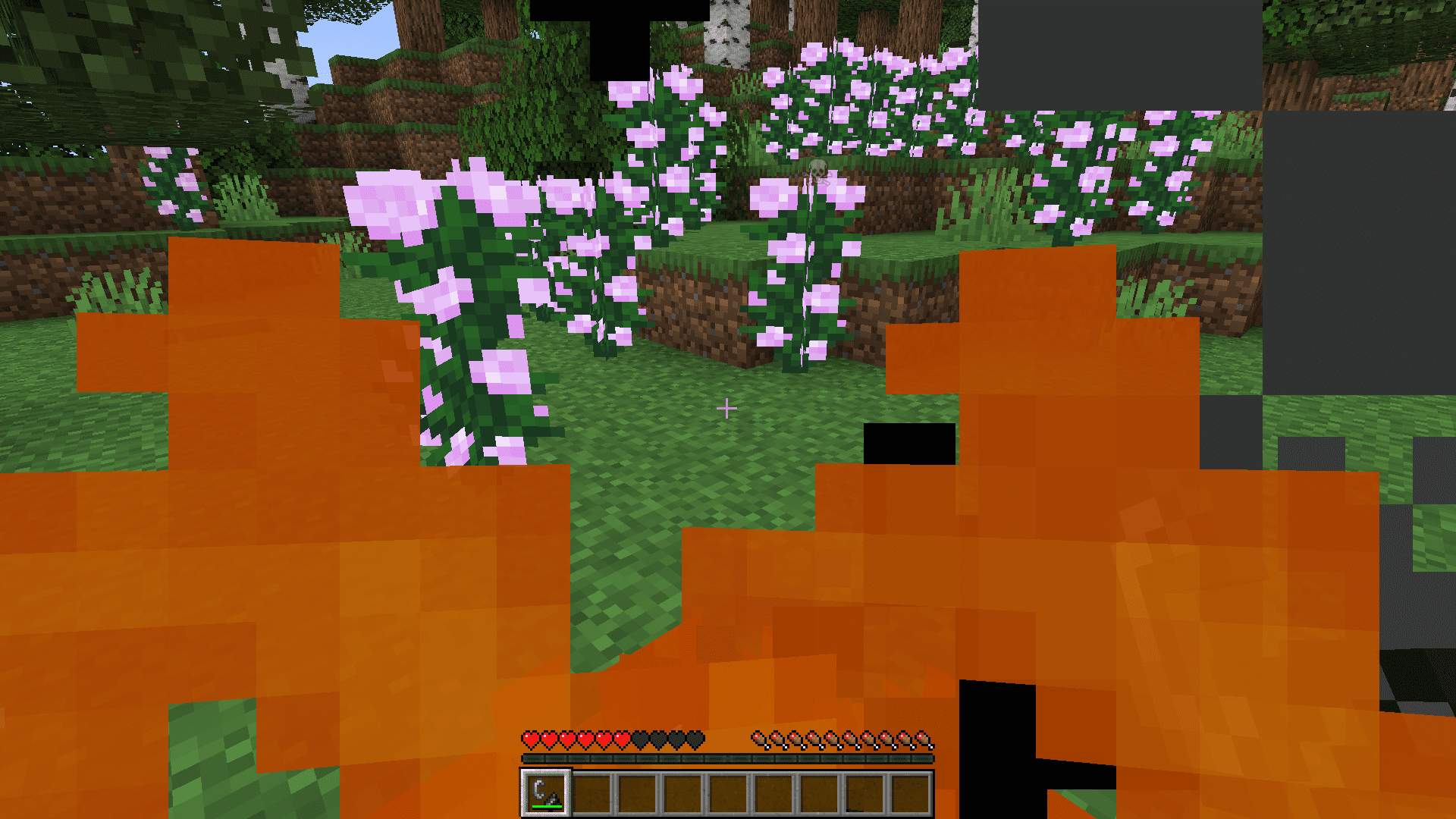
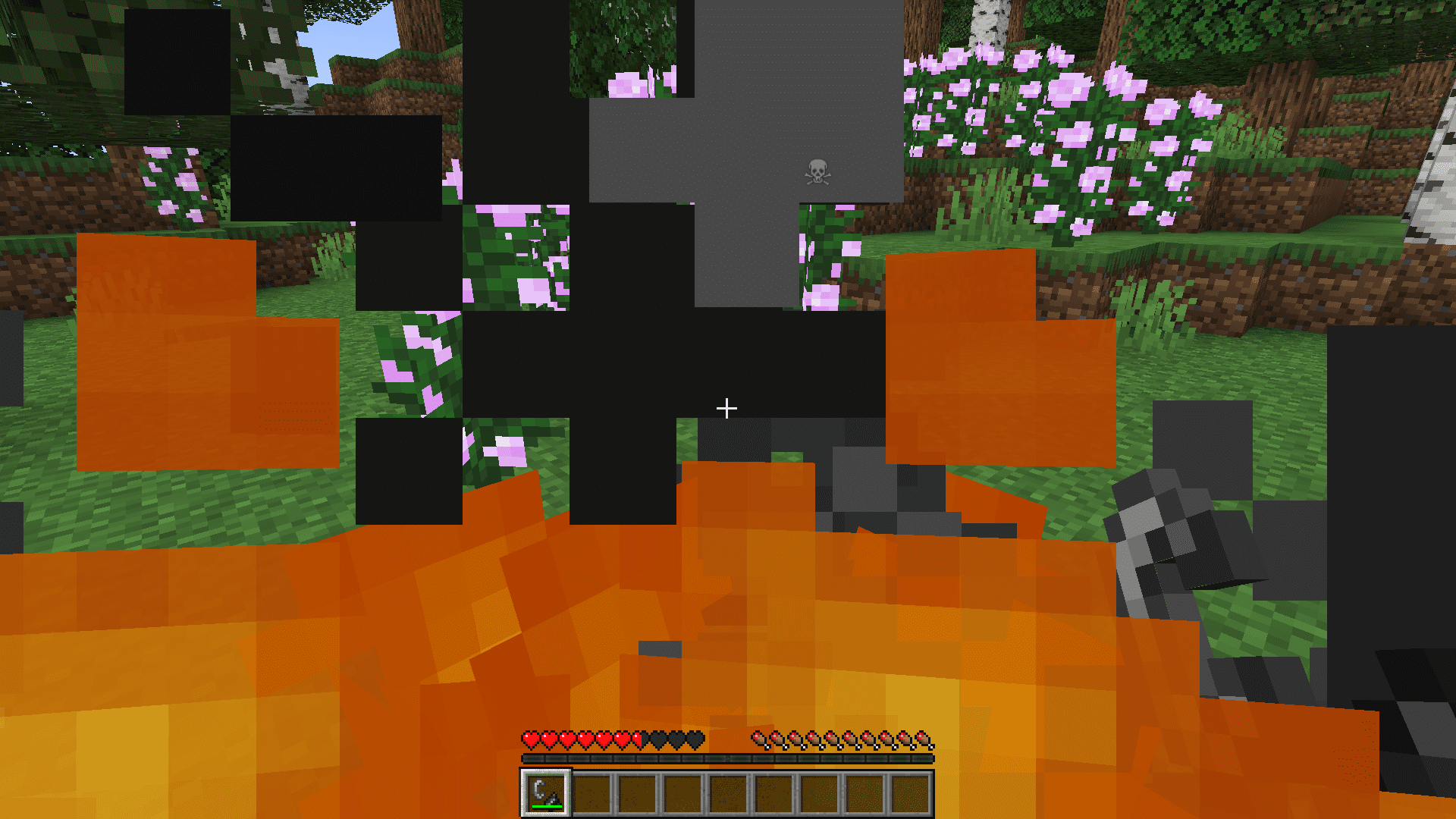
When your Minecraft character takes damage, the screen tends to tilt sharply. This tilt effect is an inconvenience for some, especially when trying to survive some intense situation. NoHurtCam+ Mod allows you to disable this hurtcam manually. You can enable/disable the hurtcam simply at the press of a keybind.
Features:
- Hurtcam Toggle: NoHurtCam+ offers players the ability to instantly toggle the hurtcam feature in Minecraft with the simple press of a keybind. This feature enhances the gaming experience by giving players control over the visual effects that occur when their character takes damage, allowing for smoother and more enjoyable gameplay.
- By eliminating the hurtcam effect when desired, players can maintain better situational awareness and control during intense moments in the game.
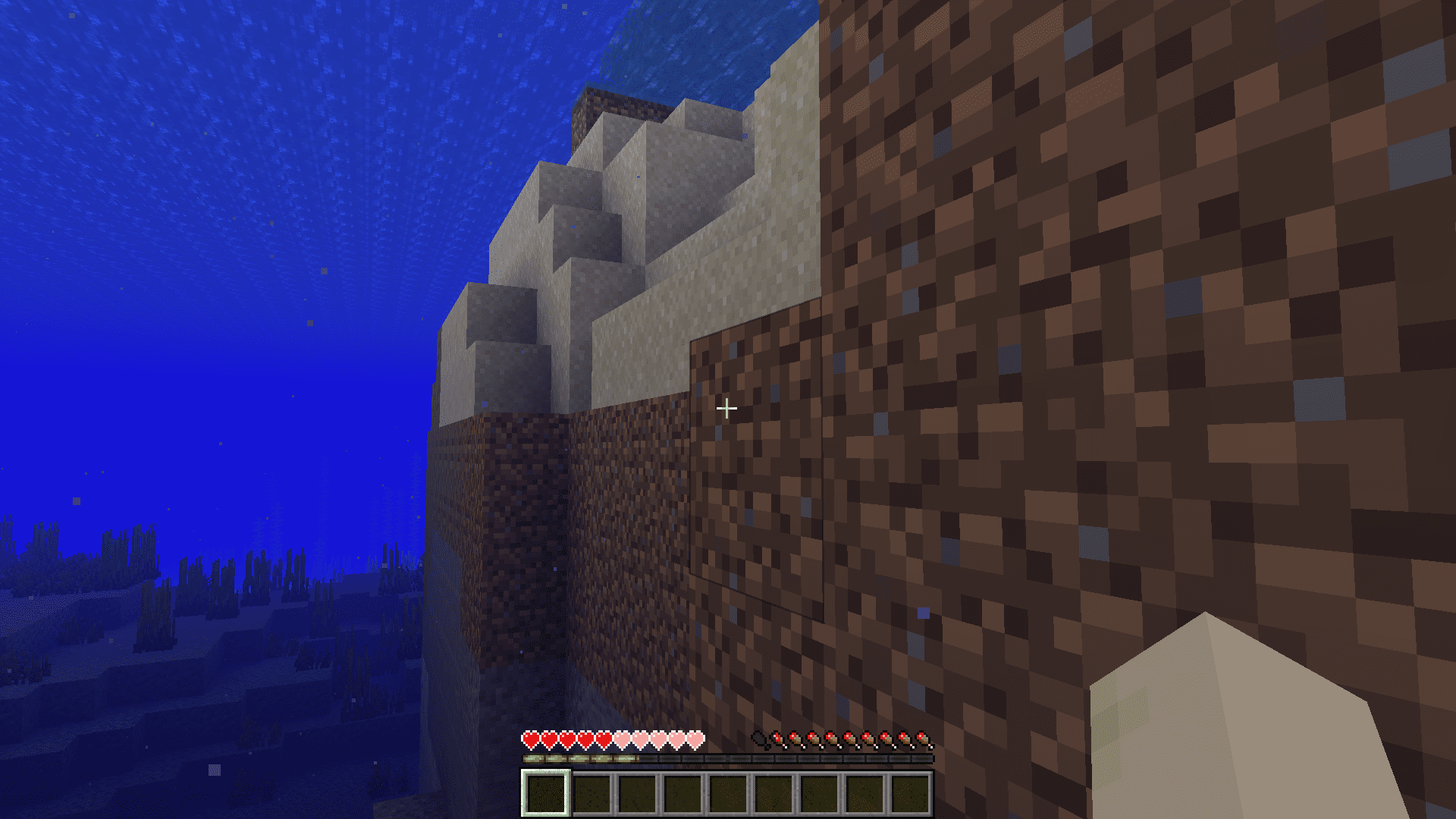
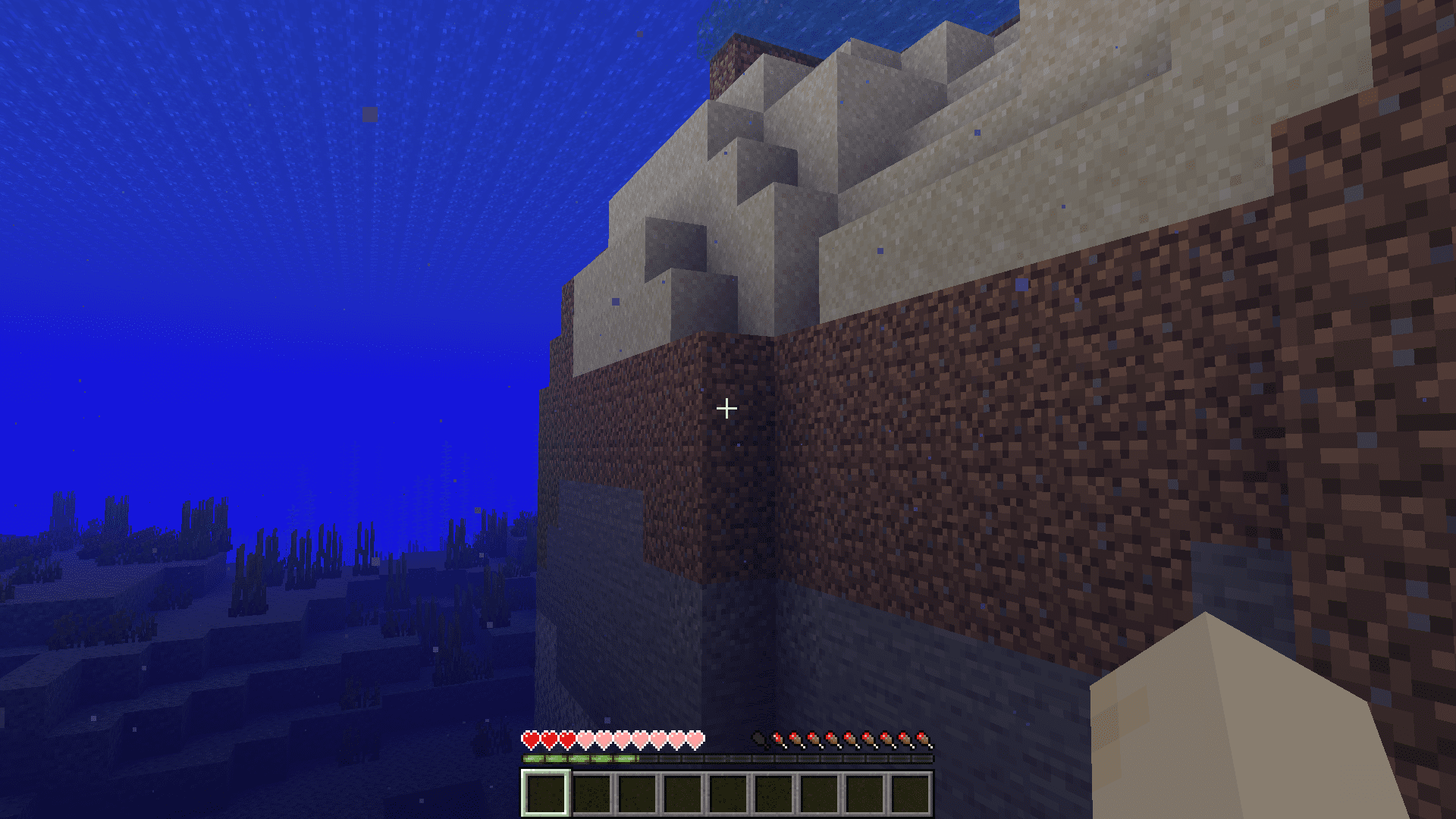
Screenshots:
How to Install:
New to Minecraft? Follow our step-by-step guide to install Mods on your PC.View Guide
NoHurtCam+ Mod Download Links
For Minecraft 1.20.2
Fabric version: Download from Server 1 – Download from Server 2
For Minecraft 1.20.1, 1.20
Fabric version: Download from Server 1 – Download from Server 2
For Minecraft 1.19.4, 1.19.2
Fabric version: Download from Server 1 – Download from Server 2
Click to rate this post!
[Total: 3 Average: 2.7]
You May Also Like







This post has no comments yet. Be the first — your comment will appear here.