


Portable Hole Mod (26.2, 1.20.1) – Doraemon’s Pass Loop

 0
0 

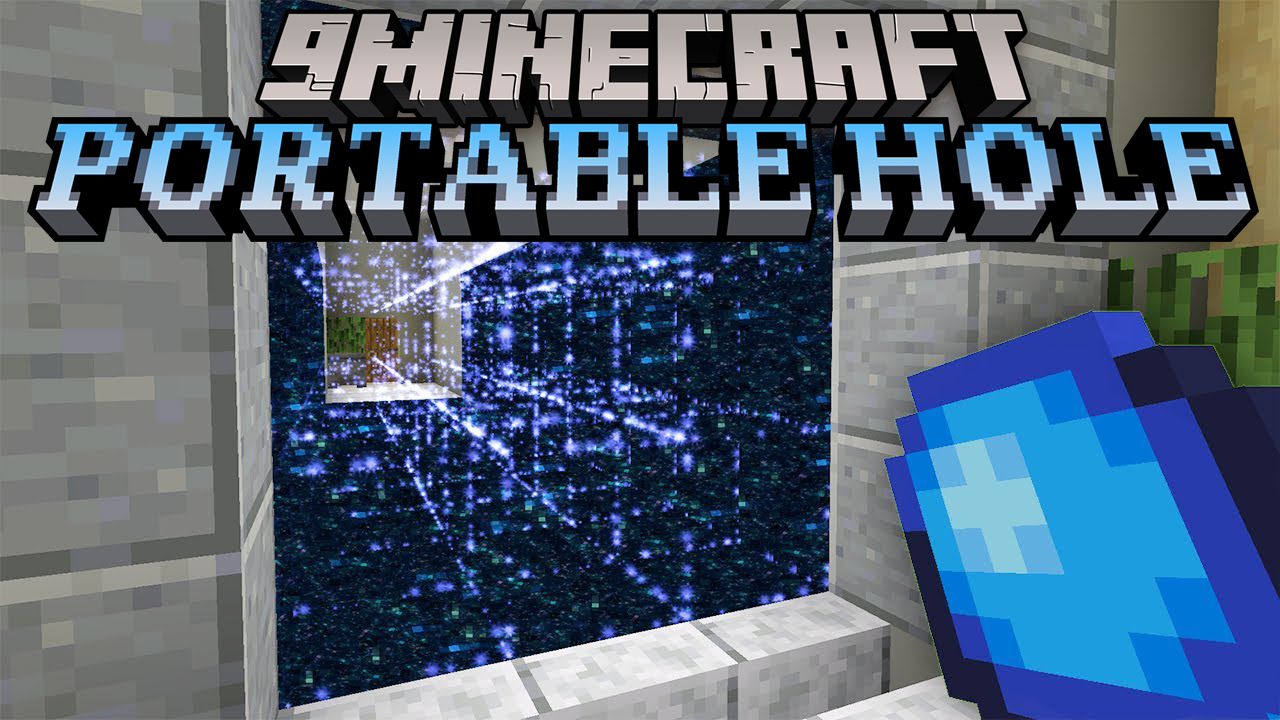
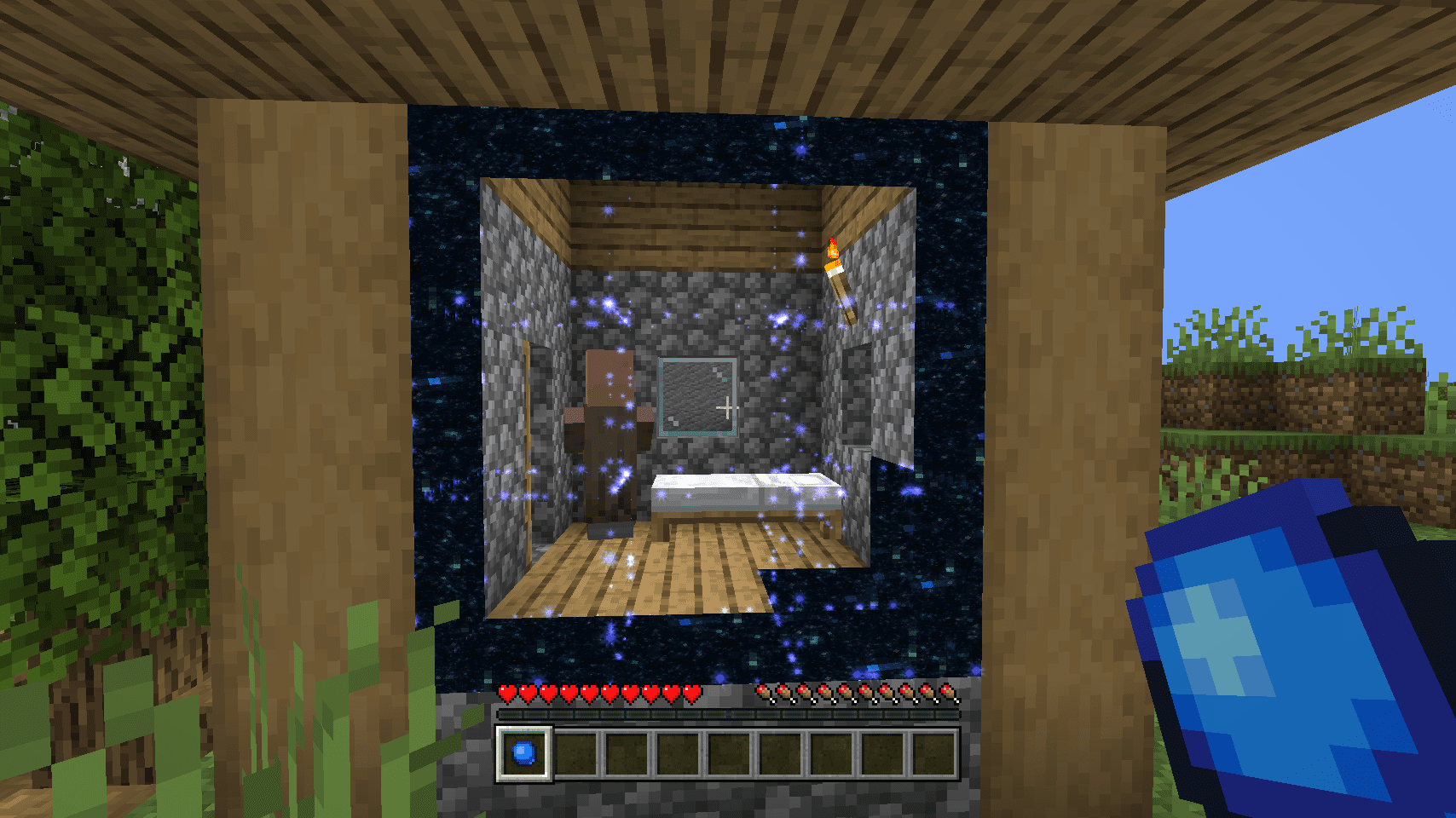
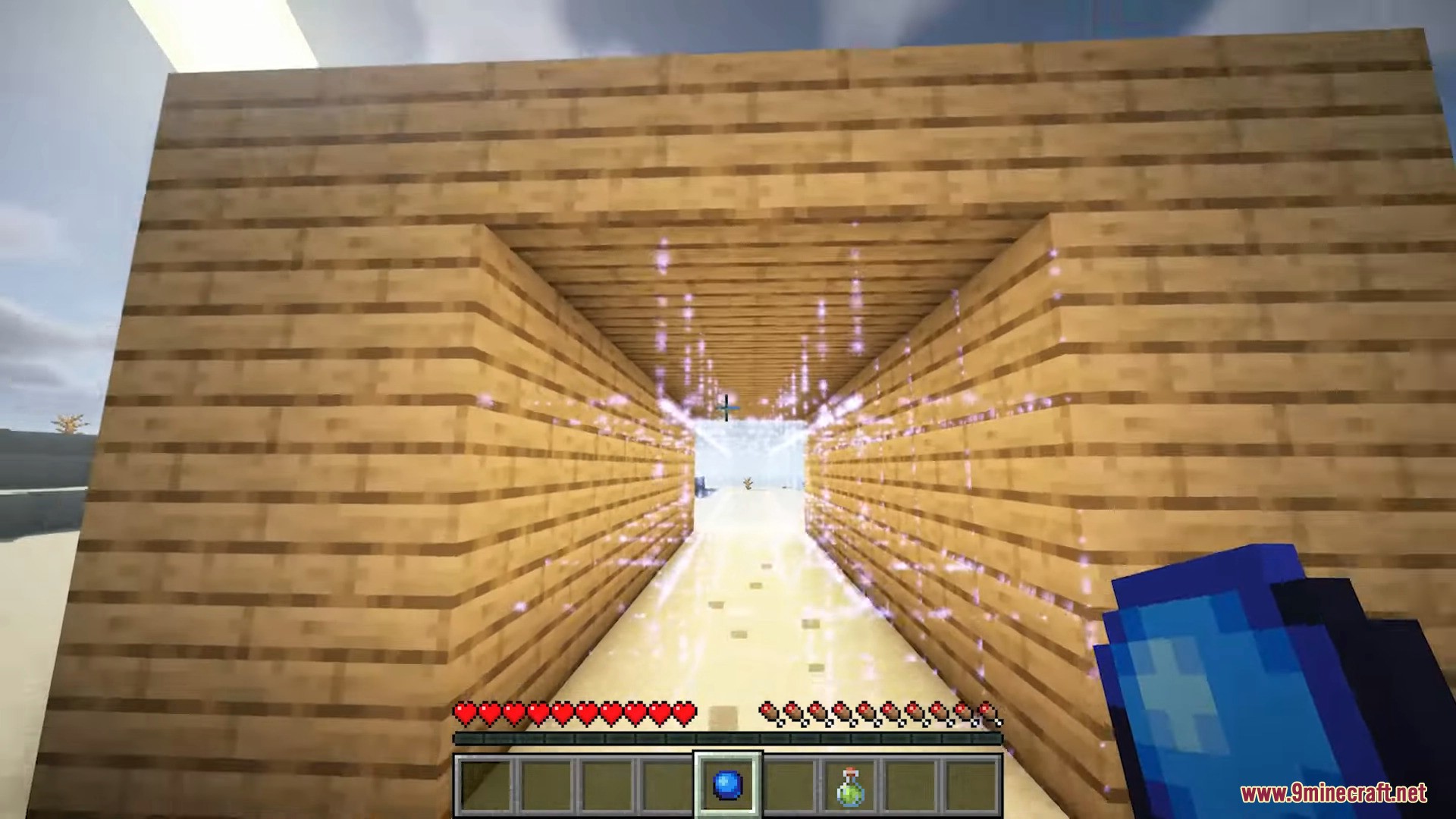
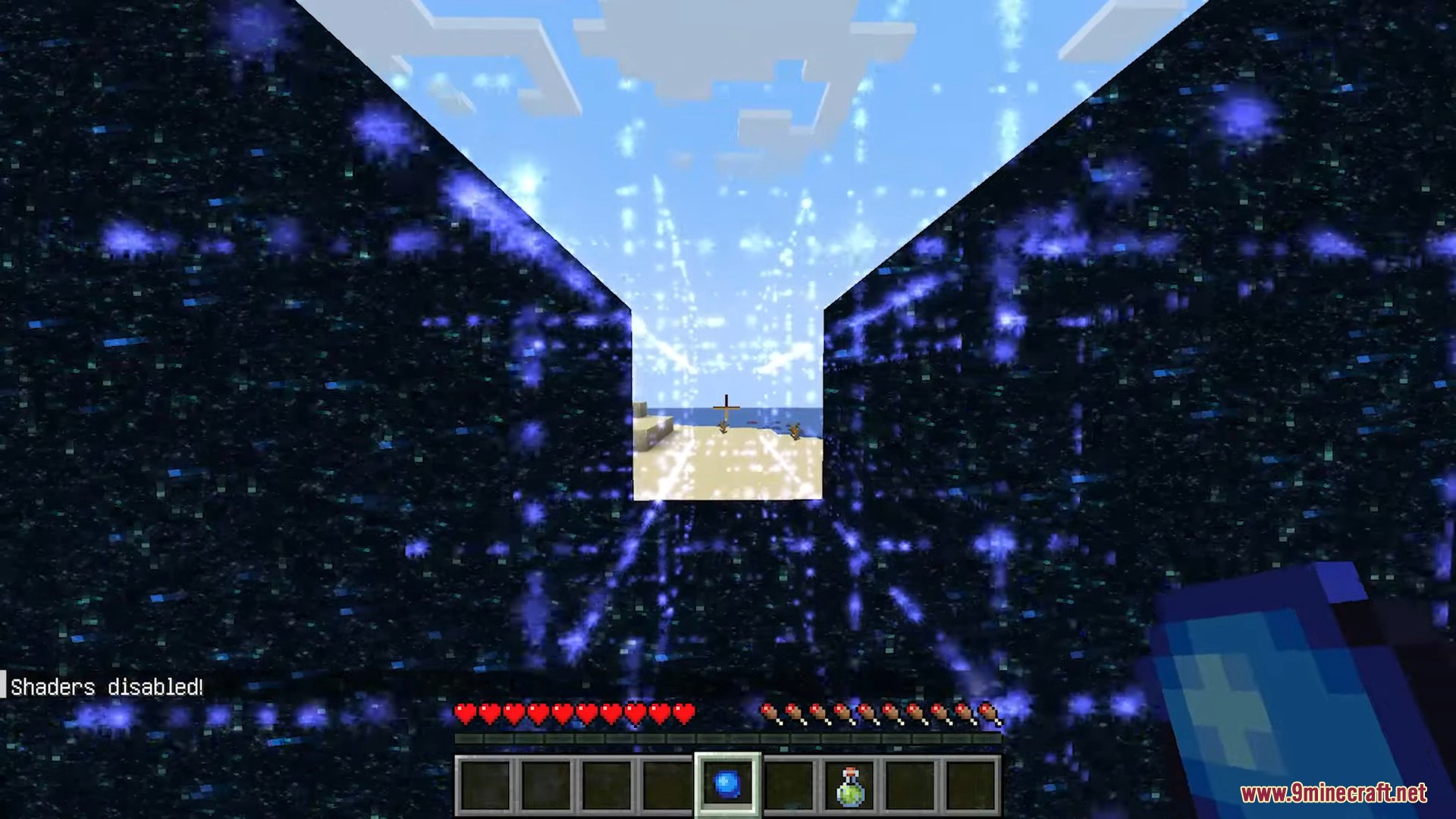
Portable Hole Mod adds one single item you can only find in strongholds: An arcane tool that temporarely makes blocks vanish in a 3×3 tunnel. Only a few seconds later those blocks will reappear just as they were. So don’t be distracted by the fancy looks and be quick when going through the hole.
Configs:
Client and Common configs are found in /.minecraft/config/, named as <modId>-client.toml and <modId>-common.toml, respectively.
Server configs though are applied per world, therefore you’ll find those in /.minecraft/saves/<world>/serverconfig/<modId>-server.toml for local singeplayer worlds, and in /<world>/serverconfig/<modId>-server.toml for you Minecraft server. Changes made to a server config only apply to that one world. Setting default values in server configs for all newly created worlds is possible by copying the modified server config to /.minecraft/defaultconfigs/.
In a local singleplayer world you can quickly find config files by running the /config showfile <modid> command and by choosing CLIENT, COMMON or SERVER. Then click the file name (ending with .toml) that appears in chat to open the file in a text editor. After saving the file, the config will automatically reload in-game after a couple of seconds, so no game restart required.
On some mod loaders editing configs is also supported in-game via the Mods menu option. On some Minecraft versions you can also install Config Menus for Forge mod for editing configs directly in-game.
Screenshots:
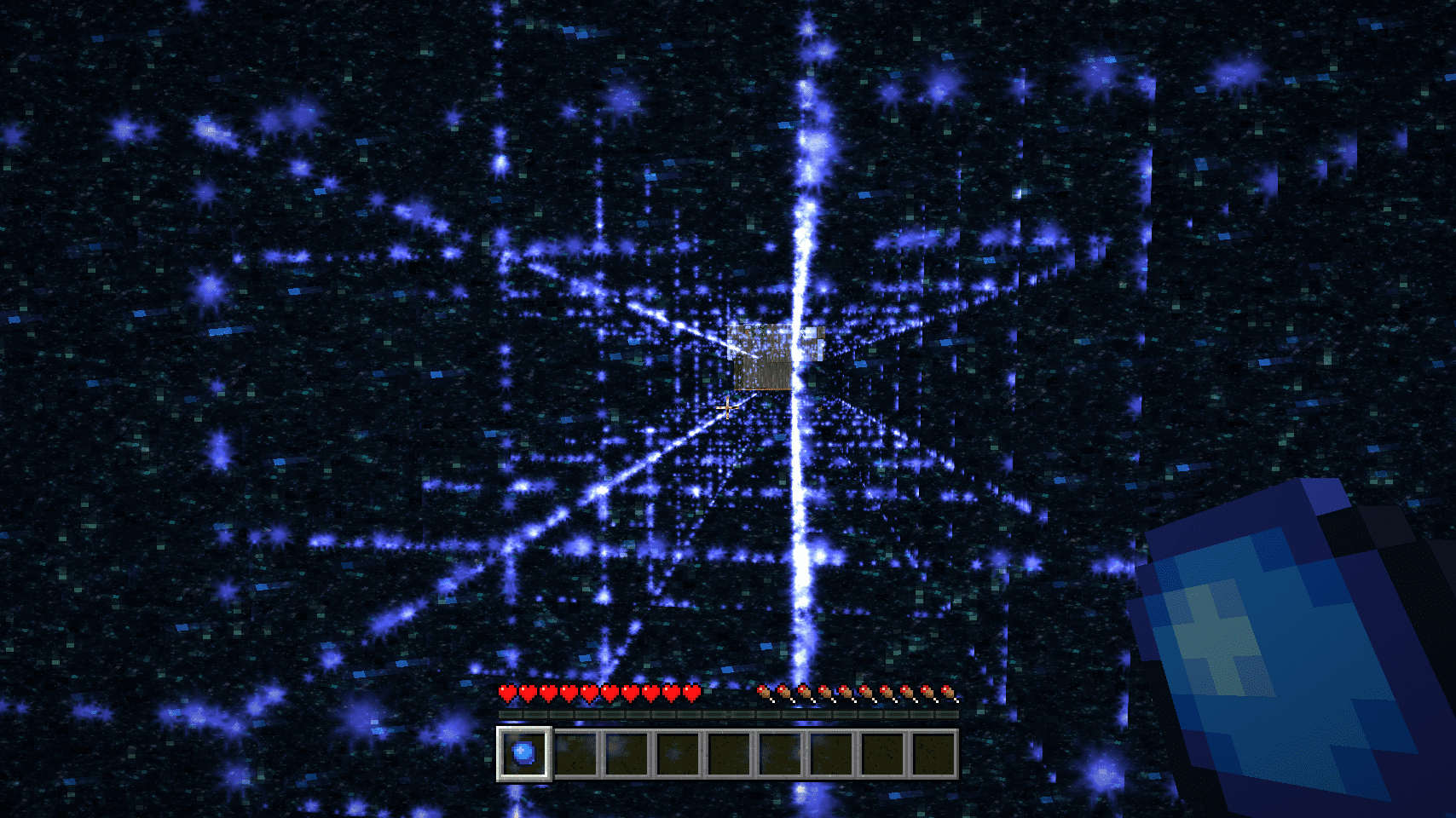
A temporary hole providing a quick exit
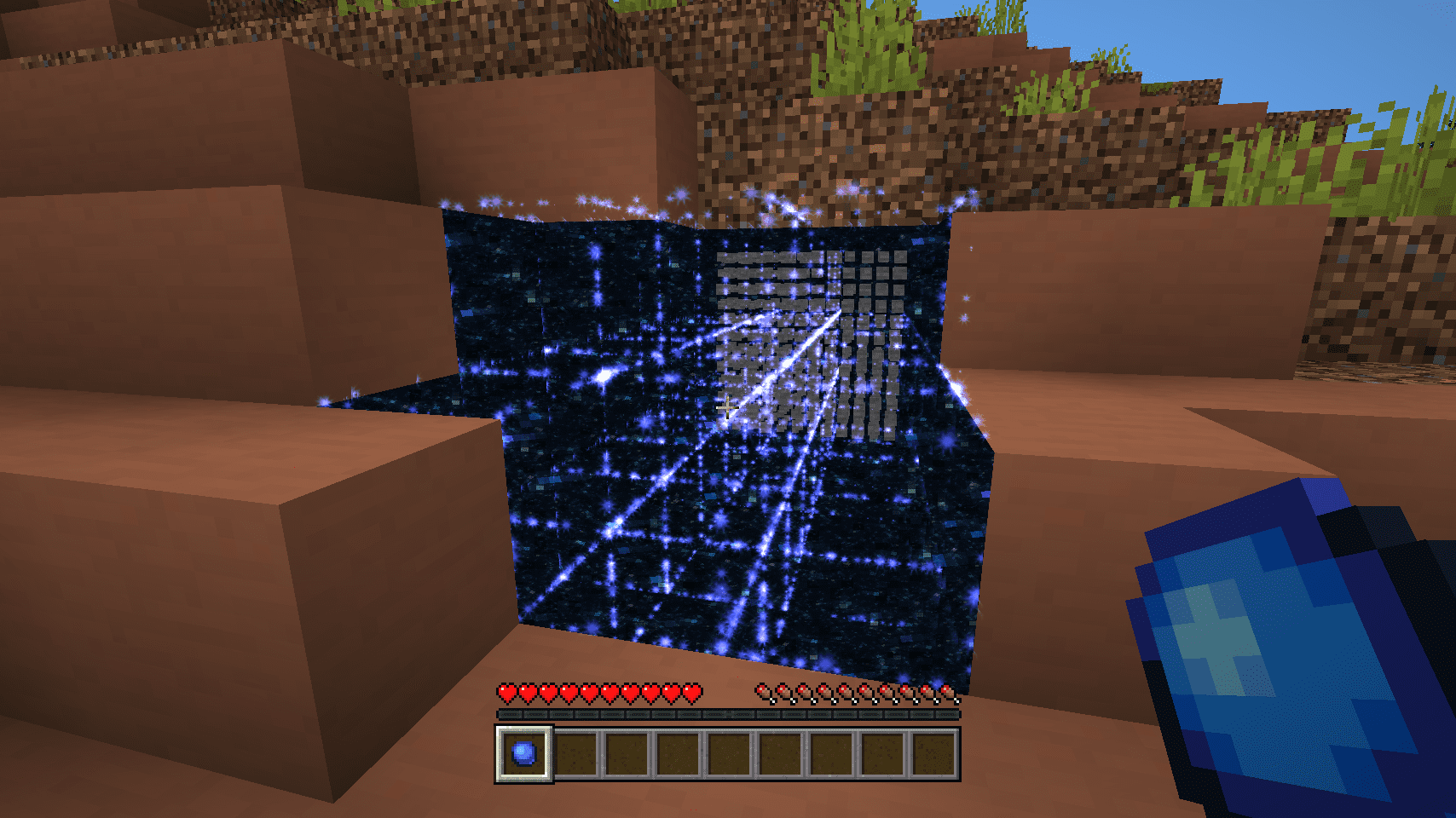
Be quick, temporary holes only stay open for a few seconds
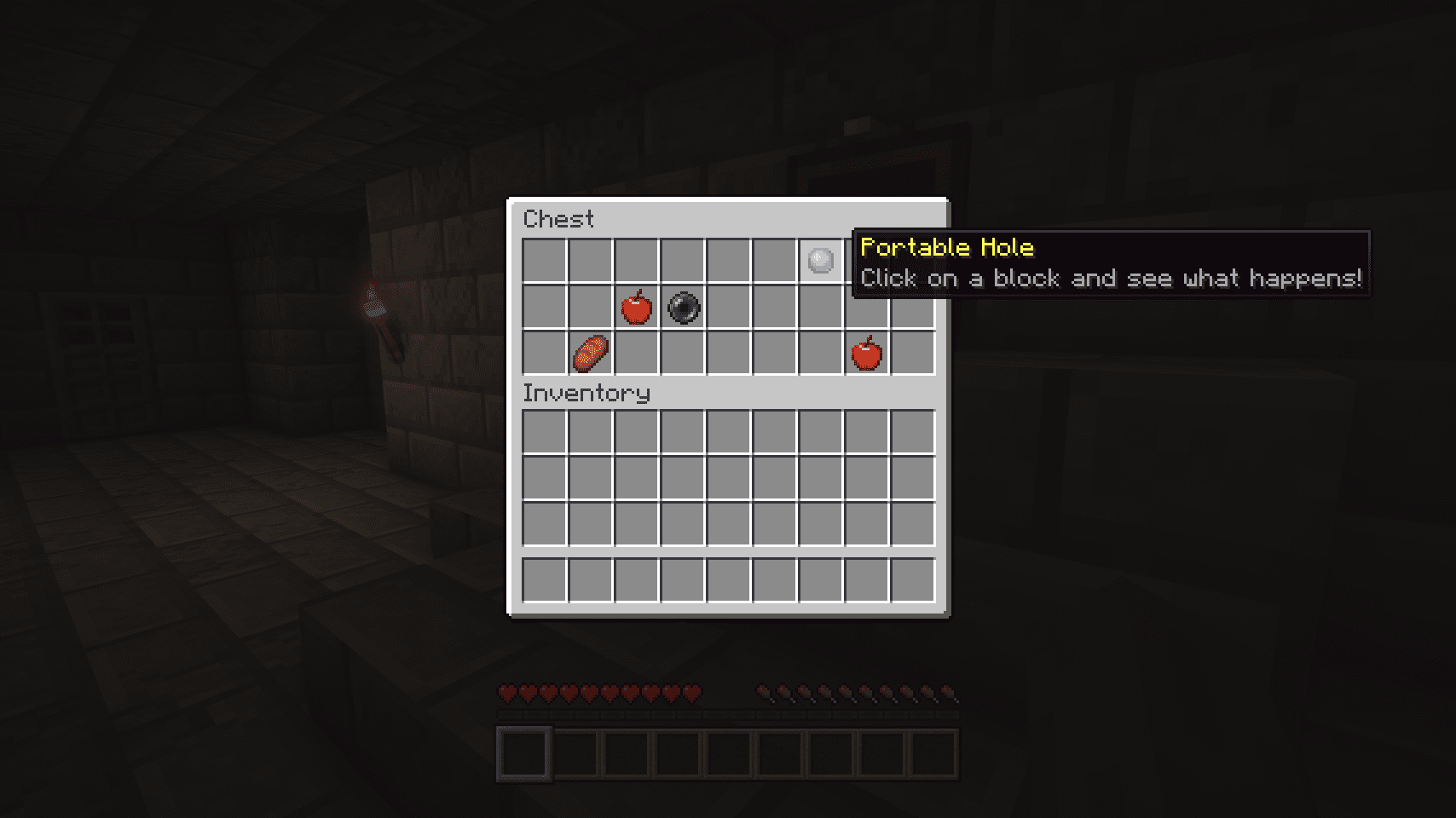
The Portables Hole item is found in stronghold chests
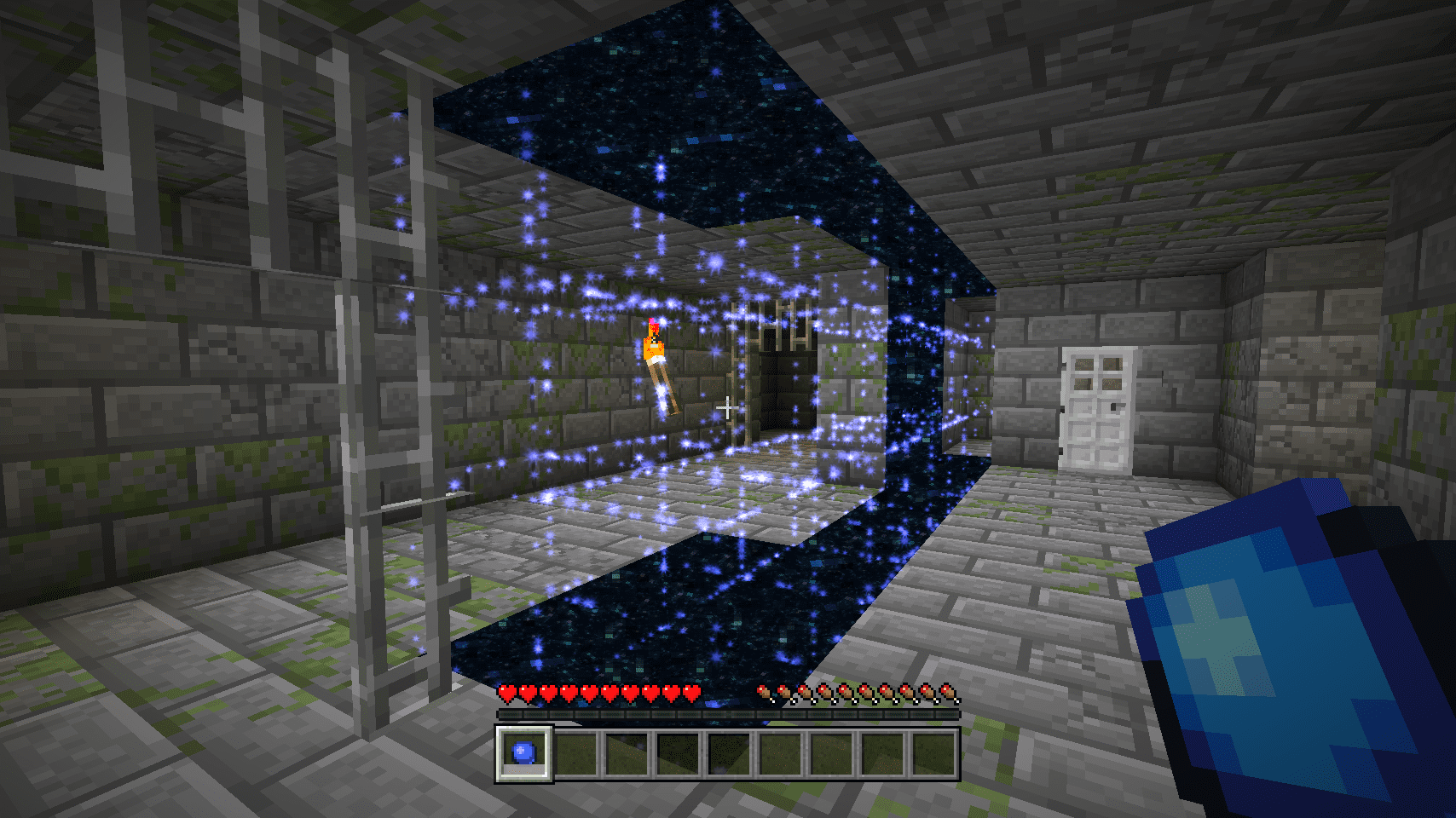
Where did the wall go?
How to Install:
New to Minecraft? Follow our step-by-step guide to install Mods on your PC.View Guide
Requirements:






Portable Hole Mod Download Links
For Minecraft 26.2
For Minecraft 26.1.2, 26.1.1, 26.1
For Minecraft 1.21.11
For Minecraft 1.21.10, 1.21.9
For Minecraft 1.21.8, 1.21.7, 1.21.6
For Minecraft 1.21.5
For Minecraft 1.21.4
For Minecraft 1.21.3, 1.21.2
For Minecraft 1.21.1, 1.21
For Minecraft 1.20.4
For Minecraft 1.20.1, 1.20
For Minecraft 1.19.4
For Minecraft 1.19.3
For Minecraft 1.19.2
For Minecraft 1.18.2
You May Also Like








This post has no comments yet. Be the first — your comment will appear here.