
BizCub X-Ray Mod (26.3, 1.20.1) – Uncover Hidden Ores Fast

 0


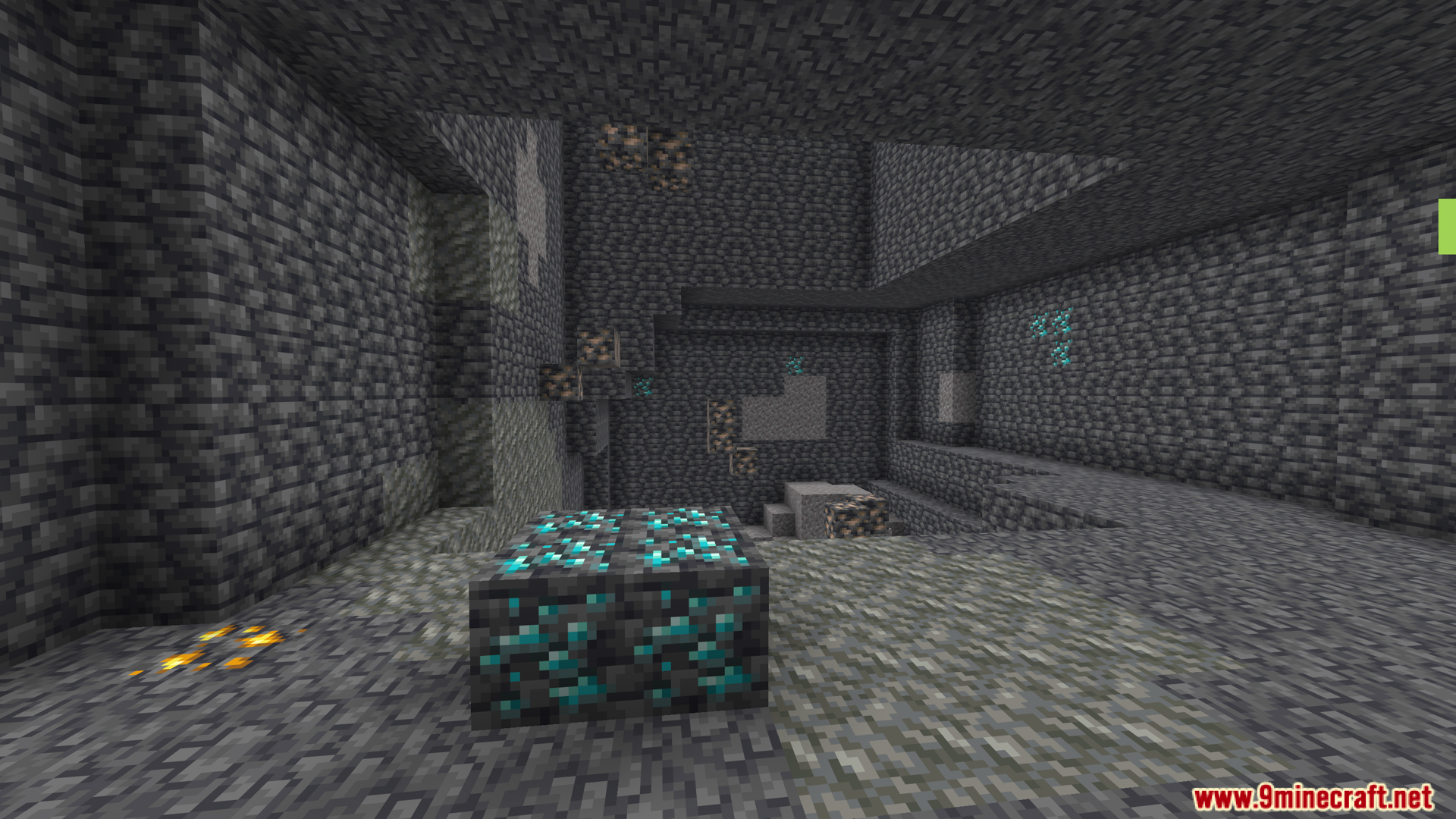
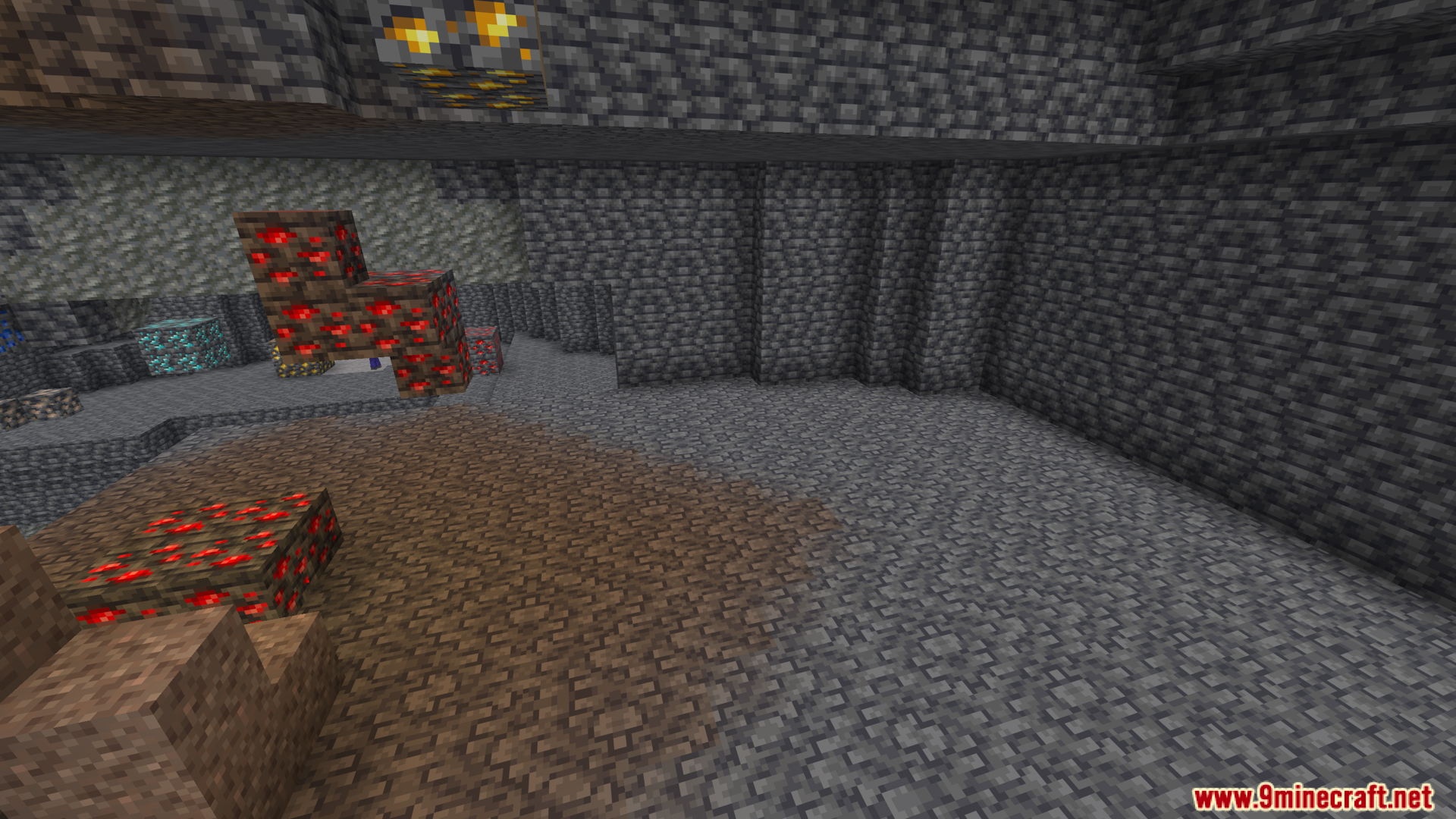
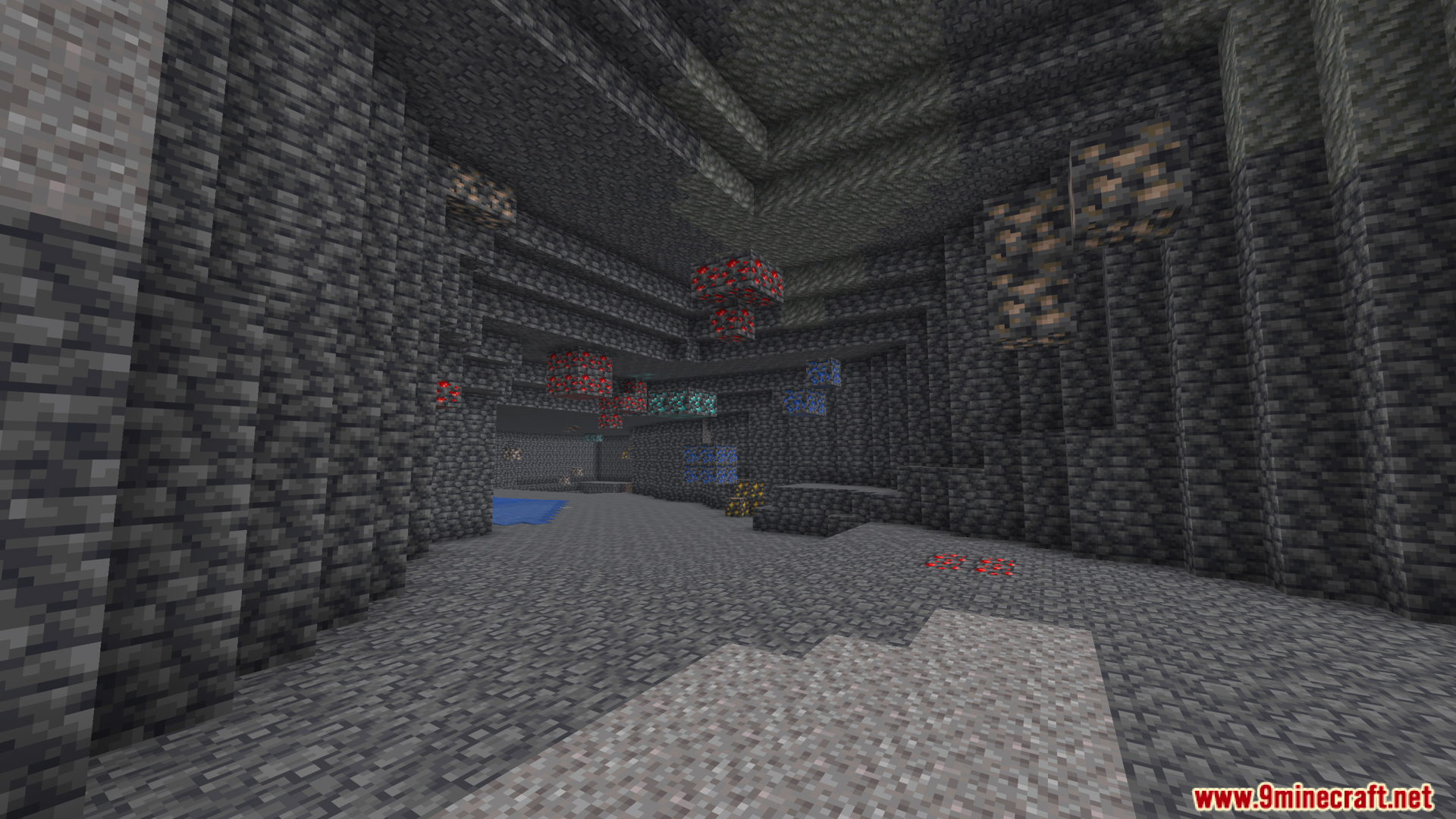
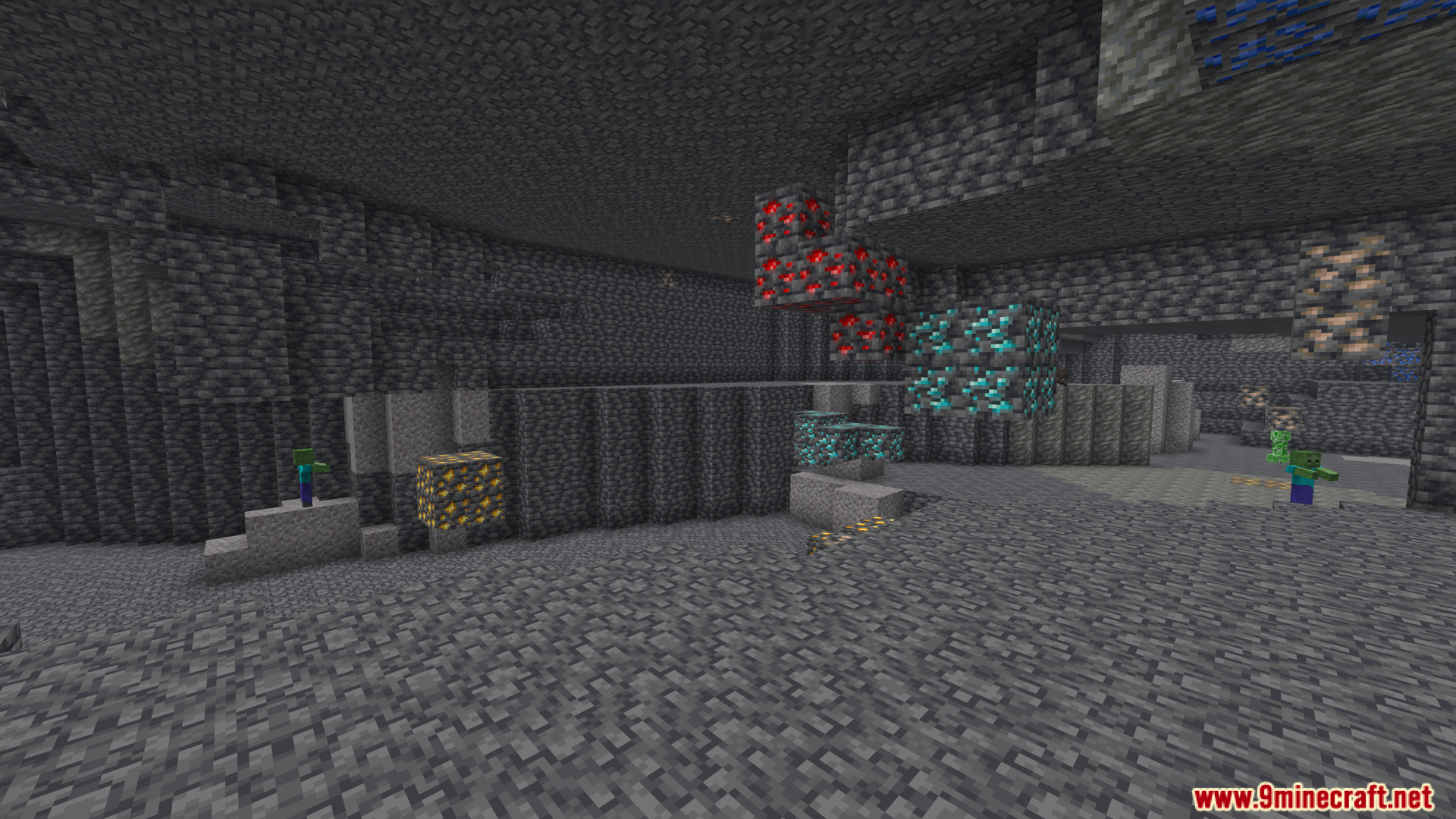
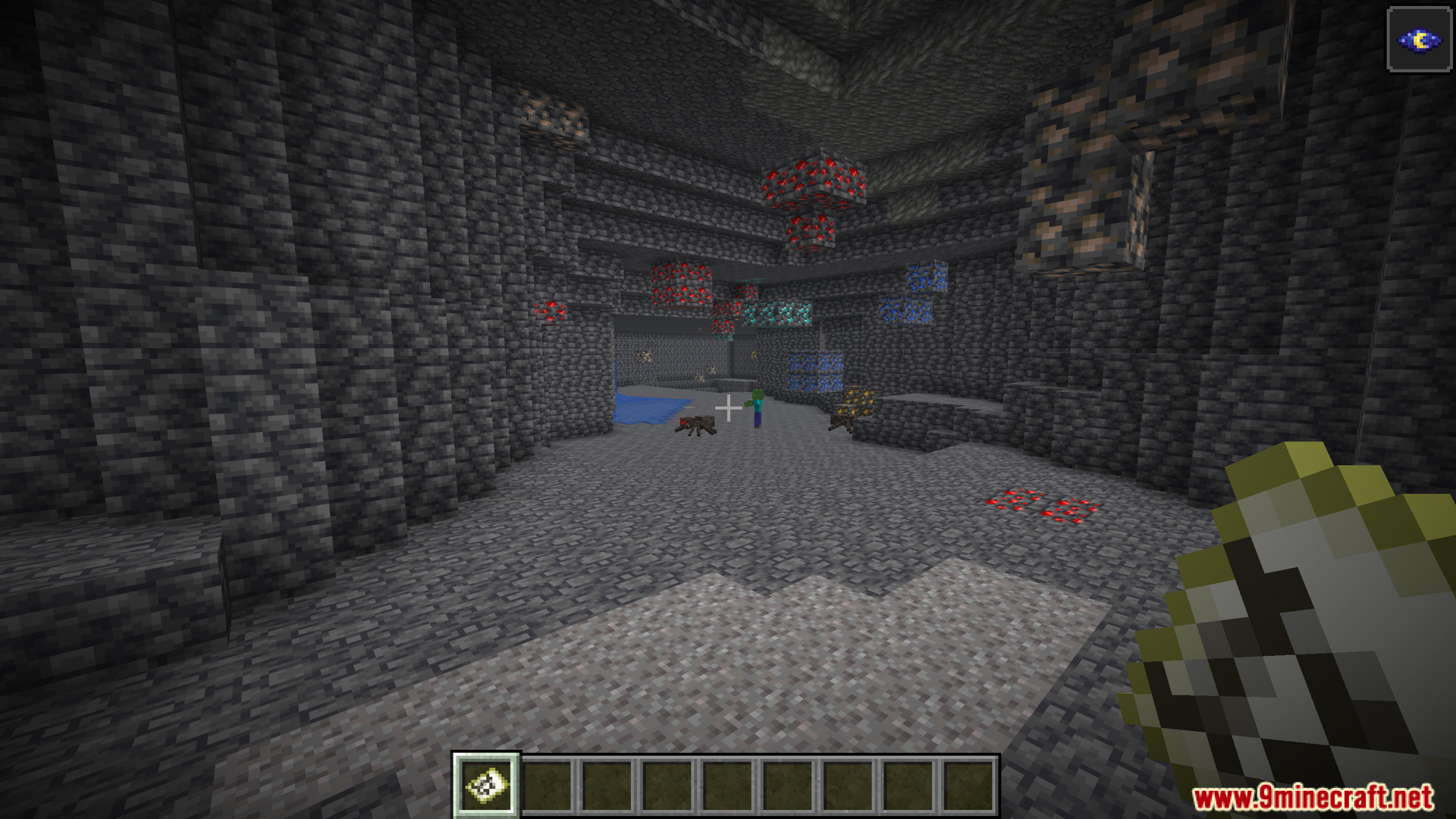
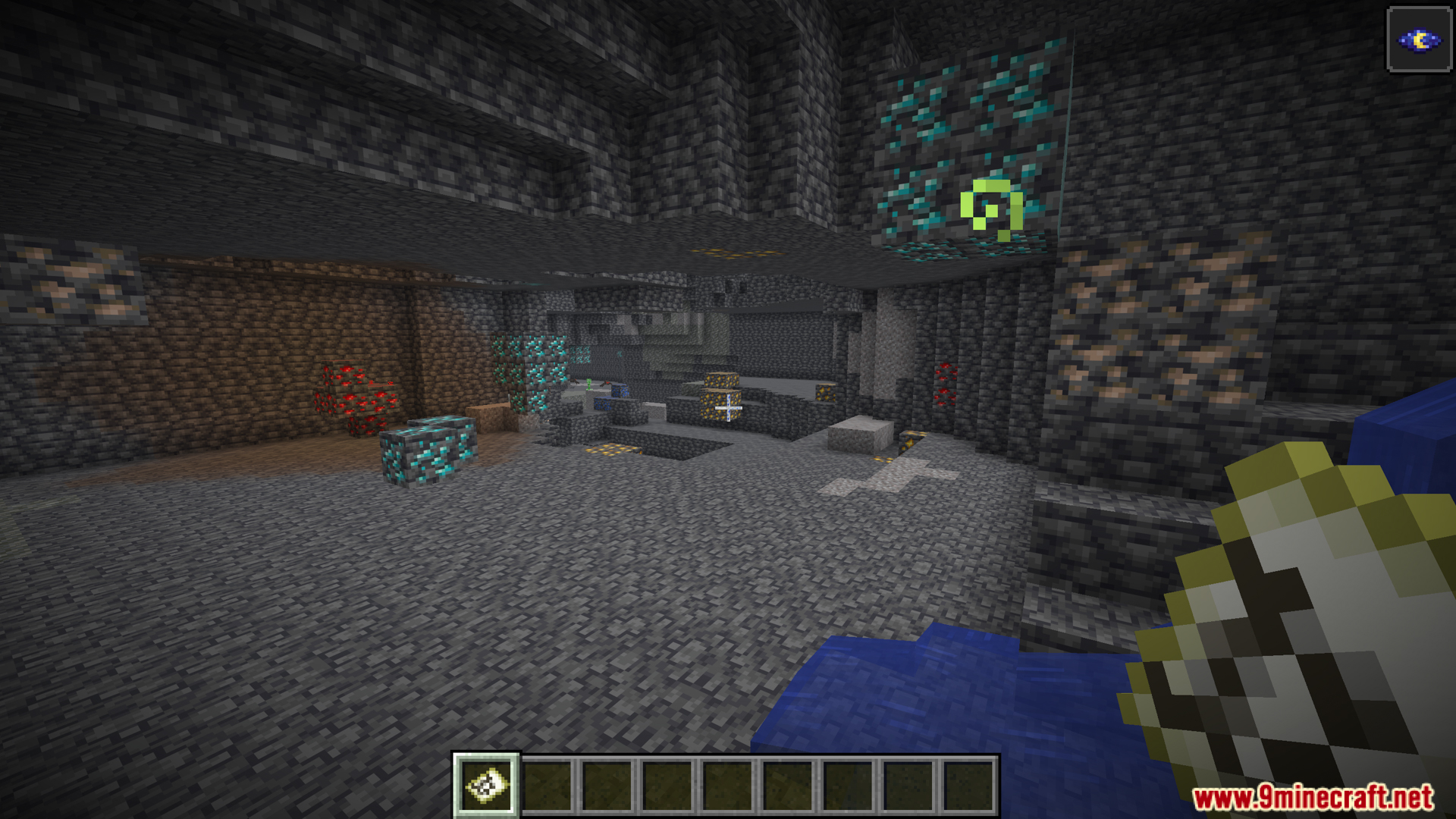
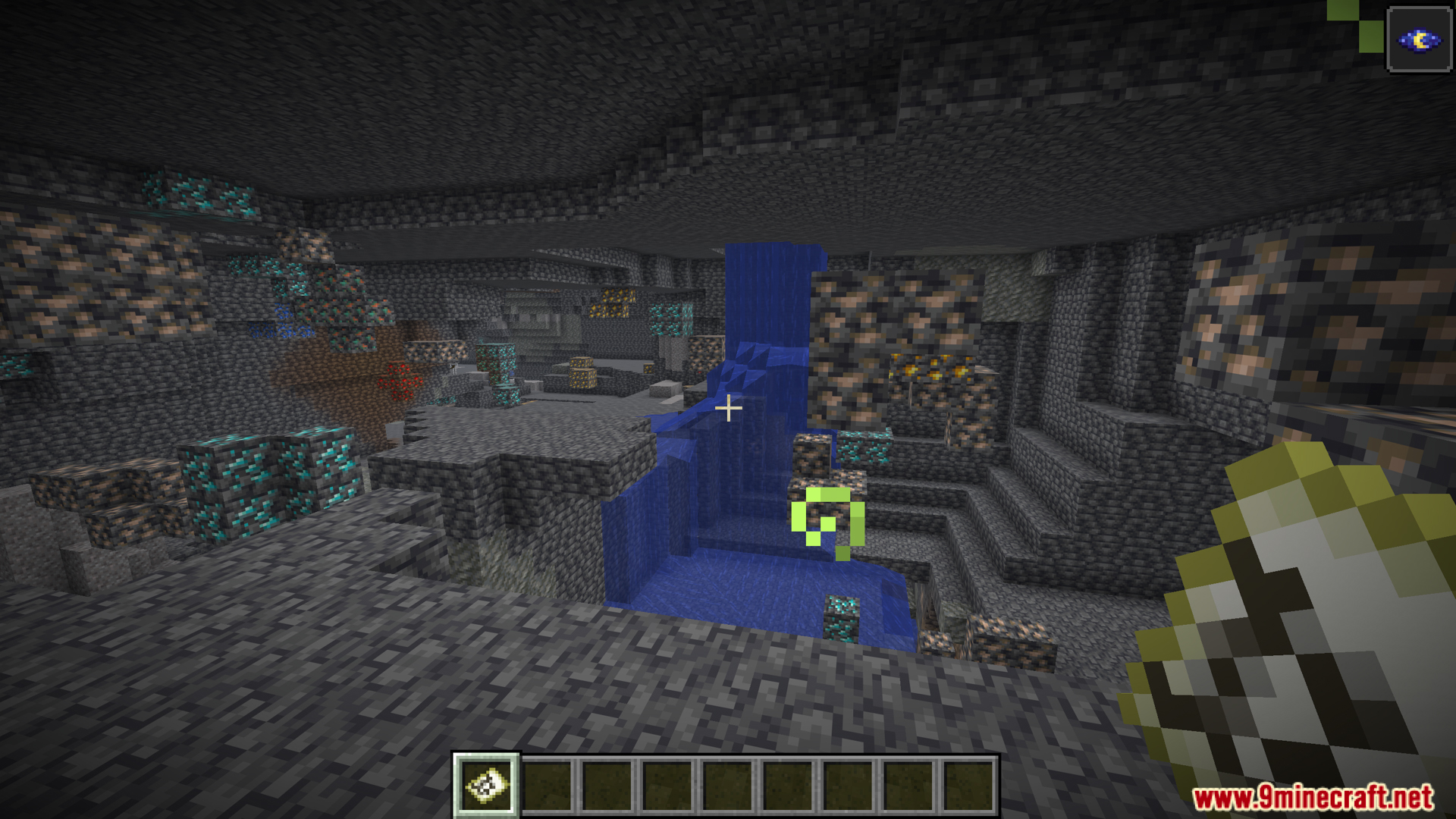
BizCub X-Ray Mod removes stone and other common blocks so you can spot ores underground. When you hold a filled map in either hand, the mod clears surrounding blocks and leaves valuable resources, structures, and objects easy to see. It turns on by itself with no extra setup and works in both the Overworld and the Nether. On Fabric, it needs Fabric API to run. Because this mod deletes blocks for good and they do not come back after you remove it, back up your world or test it in a new save first.
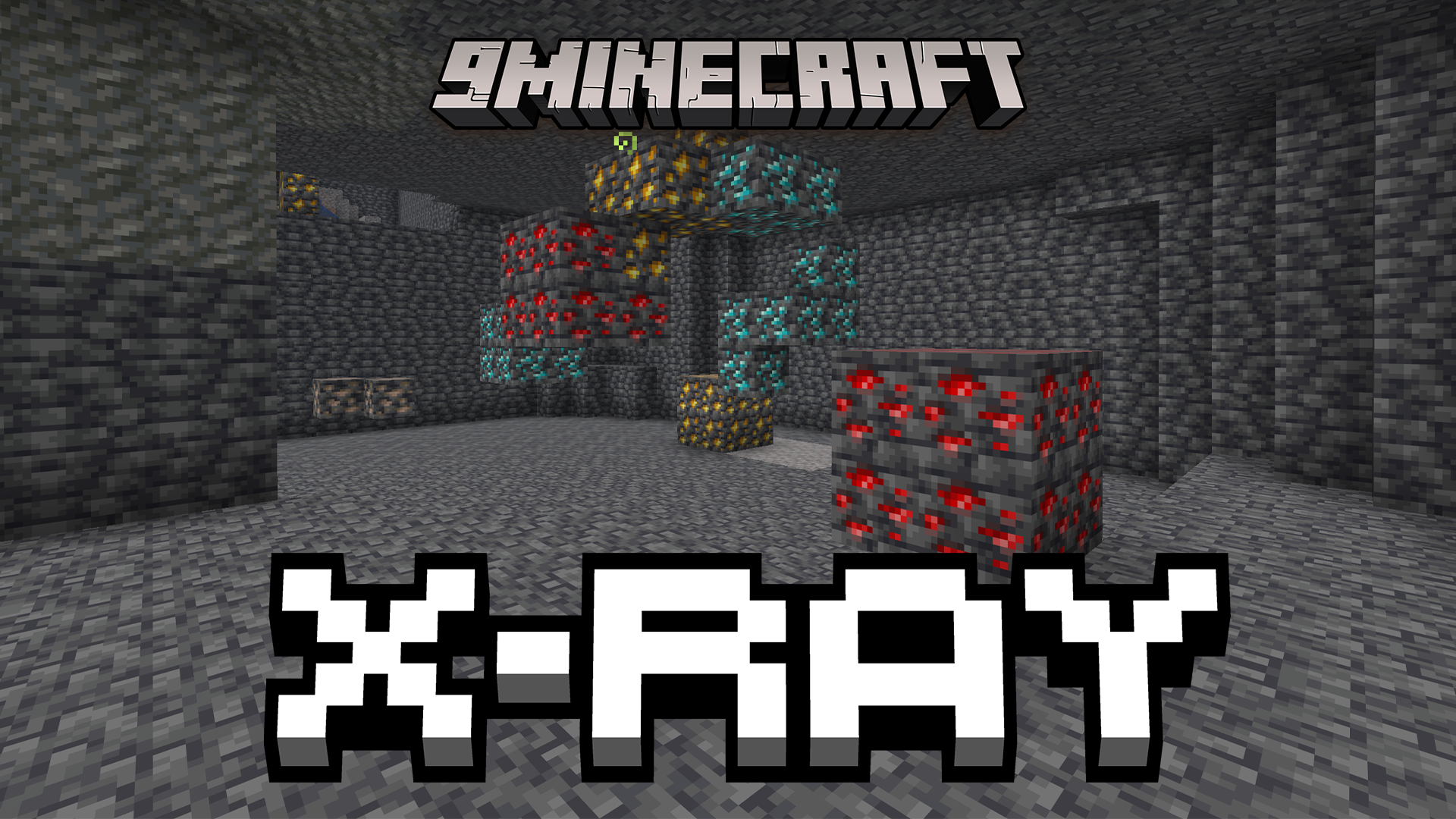
Features:
- Removes stone and other ordinary blocks so ores, structures, and objects stay easy to see.
- Turns on as soon as you hold a filled map in your main hand or off-hand.
- Works automatically with no extra settings to change.
- Runs in both the Overworld and the Nether so you can find underground resources in either dimension.
- Lets you pause or turn the effect back on with a simple chat command.
- Deletes blocks permanently from your world and cannot restore them later, so you should back up your save or use a test world first.
Commands:
/trigger bizcub.x_ray.t: temporarily turns the mod off or back on and shows its current status in chat.
How to Use:
- Back up your world or make a new test save first, because removed blocks never come back even if you take the mod out.
- Hold a filled map in your main hand or off-hand; the mod runs on its own and clears away nearby stone and ordinary blocks to reveal ores, structures, and objects.
- Type
/trigger bizcub.x_ray.tin chat whenever you want to temporarily turn the effect off; a message appears in chat to show the current status.
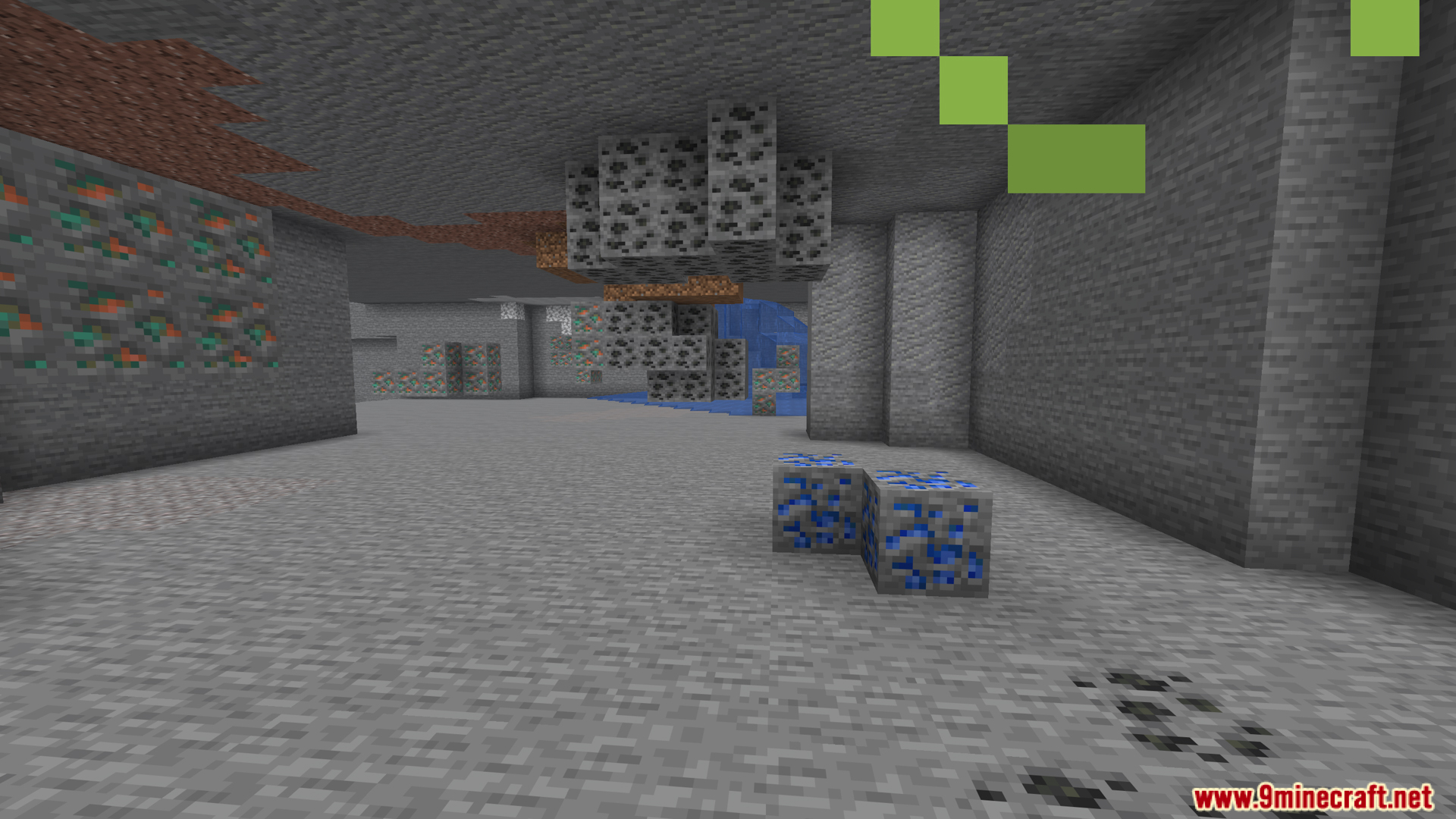
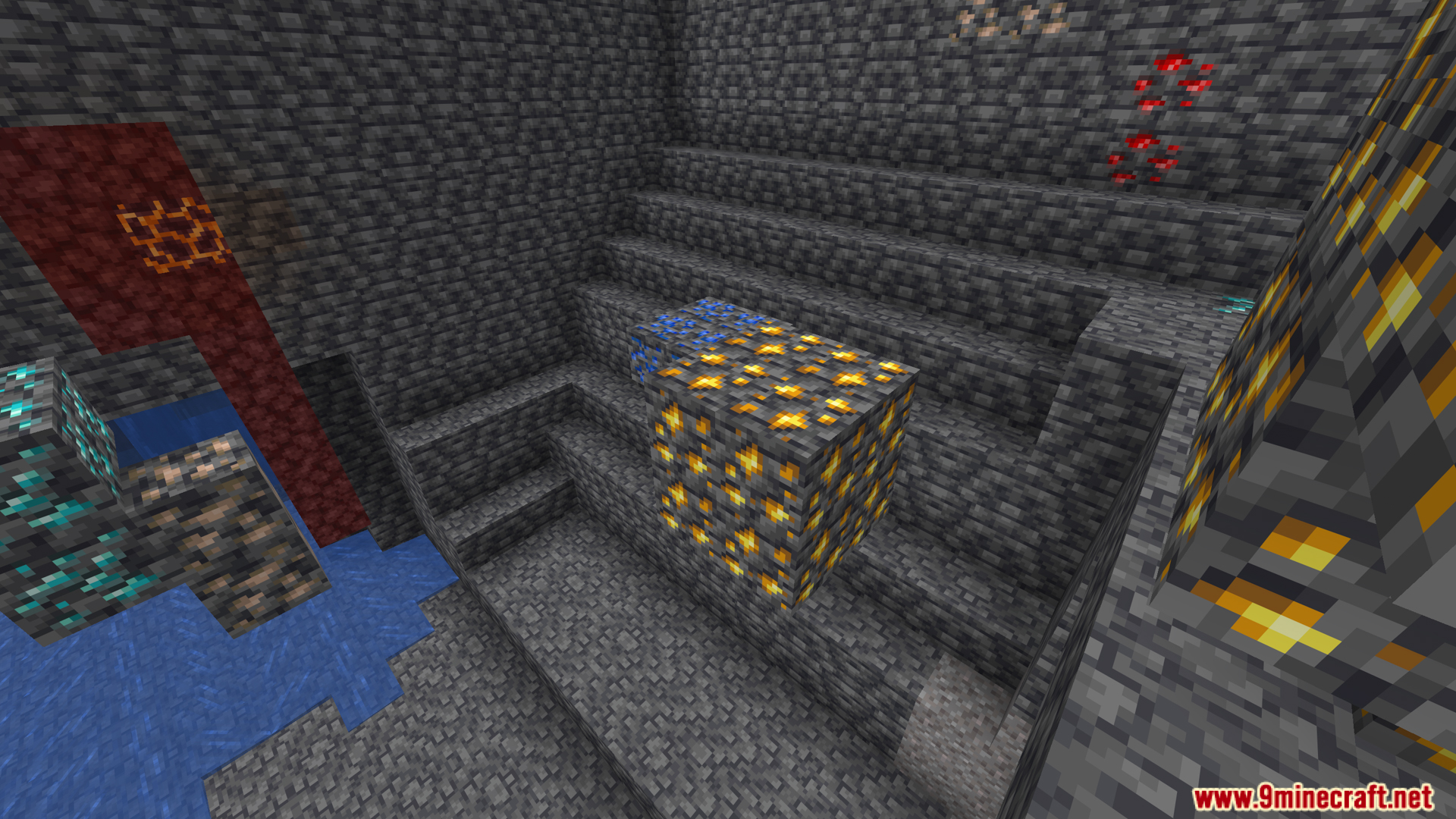
Screenshots:
How to Install:
New to Minecraft? Follow our step-by-step guide to install Mods on your PC.View Guide
Requirements:




BizCub X-Ray Mod Download Links
For Minecraft
26.3,
26.2,
26.1.2
All Versions Covered
26.3
26.2
26.1.2
26.1.1
26.1
1.21.11
1.21.10
1.21.9
1.21.8
1.21.7
1.21.6
1.21.5
1.21.4
1.21.3
1.21.2
1.21.1
1.21
1.20.6
1.20.5
1.20.4
1.20.3
1.20.2
1.20.1
1.20
1.19.4
1.19.3
1.19.2
1.19.1
1.19
1.18.2
1.18.1
1.18
1.17.1
1.17
1.16.5
1.16.4
1.16.3
1.16.2
For Minecraft
26.2,
1.21.11,
1.21.5
All Versions Covered
26.2
1.21.11
1.21.5
1.21.4
1.20.6
1.20.5
1.20.4
1.20.3
1.20.2
1.20.1
1.20
1.19.4
1.19.3
1.19.2
1.19.1
1.19
1.18.2
1.18.1
1.18
1.17.1
1.17
1.16.5
1.16.4
1.16.3
1.16.2
For Minecraft
26.1.2,
26.1.1,
26.1
All Versions Covered
26.1.2
26.1.1
26.1
1.21.11
1.21.10
1.21.9
1.21.8
1.21.7
1.21.6
1.21.5
1.21.4
1.21.3
1.21.2
1.21.1
1.21
1.20.6
1.20.5
1.20.4
1.20.3
1.20.2
1.20.1
1.20
1.19.4
1.19.3
1.19.2
1.19.1
1.19
1.18.2
1.18.1
1.18
1.17.1
1.17
1.16.5
For Minecraft 1.16.5 –> 1.21.11
How do you usually discover new mods to try out?
0 responses · See the full results →
You May Also Like
Picked for this page
 Jade Mod (26.3, 1.20.1) – Hwyla/WAILA Fork
 Durability Notifier Mod (26.3, 1.20.1) – Warning! Your Durability is Low
 Repurposed Structures Mod (26.3, 1.20.1) – New Sights in Every Biome
 Shields+ Mod (26.1, 1.20.1) – Shield Mechanics
 The Ender Scrolls SkyrimCraft Mod (1.21.11, 1.20.1) – The Elder Scrolls Skyrim
 AEInfinity Booster Mod (26.3, 1.20.1) – Additional Energistic Features
 Spyglass Astronomy Mod (26.3, 1.20.1) – Explore The Solar System
 Alternative World Save Location Mod (26.3, 1.20.1) – Organizing Multiple Modpacks
 Max Speed Mod (26.3, 1.20.1) – Increases The Player Movement Speed To The Extreme!
 Anti Tool Break Mod (26.1.2, 1.20.1) – Preserve Your Tools Before They Break
 EssentialClient Mod (26.3, 1.20.1) – Many Client Utilities
 Fancy Entity Renderer Mod (26.1.2, 1.20.1) – Custom Entity Rendering API
Most viewed in Mods over the last 7 days
 Ala Industrial Mod (26.3) – Run Electric Power Grids and Automated Factories
 PleasureCraft Mod (26.3, 1.21.1) – Jenny Mod Remake for Fabric
 Jennycraft Mod (26.3, 1.20.1) – Virtual Girlfriend in Minecraft
 Fapcraft Mod (26.3, 1.12.2) – Comprehensive and Detailed Content
 Jenny Mod (Fapcraft) Official Complete Guide – How to use, Tutorial
 BangCraft Mod (1.20.1) – Jenny, Ellie and Elliot
 Fabric Loader (26.3, 1.20.1) – Fabric Installer for All Minecraft Versions
 The Shooting Star Demo Mod (26.3, 1.20.1) – Vaporize Terrain From Orbit
 Meteor Client Mod (26.3, 1.20.1) – Xray, HUD, Fly
 OptiFine HD (26.3, 1.20.1) – Run Faster, FPS Boost, Shaders Support
 Aristois Client Mod (1.21.4, 1.20.1) – World Class Minecraft Utility
 Prestige Client Mod (1.21.11, 1.21.4) – Powerful Ghost Features for Crystal & Sword PvP
More from Mods
 Far Lands Traveler Mod (26.1.2) – Survive the Long Trek to the Edge of the World
 Beli’s SkyLyrics Mod (1.21.11) – Sing Along to Desktop Tracks Projected in the Night Sky
 Explainstone and Songmelyn Mod (1.21.1) – Broadcast Custom Music Across Your Base
 Rockstar Shaders Mod (26.3) – Cast Ray-Traced Light Across Vast Distant Horizons
 ERYDON Mod (1.20.1) – Design Grand Courtyards with Carved Marble Pillars
 Infinity Bound Mod (1.21.1) – Snap Away Enemies with Legendary Superhero Gear
 Legacy Gecko Lib Fabric Mod (1.16.5) – Power Animated Creatures in Modpacks
 The Man from the Shadow Horror Mod (1.20.1) – Fight Hallucinations to Survive
 Shade & Saturation Slider Mod (26.2, 1.21.11) – Make Every Biome Vibrant
 Cataclysm X Yung’s Better Nether Fortresses Compat Mod (1.21.1, 1.20.1)
 Patchouli 9minecraft Mod (26.3) – Read Mod Guides Without Leaving Minecraft
 Paintings ++ 9minecraft Mod (26.3) – Pick the Exact Painting You Want

This post has no comments yet. Be the first — your comment will appear here.