


Epic Tweaks Mod (1.21.1, 1.20.1) – Troque da Espada para a Picareta Instantaneamente

 0
0 

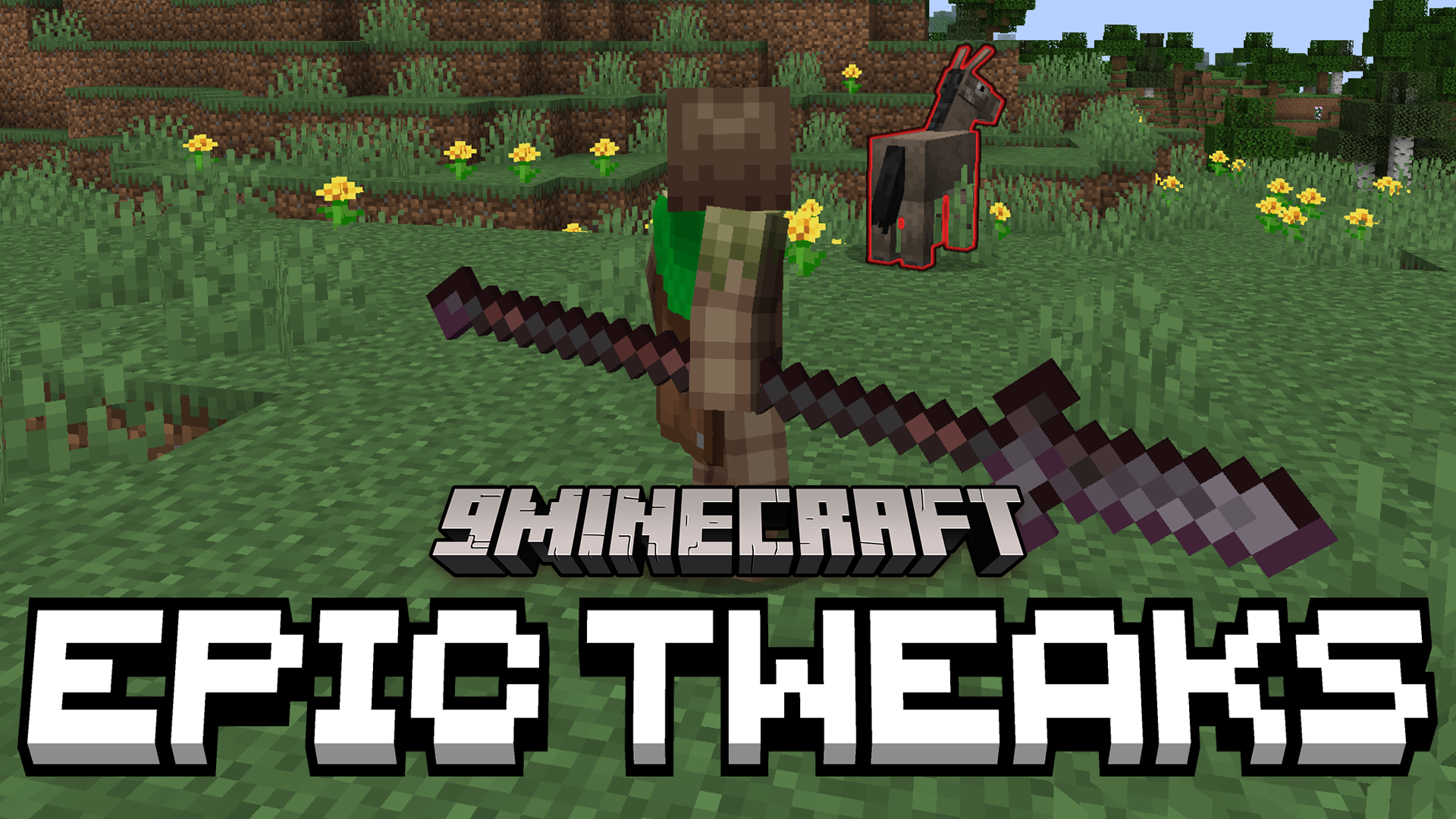
O Epic Tweaks Mod adiciona opções úteis para o mod Epic Fight, tornando muito mais fácil alternar entre o combate e a jogabilidade normal. Este addon pode colocá-lo automaticamente no modo de combate quando você segura uma arma e alternar de volta para o normal quando você segura uma ferramenta. Ele também impede que você escolha o modo errado, para que você não fique preso em uma postura de luta quando quiser apenas minerar.
Recursos:
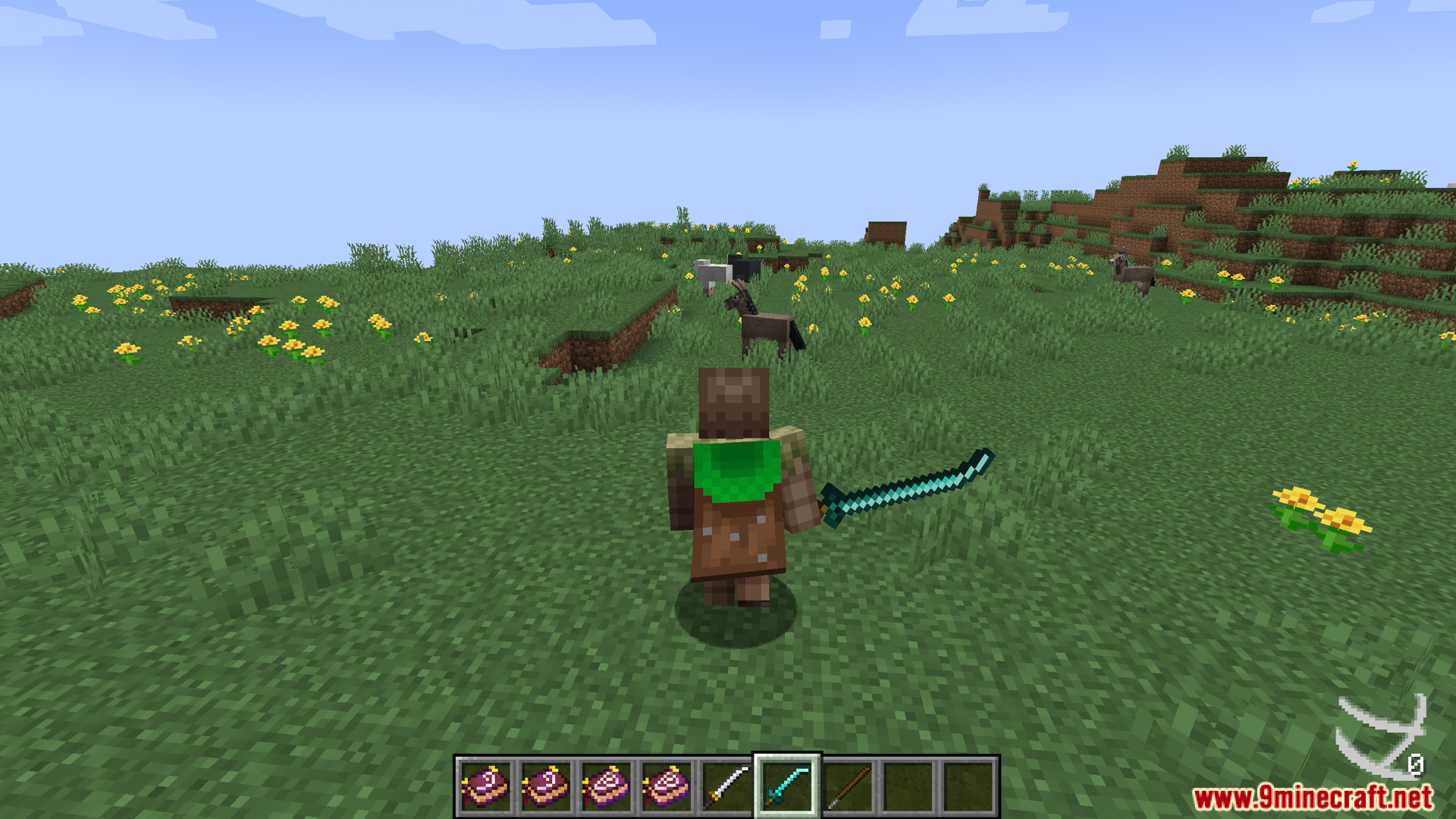
- Mantém as animações normais de primeira pessoa quando você não está segurando uma arma. Isso faz com que ações como minerar e construir pareçam como no jogo normal.
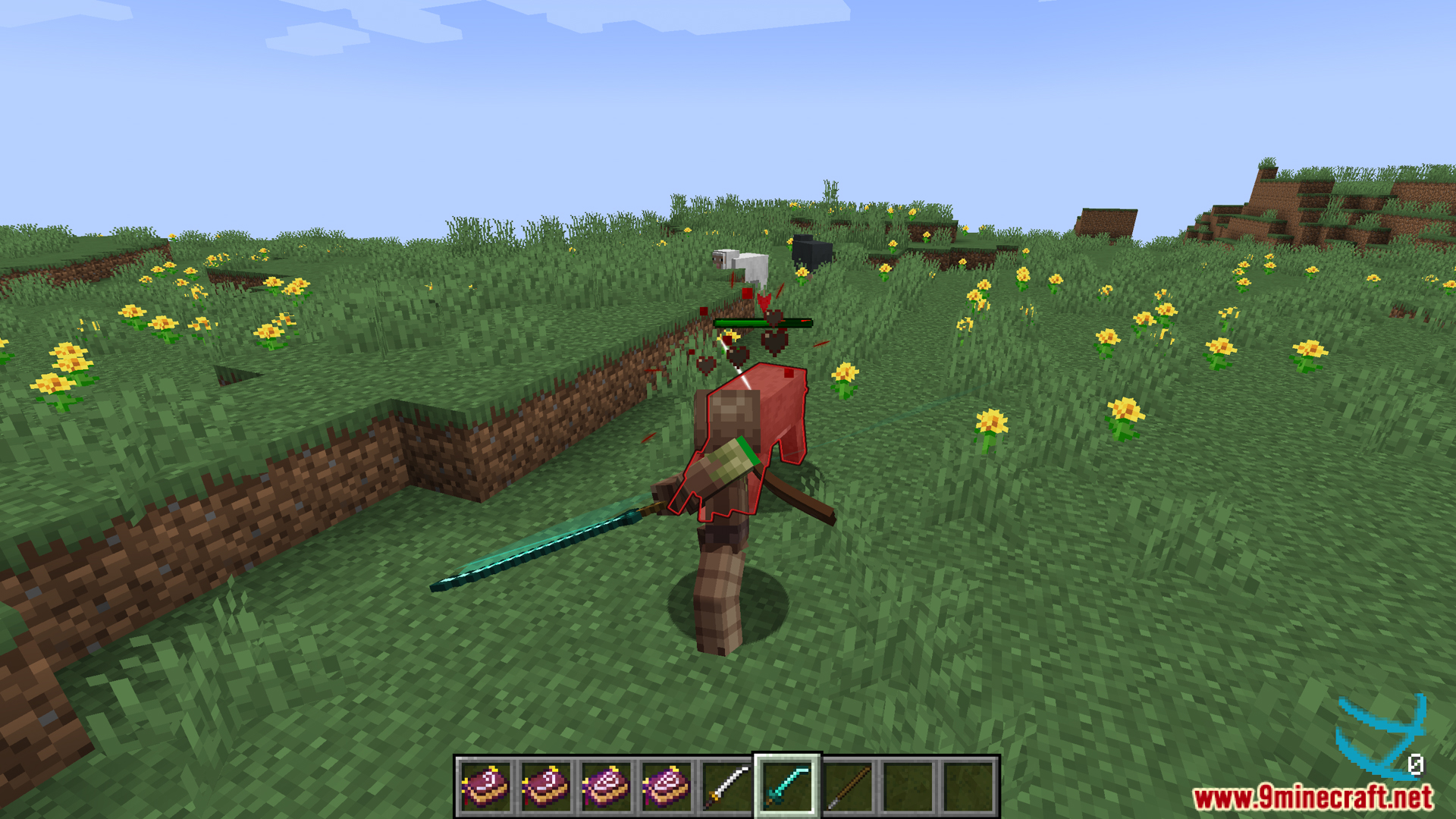
- Alterna automaticamente para o modo de combate quando você saca uma arma. Também alterna de volta para o modo normal quando você seleciona um item diferente.
- Impede que você altere os modos manualmente por engano. Você não pode mudar para o modo vanilla enquanto segura uma arma, nem entrar no modo de combate com um item que não seja uma arma.
Configuração:
Este addon oferece algumas novas configurações para alterar. As opções variam dependendo da versão do mod Epic Fight que você possui.
Para Epic Fight 20.11 e mais recentes:
filter_animation_first_person: Quando ativado, você verá a visão vanilla normal em primeira pessoa quando não estiver segurando um item de combate. Isso serve para coisas como minerar ou construir. Por padrão, étrue.enforce_mode: Se ativado, você não pode mudar para o modo vanilla ao segurar um item de combate. Você também não pode mudar para o modo de combate se não estiver segurando uma arma. Esta opção só funciona se a gamerulecanSwitchPlayerModeestiver ativada. Por padrão, étrue.autoswitch_mode: Se ativado, você mudará automaticamente para o modo de combate ao selecionar um item de combate. Você voltará ao modo vanilla ao selecionar um item diferente. Isso também requer que a gamerulecanSwitchPlayerModeesteja ativada. Por padrão, étrue.
Para Epic Fight 20.9 e anteriores:
filter_animation_first_person: Se definido comotrue, ele interrompe as animações do Epic Fight na visão de primeira pessoa quando você está no modo de mineração. Isso só funciona se a configuração principalfilter_animationno Epic Fight estiver desligada. Por padrão, étrue.enforce_mode: Quando ativado, você não pode alternar manualmente entre o modo de batalha e o modo de mineração se o item que estiver segurando for destinado a um desses modos. Por padrão, étrue.
Screenshots:
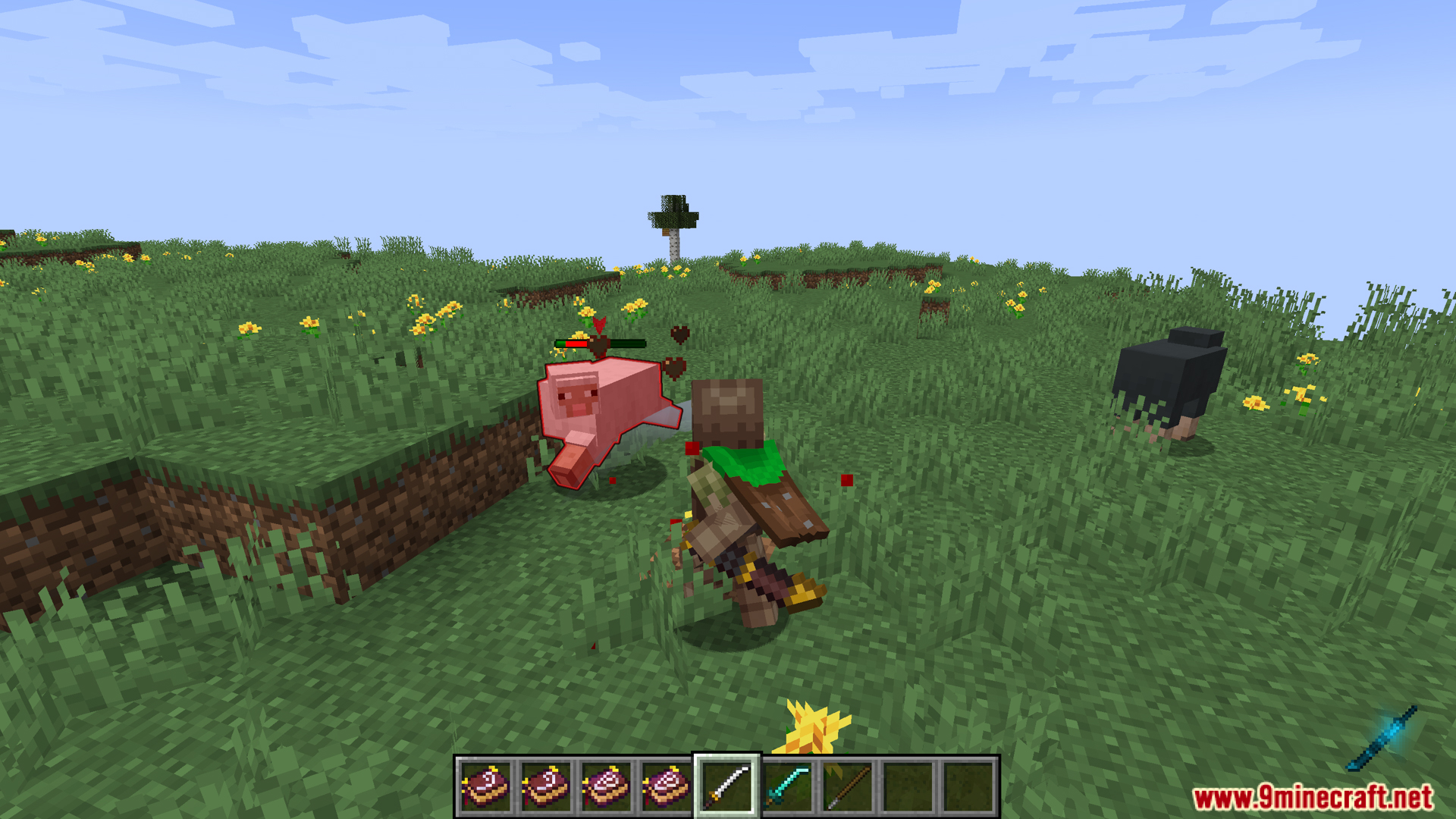
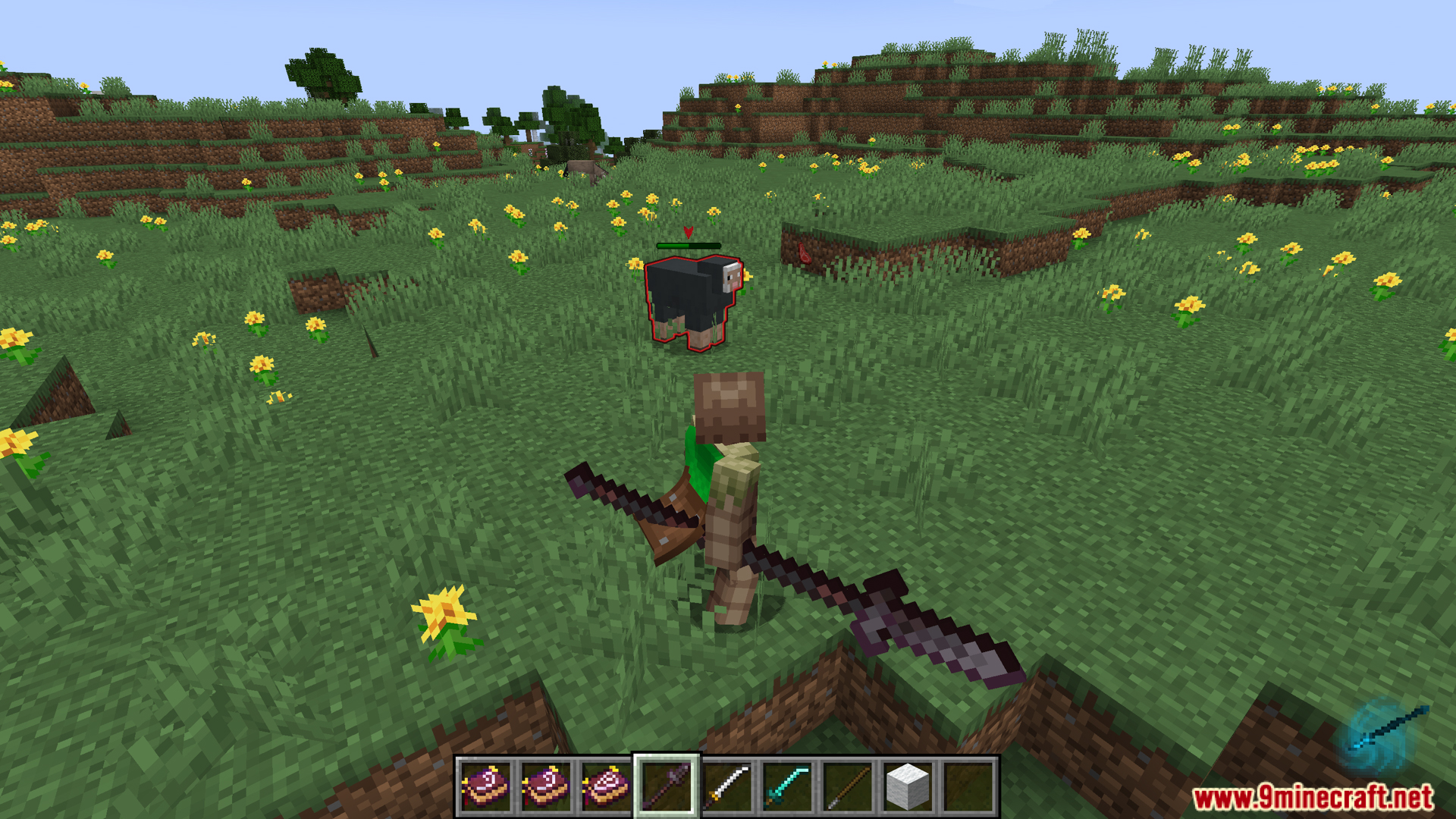
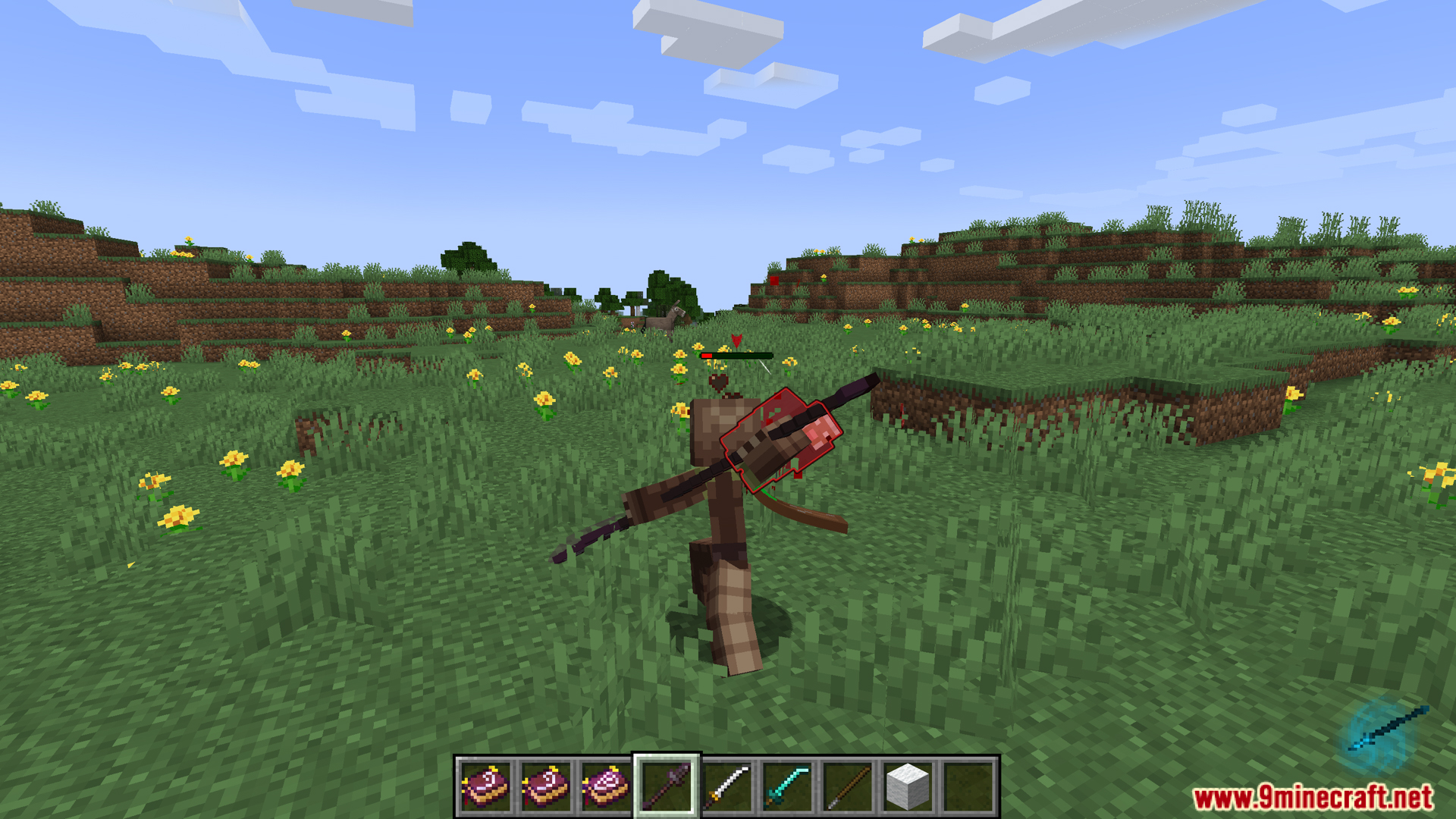

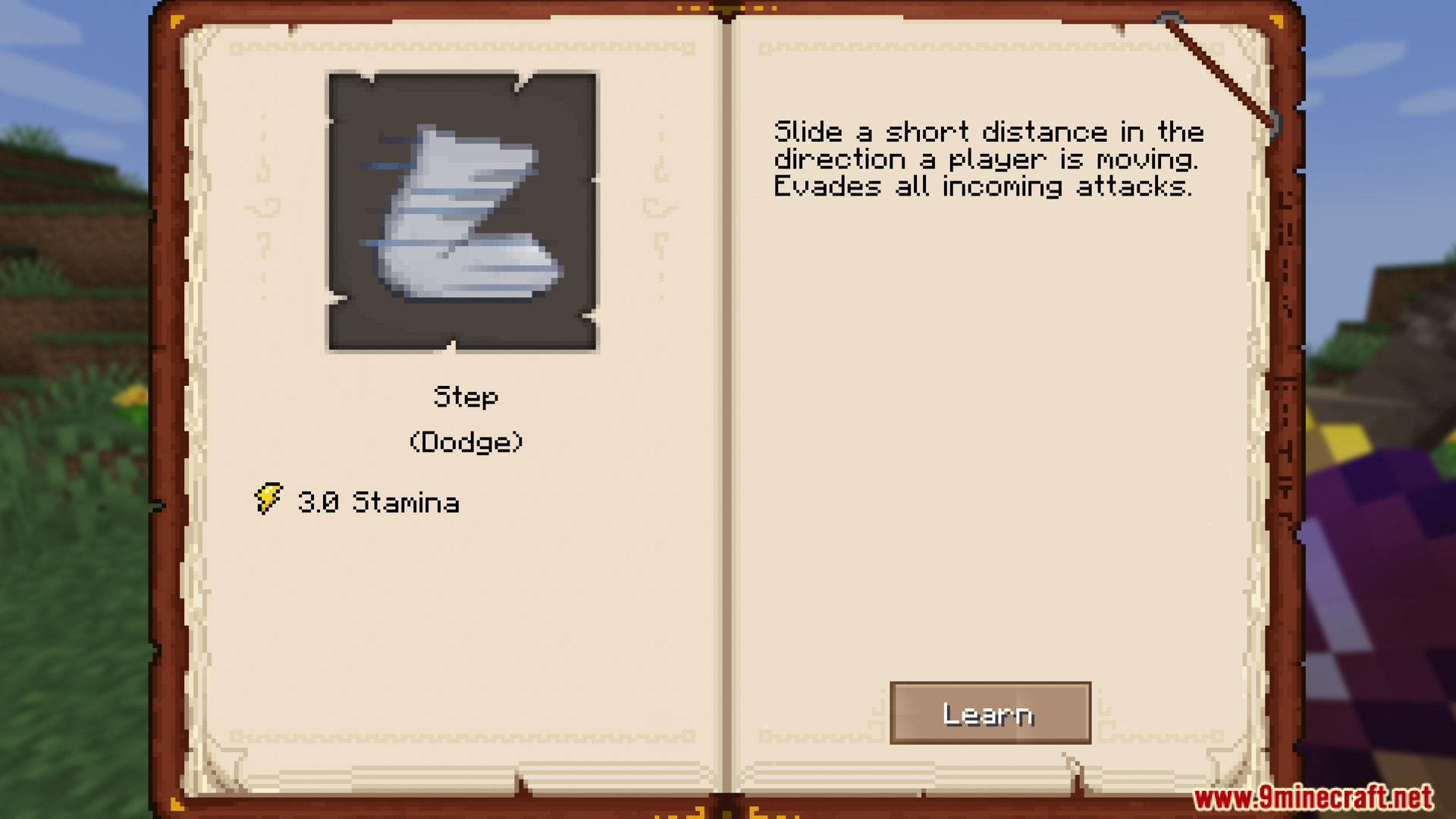
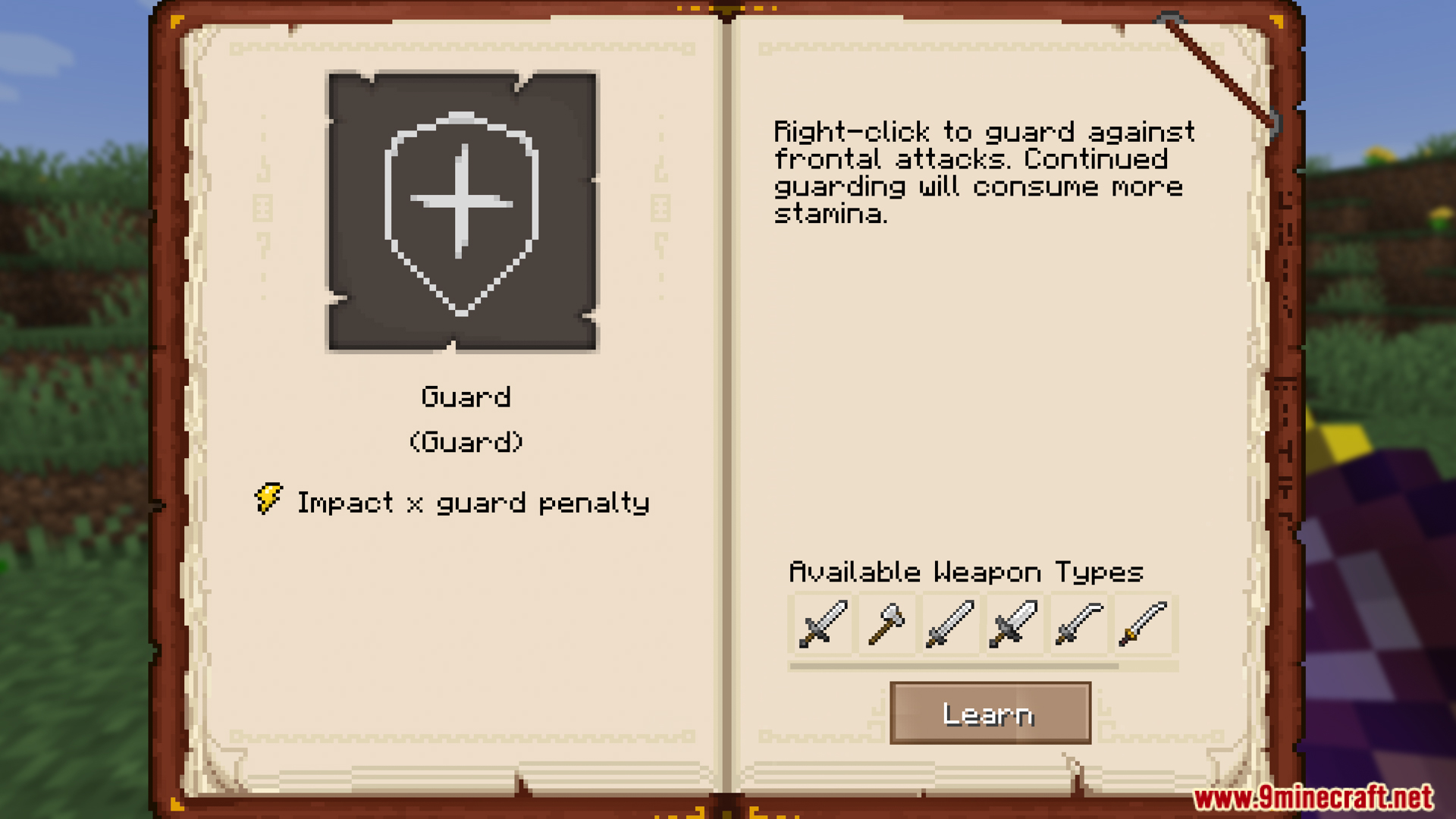
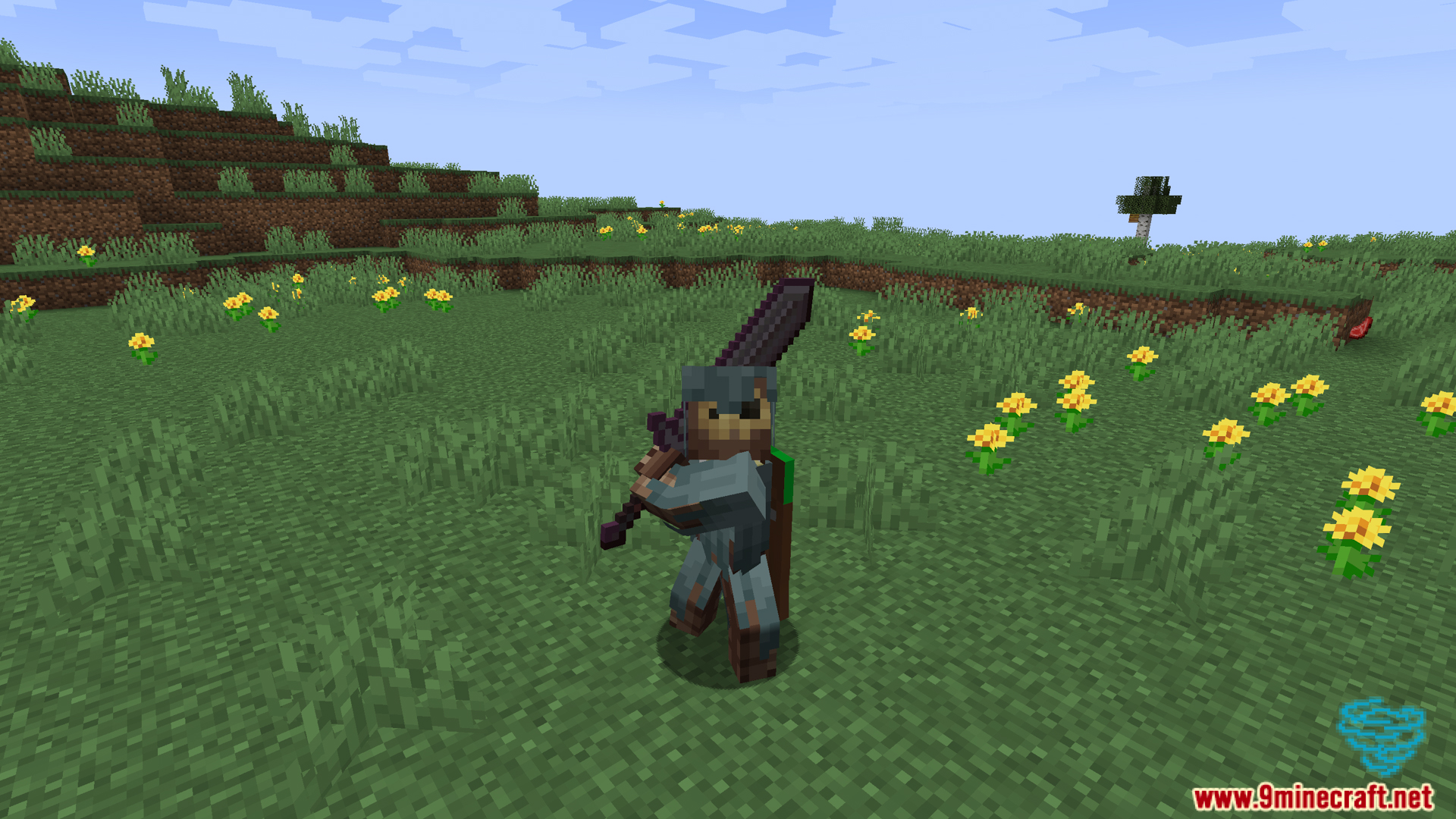
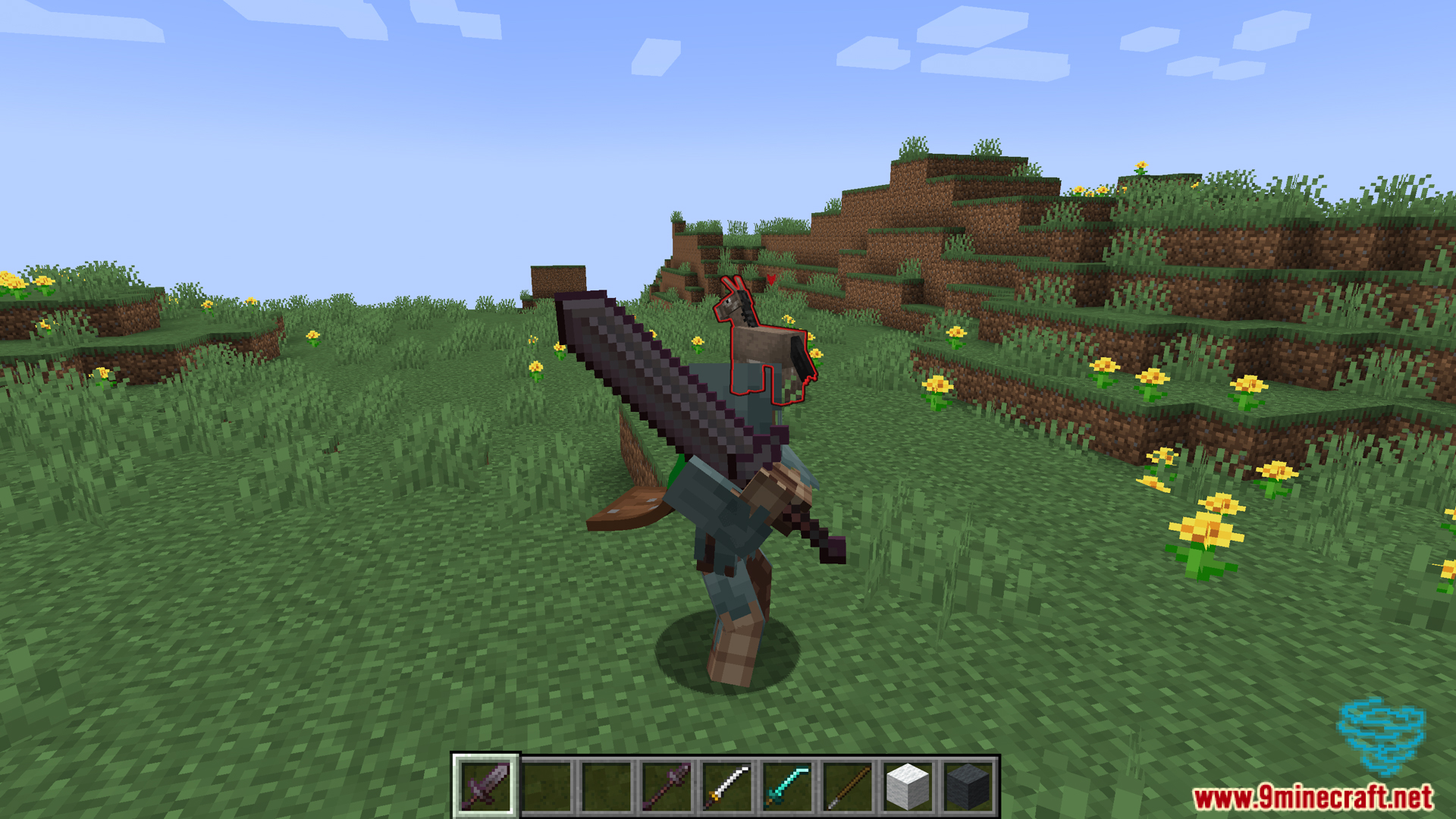
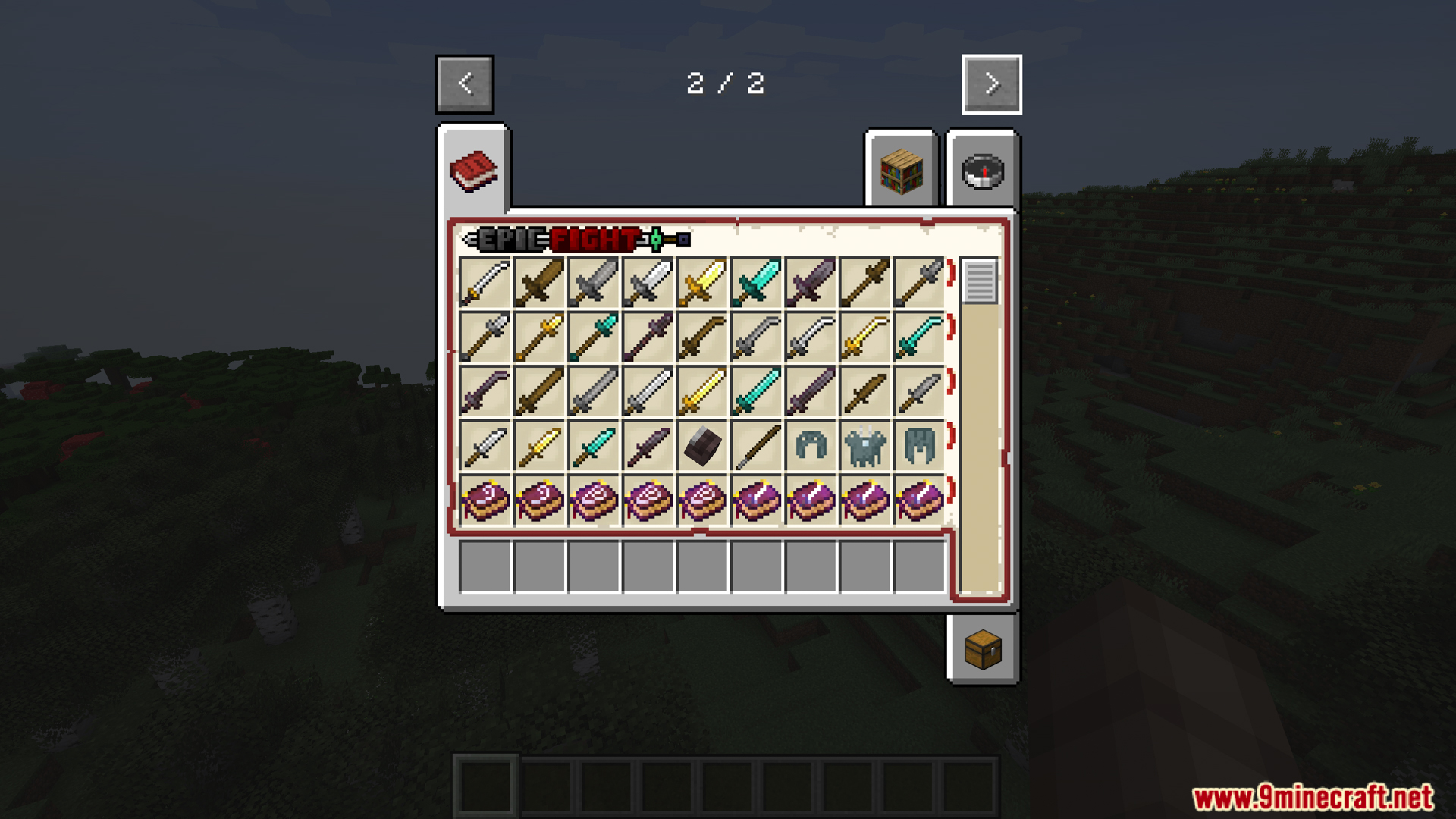
Como Instalar:
Novo no Minecraft? Siga nosso guia passo a passo para instalar Mods no seu PC.Ver Guia
Requisitos:


Epic Tweaks Mod Download Links
Para Minecraft 1.21.1, 1.21
Versão Forge: Download do Servidor 1 – Download do Servidor 2
Para Minecraft 1.20.1, 1.20
Versão Forge: Download do Servidor 1 – Download do Servidor 2
Para Minecraft 1.19.2
Versão Forge: Download do Servidor 1 – Download do Servidor 2
Para Minecraft 1.18.2
Versão Forge: Download do Servidor 1 – Download do Servidor 2
Para Minecraft 1.21.1, 1.21
Para Minecraft 1.20.1, 1.20
Para Minecraft 1.19.2
Para Minecraft 1.18.2
Você também pode gostar



Esta postagem ainda não tem comentários. Seja o primeiro — seu comentário aparecerá aqui.