


Beyond Depth Modpack (1.20.1, 1.20) – Tough Bosses & New Dimensions
 978
978
 0
0


🌐 Read this article in your language! Choose your preferred language below.
Or pick the one you like:
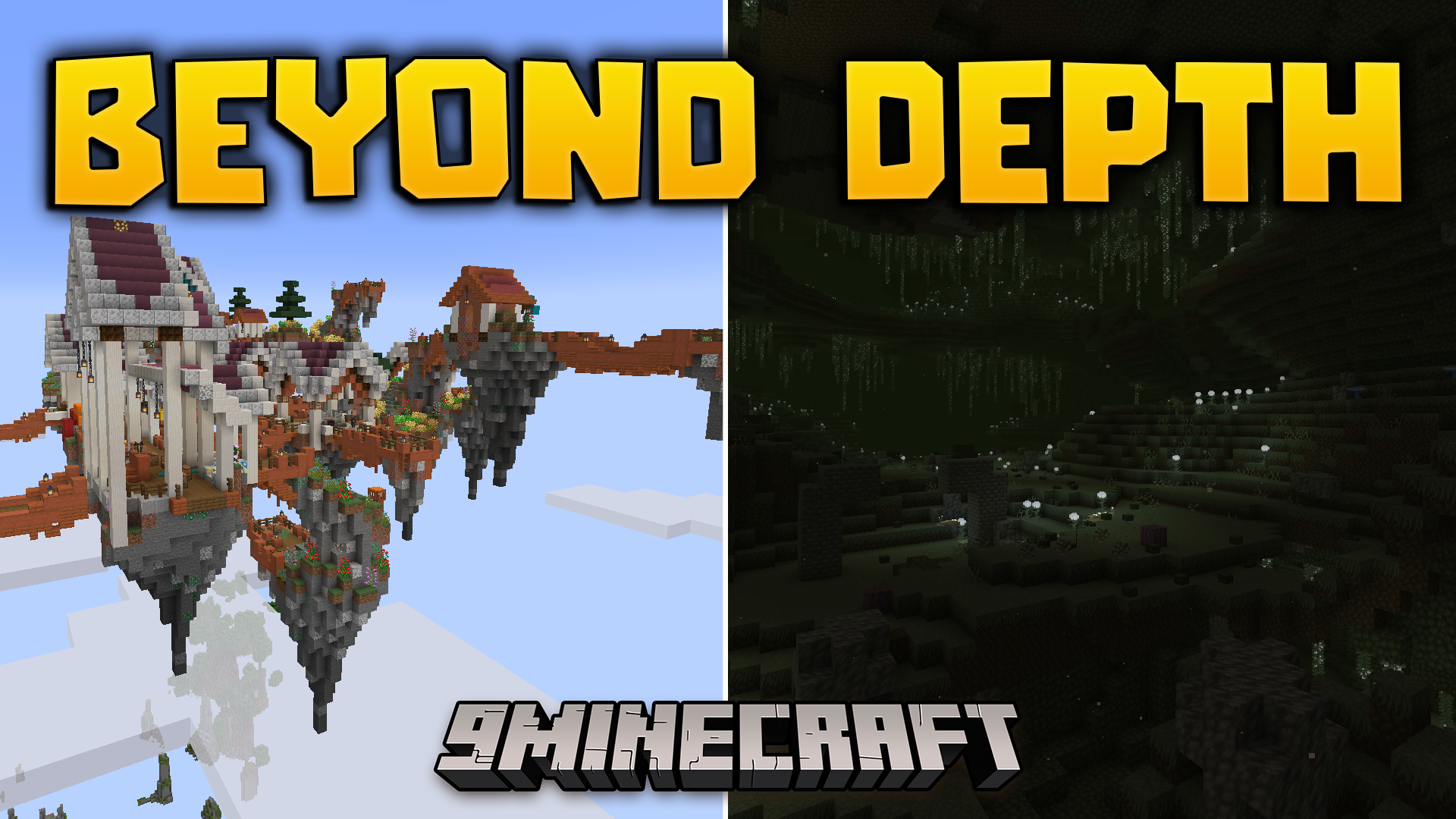
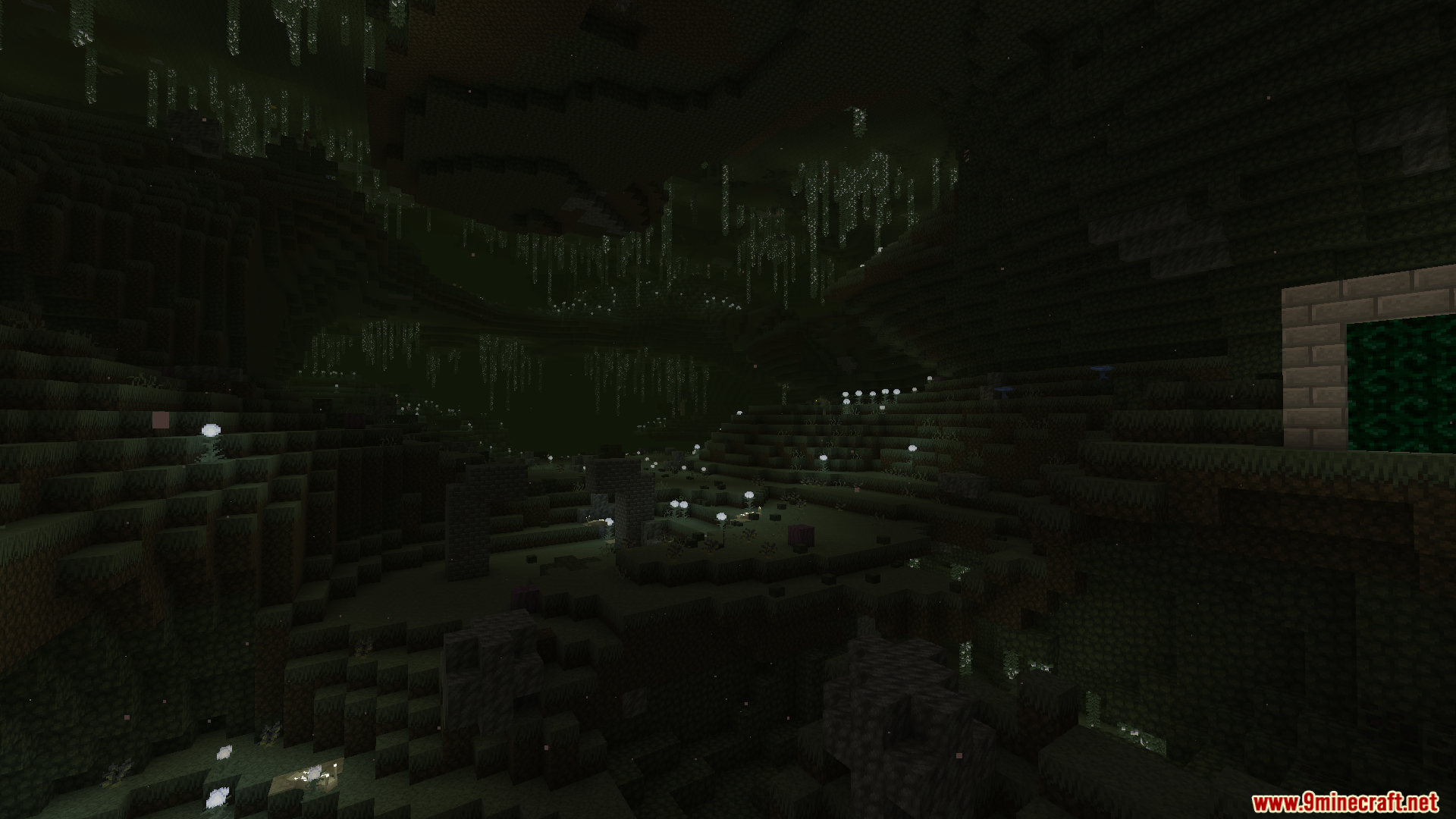
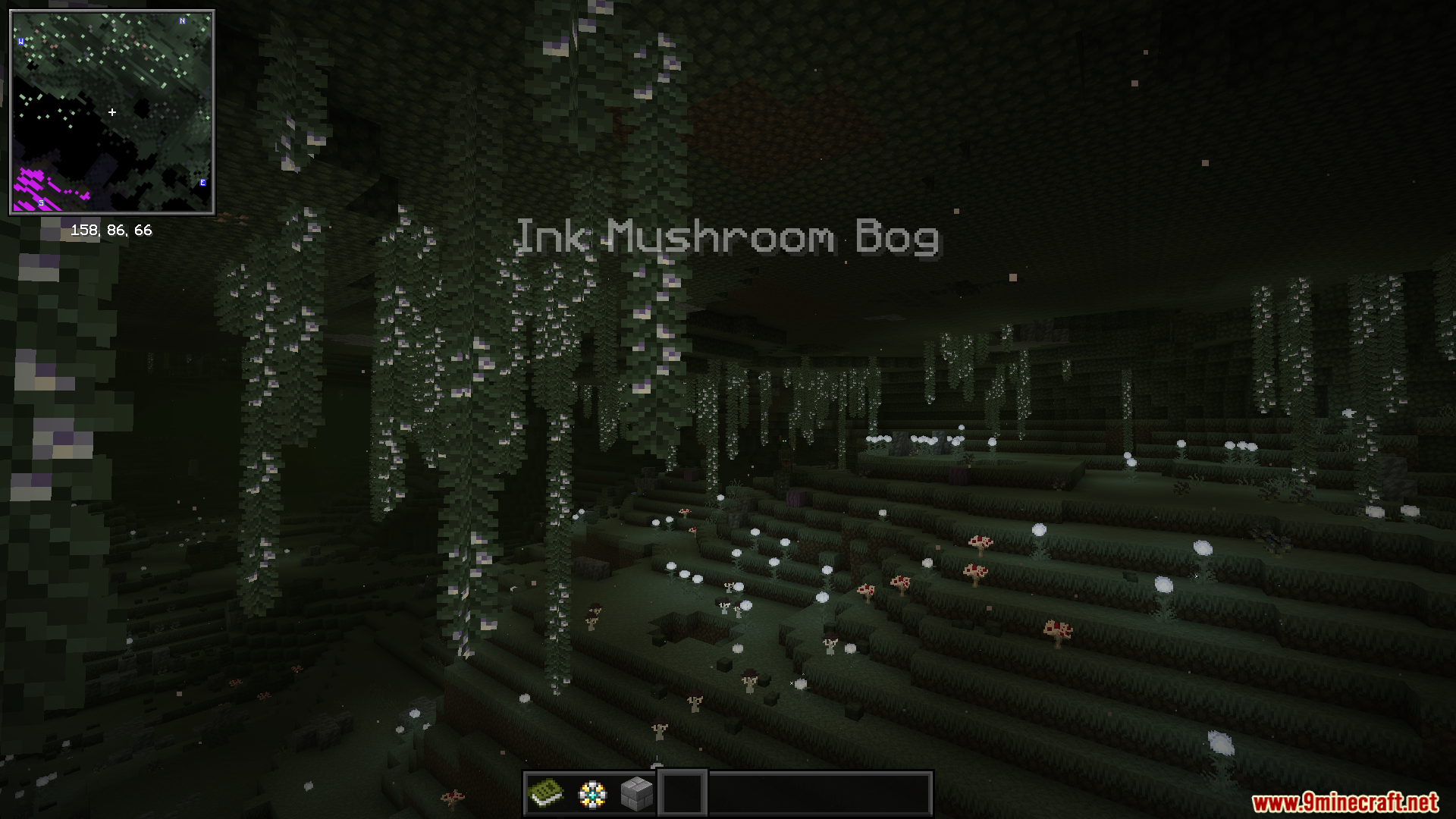
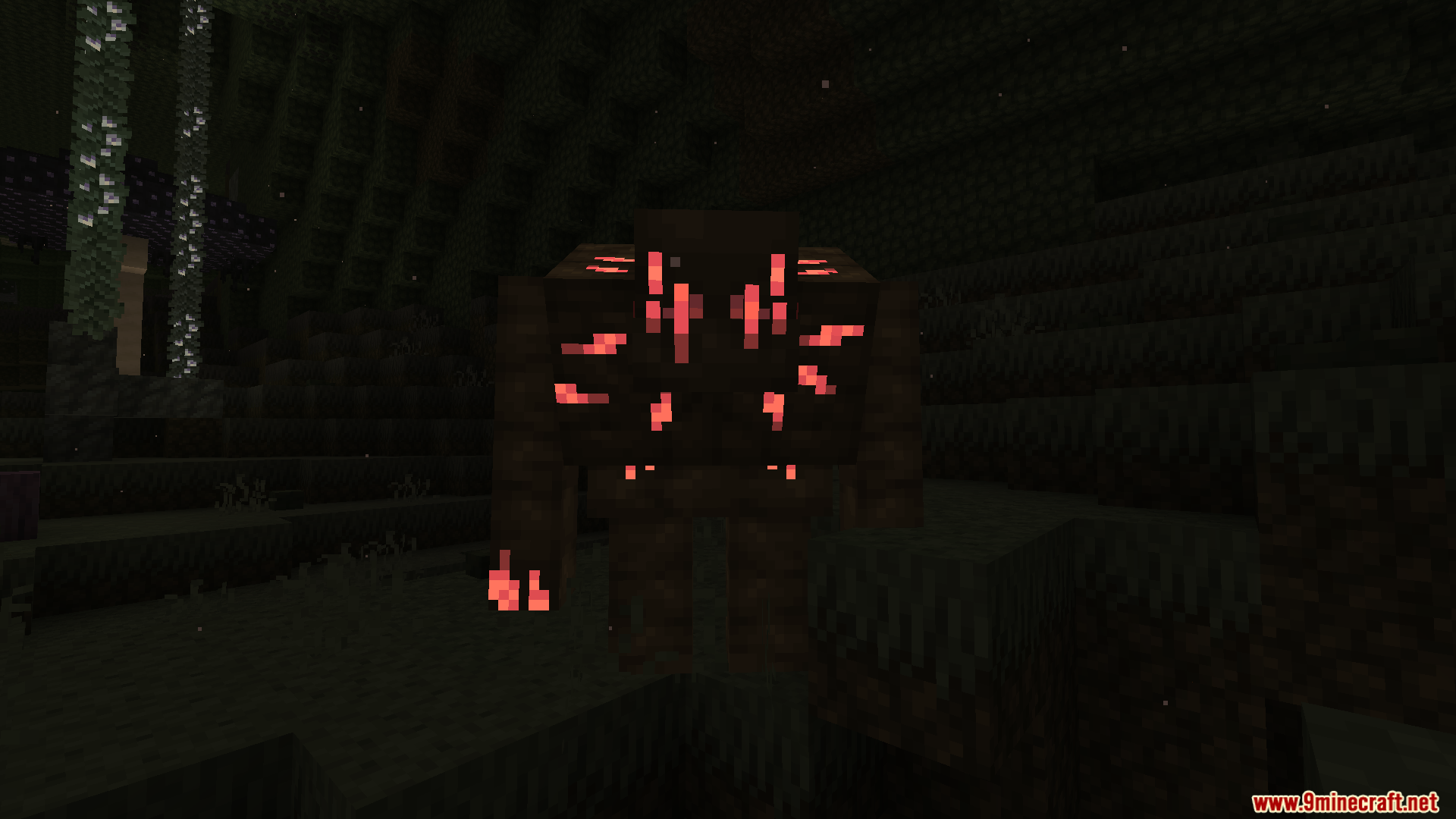
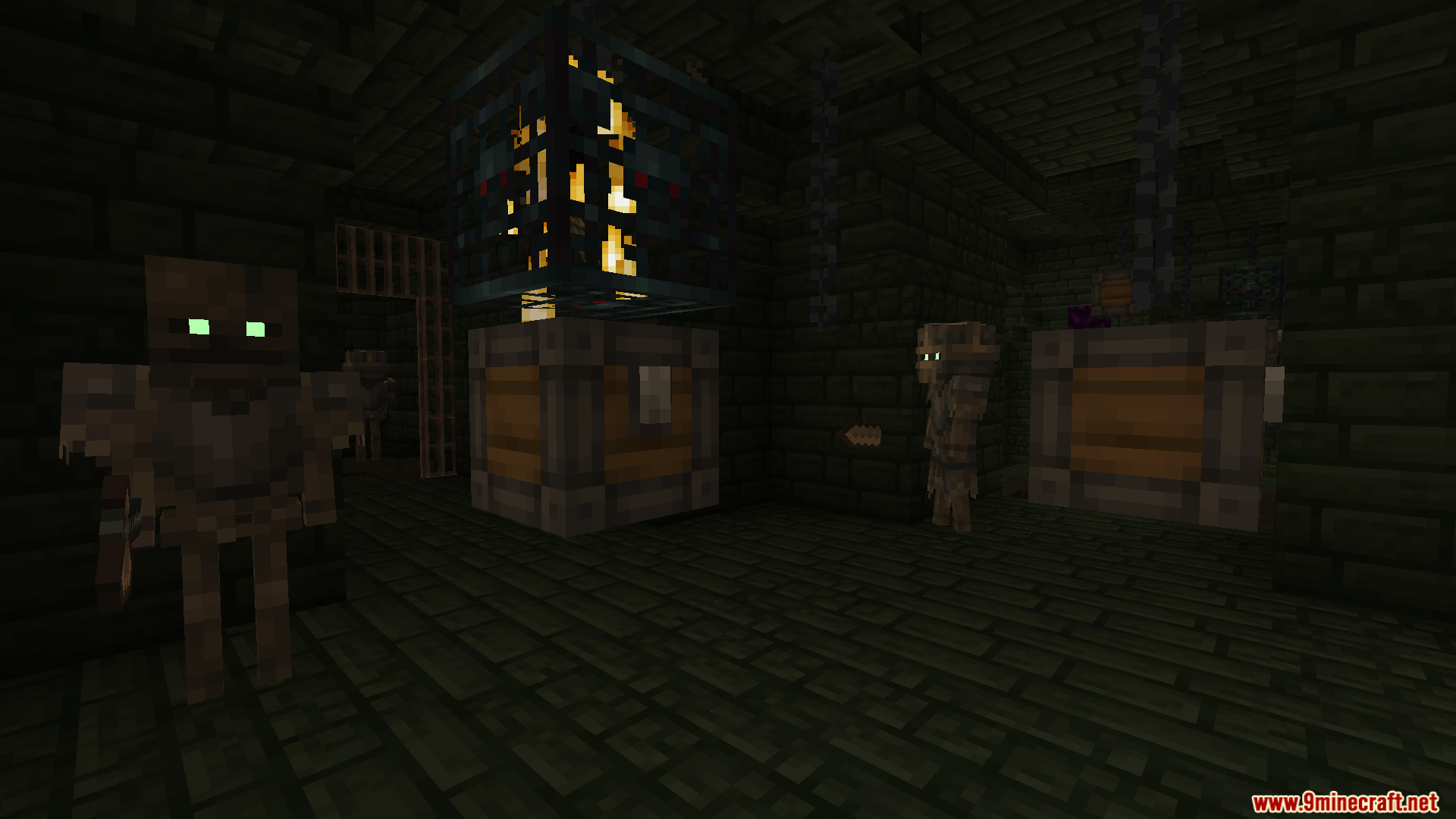
Beyond Depth Modpack transforms your survival world into a huge adventure filled with dangerous new dimensions and tougher enemies. This pack changes how you play right from the start, making you use copper tools before you can mine iron. It adds over 35 hard bosses to fight and gives you new combat skills like blocking attacks with shields. You can travel through dark underground worlds, find floating islands, and walk through completely updated biomes. The pack also brings helpful maps, fast travel points, and machines to help you build automatic farms.
Keybinds:
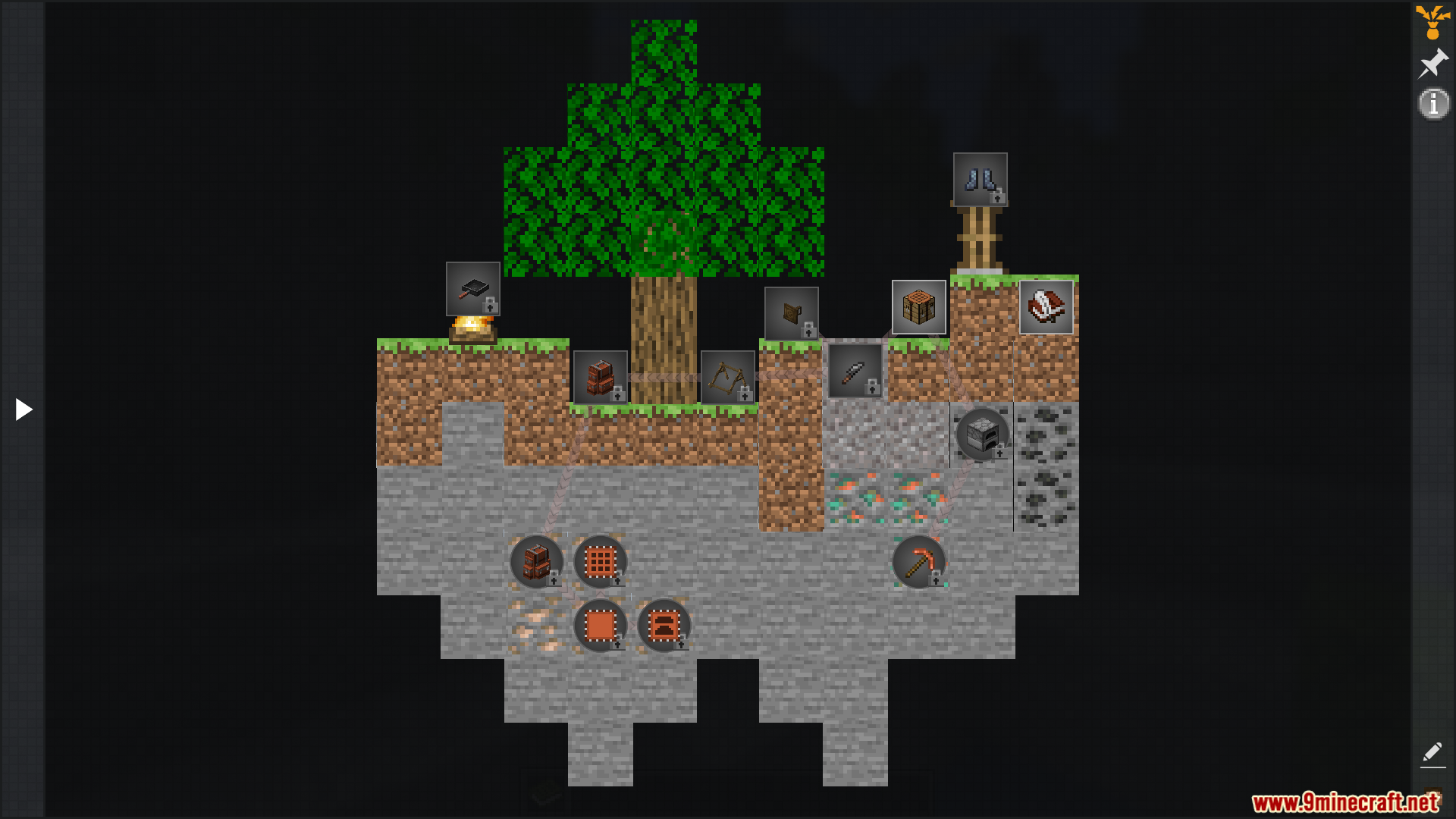
]: Open the quest menu.C(Hold) : Zoom in and out (use scroll wheel to adjust).F5: Toggle third-person view.F6: Disable the first-person model.R(Hover over item) : View crafting recipe.U(Hover over item) : View item uses.A(Hover over item) : Pin the item to the left side of the screen.J: Open the side quest journal.M: Open the world map.B: Open the backpack.P: Create a new waypoint.K: Toggle shaders on or off.T: Toggle the trash slot.
Features:
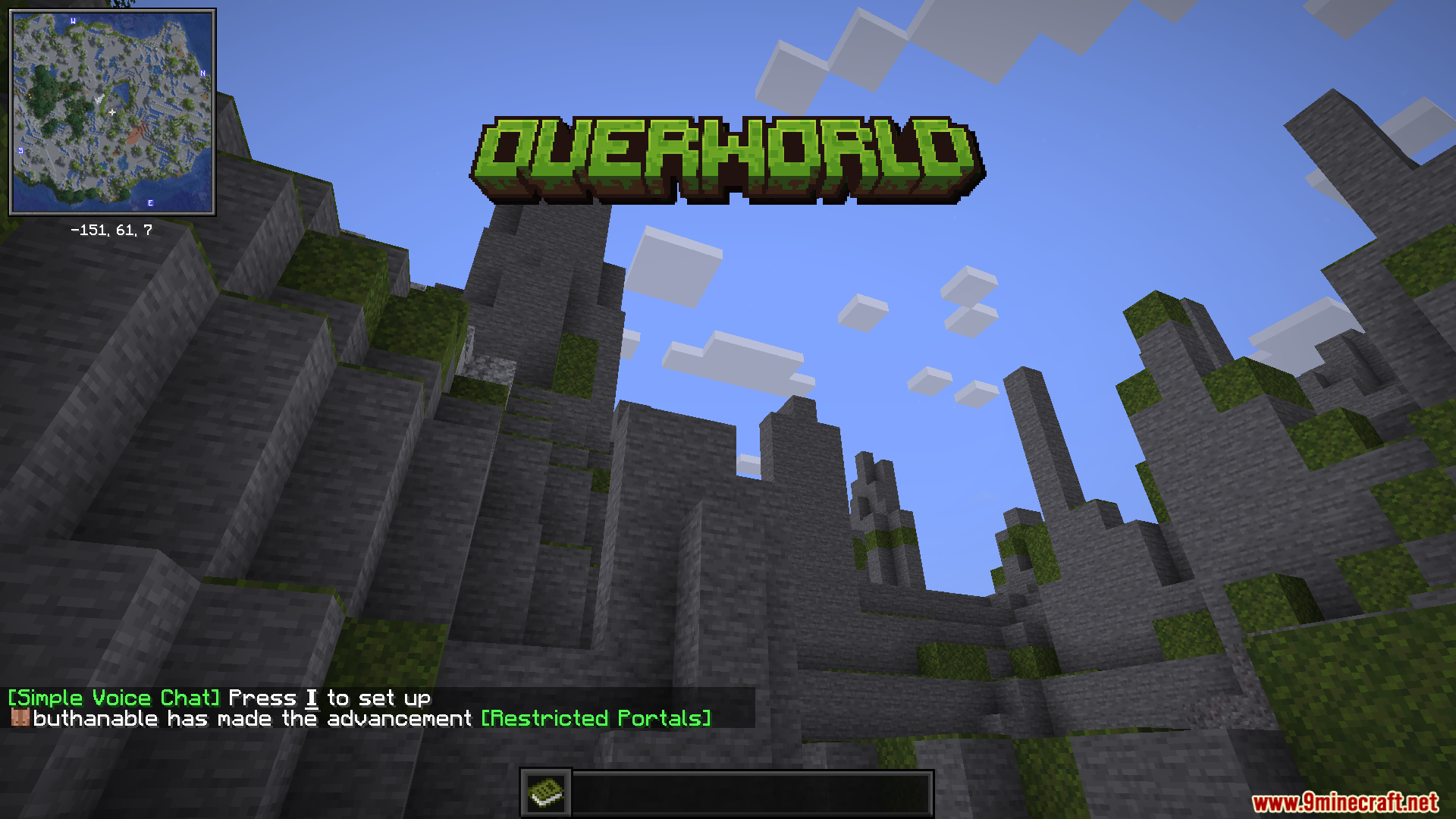
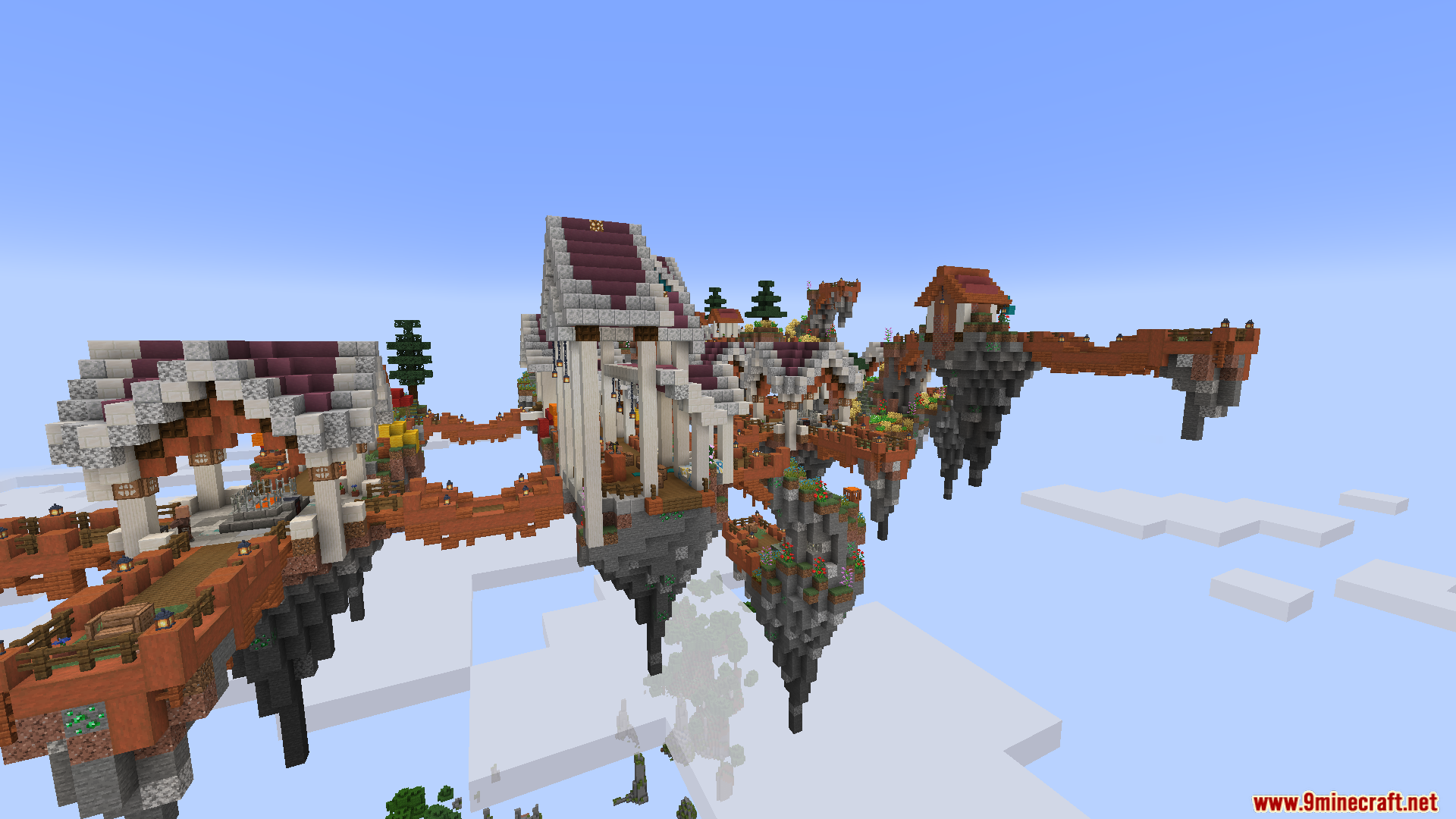
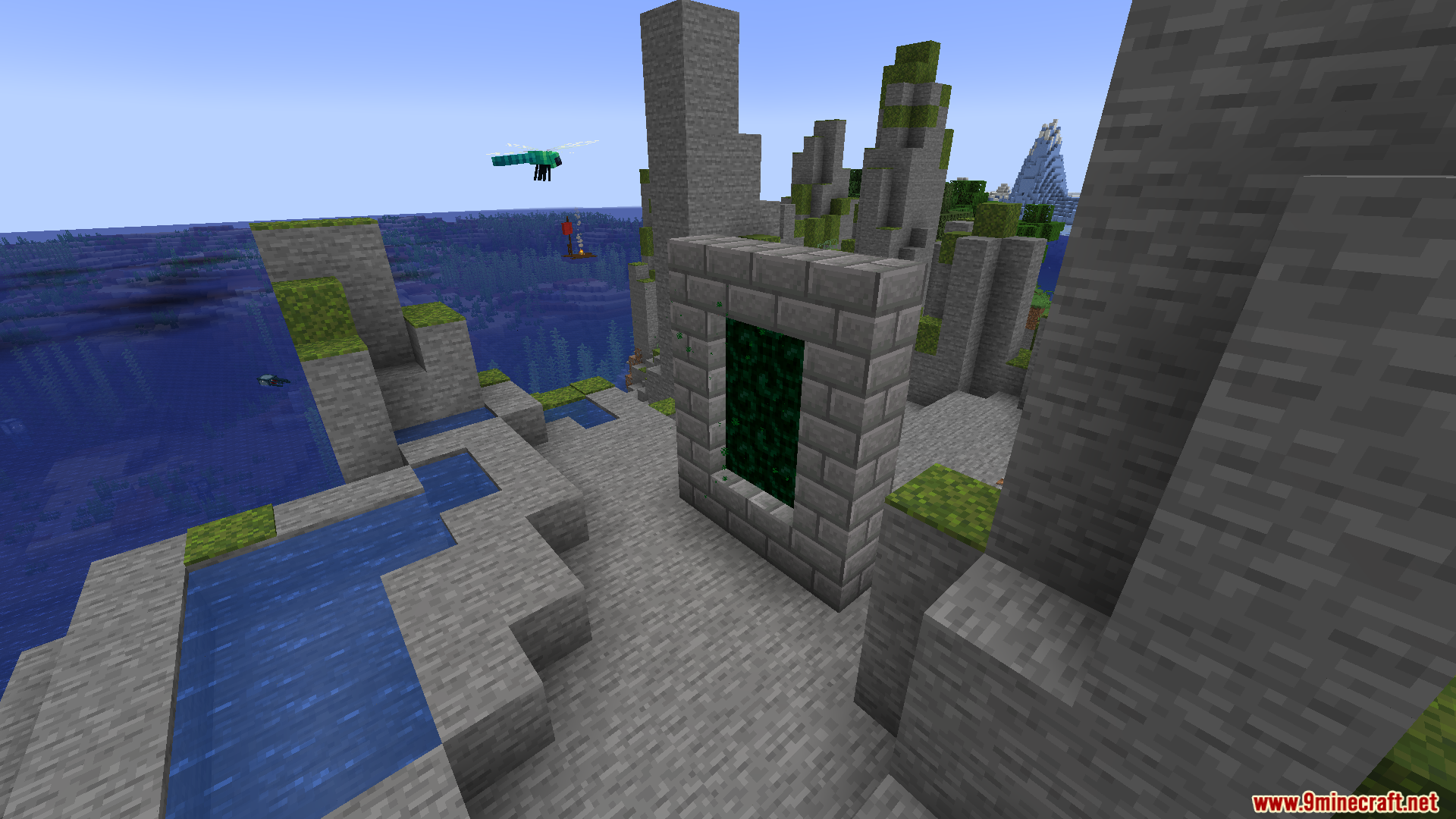
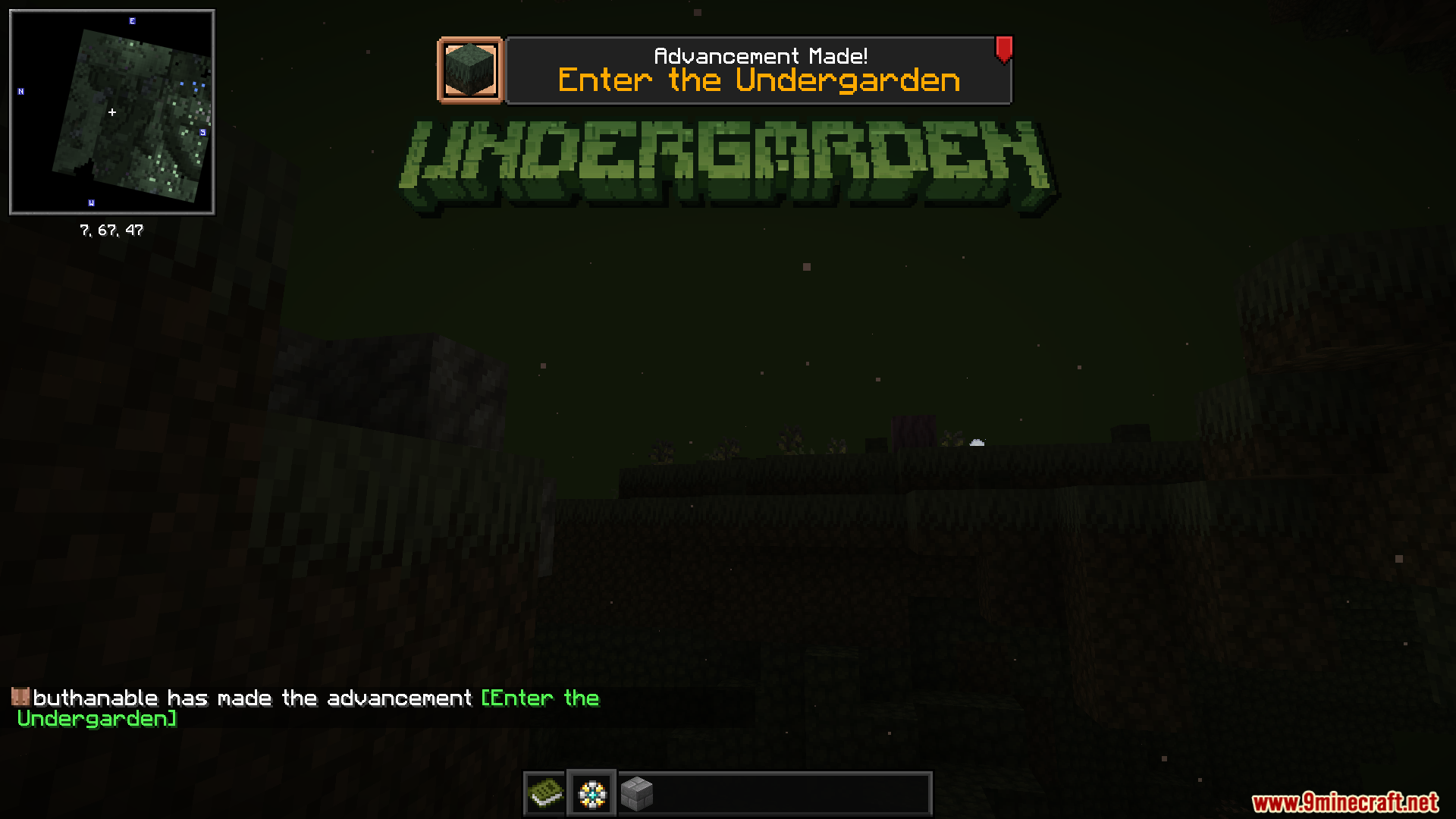
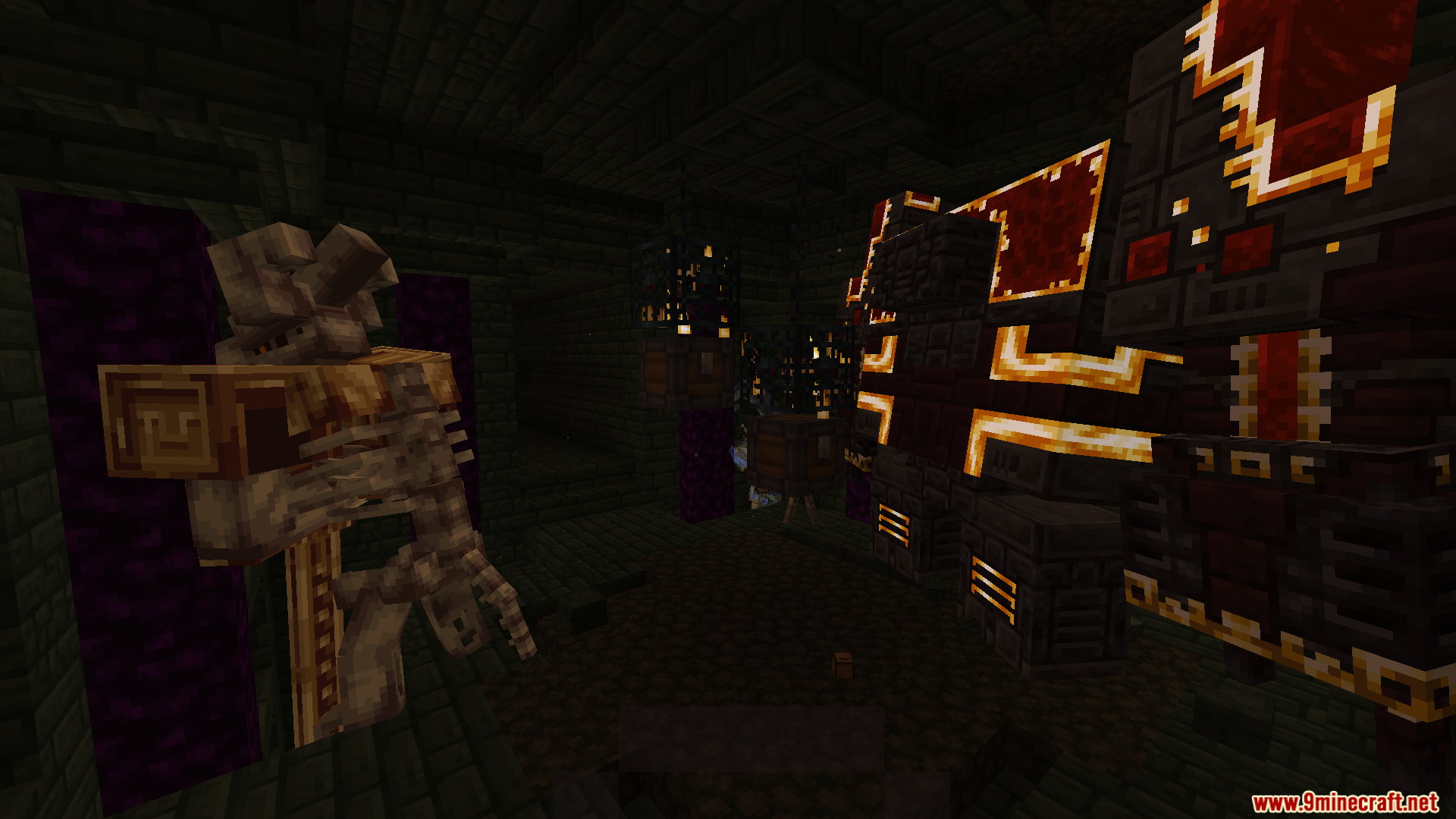
- New Dimensions: Beyond Depth adds three massive new worlds to explore, including the pitch-black Undergarden, the ancient Deeper and Darker, and the floating islands of the Voidscape.
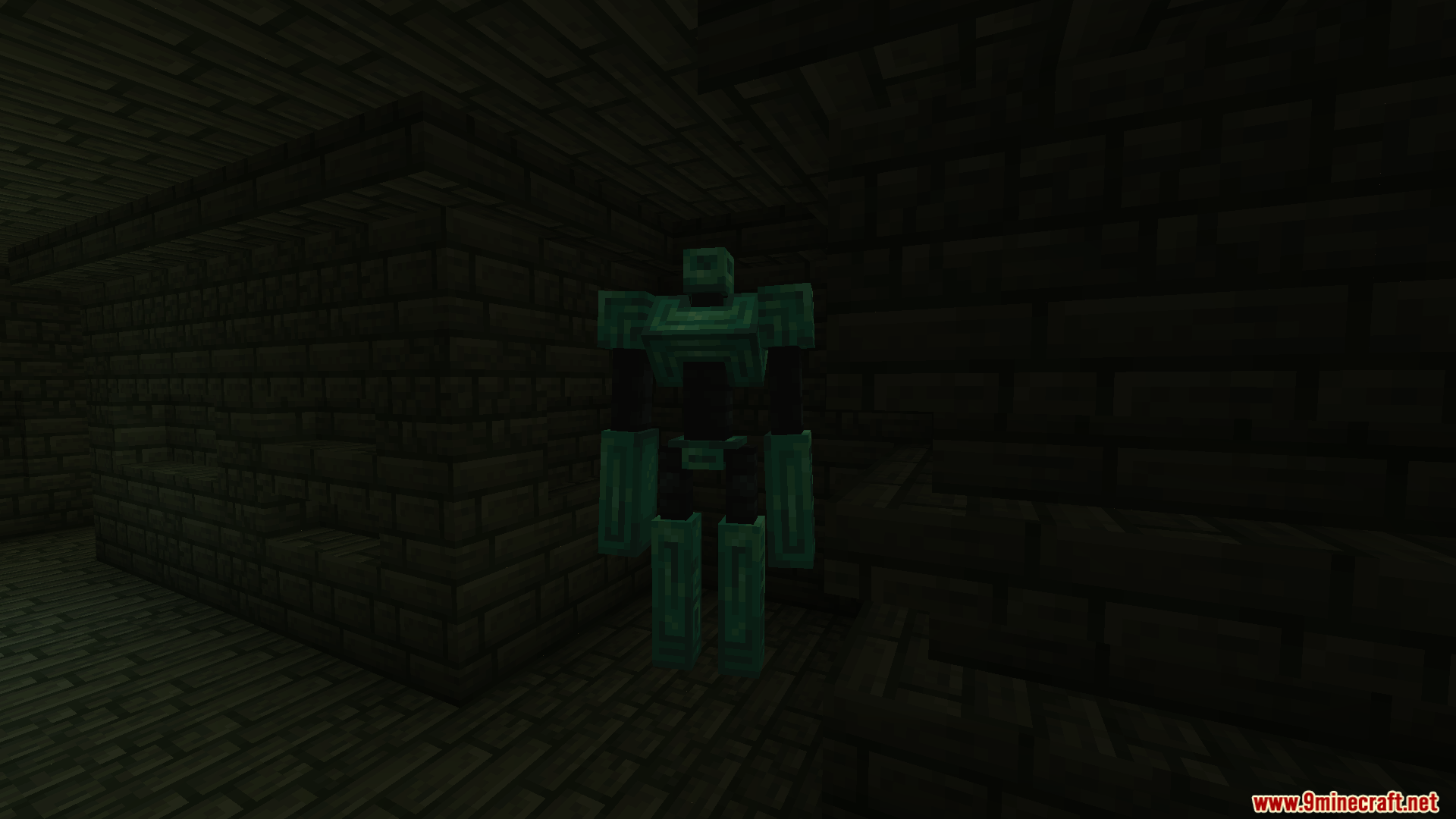
- Epic Boss Fights: You will face over 35 tough bosses from other mods, along with stronger versions of the vanilla Wither, Ender Dragon, and Warden.
- Changes how you fight by adding a parry system when you block with shields.
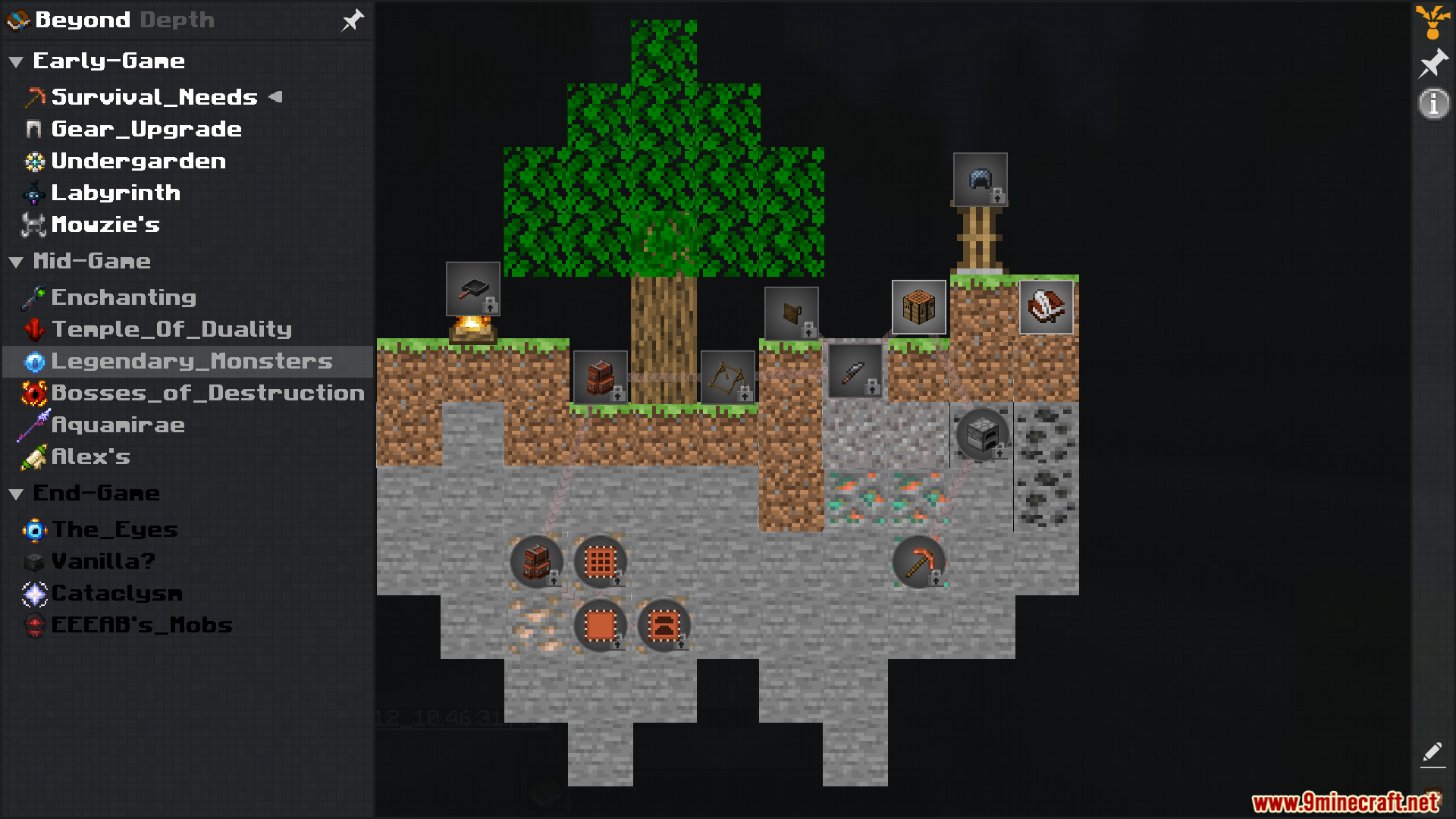
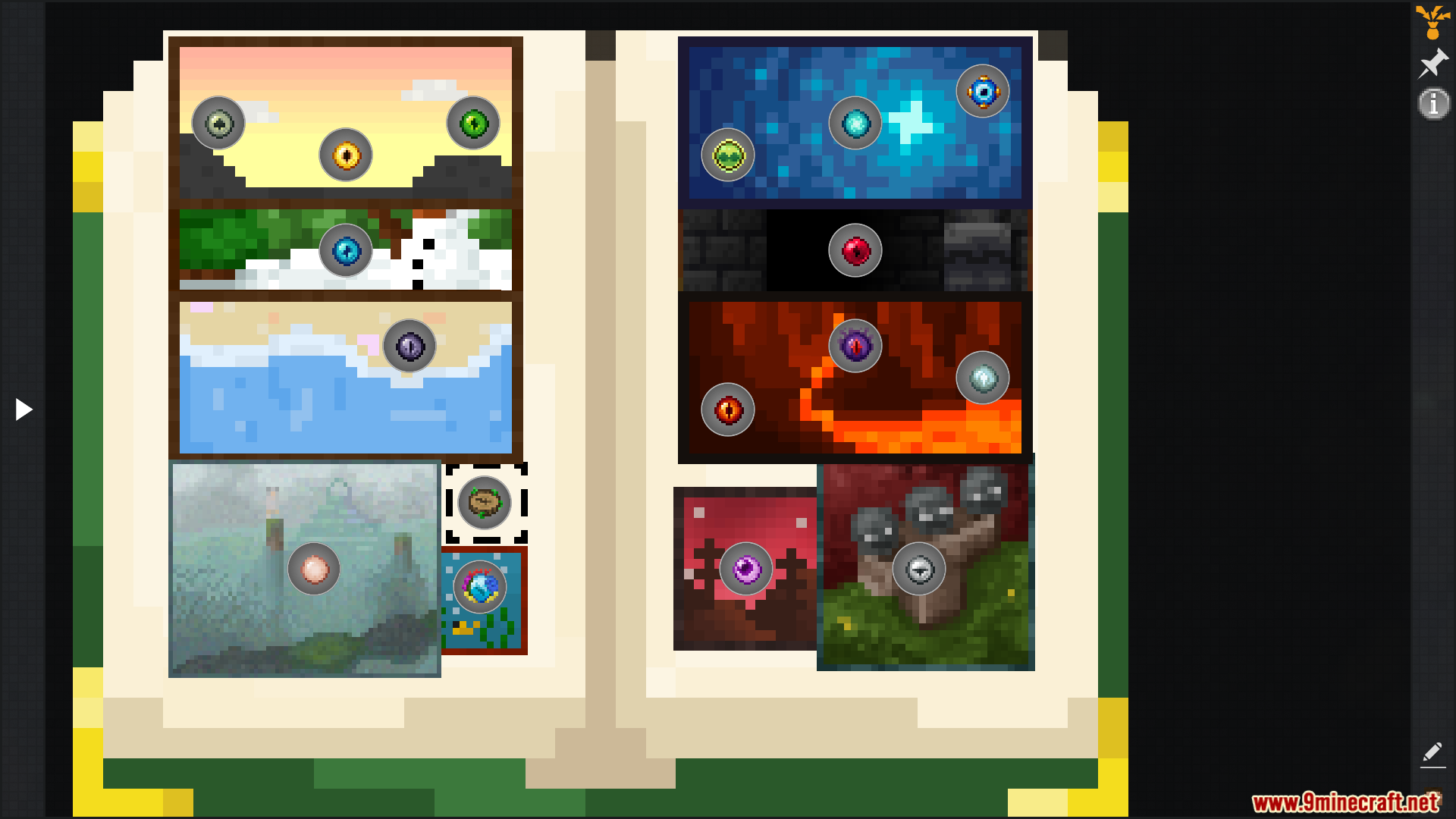
- This pack includes a visual quest tree to guide you through the game without forcing you down a single path.
- Beyond Depth brings in useful tools like Waystones for fast travel and a minimap to help you find your way around.
- Lets you build moving machines and automate your base using the Create mod.
- The modpack supports both VR headsets and game controllers right away.
Vanilla Rule Changes:
- Removes stone tools completely, meaning you must craft copper tools before you can mine iron.
- Lets you repair weapons up to a third of their health using a normal grindstone.
- Makes hay bales block almost all fall damage if you drop from 30 blocks or less.
- Gives the fletching table a real use, letting you craft arrows cheaper or turn special arrows back into normal ones.
- Removes the “too expensive” limit from anvils so you can always repair your gear.
- Keeps your items safely inside crafting tables, anvils, and enchanting tables even when you close the menu.
- Lets you harvest crops with a simple right-click, and jumping on farmland will never break it.
- Allows you to enchant special collars to give your pets new magic abilities.
New Enchanting System:
- Adds a reroll button to the standard enchanting table so you can look for better options.
- Lets you buy the exact enchantments you want using your XP at an Enchanting Infuser.
- Provides a special block to safely remove specific enchantments or bad curses from your gear.
- Includes a dark altar that gives very strong enchantments but always adds random curses to the item.
- Adds new types of bookshelves that give much more power to your enchanting setup than normal wood ones.
Configuration:
- RAM Allocation: Allocate at least 4GB of RAM, though 8GB is recommended. If using 4GB, lower the render distance and disable Fresh Animations along with its extensions.
- Server Setup: To run a server, copy the
config,kubejs,default config, andmodsfolders from the client to the server directory. - Server Properties: Open the server properties file to enable flight and set the server tick time to
-1. - Render Distance: Server render distance must be adjusted in both the server properties and the
servercoreconfig file. - Client Mods: Many visual and menu mods are client-side only. Remove visual tweaks, menu changes, and performance mods from the server folder before starting to avoid crashes.
How to Use:
- Press
]to open the main quest screen orJto view your side quest journal. - Press
Mto open the map andPto set a waypoint. - Press
Bto open your backpack. - Hold
Cand scroll your mouse wheel to zoom in and out. - Hover your mouse over an item and press
Rto check its recipe,Uto check its uses, orAto pin it to the side of your screen. - Press
Kto turn shaders on or off, andTto turn the trash slot on or off. - Hold Shift and right-click a weapon on a Grindstone to repair its durability up to 33%.
- Right-click a Fletching Table with a feather to get Arrow Fletching, or right-click it while holding special arrows to change them back to normal arrows.
- Right-click fully grown crops to harvest them.
Screenshots:
How to Install:
New to Minecraft? Follow our step-by-step guide to install Modpacks on your PC.View Guide
Beyond Depth Modpack Download Links
For Minecraft 1.20.1, 1.20
Forge Version (Server Files): Download from Server 1
Click to rate this post!
[Total: 3 Average: 4.7]
You May Also Like






This post has no comments yet. Be the first — your comment will appear here.