


Colorwheel Mod (1.21.1, 1.20.1) — Шейдеры для механизмов Create

 0
0 

🌐 Вы читаете эту статью на Русский. Хотите переключить?
📖 Читать на английском (оригинал)Или выберите нужный:
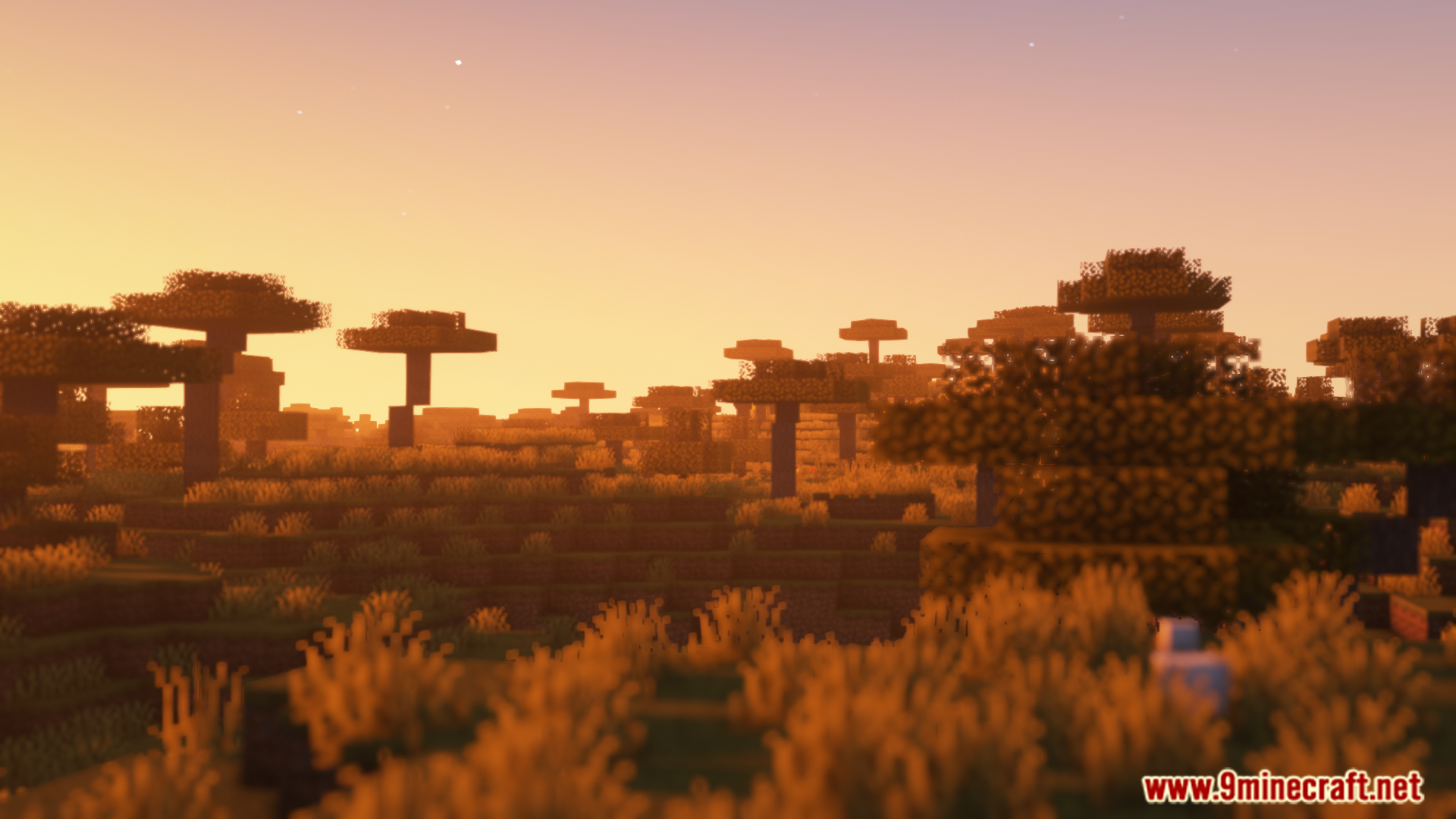
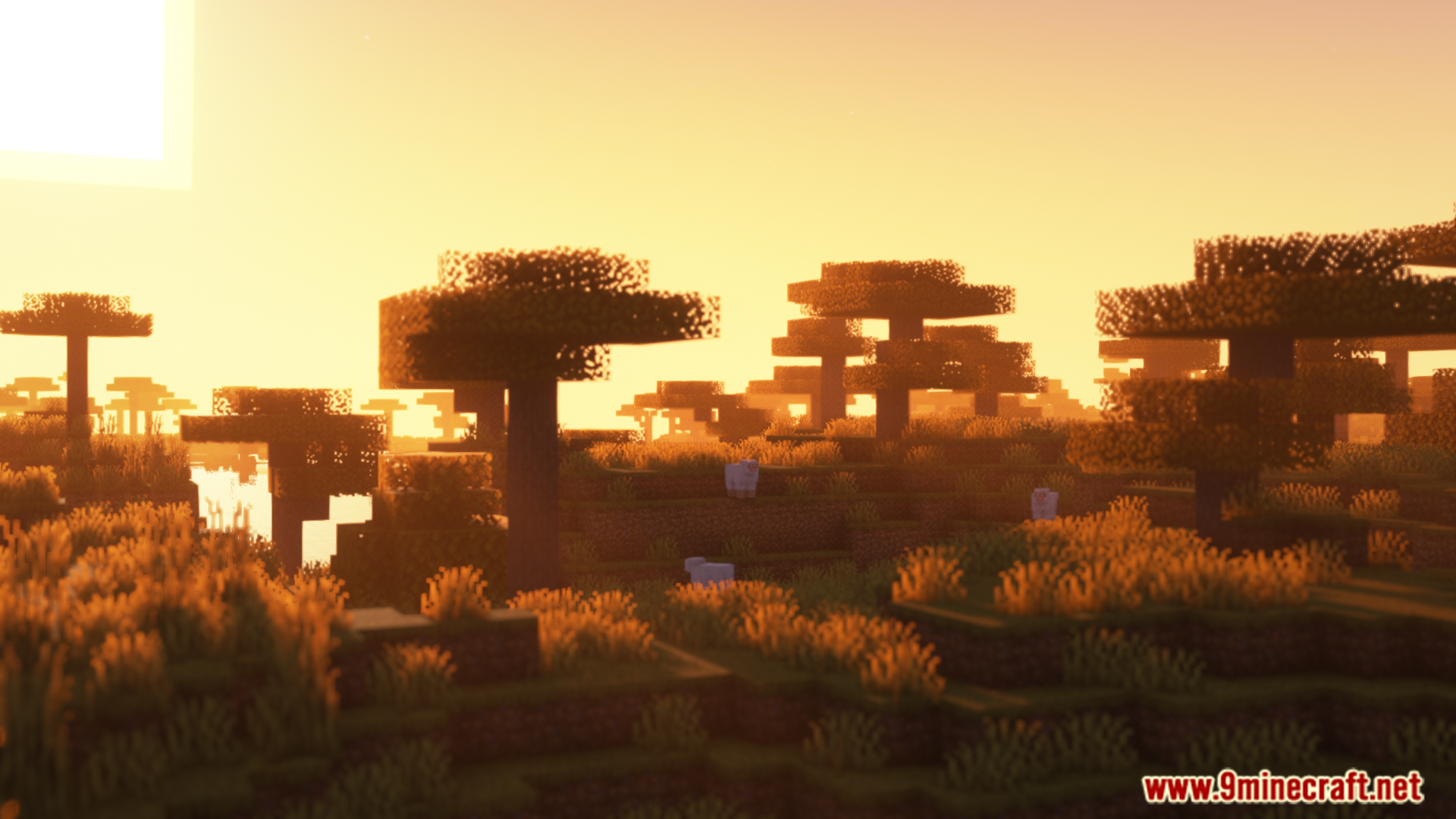
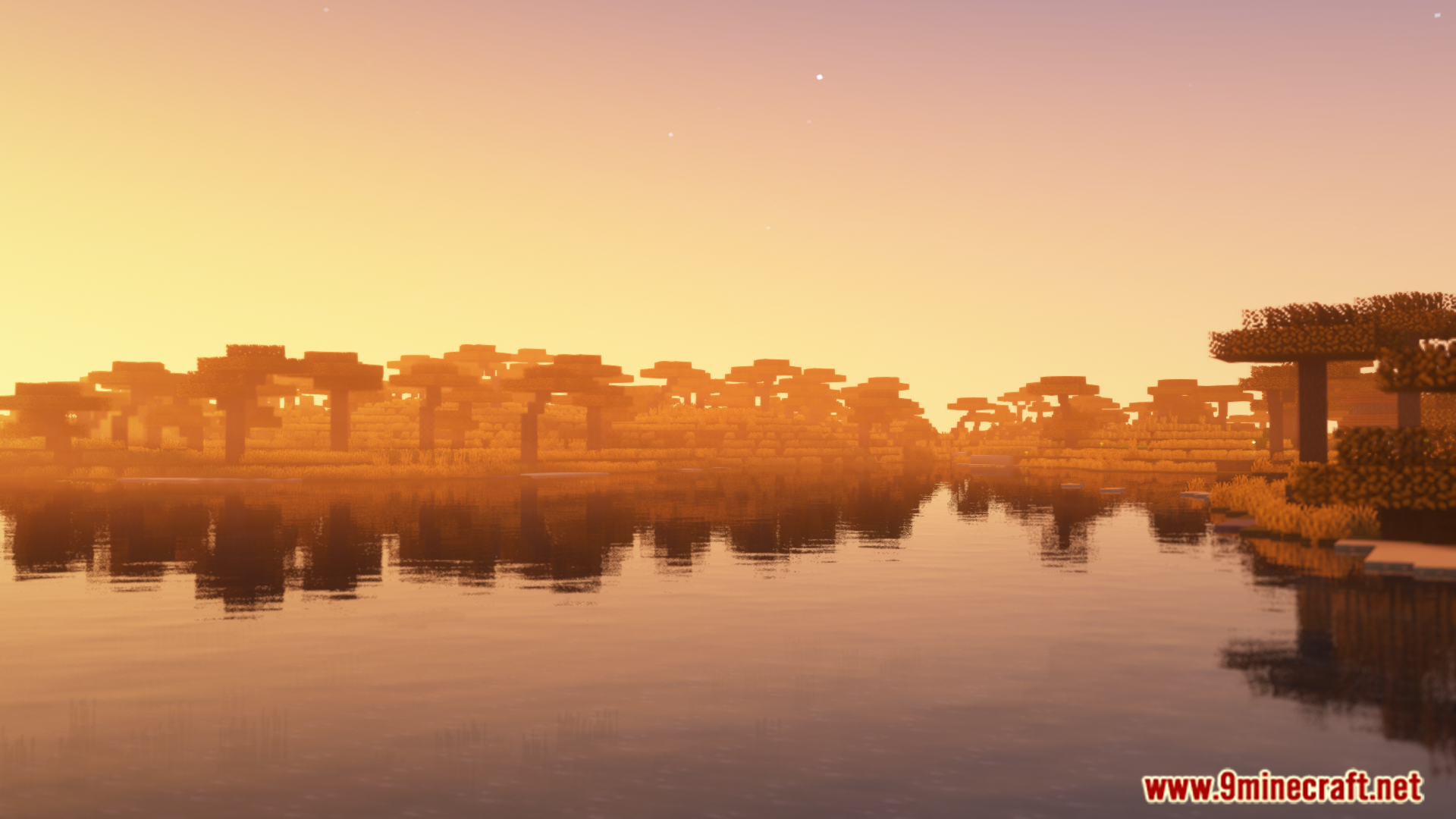
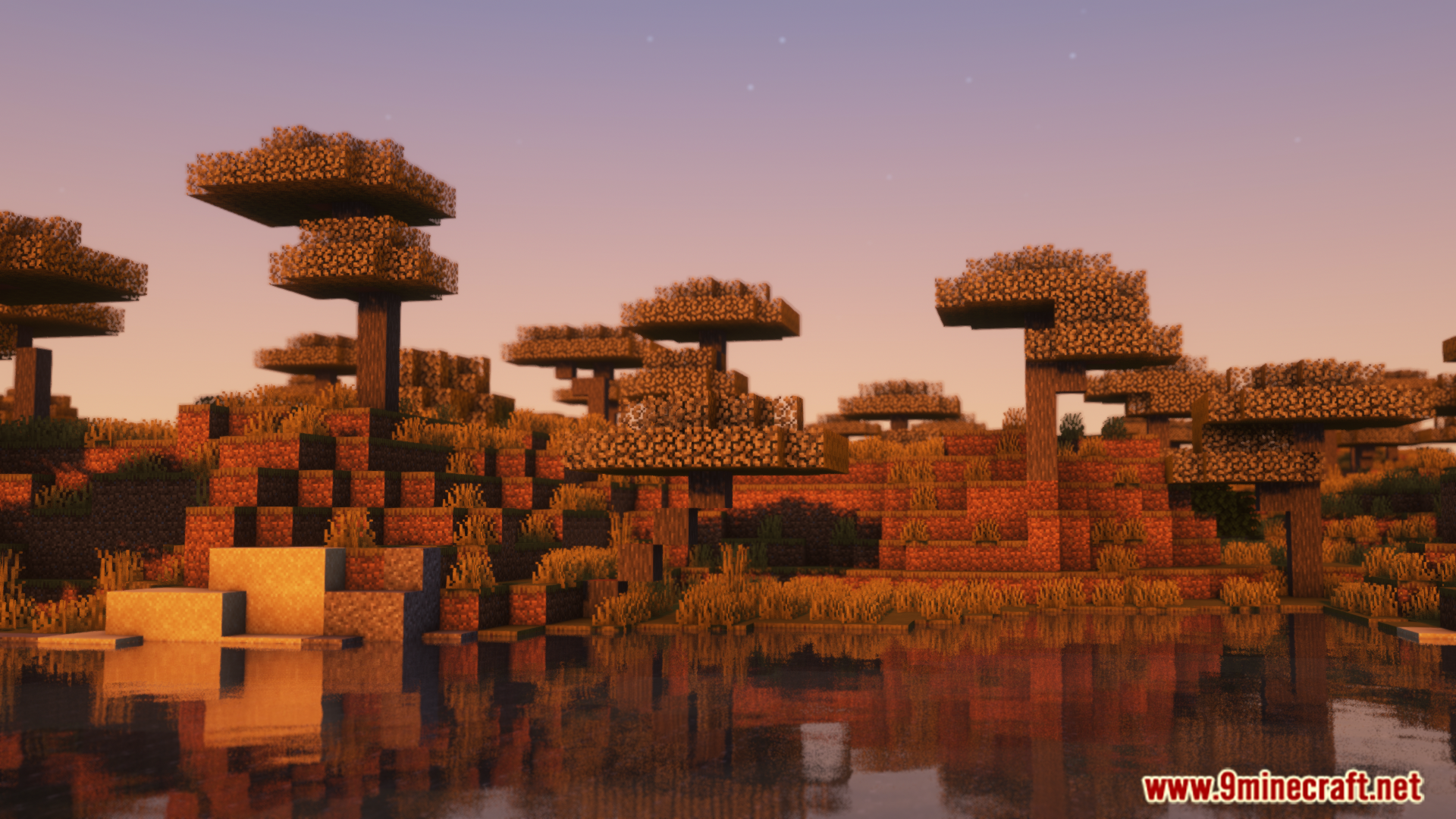
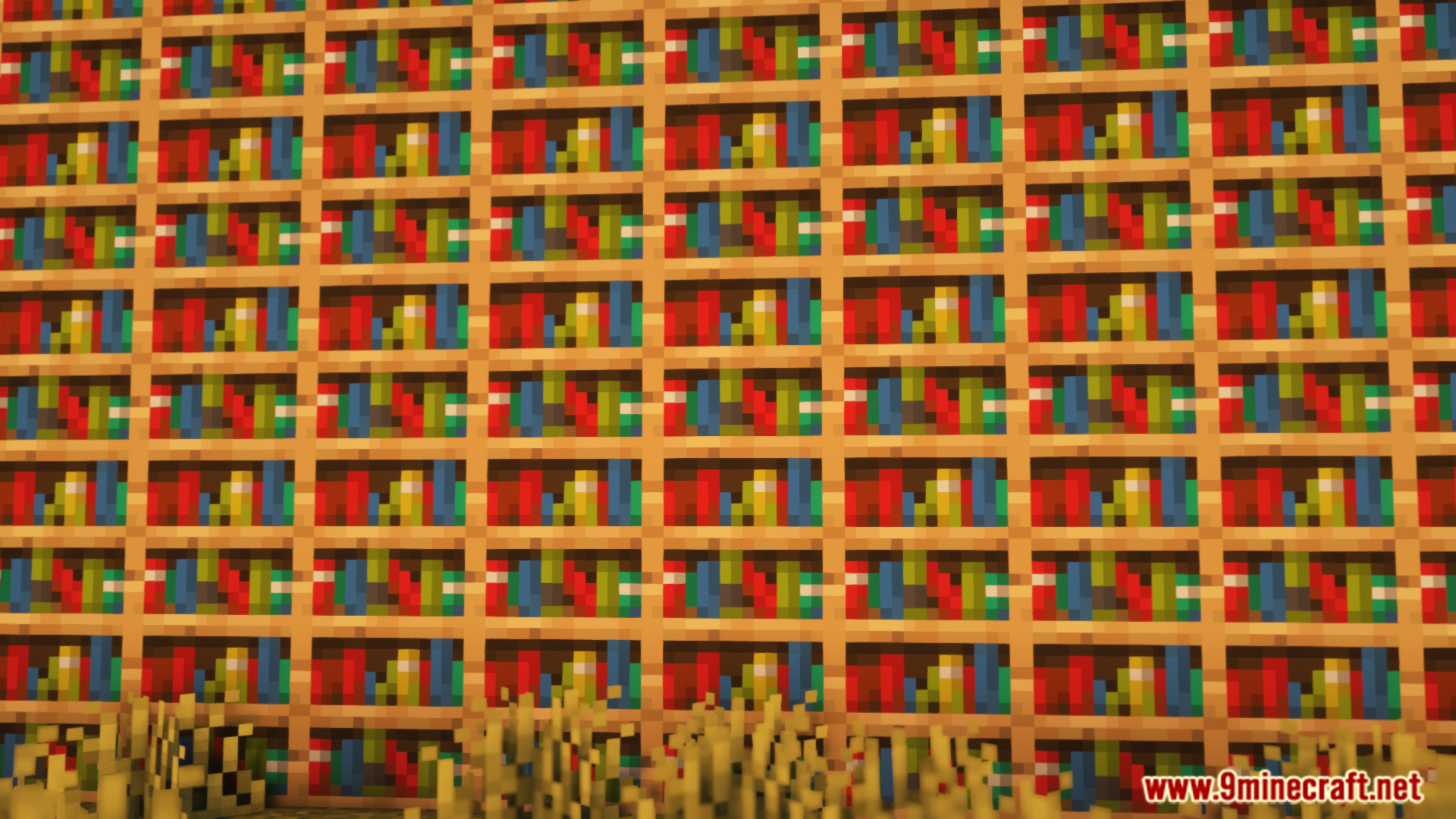
Colorwheel Mod обеспечивает совместимость модов Flywheel и Iris друг с другом. Это позволяет использовать шейдеры во время игры с модом Create, который использует Flywheel для рендеринга. Теперь вы сможете увидеть все потрясающие механизмы из Create с красивым освещением и эффектами ваших любимых шейдерпаков без потери производительности.
Особенности:
- Позволяет использовать шейдеры Flywheel и Iris вместе в Minecraft.
- Играйте с механизмами из мода Create, наслаждаясь великолепной графикой шейдеров.
- Улучшает производительность, обеспечивая плавный геймплей даже с большим количеством машин и активными шейдерами.
- Предлагает резервный режим (fallback mode) для попытки запуска неподдерживаемых шейдерпаков.
- Работает «из коробки» со многими популярными шейдерпаками, включая Complementary, Solas и Bliss.
- Предоставляет патчи для других шейдеров, таких как BSL и Photon, через отдельный мод Colorwheel-Patcher.
Как использовать:
- После установки мода перейдите в настройки вашего шейдерпака.
- Найдите опции «Entity Shadows» или «Block Entity Shadows».
- Убедитесь, что эти настройки включены.
- Это позволит механизмам из мода Create правильно отбрасывать свет и тени.
Скриншоты:
Как установить:
Впервые в Minecraft? Следуйте нашей пошаговой инструкции, чтобы установить Mods на ПК.Инструкция
Скачать Colorwheel Mod
Для Minecraft 1.21.1, 1.21
Версия NeoForge: Скачать с сервера 1 — Скачать с сервера 2
Версия Fabric: Скачать с сервера 1 — Скачать с сервера 2
Для Minecraft 1.20.1, 1.20
Версия Forge: Скачать с сервера 1 — Скачать с сервера 2
Версия Fabric: Скачать с сервера 1 — Скачать с сервера 2
Нажмите, чтобы оценить эту публикацию!
[Total: 0 Average: 0]
Вам также может понравиться




У этой записи пока нет комментариев. Будьте первым — ваш комментарий появится здесь.