
Screen Mirror Shaders (26.3, 1.20.1) – Horizontal and Vertical Screen Flipping

 0

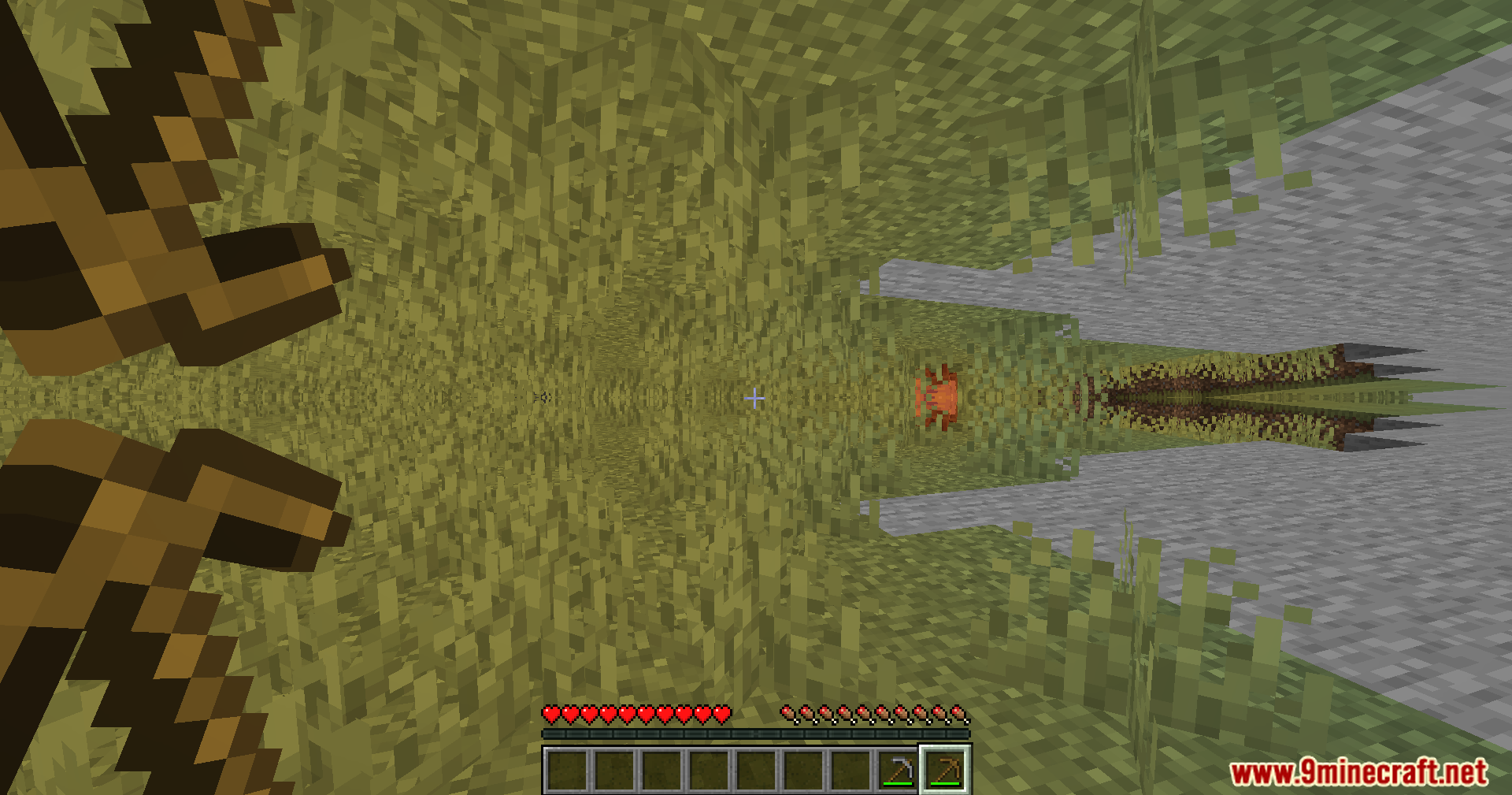
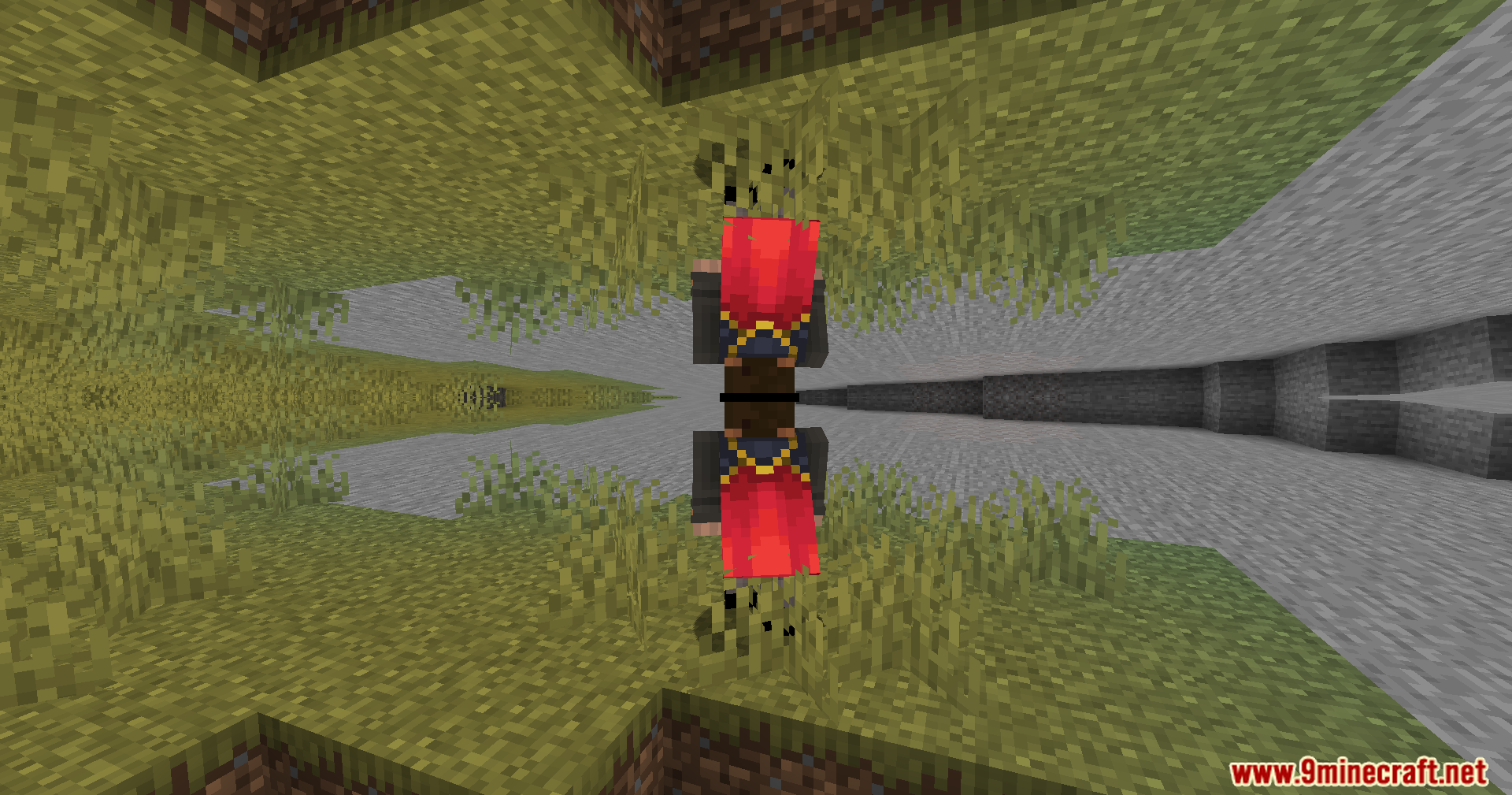
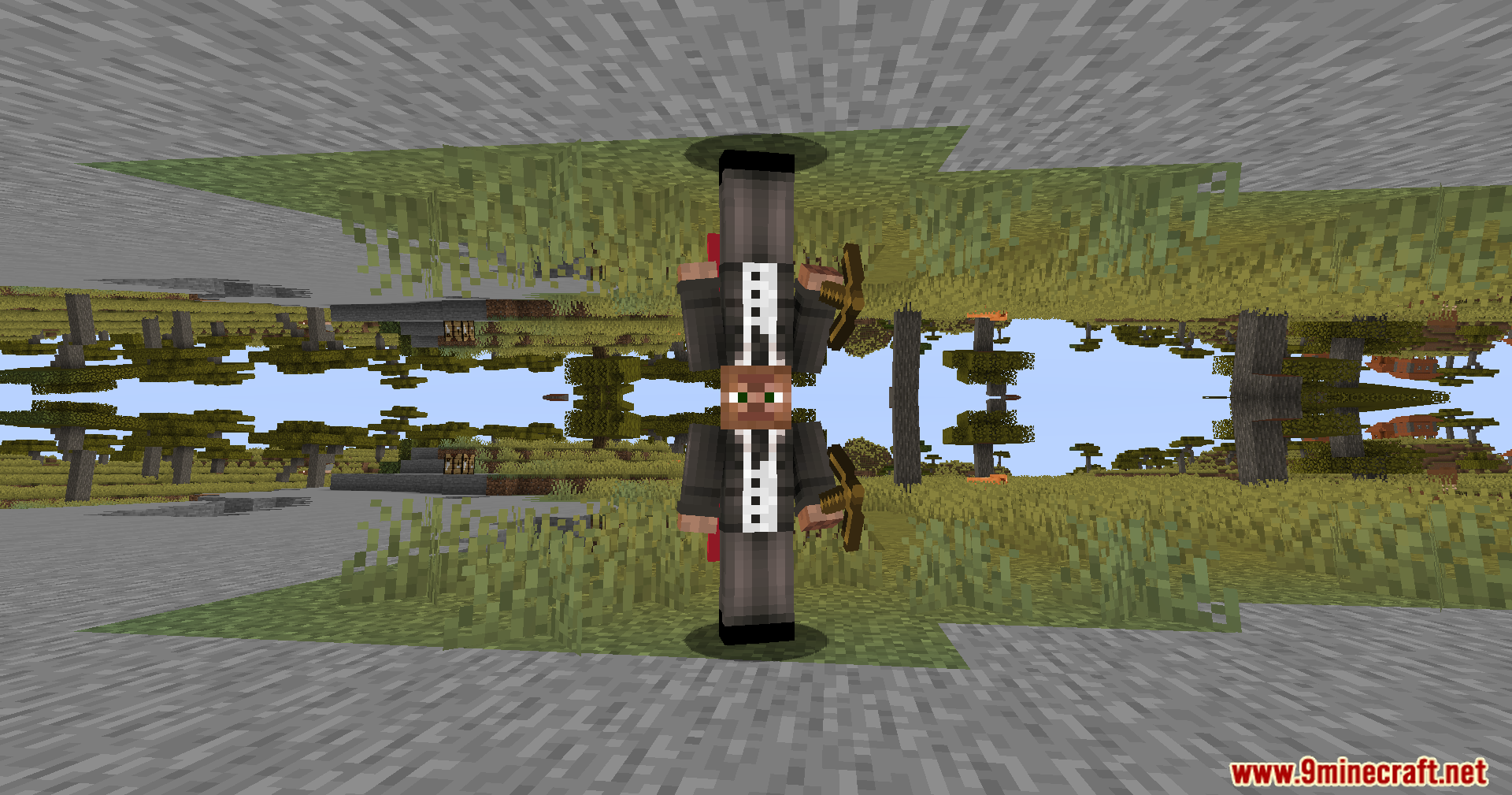
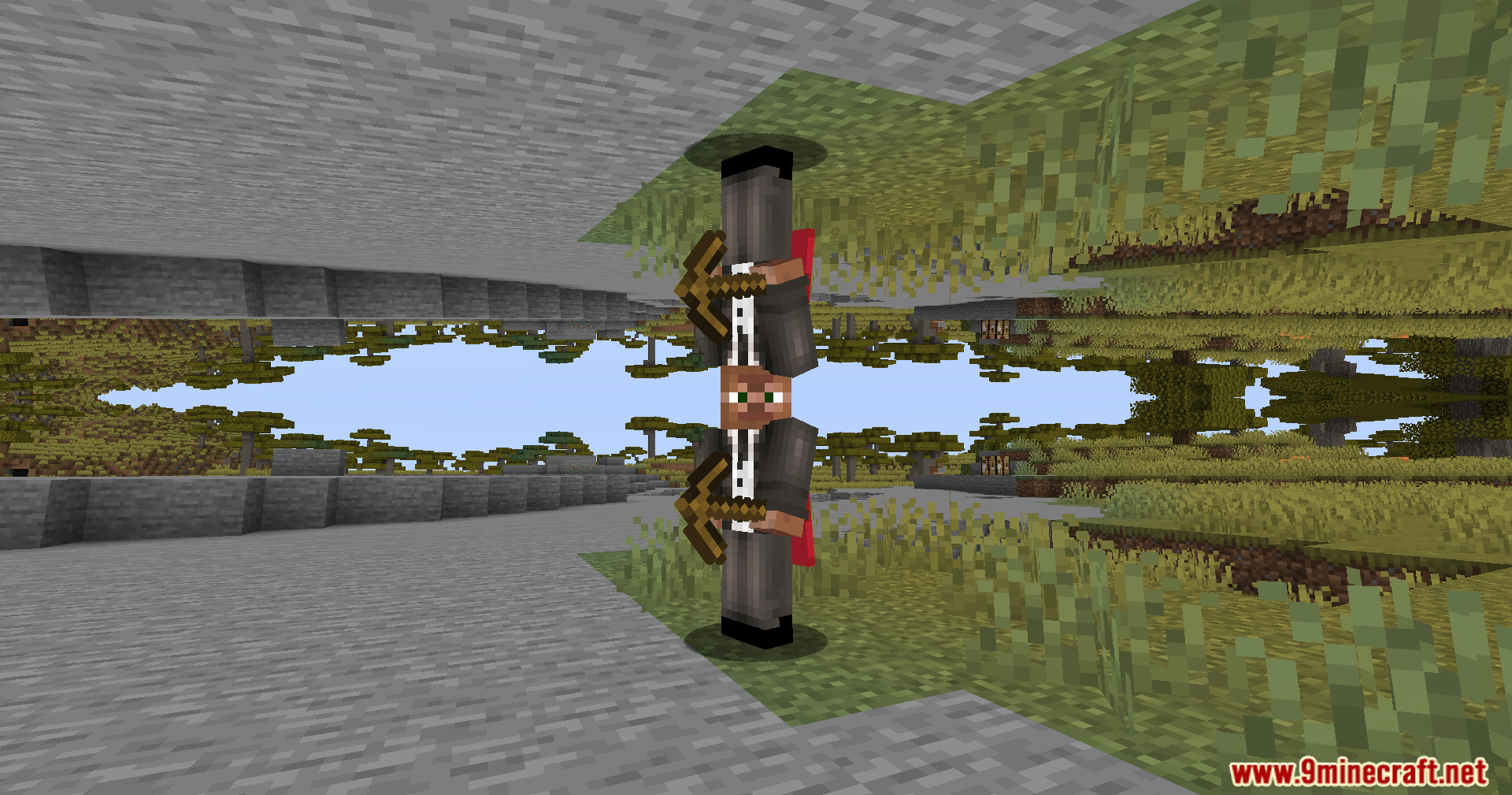
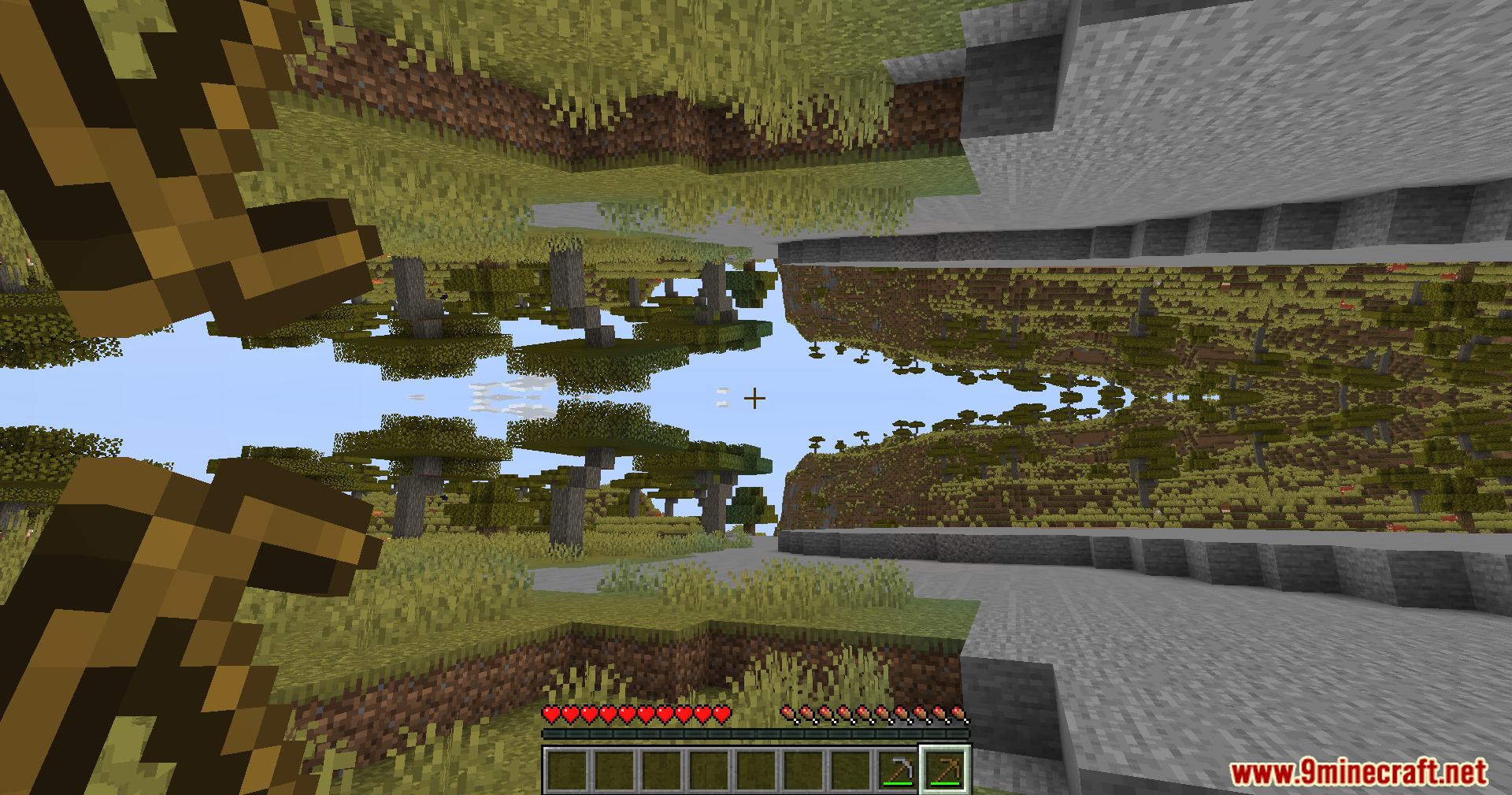
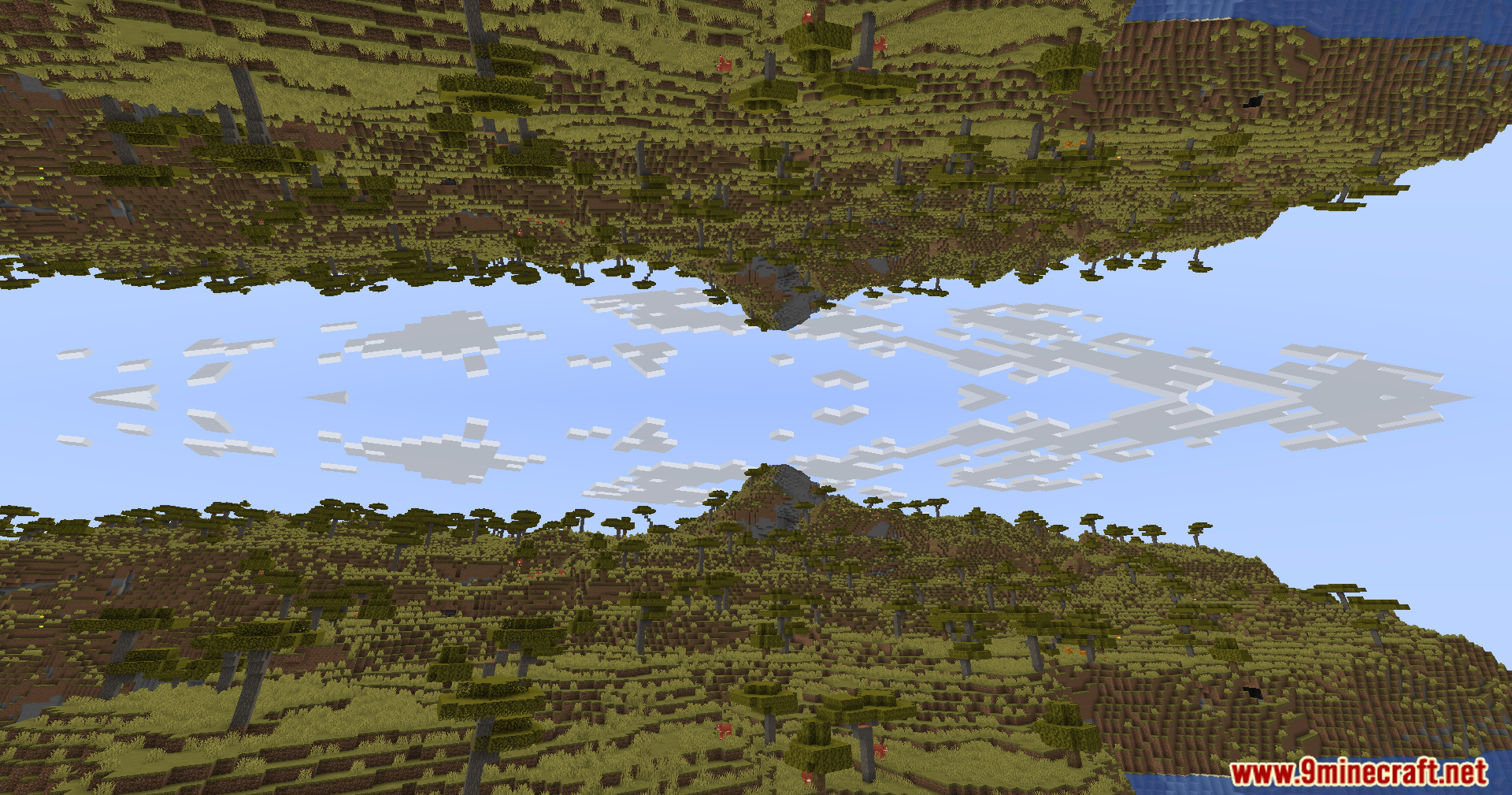
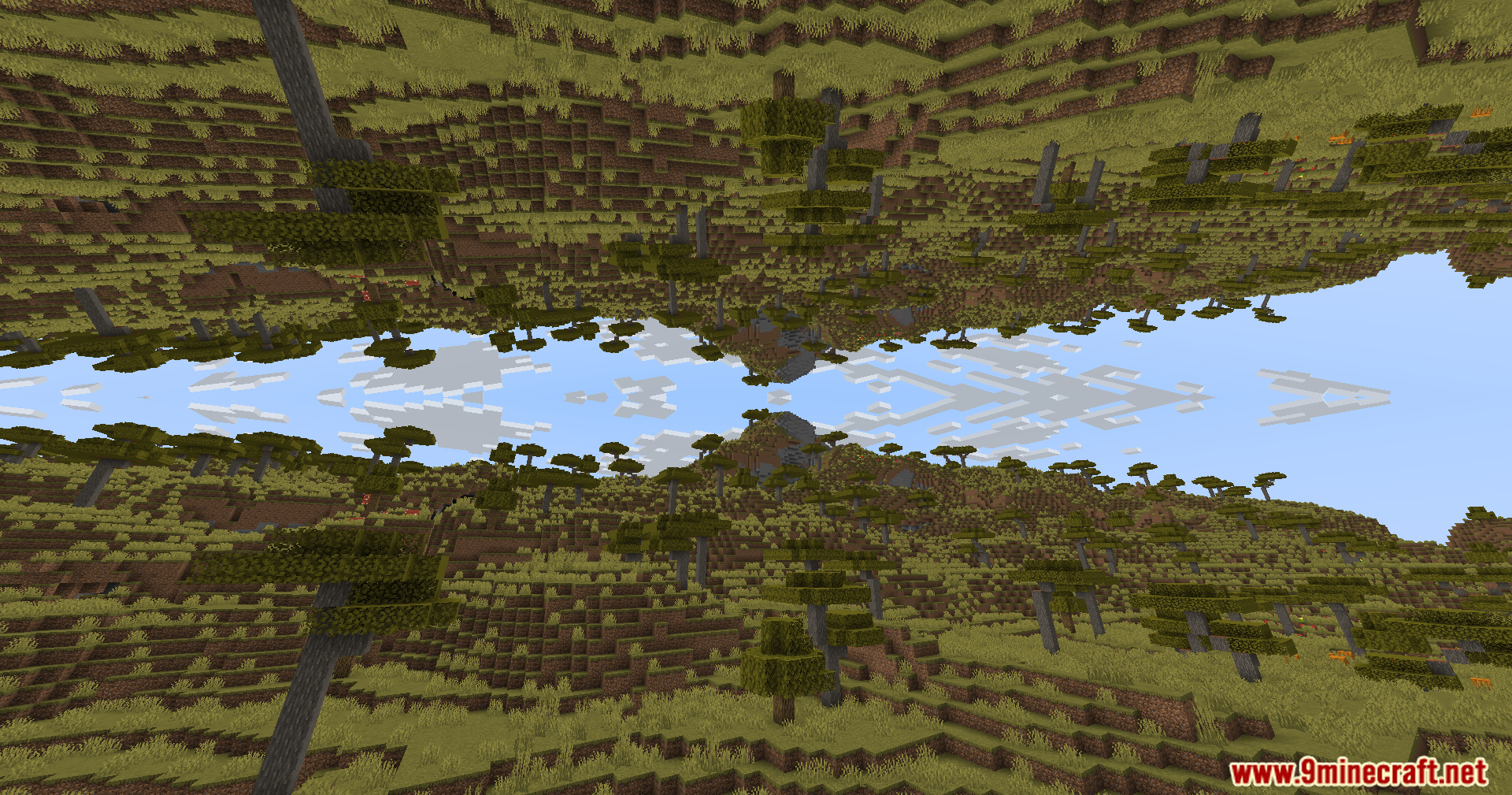
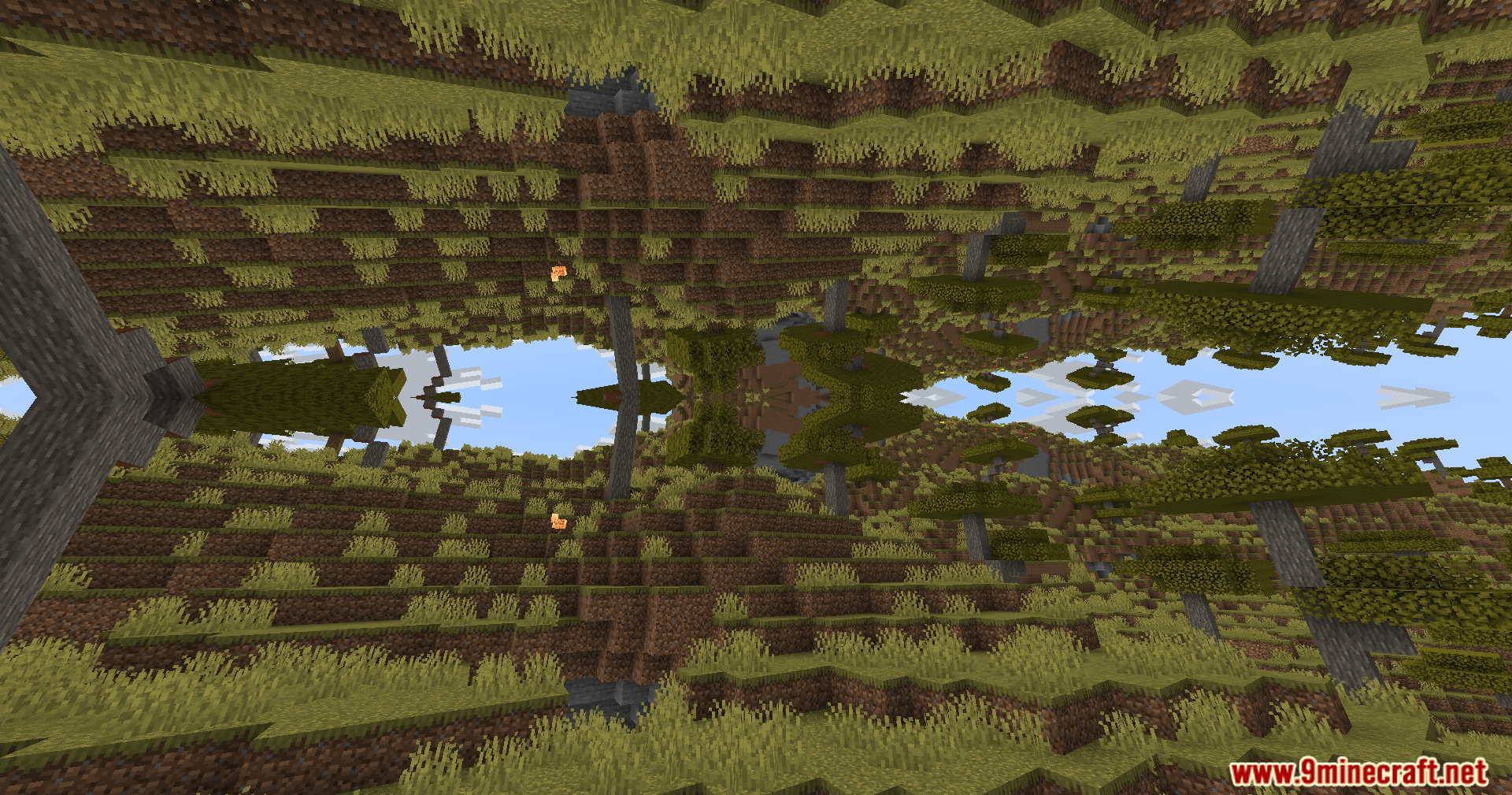
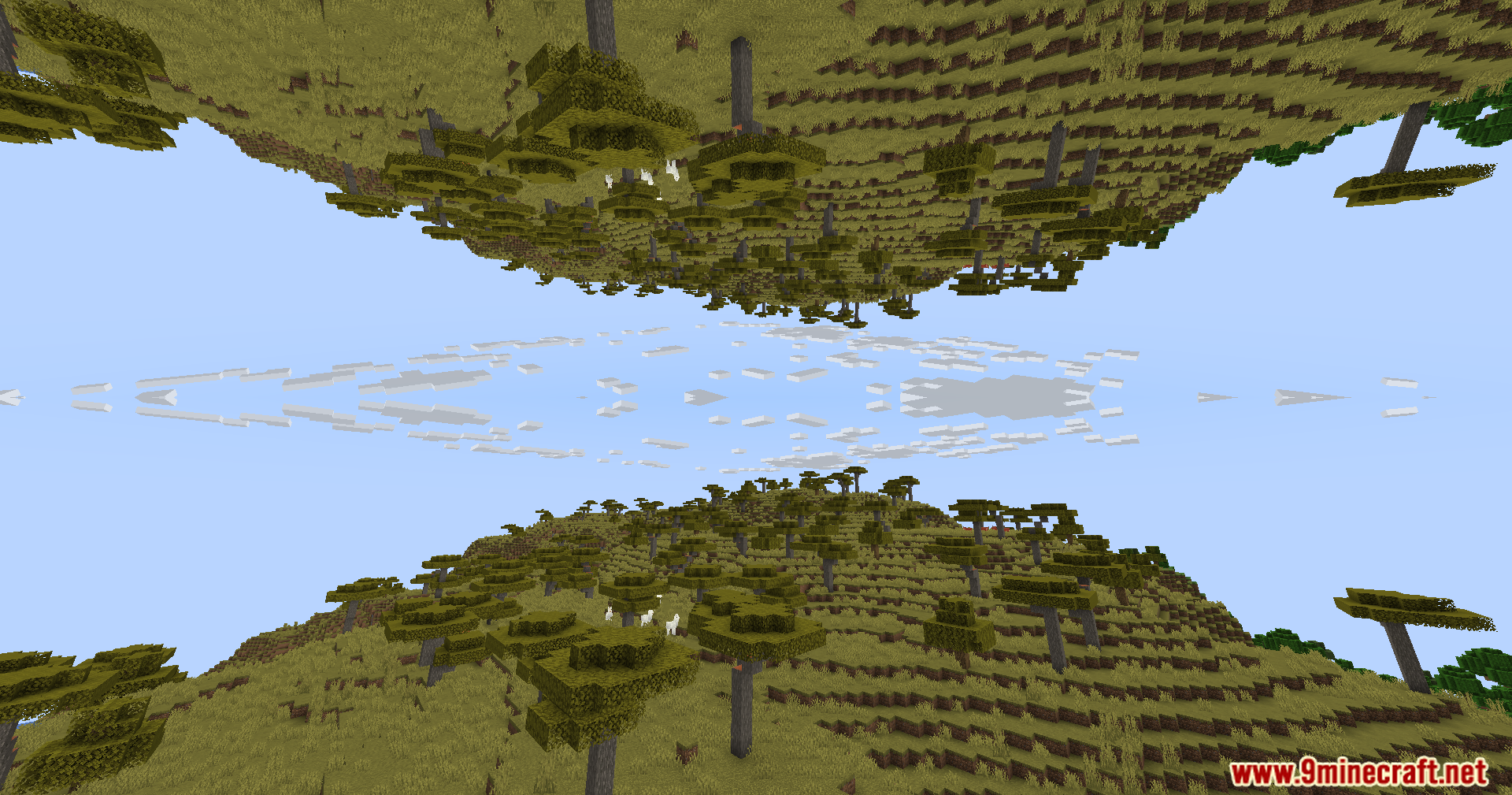
Screen Mirror Shaders lets you change the game view by flipping the screen horizontally, vertically, or both at the same time. This shader pack gives you full control to create unique visual effects, artistic screenshots, or a fully mirrored world. Only the visuals are flipped, so player controls and UI remain completely normal during gameplay.
Features:
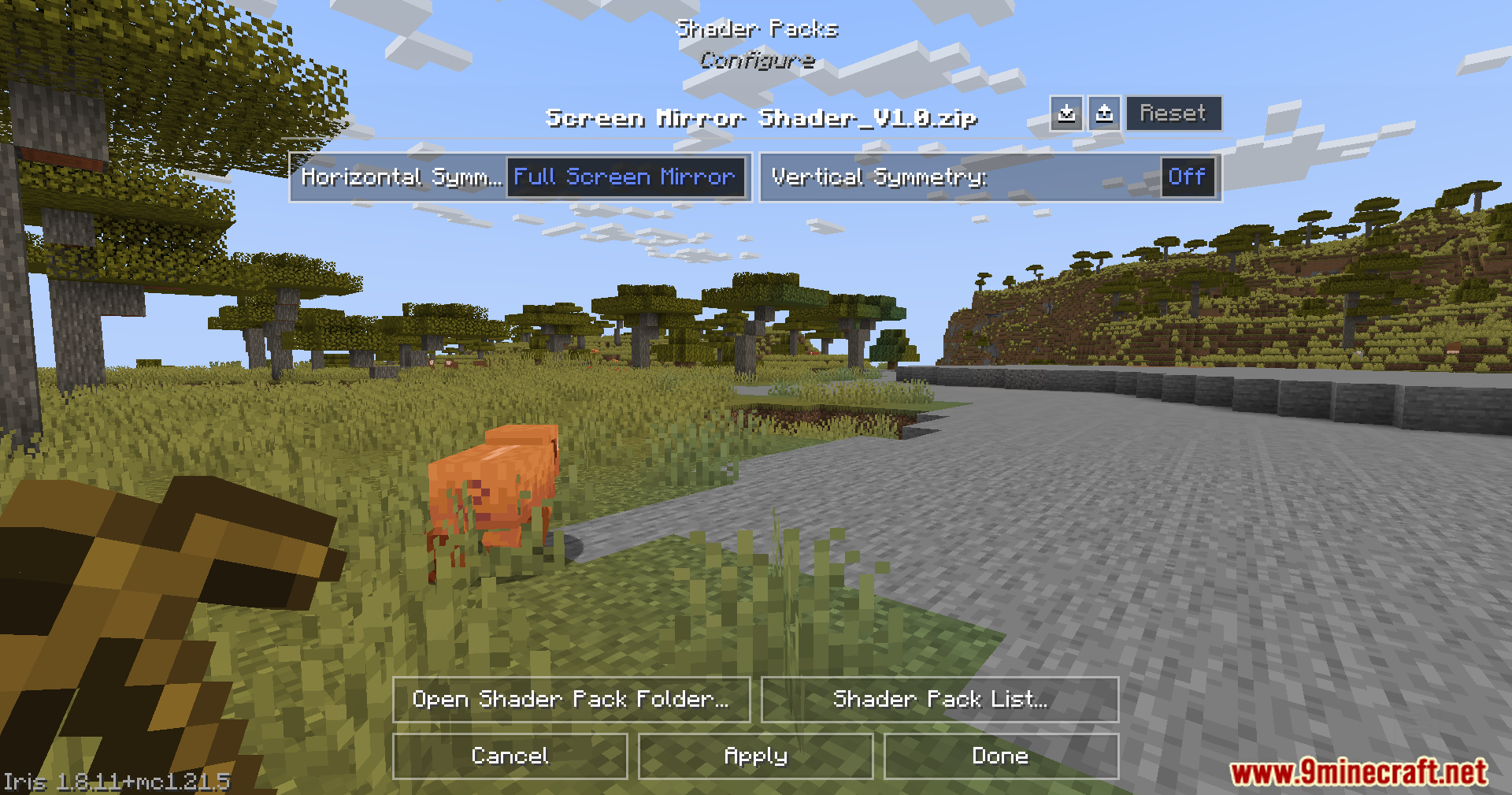
- Horizontal Symmetry: Mirrors the game screen from right to left or across the center axis.
- Vertical Symmetry: Mirrors the screen from bottom to top or across the center axis.
- Combines both horizontal and vertical mirror modes freely for experimental and unique visuals.
- Keeps player controls and user interface normal so movement does not reverse.
How to Use:
- Install Iris or OptiFine.
- Place the shader pack into your shaderpacks folder.
- Launch Minecraft and select the shader pack in the options menu.
- Open the shader options to adjust symmetry settings to your preference.
Screenshots:
How to Install:
New to Minecraft? Follow our step-by-step guide to install Shaders on your PC.View Guide
Screen Mirror Shaders Download Links
Click to rate this post!
[Total: 3 Average: 4.7]
You May Also Like
Picked for this page
 E-LITE Shaders (26.3, 1.20.1) – Fast Style Switching And Adjustable Graphics Features
 Luminara Lite Shaders (26.3, 1.20.1) – Smart Shadows for Low-End PCs
 Trailer Shaders (26.3, 1.20.1) – High FPS Bloom and Custom RGB
 Night Vision Fix Shaders (26.3, 1.20.1) – Night Vision Lighting Restoration
 Kute Shaders (26.3, 1.20.1) – Gentle Lighting And Dreamy Atmosphere
 Tuvefe Aura Warp Liminal Shaders (26.3, 1.20.1) – Noise-Based World Distortion
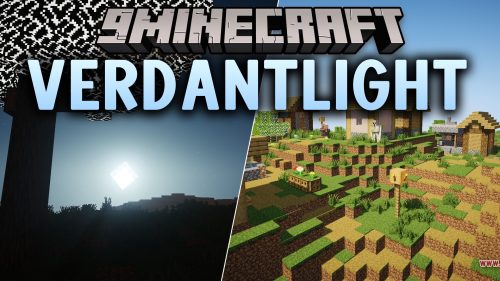 VerdantLight Shaders (26.3, 1.20.1) – Path-Traced Shadows for Low-End PCs
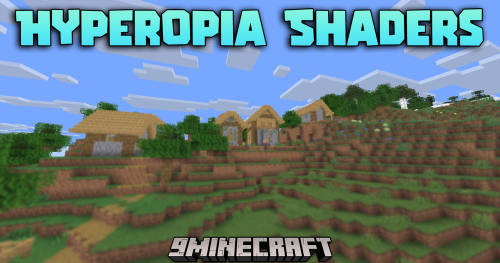 Hyperopia Shaders (26.3, 1.20.1) – Reversed Depth Of Field With Blurry
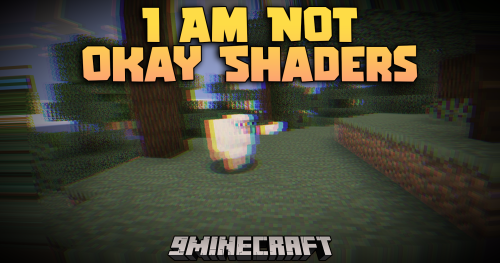 I Am Not Okay Shaders (26.3, 1.20.1) – Dizzying Camera Warp And Color Splitting
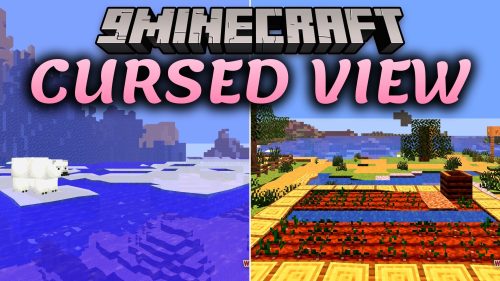 Cursed View Shaders (26.3, 1.20.1) – Screen Distortion and Warped Perspective
 Datamosh Shaders (26.3, 1.20.1) – Glitchy Video Artifacts And Smeared Frames
 NMS Normal Map Shaders (26.3, 1.20.1) – Colorful Technical Normal Map View
Most viewed in Shaders over the last 7 days
 OptiFine HD (26.3, 1.20.1) – Run Faster, FPS Boost, Shaders Support
 IterationRP Shaders (26.3, 1.20.1) – Most Realistic Shaders of All Time
 Derivative Shaders (26.3, 1.20.1) – Best Ultra Realistic
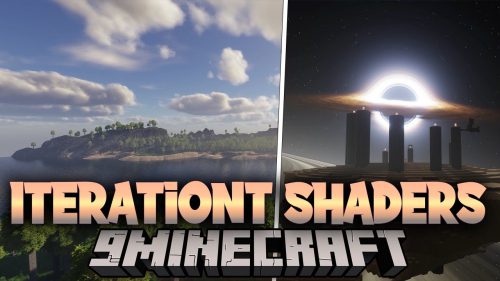 IterationT Shaders (26.3, 1.20.1) – The Best Realistic Graphics in 2025
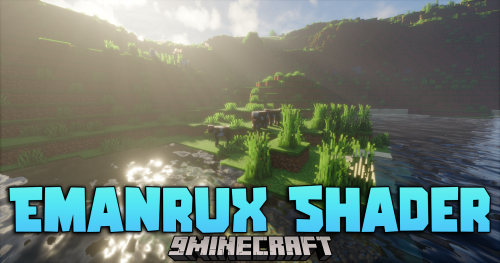 Emanrux Shaders (26.3, 1.20.1) – Adds Realistic Skies And Reflections
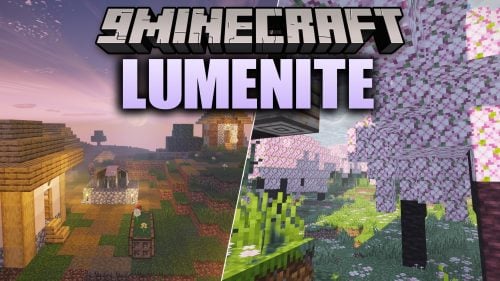 Lumenite Shaders (26.3, 1.20.1) – Colored Blocklight with Cascaded Shadows
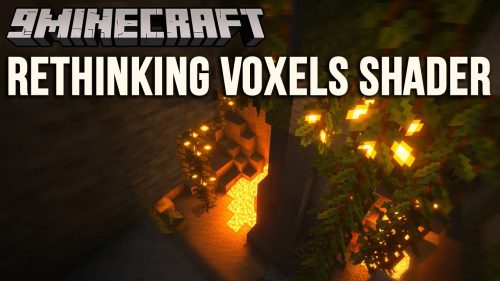 Rethinking Voxels Shaders (26.3, 1.20.1) – Coloured Lights, Sharp Shadows
 Shadow Only Shaders (26.3, 1.20.1) – Dynamic Shadows Shaderpack
 SEUS Renewed Shaders (26.3, 1.20.1) – Best Minecraft Shaders
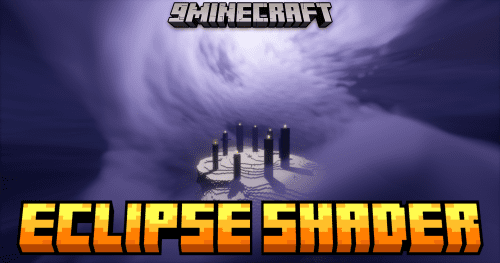 Eclipse Shaders (26.3, 1.20.1) – Advanced Sky And Environmental Effects
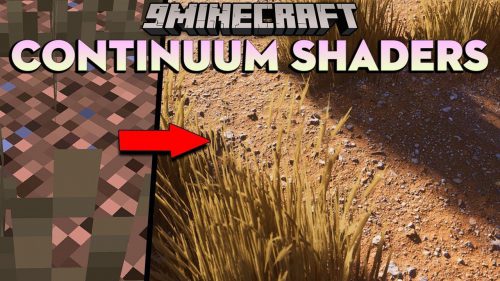 Continuum Shaders (26.3, 1.20.1) – Realistic Textures, Ultra Graphics
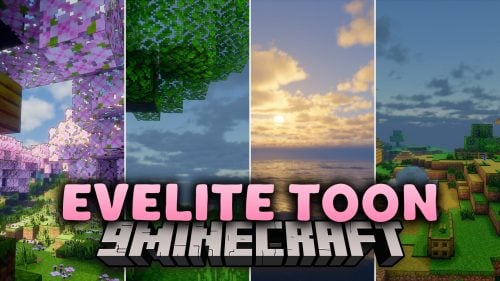 Evelite Toon Shaders (26.3, 1.20.1) – Anime Visuals with Realistic Shading
More from Shaders
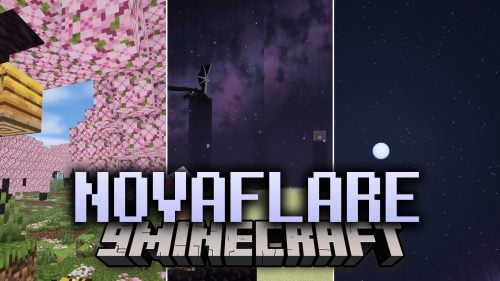 NOVAFLARE Shaders (26.3, 1.20.1) – Cinematic Lighting with PBR Relief
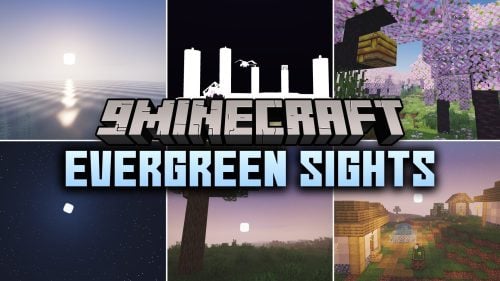 Evergreen Sights Shaders (26.3, 1.20.1) – Soft Shadows and Smooth Reflections
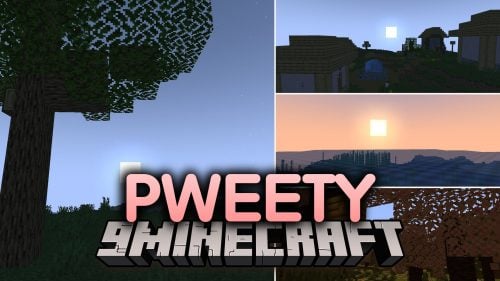 Pweety Shaders (26.3, 1.20.1) – Clean Water Reflections with Low GPU Cost
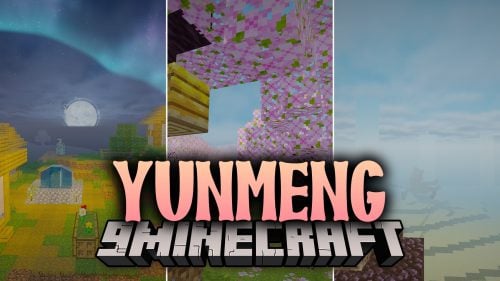 YunMeng Shaders (26.3, 1.20.1) – Traditional Guofeng Ink Wash Shading
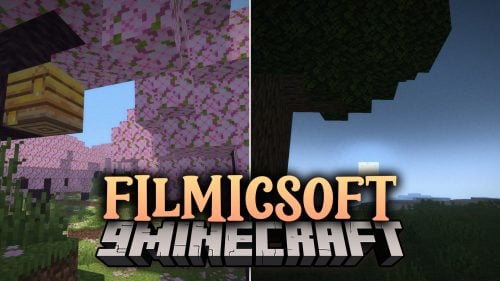 Filmicsoft Shaders (26.3, 1.20.1) – Cinematic Lighting for Low-End PCs
 PlusM1 Shaders (26.3, 1.20.1) – Colored Lighting with Soft Terrain Shadows
 SMOOTHLITE Shaders (26.3, 1.20.1) – Clean Lighting for Low-End PCs
 Adi Core Shaders (26.3, 1.20.1) – Soft Shadows and Colored Lighting
 UltimateFusionShaders (26.3, 1.20.1) – Crisp Water Reflections and Shadows
 Windswept Fantasy Shaders (26.3, 1.20.1) – Color Grading for Low-End PCs
 IttaPROcraft ULTIMATE Shaders (26.3, 1.20.1) – Realistic Water and Soft Shadows
 Aetheris Medium Shaders (26.3, 1.20.1) – Realistic Water and Sun Shadows

This post has no comments yet. Be the first — your comment will appear here.