
Simple Revive Data Pack (26.3, 1.21.1) – Sneak Near Downed Friends
 0
 0

Simple Revive Data Pack gives players a second chance by putting them into a downed state instead of dying right away. Teammates can run over and sneak near a fallen friend to bring them back into the fight. This data pack works well for multiplayer survival servers and includes an in-game menu to adjust settings or fix errors. It also works alongside the Vanilla Tweaks Graves system, though it clashes with anything that needs the Immediate Respawn gamerule turned off.
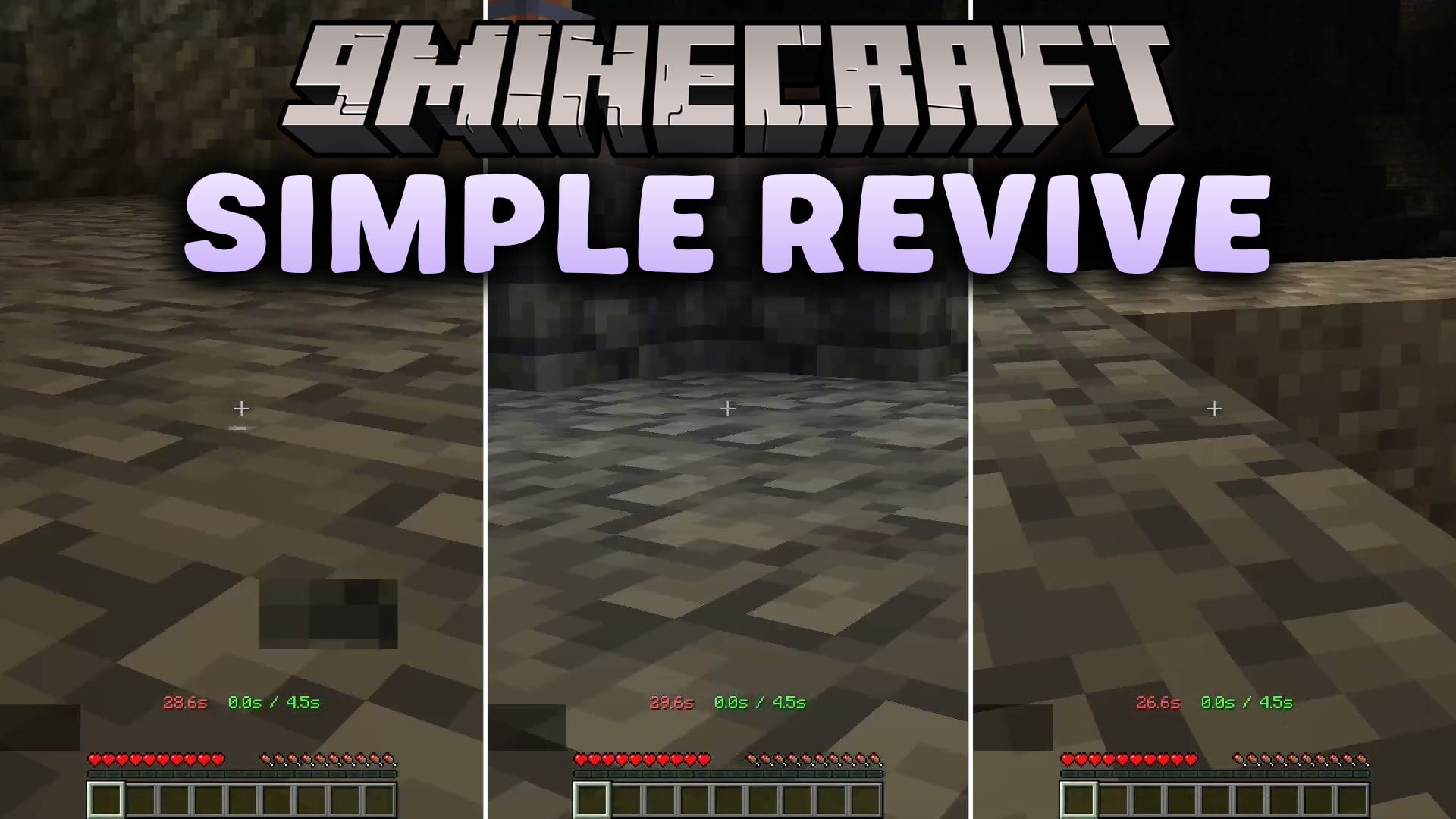
Features:
- Downed State: Players fall down instead of dying immediately when their health runs out.
- Sneak to Revive: Other players can rescue a downed friend simply by sneaking next to them.
- Includes an in-game admin menu so server owners can change settings without leaving the world.
- Lets admins disable the downed mechanic for specific players by giving them the
simplerevive.custom_disabletag. - Works alongside the Vanilla Tweaks Graves data pack without losing items.
- Conflicts with any mechanic that requires the Immediate Respawn gamerule to be turned off, and may also run into issues with the EssentialsX plugin.
Commands:
/function simplerevive:admin/config: Opens the in-game settings menu./function simplerevive:admin/reset_config: Resets all settings back to default if something breaks./reload: Reloads the data pack to help fix common glitches.
How to Use:
- When a teammate takes fatal damage and gets downed, walk over to their character.
- Hold your Sneak key next to the downed player until they get back up.
- Type
/function simplerevive:admin/configin the chat to open the settings menu. - Give a player the
simplerevive.custom_disabletag if you want them to die normally instead of getting downed. - If the revive mechanic stops working, run
/reloador/function simplerevive:admin/reset_configto repair it.
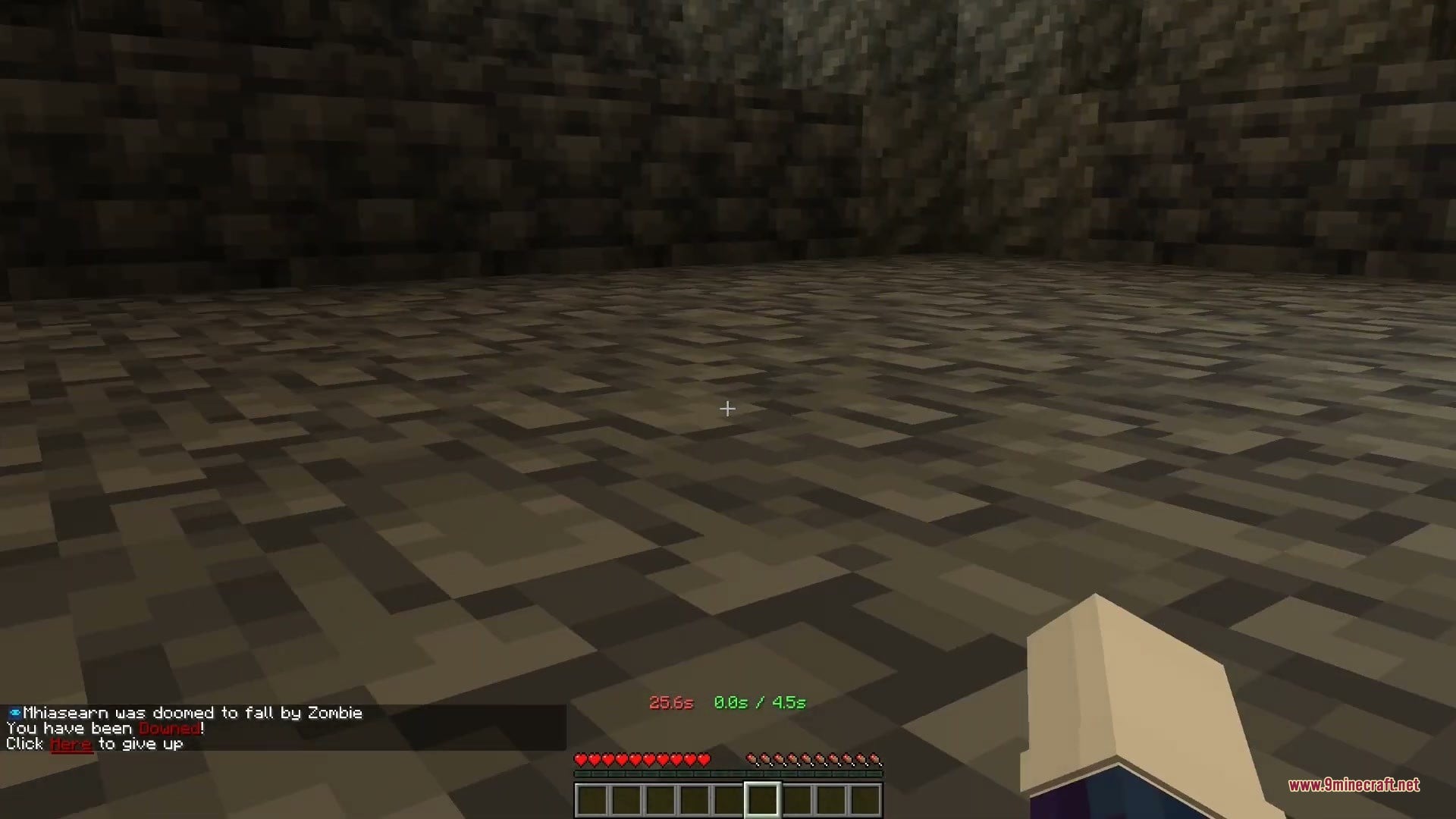
Screenshots:


How to Install:
New to Minecraft? Follow our step-by-step guide to install Data Packs on your PC.View Guide
Simple Revive Data Pack Download Links
For Minecraft
26.3,
26.2,
26.1.2
All Versions Covered
26.3
26.2
26.1.2
26.1.1
26.1
1.21.11
1.21.10
1.21.9
1.21.1
1.21
All Versions Covered
26.3
26.2
26.1.2
26.1.1
26.1
1.21.11
1.21.10
1.21.9
1.21.1
1.21
Click to rate this post!
[Total: 0 Average: 0]
You May Also Like
Picked for this page
 Vanilla Refresh Data Pack (26.3, 1.20.1) – Handy Habits for Everyday Survival
 Colorful Trims Data Pack (26.3, 1.20.1) – Dye Armor Trims Any Color
 No Enderman Grief Data Pack (26.3, 1.20.1) – Stop Endermen From Stealing Blocks
 Void Totem Data Pack (26.3, 1.21.1) – Float Back to Safety From the Void
 Falling Tree Enchantments Data Pack (26.3, 1.21.1) – Fell Whole Trees
 Blazeand Cave’s Advancements Pack Hardcore Version Data Pack (26.3, 1.20.1)
 Waterfall Particles Data Pack (26.3, 1.20.1) – Splashing Water Mist
 TNT Damage Booster Data Pack (26.3, 1.21.1) – Deadlier Explosions
 Better Days Display Data Pack (26.3, 1.21.1) – Track Your Survival Days
 Legacy Mechanics Data Pack (26.1.2, 1.21.1) – Craft Enchanted Golden Apples
 Localized Fishing Tables Data Pack (26.3, 1.20.1) – Catch Rare Treasures
 Designer Pack Creative World Data Pack (26.2, 1.20.1)
Most viewed in Data Packs over the last 7 days
 Faster Happy Ghast FHG Data Pack (26.3) – Sprint Across the Sky on Your Ghast
 Cobblemon Fail Skins Data Pack (1.21.1, 1.20.1) – Dress Your Team As Anime
 Profet’s Timber Data Pack (26.3, 1.21.1) – Chop One Log to Fell Whole Cartoon
 Unlimited Enchantments Data Pack (26.3, 1.21.1) – Push Every Power to Level 255
 From The Fog 9minecraft Data Pack (26.3, 26.2) – Herobrine Stalks Your Survival World
 Blaze Attack Animation Data Pack (26.3, 1.20.1) – Fireballs Appear One
 TreeCapitator Data Pack (26.1.2, 1.20.1) – Chop Down Entire Trees
 Cheaper Golden Apple Recipe Data Pack (26.3, 1.20.1) – Golden Apples for Every
 World Generator Ocean Only Water World Data Pack (26.3, 1.21.1)
 Minecraft But Villager Trades Are OP Data Pack (1.19.3, 1.18.2)
 Shingeki No Craft Data Pack (1.21.8, 1.21.1) – Attack On Titan In Minecraft
 Lithosphere Data Pack (26.3, 1.20.1) – Journey Across Vast Continents
More from Data Packs
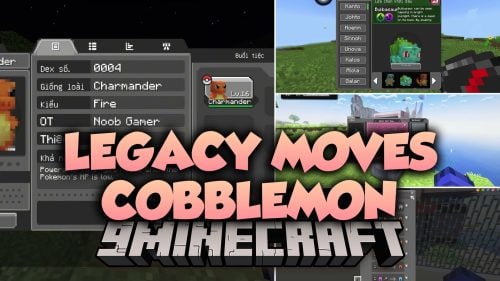 Legacy Moves Cobblemon Data Pack (1.21.1) – Teach Your Pokémon
 Snowy Biomes Enhanced Data Pack (26.3, 1.20.1) – White Tree Leaves and Smooth
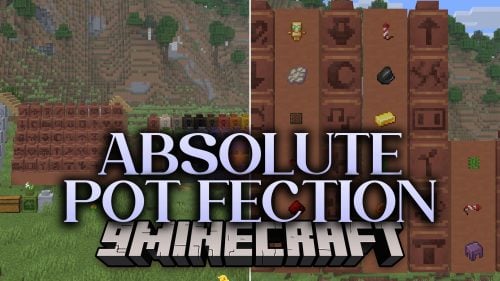 Absolute Pot Fection Data Pack (26.2, 26.1.2) – Stamp, Paint, and Bake Clay
 Smelt Gravel for Flint Data Pack (26.2, 1.20.1) – Guaranteed Drops Straight
 Player Death Count Data Pack (26.3, 1.20.1) – Track Every Death Right
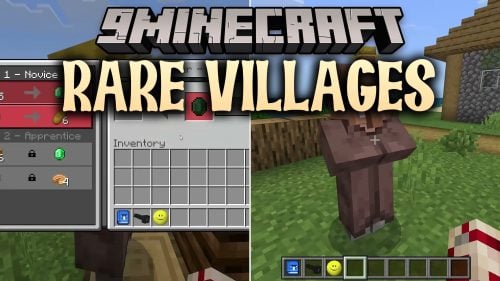 Rare Villages Data Pack (26.3, 1.21.1) – Long Treks Make Every Village Worth
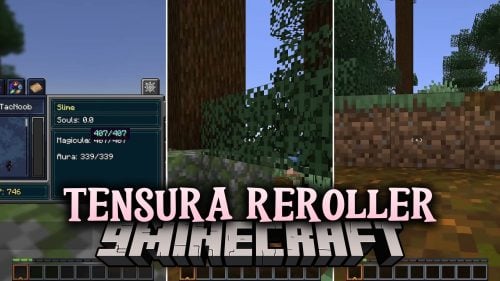 Tensura Reroller Data Pack (1.21.1) – Reroll Your Unique Skill Until It Fits You
 Tables & Chairs 2 Data Pack (26.3, 1.21.11) – Sit Anywhere and Decorate
 NTM Interiors AIT Data Pack (1.20.1) – Pick a New Room for Your TARDIS Each Trip
 Infinilib Data Pack (1.21.10) – Core Shared Foundation for All
 Cobblemon Frostbite Data Pack (1.21.1) – Never Lose Turns to Frozen Pokemon
 Saddle Arrows Data Pack (1.21.11, 1.21.1) – Shoot Yourself Across the Sky

This post has no comments yet. Be the first — your comment will appear here.