


Siren Mod 1.7.10 (Fire Alarm, Nuclear Siren, Speaker)
 8,245
8,245
 0
0

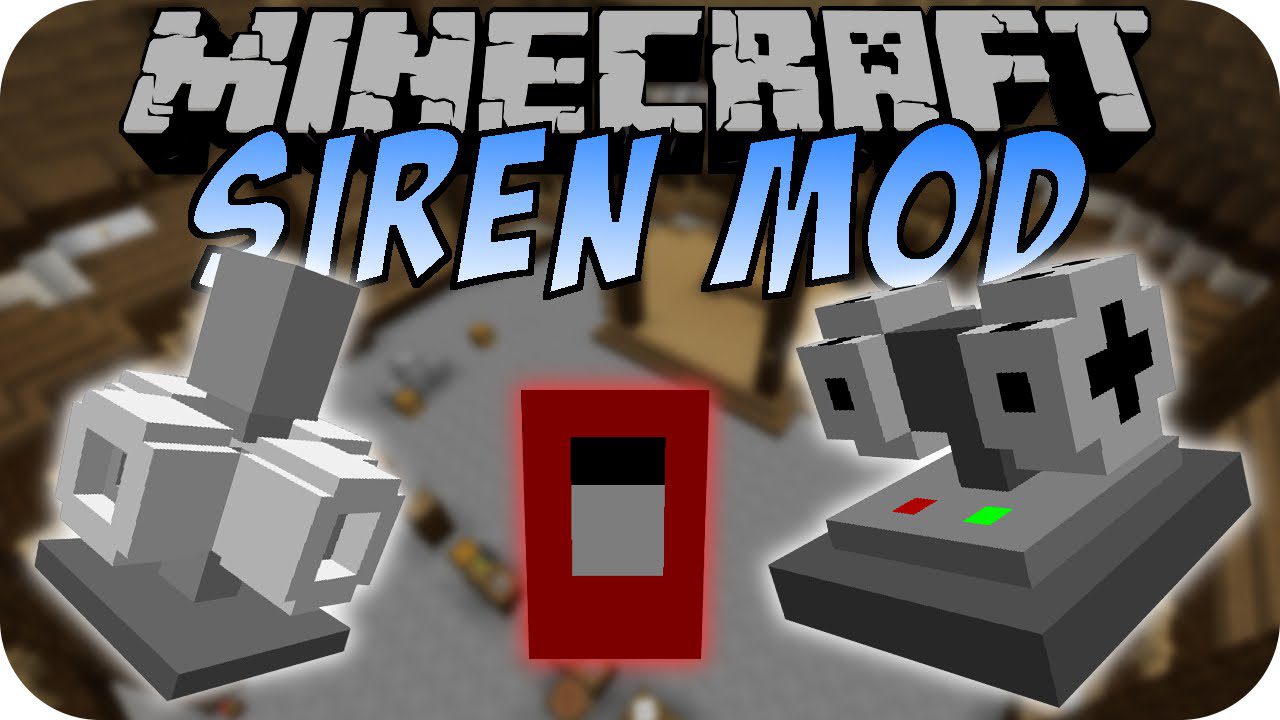
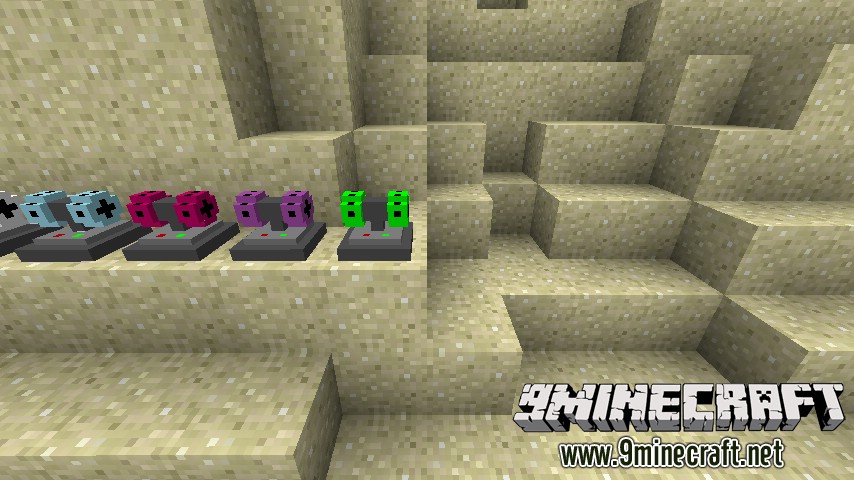
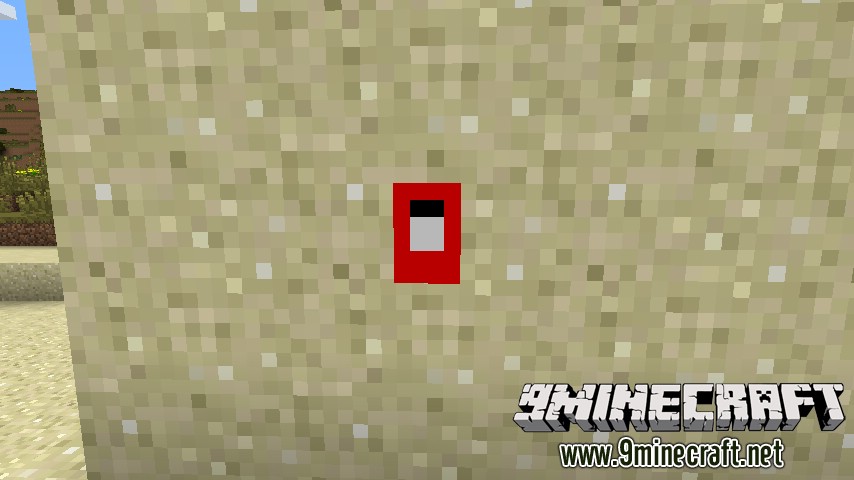
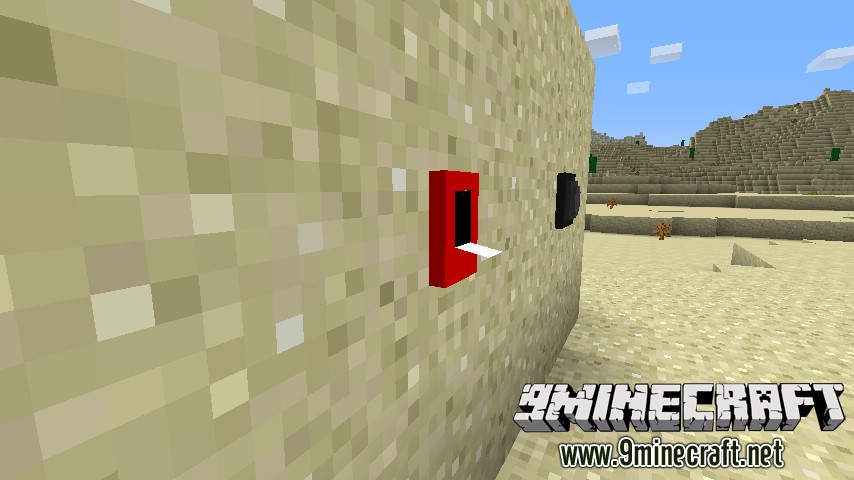
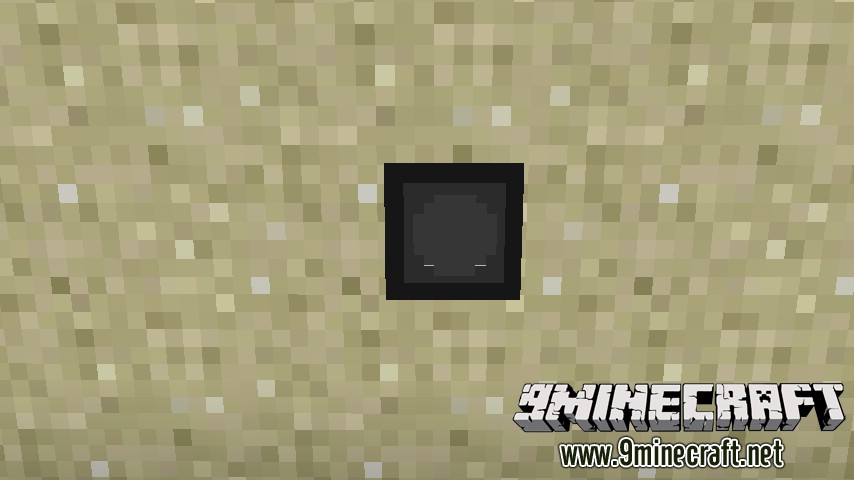
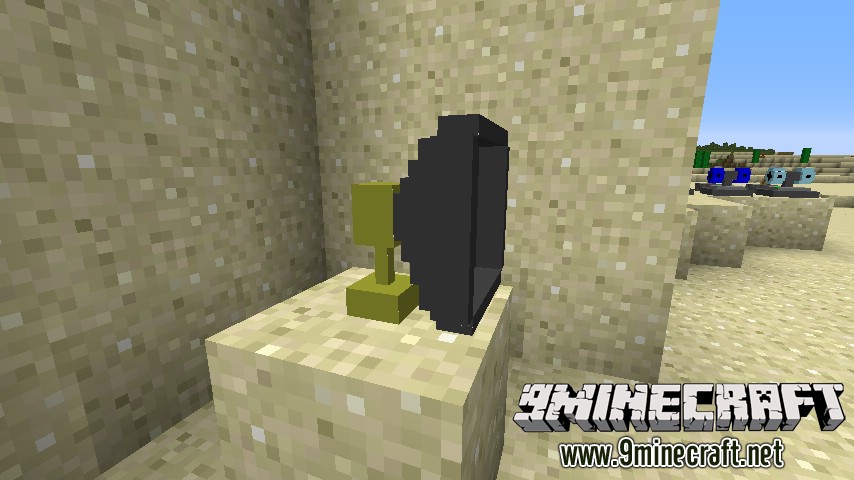
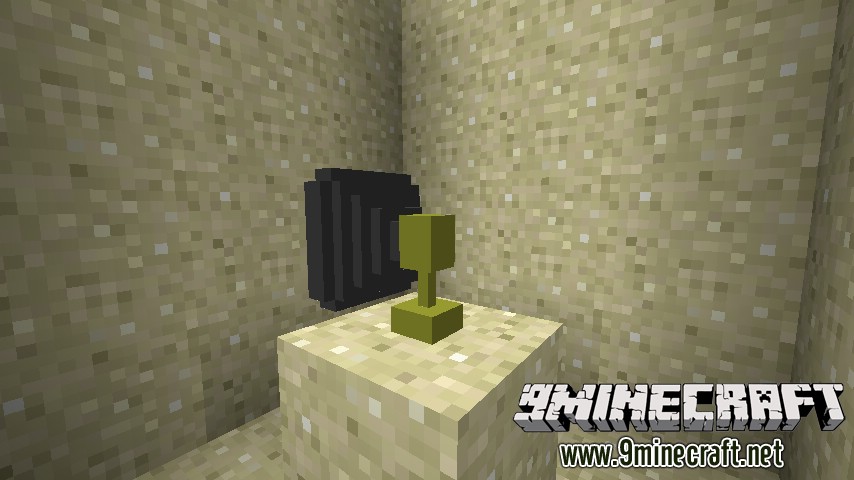
Siren Mod 1.7.10 adds Sirens to Minecraft. Just place down a siren and power it with a redstone current. The sound will play once and then stop. The further you go from the siren, the quieter it gets, so take this into account when planning the layout of your sirens.
Screenshots:
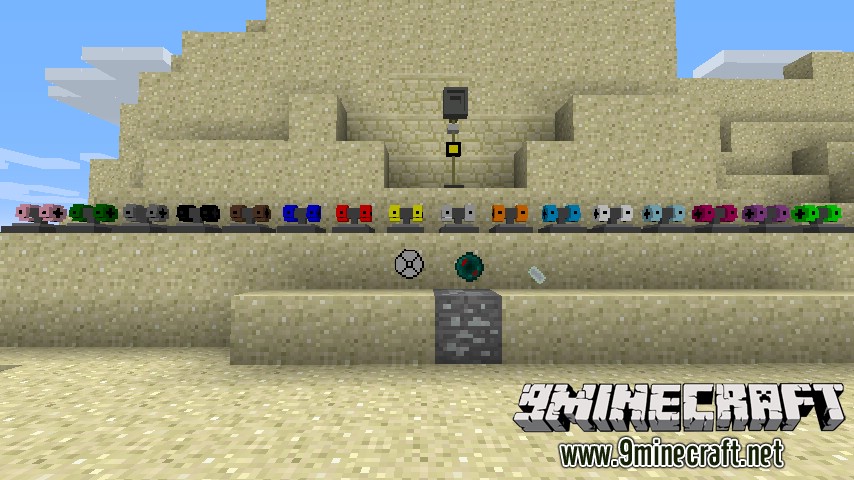
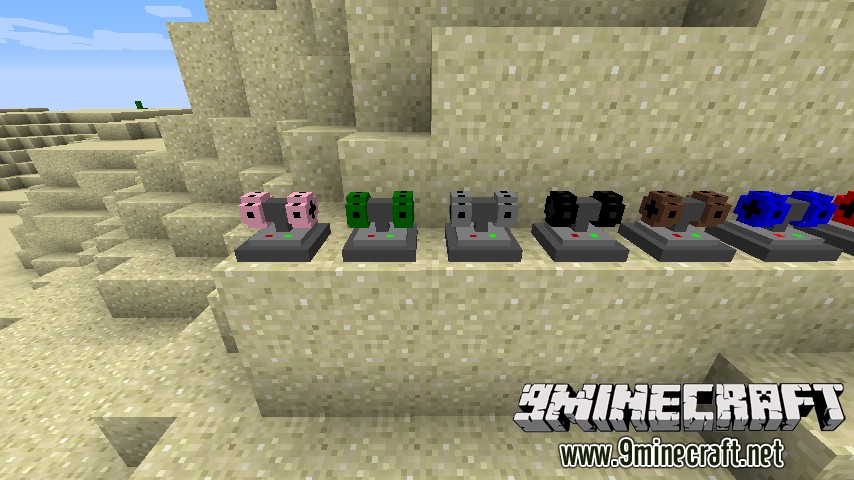
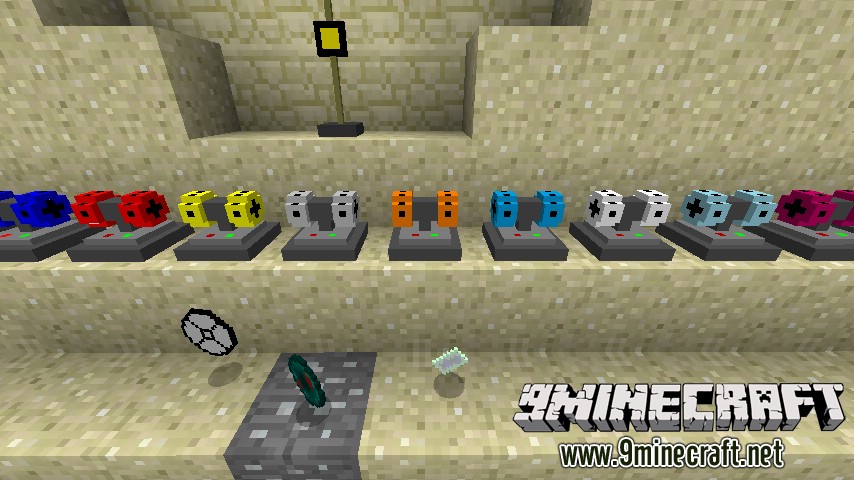
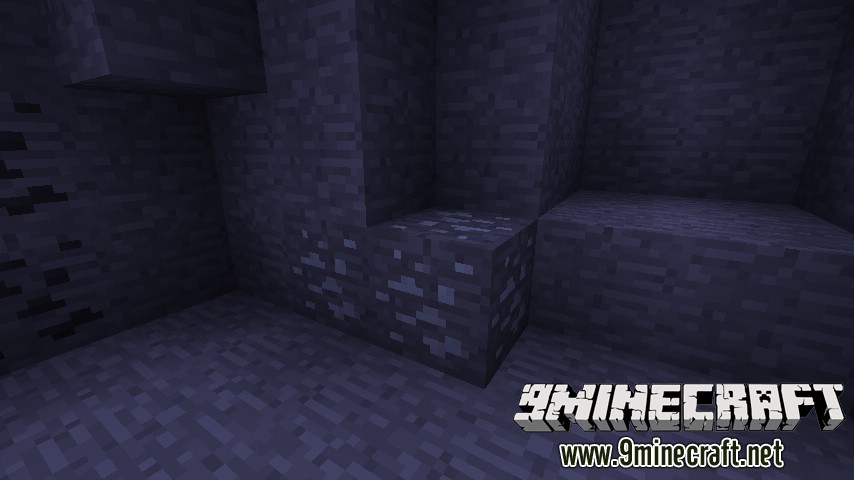
Silicon Ore spawns at around Y = 20 and will drop 3-6 silicon shards when broken with a wooden pickaxe or better.
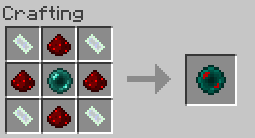
Crafting Recipes:
Integrated Circuit:
Speaker:
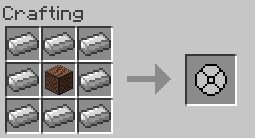
General Siren:
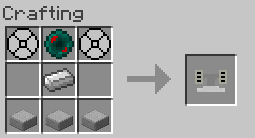
Nuclear Siren:
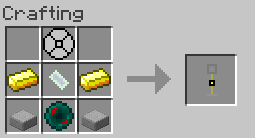
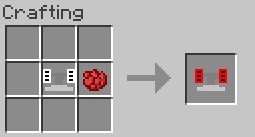
You can change the colour of a white general siren by placing in the crafting grid with any dye. Example:
Just place down a siren and power it with a redstone current. The sound will play once and then stop. The further you go from the siren, the quieter it gets, so take this into account when planning the layout of your sirens.
How to Install:
New to Minecraft? Follow our step-by-step guide to install Mods on your PC.View Guide
Siren Mod 1.7.10 Download Links
For Minecraft 1.7.2
For Minecraft 1.7.10
You May Also Like

















This post has no comments yet. Be the first — your comment will appear here.