
Skeleton Statue Schematic (1.20.x) – Small Skeleton Statue For Marking Spawners

 0


Skeleton Statue Schematic gives you a cool way to mark important spots in your world. This build is a small skeleton figure that stands out from far away. You can place it near your mob farms or skeleton spawners so you never lose them again. The design uses only normal blocks, so you do not need any extra mods to build it.
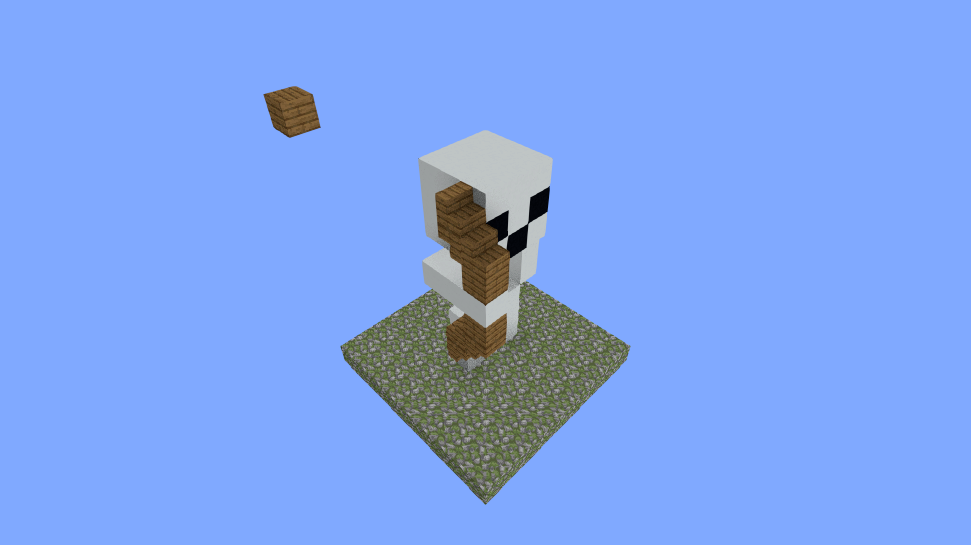
3D Preview & Editor:
Materials
5 types · 135 blocks
| Mossy Cobblestone | 81 | White Concrete | 42 | Spruce Stairs | 6 | |||
| Spruce Planks | 3 | Black Concrete | 3 | |||||
How to place this schematic
.litematic This is a Litematica schematic. You place it with the Litematica mod, which shows the build as a ghost overlay you fill in.
| 1 | Install Litematica (plus MaLiLib) for your Minecraft version. |
| 2 | Put the .litematic file in .minecraft/schematics. |
| 3 | In game press M → Load Schematics, pick the file, then Load. |
| 4 | Position the ghost preview, then build it by hand — or turn on Easy Place to place blocks straight from your hotbar. |
Features:
- Helps you spot your mob spawners or farms from a long distance.
- Fits easily into tight spaces because it is only 9 blocks wide, 12 blocks tall, and 9 blocks deep.
- Takes exactly 135 normal blocks, so it is cheap and fast to build in survival mode.
- Looks like a classic Minecraft skeleton to match the theme of your monster farms.
- Works great in vanilla worlds without needing any special block add-ons.
- Comes as a Litematic file so you can load the shape right into your game.
Schematic Specs:
 Minecraft1.20.x
 Dimensions9×12×9
 Total Blocks135
Skeleton Statue Schematic Download Links
For Minecraft 1.20.x
Click to rate this post!
[Total: 0 Average: 0]
You May Also Like
Picked for this page
 Pokémon Temple Arena Japanese Litematica Schematic (1.21.x) – Large Asian Fortress With Fighting Rin
 Konsts Tnt Minecart Crafter Schematic (1.12.x) – Automated TNT Minecart Crafting Farm Build
 Damocless Code Geass Schematic (1.21.x) – Floating City Build From Code Geass
 Multi Level Sugarcane Farm Schematic (1.20.x) – Simple Survival Friendly Crop Farm Build
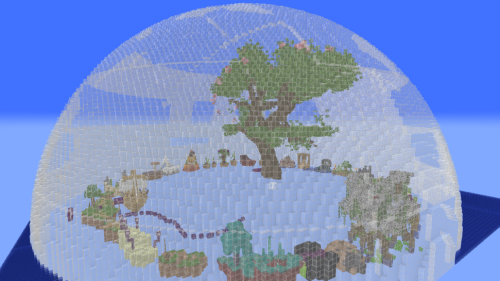 Dome Schematic (1.20.x) – Giant Glass Sphere With Floating Biome Islands
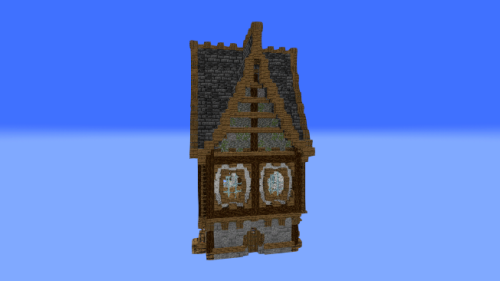 Medieval House 2 from Abfielder Schematic (1.20.x) – Classic Vanilla Home Blueprint For Your World
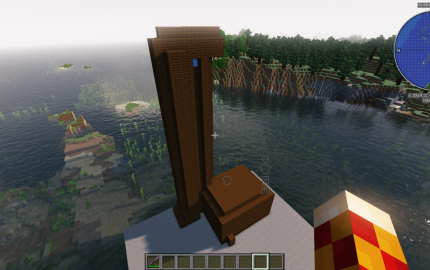 Twenture Emerald Spawner Farm Schematic (1.21.x) – Double Vindicator Spawner Emerald Farm Layout
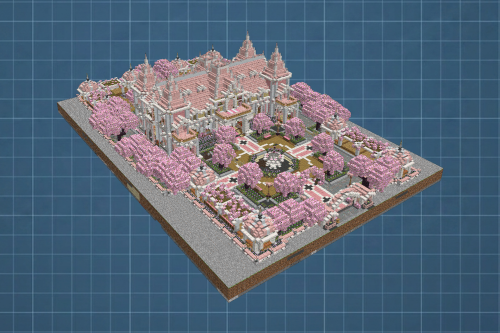 Cherry Blossom Manor 3 Schematic (1.20.x) – Large Vanilla Mansion Build For Your World
 Minimal Medieval House Schematic (1.20.x) – A Simple Medieval Home For Your World
 Colorful Ferris Wheel Schematic (1.20.x) – Tall Amusement Park Ride For Survival
 Vw Passat Variant R Line Schematic (1.21.x) – Build A Modern Car In Your World
 Japanese Detached House After Renovation Schematic (1.21.x) – Large Detailed House Build For Your World
Most viewed in Schematics over the last 7 days
 Fastest Bonemeal Farm Donut Smp Schematic (1.21.x) – Fast Redstone Bonemeal Farm Build
 64 Module Cobblestone Farm Schematic (1.21.x) – Massive Automated Stone Gathering Build
 KelpFarmV9.9 Schematic (1.21.x) – Compact And Simple Seaweed Farm Build
 Gold Farm Schematic (1.21.x) – Automatic Nether Roof Gold Farm
 Villager Trading Hall Schematic (1.21.x) – Modern Shop Build For 48 Villagers
 Bamboo Farm Schematic (1.21.x) – Small Automated Redstone Bamboo Farm
 Best Railgun Tp Trap on Donutsmp Schematic (1.21.x) – Unescapable Multiplayer Redstone Trap Build
 Minutes End Base Before Spoke Null End Video Schematic (1.21.x) – Giant Unstable SMP End Base Schema
 36 Module Cobble Farm 18m per Hour Donut SMP Schematic (1.21.x) – Massive Automated Stone Generator
 Bamboss V2 800k Bamboo per Hour Schematic (1.21.x) – High Speed Automated Bamboo Farm Schematic
 Donut Smp Stash and Regear Schematic (1.21.x) – Large Storage And Regear Room Build
 Cobble Farm 50m per Hour Donut SMP Schematic – High Yield Cobblestone Generator Build
More from Schematics
 Pirate House 5 Schematic (1.21.x) – Cozy Tropical Beach House Schematic Build
 Medieval Bank Schematic (1.21.x) – Grand Medieval Bank for Roleplay Worlds
 Cozy Small Medieval House Schematic (1.21.x) – Beautiful Medieval Starter Home For Your World
 Dragon Red 3d Schematic (1.21.x) – Large Red Dragon Build For RPG Worlds
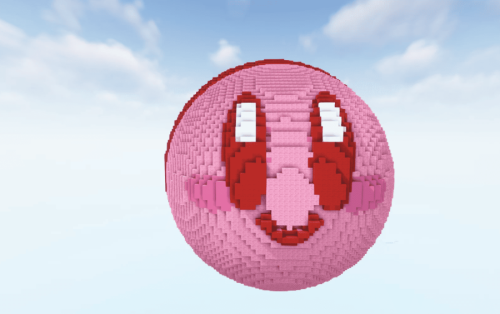 Kirby 3d Schematic (1.21.x) – Giant Pink Character Statue for Minecraft Worlds
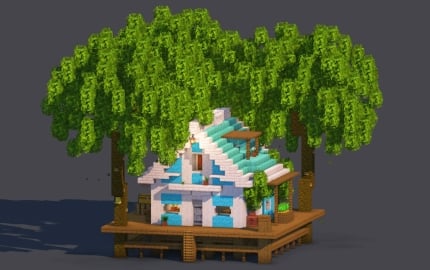 Tropical Stilt House Fully Decorated Interior Schematic (1.21.x) – Beautiful Beach Home
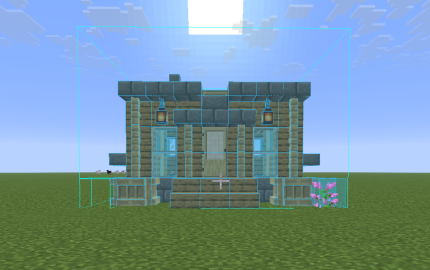 Starter House Schematic (1.21.x) – Cozy Modern Starter Home for Early Survival
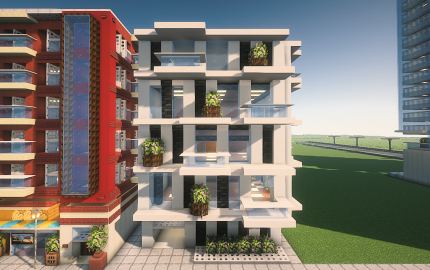 City Apartment Build Schematic (1.20.x) – Modern White Apartment for Your City
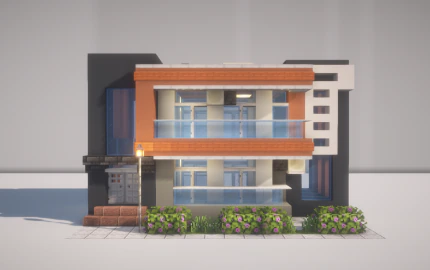 Modern Family House Schematic (1.20.x) – Stylish Contemporary Home for Modern Cities
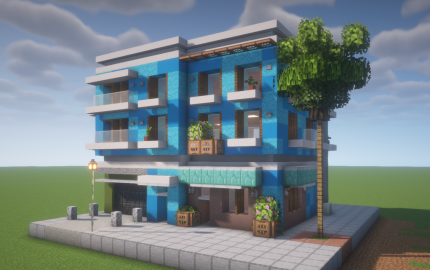 Apartment Schematic (1.20.x) – Stylish Blue Modern City Building
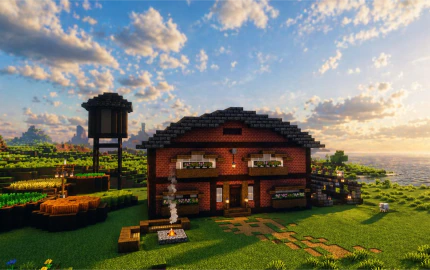 The Red Brick Sanctuary Schematic (1.20.x) – Beautiful Red Brick Starter Base
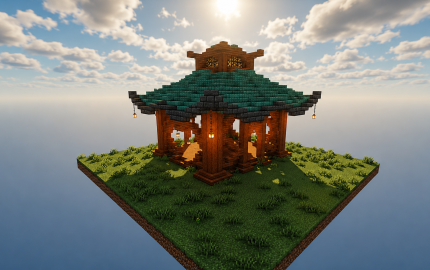 Emerald Dojo Schematic (1.21.x) – Beautiful Asian Inspired Savanna Sanctuary Build

This post has no comments yet. Be the first — your comment will appear here.