
Small Base Schematic (1.20.x) – Compact Tower Build With Full Interior

 0


Small Base Schematic offers a compact tower design ready to drop right into your Minecraft world. This build gives you a quick starting home without spending hours gathering blocks and planning a layout. It comes as a Litematic file, so you can paste it easily using the Litematica mod. The entire structure uses vanilla blocks, meaning you do not need any extra content mods to load the building itself.
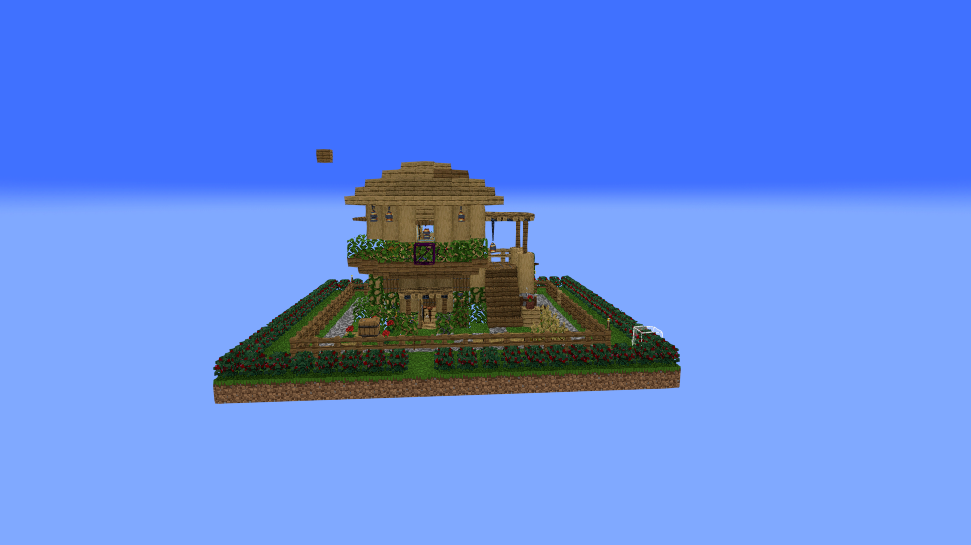
3D Preview & Editor:
Materials
53 types · 1,014 blocks
| Grass Block | 254 | Stripped Oak Log | 134 | Sweet Berry Bush | 73 | |||
| Spruce Fence | 62 | Oak Leaves | 60 | Cobblestone | 54 | |||
| Petrified Oak Slab | 40 | Vine | 39 | Spruce Planks | 37 | |||
| Oak Stairs | 37 | Spruce Stairs | 37 | Spruce Trapdoor | 35 | |||
| Campfire | 16 | Dirt Path | 14 | Oak Planks | 12 | |||
| Lantern | 12 | Purple Carpet | 7 | Birch Leaves | 7 | |||
| Bookshelf | 6 | Dirt | 5 | Oak Fence | 5 | |||
| Glass Pane | 5 | Chest | 5 | Farmland | 4 | |||
| Wheat | 4 | Poppy | 4 | Oak Door | 4 | |||
| Glass | 4 | Furnace | 3 | Ladder | 3 | |||
| Barrel | 3 | Mossy Cobblestone | 2 | Cobblestone Slab | 2 | |||
| Cobblestone Wall | 2 | Potted Poppy | 2 | Torch | 2 | |||
| Purple Bed | 2 | Spruce Slab | 2 | Crafting Table | 1 | |||
| Blast Furnace | 1 | Anvil | 1 | Brewing Stand | 1 | |||
| Grindstone | 1 | Spruce Fence Gate | 1 | Stonecutter | 1 | |||
| Bell | 1 | Water | 1 | Azure Bluet | 1 | |||
| Lily Pad | 1 | Potted Red Mushroom | 1 | Black Wall Banner | 1 | |||
| Chain | 1 | Stripped Spruce Log | 1 | |||||
How to place this schematic
.litematic This is a Litematica schematic. You place it with the Litematica mod, which shows the build as a ghost overlay you fill in.
| 1 | Install Litematica (plus MaLiLib) for your Minecraft version. |
| 2 | Put the .litematic file in .minecraft/schematics. |
| 3 | In game press M → Load Schematics, pick the file, then Load. |
| 4 | Position the ghost preview, then build it by hand — or turn on Easy Place to place blocks straight from your hotbar. |
About this build
| 1 | Place the downloaded Litematic file into your schematics folder. |
| 2 | Open your world and use the Litematica menu to load the file. |
| 3 | Position the bounding box where you want your new tower to sit. |
| 4 | Paste the build into your world or use the hologram as a guide to build it block by block. |
Features:
- Compact Tower: Fits perfectly into tight areas with a footprint of just 20 by 19 blocks and a height of 13 blocks.
- Includes a decorated interior so you can move in and store your items right away.
- Uses exactly 1,014 vanilla blocks to construct the entire base.
- Requires zero extra mods to load, as it only uses standard Minecraft blocks.
- Saves as a Litematic file for quick loading and pasting.
Schematic Specs:
 Minecraft1.20.x
 Dimensions20×13×19
 Total Blocks1,014
Small Base Schematic Download Links
For Minecraft 1.20.x
Click to rate this post!
[Total: 0 Average: 0]
You May Also Like
Picked for this page
 Gold Farm Schematic (1.21.x) – Automatic Nether Roof Gold Farm
 Pokémon Temple Arena Japanese Litematica Schematic (1.21.x) – Large Asian Fortress With Fighting Rin
 1.07M Kelp Farm Donut Smp Basicredstone V2 Schematic (1.21.x) – Massive Automated Kelp Farm Build
 Medieval Castle Undecorated Interior Schematic (1.21.x) – Medium Sized Medieval Castle With Empty Ro
 Autosmelter Carpet Dupe Schematic (1.21.x) – Automatic Furnace System With Infinite Fuel
 Twenture Emerald Spawner Farm Schematic (1.21.x) – Double Vindicator Spawner Emerald Farm Layout
 Fun Penentrator Trap Schematic (1.21.x) – Large Vanilla Trap Blueprint For Your World
 End House Schematic (1.21.x) – Unfurnished End Base With Piston Door
 Netherless Melon Pumpkin Farm Schematic (1.21.x) – Compact Auto Farm Without Nether Blocks
 Seazy X Shy Rocket Crafter V1 Schematic (1.21.x) – Automated Vanilla Firework Crafter Build
 Bee Green House Garden Apiary Schematic (1.21.x) – Ready To Build Vanilla Bee Farm
 Tramway Schematic (1.21.x) – Small Modern Tram Build For Your City Rails
Most viewed in Schematics over the last 7 days
 Fastest Bonemeal Farm Donut Smp Schematic (1.21.x) – Fast Redstone Bonemeal Farm Build
 64 Module Cobblestone Farm Schematic (1.21.x) – Massive Automated Stone Gathering Build
 KelpFarmV9.9 Schematic (1.21.x) – Compact And Simple Seaweed Farm Build
- Gold Farm Schematic (1.21.x) – Automatic Nether Roof Gold Farm
 Villager Trading Hall Schematic (1.21.x) – Modern Shop Build For 48 Villagers
 Bamboo Farm Schematic (1.21.x) – Small Automated Redstone Bamboo Farm
 Best Railgun Tp Trap on Donutsmp Schematic (1.21.x) – Unescapable Multiplayer Redstone Trap Build
 Minutes End Base Before Spoke Null End Video Schematic (1.21.x) – Giant Unstable SMP End Base Schema
 36 Module Cobble Farm 18m per Hour Donut SMP Schematic (1.21.x) – Massive Automated Stone Generator
 Bamboss V2 800k Bamboo per Hour Schematic (1.21.x) – High Speed Automated Bamboo Farm Schematic
 Donut Smp Stash and Regear Schematic (1.21.x) – Large Storage And Regear Room Build
 Cobble Farm 50m per Hour Donut SMP Schematic – High Yield Cobblestone Generator Build
More from Schematics
 Free Neomarinus TheVividSeaDragon Schematic (1.19.x) – Massive Blue and Pink Sea Dragon Build
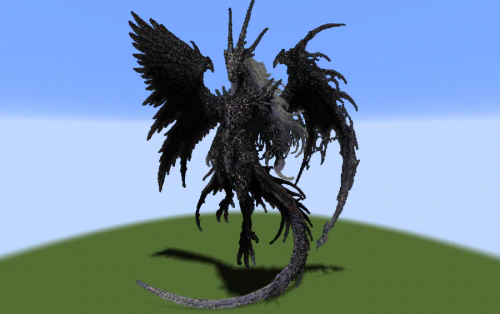 Free Noctiseraph the Fallen Twin Winged Dragon Schematic (1.19.x) – Massive Dark Fantasy Dragon Stat
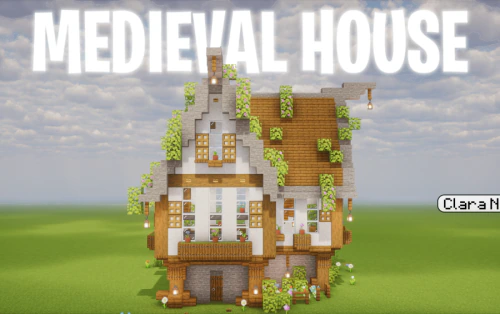 Medieval House Free Schematic (1.21.x) – Classic Medieval Survival Home Building Plan
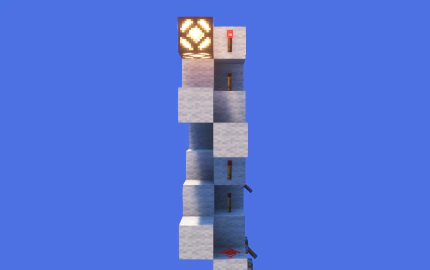 Ultra Compact Full Adder V1.2 Schematic (1.21.x) – Tiny Redstone Logic Gate Schematic
 Minecraft Shenron Dragon Statue Free Schem Schematic (1.19.x) – Massive Dragon Ball Statue Build Sch
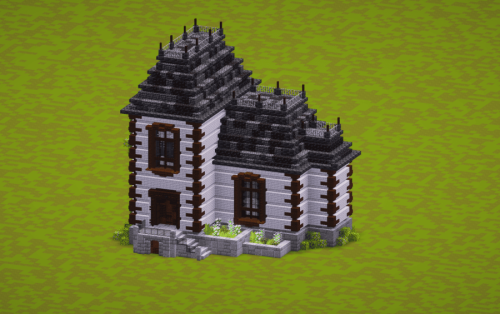 Pale White Mansion Schematic (1.21.x) – Victorian Gothic Manor For Your World
 Copper Mud Tower Schematic (1.21.x) – A Medieval Tower With Oxidized Copper Roof
 Super Smelter 64 Furnaces V2 Schematic (1.21.x) – Fast And Compact Redstone Smelting System
 Gold Farm Overworld Only Schematic (1.21.x) – Efficient Overworld Gold Farming System
 DonutSMP Flooder Machine Size Fixed Giant Schematic (1.21.x) – Giant Flooding Machine for Minecraft
 Skeleton Pirate Schematic (1.21.x) – Detailed Skeleton Pirate Statue Schematic
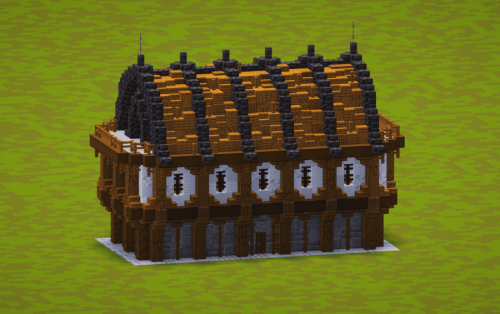 Medieval Workshop Schematic (1.21.x) – Detailed Medieval Building with Curved Roof

This post has no comments yet. Be the first — your comment will appear here.