


Smart FPS Booster Mod (1.21.11, 1.20.1) – Play Smoothly Without Annoying Lag
 6
6
 0
0
 2 hours ago
 devxkamlesh
Smart FPS Booster Mod helps your game run better by changing video settings for you automatically. It tracks how fast your game runs and stops annoying lag spikes so you can play without interruptions.
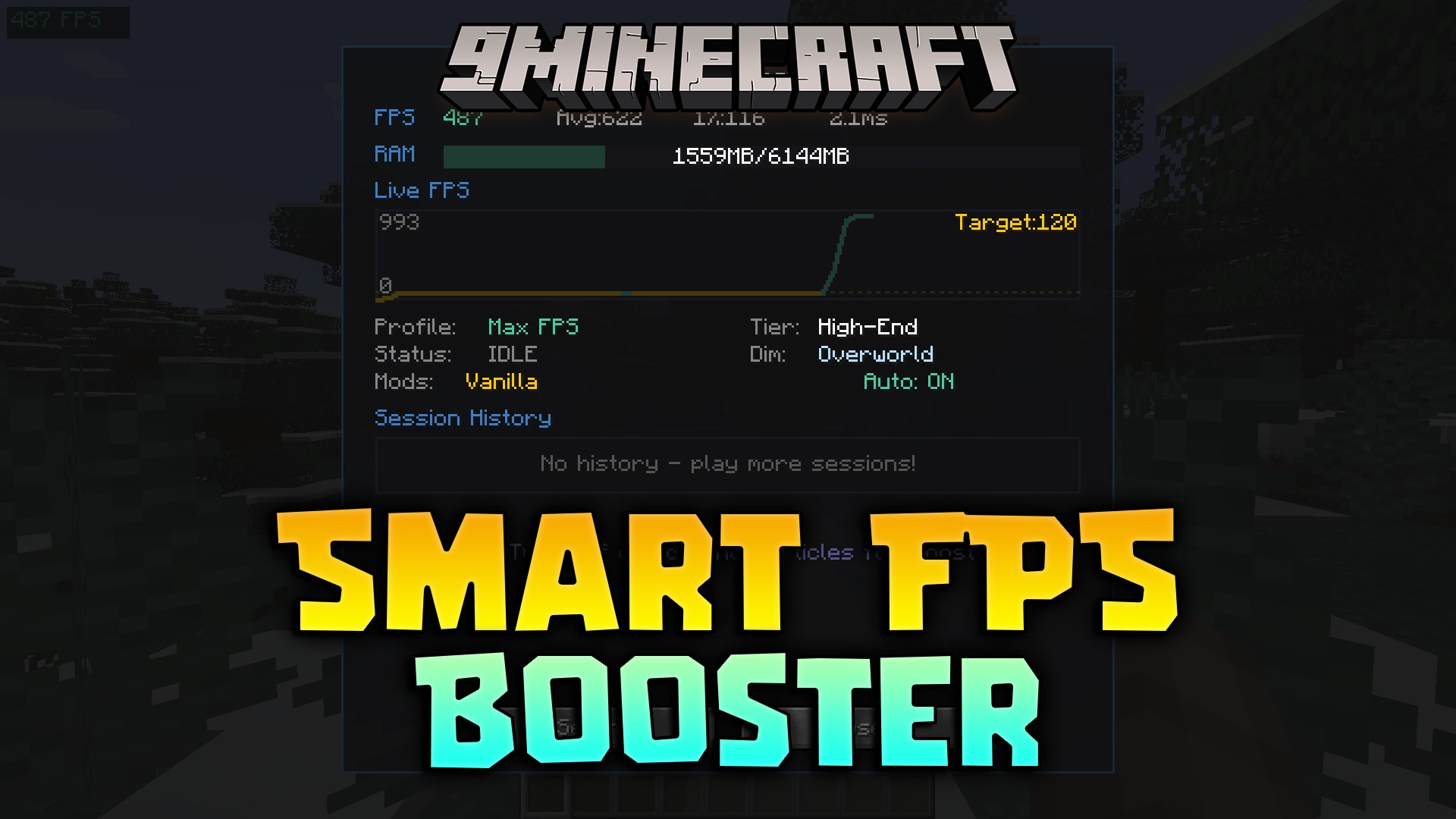
Features:
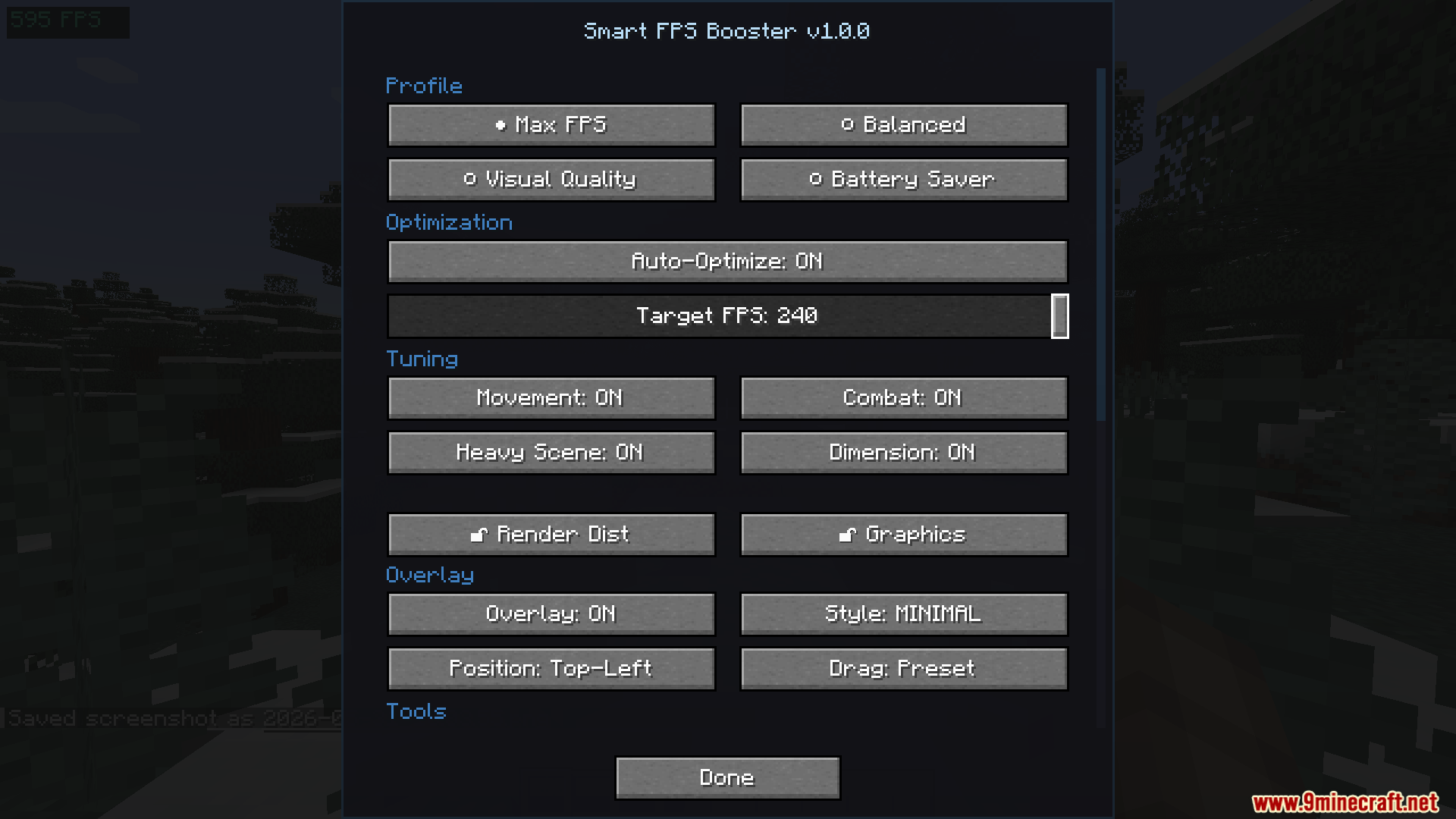
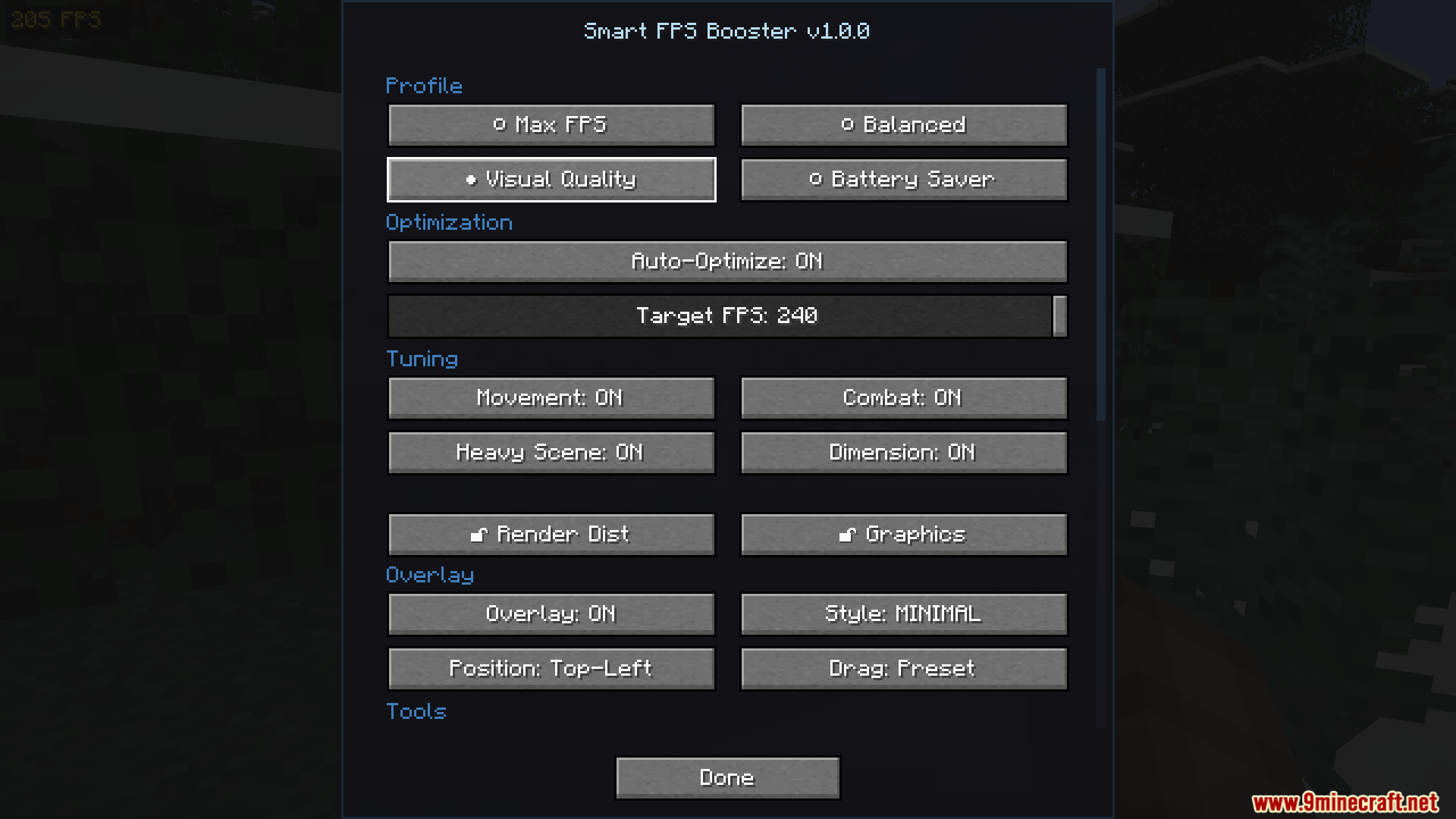
- Four Smart Profiles: Lets you choose between Max FPS, Balanced, Quality, or Battery Saver to fit your computer.
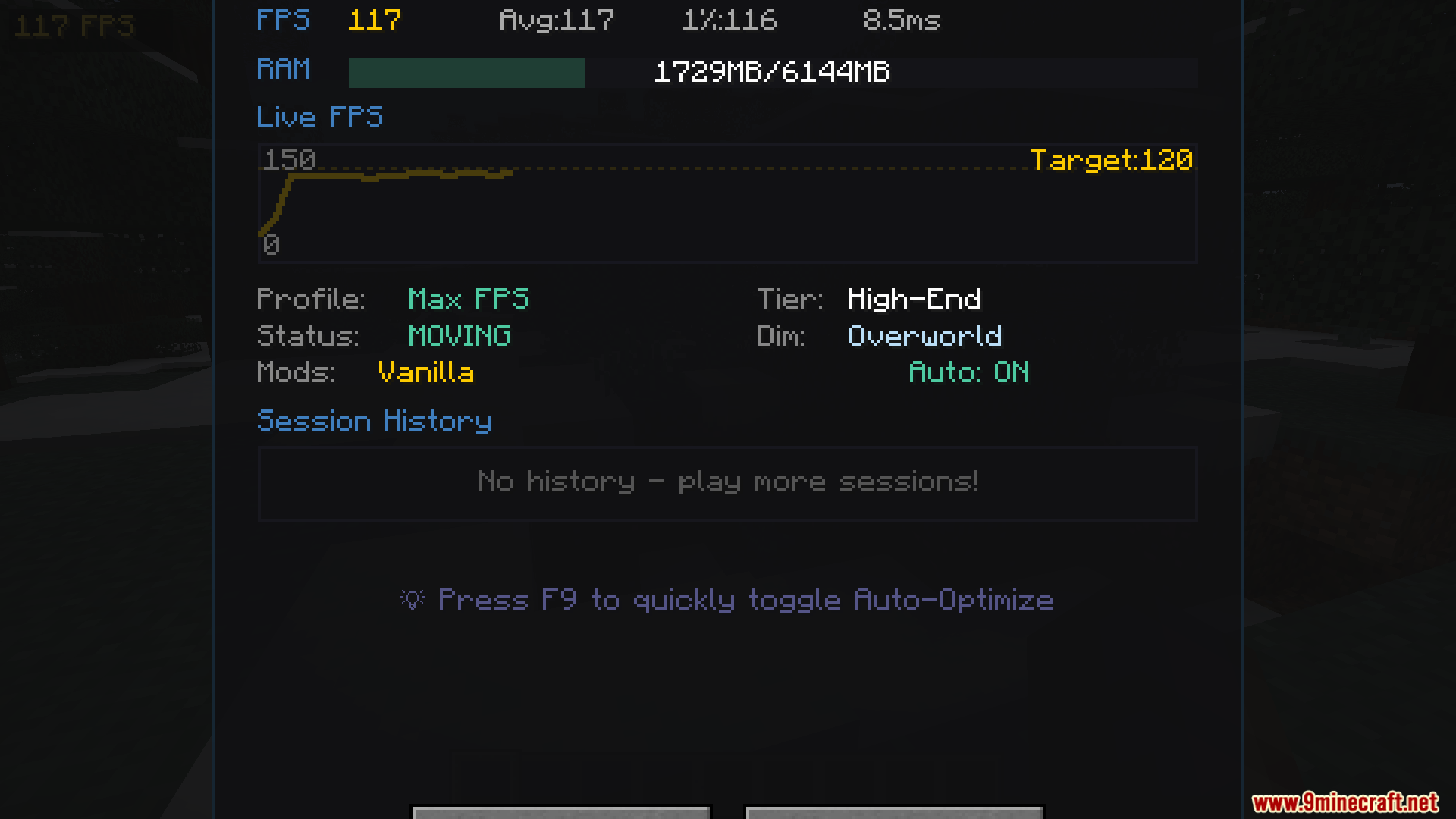
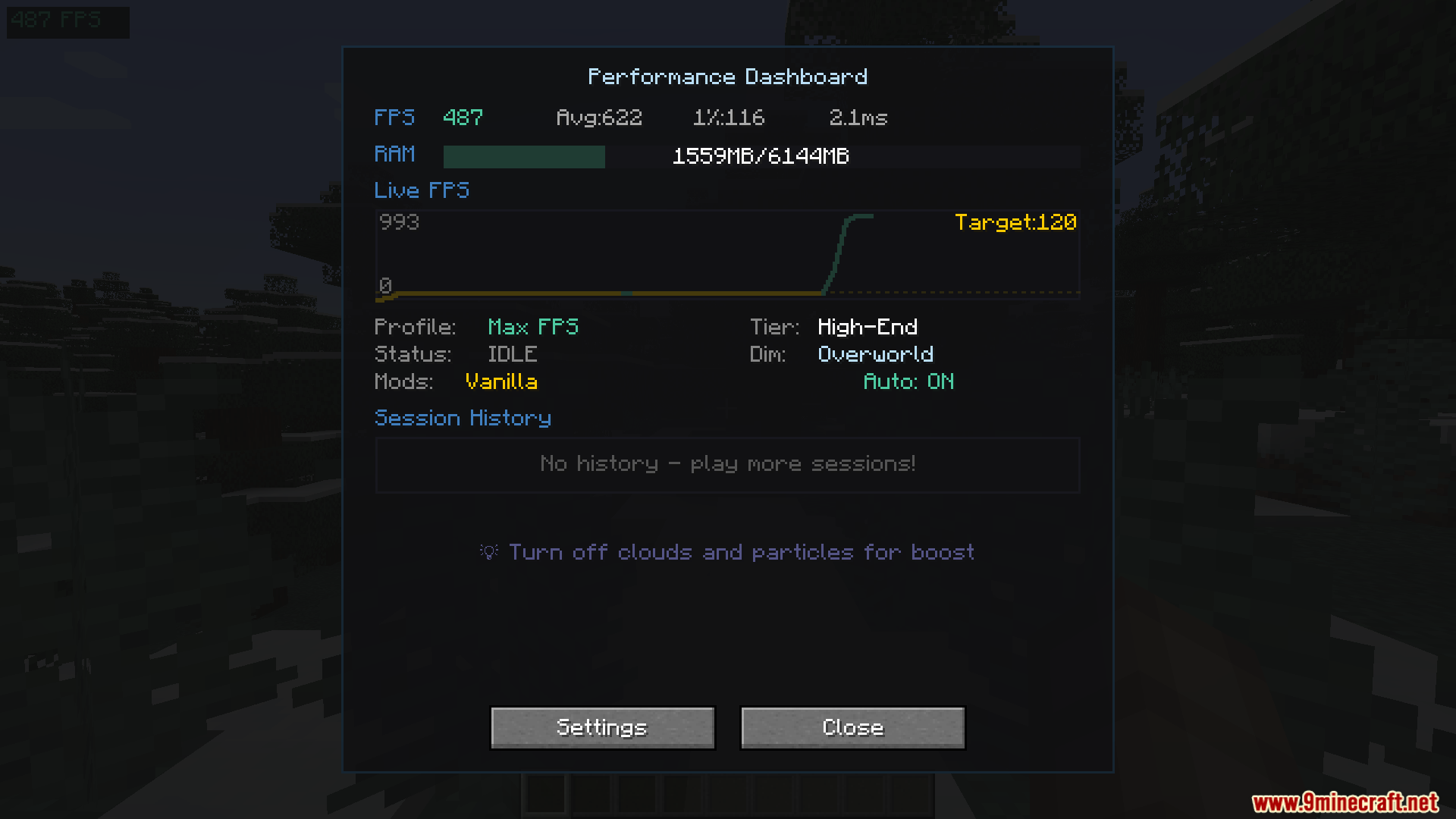
- Live Dashboard: Shows a graph of your game speed, memory usage, and a benchmark score on your screen.
- Changes your video settings automatically when you enter combat, move fast, or look at big explosions.
- Flashes your screen red for a second if your game suddenly slows down, so you know exactly when lag happens.
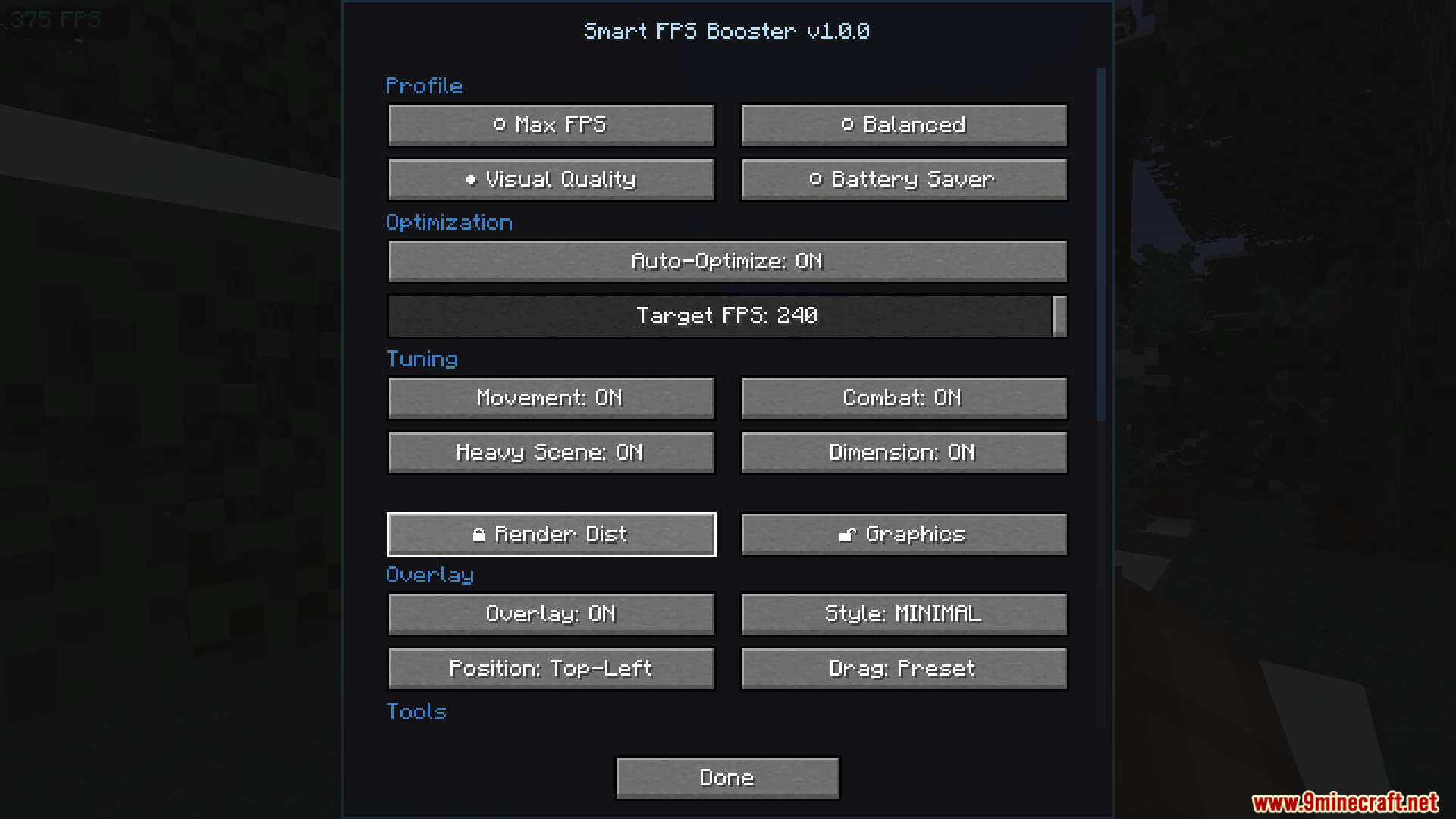
- Lets you lock your render distance so the automatic changes never mess with how far you can see.
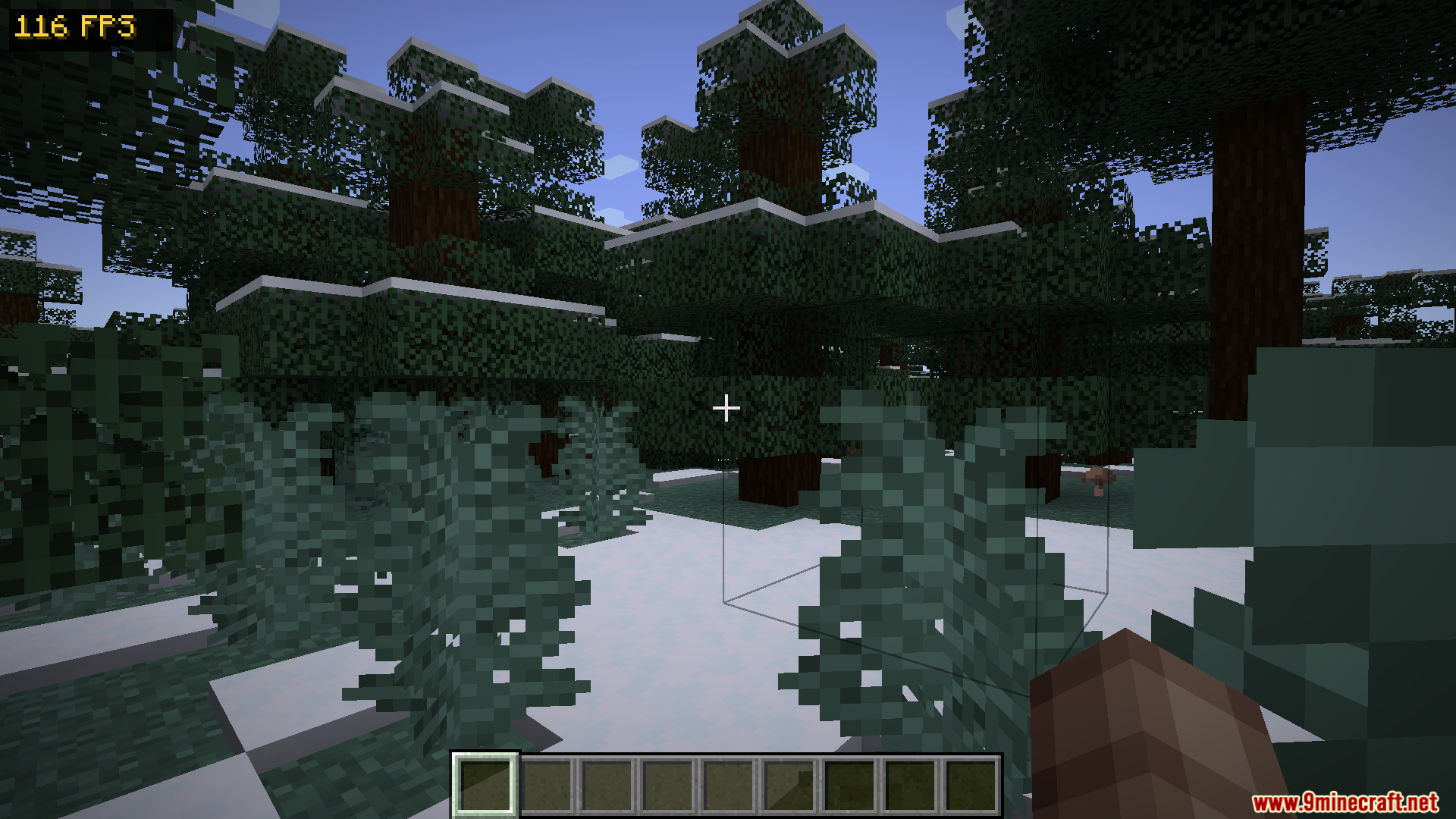
- Adds a small, clean overlay on your screen that tells you your current speed and memory.
- Works perfectly alongside other popular performance fixes like Sodium and Lithium.
How to Use:
- Press F8 on your keyboard to open the main performance dashboard.
- Press F10 while playing to quickly switch between the four different optimization profiles.
- Press F9 to turn the automatic video changes on or off at any time.
- Check the small overlay on your screen to see your current speed and memory usage while you build or fight.
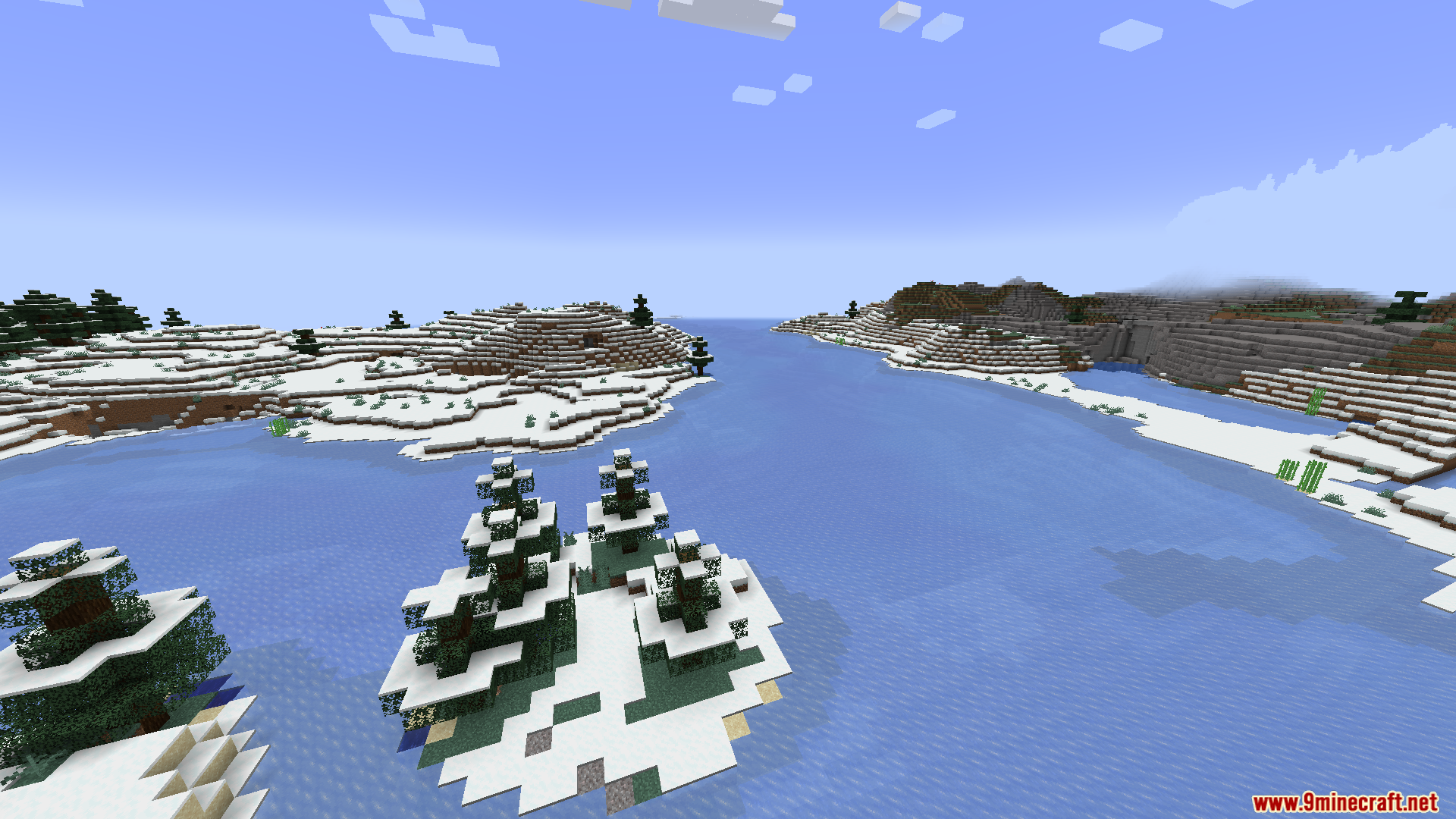
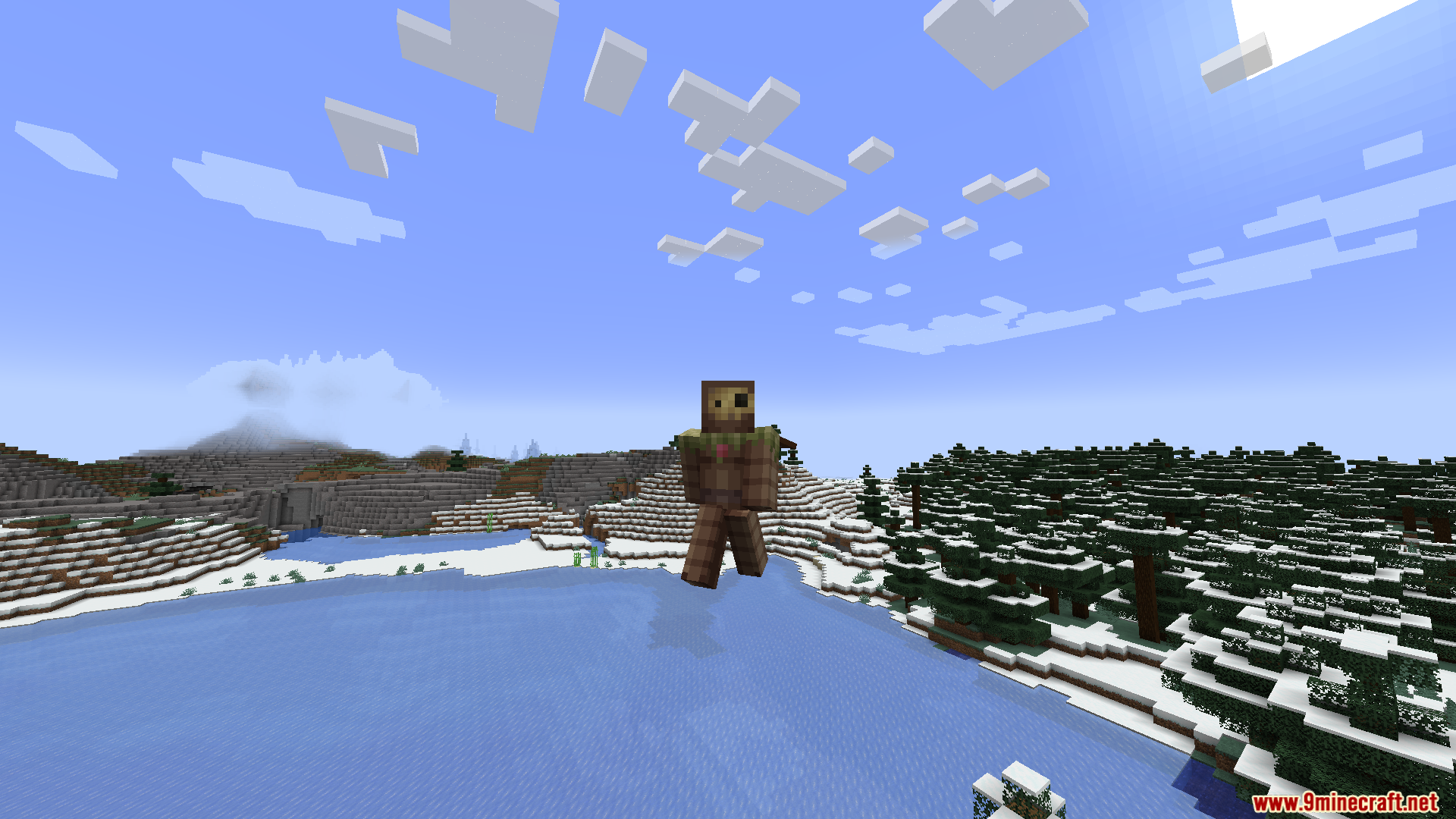
Screenshots:

How to Install:
New to Minecraft? Follow our step-by-step guide to install Mods on your PC.View Guide
Smart FPS Booster Mod Download Links
For Minecraft
1.21.11,
1.21.10,
1.21.9
All Versions Covered
1.21.11
1.21.10
1.21.9
1.21.8
1.21.7
1.21.6
1.21.5
1.21.4
1.21.1
1.21
All Versions Covered
1.21.11
1.21.10
1.21.9
1.21.8
1.21.7
1.21.6
1.21.5
1.21.4
1.21.1
1.21
For Minecraft
1.20.4,
1.20.3,
1.20.2
All Versions Covered
1.20.4
1.20.3
1.20.2
1.20.1
1.20
All Versions Covered
1.20.4
1.20.3
1.20.2
1.20.1
1.20
Click to rate this post!
[Total: 0 Average: 0]
You May Also Like














This post has no comments yet. Be the first — your comment will appear here.