
Snowimagined Shaders (26.3, 1.20.1) – Realistic Snow Generation
 21,716
 1

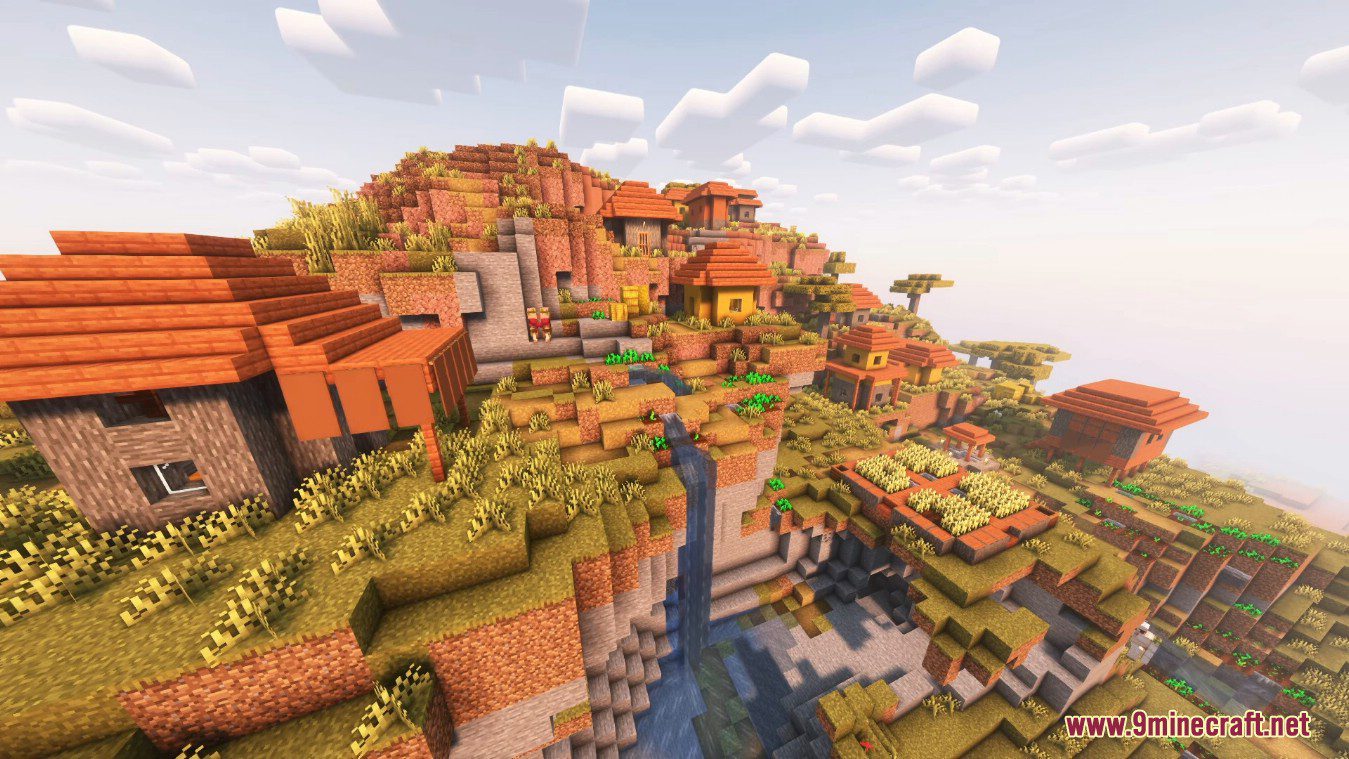
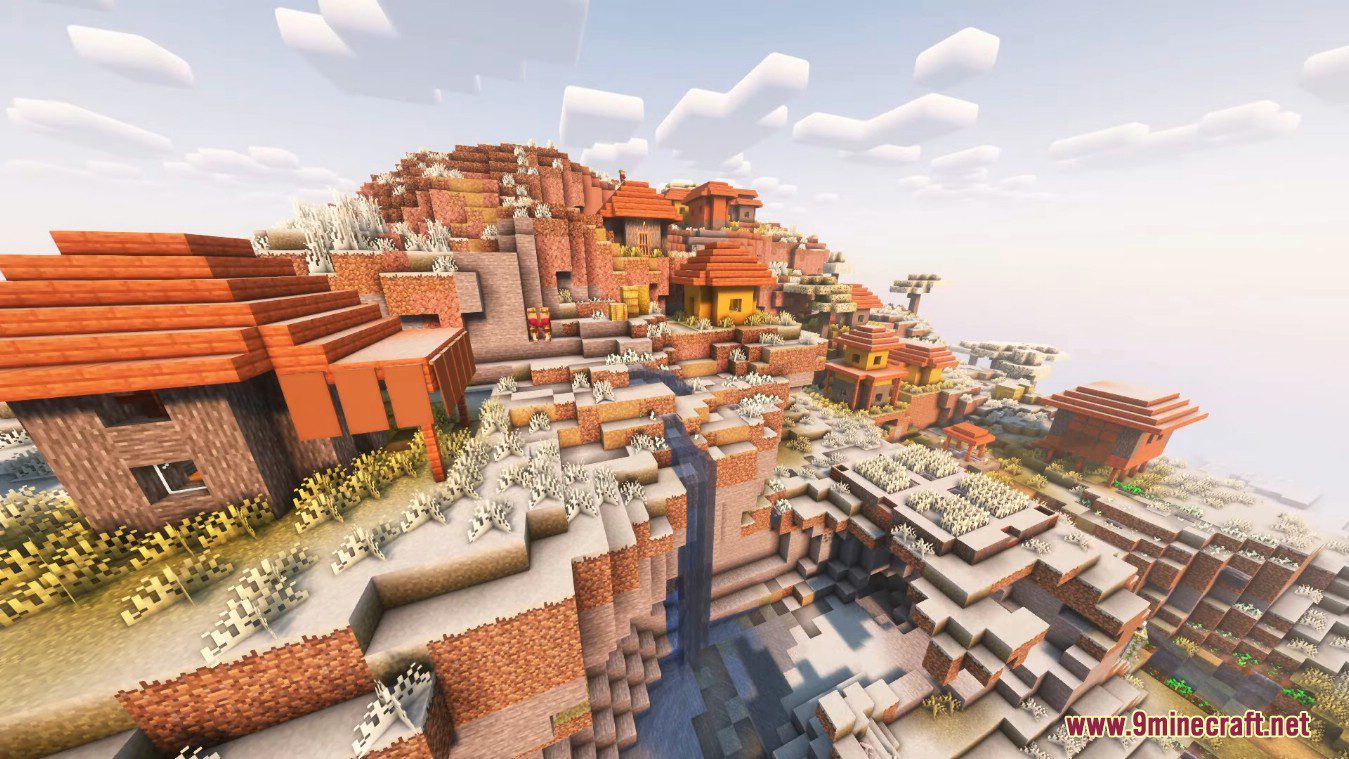
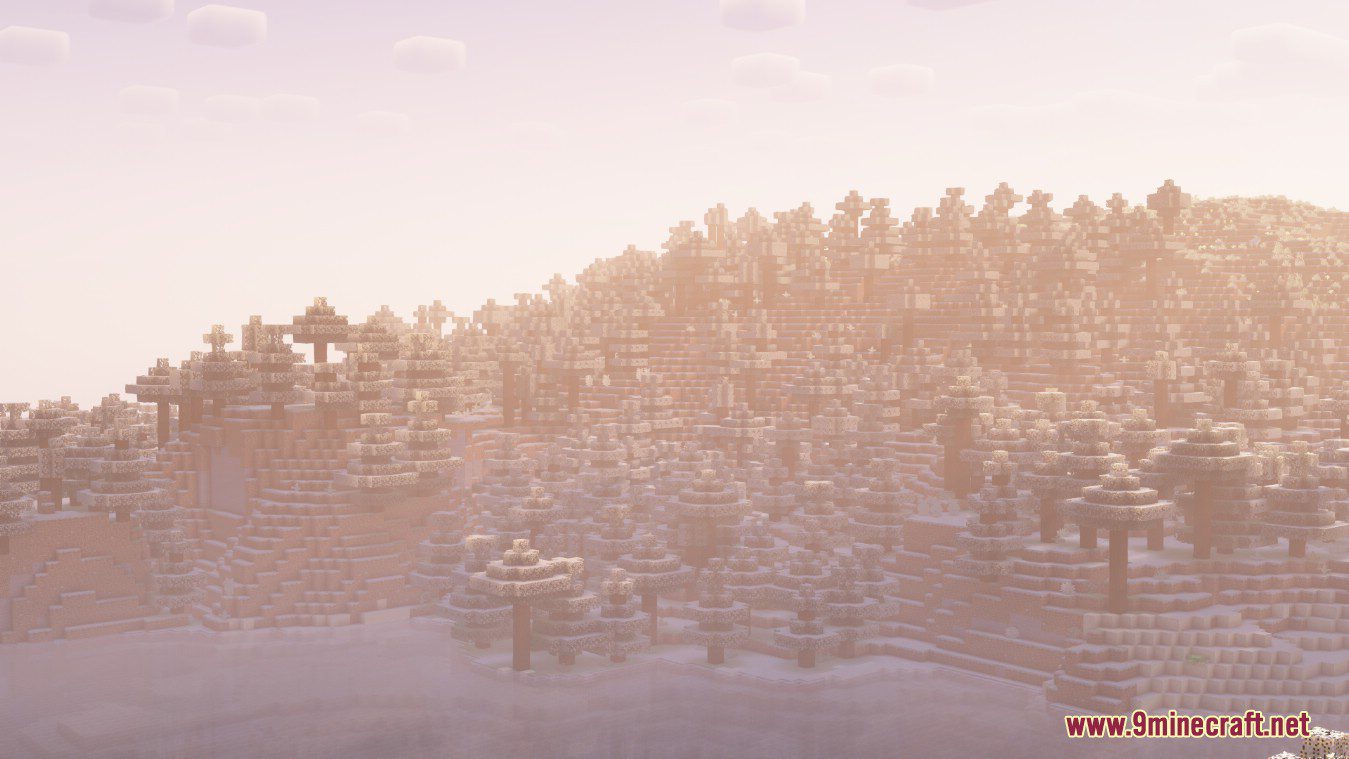
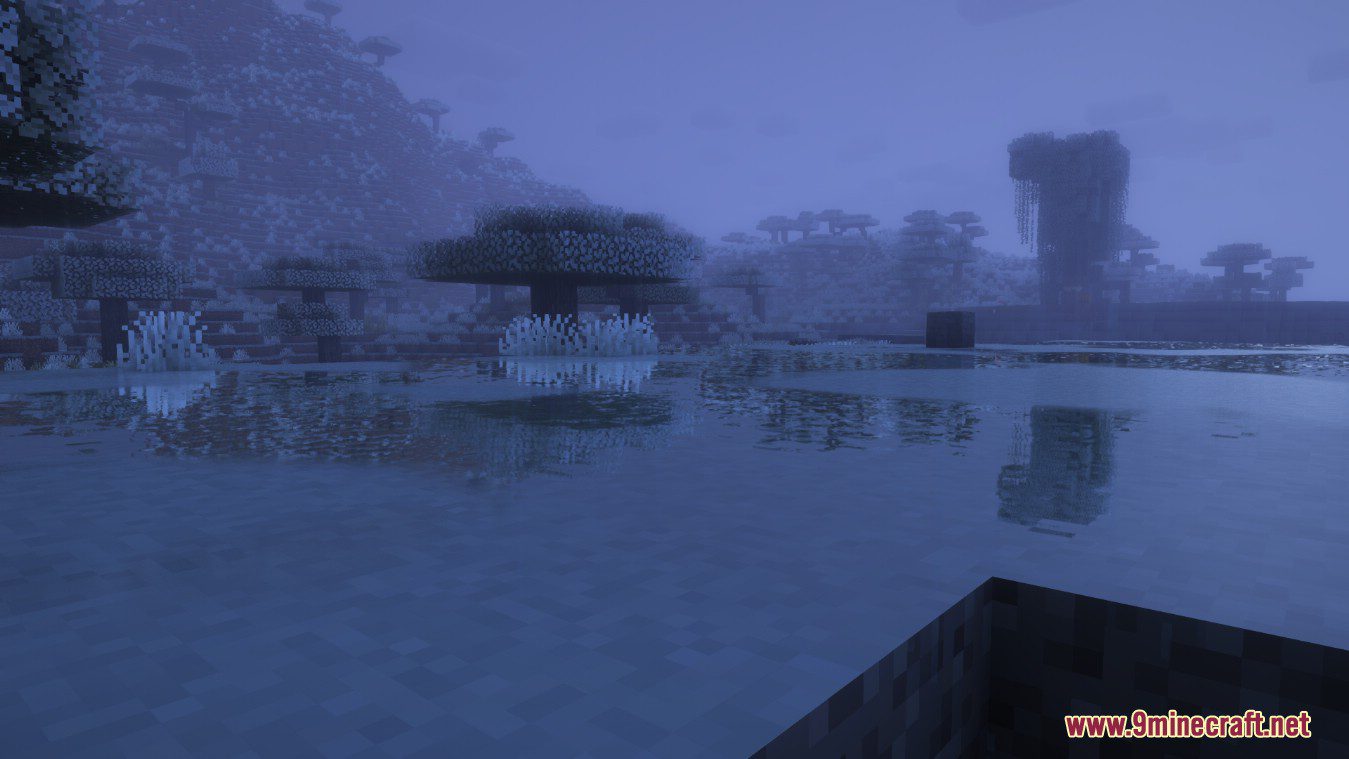
Snowimagined Shaders transforms your game into a beautiful winter wonderland. This shader brings a frosty winter atmosphere to the world, allowing players to explore the game in an entirely new way as an edit of Complementary Reimagined Shaders.
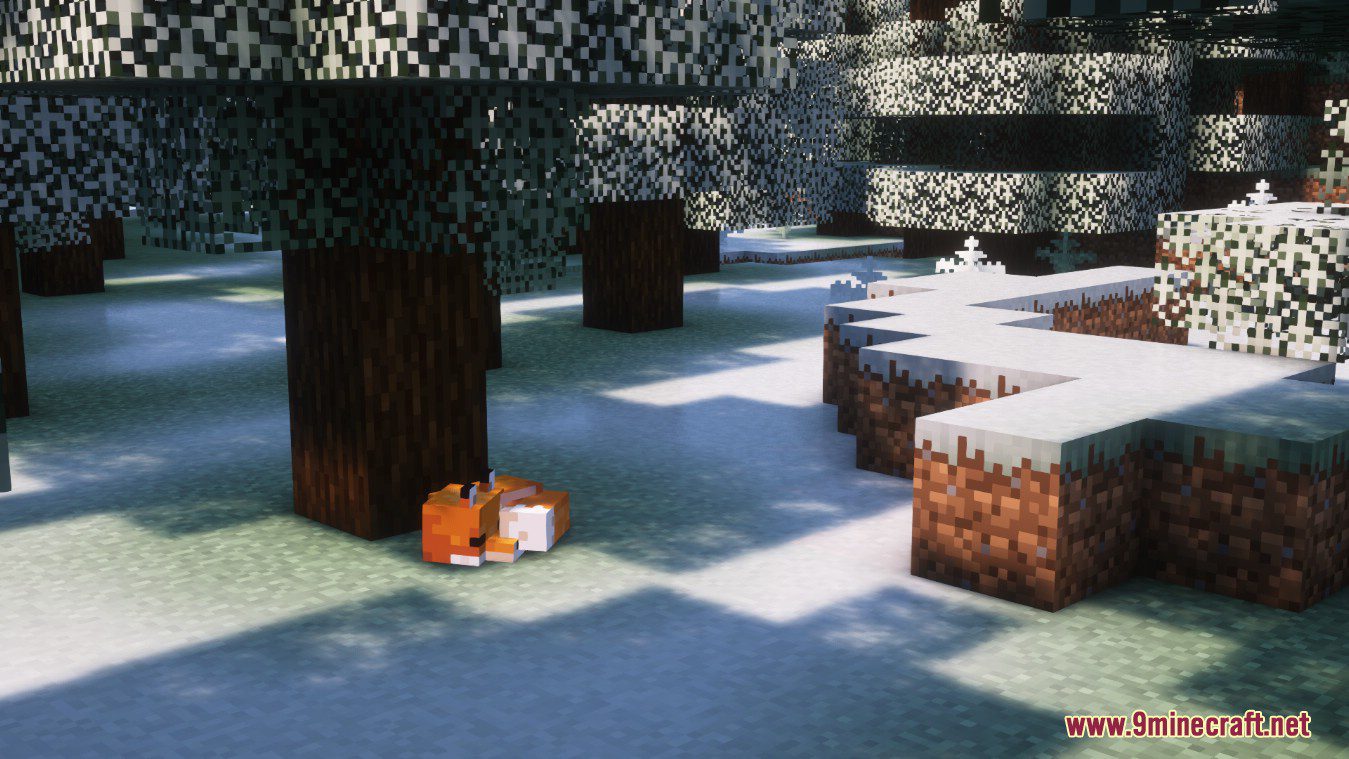
The shader gives a white-out effect inspired by snowfall and offers a hush of silence across the land as realistic modeled snow forms atop objects everywhere. This chilly mood allows users to express their creativity with nature in both imaginative and traditional landscapes.

Features:
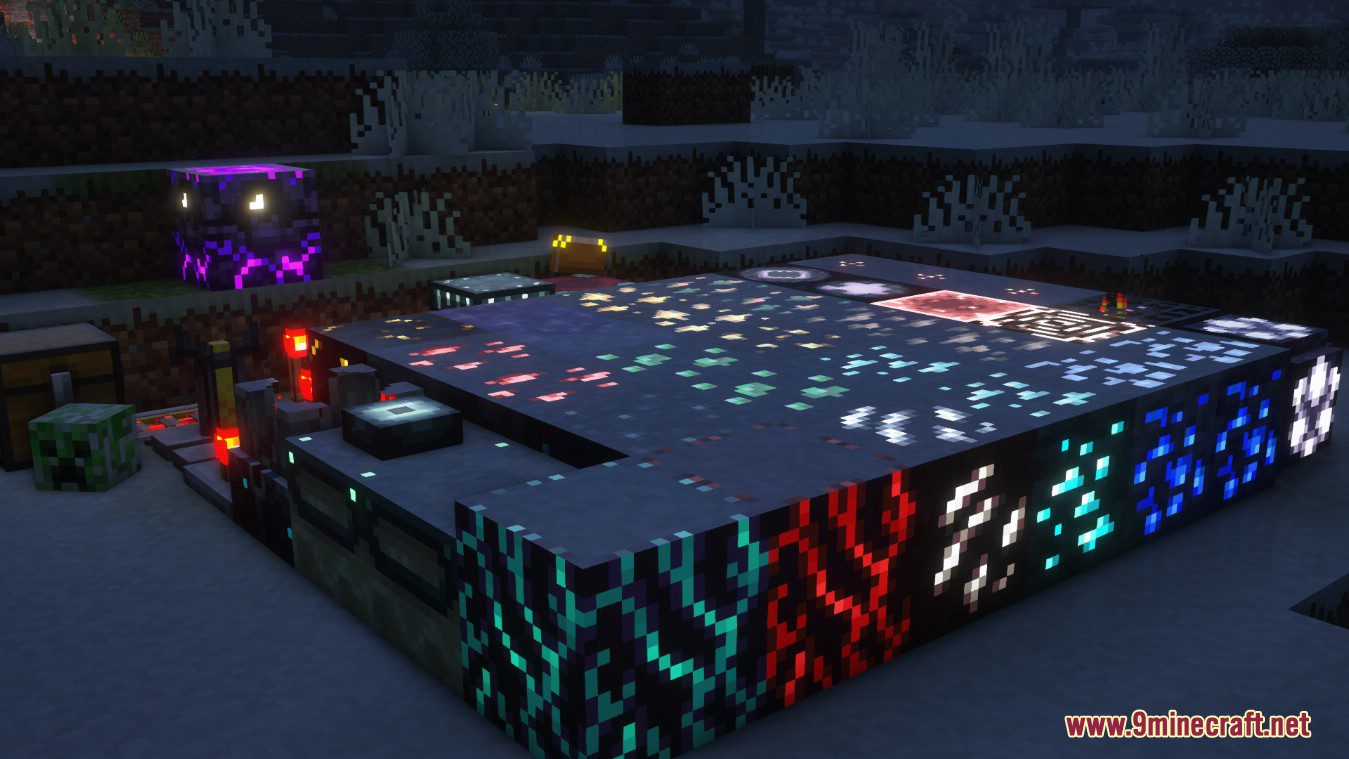
- Snow works on all blocks including block entities like chests or player heads and translucent blocks like stained glass or ice.
- Emission of emissive blocks is reduced if snow is on top.
- Transparency of translucent blocks is reduced when snow is on top.
- Snow does not generate if near a light source or if under blocks.
- The resolution or noise size can be configured with options for 16x, 32x, 64x and 128x.
- An option to change the snow noise intensity makes the noise more or less apparent.
- Snow features integrated PBR properties so light can reflect on it.
- Snow generates with a gradient on the sides of mycelium, path and grass blocks.
- You can change the transparency of the snow in the settings.
- The melting radius around light sources can be changed.
- Snow desaturates the colors of the environment by a configurable amount.
How to Use:
- Open Shader Setting.
- Go to Euphoria Patches Setting.
- Navigate to World, then Seasons, and select Winter to enable the feature.
Screenshots:




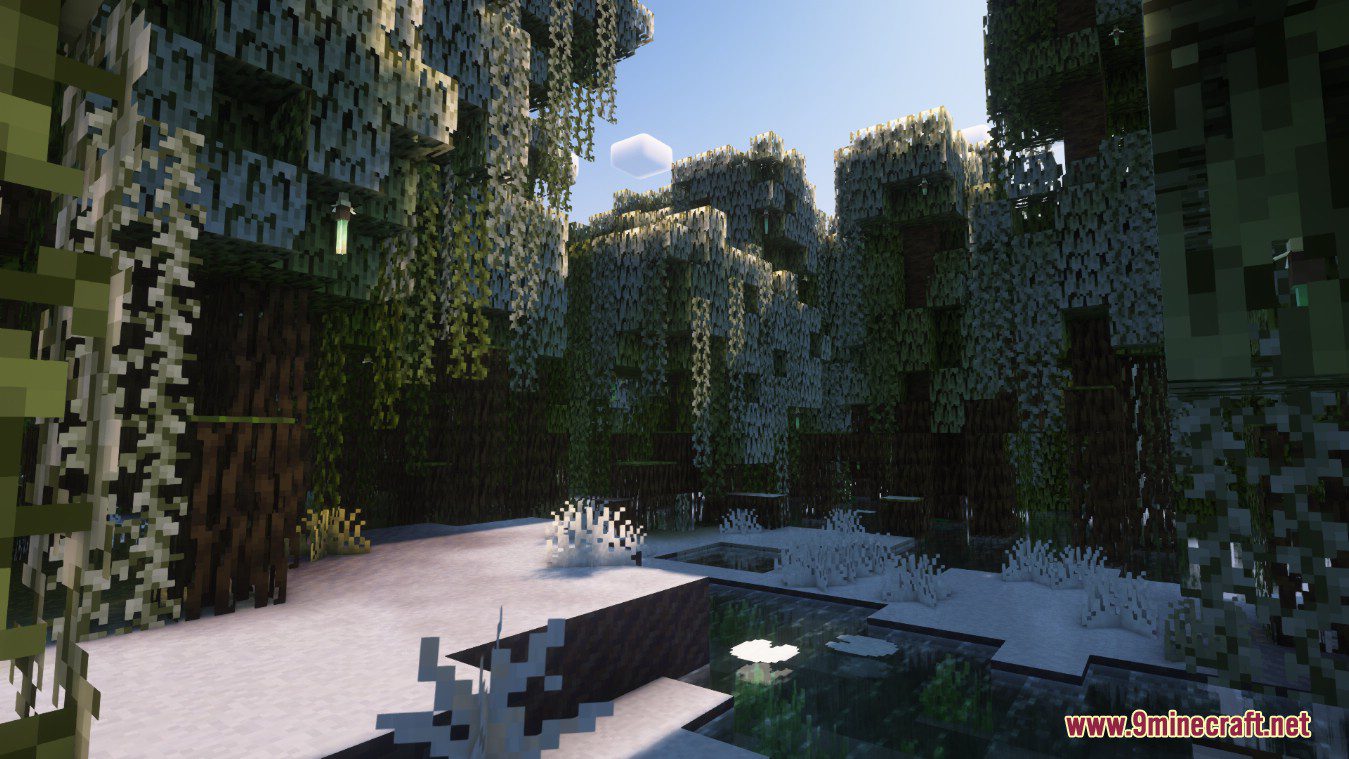
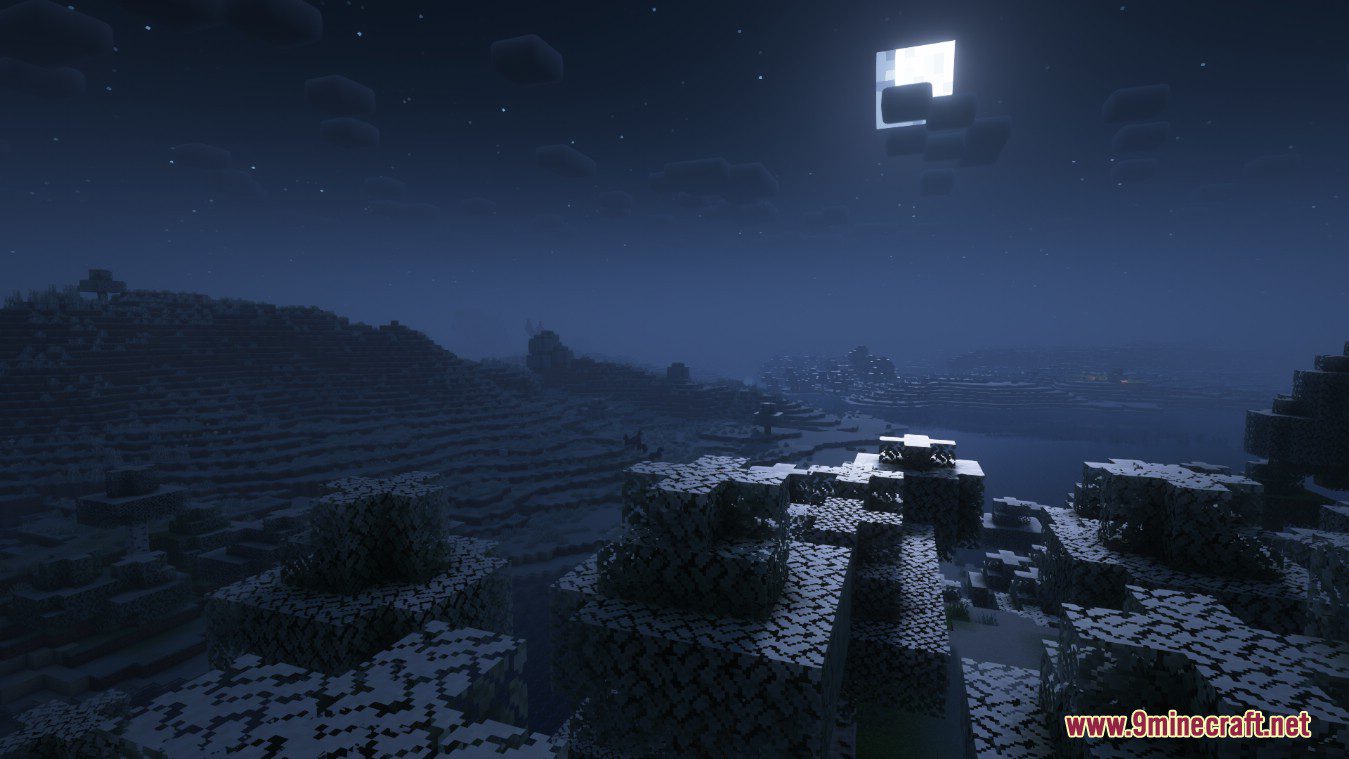
How to Install:
New to Minecraft? Follow our step-by-step guide to install Shaders on your PC.View Guide
Requirements:
Snowimagined Shaders Download Links
Click to rate this post!
[Total: 12 Average: 4.3]

1 Comment
What do you think?
Your opinion means a lot - we'd love to hear from you.
You May Also Like
Picked for this page
 Eclipse Shaders (26.3, 1.20.1) – Advanced Sky And Environmental Effects
 Spring Shaders (26.3, 1.20.1) – Key Visual Systems And Options
 Fantasy Reimagined Shaders (26.3, 1.20.1) – Vivid Color Grading
 Luminara Lite Shaders (26.3, 1.20.1) – Smart Shadows for Low-End PCs
 Nostalgia-Ultra Shaders (26.3, 1.20.1) – Old-School Visuals In Modern Minecraft
 Trailer Shaders (26.3, 1.20.1) – High FPS Bloom and Custom RGB
 Bloop Official Shaders (26.3, 1.20.1) – Lagless Lighting for Old GPUs
 Unbound Visual Shaders (26.3, 1.20.1) – Path Tracing with PBR Textures
 Flux Prism Elite Shaders (26.3, 1.20.1) – Soft Shadows and Water Reflections
 Retrofy Shaders (26.3, 1.20.1) – Lightweight Retro Arcade Display Filter
 Cursed View Shaders (26.3, 1.20.1) – Screen Distortion and Warped Perspective
Most viewed in Shaders over the last 7 days
 OptiFine HD (26.3, 1.20.1) – Run Faster, FPS Boost, Shaders Support
 IterationRP Shaders (26.3, 1.20.1) – Most Realistic Shaders of All Time
 Derivative Shaders (26.3, 1.20.1) – Best Ultra Realistic
 IterationT Shaders (26.3, 1.20.1) – The Best Realistic Graphics in 2025
 Emanrux Shaders (26.3, 1.20.1) – Adds Realistic Skies And Reflections
 Lumenite Shaders (26.3, 1.20.1) – Colored Blocklight with Cascaded Shadows
 Rethinking Voxels Shaders (26.3, 1.20.1) – Coloured Lights, Sharp Shadows
 Shadow Only Shaders (26.3, 1.20.1) – Dynamic Shadows Shaderpack
 SEUS Renewed Shaders (26.3, 1.20.1) – Best Minecraft Shaders
- Eclipse Shaders (26.3, 1.20.1) – Advanced Sky And Environmental Effects
 Continuum Shaders (26.3, 1.20.1) – Realistic Textures, Ultra Graphics
 Evelite Toon Shaders (26.3, 1.20.1) – Anime Visuals with Realistic Shading
More from Shaders
 Minecraft ByAI Shaders (26.3, 1.20.1) – Experimental Lighting Coded By AI
 SemiRealistic Shaders (26.3, 1.20.1) – Volumetric Clouds and Water Reflections
 Emberlight Shaders (26.3, 1.20.1) – Selective Glow and Lighting Presets
 Modern Shaders (26.3, 1.20.1) – Soft Shadows and Animated Water Reflections
 Simple Shaders (26.3, 1.20.1) – Clean Cartoon Visuals on Weak Hardware
 Luminol Republic Shaders (26.3, 1.20.1) – Volumetric Godrays and Soft Shadows
 Aurora Dreams Shaders (26.3, 1.20.1) – Screen Space Reflections and Auroras
 Galaxy’S Shaders (26.3, 1.20.1) – Cartoon Lighting for Budget PCs
 Cristalino Shaders (26.3, 1.20.1) – Lightweight Reflections and Soft Shadows
 Natural Comfort Shaders (26.3, 1.20.1) – Soft Shadows and Water Reflections
 Plasma Realistic Visual Shaders (26.3, 1.20.1) – PBR Lighting and Reflections
 Aetheria Lite Shaders (26.3, 1.20.1) – Lightweight Shadows on Old GPUs

this is soo good looking i love how the vibe and the snow and everything is!