
Sotetsu 11000 Series Model – Brings Japanese Commuter Trains to MTR Railways

 0


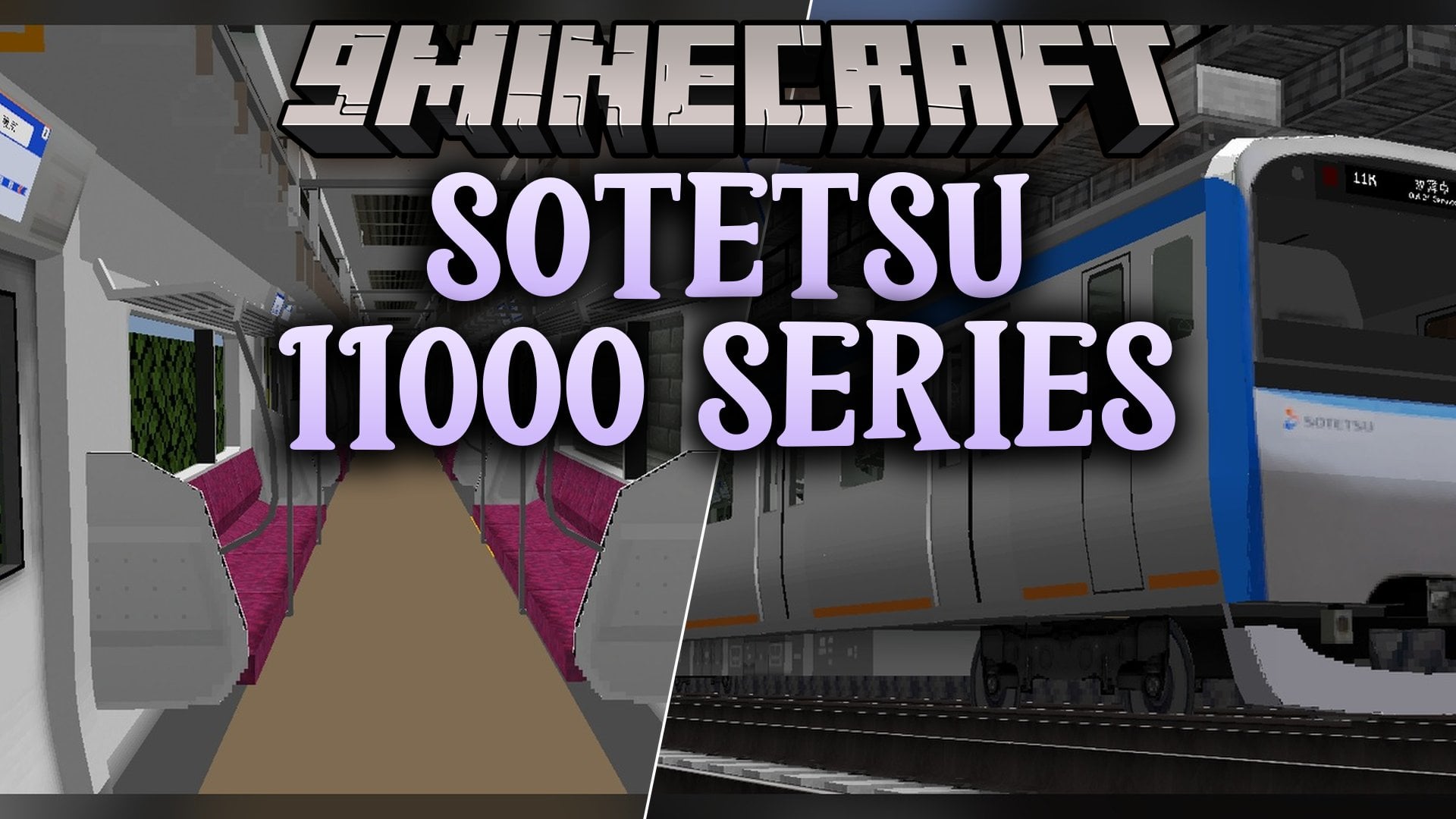
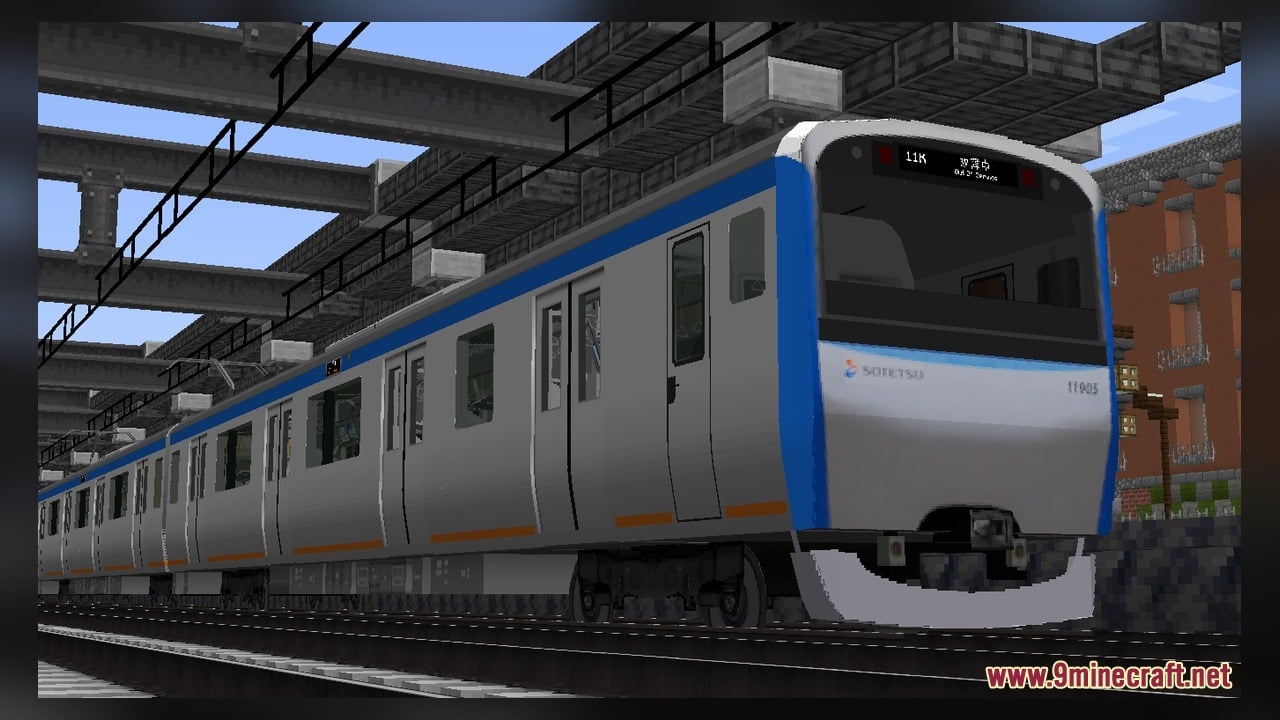
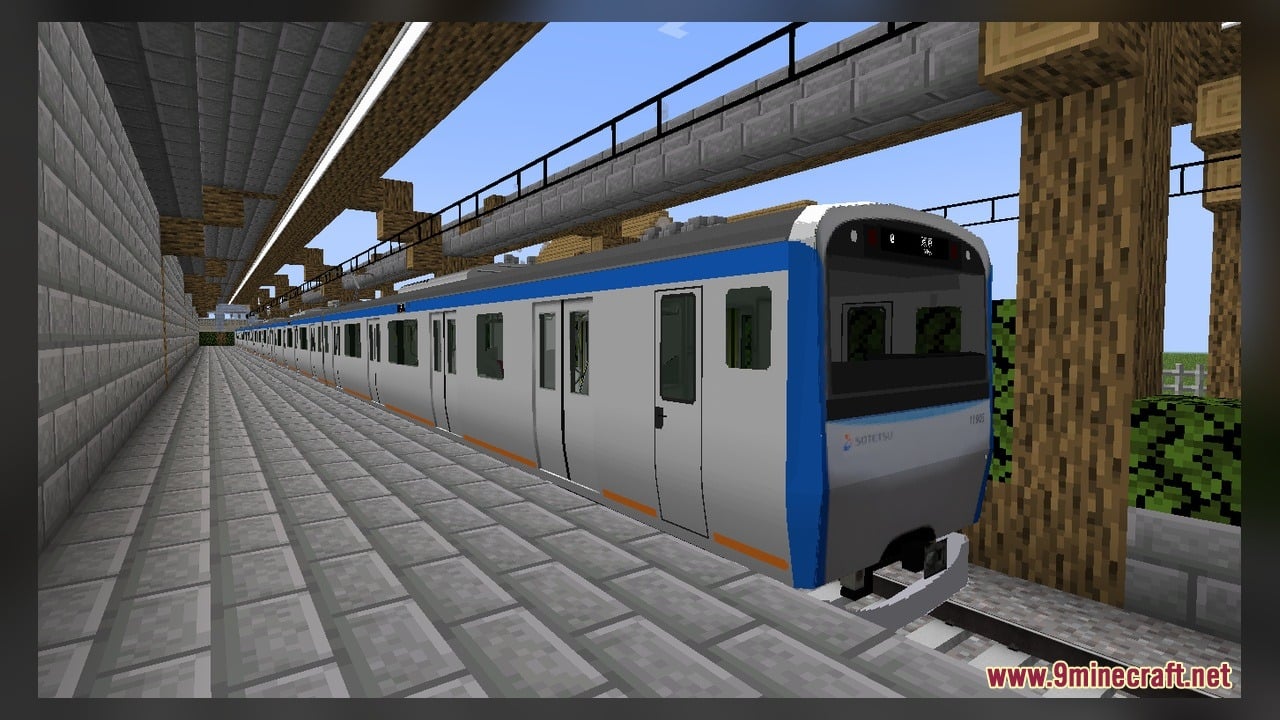
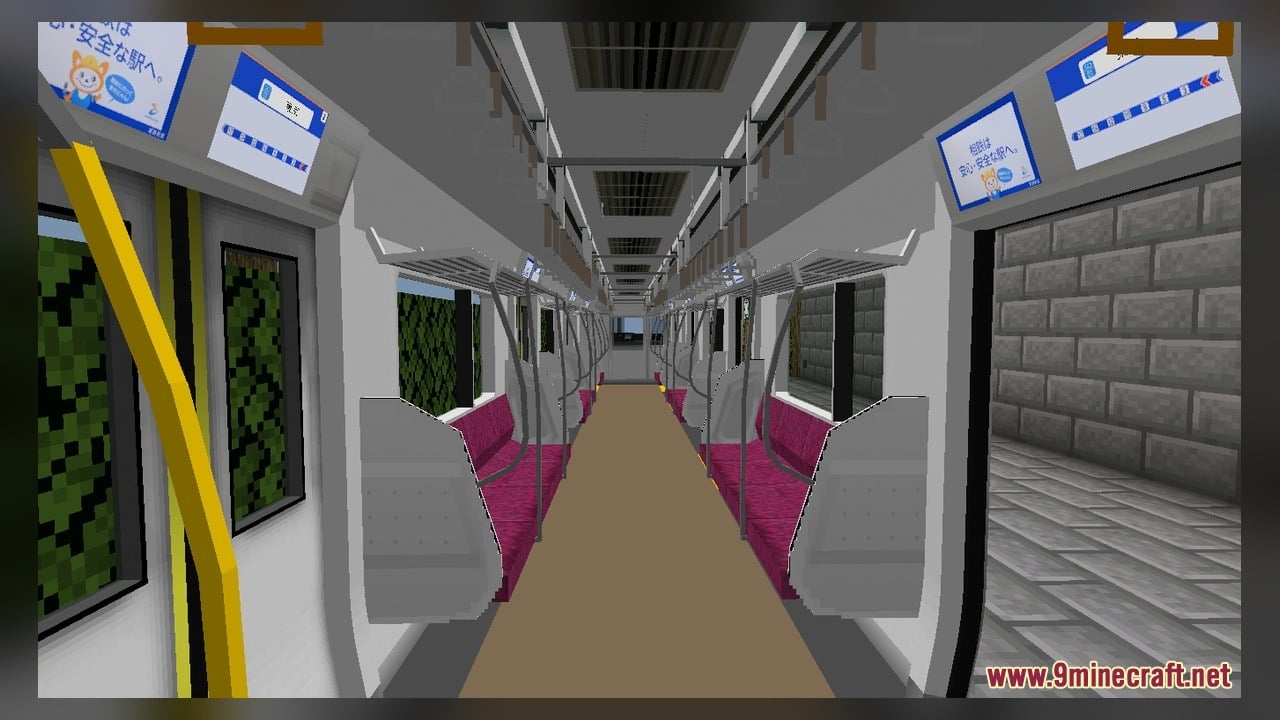
Sotetsu 11000 Series Model adds the Sotetsu 11000 series train for the Minecraft Transit Railway (MTR) mod. This pack includes 1 Blockbench source model and 6 texture files so you can run the Sotetsu 11000 series on your railway lines or edit the train model yourself.
Features:
- Sotetsu 11000 Series Train: Adds the Sotetsu 11000 series train to the Minecraft Transit Railway mod.
- Editable Source Files: Includes 1 Blockbench source model and 6 texture files for the train.
- Works directly with the MTR mod train system in your world.
How to Use:
- Make sure the Minecraft Transit Railway (MTR) mod is installed in your game.
- Put this pack into your Minecraft resource packs folder and activate it in the Resource Packs menu.
- Enter your world and place down MTR railway tracks and a train siding.
- Open the MTR siding menu and select the Sotetsu 11000 series from the train list.
- Set up a route so the Sotetsu 11000 series train spawns on the tracks and drives along your railway line.
- Open the included Blockbench source model in Blockbench if you want to view or edit the 3D train model and its 6 texture files.
Requirements:
- Blockbench, only if you want to edit the included source models
Screenshots:
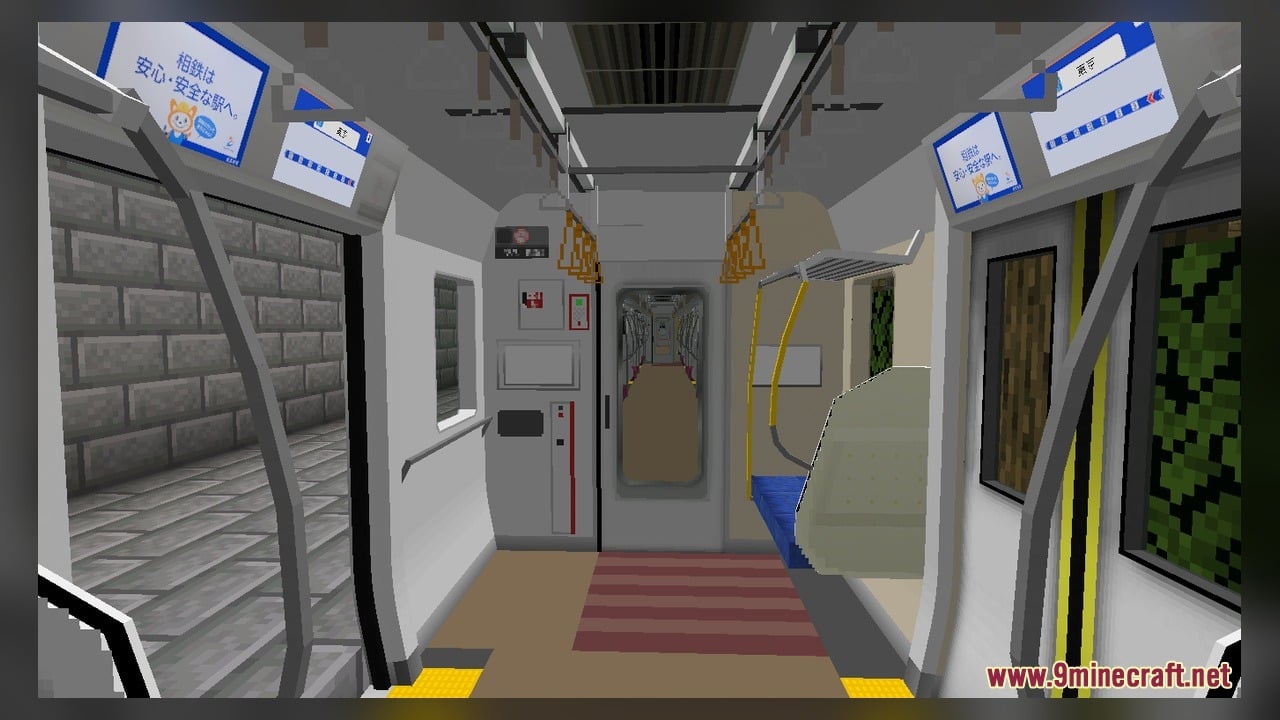
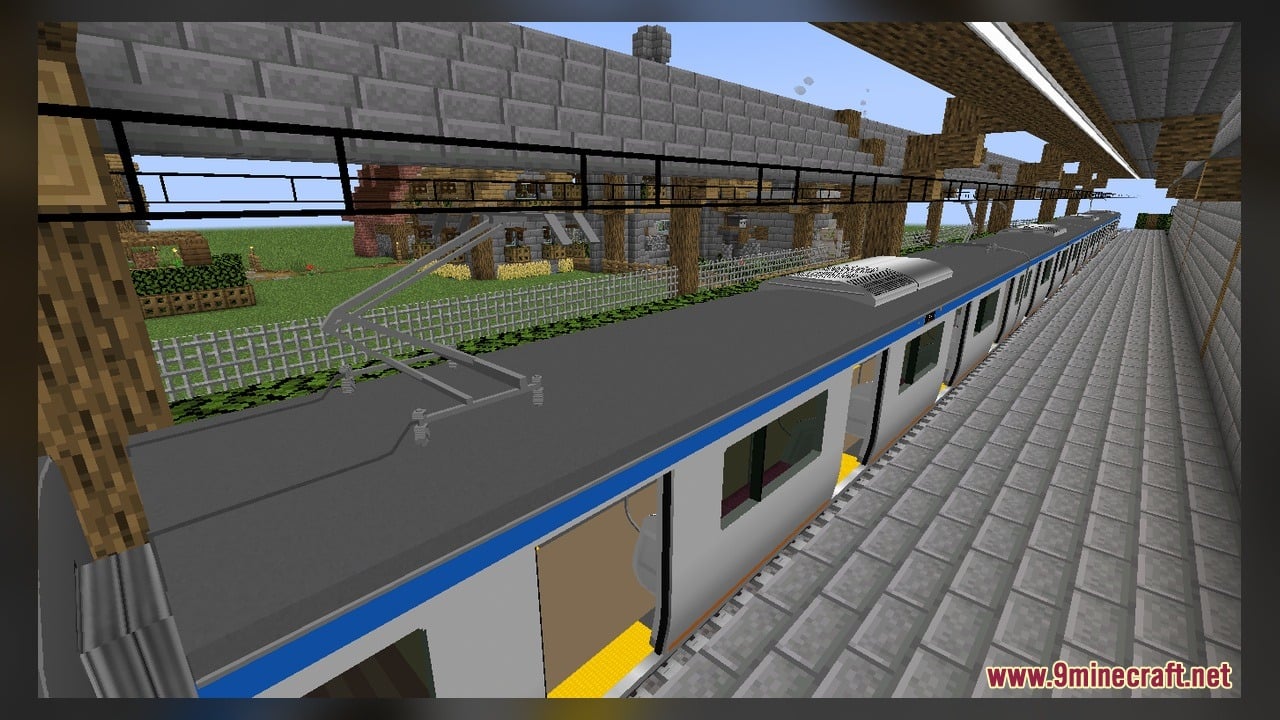
Sotetsu 11000 Series Model Download Links
Click to rate this post!
[Total: 0 Average: 0]
You May Also Like
Picked for this page
 VDL Citea LLE-120 Model – Brings Custom Transit Buses to MTR Roads
 Newer Age Model – Brings Custom 3D Energy Machinery to Create Factories
 MTR Austrian Express Collection 1 Model – Brings Detailed Austrian Trains
 Southwestern Railway Class 455 Pack For MTR Model – Adds Custom Passenger Trains
 THSR 700T Model – Brings Taiwan High-Speed Rail Trains to Railway Networks
 Fresh Ores And Ingots VR Model – Transforms Flat Minerals Into 3D Gems
 ETR 470 Model – Brings Classic European Trains to Custom Transit Railways
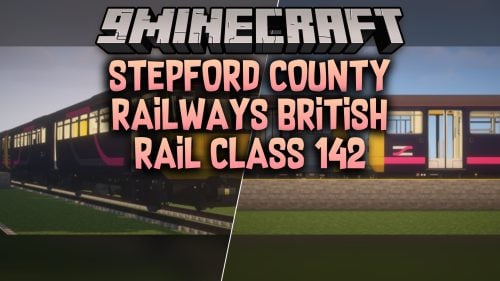 Stepford County Railways British Rail Class 142 Model
 British Rail Class 80X IET Series Model – Brings Modern British Passenger Trains
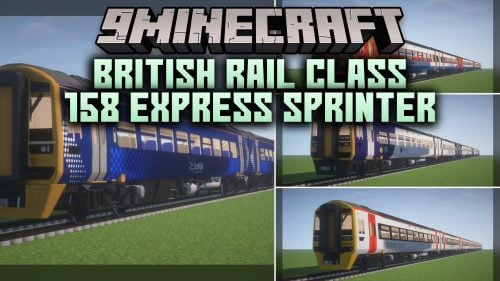 British Rail Class 158 Express Sprinter Model – Adds UK Passenger Trains
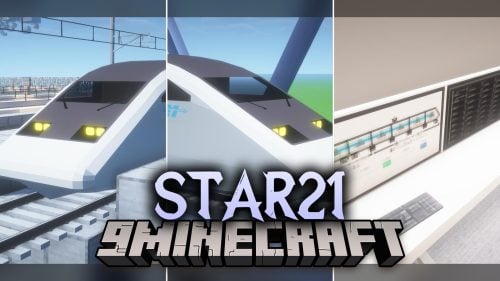 STAR21 Model – Brings the Class 952 Shinkansen Bullet Train to MTR4 Tracks
 Blue16x Model – Brings Clean Blue 3D Blocks for Fast-Paced PvP Combat
Most viewed in Models over the last 7 days
 Jenny Mod Skin Pack Mega Collection – 310+ Characters
 The Most Complete Collection of Jenny Mod Resources – Models, Animations, Structures,…
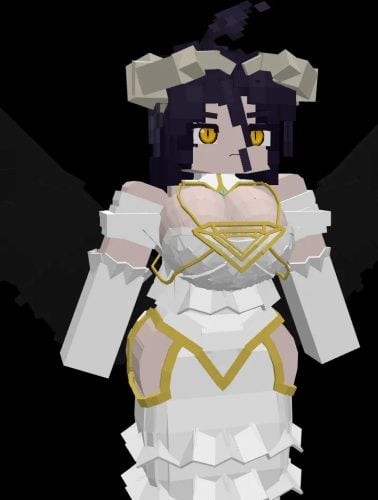 Albedo Rework Jenny Mod Model
 750 Models Addon for Yes Steve Model Mod
 Galath Rework Model – Custom Girl for PleasureCraft Mod
 Power Model – Custom Girl for PleasureCraft Mod
 Pomni Jenny Mod Model
 Femboy Ellie Rework Jenny Mod Model
 Ram Model – Custom Girl for PleasureCraft Mod
 100+ Custom Animations For Jenny Mod
 Ellie Rework Jenny Mod Model
 Steve (Jenny & Zoey) Pack Jenny Mod Model
More from Models
 Undopia 3D Rails Model – Transforms Flat Minecart Tracks Into Detailed Railways
 Enhanced Flower Pots Model – Brings 3D Shapes to Potted Plants
 Golden Days Base Model – Brings Classic Beta Visuals to Modern Blocks
 Patrix 32x Model – Brings Realistic 3D Blocks and Animated Nature to Life
 Blood Moon Pvp Model – Transforms Combat Visuals with Animated Crimson Blocks
 Slumbering Tartarus’s Fictional Buses Model – Adds Electric Transit Buses
 TaanMC Model – Transforms PvP Matches with Custom 3D Blocks and Animated Items
 Dragon’s British Train Retexture Model – Brings British Rail Liveries to MTR4
 Story Mode Revamped Model – Brings Telltale Adventure Gear and 3D Blocks
 Caelesti Flora Model – Transforms Flat Vanilla Plants Into Detailed 3D Greenery
 Coffee_XiaoGuan’s Tool Outlines Model – Adds Glowing 3D Outlines to Your Gear
 Fancy Foliage Model – Brings Animated 3D Plants and Bushy Leaves to Biomes

This post has no comments yet. Be the first — your comment will appear here.