
SVC For Lunar Client Modpack (26.1.2, 1.21.11) – Talk with Friends In-Game
 1,022
 0


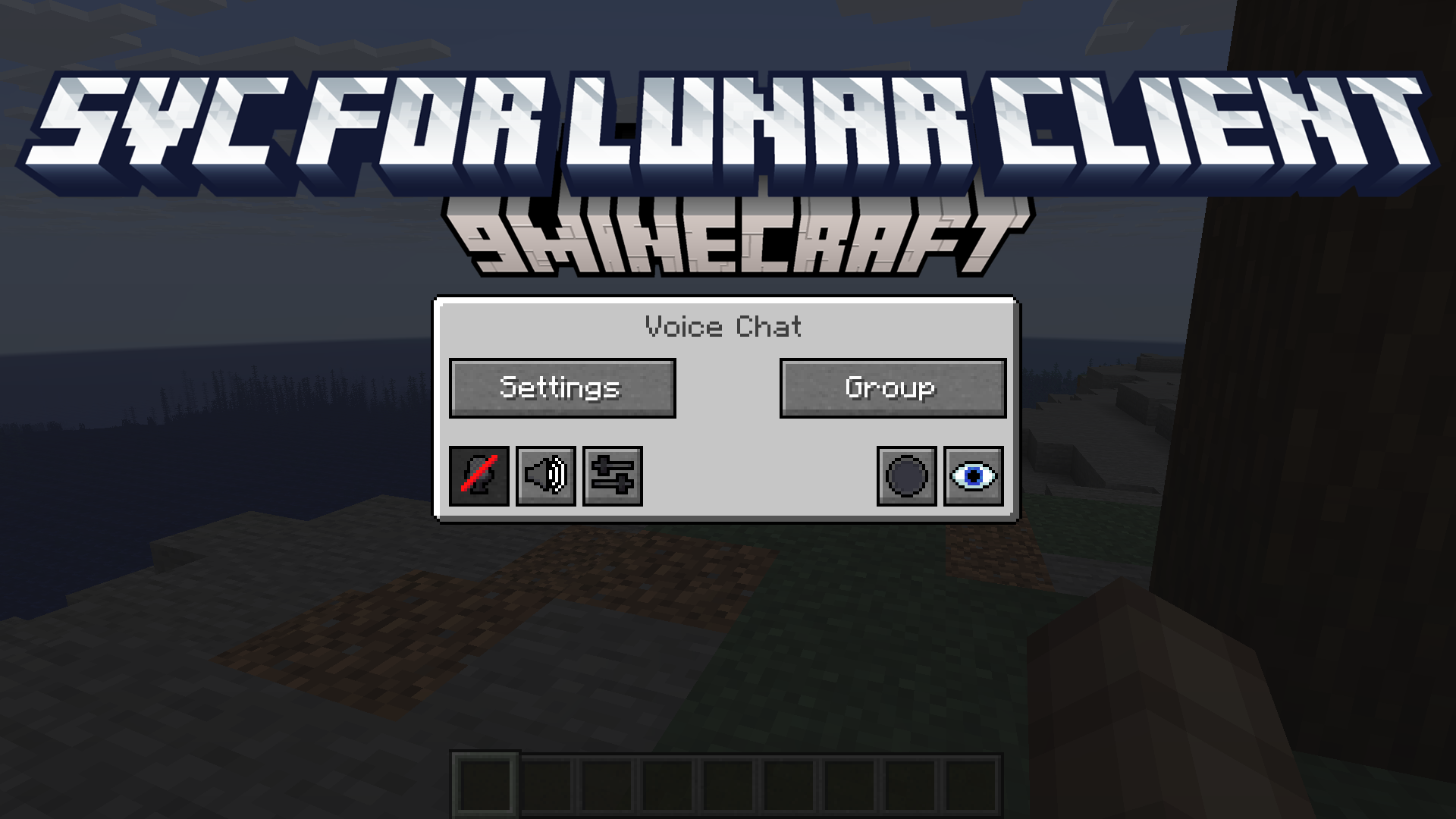
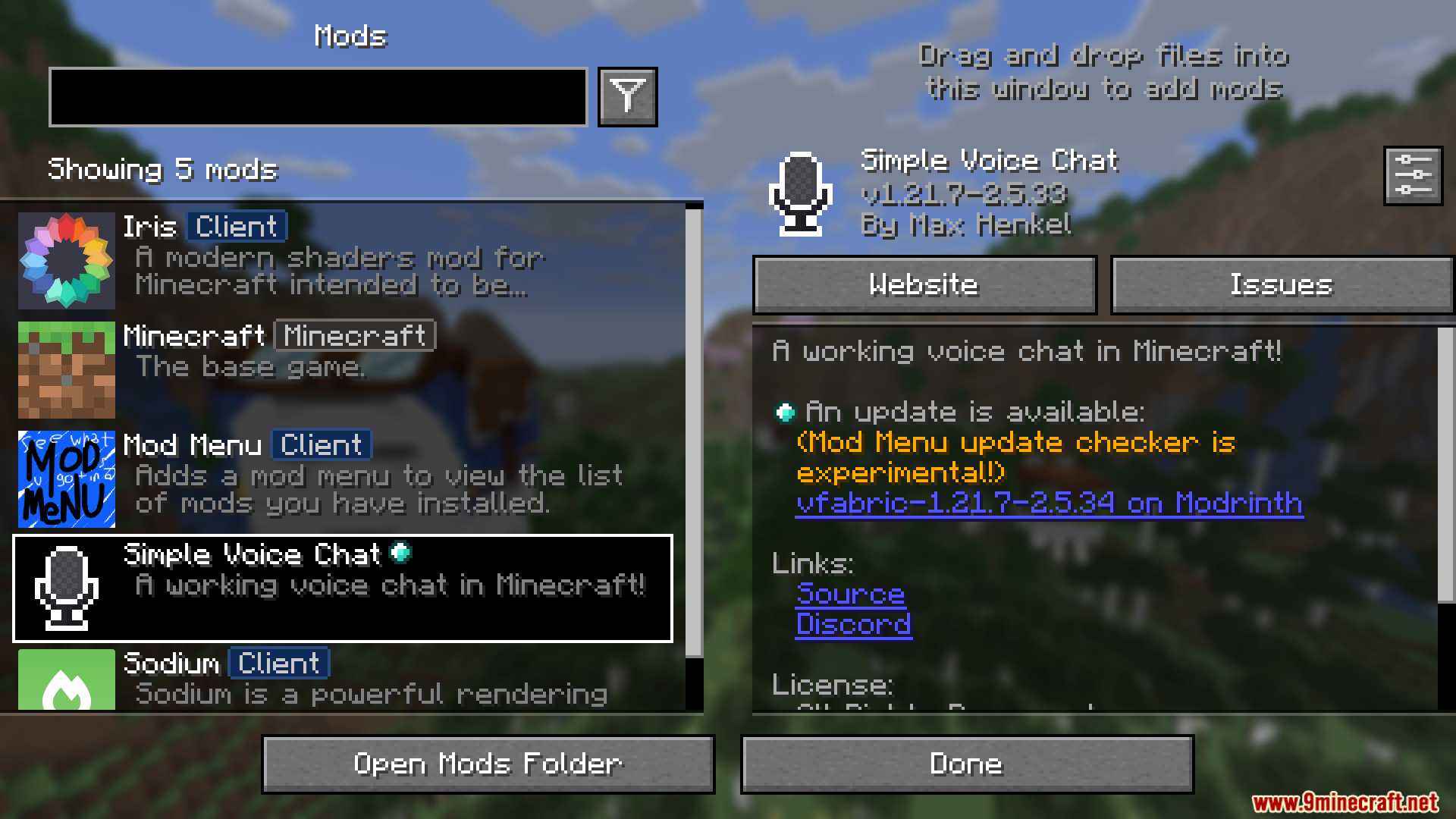
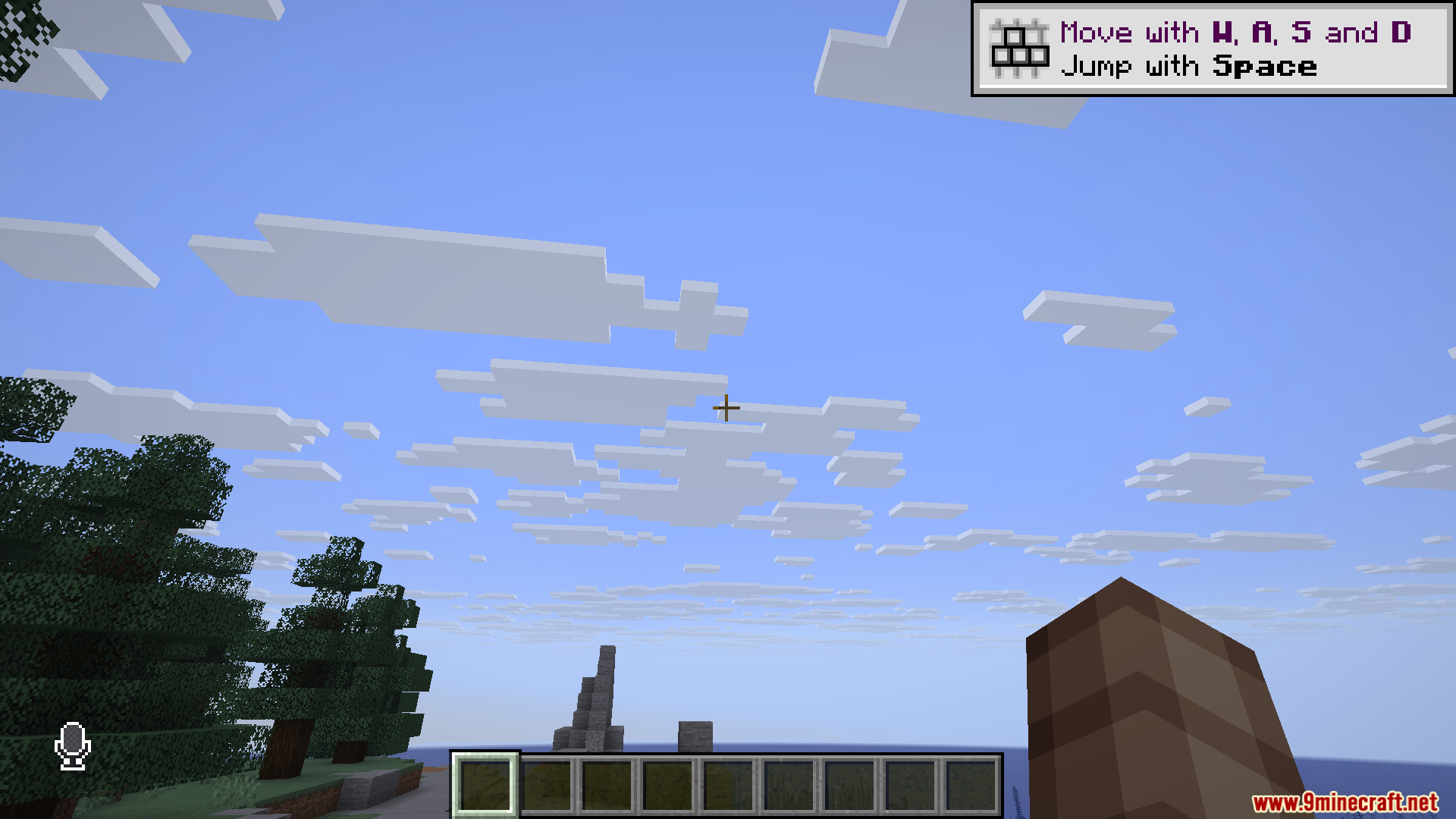
SVC For Lunar Client Modpack lets you use Simple Voice Chat on Lunar Client so you can jump straight into a world and talk with friends. This lightweight pack bundles 5 mods: Simple Voice Chat, Sodium, Iris, Fabric API, and Mod Menu. These mods add in-game voice chat, improve game performance, support shaders, and show your installed mods. It gives you the best experience on Lunar Client, and it also works on any other modpack loader.
Features:
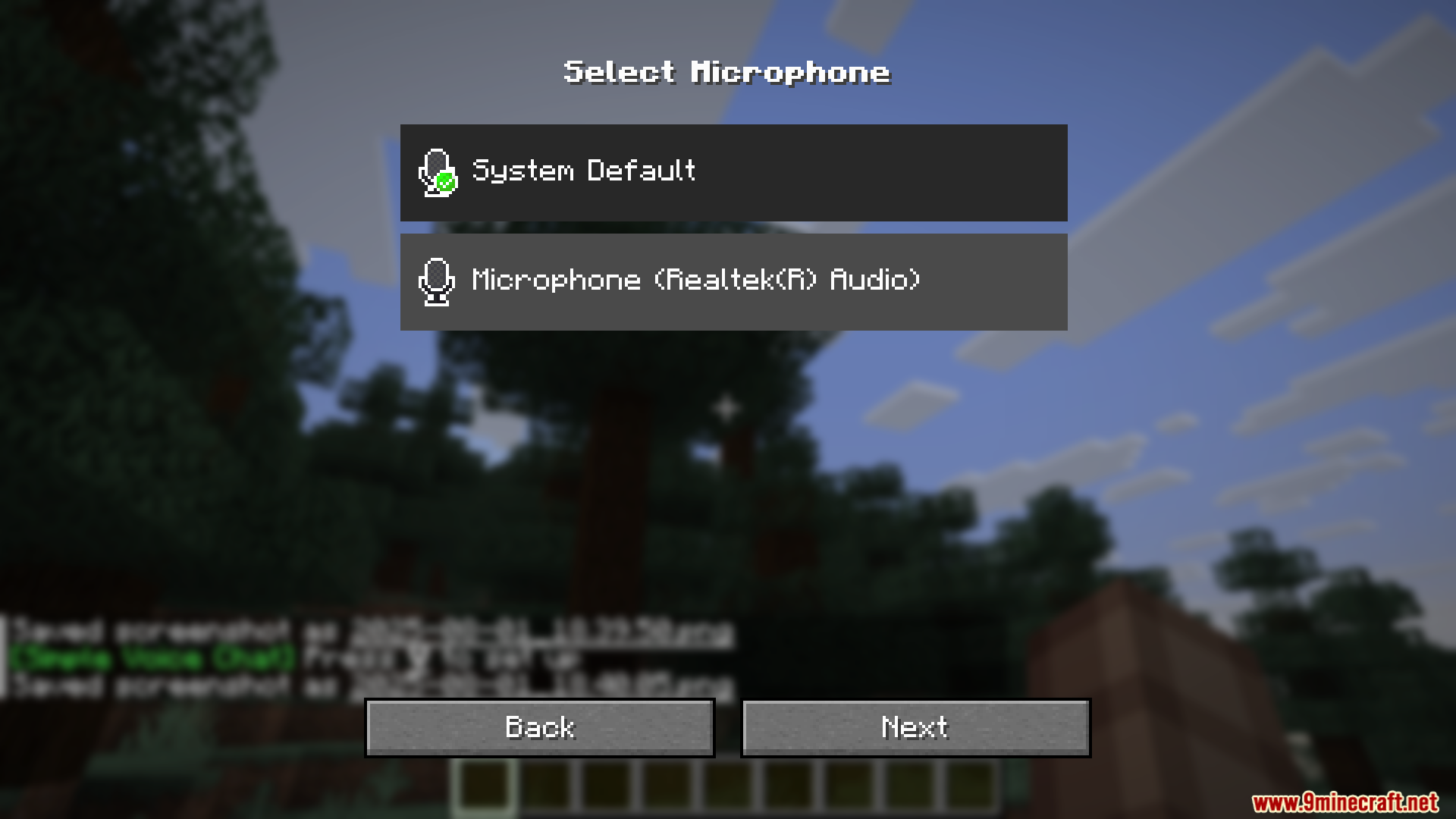
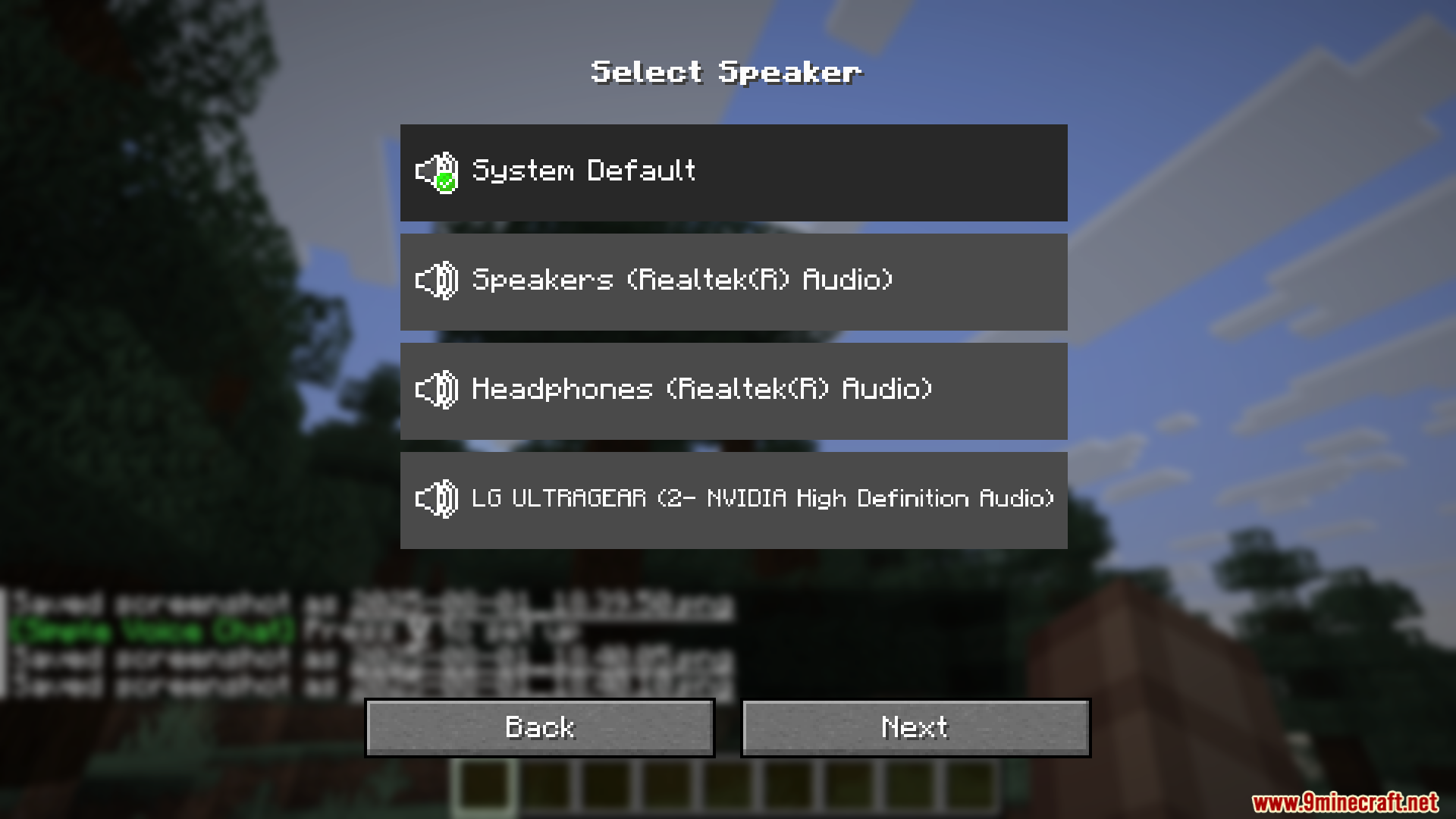
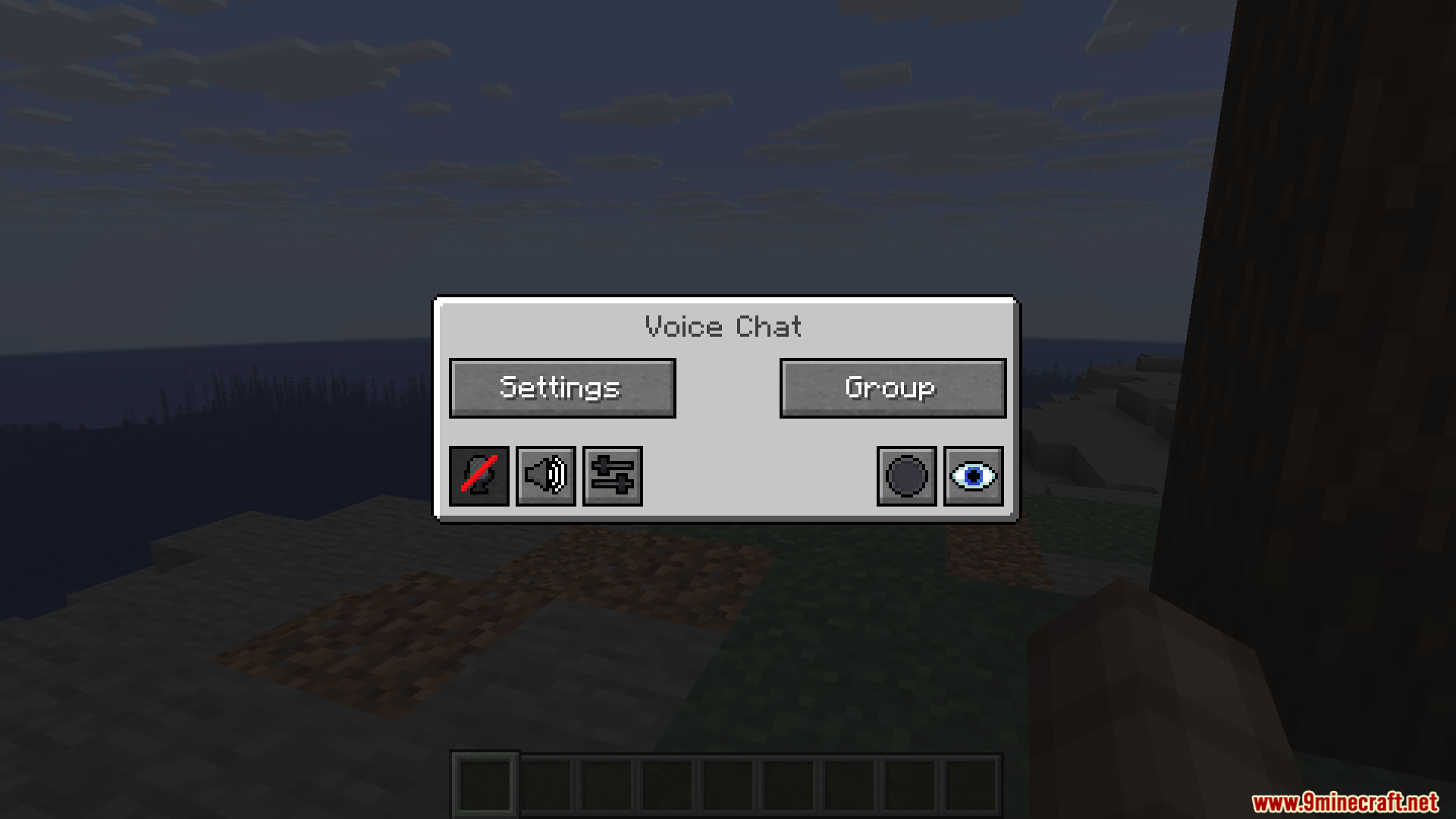
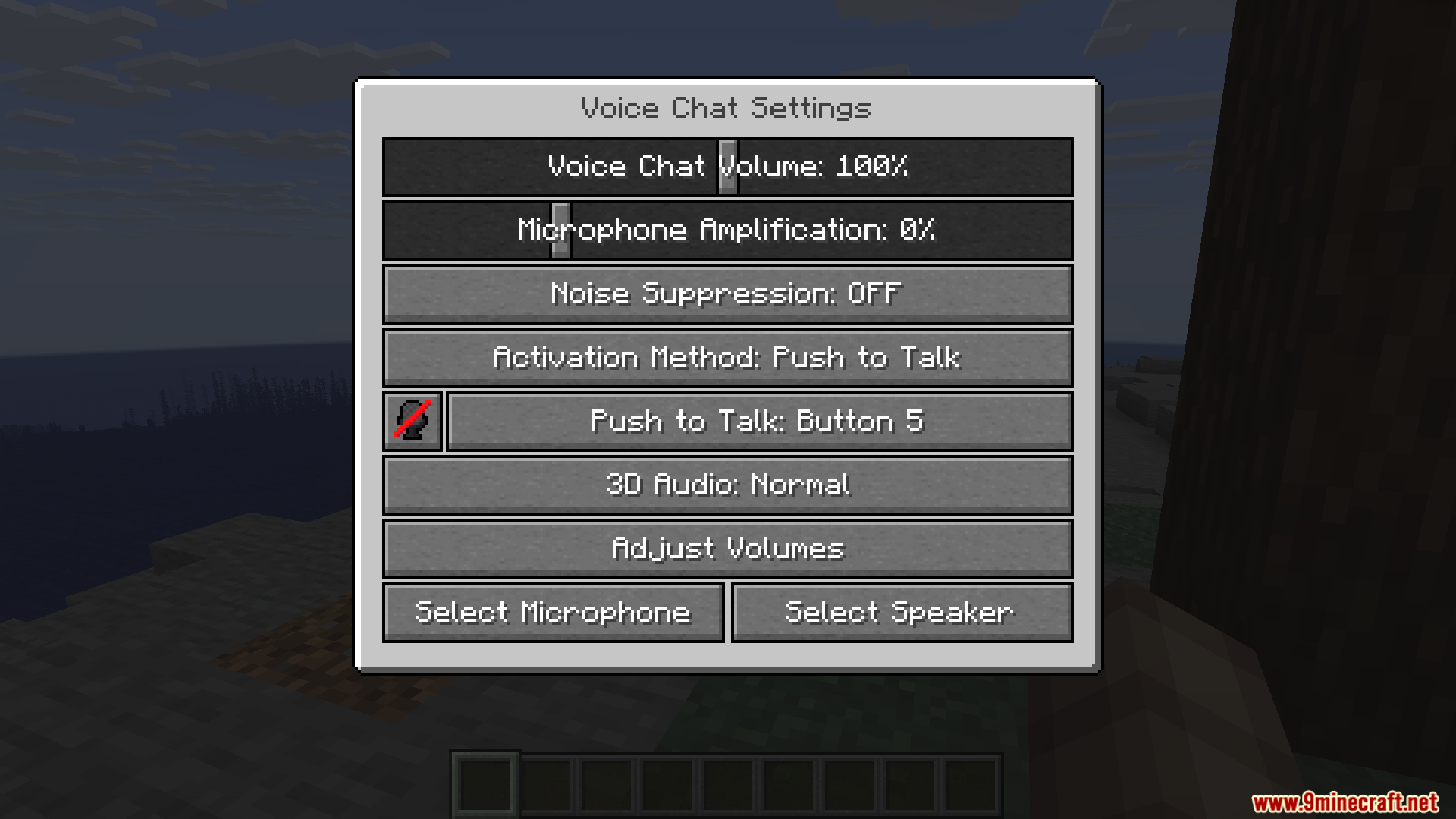
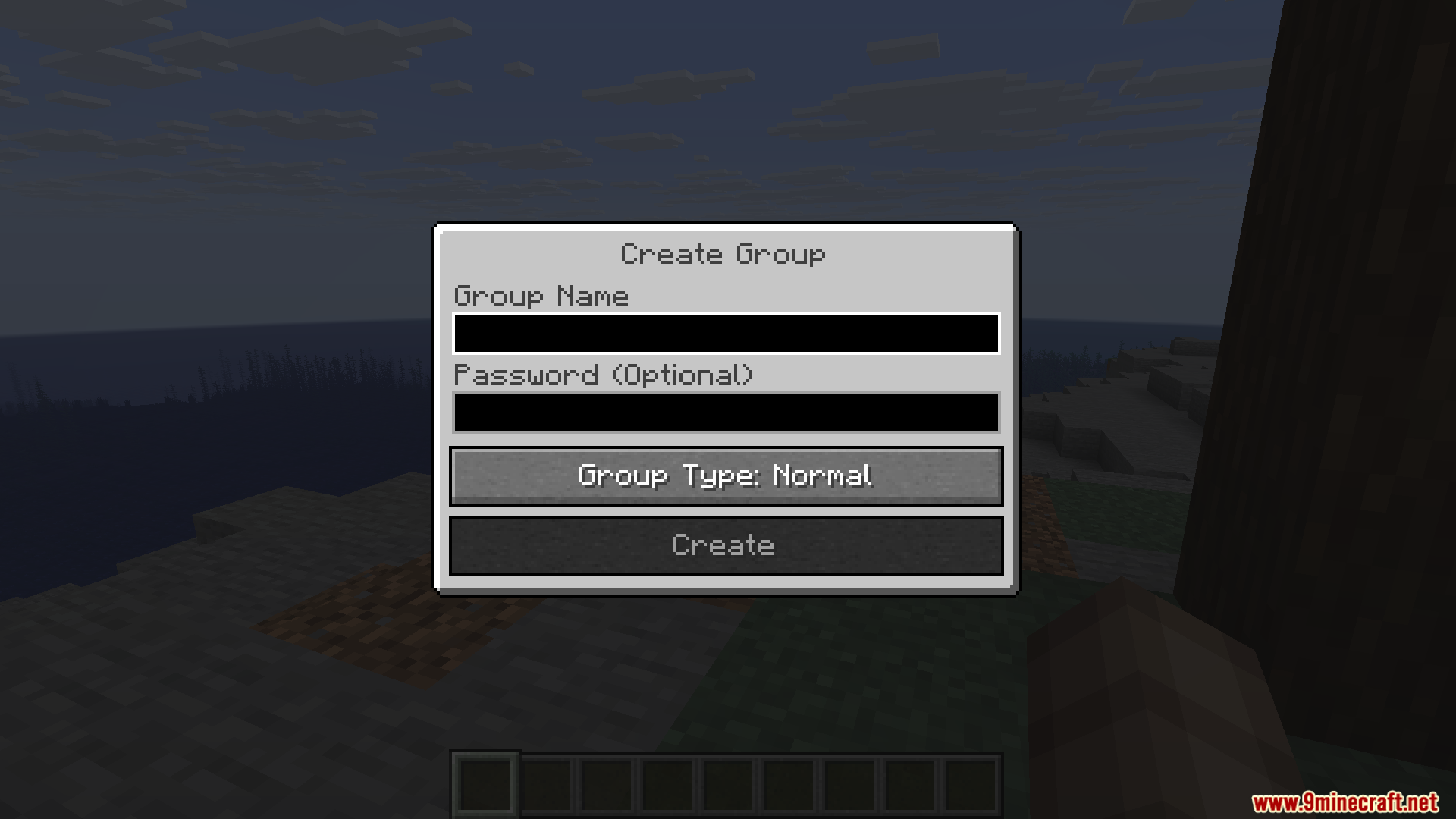
- In-Game Voice Chat: Includes Simple Voice Chat so you can talk to friends directly inside Minecraft with proximity support. You can pick your microphone and speaker, adjust volume controls, and create password-protected group chats.
- Performance Boost: Uses the Sodium rendering engine to greatly improve game performance.
- Shader Support: Comes with Iris so you can use modern shaders and OptiFine shader packs.
- Adds Mod Menu so you can see a full list of your installed mods right inside the game.
- Includes Fabric API to provide common hooks and help the mods work together smoothly.
- Keeps the setup lightweight with only these 5 essential mods, so you can jump straight into a world with friends on any modpack loader.
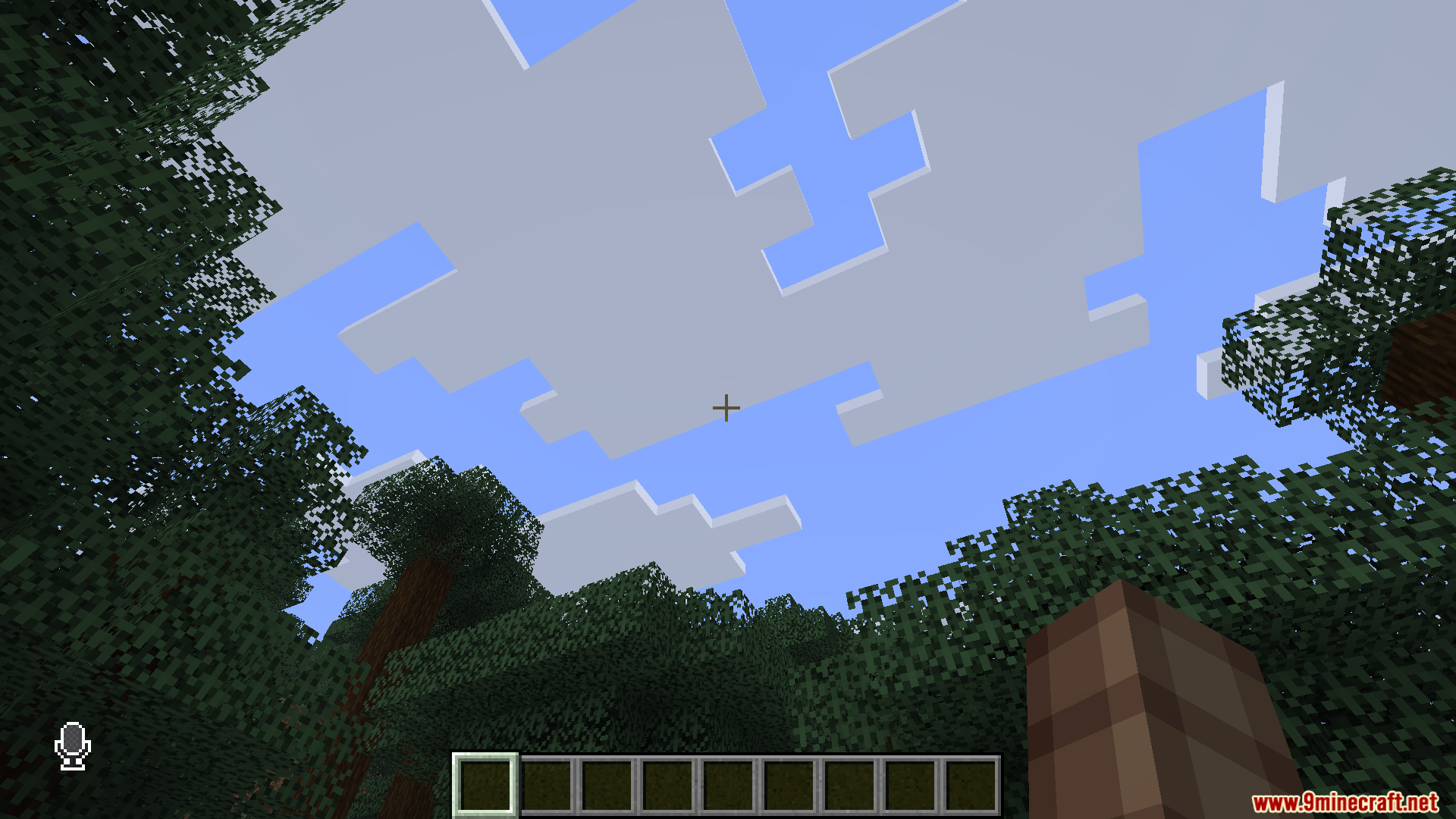
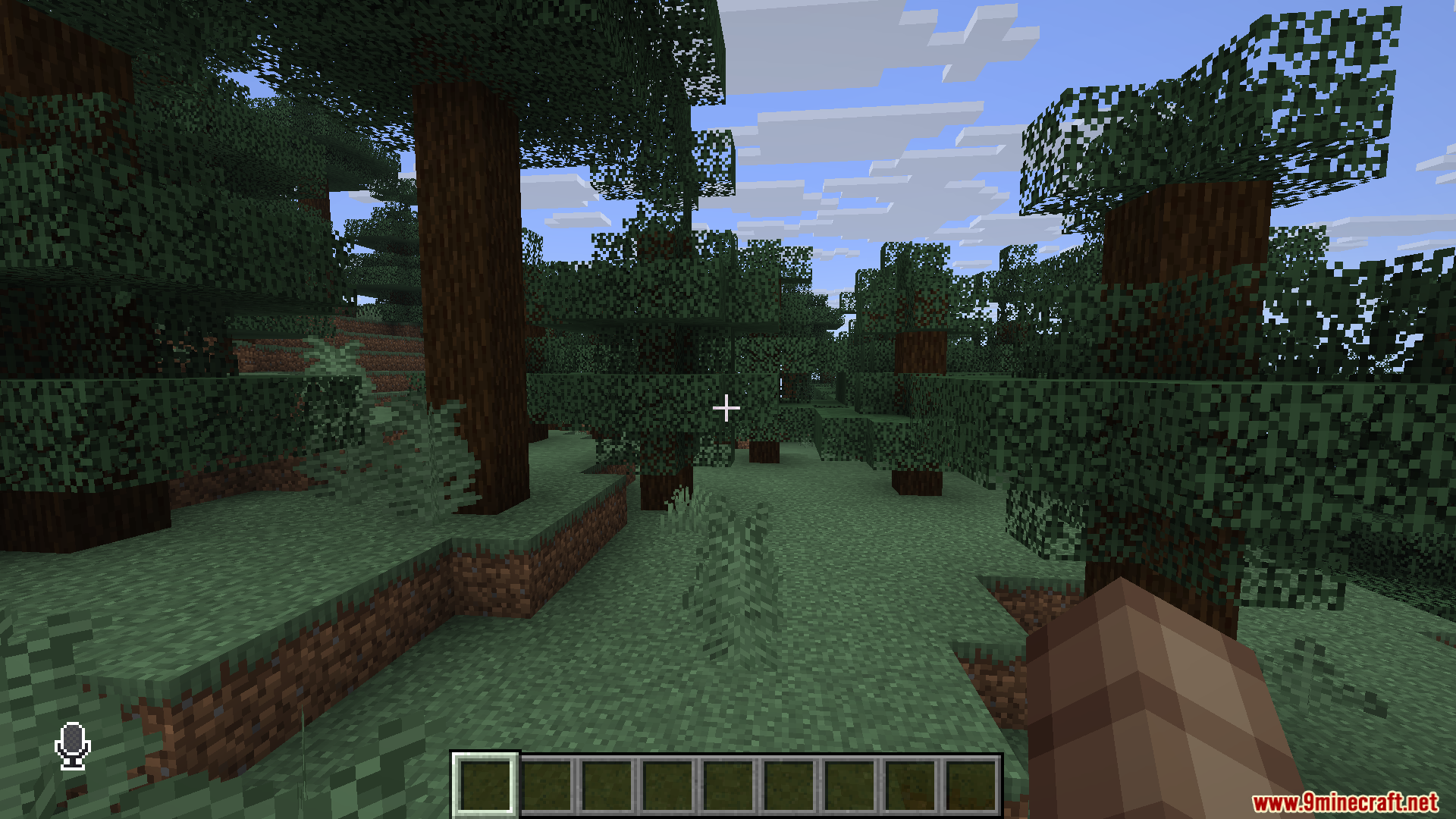
Screenshots:

How to Install:
New to Minecraft? Follow our step-by-step guide to install Modpacks on your PC.View Guide
SVC For Lunar Client Modpack Download Links
For Minecraft 26.1.2
For Minecraft 1.21.11
For Minecraft 1.21.10
For Minecraft 1.21.8
For Minecraft 1.21.7
For Minecraft 1.21.6
For Minecraft 1.21.4
Click to rate this post!
[Total: 2 Average: 4.5]
You May Also Like
Picked for this page
 Boosted FPS Modpack (26.2, 1.20.1) – Making Your Game Run Better and Faster
 Simply Optimized Modpack (1.21.11, 1.20.1) – Better Than Fabulously Optimized
 More FPS Modpack (26.3, 1.20.1) – Boost Your FPS and Reduce Lag
 Immersed With Shaders Modpack (26.3, 1.20.1) – Quality of Life for Minecraft
 Light Craft Modpack (26.3, 1.20.1) – Massive FPS Boost
 XPlus PerioTable Modpack (26.1.2, 1.20.1) – Make the Best Gameplay Experience
 OptiFine Alternative Modpack (26.2, 1.20.1) – Experience High Performance
 ZombieMania Modpack (1.20.1) – Brutal Cold Apocalypse Survival
 NotiFine Modpack (26.1.2, 1.21.1) – OptiFine for Minecraft
 Best Vanilla World 2 Modpack (26.1.2, 1.21.1) – Quest-Driven Vanilla
 Spunky Optimized Modpack (26.1.2, 1.20.1) – Boost Your FPS
 The Immersive Revolution Rebirth Modpack (1.20.1) – Resource Gathering to High-Tech
Most viewed in Modpacks over the last 7 days
- ZombieMania Modpack (1.20.1) – Brutal Cold Apocalypse Survival
 NightfallCraft The Casket of Reveries Modpack (1.20.1) – Epic Fight Story RPG
 Action & Stuff On Java Modpack (1.21.11, 1.20.1) – Java Gets Animated
 Ascendra Modpack (1.20.1) – The Ultimate Endgame Adventure
 DeceasedCraft Modpack (1.20.1, 1.18.2) – Modern Zombie Apocalypse
 Cursed Walking Modpack (1.20.1, 1.19.2) – Horrifying Zombie Apocalypse
 Aqua Jujutsu Kaisen Cursed Fate Modpack (1.20.1) – Master Cursed Sorcery And Dungeons
 OptiFabric Modpack (26.3, 1.20.1) – OptiFine Features But More Optimized
 Superior RPG Modpack (1.20.1) – Deep Classes and Skills
 ArdaCraft Modpack (1.20.1, 1.19.2) – The Lord of the Rings, Middle-Earth
 Verity World AI Horror Adventure With Verity Modpack (1.20.1) – A Companion That Smiles Back
 TACZ Expanded Modpack (1.20.1) – All Gunpacks for Timeless and Classics Zero Guns
More from Modpacks
 Take A Look GUNS Remastered Modpack (1.20.1) – Modern Firearms And Mechanical Warfare
 Lees Fantasy Chronicles Of The Mimic Modpack (1.20.1) – Defeat The Mimic. Claim
 Echoes Of Londor Modpack (1.20.1) – Punishing Dark Fantasy Action RPG
 Castaway Lost In The Seas Modpack (1.21.1) – Conquer Oceans And Sunken Ruins
 Ozone Skyblock Reborn 2 Modpack (1.21.1) – Extreme Crafting And Tech Automation
 Create Expansion With Create Addons & Aeronautics Modpack (1.20.1) – Build, Explore, And Automate
 Create The Brass Concerto Modpack (1.20.1) – Automate Everything, Reach Space
 Zombie Horizon Realistic Zombie World Modpack (1.20.1) – Survive Smarter Zombies Daily
 How To Train Your Dragon Inspired In HTTYD Saga Modpack (1.20.1) – Tame Dragons Rule The Skies
 GregTech Lite Modpack (1.12.2) – Faster Tech Progression and Simplified Crafting
 Beyond Ocean Modpack (1.20.1) – Survive The Endless Ocean
 New Simple Mods Modpack (1.20) – Simple Mods, Endless Fun

This post has no comments yet. Be the first — your comment will appear here.