


Baritone Client Mod (26.2, 1.20.1) – ขุดอัตโนมัติ, สร้างบ้านด้วย AI, Xray


Baritone Client Mod คือระบบนำทาง (pathfinding) ในเกม Minecraft ที่ถูกนำมาใช้ใน Impact มันช่วยให้ผู้เล่นเดินทางไปยังสถานที่ต่างๆ และขุดแร่หรือบล็อกอื่นๆ ได้ด้วยความช่วยเหลือจากระบบนำทางอัจฉริยะ AI โดย Baritone เปรียบเสมือนหุ่นยนต์เล่น Minecraft อัตโนมัติ มันสามารถช่วยคุณเดินทางไปยังพิกัดที่กำหนด ขุดแร่ และทำงานสไตล์ Worldedit ได้โดยการควบคุมตัวเกมของคุณผ่านระบบ AI นำทางอัจฉริยะ
ฟีเจอร์เด่น:
ฟีเจอร์การนำทาง (Pathing):
- การนำทางระยะไกลและการเชื่อมต่อเส้นทาง: Baritone จะคำนวณเส้นทางเป็นส่วนๆ และคำนวณส่วนถัดไปล่วงหน้าเมื่อส่วนปัจจุบันใกล้จะสิ้นสุด เพื่อให้ตัวละครเคลื่อนที่ไปยังเป้าหมายได้ตลอดเวลา
- การแคช Chunk: Baritone จะย่อข้อมูล Chunk ให้เหลือรูปแบบ 2-bit (AIR, SOLID, WATER, AVOID) และเก็บไว้ใน RAM เพื่อการนำทางระยะไกลที่มีประสิทธิภาพมากขึ้น และยังมีออปชันสำหรับบันทึกแคชเหล่านี้ลงในดิสก์ด้วย
- การทำลายบล็อก: Baritone จะคำนวณการขุดบล็อกเป็นส่วนหนึ่งของเส้นทาง โดยพิจารณาจากอุปกรณ์ในมือและ Hotbar ของคุณ เช่น ถ้าคุณมีที่ขุดเพชร Eff V มันอาจจะเลือกขุดทะลุกำแพงหิน แต่ถ้ามีแค่ที่ขุดไม้ มันอาจจะเลือกปีนข้ามไปแทนเพราะเร็วกว่า
- การวางบล็อก: Baritone สามารถวางบล็อกเพื่อข้ามทางได้ รวมถึงการย่อตัววางบล็อก (sneak-back-placing) หรือการต่อบล็อกขึ้นที่สูง (pillaring) โดยมีการตั้งค่าดีเลย์การวางบล็อกได้ (ค่าเริ่มต้นคือ 1 วินาที) เพื่อประหยัดทรัพยากร และสามารถเลือกประเภทบล็อกที่จะใช้ทิ้งได้ (ค่าเริ่มต้นคือ Cobble, Dirt หรือ Netherrack)
- การตกจากที่สูง: Baritone จะยอมโดดลงพื้นได้สูงถึง 3 บล็อก (ตั้งค่าได้) หากคุณมี Feather Falling หรือไม่ซีเรียสเรื่องดาเมจเล็กน้อย แต่ถ้ามีถังน้ำใน Hotbar มันจะโดดได้สูงถึง 23 บล็อกและวางน้ำรองพื้นให้เองอัตโนมัติ
- เถาวัลย์และบันได: Baritone รู้วิธีปีนขึ้นและลงเถาวัลย์หรือบันได และยังมีระบบทดลองสำหรับการเคลื่อนที่ขั้นสูง เช่น การกระโดดสลับบันไดกลางอากาศ (ปิดไว้เป็นค่าเริ่มต้น ตั้งค่าได้ที่ allowVines)
- การเปิดประตูรั้วและประตูบ้าน
- การใช้ Slab และบันได (Stairs)
- บล็อกที่ร่วงหล่นได้: Baritone เข้าใจเรื่องต้นทุนการขุดบล็อกที่มีทรายหรือกรวดอยู่ด้านบน และจะหลีกเลี่ยงการขุดบล็อกที่ติดกับของเหลวเพื่อป้องกันลาวาทะลักใส่
- การหลีกเลี่ยงบล็อกอันตราย: แน่นอนว่ามันรู้ว่าไม่ควรเดินลุยไฟหรือแม็กม่า ไม่เลี้ยวตรงมุมลาวา และไม่ขุดบล็อกที่กั้นน้ำอยู่
- Parkour: การกระโดดวิ่งข้ามช่องว่าง 1, 2 หรือ 3 บล็อก
- Parkour place: การกระโดดวิ่งข้ามช่องว่าง 3 บล็อกพร้อมกับวางบล็อกรองรับกลางอากาศ เป็นฟีเจอร์ที่เท่มาก
- หมู: มันสามารถควบคุมหมูได้ในระดับหนึ่ง
วิธีการนำทาง:
- Baritone ใช้ระบบ A* ที่มีการดัดแปลงเพิ่มเติม:
- การคำนวณแบบแบ่งส่วน: ใน Minecraft ที่มีระยะ Render จำกัด Baritone จะคำนวณเส้นทางจนถึงขอบเขตที่มองเห็น หรือจนกว่าจะหมดเวลาคำนวณ เพื่อให้การเคลื่อนที่ลื่นไหลที่สุดแม้ในระยะทางที่ไกลมากๆ
- Incremental cost backoff: เมื่อการคำนวณเส้นทางหยุดลงก่อนถึงเป้าหมาย Baritone จะเลือกส่วนของเส้นทางที่ดีที่สุดเพื่อเริ่มเดินก่อน และจะคำนวณส่วนที่เหลือต่อไประหว่างเดินทาง
- การข้ามการปรับปรุงเล็กน้อย: ตัวนำทางจะเพิกเฉยต่อเส้นทางสำรองที่ช่วยให้เร็วขึ้นเพียงเล็กน้อย (น้อยกว่า 0.01 ticks) เพื่อประหยัดทรัพยากรเครื่อง
- การตรวจจับการเดินย้อนกลับ: หาก AI พบว่าเส้นทางใหม่ที่คำนวณได้ดีกว่าคือการเดินย้อนกลับ มันจะหยุดเดินชั่วคราวเพื่อรอเส้นทางที่ถูกต้อง เพื่อไม่ให้ผู้เล่นเดินไปข้างหน้าฟรีๆ
เป้าหมาย (Goals):
- สามารถตั้งค่าเป้าหมายการนำทางได้หลายรูปแบบ:
- GoalBlock: บล็อกเฉพาะเจาะจงที่ต้องการไปยืน
- GoalXZ: พิกัด X และ Z สำหรับการเดินทางไกล
- GoalYLevel: ระดับความสูง Y
- GoalGetToBlock: ไปยืนข้างๆ, ด้านล่าง หรือด้านบนของบล็อกที่กำหนด
- GoalNear: ไปอยู่ในระยะรัศมีรอบๆ บล็อกหรือเอนทิตี
- GoalComposite: รายชื่อเป้าหมายหลายอย่าง เช่น การสั่งขุดเพชร AI จะสร้างเป้าหมายไปยังแร่เพชรทุกก้อนที่มันรู้จัก
คำสั่ง Baritone (Commands):
Prefix
- ค่าเริ่มต้นของ Baritone คือ # แต่ถ้าใช้ใน Impact สามารถใช้ .b ได้ (เช่น .b click แทน #click)
- คำสั่ง Baritone สามารถพิมพ์ในช่องแชทได้เลย แต่แนะนำให้ใช้ Prefix เพื่อป้องกันการพิมพ์ผิดแล้วข้อความหลุดไปในแชทสาธารณะ
help
หากต้องการเปิด/ปิดการตั้งค่าแบบ Boolean ให้พิมพ์ชื่อนั้นในแชท (เช่น allowBreak เพื่อเปิด/ปิดการขุดบล็อก) สำหรับค่าตัวเลขให้พิมพ์ชื่อตามด้วยค่าที่ต้องการ (เช่น primaryTimeoutMS 250) หากต้องการรีเซ็ตค่าให้ใช้คำสั่ง reset
คำสั่งที่ใช้บ่อย:
thisway 1000แล้วตามด้วยpath: เดินไปในทิศทางที่หันหน้าไปเป็นระยะ 1,000 บล็อกgoto x y z: เดินไปยังพิกัดที่กำหนดทันทีgoal clear: ล้างเป้าหมายที่ตั้งไว้cancelหรือstop: หยุดการทำงานทั้งหมดmine diamond_ore: ขุดแร่เพชร (เปิดlegitMineเพื่อให้ขุดเฉพาะแร่ที่มองเห็นตามกฎเซิร์ฟเวอร์)click: คลิกเลือกจุดหมายบนหน้าจอ คลิกขวาเพื่อไปยืนบนบล็อก คลิกซ้ายเพื่อไปในบล็อกfollow player ชื่อผู้เล่น: เดินตามผู้เล่นที่กำหนดbuild ชื่อไฟล์.schematic: สร้างสิ่งก่อสร้างจากไฟล์ schematictunnel: ขุดอุโมงค์ขนาด 1×2farm: เก็บเกี่ยว ปลูกใหม่ หรือใส่ปุ๋ยพืชผลอัตโนมัติsurfaceหรือtop: เดินขึ้นไปยังพื้นผิวด้านบนที่ใกล้ที่สุด
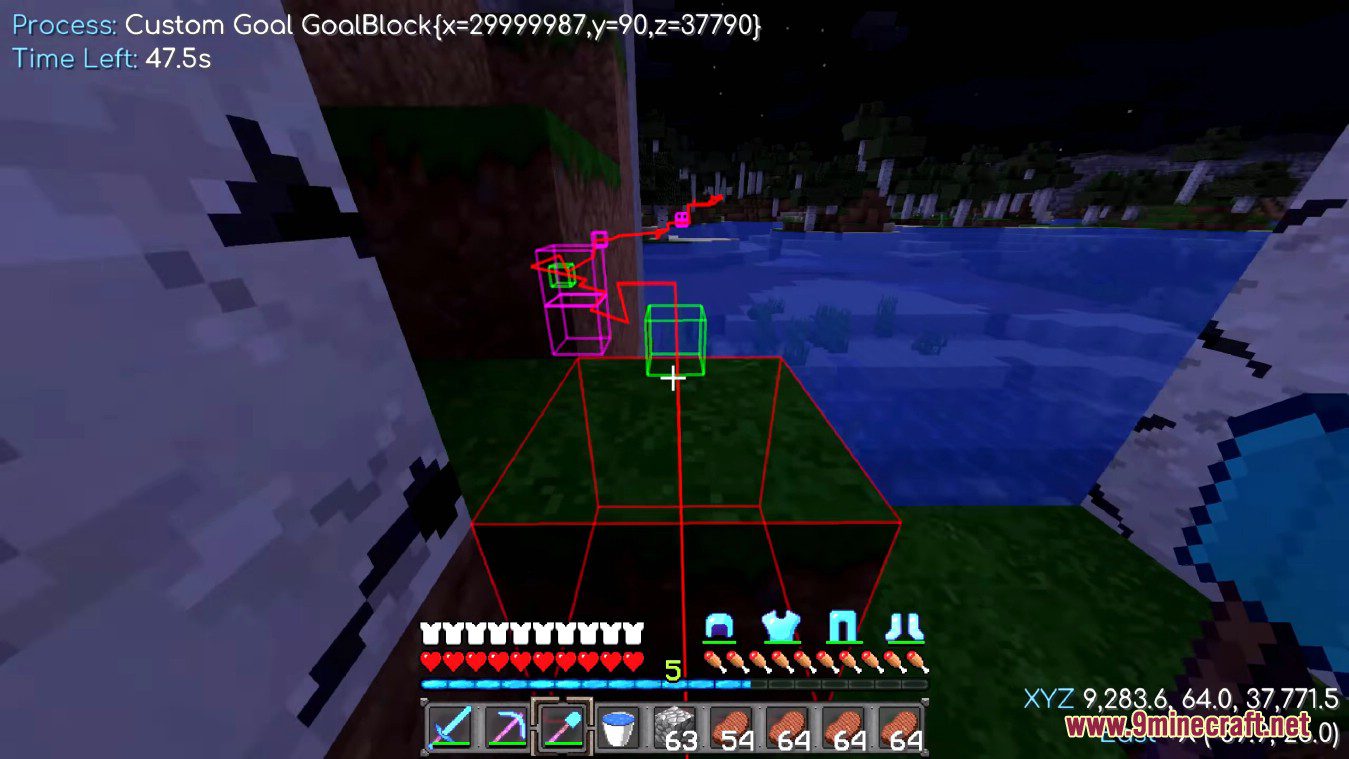
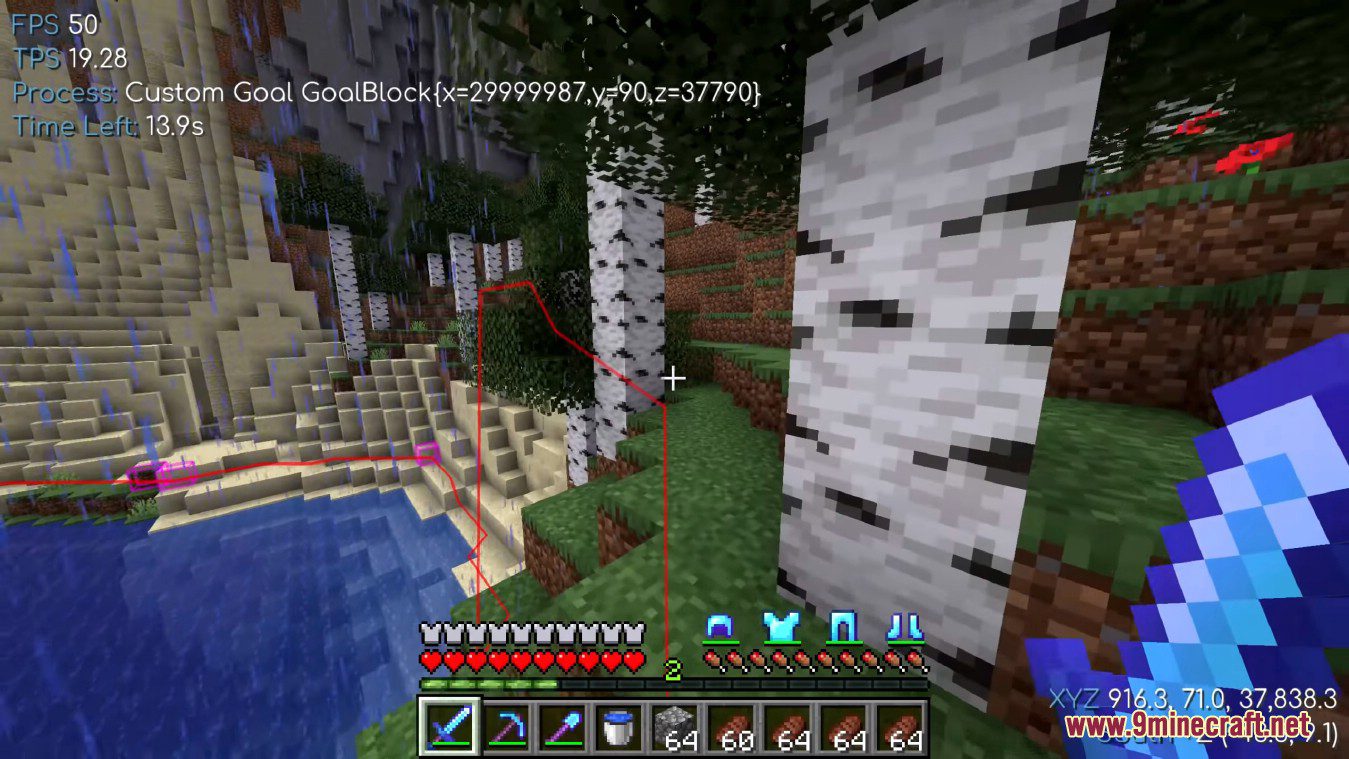
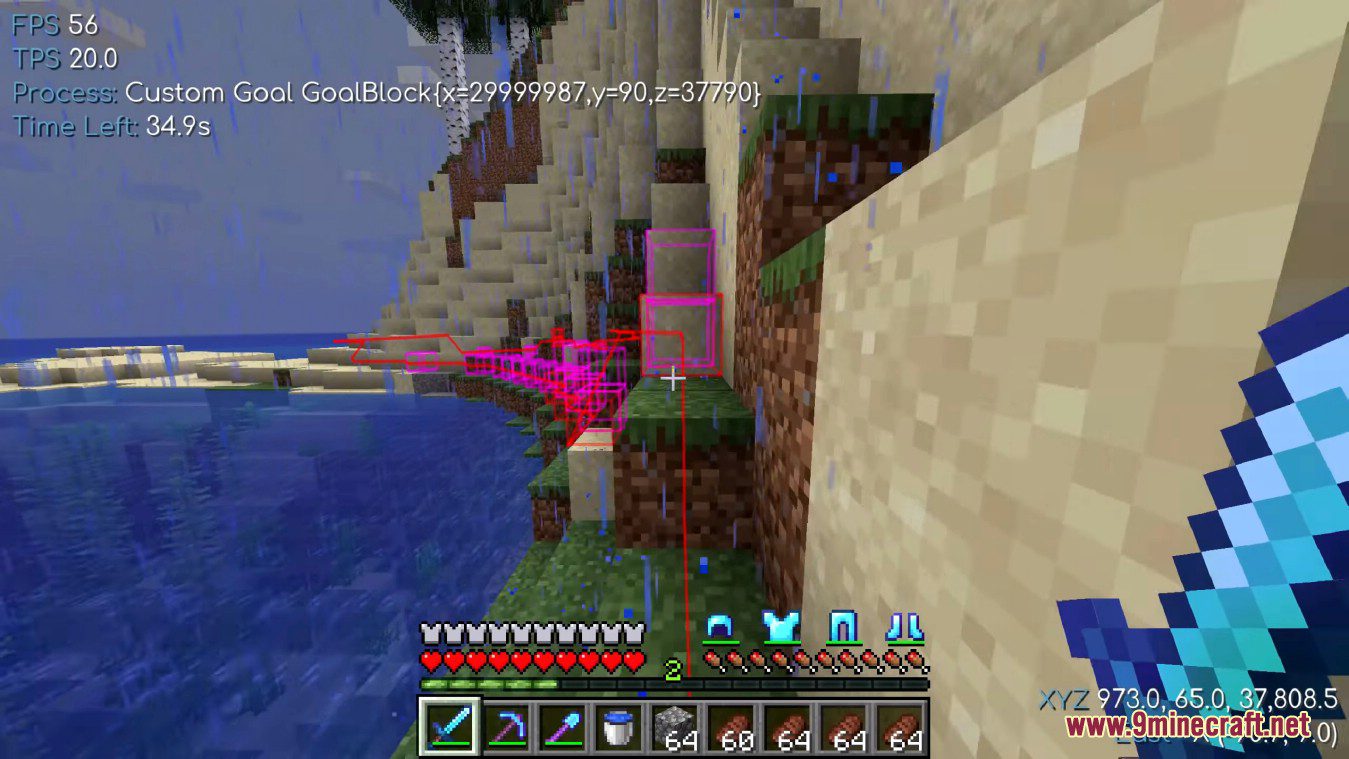
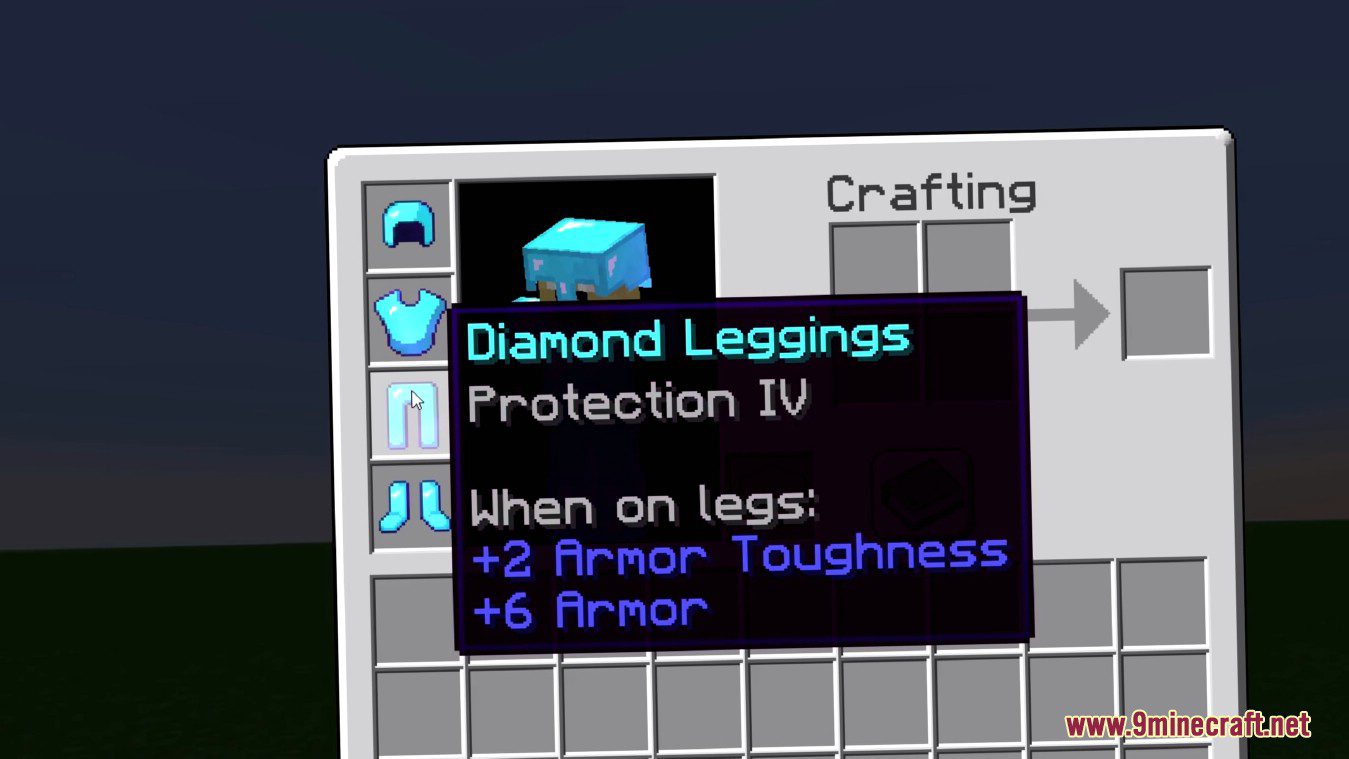
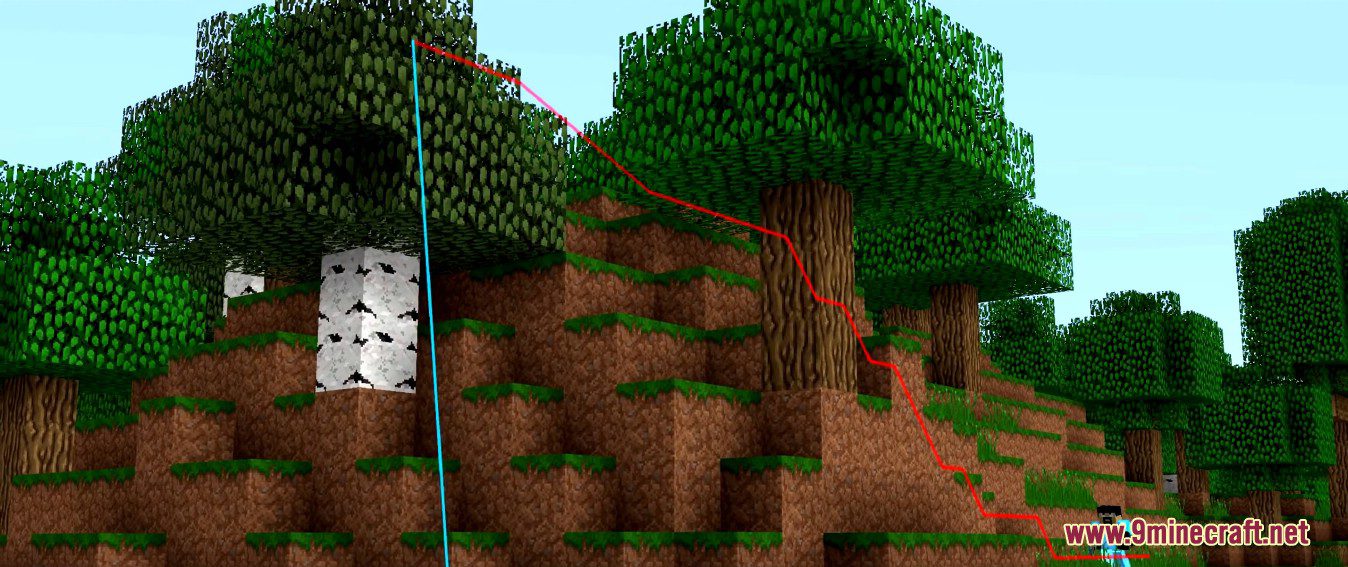
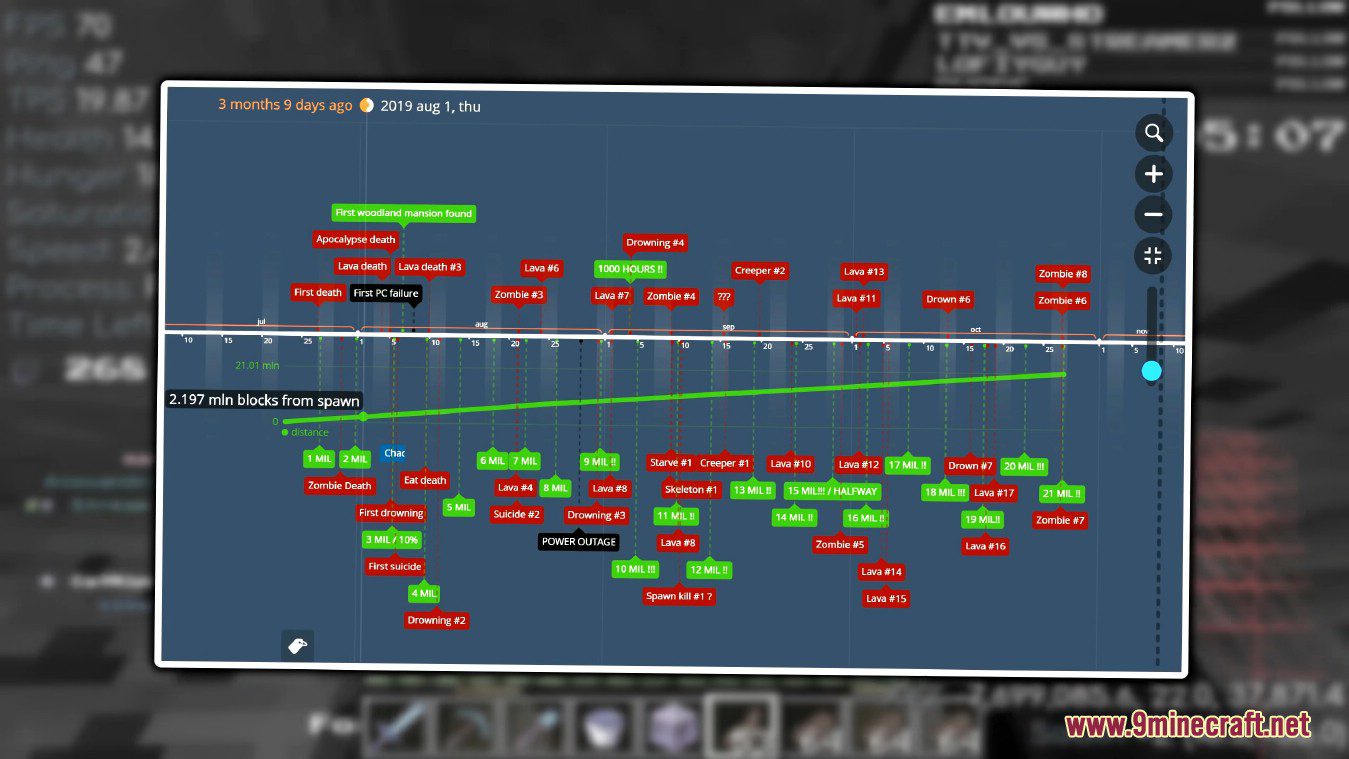
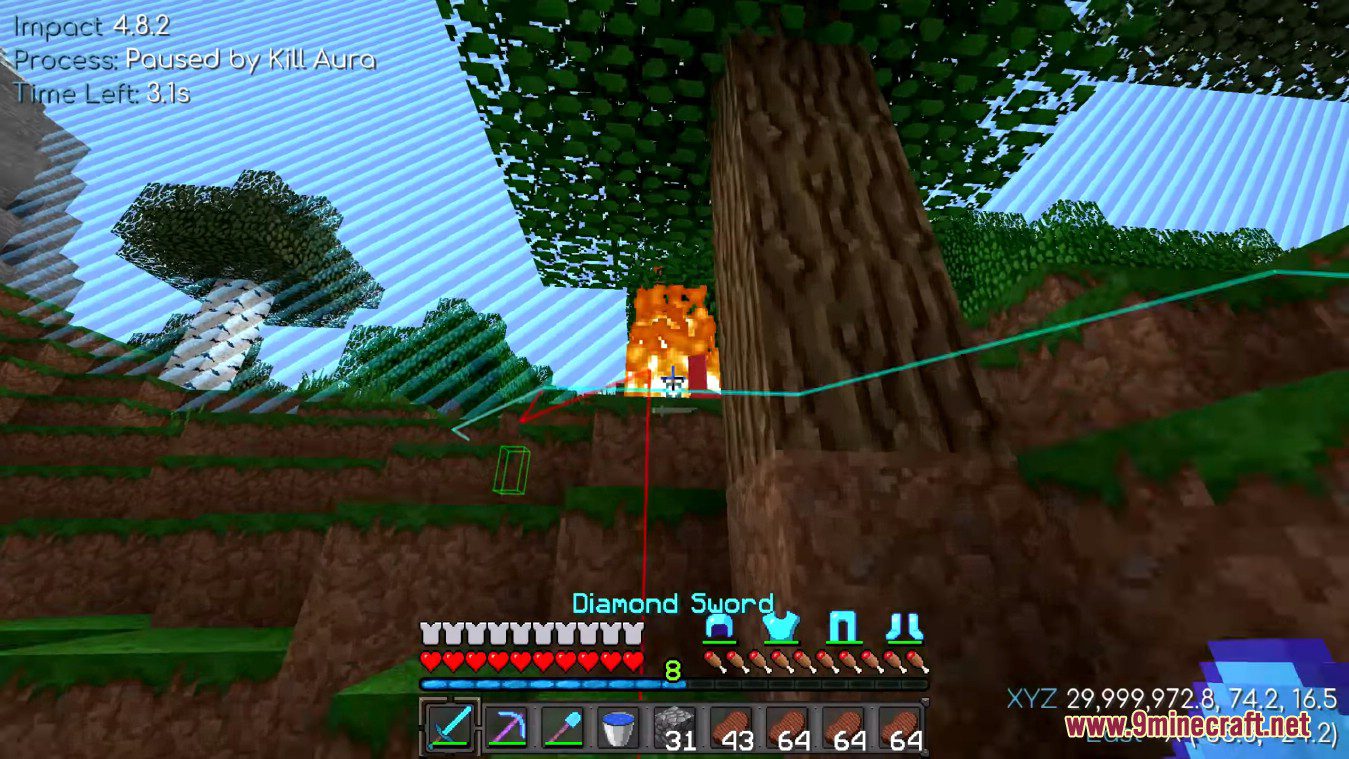
ภาพสกรีนช็อต:
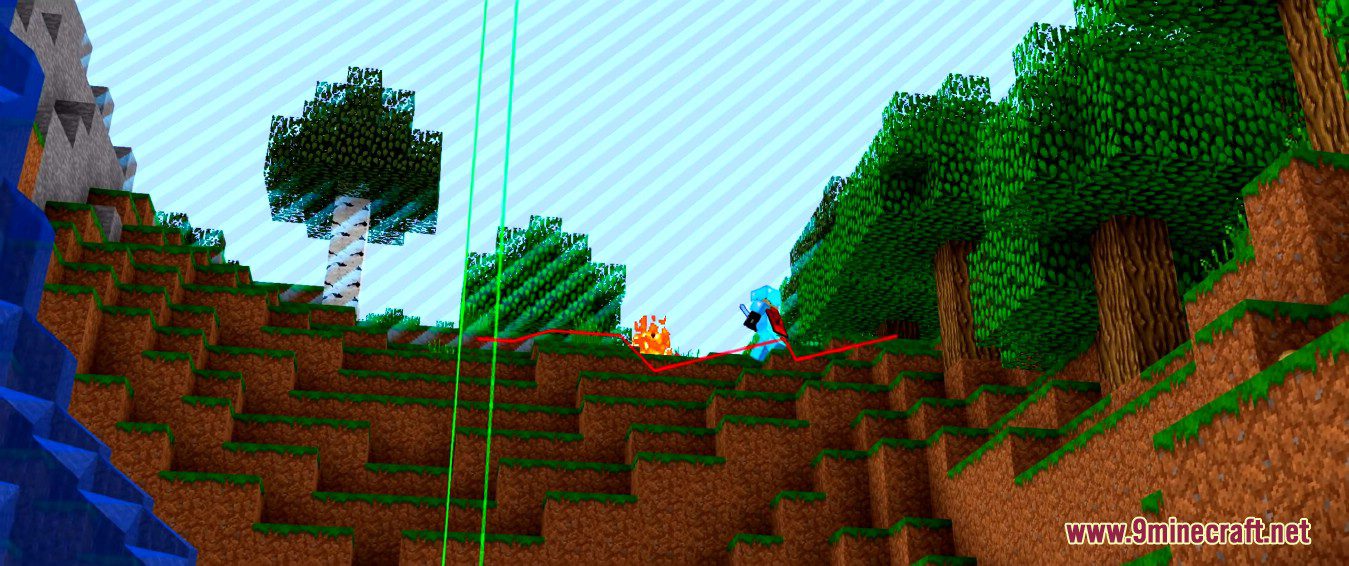
คำอธิบายประเภทไฟล์:
- API: สำหรับให้นักพัฒนา Mod อื่นๆ นำฟีเจอร์ของ Baritone ไปใช้ร่วมด้วย
- Standalone: แบบเบ็ดเสร็จในตัว เหมาะสำหรับใช้เมื่อไม่มี Mod อื่นที่ต้องเชื่อมต่อกับ Baritone
- Forge/Fabric: เลือกโหลดตาม Loader ที่คุณใช้งาน
วิธีติดตั้ง:
เพิ่งเริ่มเล่น Minecraft ใช่ไหม? ทำตามคู่มือทีละขั้นตอนของเราเพื่อติดตั้ง Mods บน PC ของคุณดูคู่มือ
ข้อกำหนด:




Baritone Client Mod Download Links
For Minecraft 1.12.2
Forge version (Unzip file): Download from Server 1 – Download from Server 2
For Minecraft 1.13.2
Standalone version (Unzip file): Download from Server 1 – Download from Server 2
For Minecraft 1.14.4
Standalone version (Unzip file): Download from Server 1 – Download from Server 2
For Minecraft 1.15.2
Forge/Fabric/Standalone version (Unzip file): Download from Server 1 – Download from Server 2
For Minecraft 1.16.5
Forge/Fabric/Standalone version (Unzip file): Download from Server 1 – Download from Server 2
For Minecraft 1.17.1
Forge/Fabric/Standalone version (Unzip file): Download from Server 1 – Download from Server 2
For Minecraft 1.18.2
Forge/Fabric/Standalone version (Unzip file): Download from Server 1 – Download from Server 2
For Minecraft 1.19.2, 1.19.1, 1.19
Forge/Fabric/Quilt/Standalone version (Unzip file): Download from Server 1 – Download from Server 2
For Minecraft 1.19.3
Forge/Fabric/Quilt/Standalone version (Unzip file): Download from Server 1 – Download from Server 2
For Minecraft 1.19.4
Forge/Fabric/Quilt/Standalone version (Unzip file): Download from Server 1 – Download from Server 2
For Minecraft 1.20.1, 1.20
Forge/Fabric/Quilt/Standalone version (Unzip file): Download from Server 1 – Download from Server 2
For Minecraft 1.20.2
Forge/Fabric/Quilt/Standalone version (Unzip file): Download from Server 1 – Download from Server 2
Meteor Team Fork Fabric version: Download from Server 1 – Download from Server 2
For Minecraft 1.20.4
Forge/Fabric/Quilt/NeoForge/Standalone version (Unzip file): Download from Server 1 – Download from Server 2
Meteor Team Fork Fabric version: Download from Server 1 – Download from Server 2
For Minecraft 1.20.6
Forge/Fabric/Quilt/NeoForge/Standalone version (Unzip file): Download from Server 1 – Download from Server 2
Meteor Team Fork Fabric version: Download from Server 1 – Download from Server 2
For Minecraft 1.21.1, 1.21
Forge/Fabric/Quilt/NeoForge/Standalone version (Unzip file): Download from Server 1 – Download from Server 2
Meteor Team Fork Fabric version: Download from Server 1 – Download from Server 2
For Minecraft 1.21.3
Forge/Fabric/Quilt/NeoForge/Standalone version (Unzip file): Download from Server 1 – Download from Server 2
Meteor Team Fork Fabric version: Download from Server 1 – Download from Server 2
For Minecraft 1.21.4
Forge/Fabric/Quilt/NeoForge/Standalone version (Unzip file): Download from Server 1 – Download from Server 2
Meteor Team Fork Fabric version: Download from Server 1 – Download from Server 2
For Minecraft 1.21.5
Forge/Fabric/Quilt/NeoForge/Standalone version (Unzip file): Download from Server 1 – Download from Server 2
Meteor Team Fork Fabric version: Download from Server 1 – Download from Server 2
For Minecraft 1.21.8
Forge/Fabric/Quilt/NeoForge/Standalone version (Unzip file): Download from Server 1 – Download from Server 2
Meteor Team Fork Fabric version: Download from Server 1 – Download from Server 2
For Minecraft 1.21.10, 1.21.9
Forge/Fabric/Quilt/NeoForge/Standalone version (Unzip file): Download from Server 1 – Download from Server 2
Meteor Team Fork Fabric version: Download from Server 1 – Download from Server 2
For Minecraft 1.21.11
Forge/Fabric/Quilt/NeoForge/Standalone version (Unzip file): Download from Server 1 – Download from Server 2
Meteor Team Fork Fabric version: Download from Server 1 – Download from Server 2
For Minecraft 26.1.2, 26.1.1, 26.1
v1 Forge/Fabric/Quilt/NeoForge/Standalone version (Unzip file): Download from Server 1 – Download from Server 2
v2 Forge/Fabric/Quilt/NeoForge/Standalone version (Unzip file): Download from Server 1 – Download from Server 2
Meteor Team Fork Fabric version: Download from Server 1 – Download from Server 2
For Minecraft 26.1.2+
We've developed a brand-new version of Baritone called Baritone 9minecraft Client Mod. This new build comes with many new features, major improvements, and continuous updates for the latest Minecraft versions as fast as possible. Download the new version here: https://www.9minecraft.net/baritone-9minecraft-client-mod/
สำหรับ Minecraft 26.2
สำหรับ Minecraft 26.1.2, 26.1.1, 26.1
สำหรับ Minecraft 1.21.11
สำหรับ Minecraft 1.21.10, 1.21.9
สำหรับ Minecraft 1.21.8, 1.21.7, 1.21.6
สำหรับ Minecraft 1.21.5
สำหรับ Minecraft 1.21.4
สำหรับ Minecraft 1.21.3, 1.21.2
สำหรับ Minecraft 1.21.1, 1.21
สำหรับ Minecraft 1.20.6
สำหรับ Minecraft 1.20.4
สำหรับ Minecraft 1.20.2
สำหรับ Minecraft 1.20.1, 1.20
สำหรับ Minecraft 1.19.4
สำหรับ Minecraft 1.19.3
สำหรับ Minecraft 1.19.2, 1.19.1, 1.19
สำหรับ Minecraft 1.18.2
สำหรับ Minecraft 1.17.1
สำหรับ Minecraft 1.16.5
สำหรับ Minecraft 1.15.2
สำหรับ Minecraft 1.14.4
สำหรับ Minecraft 1.13.2
สำหรับ Minecraft 1.12.2

4 Comments
 คุณคิดอย่างไร?
Your opinion means a lot - we'd love to hear from you.
คุณคิดอย่างไร?
Your opinion means a lot - we'd love to hear from you.
คุณอาจชอบสิ่งเหล่านี้




不要相信。会导致手机话费停机的。我已经举报这个网站了。Do not believe it. It will cause your phone bill to be suspended. I have already reported this website.
out of all the versions you skip over 1.21.10 which is the one i actually need
Hello, how long will it take for the baritone to be released on Meteor version 1 21 11?
Hello How long will it take for the baritone to be released on the Metior client?