


Defaulted Hotkeys Mod (1.21.8, 1.20.1) – ตั้งค่าปุ่มลัดครั้งเดียวจบ

 0
0 

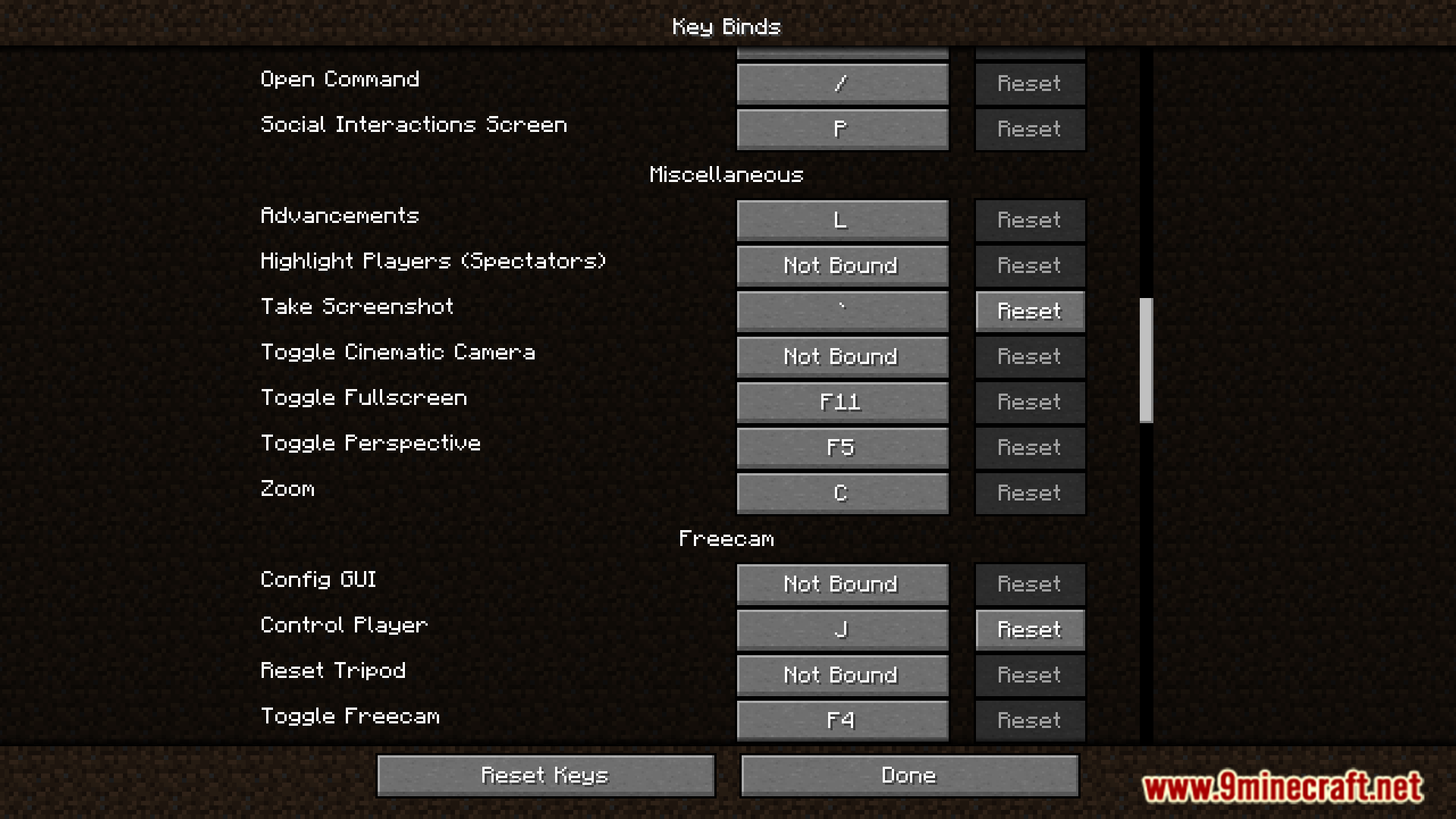
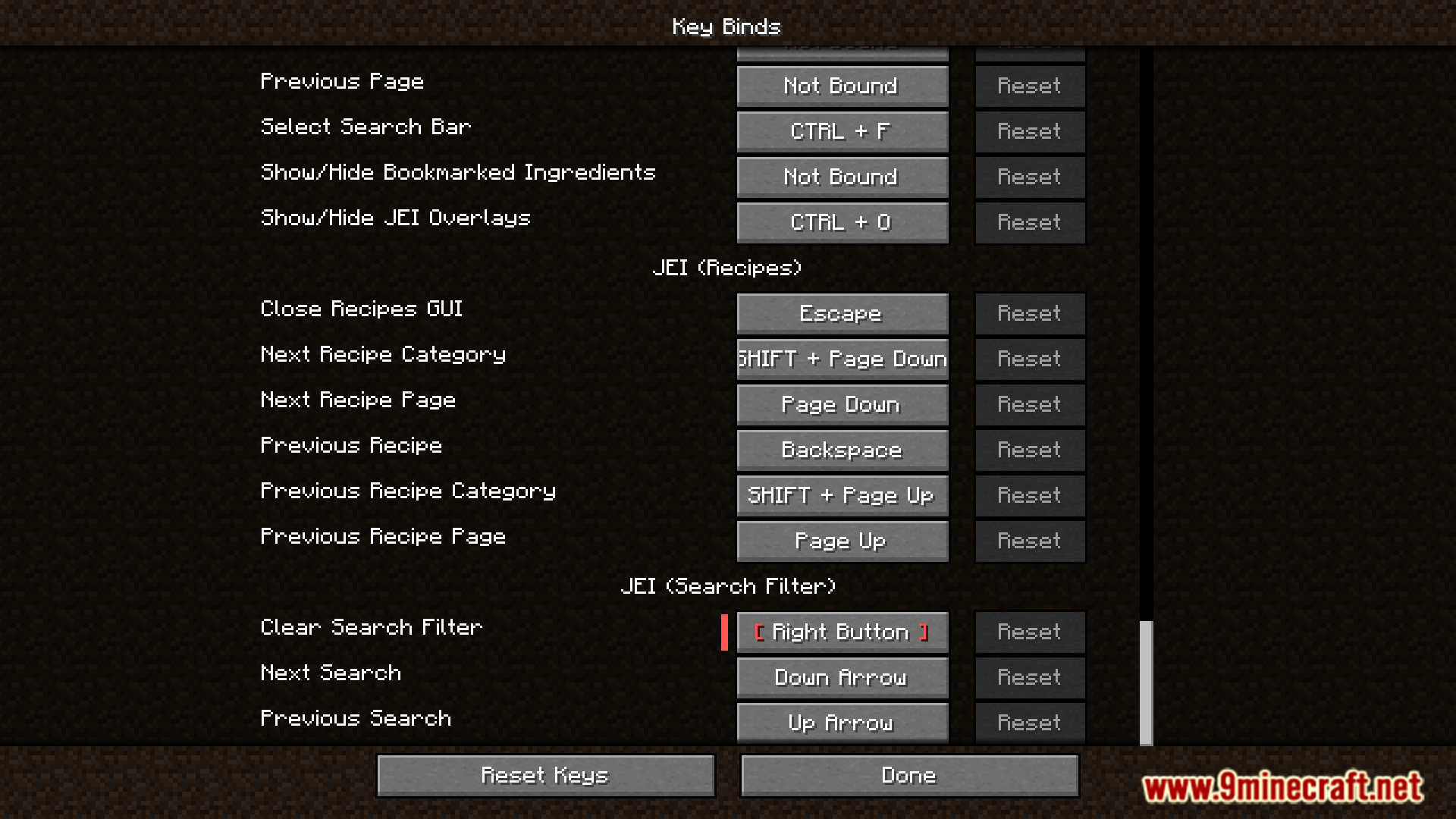
Defaulted Hotkeys Mod ช่วยให้คุณสามารถตั้งค่าปุ่มลัด (Hotkeys) เริ่มต้นสำหรับทุกการควบคุมในเกม เมื่อคุณเริ่มเกม Minecraft พร้อมกับม็อดนี้เป็นครั้งแรก มันจะสร้างไฟล์ชื่อ default-hotkeys.json ขึ้นมาในโฟลเดอร์ config โดยอัตโนมัติ จากนั้นคุณสามารถแก้ไขไฟล์นี้เพื่อปรับแต่งปุ่มกดทั้งหมดได้ตามต้องการ
ฟีเจอร์หลัก:
- ตั้งค่าปุ่มลัดเริ่มต้น (Default Hotkey) ให้กับทุกการตั้งค่าปุ่มในเกม
- สร้างไฟล์กำหนดค่า (Configuration file) ให้โดยอัตโนมัติเมื่อเข้าเกมครั้งแรก
- จัดการปุ่มกดเริ่มต้นทั้งหมดได้ง่ายๆ ผ่านการแก้ไขไฟล์
default-hotkeys.json
วิธีใช้งาน:
- รัน Minecraft อย่างน้อยหนึ่งครั้งหลังจากติดตั้งม็อด เพื่อให้ระบบสร้างไฟล์ config
- เข้าไปที่โฟลเดอร์
.minecraft/configแล้วเปิดไฟล์default-hotkeys.json - แก้ไขไฟล์เพื่อตั้งค่าปุ่มลัดที่คุณต้องการตามรูปแบบที่ถูกต้อง
ตัวไฟล์ใช้โครงสร้างที่เรียบง่ายสำหรับแต่ละปุ่มกด:
[
  {
    //translate key
    "comment": "key.advancements",
    //translation in current language
    "translation": "Advancements",
    //hotkey in vanilla format
    "key": "key.keyboard.l"
  }
]
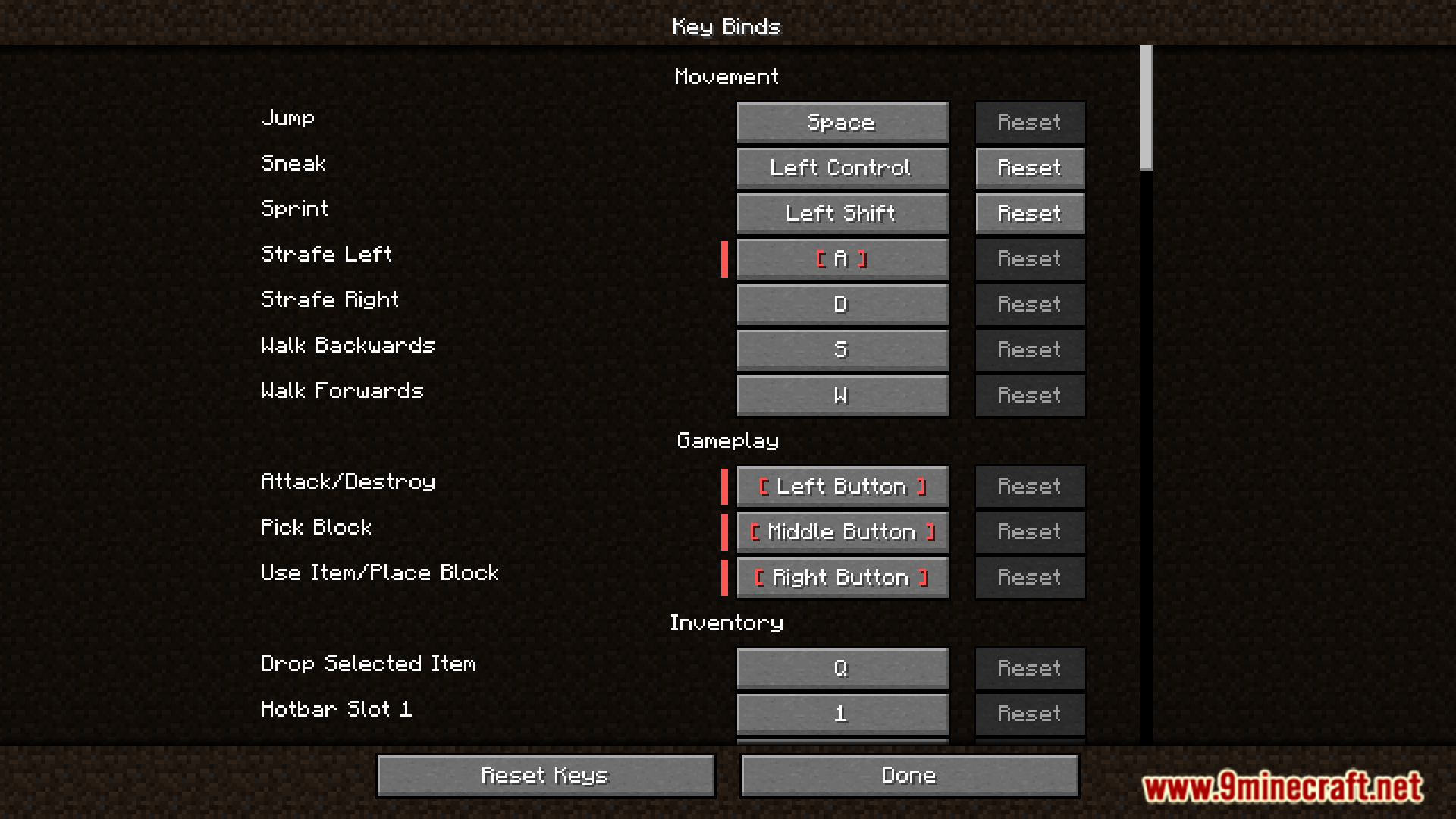
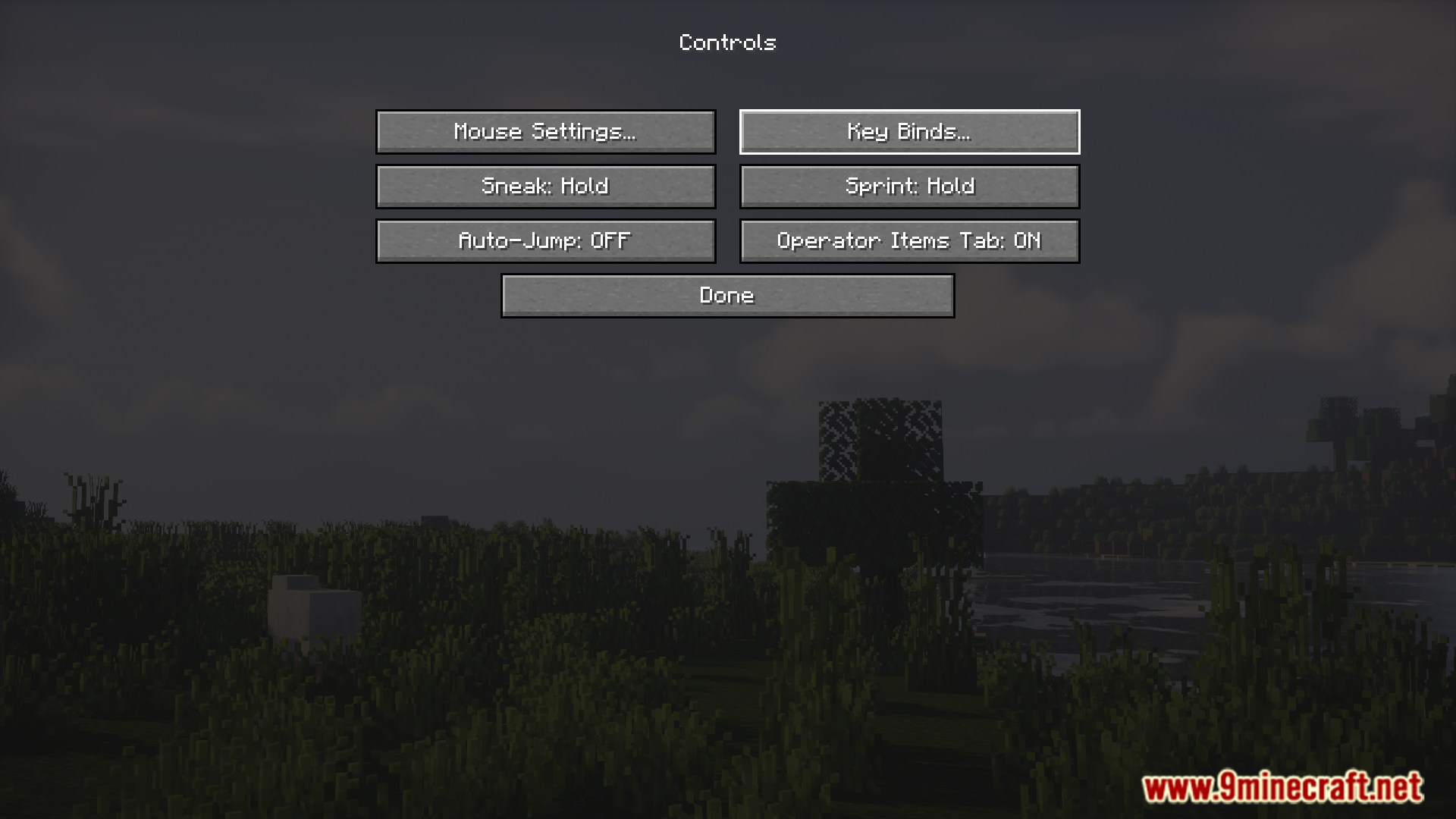
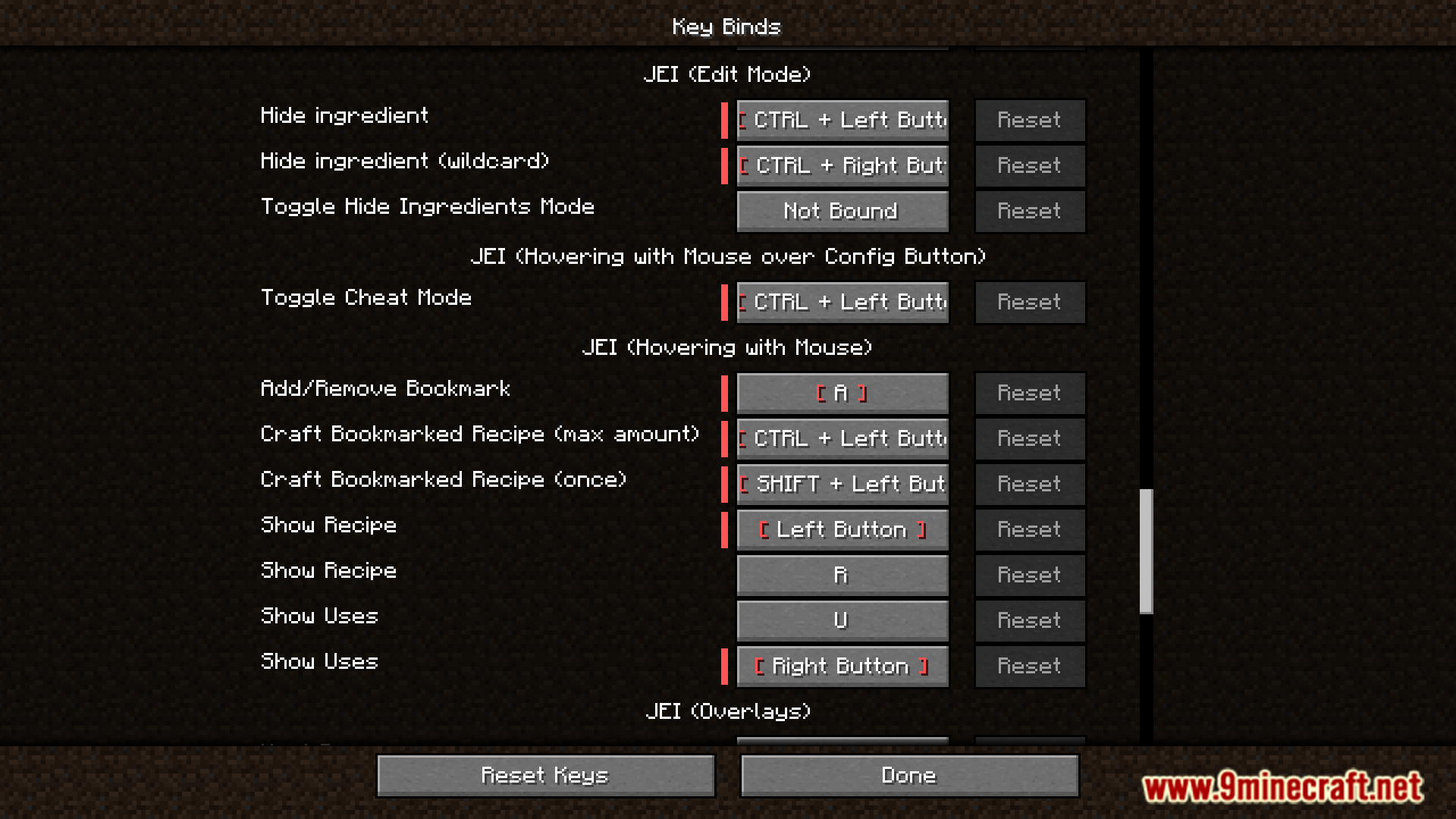
ภาพตัวอย่าง:
วิธีติดตั้ง:
เพิ่งเริ่มเล่น Minecraft ใช่ไหม? ทำตามคู่มือทีละขั้นตอนของเราเพื่อติดตั้ง Mods บน PC ของคุณดูคู่มือ
ลิงก์ดาวน์โหลด Defaulted Hotkeys Mod
สำหรับทุกเวอร์ชันตั้งแต่ Minecraft 1.21 ถึง Minecraft 1.21.8
NeoForge version: Download from Server 1 – Download from Server 2
Fabric version: Download from Server 1 – Download from Server 2
สำหรับ Minecraft 1.20.6
NeoForge version: Download from Server 1 – Download from Server 2
Fabric version: Download from Server 1 – Download from Server 2
สำหรับ Minecraft 1.20.4
NeoForge version: Download from Server 1 – Download from Server 2
Fabric version: Download from Server 1 – Download from Server 2
สำหรับ Minecraft 1.20.1, 1.20
Forge/NeoForge version: Download from Server 1 – Download from Server 2
Fabric version: Download from Server 1 – Download from Server 2
คุณอาจชอบสิ่งเหล่านี้











โพสต์นี้ยังไม่มีความคิดเห็น มาเป็นคนแรก — ความคิดเห็นของคุณจะปรากฏที่นี่