
The Cpsu Airship Schematic (1.21.x) – Huge Flying Ship for Combat and Travel
 15
 0


The Cpsu Airship Schematic brings a massive 28-ton flying machine to your world. This build works best for transport, adventure, and even combat against enemies. You might find it a bit heavy to control because it likes to drift to the right. It takes off very fast but only stays in the air when you fly high above the clouds. The ship comes with two engines that you can change to fit your needs.

3D Preview & Editor:
How to place this schematic
.nbt This is a vanilla structure file. It loads through structure blocks with no mod at all, within the 48×48×48 size limit.
| 1 | Put the .nbt file in <your world>/generated/minecraft/structures. |
| 2 | Give yourself a structure block: /give @s structure_block. |
| 3 | Place it, open it and switch the mode to LOAD. |
| 4 | Type the file name without .nbt, press LOAD, then PLACE. |
| 1 | Place the schematic in your world using the Create Mod tools. |
| 2 | Make sure you have the required mods like Aeronautics and Create Big Cannons installed. |
| 3 | Fly high above the clouds to keep the ship from losing altitude. |
| 4 | Counter the right-hand drift by steering carefully during your flight. |
Features:
- Heavy Build: This airship weighs 28 tons and feels solid while flying.
- High Altitude Flight: It stays in the air best when you are flying above the clouds.
- Uses a mix of creative and steam engines to power its movement.
- Works well for carrying items, going on long trips, or fighting in the sky.
- Includes a large structure made of nearly 38,000 blocks.
- Offers a challenge for pilots because the ship naturally drifts to the right.
- Allows you to swap the main engines for standard versions if you want a different feel.
Schematic Specs:
 Minecraft1.21.x
 Create Mod6.0.10
 Dimensions128×40×94
 Total Blocks37,900
 Top Blocks Used
Requirements:

The Cpsu Airship Schematic Download Links
For Minecraft 1.21.x
Have you ever financially supported a mod creator (via Patreon, Ko-fi, or donations)?
15 responses · See the full results →
You May Also Like
Picked for this page
 Little Factory Building Schematic (1.21.x) – Compact Industrial Design for Create Mod
 A German Styled Trainstation Schematic (1.21.x) – German Styled Create Mod Train Station
 BeechCraft Research Plane Schematic (1.21.x) – Flyable Research Aircraft for Create Mod
 Samolet Schematic (1.21.x) – Simple Starter Airplane for Create Mod
 Ver 5 of the Wall Schematic (1.21.x) – Detailed Wall with Mixer
 War Truck Mp Sp Schematic (1.21.x) – Powerful Combat Vehicle for Create Mod
 Realistic Engine Schematic (1.21.x) – Realistic Create Mod Engine for Trucks
 Simple and Compact Plane Survival Friendly Schematic (1.21.x) – Compact Survival Plane
 Kalymaga Schematic (1.21.x) – Fast Flying Airship for Survival Travel
 Sr 91 Aurora Schematic (1.21.x)
 Gate for Workshop Schematic (1.21.x) – Compact Door Design for Create Mod Workshops
 Stone Corporation Schematic (1.21.x) – Automated Factory for Stone Building Materials
Most viewed in Create Mod Schematics over the last 7 days
 Fast Small Airship Steam Schematic (1.21.x) – Small and Fast Steam Powered Airship
 Arasaka Tower Schematic (1.21.x) – Massive Black Industrial Skyscraper Build
 Rail Gun Schematic (1.21.x)
 Copper Flying Ship That Can Also Act as a Normal Boat Schematic (1.21.x) – Dual Purpose Copper
 Project StarGaze Schematic (1.21.x) – Build and Drive Your Own Military Vehicle
 Enderman Farm Cheap Schematic (1.21.x) – Low Cost Enderman Trap for Survival Players
 Starter Iron Farm Schematic (1.21.x) – Simple Early Game Iron Production Build
 XP Farm Schematic (1.21.x) – Automated Mob Farm Tower Design
 A Simple Mob Trap Schematic (1.21.x) – Build a Massive Automatic Mob Farm Structure
 Basic Aeronautics Airship Schematic (1.21.x) – Small Flying Machine For Create
 8×8 Offroad Climber Schematic (1.21.x)
 Avrora Schematic (1.21.x) – Massive Flying Base for Sky Travel
More from Create Mod Schematics
 Old Version Do Not Download Download the New One Instead Schematic (1.21.x)
 Cobblestone Farm 2 Stack S Schematic (1.21.x) – Fast Automatic Cobblestone Generator for Create Mod
 Rv 86 Crystal Runner Schematic (1.21.x) – Rugged Survival Rv for Long Journeys
 Leaf Skiff with Storage Schematic (1.21.x) – Simple Early Game Transport with Storage
 Bomber Airship Schematic (1.21.x) – Industrial Flying Machine for Create Mod
 Pieza DE Puente Schematic (1.21.x) – Classic Brick Bridge for Train Tracks
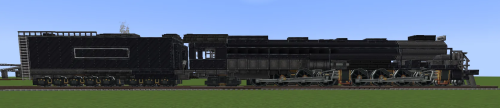 Big Boy Union Pacific 4104 Schematic (1.21.x) – Massive Steam Locomotive for Create Mod
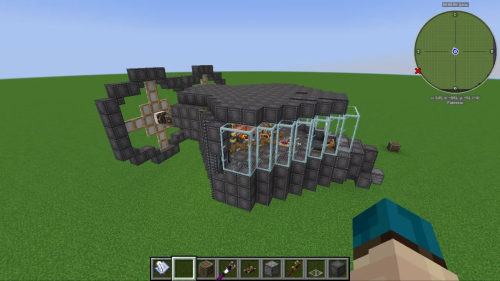 Komar V2 Schematic (1.21.x) – Detailed Helicopter Design for Create Mod
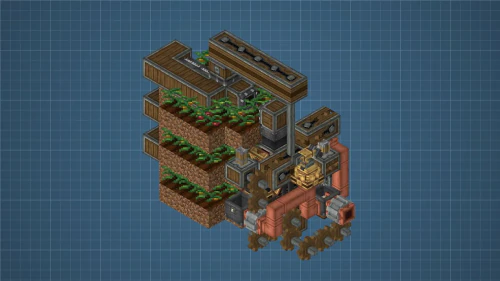 Mini Biodiesel Farm Schematic (1.21.x) – Compact Automated Biodiesel Fuel Setup
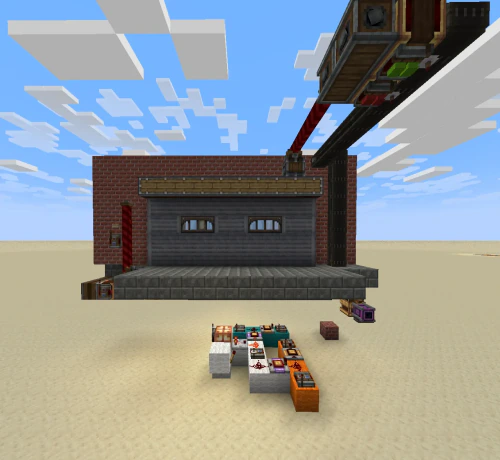 Functional Garage Door Schematic (1.21.x) – Realistic Folding Door for Create Mod
 Geran 2 Shahed Schematic (1.21.x) – Small Create Drone Build with Long Flight
 Babrams Mmbt Schematic (1.21.x) – Survival Friendly Abrams Tank Build

This post has no comments yet. Be the first — your comment will appear here.