


The Flower Pot Extension Mod (1.21.4, 1.20.1) – Adding Functionality To Flower Pots

 0
0 

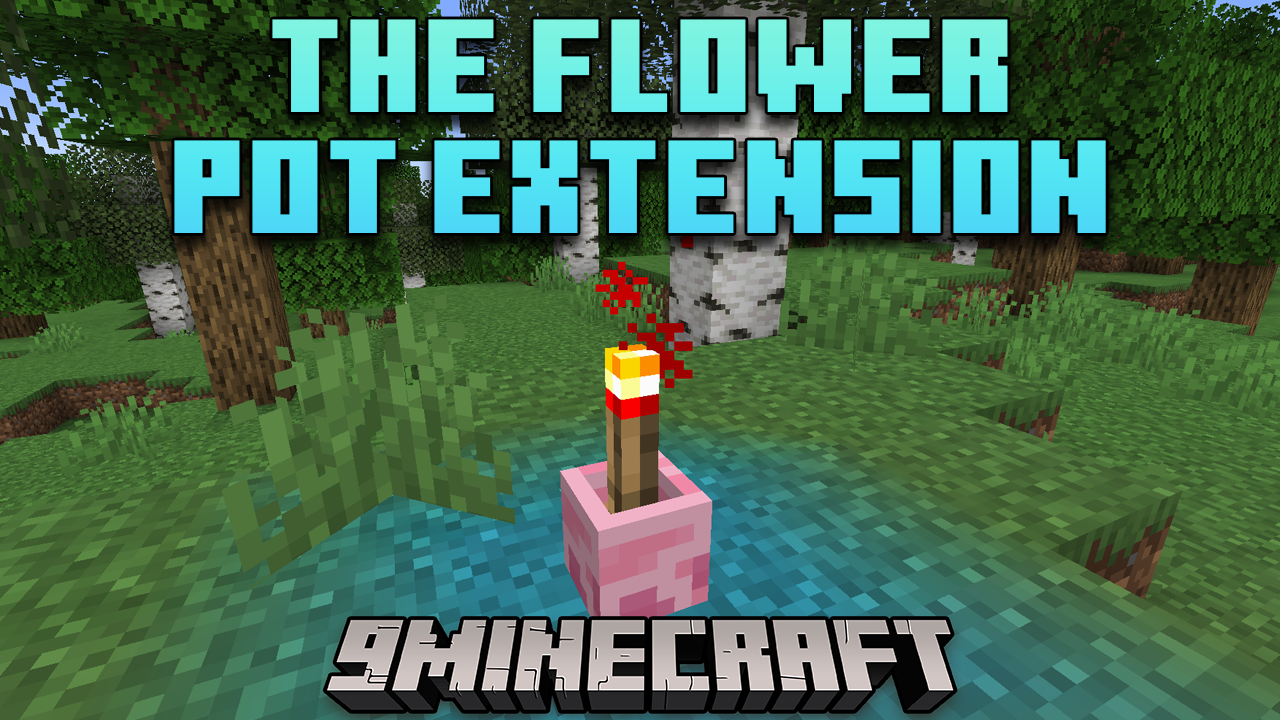
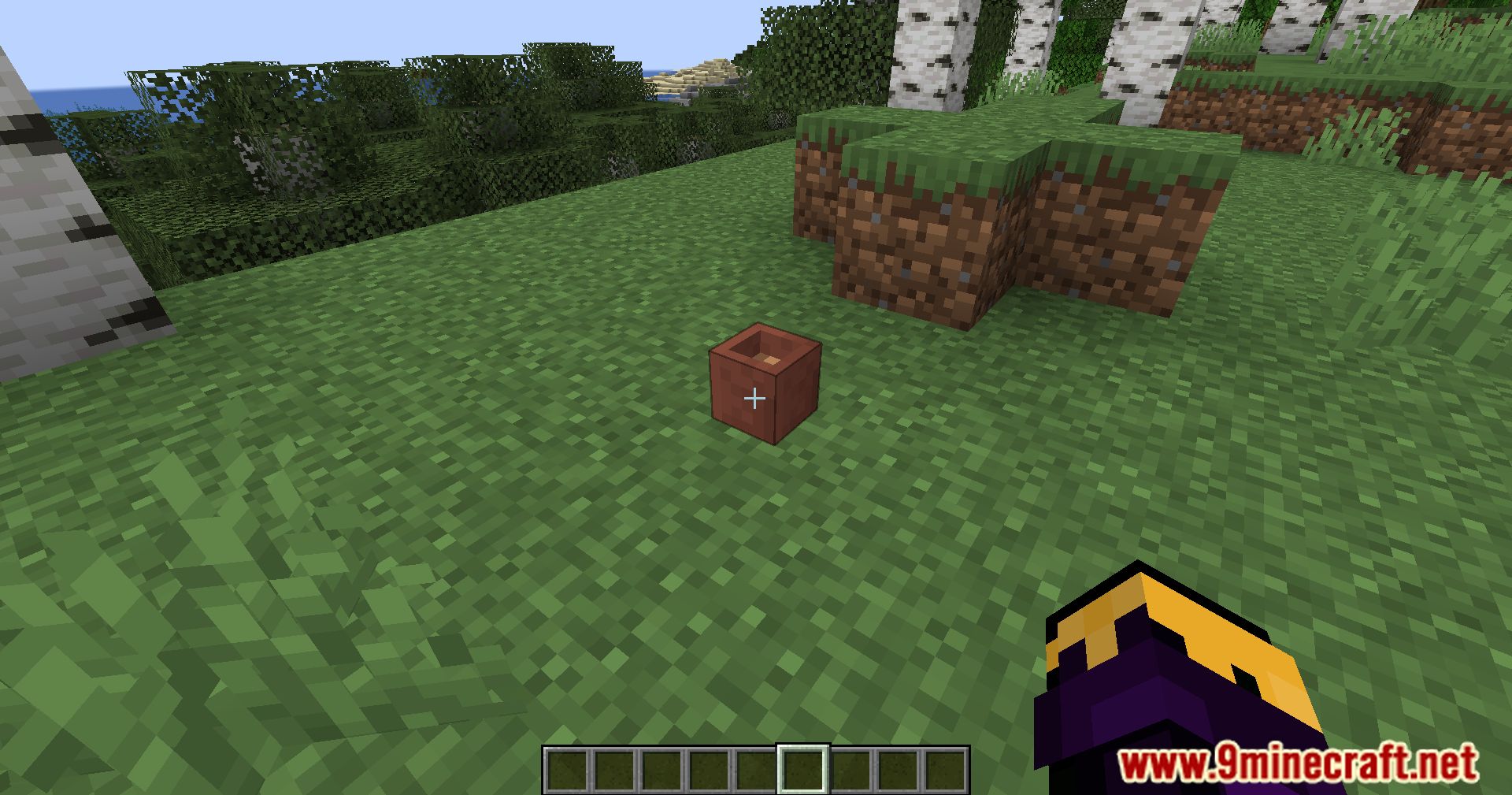
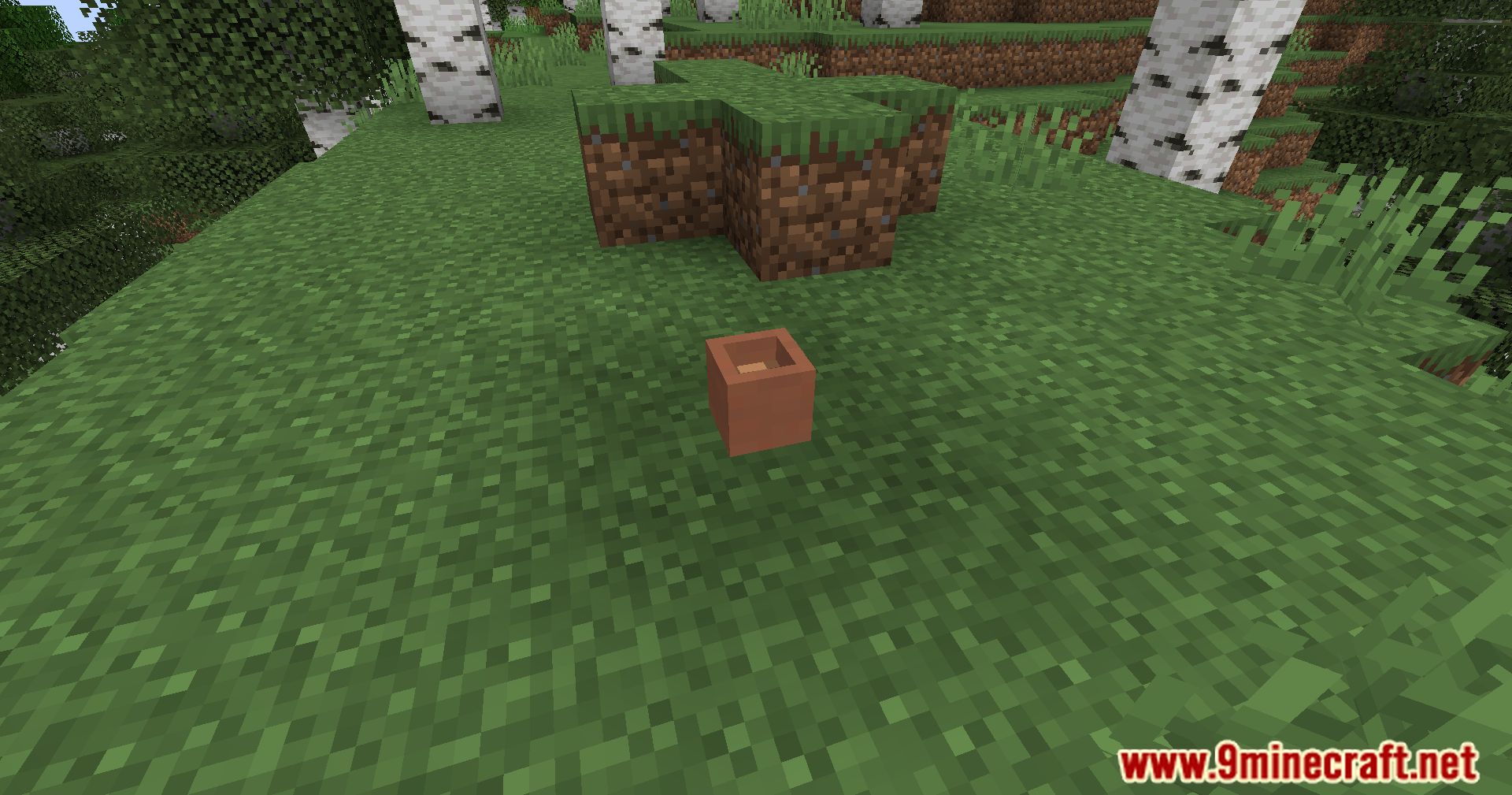
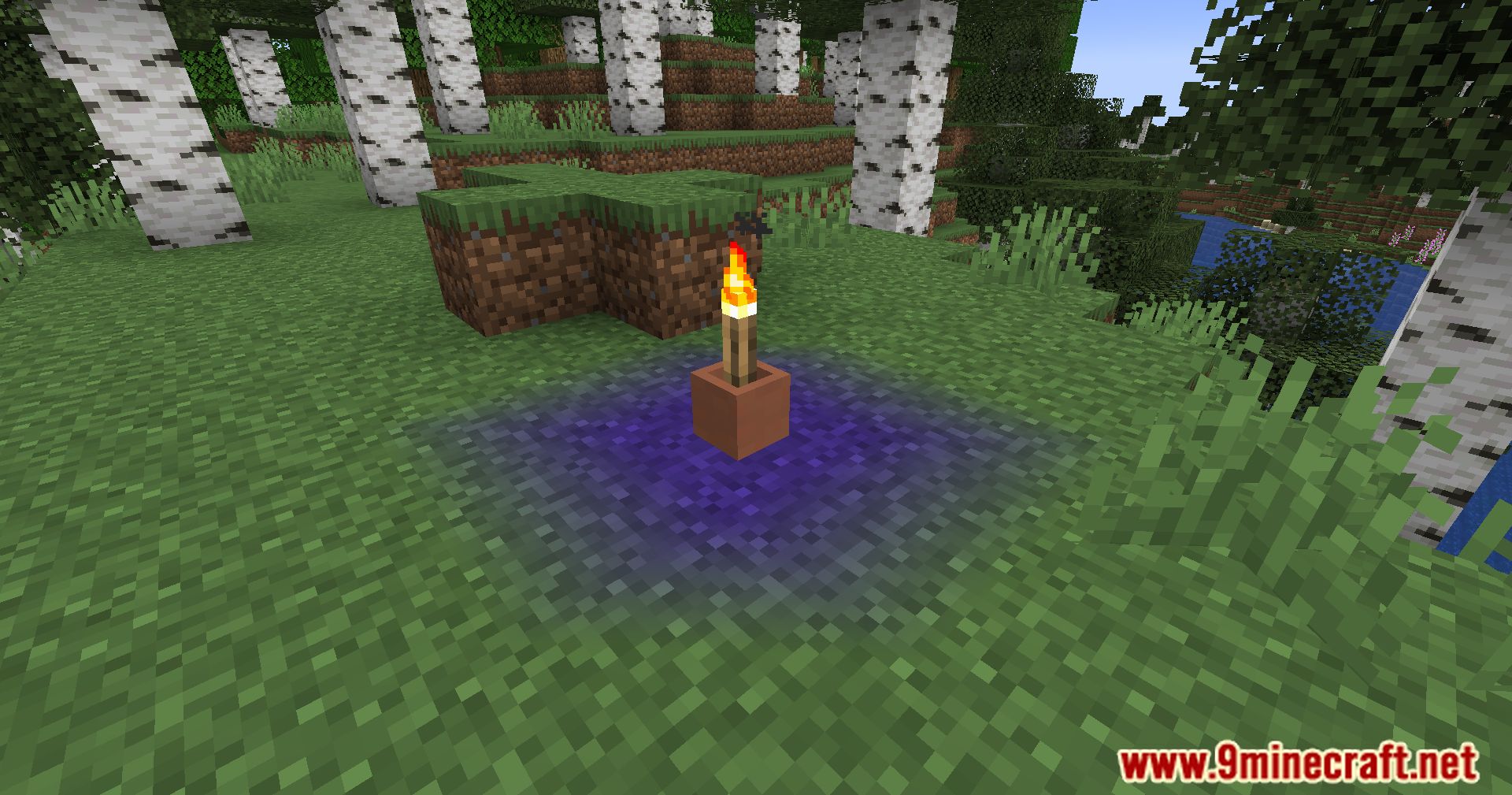
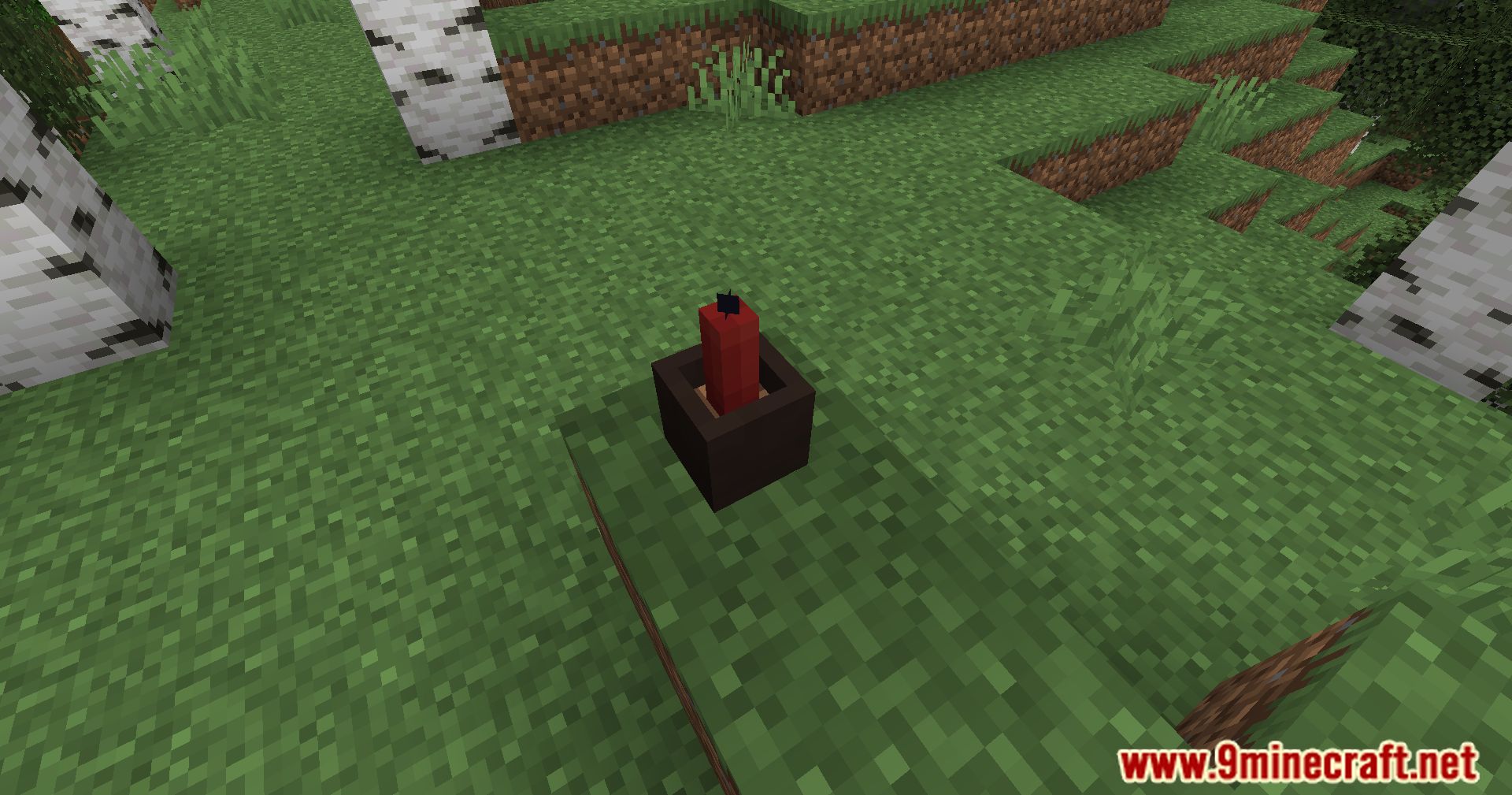
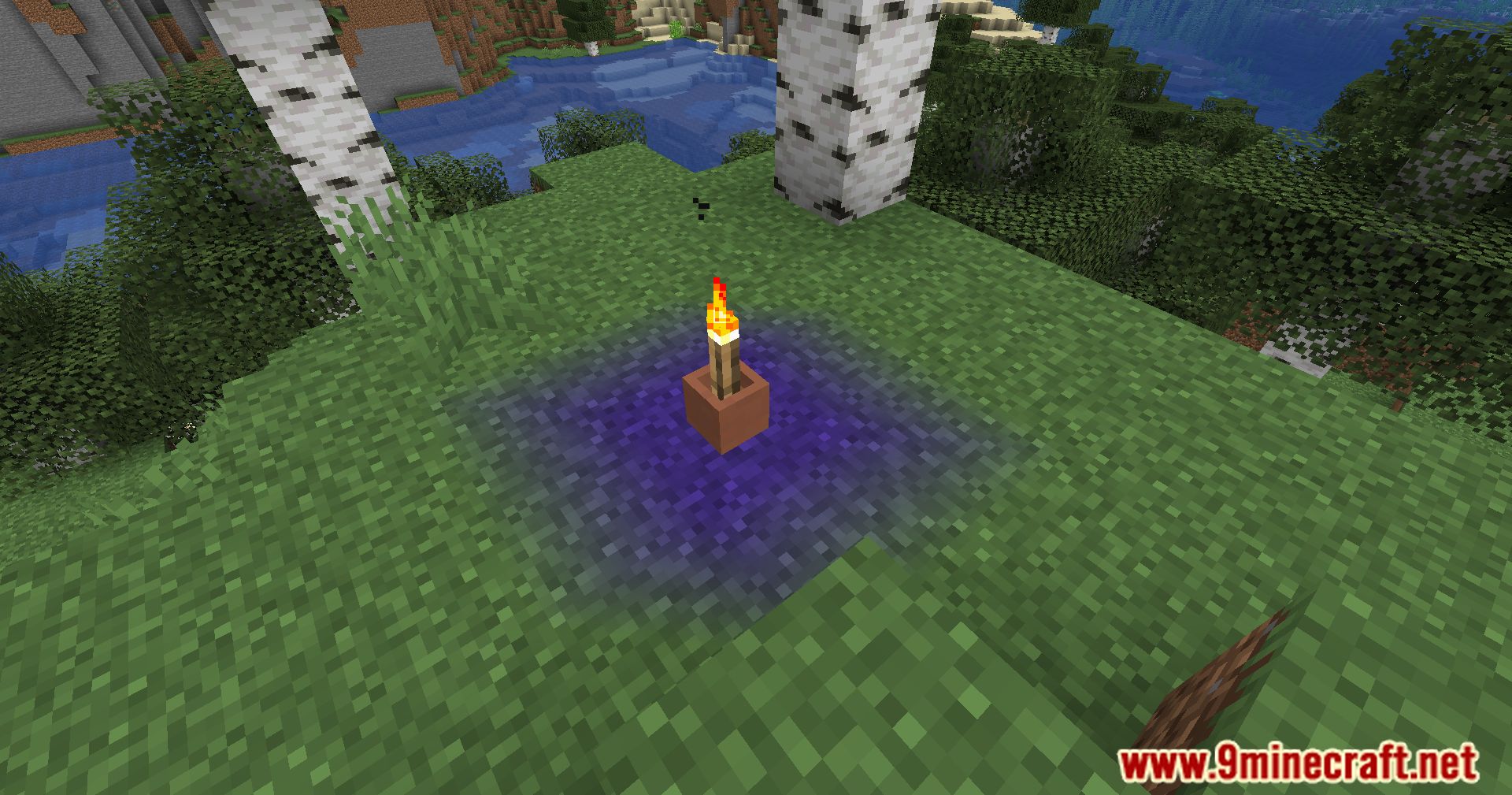
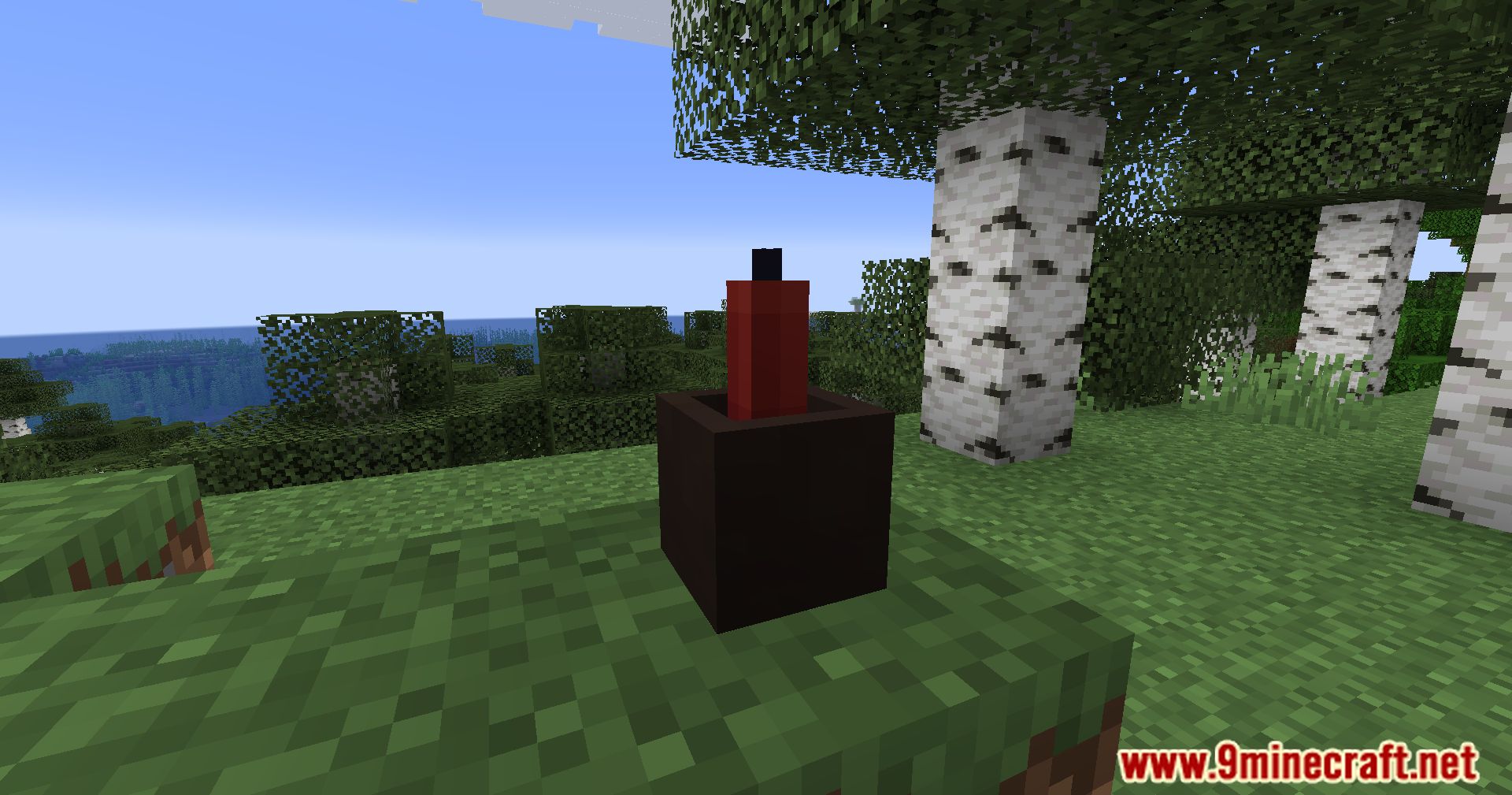
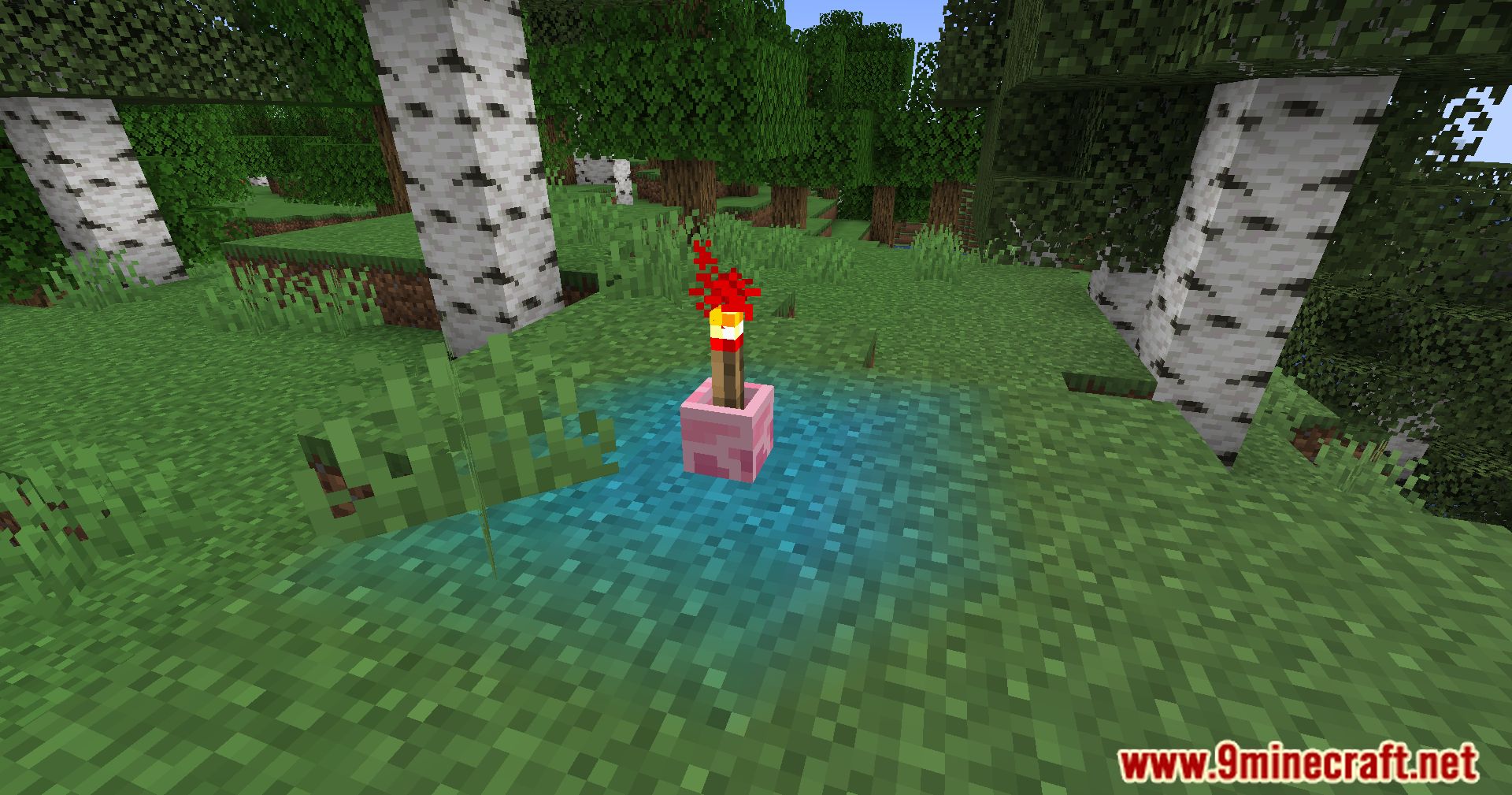
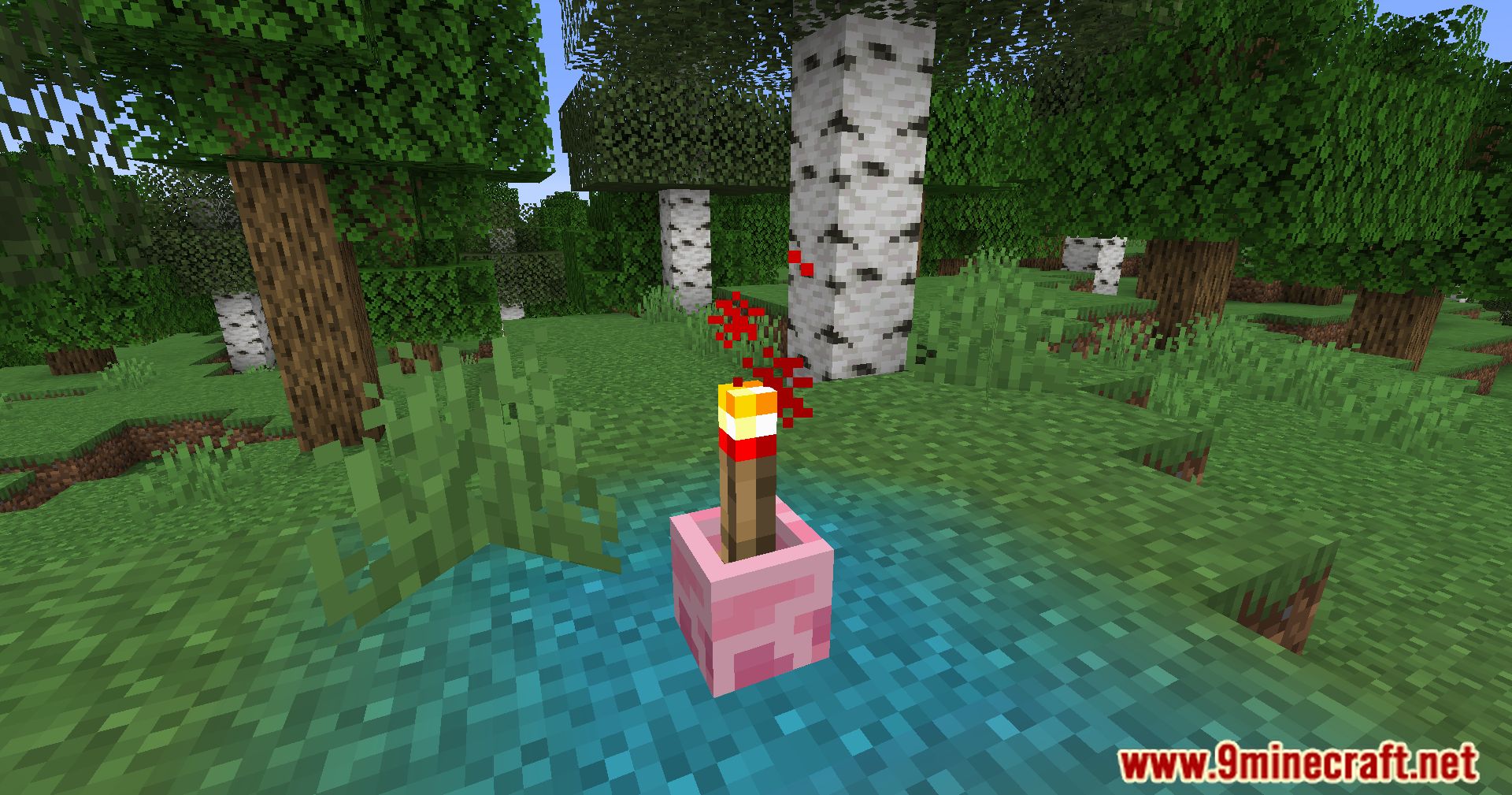
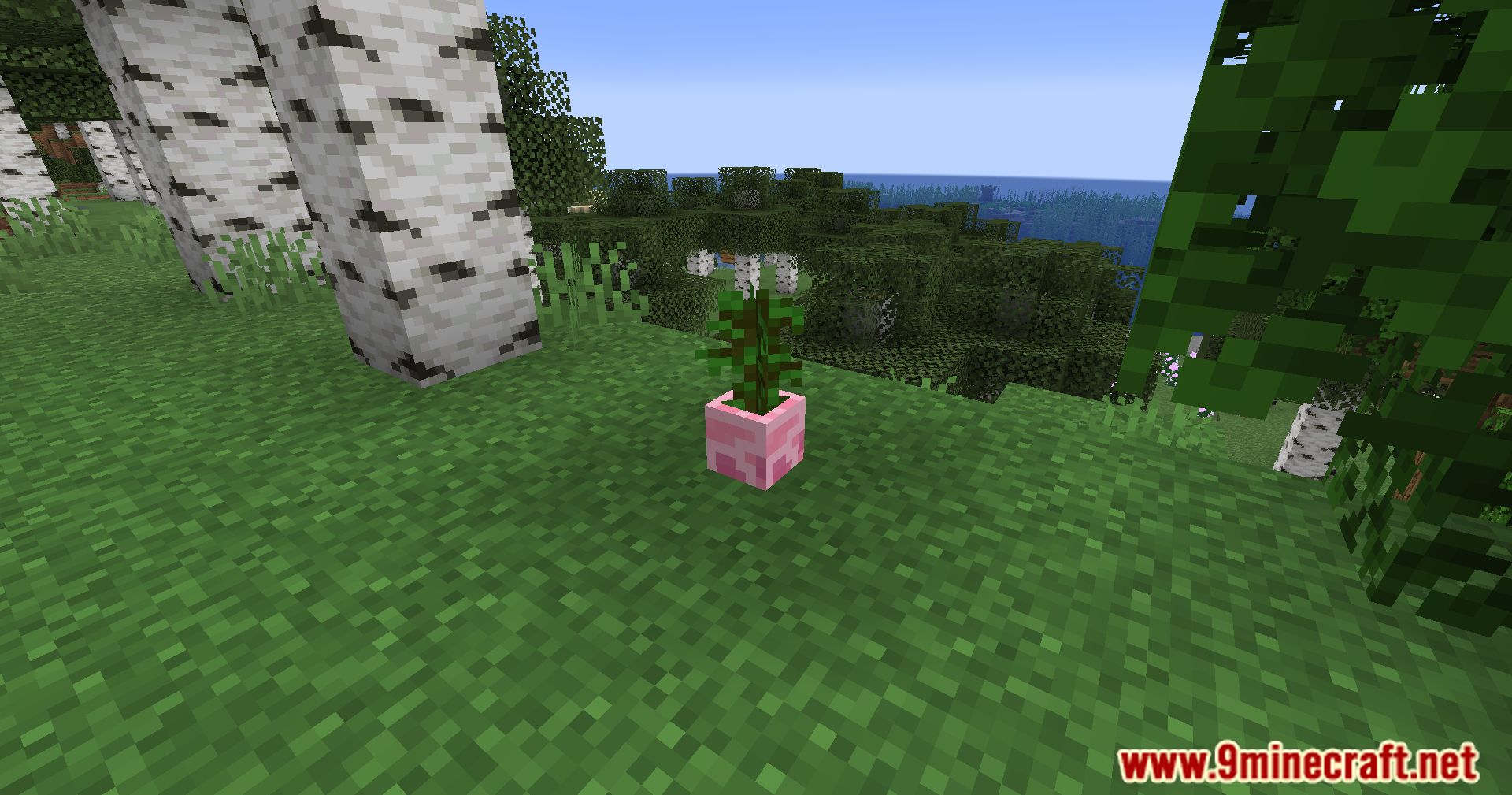
The Flower Pot Extension Mod allows players to add and remove items from flower pots easily, customize the pot’s appearance, and even incorporate functional elements like candles and Redstone Torches. With this mod, adding items to a pot is as simple as right-clicking, while removing items is done by shift-right-clicking with an empty hand. You can also change the color of the pots by right-clicking with dye, allowing for greater personalization and creativity in your builds. Flower pots with Redstone Torches can be toggled on and off with a right-click, adding a new dimension to your redstone contraptions and lighting setups.
Features:
- Item Interaction: Easily add items to pots by right-clicking and remove them by shift-right-clicking with an empty hand.
- Color Customization: Change the color of pots using dye, allowing for personalized decoration.
- Redstone Torch Integration: Flower pots with Redstone Torches can be turned on and off by right-clicking.
- Candle Functionality: Light candle pots with Flint & Steel and extinguish them with an empty hand.
Screenshots:
Requires:
How to Install:
New to Minecraft? Follow our step-by-step guide to install Mods on your PC.View Guide
The Flower Pot Extension Mod Download Links
For Minecraft 1.18.2
Forge Version: Download from Server 1 – Download from Server 2
For Minecraft 1.19.2
Forge Version: Download from Server 1 – Download from Server 2
For Minecraft 1.19.4
Forge Version: Download from Server 1 – Download from Server 2
Fabric Version: Download from Server 1 – Download from Server 2
For Minecraft 1.20.1
Forge Version: Download from Server 1 – Download from Server 2
Fabric Version: Download from Server 1 – Download from Server 2
NeoForge Version: Download from Server 1 – Download from Server 2
For Minecraft 1.20.2
Forge Version: Download from Server 1 – Download from Server 2
Fabric Version: Download from Server 1 – Download from Server 2
NeoForge Version: Download from Server 1 – Download from Server 2
For Minecraft 1.20.4
Forge Version: Download from Server 1 – Download from Server 2
Fabric Version: Download from Server 1 – Download from Server 2
NeoForge Version: Download from Server 1 – Download from Server 2
For Minecraft 1.20.6
Fabric Version: Download from Server 1 – Download from Server 2
NeoForge Version: Download from Server 1 – Download from Server 2
For Minecraft 1.21.1, 1.21
Forge Version: Download from Server 1 – Download from Server 2
NeoForge Version: Download from Server 1 – Download from Server 2
For Minecraft 1.21.4
Forge Version: Download from Server 1 – Download from Server 2
NeoForge Version: Download from Server 1 – Download from Server 2
You May Also Like


This post has no comments yet. Be the first — your comment will appear here.