


Fancy Menu Mod (26.1.2, 1.20.1) – Create Your Own Main Menu
 13,269
 0
0
 April 9, 2026
 Keksuccino
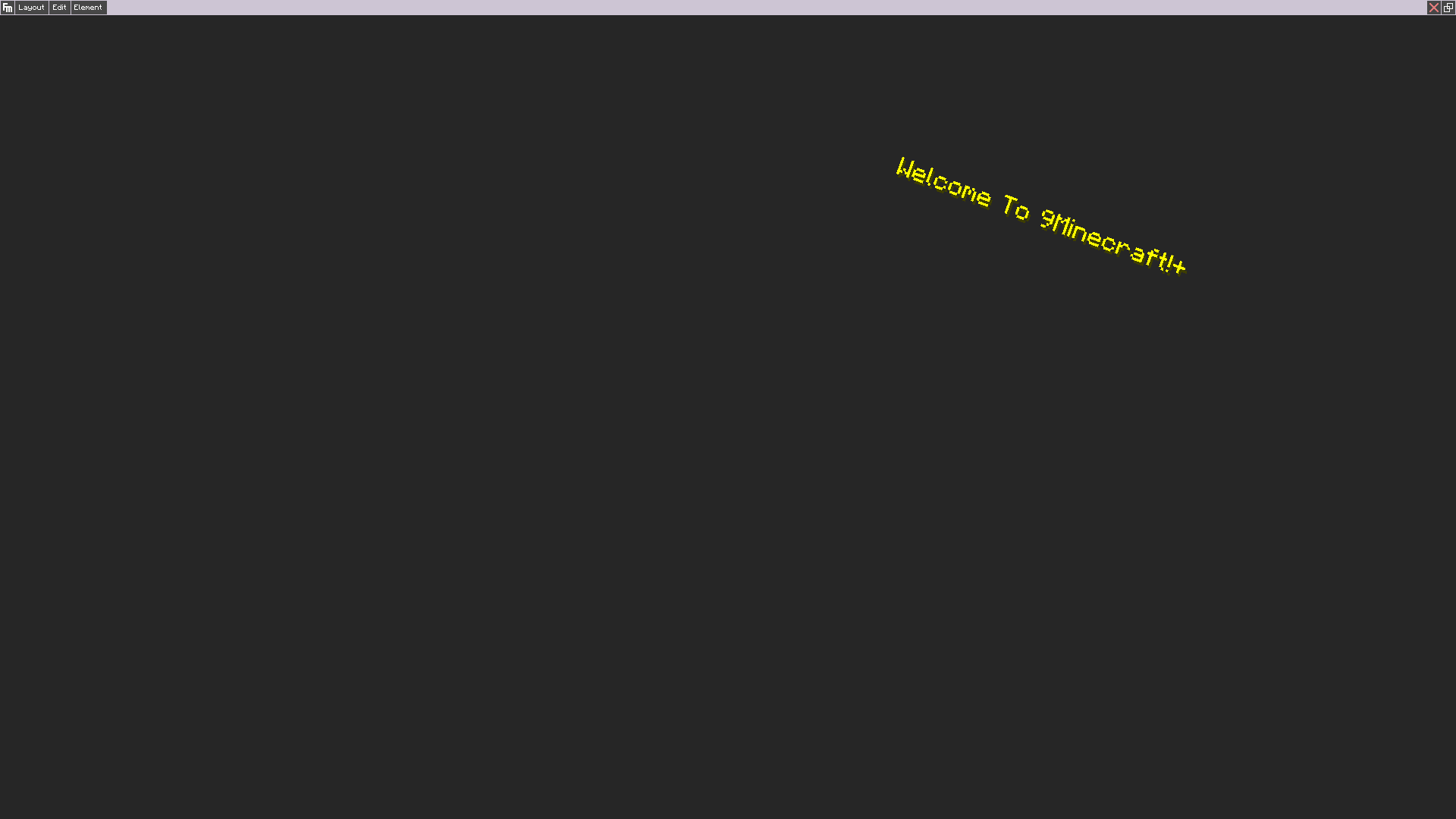
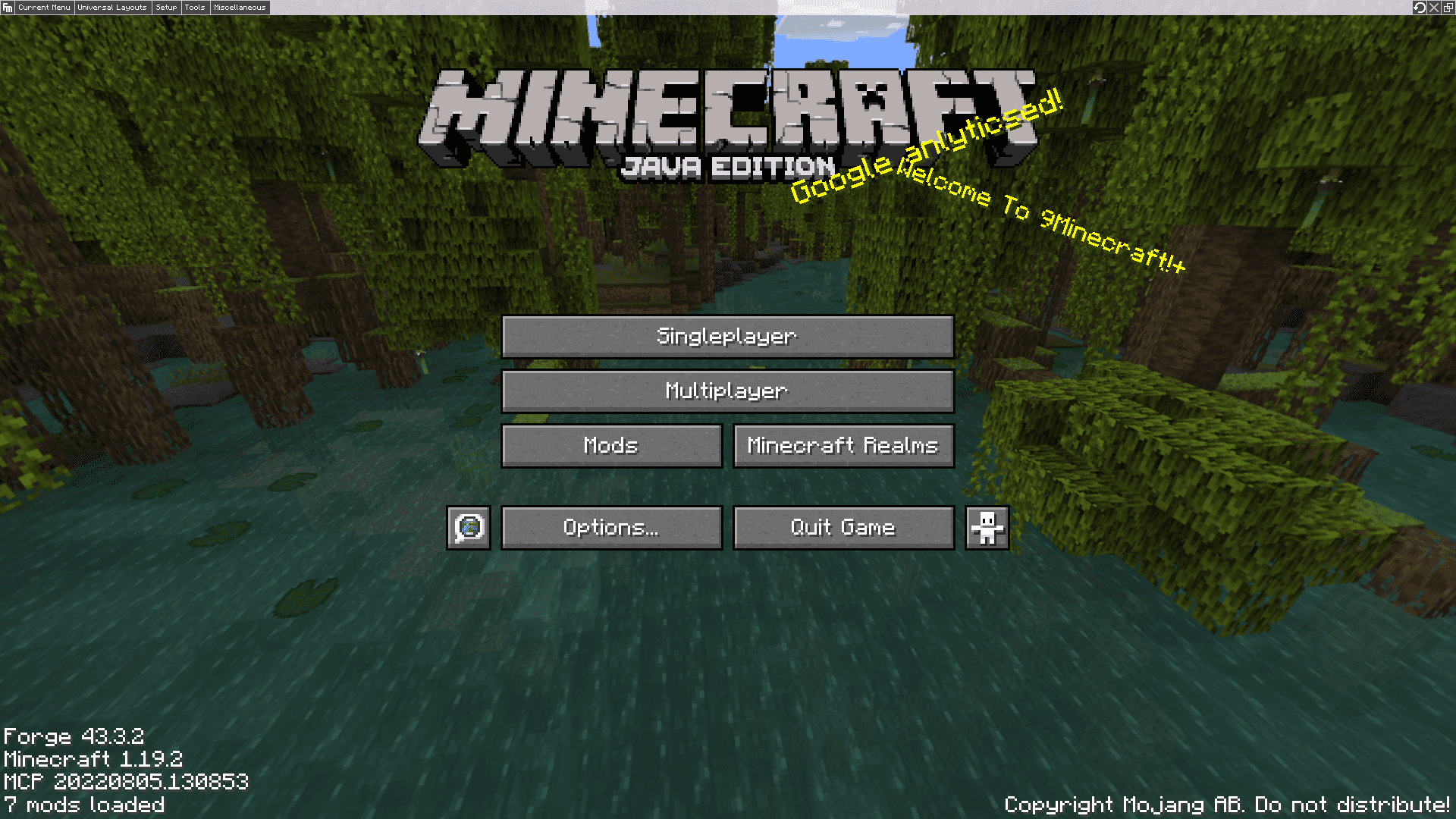
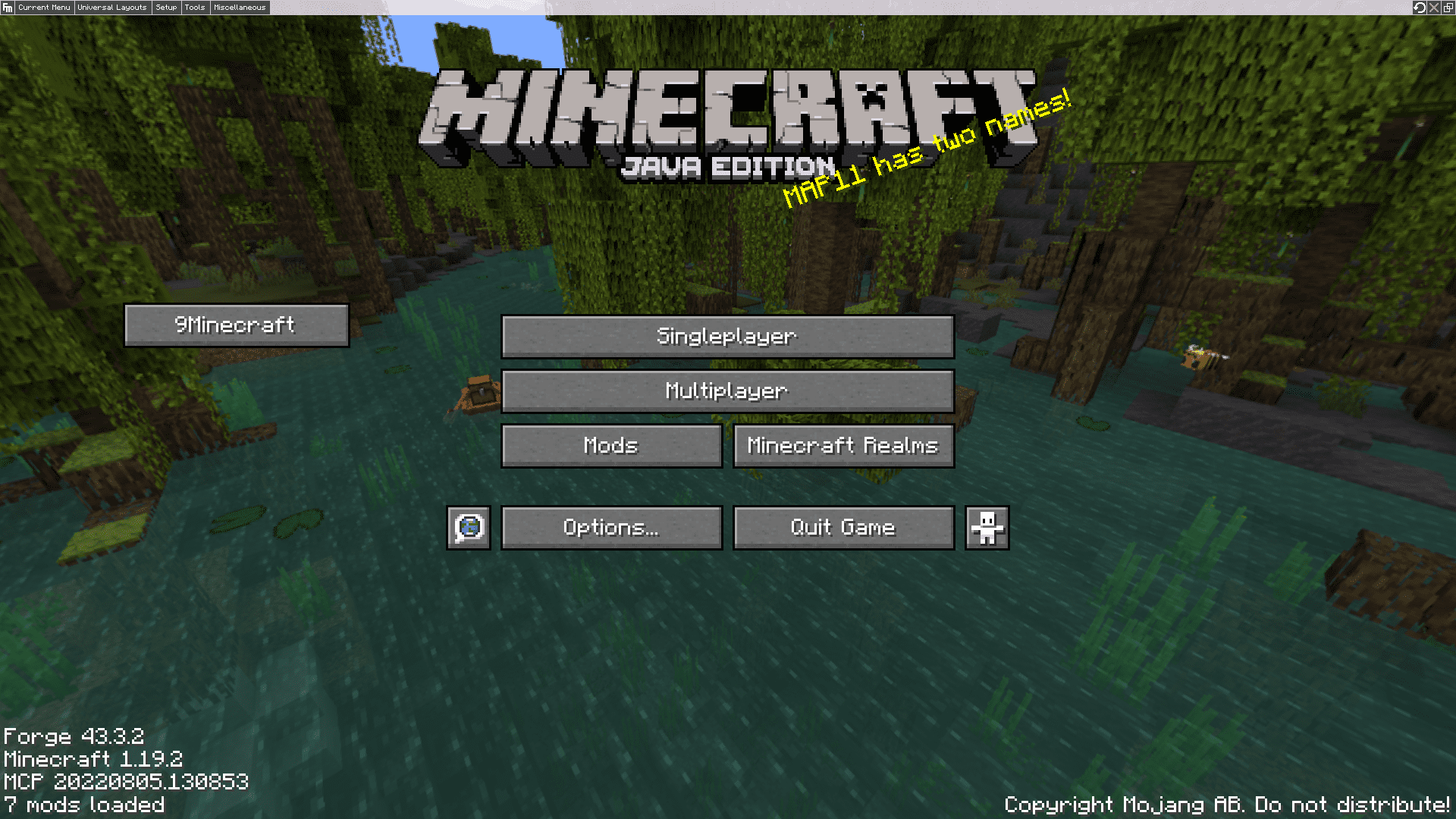
Fancy Menu Mod lets you change the look of your Minecraft menus. It adds a simple editor right inside the game, so you don’t need to mess with any complicated files. With this tool, you can move buttons, add new ones, and even write your own custom splash text on the title screen.
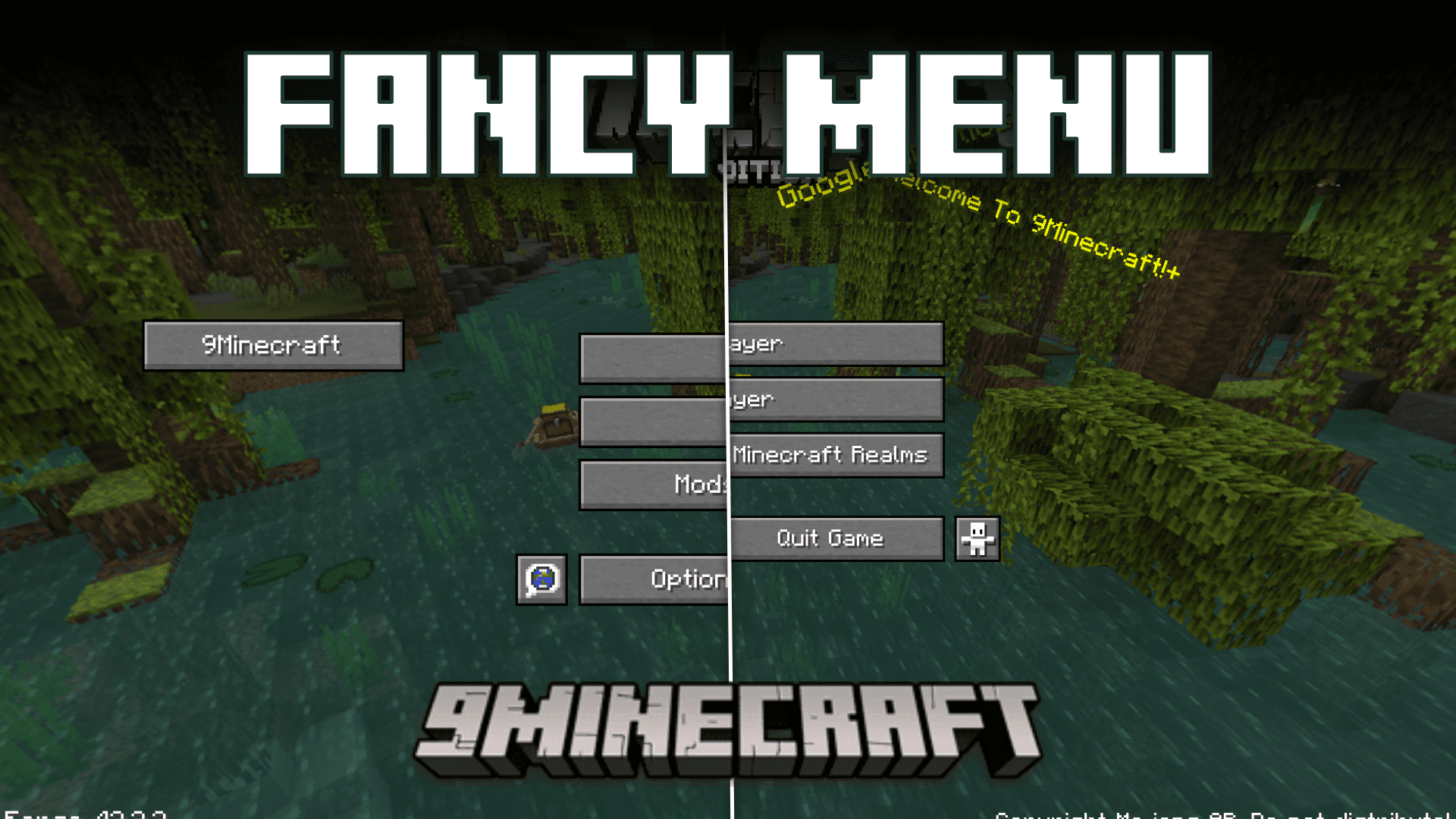
Features:
- Lets you change and design your Minecraft menus right from inside the game.
- Customize almost any menu, including the main title screen and menus from other mods.
- Move, resize, or completely hide the default buttons.
- Add your own new buttons that can do things like open a website or send a message.
- Place custom text, pictures, and even animated images like GIFs in your menus.
- Change the menu background to a single image, a slideshow, or an animation.
- Set different background music to play for each menu screen.
- Use special conditions to make menu elements appear or disappear based on certain rules.
- Works by itself on the client, but can also be used with a server to give admins more options.
How to Use:
Here is an example of how to show the latest Minecraft changelog in one of your menus:
- Add a Text element in the menu editor.
- Change its Source Mode to Resource.
- Set the resource source to Web.
- For the URL, use
https://clay.is-a.dev/minecraft-changelogs-markdown/{"placeholder":"mcversion"}/fancymenu.md.
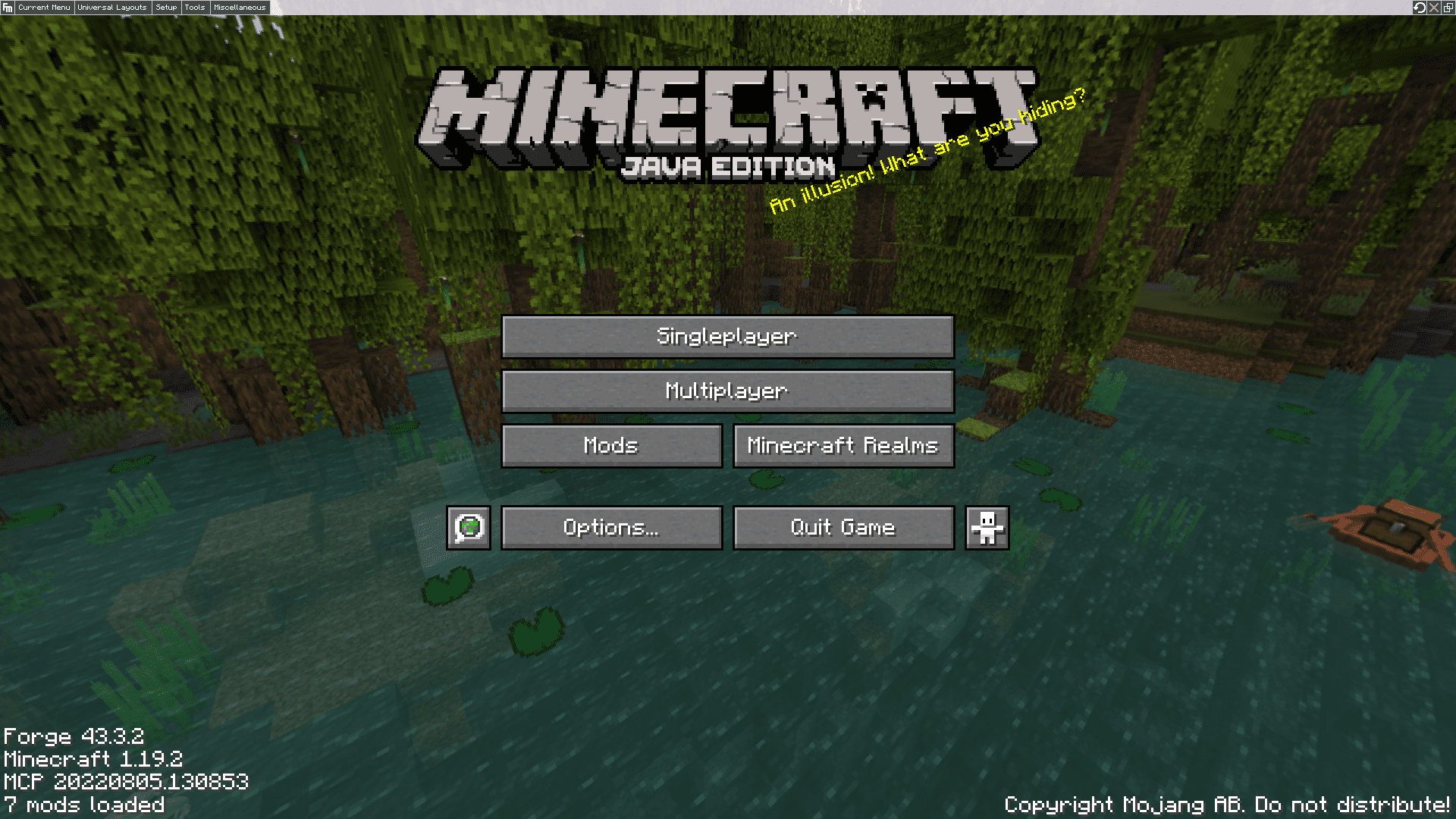
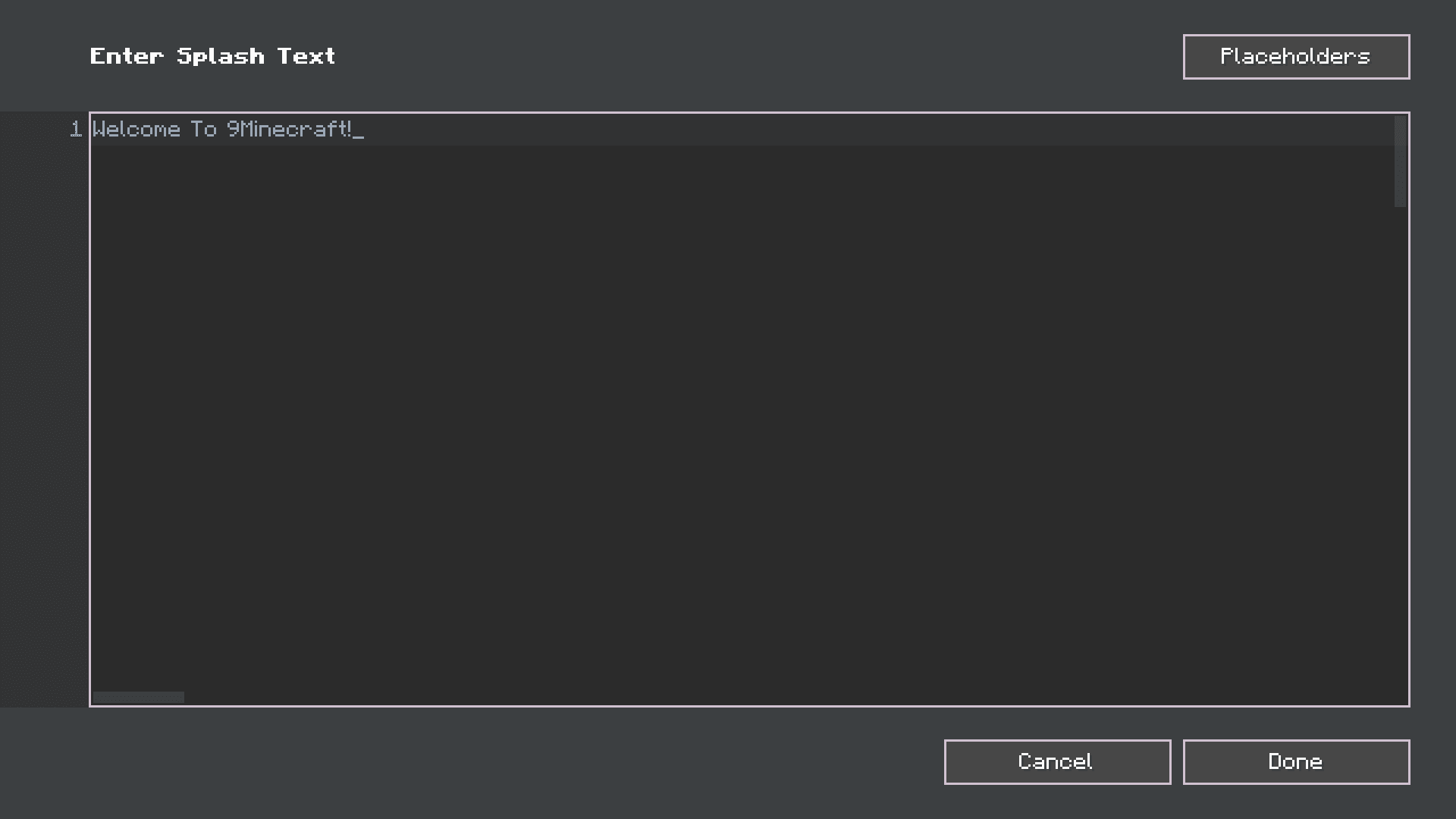
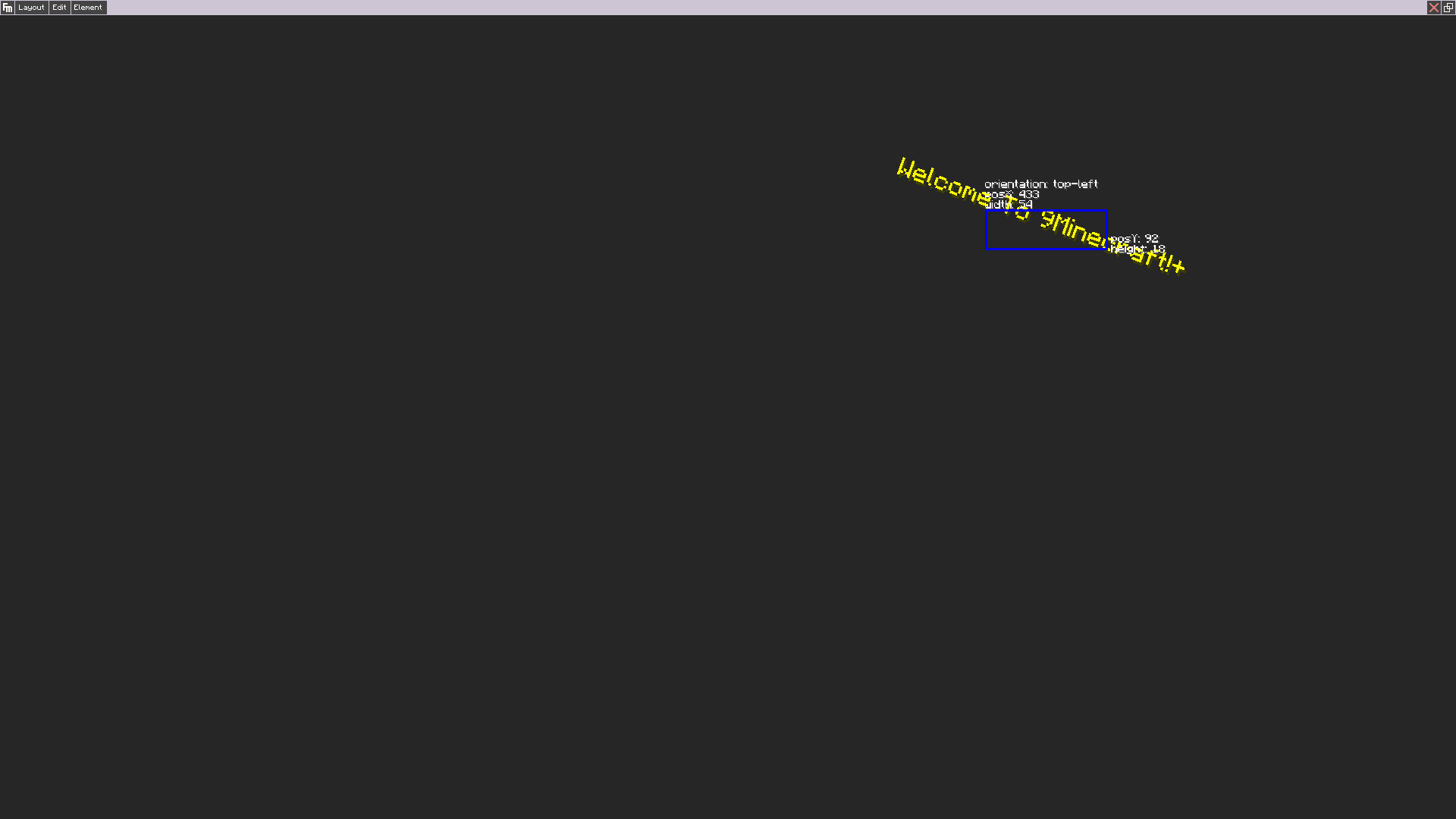
Screenshots:
How to Install:
New to Minecraft? Follow our step-by-step guide to install Mods on your PC.View Guide
Requirements:






Fancy Menu Mod Download Links
For Minecraft 26.1.2, 26.1.1, 26.1
For Minecraft 1.21.11
For Minecraft 1.21.10
For Minecraft 1.21.8, 1.21.7
For Minecraft 1.21.6
For Minecraft 1.21.5
For Minecraft 1.21.4
For Minecraft 1.21.1, 1.21
For Minecraft 1.20.6, 1.20.5
For Minecraft 1.20.4
For Minecraft 1.20.2
For Minecraft 1.20.1, 1.20
For Minecraft 1.19.4
For Minecraft 1.19.2
For Minecraft 1.18.2
For Minecraft 1.17.1
For Minecraft 1.16.5
For Minecraft 1.15.2
For Minecraft 1.12.2, 1.12.1, 1.12
Click to rate this post!
[Total: 1 Average: 5]
You May Also Like









This post has no comments yet. Be the first — your comment will appear here.