
Shulker Preview Mod (26.3, 1.20.1) – Inspect Shulker Contents Without Placing

 0


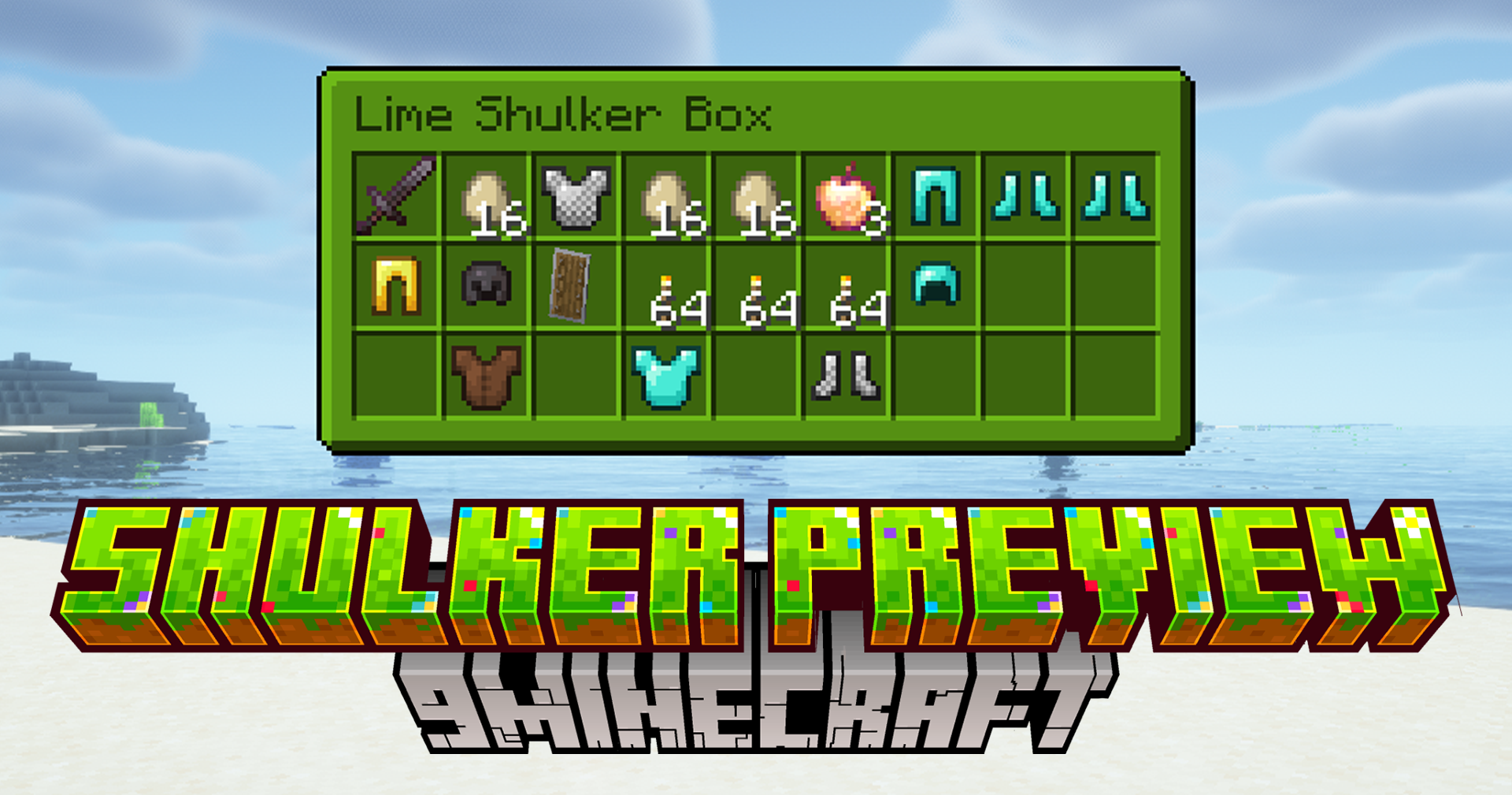
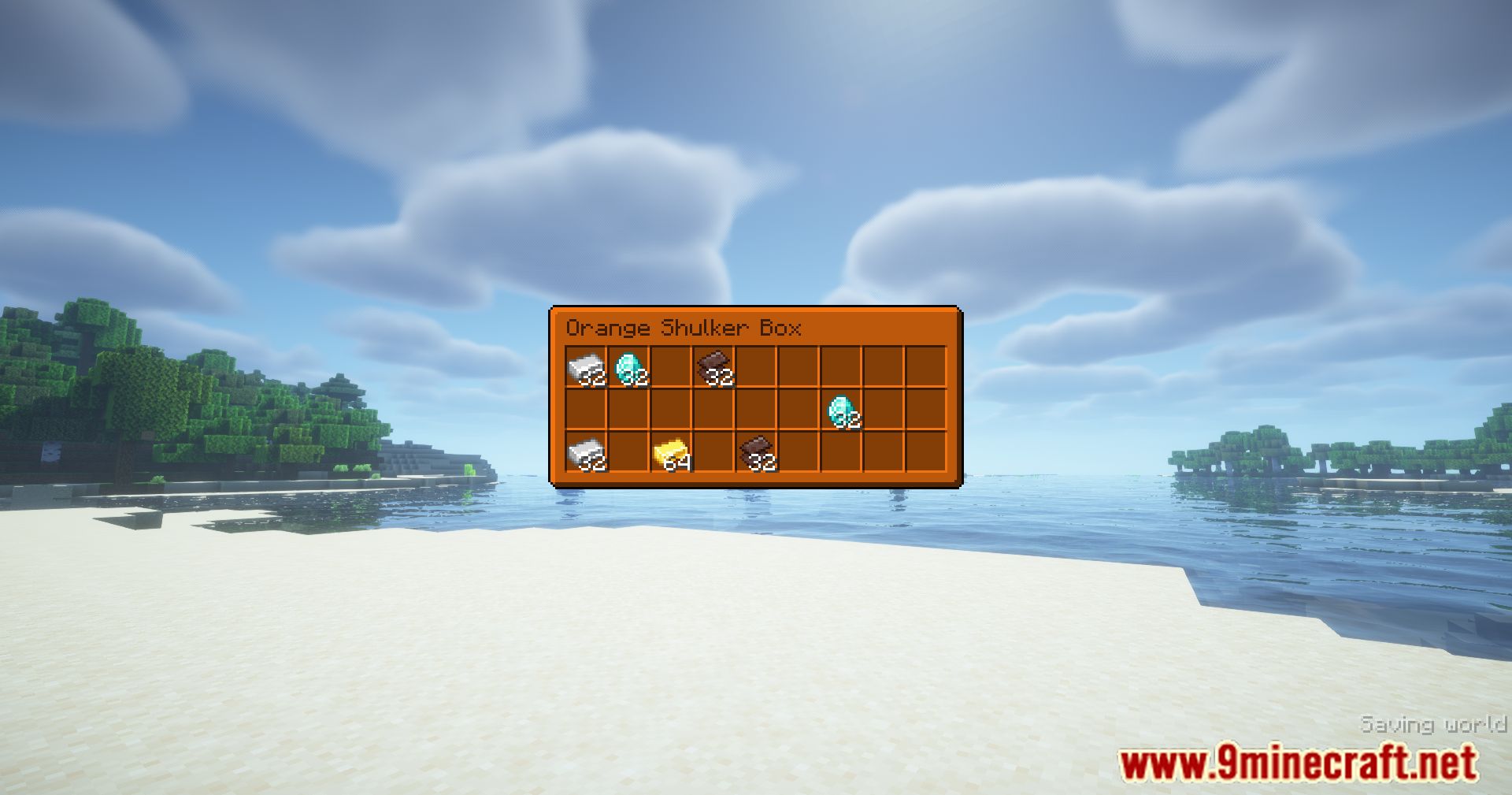
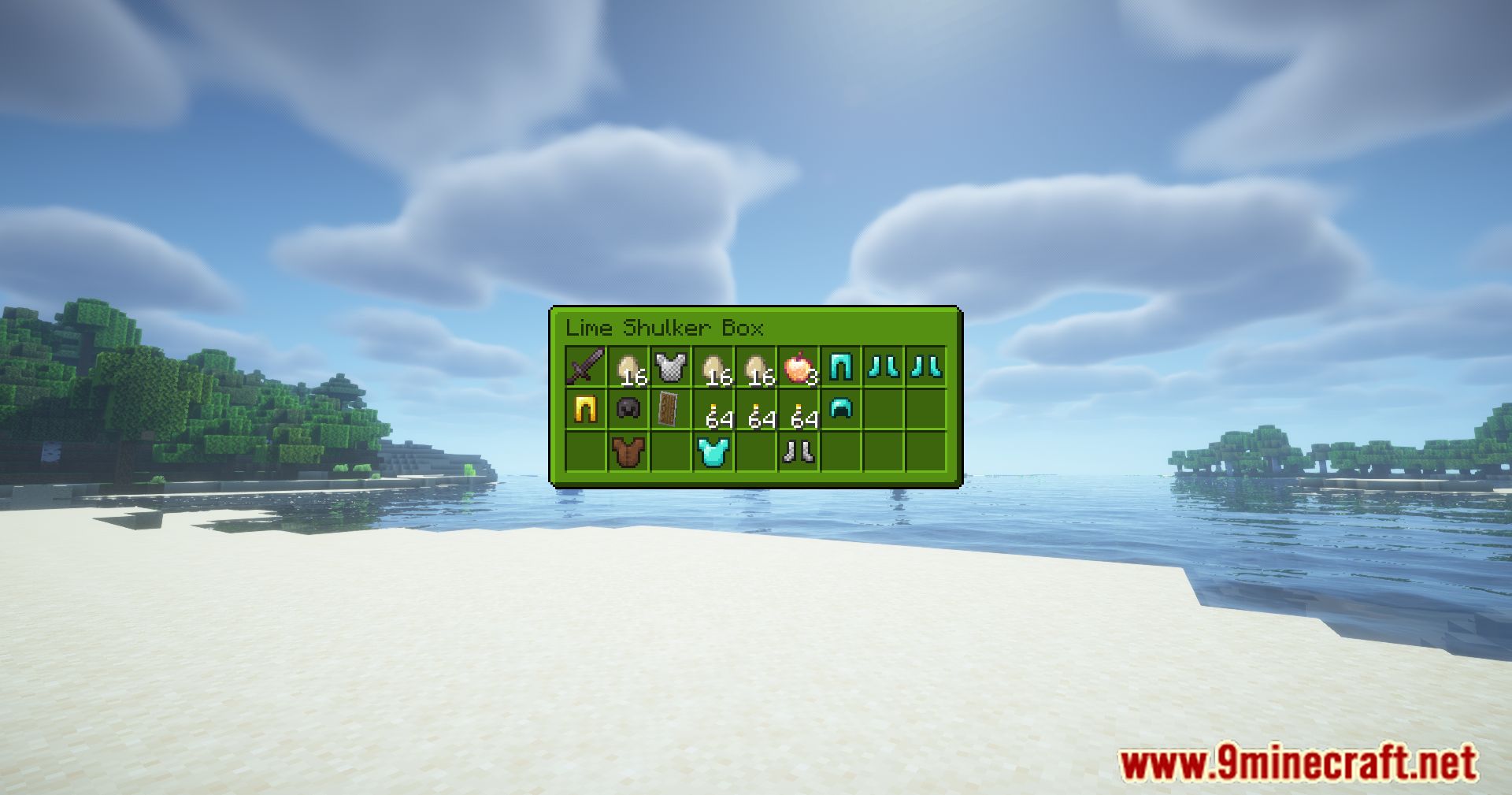
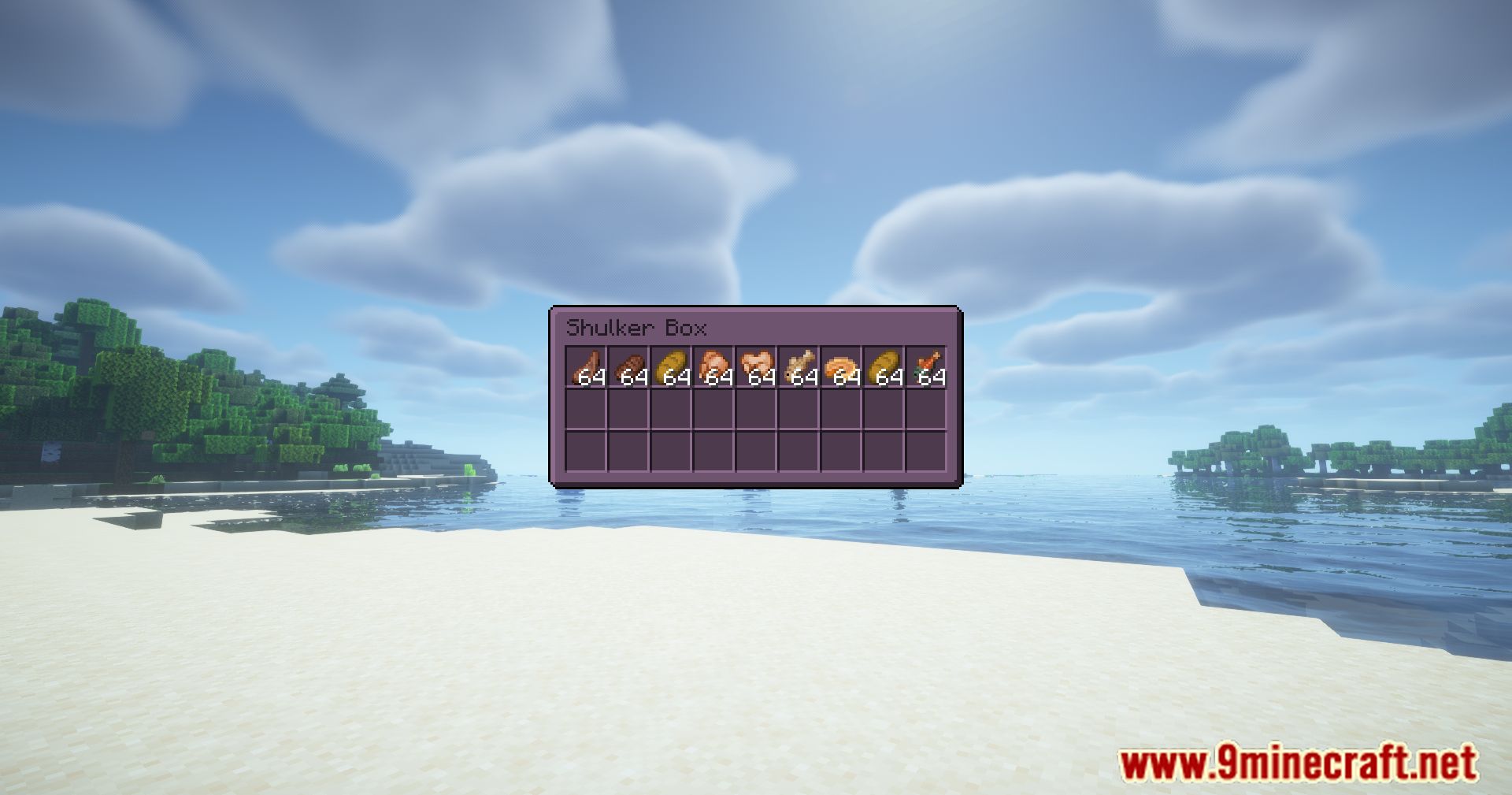
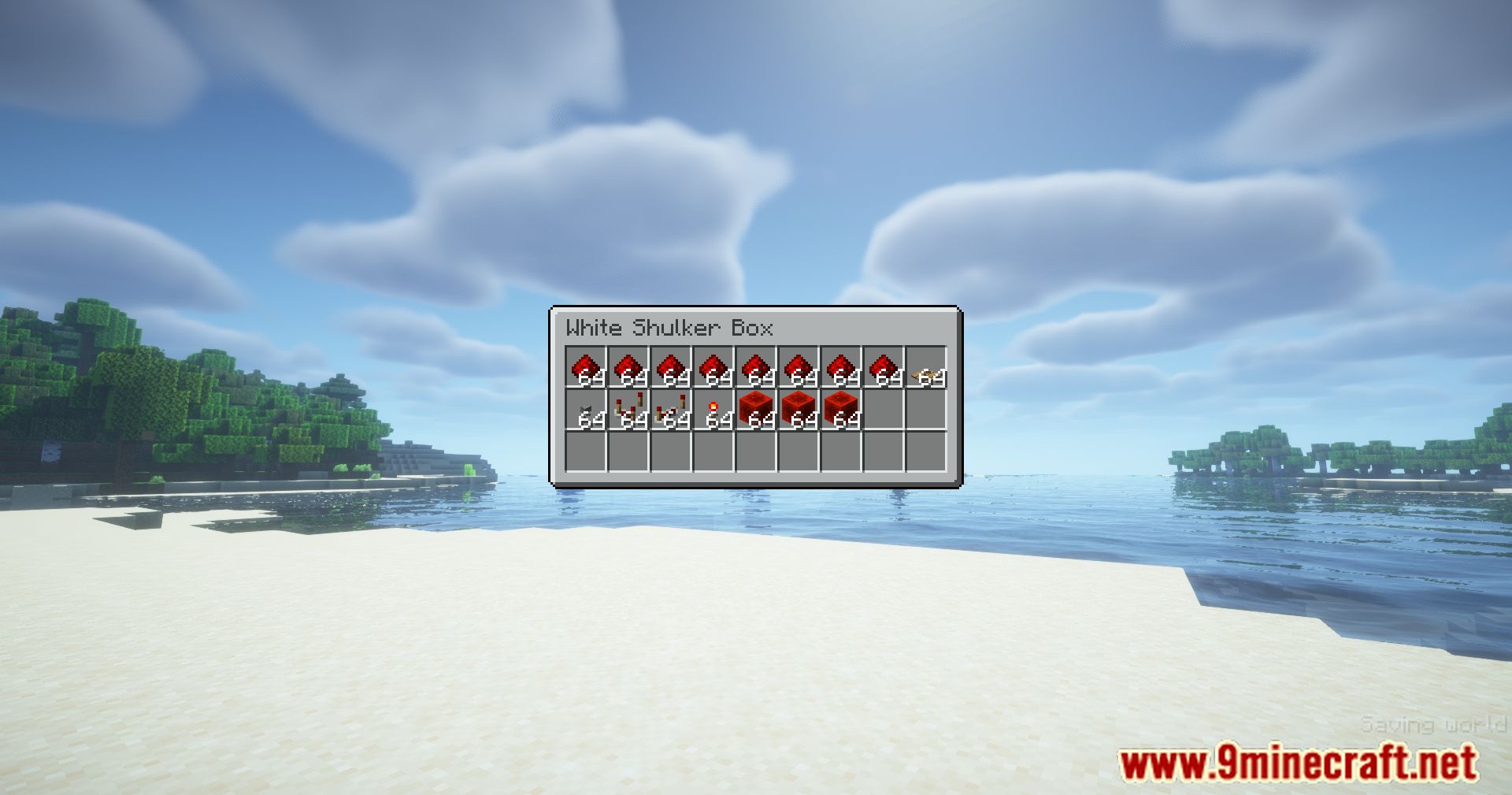
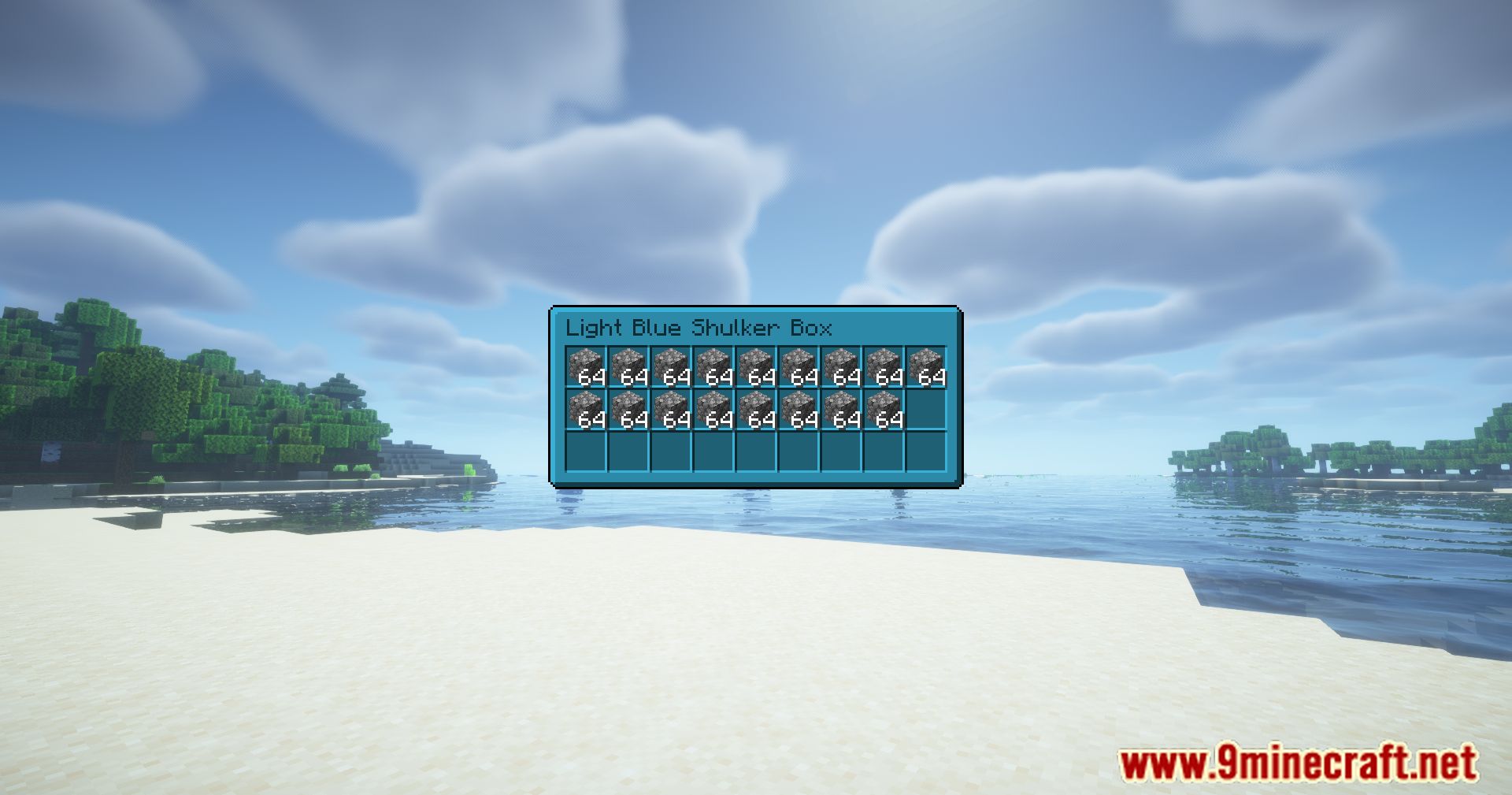
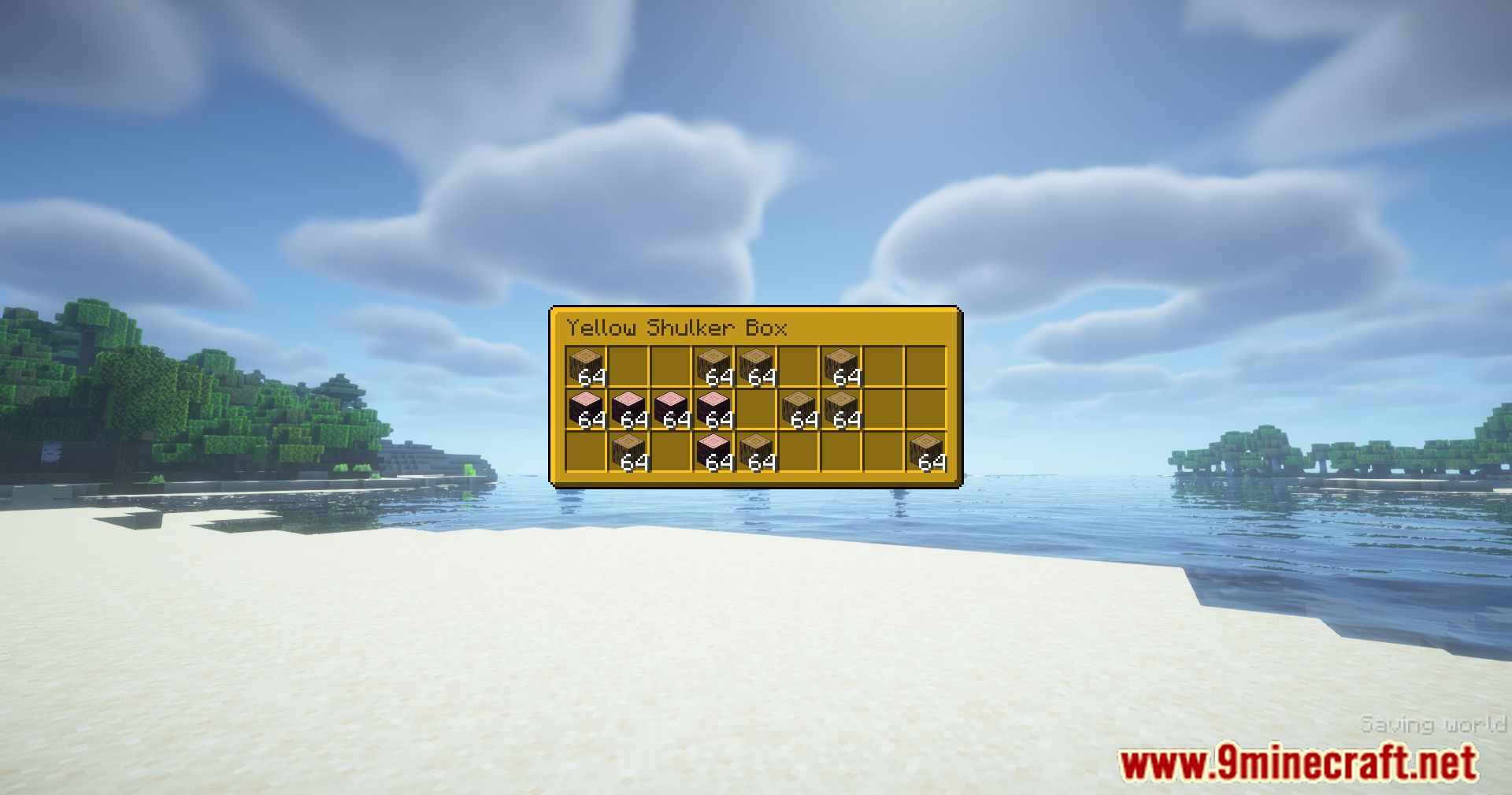
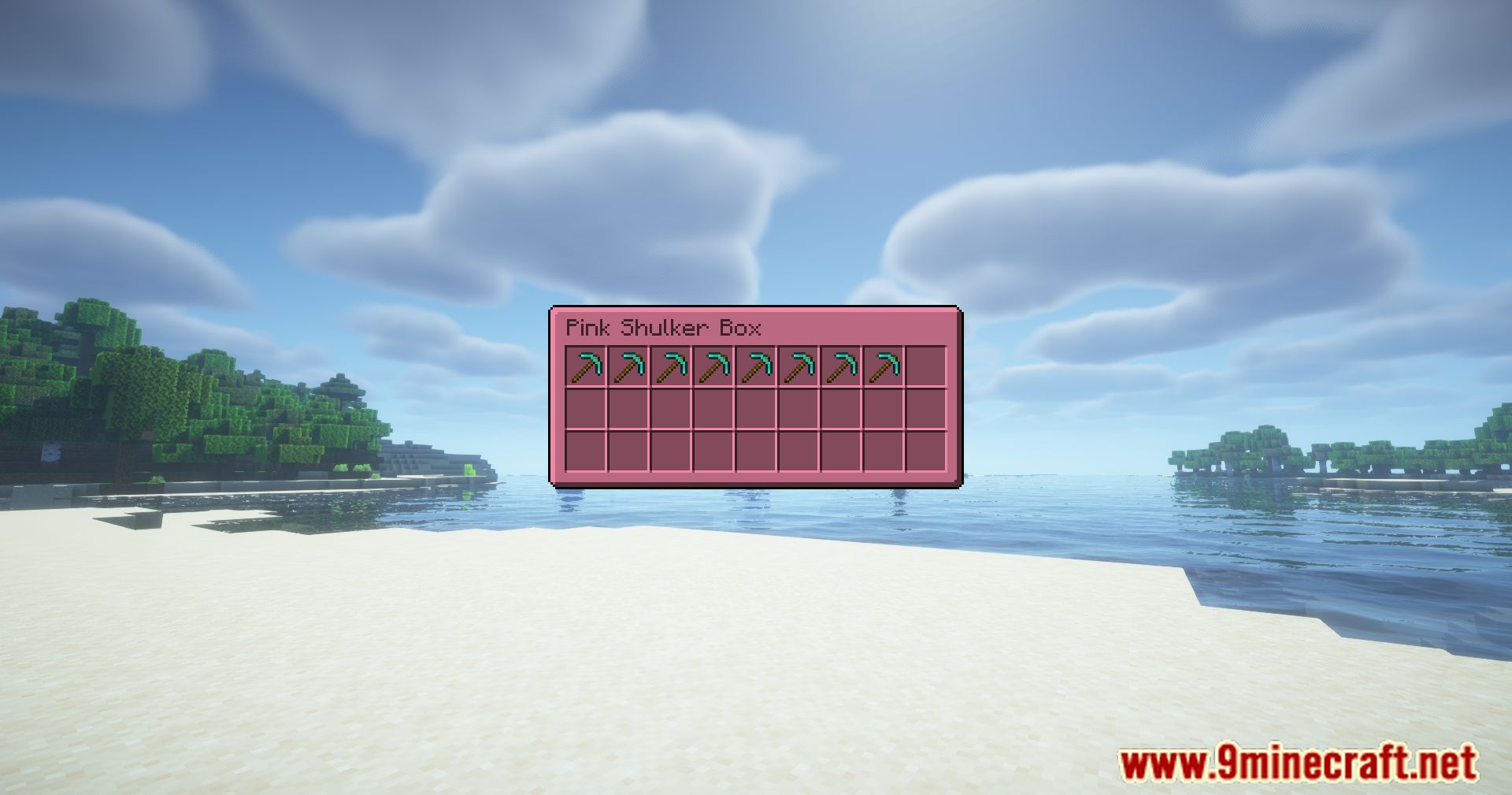
Shulker Preview Mod lets you check what is inside a shulker box without placing it on the ground. This client-side mod makes managing your storage fast and simple. You can view items instantly, though you cannot take items out while previewing. It brings a neat quality-of-life upgrade to your inventory and world storage.
Features:
- Opens and inspects the items inside any shulker box without placing it down in the world.
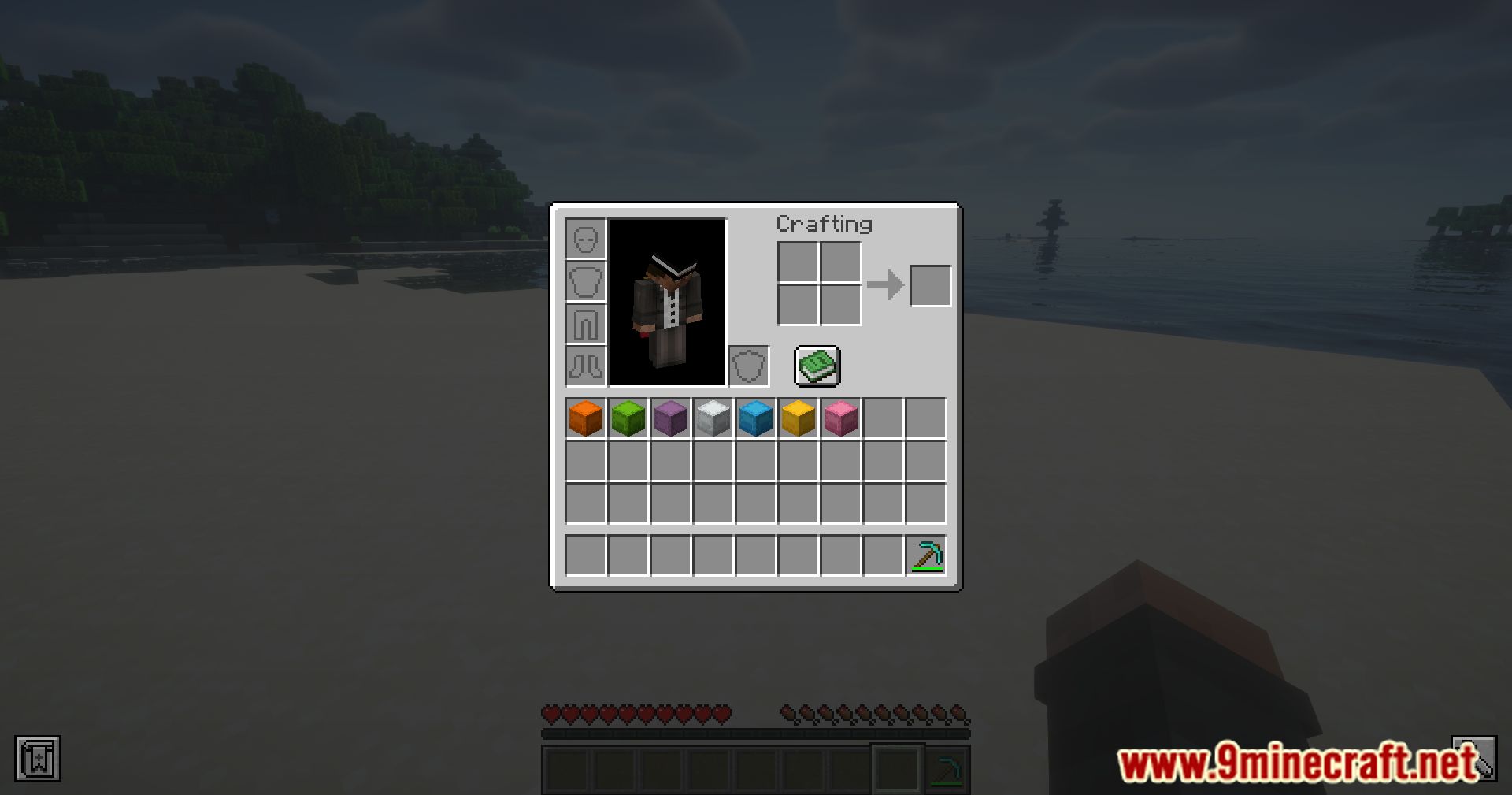
- Allows you to open shulkers directly inside your inventory and other containers.
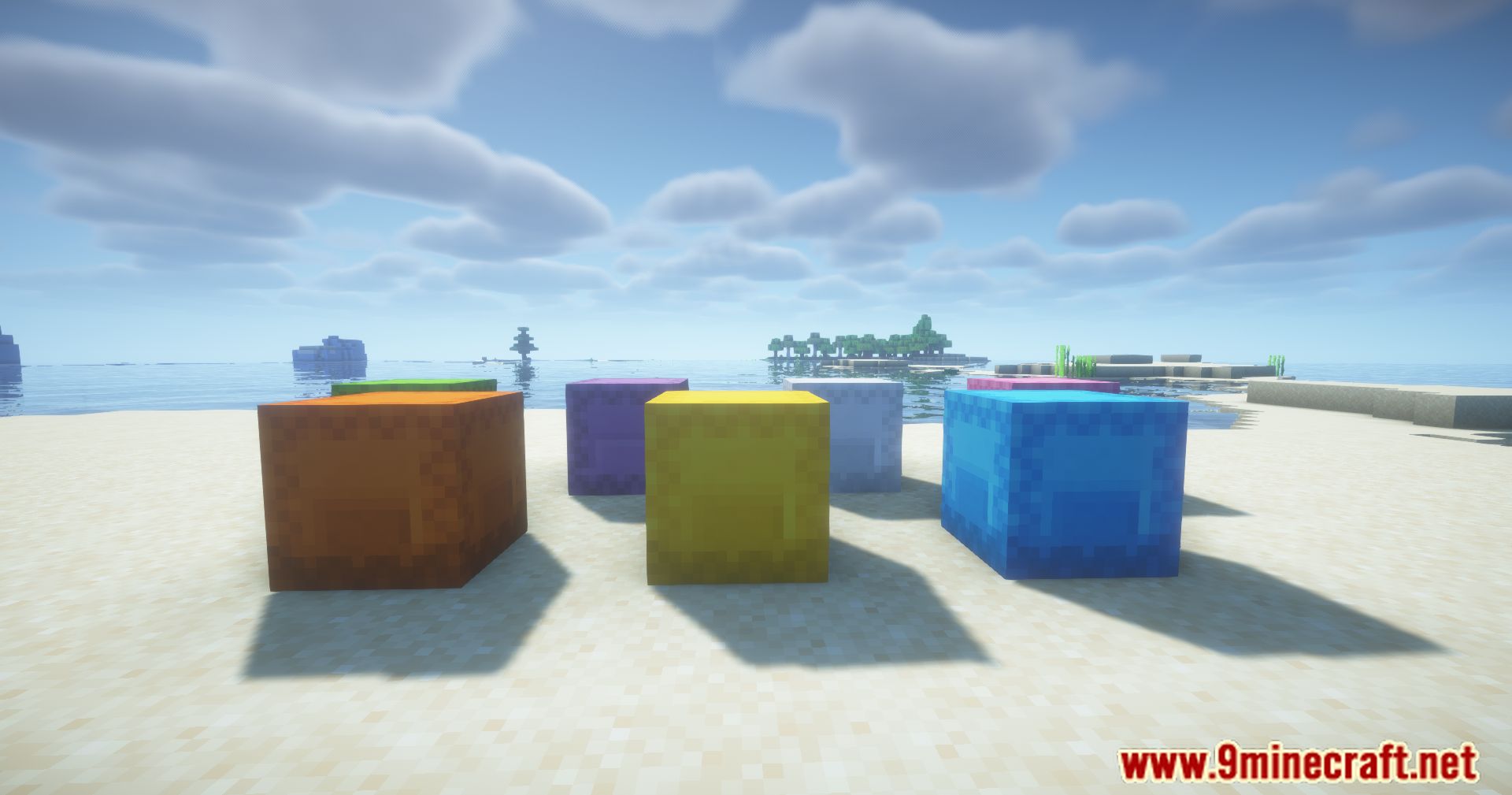
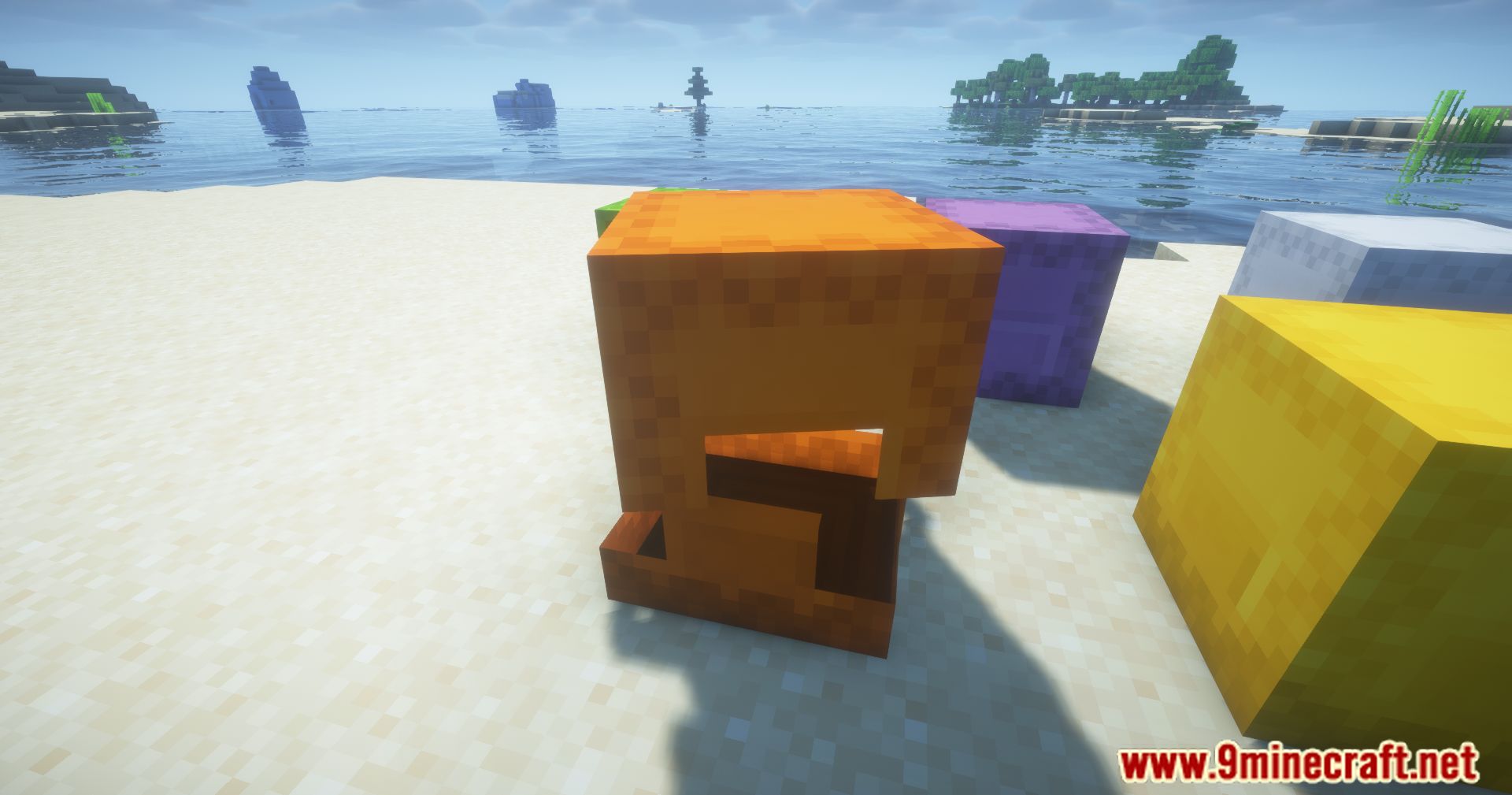
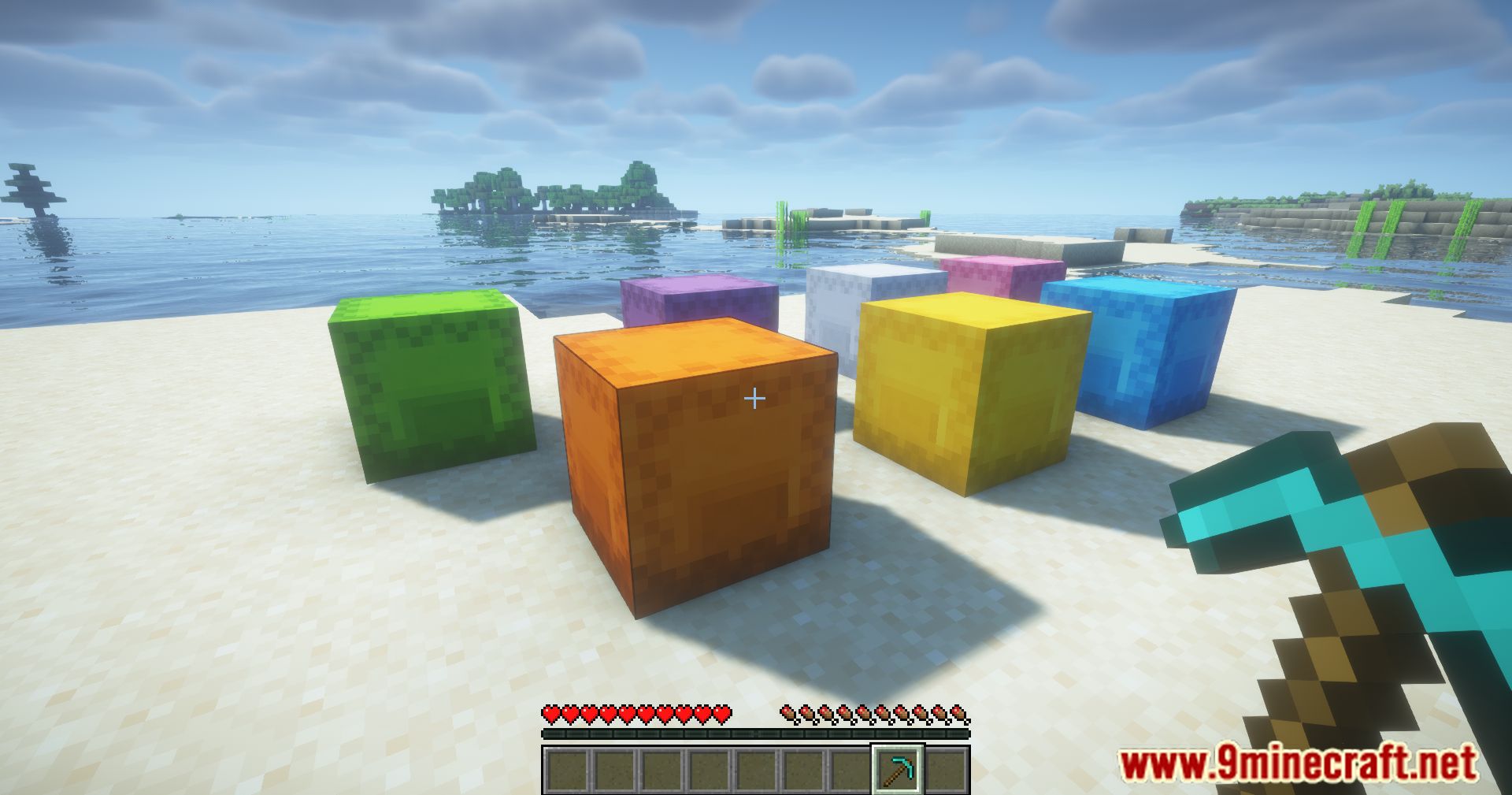
- Displays a unique color style for each shulker color so you can easily tell them apart.
- Lets you change the preview activation button right from the game options menu.
How to Use:
- Place a shulker box in your inventory or hold it in your hand.
- Press the designated preview button to open the contents interface without setting the block down.
- Go to the game options to change the preview keybind if you prefer a different button.
Screenshots:
How to Install:
New to Minecraft? Follow our step-by-step guide to install Mods on your PC.View Guide
Requirements:

Shulker Preview Mod Download Links
For Minecraft 26.3
For Minecraft 26.2
For Minecraft 26.1.2, 26.1.1, 26.1
For Minecraft 1.21.11
For Minecraft 1.21.10, 1.21.9
For Minecraft 1.21.8, 1.21.7, 1.21.6
For Minecraft 1.21.5
For Minecraft 1.21.4
For Minecraft 1.21.3, 1.21.2
For Minecraft 1.21.1, 1.21
For Minecraft
1.20.4,
1.20.3,
1.20.2
All Versions Covered
1.20.4
1.20.3
1.20.2
1.20.1
1.20
All Versions Covered
1.20.4
1.20.3
1.20.2
1.20.1
1.20
Click to rate this post!
[Total: 2 Average: 2.5]
You May Also Like
Picked for this page
 Inventory HUD+ Mod (26.3, 1.20.1) – Always-On-Screen Information
 Full Brightness Toggle Mod (26.3, 1.20.1) – Instantly Turn The Brightness
 Inventory Management Mod (26.3, 1.20.1) – Sorting, Transferring, Stacking
 Universal Bone Meal Mod (26.3, 1.20.1) – New Uses for Bone Meal
 Leashable Players Mod (26.2, 1.20.1) – Leash Your Friends
 DarkSpawn Mod (26.3, 1.20.1) – RPG Teleport to Spawn or Lobby
 Trash Cans Mod (26.3, 1.20.1) – Declutter Your Automation
 Better Withered Mobs Mod (26.2, 1.20.1) – Withering Enchantment
 MAtmos Ambient Sound Mod (26.3, 1.20.1) – Adjusts Sounds Based On The Environment
 Creative Block Replacer Mod (26.3, 1.20.1) – Easy Block Placement
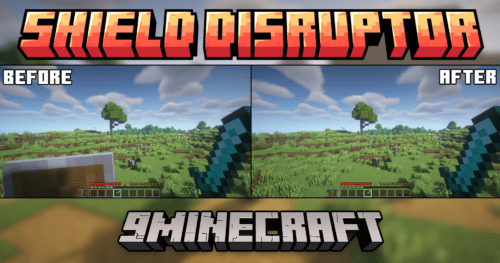 Shield Disruptor Mod (26.2, 1.20.1) – Dynamic Shield Visibility
 More Kills More Damage Mod (26.3, 1.21.1) – More Kills Increases Player Attack Damage
Most viewed in Mods over the last 7 days
 Ala Industrial Mod (26.3) – Run Electric Power Grids and Automated Factories
 PleasureCraft Mod (26.3, 1.21.1) – Jenny Mod Remake for Fabric
 Jennycraft Mod (26.3, 1.20.1) – Virtual Girlfriend in Minecraft
 Fapcraft Mod (26.3, 1.12.2) – Comprehensive and Detailed Content
 Jenny Mod (Fapcraft) Official Complete Guide – How to use, Tutorial
 BangCraft Mod (1.20.1) – Jenny, Ellie and Elliot
 Fabric Loader (26.3, 1.20.1) – Fabric Installer for All Minecraft Versions
 The Shooting Star Demo Mod (26.3, 1.20.1) – Vaporize Terrain From Orbit
 Meteor Client Mod (26.3, 1.20.1) – Xray, HUD, Fly
 OptiFine HD (26.3, 1.20.1) – Run Faster, FPS Boost, Shaders Support
 Aristois Client Mod (1.21.4, 1.20.1) – World Class Minecraft Utility
 Prestige Client Mod (1.21.11, 1.21.4) – Powerful Ghost Features for Crystal & Sword PvP
More from Mods
 Minecraft Java MCP Server Mod (1.21.11) – Command Your World Through External AI Tools
 Arcanism Mod (26.2) – Build Magic Factories and Program Custom Spells
 Archangel Client Mod (1.21.11) – Master Every PvP Duel with Clean Screen Stats
 Block Front Survival Patch Mod (1.21.1) – Wage Tactical Warfare in Survival
 Better Enchantment Bookshelf Placement Mod (26.2, 1.20.1)
 SimpleRPGCore Mod (1.21.4, 1.21.1) – Fight with Classic RPG Stats
 Bard RPG Series Plus by Fichte Mod (1.21.1, 1.20.1) – Buff Allies in Combat
 Fabric Gui ImGui Mod (26.3, 1.21.11) – Clean Custom Menus and In-Game Control
 Multi Item Lib Mod (1.20.1) – Wield Custom Gear with Flawless Hand Animations
 Universe3090 Mod (1.20.1) – Survive Corrupted Dimensions Filled
 Wireless Automate Mod (1.21.1) – Automate Base Logistics Without Messy Pipes
 Vaskars Opus Faction War Quests & Bosses Mod (1.21.11, 1.20.1)

This post has no comments yet. Be the first — your comment will appear here.