


TreeGravity Plugin (1.16.5, 1.12.2) – Chop Entire Trees Down With Just One Swing

 0
0 

TreeGravity Plugin is a popular plugin designed to simplify and enhance the tree-felling experience in Minecraft. By enabling the automatic felling of entire trees with a single block break, this plugin provides a more realistic and efficient way to gather wood. It supports Minecraft versions from 1.12 to 1.17, making it a versatile and valuable tool for server administrators and players alike.
Features:
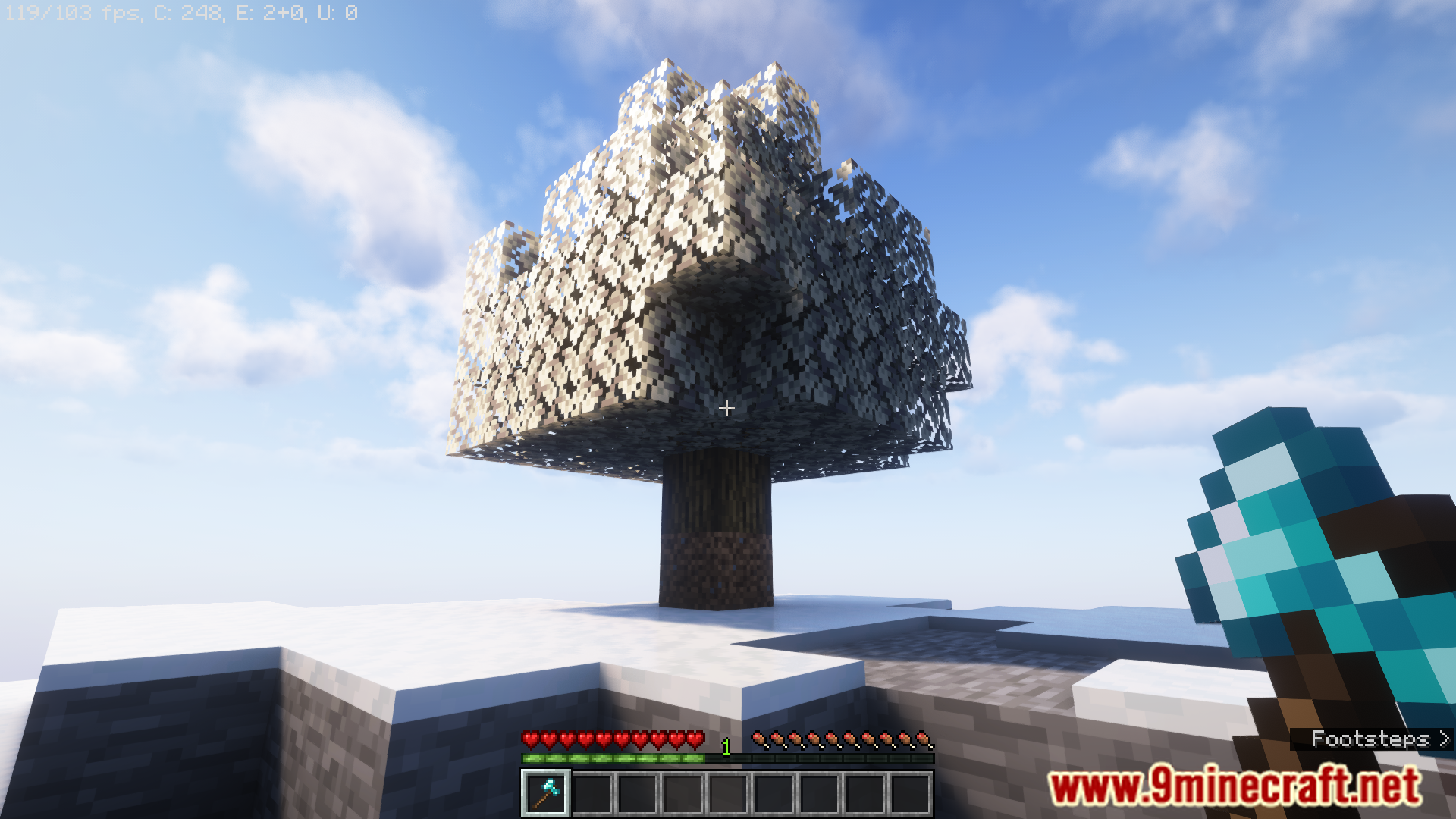
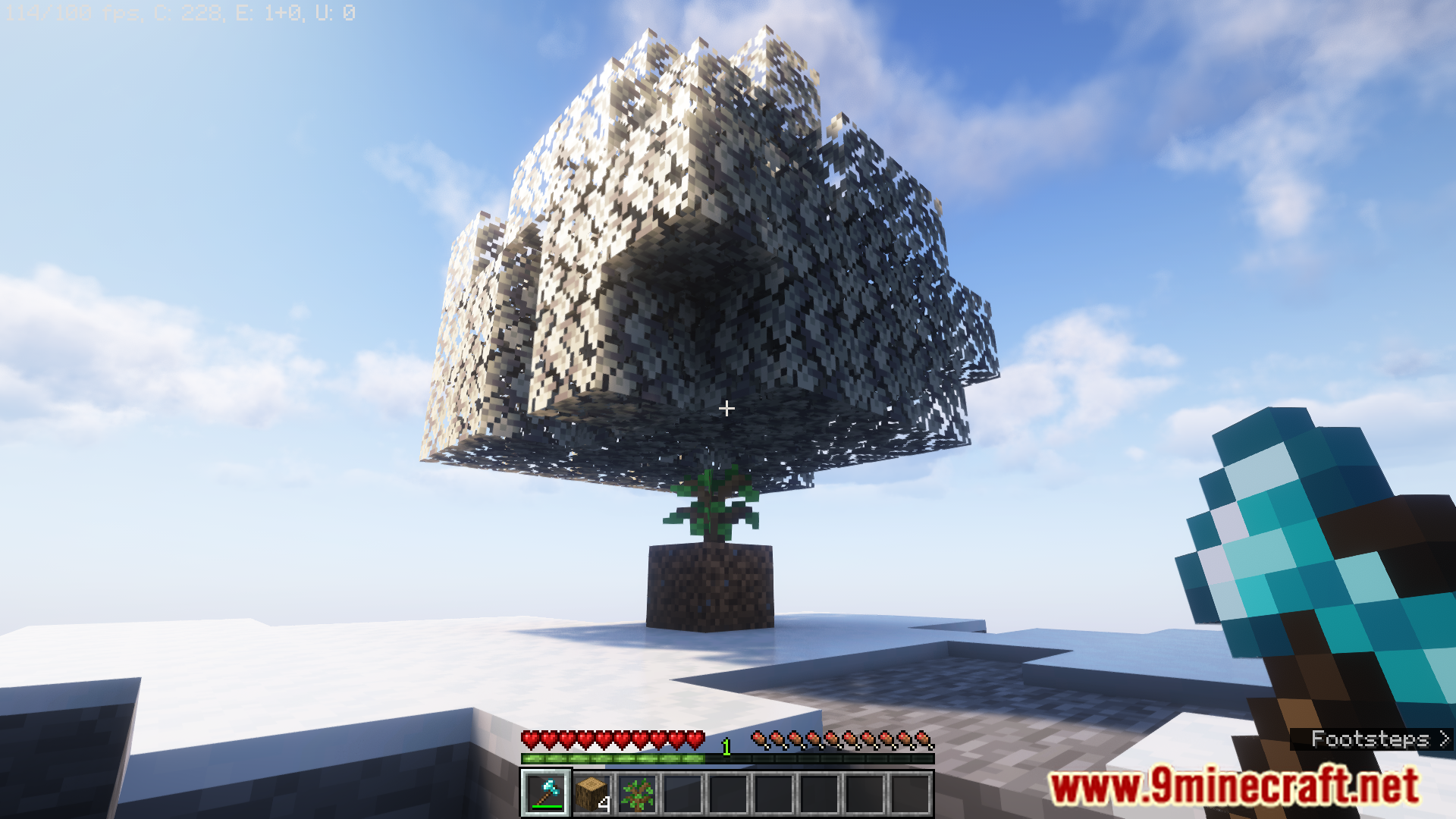
- Full Tree Felling: Automatically breaks all connected logs of a tree when the bottom log is broken, saving time and effort.
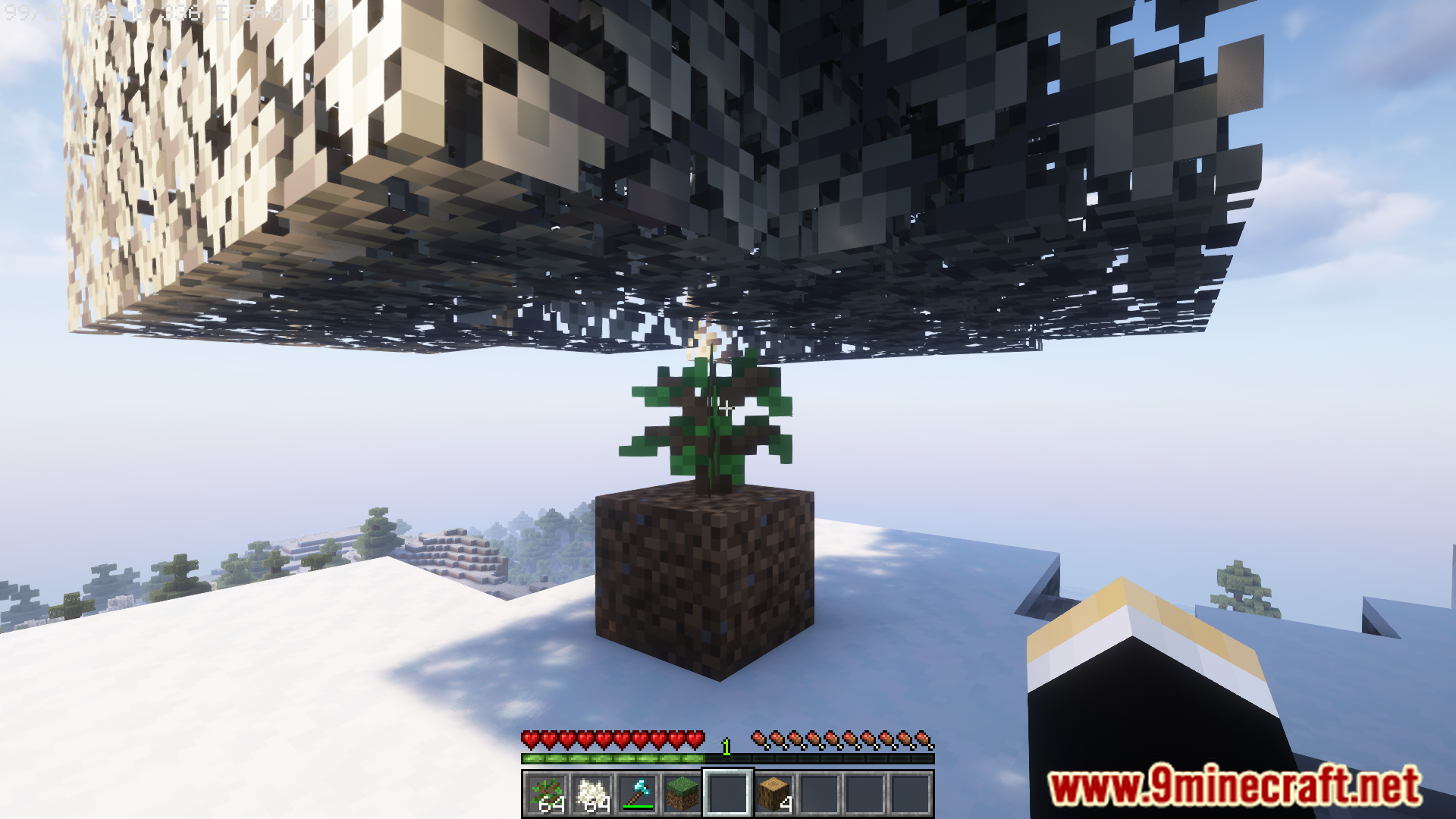
- Configurable Gravity: Allows administrators to enable or disable gravity for logs, making them fall naturally when the base is removed.
- Replanting Options: Supports automatic replanting of saplings after a tree is felled, promoting sustainable gameplay.
- Multi-Version Support: Compatible with Minecraft versions from 1.13 to 1.17, ensuring broad compatibility across different server setups.
- Customizable Settings: Provides various configuration options to tailor the plugin’s behavior to specific server needs, such as adjusting the range of tree detection.
- Efficiency Enhancements: Improves gameplay efficiency by reducing the time required to gather wood, especially in heavily forested areas.
- User-Friendly: Easy to use for players with minimal configuration required, making it accessible for servers of all sizes.
Screenshost:
Commands:
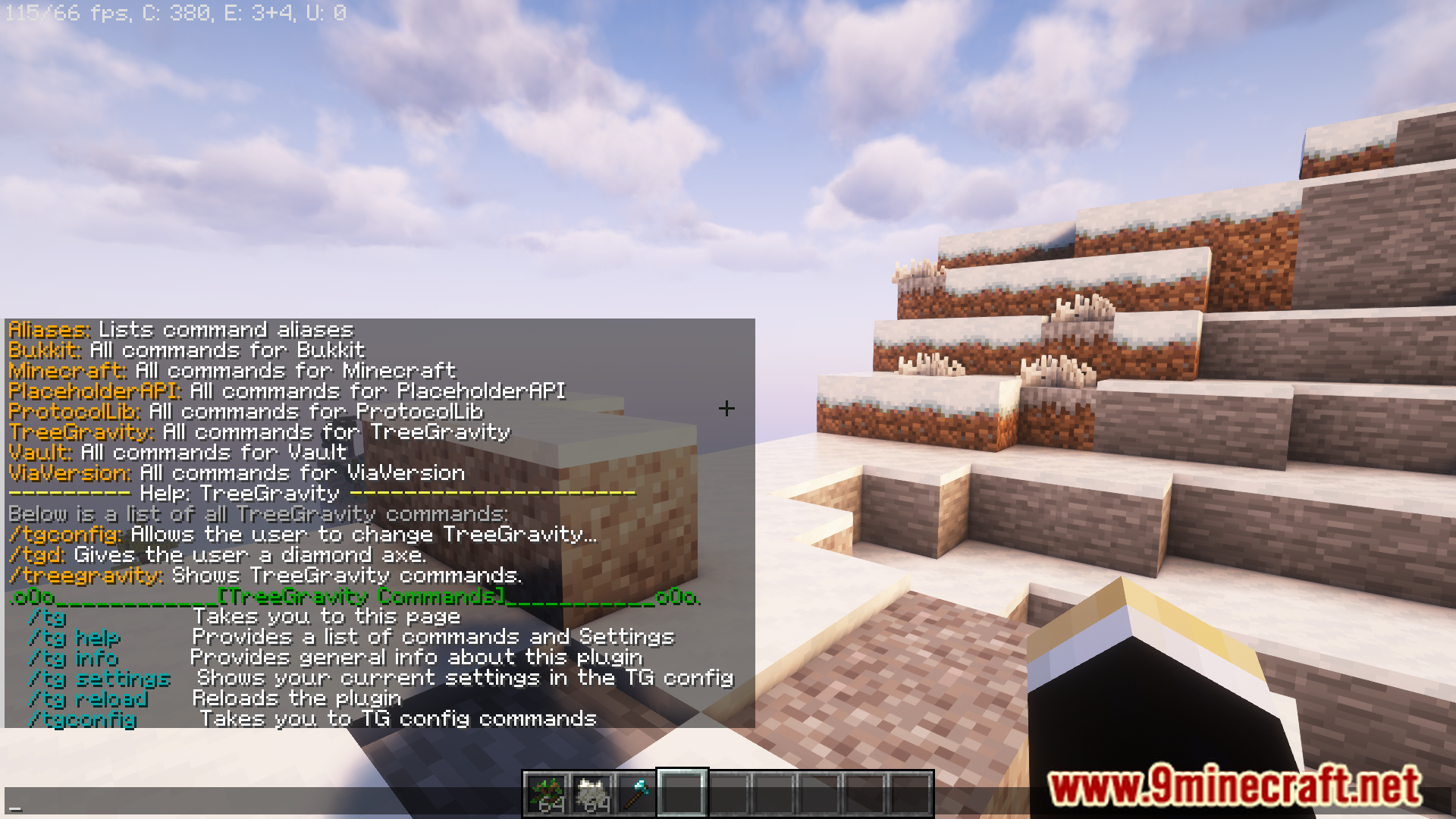
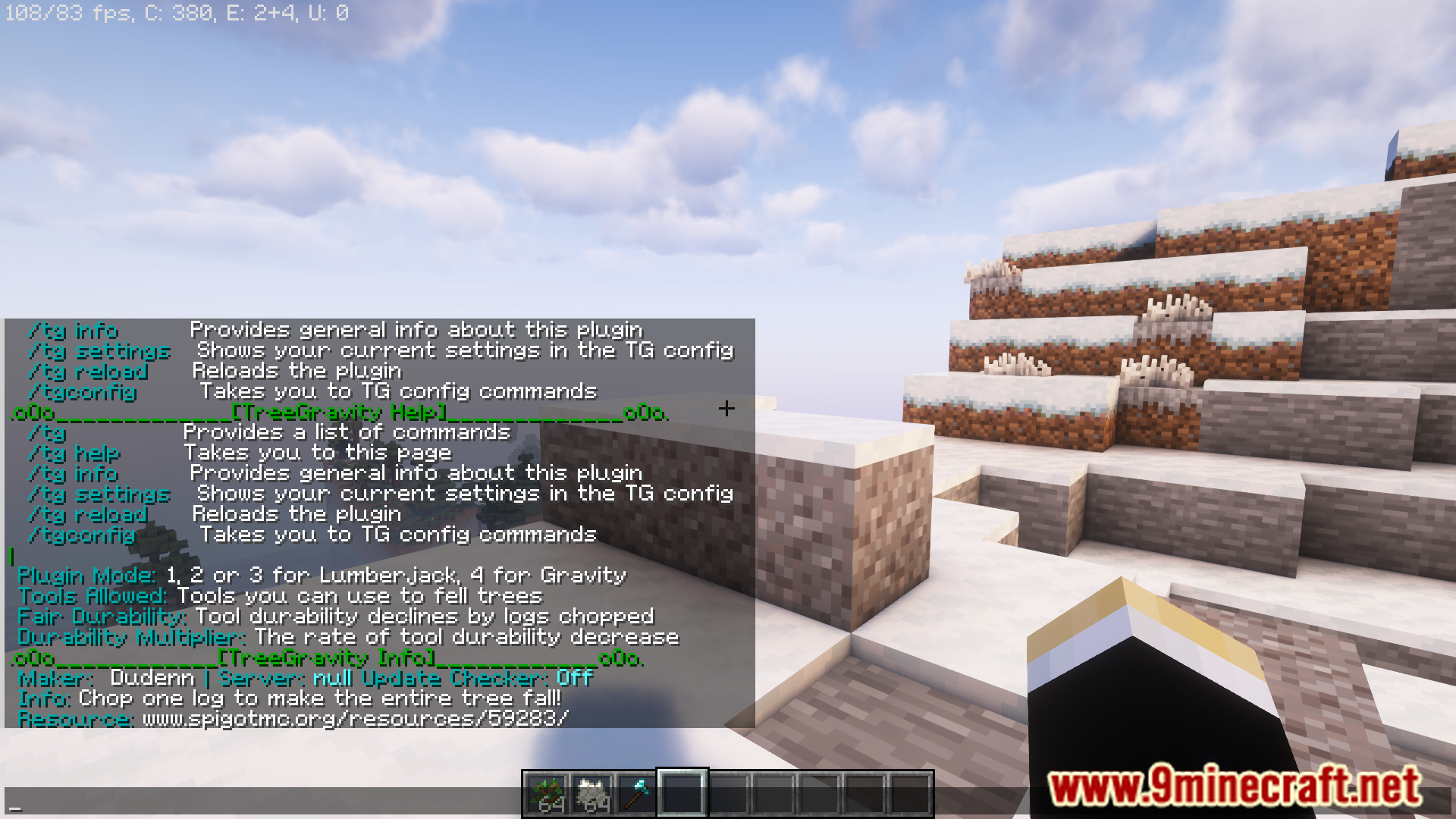
- /tg – Provides this list of TreeGravity commands
- /tg help – Explains what the commands and settings are
- /tg info – Provides general info about the plugin
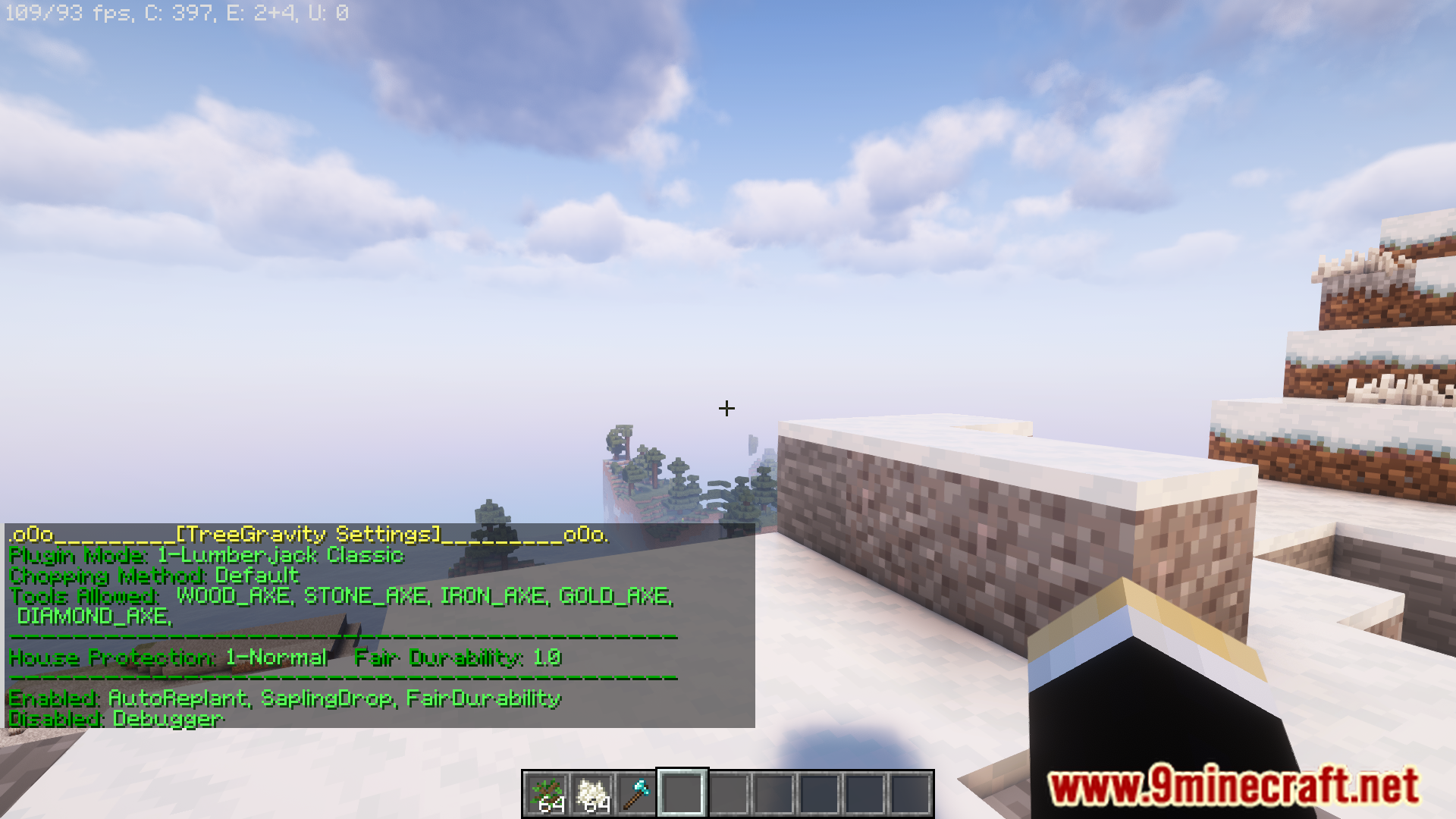
- /tg settings – Shows the server’s current settings in the TreeGravity config.yml
- /tg toggle – Player by player toggling of TreeGravity on or off
Operator Commands:
- /tg reload – Reloads the plugin
- /tgconfig – Shows list of sub-commands for /tgconfig
- /tgconfig [enable, disable] – Turns plugin on or off
- /tgconfig set type [lumberjack, gravity] – Changes the current plugin’s method
- /tgconfig set durabilitymultiplier [0.5, 1.0, 2.0] – Sets the durability factor (any decimal works, not just the ones listed)
- /tgconfig set houseprotection [0, 1, 2, 3, 4, 5] – Sets the level of house protection (any manmade structures)
- /tgconfig set chopmethod [default, stand, sneak, sneak.notify] – Sets whether players need to sneak to fell trees
- /tgconfig set fallmethod [pop, break, natural] – Sets what fall animation happens when a tree is felled
- /tgconfig set dropmethod [itemdrop, inventory] – Where the tree’s logs go: dropped on ground or player’s inventory
- /tgconfig tools add/remove [tool] – Adds or Removes a tool on the allowed tools list in the config
- /tgconfig worlds add/remove [world] – Adds or Removes a world on the allowed worlds list in the config
- /tgconfig toggle [fairdurability, updatechecker, autoreplant, sapling drop, defaultpermissions, randomlogdrop, mcmmohook, oresweeper] – Turns the setting ON or OFF
Dev Commands:
- /tgconfig toggle [debugger]– Turns the debugger in the server console ON or OFF
- /tgd – Gives the player a diamond axe
- /tgd g – Gives the player a golden axe
- /tgd a – Gives the player one of each type of axe
How to Install:
New to Minecraft? Follow our step-by-step guide to install Plugins on your PC.View Guide
TreeGravity Plugin Download Links
For Minecraft 1.17.1, 1.17
For Minecraft 1.16.5, 1.16.2, 1.16
For Minecraft 1.12.2, 1.12
Click to rate this post!
[Total: 0 Average: 0]
You May Also Like
















This post has no comments yet. Be the first — your comment will appear here.