
Ultima PvP Map (26.3, 1.20.1) – Nineteen Arenas of Pure Combat Chaos
 8,958
 0


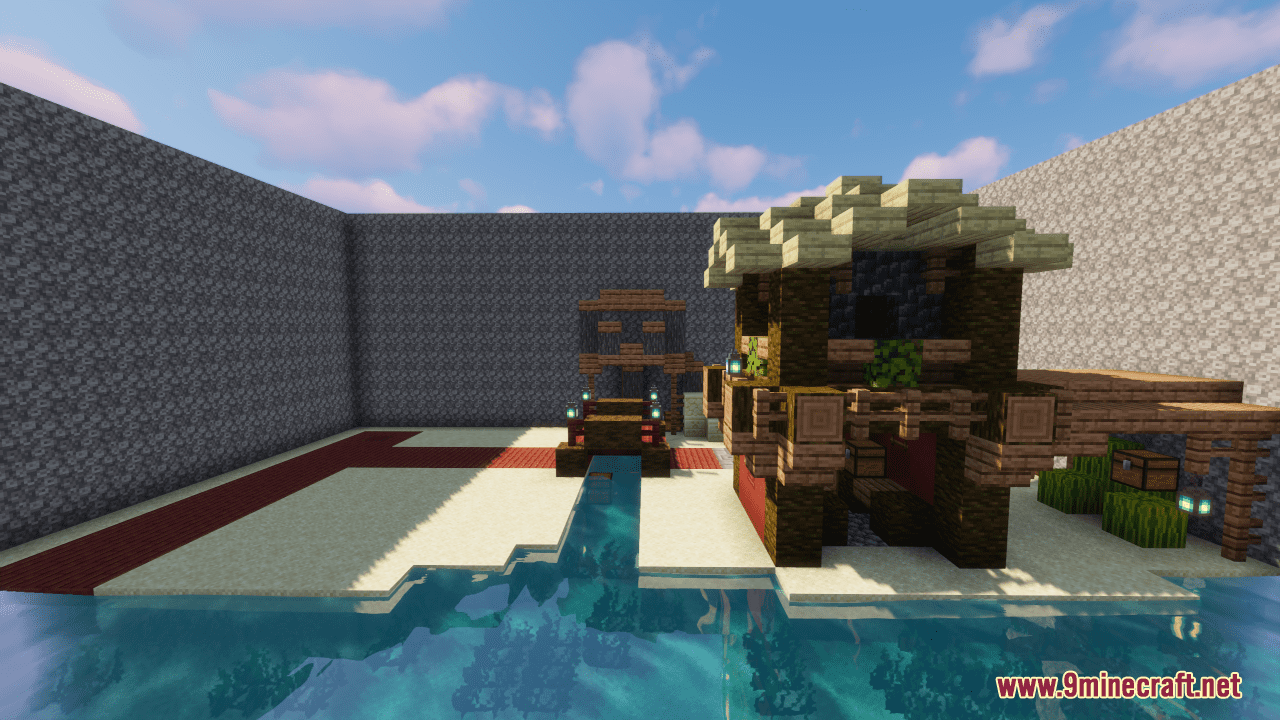
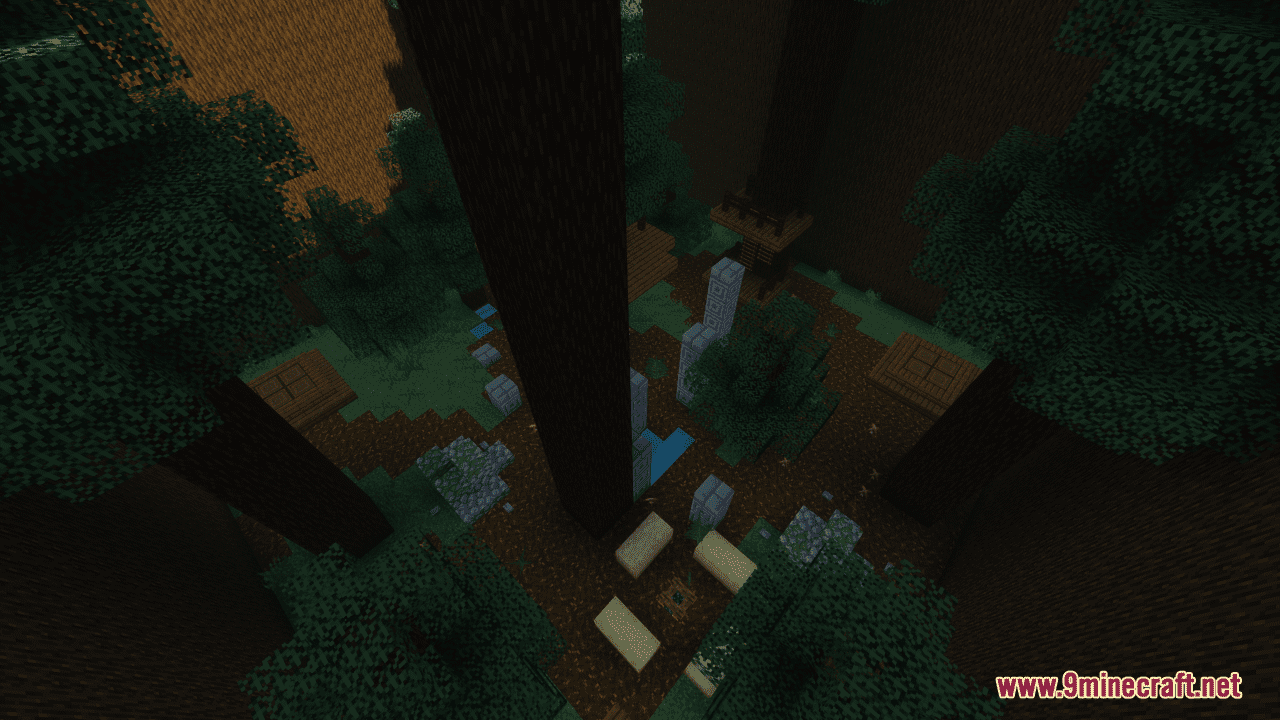
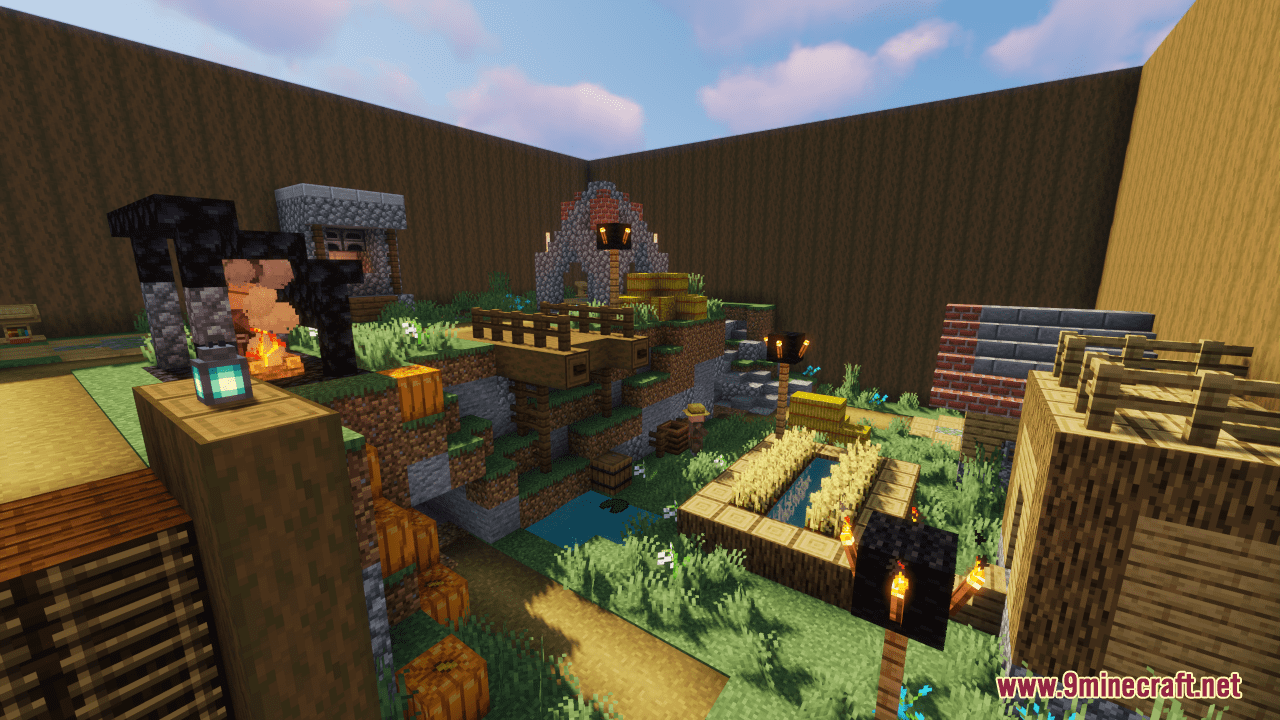
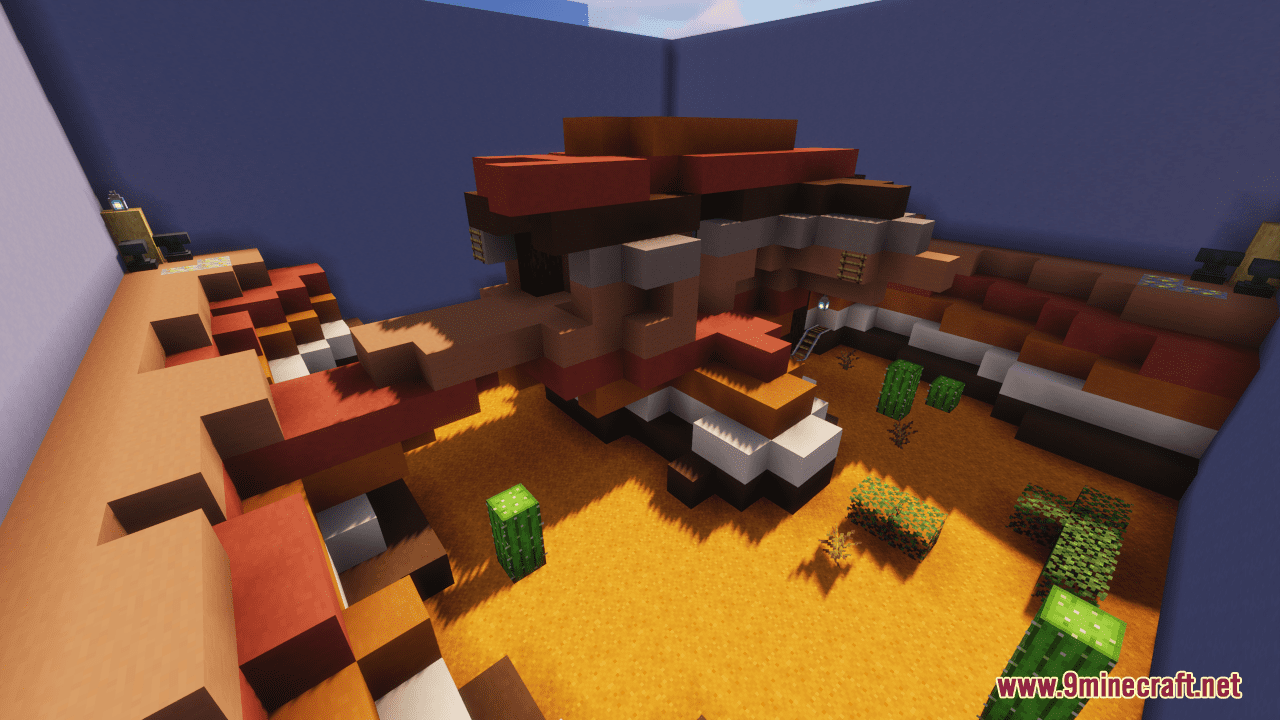
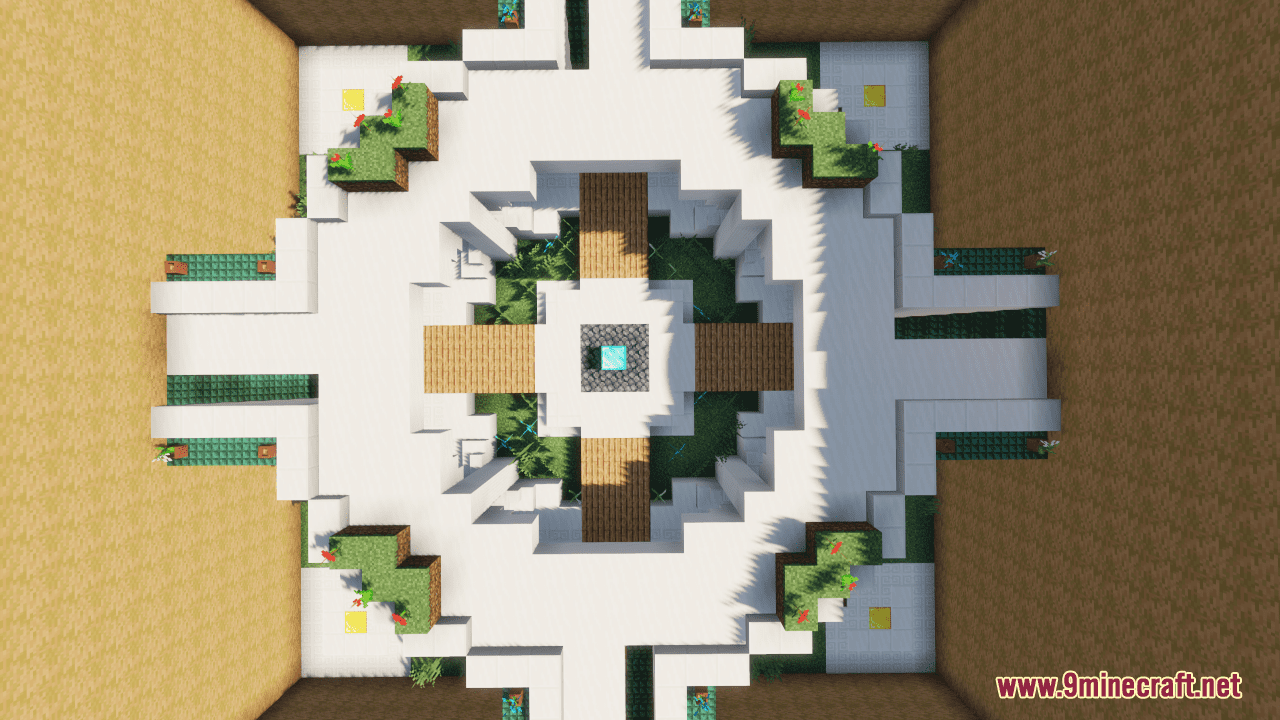
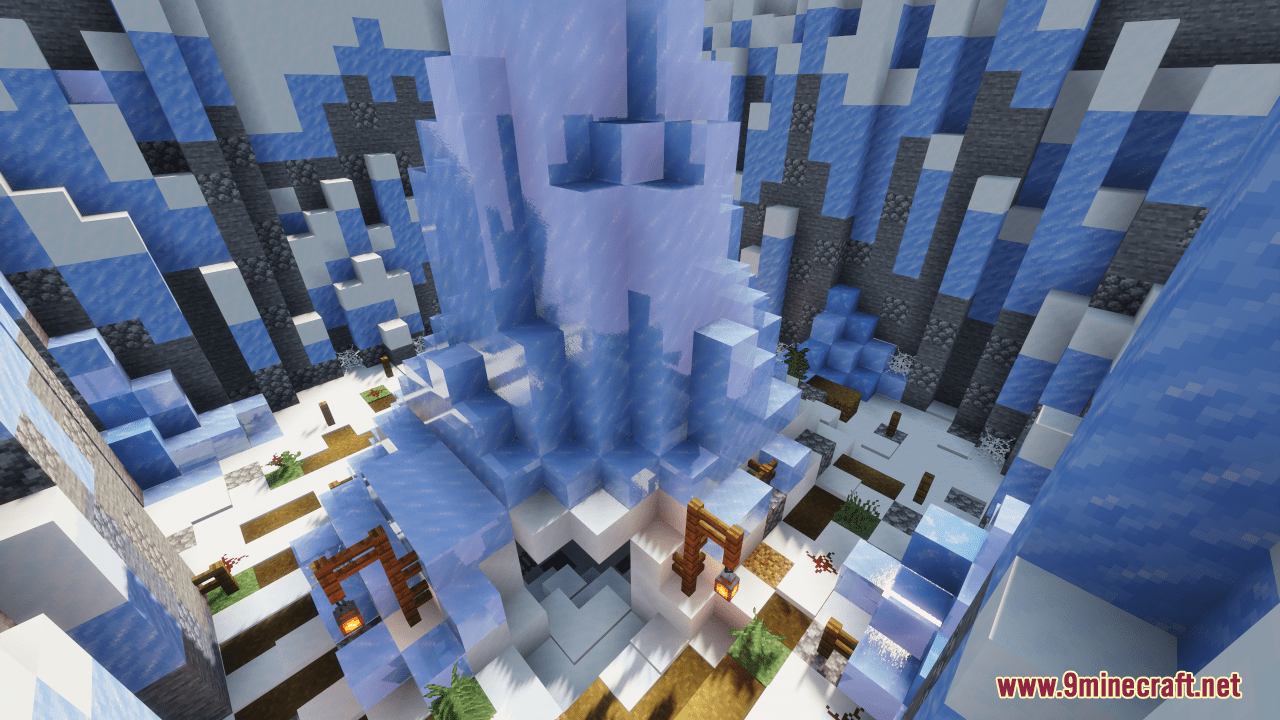
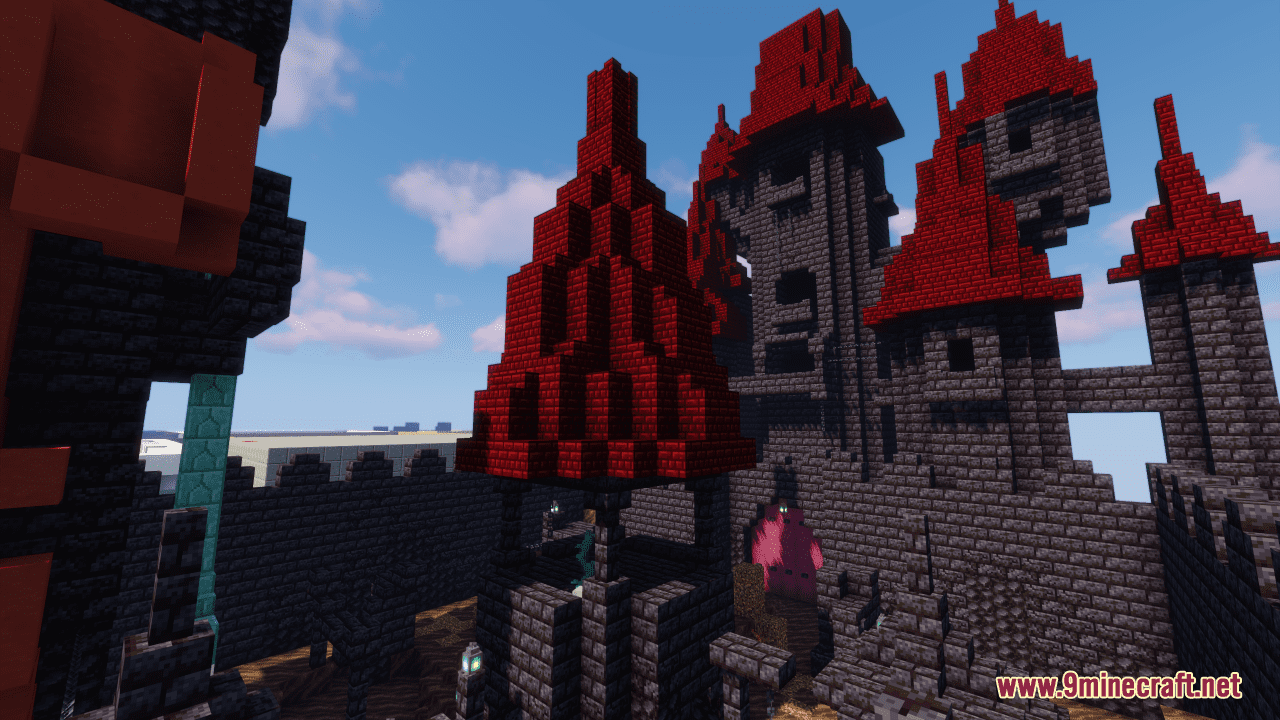
Ultima PvP Map pits small groups of 2 to 8 players against each other in fast-paced minigames. It packs 19 different battle arenas with unique items and mechanics to keep every match fresh. Players can customize their experience through a settings menu to change hotbar layouts, check stats, and vote on favorite maps.
Features:
- Supports groups of 2 to 8 players with balanced and quick minigames.
- Includes a total of 19 maps, featuring 10 default arenas and 9 community arenas.
- Brings unique items and specific mechanics to every map.
- Offers a built-in settings menu to check game statistics and rearrange items in your hotbar.
- Allows players to randomize maps, cycle through them, or vote for their favorite arenas.
Game Modes:
- Duels: Pits players in a sequence of quick 1v1 battles with no delay times when multiple participants are present.
- Royale: Challenges 3 or 4 players in a last-man-standing fight where you respawn if the player who defeated you gets eliminated.
- Brawl: Rewards the first person to reach a set score by defeating opponents, allowing quick respawns whenever an open spot is available.
Gamemodes:
Ultima offers game modes for different sizes and playstyles of groups.
Duels 2+ players
- A sequence of 1v1 battles between two players
- When multiple players are present, players will take turns participating in the duel
- Quick and seamless games, no delay times
Royale 3 or 4 players
- Last man standing wins
- Similar to “Ultimate Tag”, if the player who killed you gets killed themself, you get to respawn
- Not very play-time friendly, but more strategic and organized
Brawl 3+ players
- First person to a certain score wins
- Points are earned by defeating your opponents, you earn more or less points for different types of kills
- You respawn whenever there is an open spot in the game (up to four players at once)
- Very chaotic, but keeps as many players in the game having fun as possible
Screenshots:
How to Install:
New to Minecraft? Follow our step-by-step guide to install Maps on your PC.View Guide
Ultima PvP Map Download Links
Click to rate this post!
[Total: 2 Average: 4.5]
You May Also Like
Picked for this page
 Munamon Castle Map (26.3, 1.20.1) – Fantasy Stronghold
 Coot Island Map (26.3, 1.20.1) – Unique Survival Journey
 Inaccessible Island Map (26.3, 1.20.1) – A Lonely Beauty
 Chernobyl Arena Map (26.3, 1.20.1) – Atmospheric Arena
 Parkour Staircase 2 Map (26.3, 1.20.1) – Climb To The Top
 The Maroon Bells Map (26.3, 1.20.1) – Real Colorado Mountains
 Above The Void Map (26.3, 1.20.1) – From Nothing to Something
 Medieval Fantasy Mountain Castle Map (26.3, 1.20.1) – A Cozy Castle
Most viewed in Maps over the last 7 days
 Attack on Titan: Shiganshina Map (26.3, 1.20.1) – Recreation of Shiganshina District
 SkyBlock Map (26.3, 1.20.1) – Floating Island and Survive
 Fantasy Lobby Map (26.3, 1.20.1) – Ultimate Server Hub Lobby
 OneBlock Reborn Map (26.3, 1.20.1) – Relive The Legend
 Chunk Defense Map (26.3, 1.20.1) for Minecraft
 SkyBlock: Worlds Map (26.3, 1.20.1) – A New Dimension of Survival
 PvP Bot Map (26.3, 1.20.1) for Minecraft
 One Block SkyBlock Map (26.3, 1.20.1) – Minecraft Hardcore
 BoxPvP Map (26.3, 1.20.1) – Retro Box
 One Block LuckyBlock Map (26.3, 1.20.1) – Test Your Luck
 2v1000 Law Battle Simulator Unstable SMP Map (26.3, 1.20.1)
 Zombie Apocalypse City Map (26.3, 1.20.1) – Survive the Fall of Civilization
More from Maps
 Elwizz’s Three Best Escape Rooms Map (26.3, 1.20.1) – Solve Three Clever Trials
 Operation Overlord Map D Day Map (26.3, 1.20.1) – Storm the Normandy Beaches
 Lucky Blocks Race V1.0 for Java Map (1.21.4) – A Chaotic Dash to Final Arena
 MAPA PLANETA VEGETTA 3 Map (26.3, 1.20.1) – Defend a Legendary Survival Base
 Continental Floating Islands Map (26.3, 1.20.1) – Survive Above the Clouds
 Saken’s PVP Practice Update Map (26.3, 1.20.1) – Sharpen Your Combat Reflexes
 Fantastic 4 Map (26.3, 1.20.1) – Conquer Four Thrilling Quest Zones
 Escape Room Woodhouse Map (26.3, 1.20.1) – Crack Timber Puzzles to Escape
 Spyro the Dragon Map – Glide Through Nostalgic Realms for Hidden Gems
 The Backrooms. Forgiven Map (26.3, 1.20.1) – Survive Endless Yellow Hallways
 Ice Skating Rink Map (26.3, 1.20.1) – Race Friends Across Slippery Ice
 Star Wars Razor Crest Map (26.3, 1.20.1) – Hunt Bounties Across the Galaxy

This post has no comments yet. Be the first — your comment will appear here.