
Visual Redstone Vanilla Plus Model – Adds Clear Circuit Power Indicators
 38
 0


Visual Redstone Vanilla Plus Model displays clear visual signals on vanilla redstone components without needing any code mods. This pack adds custom three-dimensional models and textures to help you see power levels, trigger states, and container contents directly in your world. You can spot whether comparators run in subtract mode, track cauldron fill stages, or verify dropper triggers right away. It keeps the standard look of the game while giving you clean cues for all your circuits.

Features:
- Visible Comparators: Displays clear indicator lights for regular and subtract modes in powered and unpowered states.
- Numbered Power Levels: Shows numeric indicators from zero to eight on sensitive wiring setups.
- Triggered Device States: Adds distinct appearance changes for triggered regular and vertical dispensers or droppers.
- Cauldron Liquid Levels: Displays separate models for fill level one, level two, and level three cauldrons.
- Directional Hopper Cues: Shows clean cues for regular and disabled hopper states facing down or sideways.
- Note Block Tuning: Adds visual markers for note block tuning stages without altering default blocks.
- Includes 90 custom three-dimensional models built for vanilla blocks.
- Supplies 379 custom textures that blend with the default game style.
- Works without requiring external mod loaders or extra code libraries.
How to Use:
- Move the pack file into your resourcepacks folder and activate it in the Resource Packs menu.
- Place a Redstone Comparator on the ground and right-click it to watch the model swap between normal and subtract modes.
- Set down a Cauldron and fill it with water to see the block change through level one, level two, and level three stages.
- Place a Hopper pointing into a chest, then power it with a lever to observe the texture change to its disabled state.
- Put down a regular or vertical Dropper and wire it with redstone dust to check the triggered appearance state.
- Place a Note Block and tap it with your hand to watch the visual indicators adjust with each tune step.
Screenshots:


Visual Redstone Vanilla Plus Model Download Links
Click to rate this post!
[Total: 0 Average: 0]
QUICK MINECRAFT SURVEY · ONE TAP
Mods & Modpacks
If you rent a paid server to play modded Minecraft with friends, how do you usually set it up?
13 responses · See the full results →
You May Also Like
Picked for this page
 Arty Reindeer Jenny Mod Model
 Robin Model – Custom Girl for PleasureCraft Mod
 Apex PvP Model – Brings Clean 3D Combat Visuals to Multiplayer Battles
 Old Horse Model – Restores Classic Retro Horse Models and Animations
 CMG PP Model – Transforms Create Machinery Into Tactical Military Equipment
 Improved Create 32x Model – Brings Detailed 3D Machinery to Factories
 WU_SHUANGCB’s Zombie Skin Model – Transforms Zombies with Heavy Viral Weapons
 Create Energistics Model – Transforms Digital Storage Into Clockwork Machinery
 Cottagecore Sunflower Toolset Model – Equips Charming Sunflower Tools and Armor
 Vanilla PVP Essentials Model – Brings Clean 3D Overlays for Combat
 Simplistic 3D Doors Model – Adds Clean Depth to Vanilla Entryways
 Optimized Bushy Leaves Model – Adds Volumetric 3D Foliage Without Lag
Most viewed in Models over the last 7 days
 Jenny Mod Skin Pack Mega Collection – 310+ Characters
 The Most Complete Collection of Jenny Mod Resources – Models, Animations, Structures,…
 Albedo Rework Jenny Mod Model
 Power Model – Custom Girl for PleasureCraft Mod
 Ram Model – Custom Girl for PleasureCraft Mod
 100+ Custom Animations For Jenny Mod
 Galath Rework Model – Custom Girl for PleasureCraft Mod
 Steve (Jenny & Zoey) Pack Jenny Mod Model
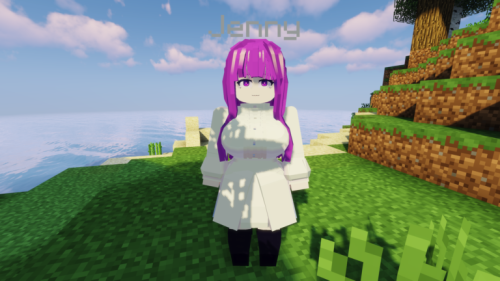 Fern Jenny Mod Model
 750 Models Addon for Yes Steve Model Mod
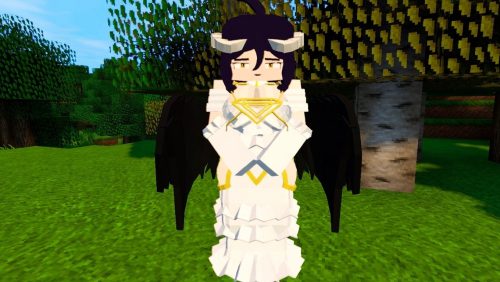 Albedo Jenny Mod Model
 Alex Model – Custom Girl for PleasureCraft Mod
More from Models
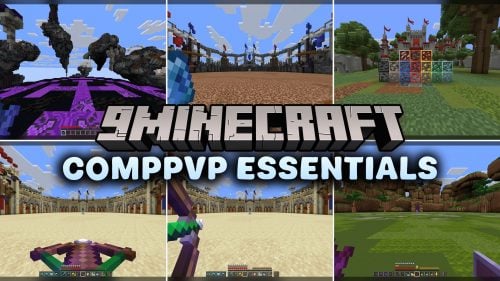 CompPvP Essentials Model – Adds Sharp Animated 3D Utility Blocks
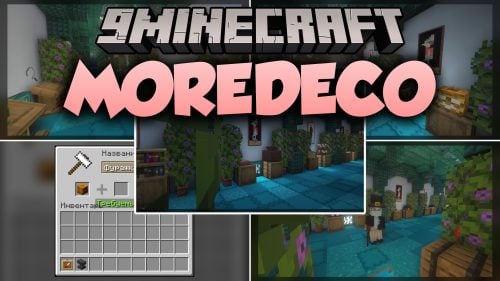 MoreDeco Model – Adds Animated Clutter and Cozy Decorations to Rooms
 Huh 8x Model – Brings Clean Low-Res Shapes to Competitive Bedwars Matches
 First Class Trains Model – Brings Authentic Hong Kong Commuter Rail
 Nogs Beaver Model – Adds Destructive Wood-Eating Beaver
 JR East E131 Series Model – Brings Japanese Commuter Trains to Railways
 DLR B90 Model – Brings Modern Light Rail Trains to City Networks
 MTR Yutong Retexture Model – Brings Modern Transit Buses to City Streets
 Kur And Rot Model – Unleashes Two-Tier Boss Battle
 Actually 3D Enchantment Mace Model – Brings Animated Stacking Weapon Layers
 3D Redstone Wires Model – Transforms Flat Dust Lines Into Raised Cables
 Accuratecture Model – Brings Animated 3D Depth to Classic Blocks

This post has no comments yet. Be the first — your comment will appear here.